Badges update automatically and link to the resource pack page on MineUniverse.
This is a default version of my boats from an upcoming large resourcepack project. This has been a massive undertaking and there are a number of code refactors and improvements I would still like to do as well as features to add.
I set out to create something I feel is unique, not just another animated boat but something the feels physics based and responds to the world dynamically.
Required mods. The pack does not work without these. Major features break:
undefined
Features
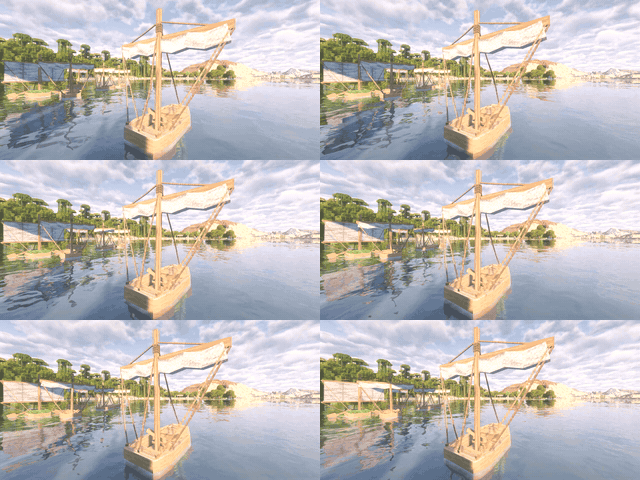
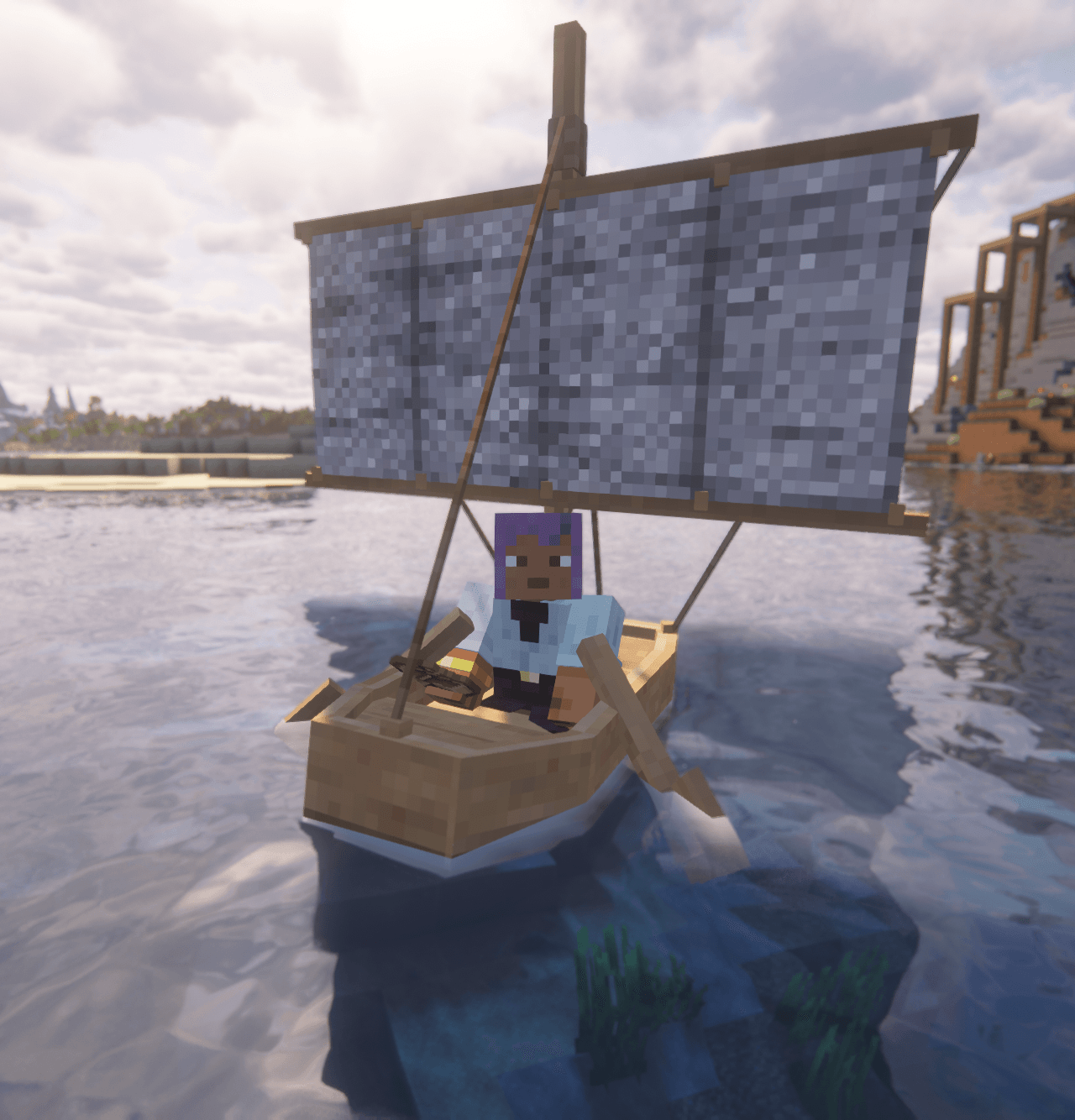
Dynamic boat motion Smooth bobbing, pitching and rolling on the water, with speed‑aware waves and subtle lean‑in when turning. Advanced sail & mast Sail raises and folds automatically, with segmented cloth ripples, wind‑driven mast sway and ropes that follow the mast correctly. Paddle polish Enhanced rowing motion, paddles auto‑stow into varied idle poses when unridden, and gently wiggle during hover. Water, land & falling reactions Boats dip and splash when hitting water, thump and wobble when landing on ground, and scrape/jerk around when you row a beached boat. Player & damage feedback Boarding, dismounting and taking damage all trigger short, punchy rocks and bumps that make the boat feel physical. Living, varied boats Unridden boats still sway when nudged, “wake up” and tilt toward nearby players, spawn with a small pop‑in, and each one has slightly different timing and motion. Rope Physics Available through patreon build Patreon Build