Mineuniverse
Resource Packs
Itsmooth

Itsmooth

RESOURCE PACK
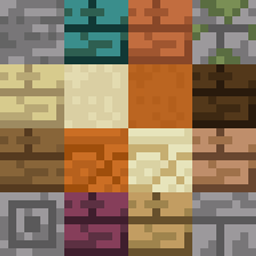
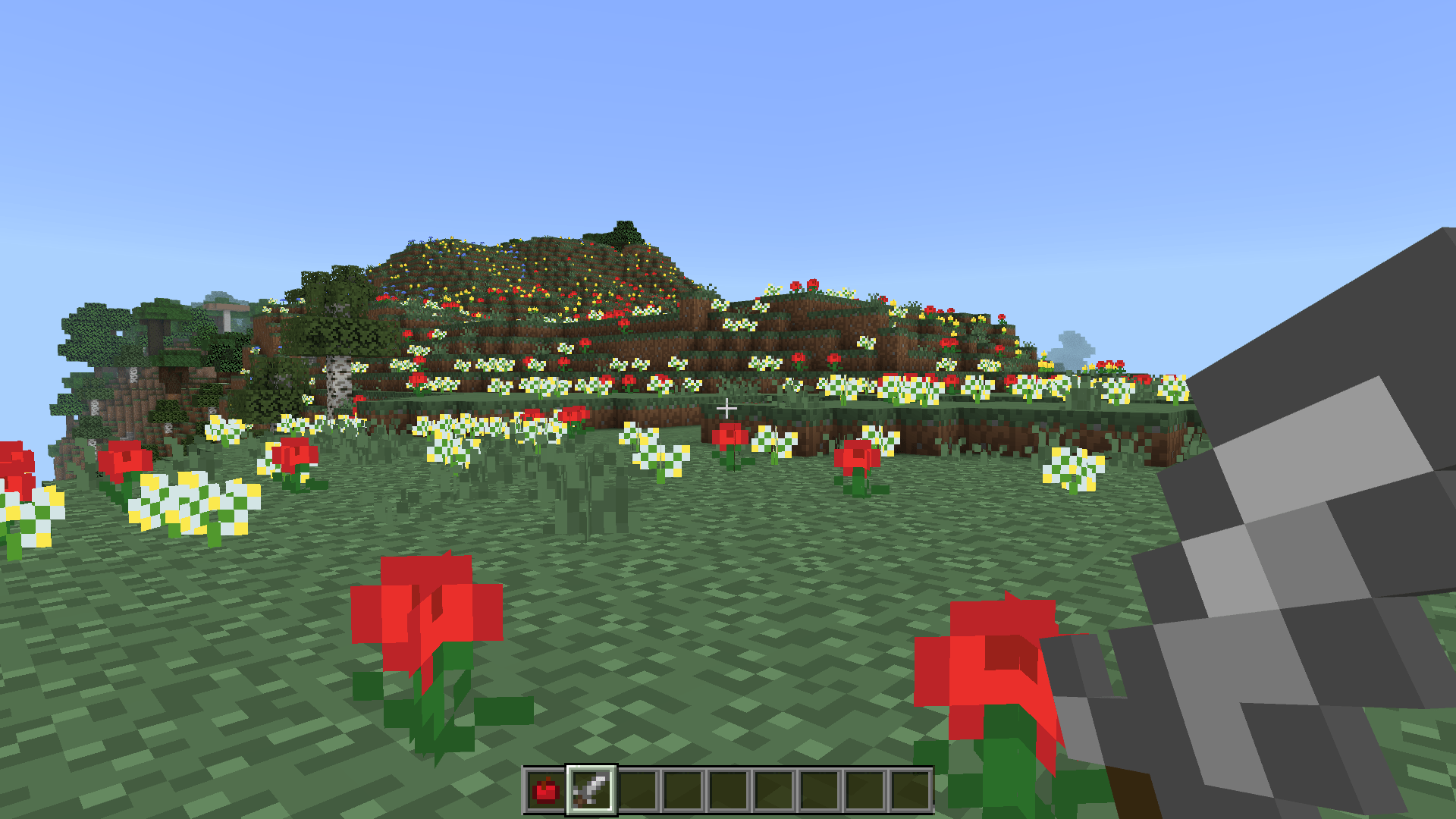
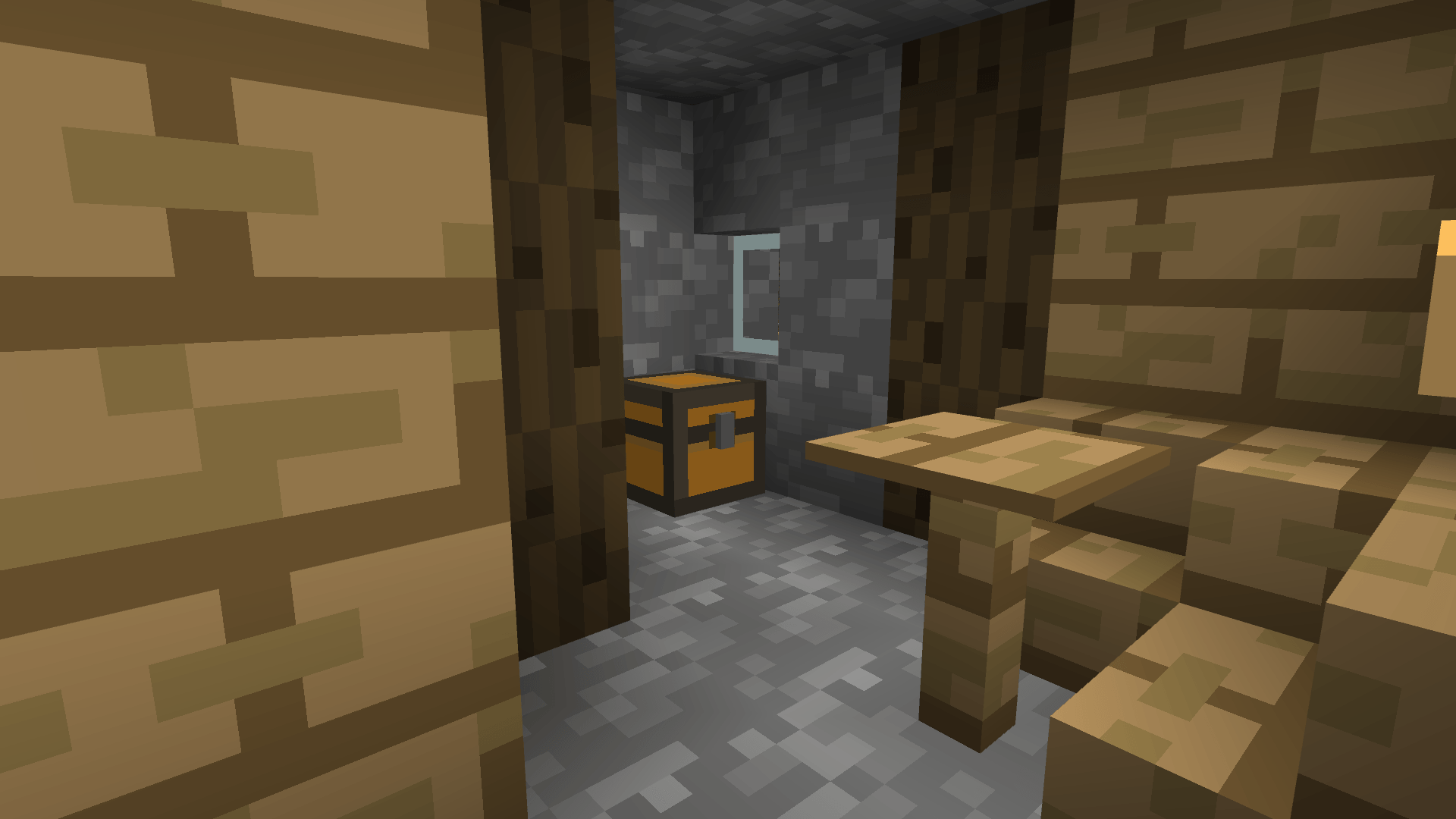
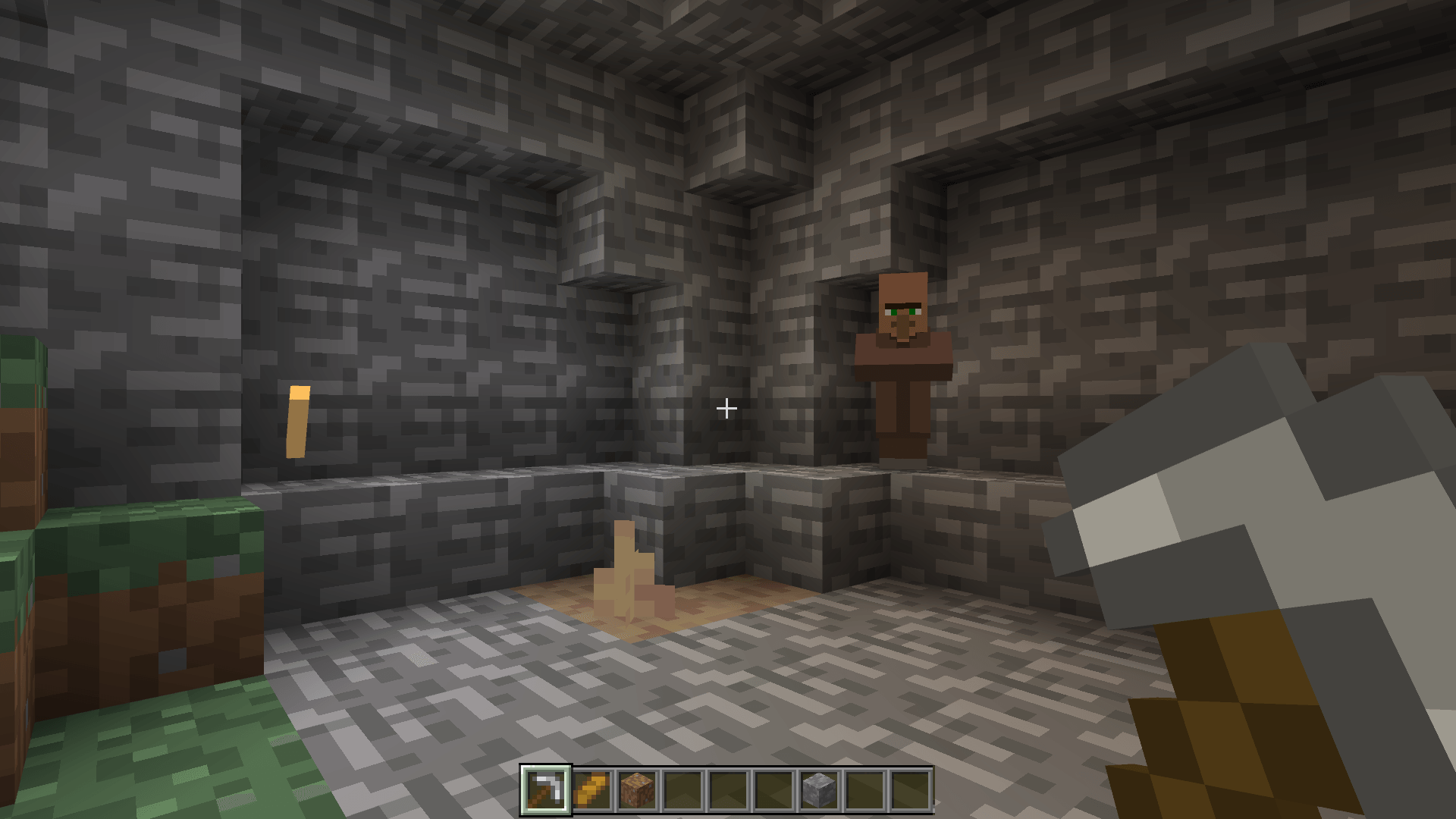
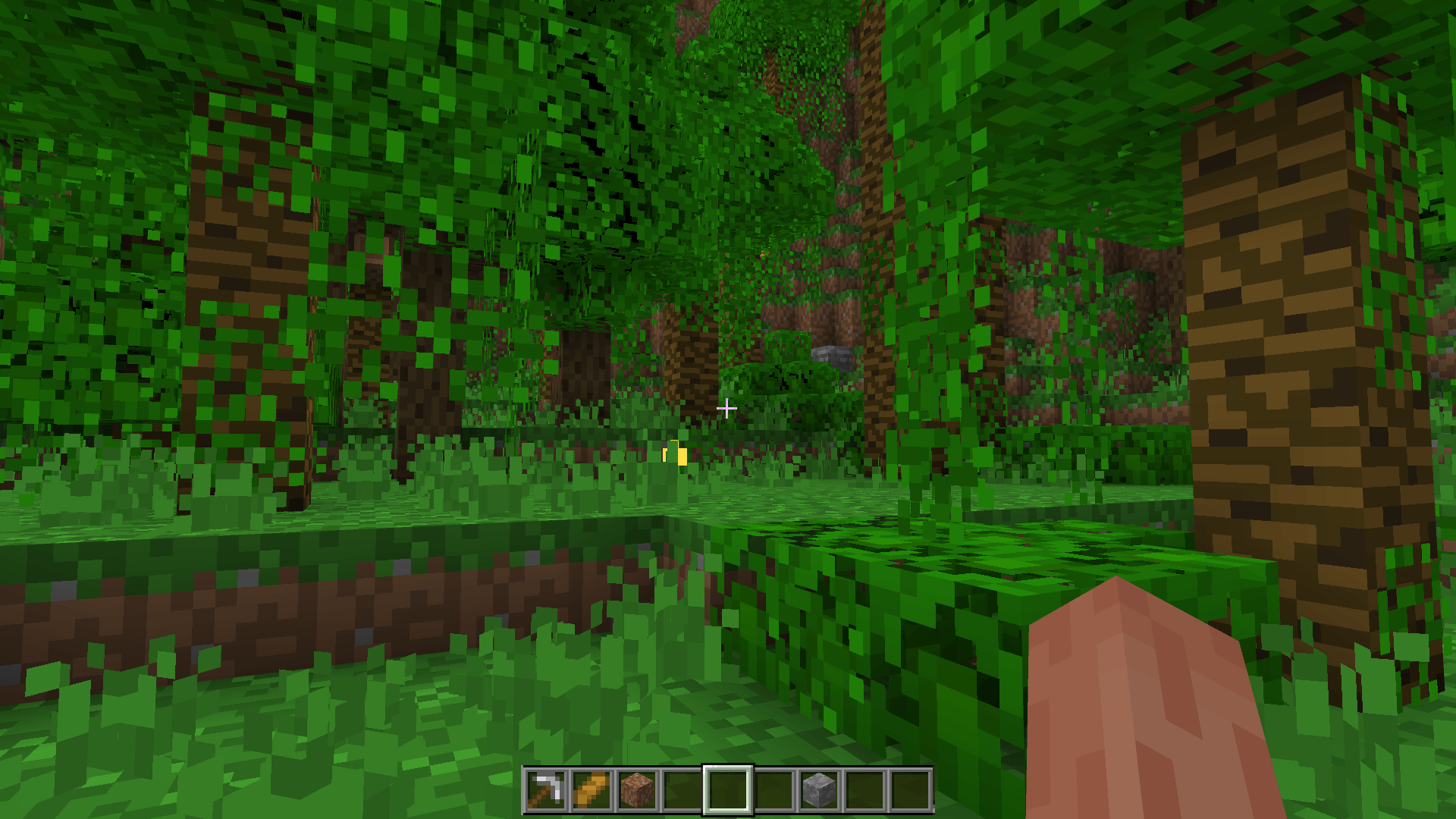
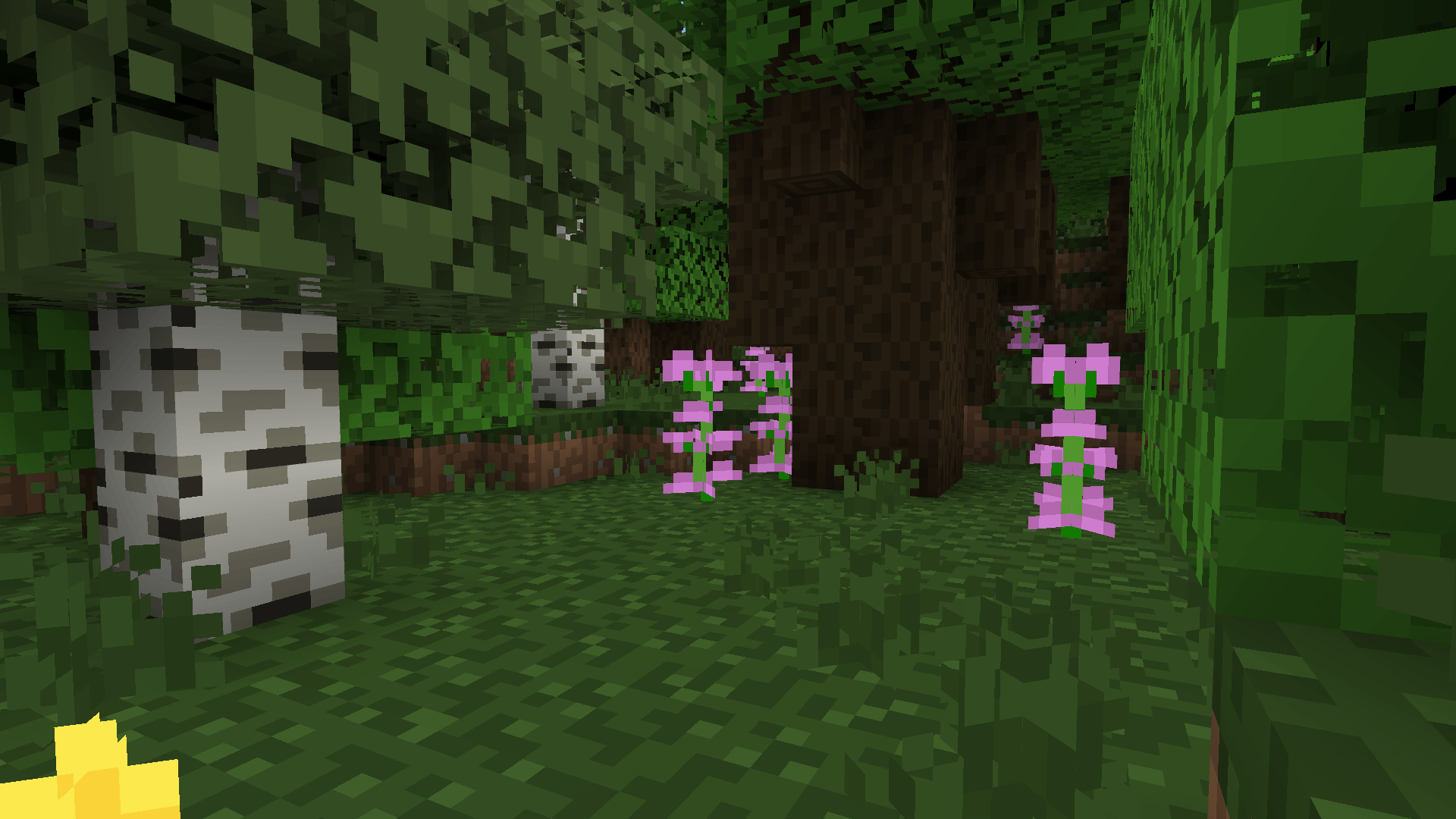
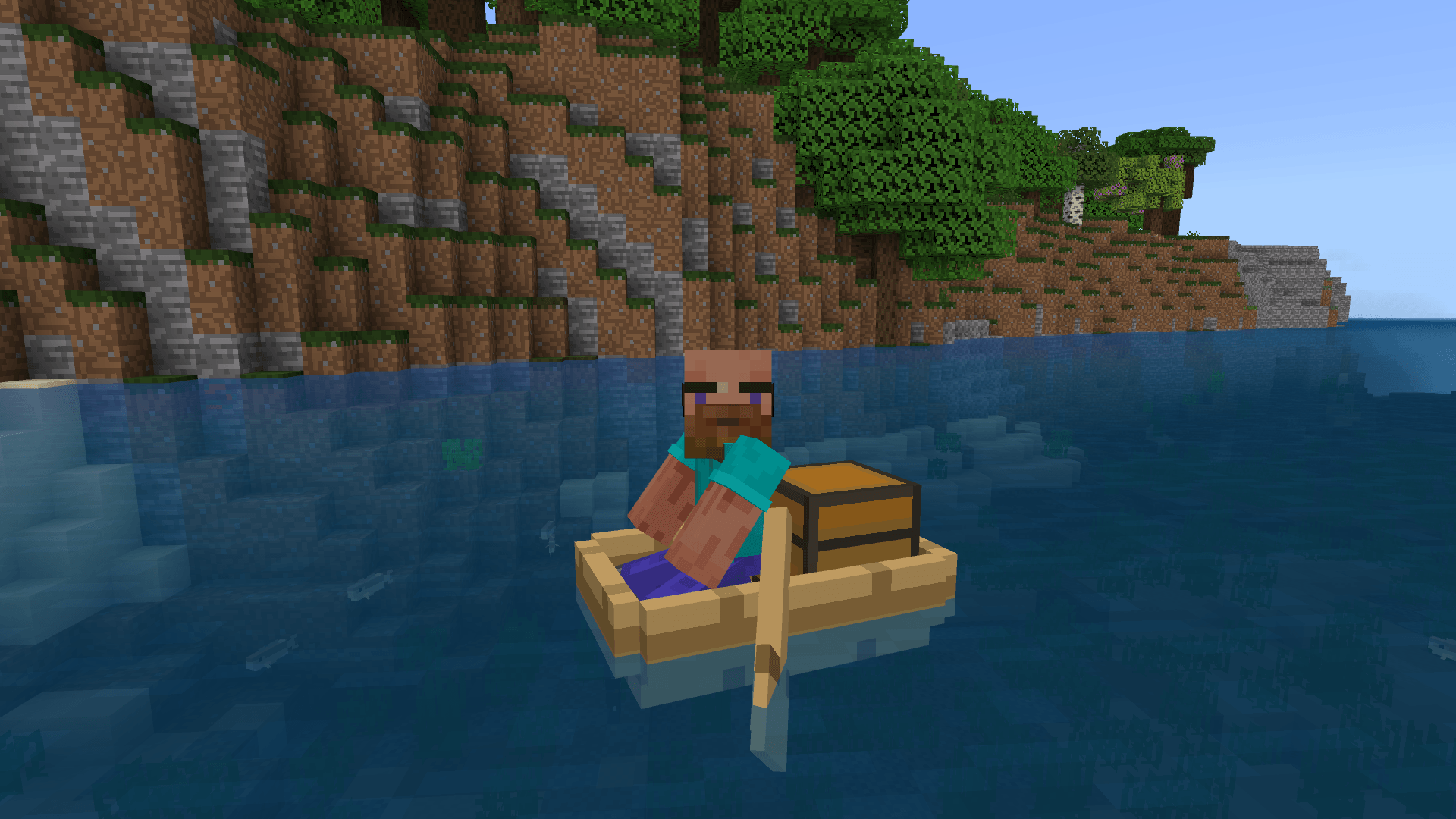
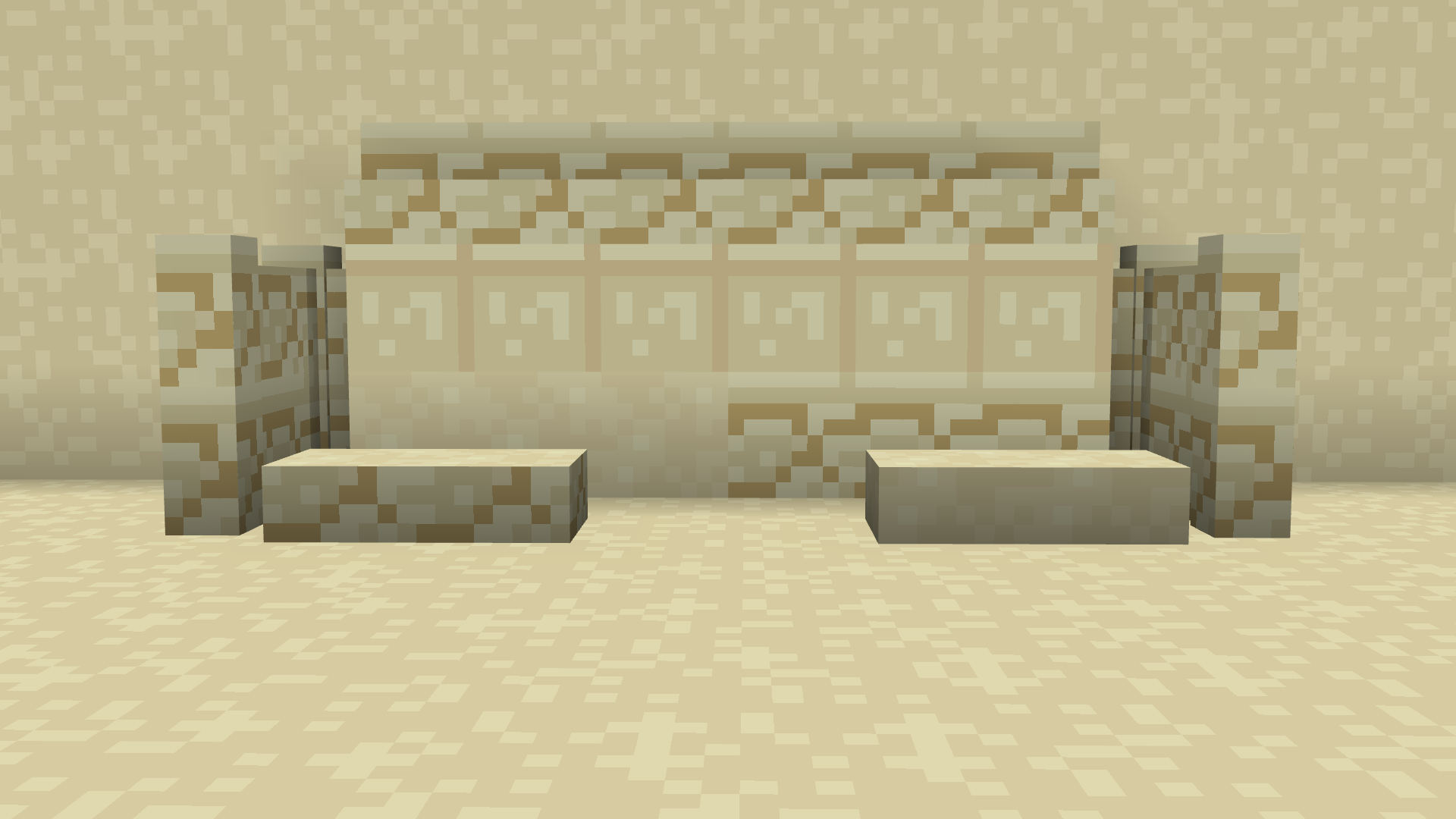
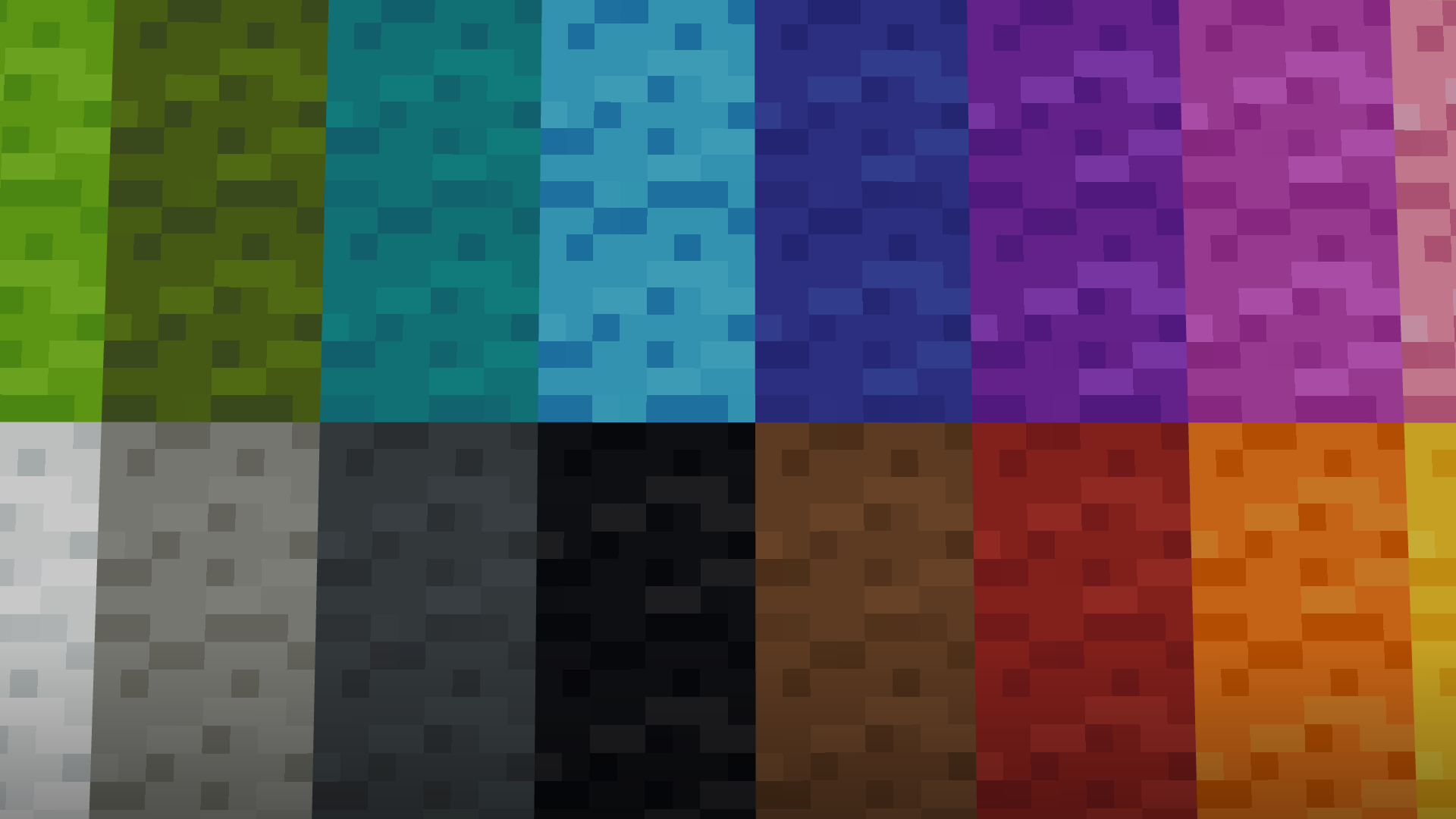
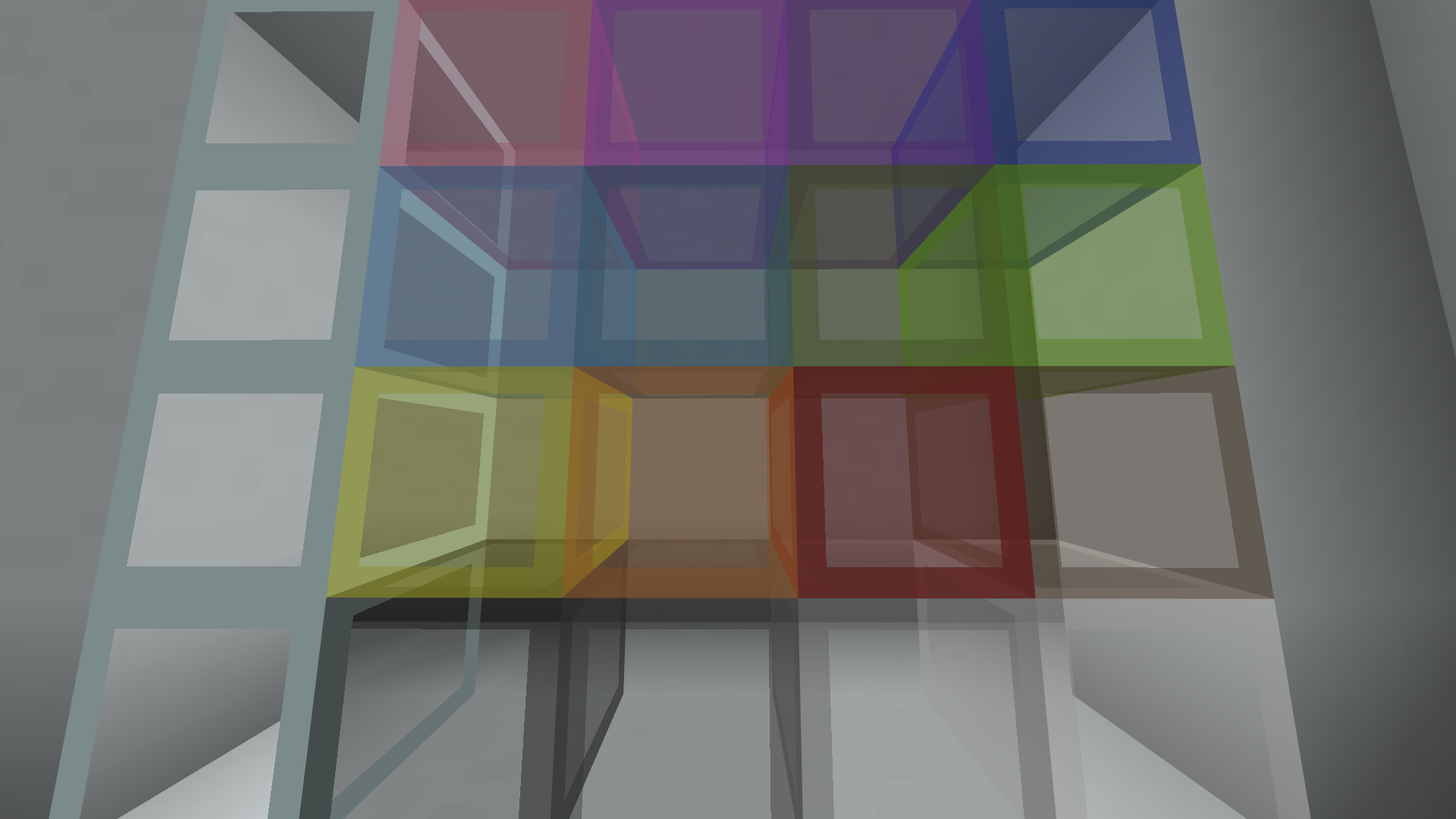
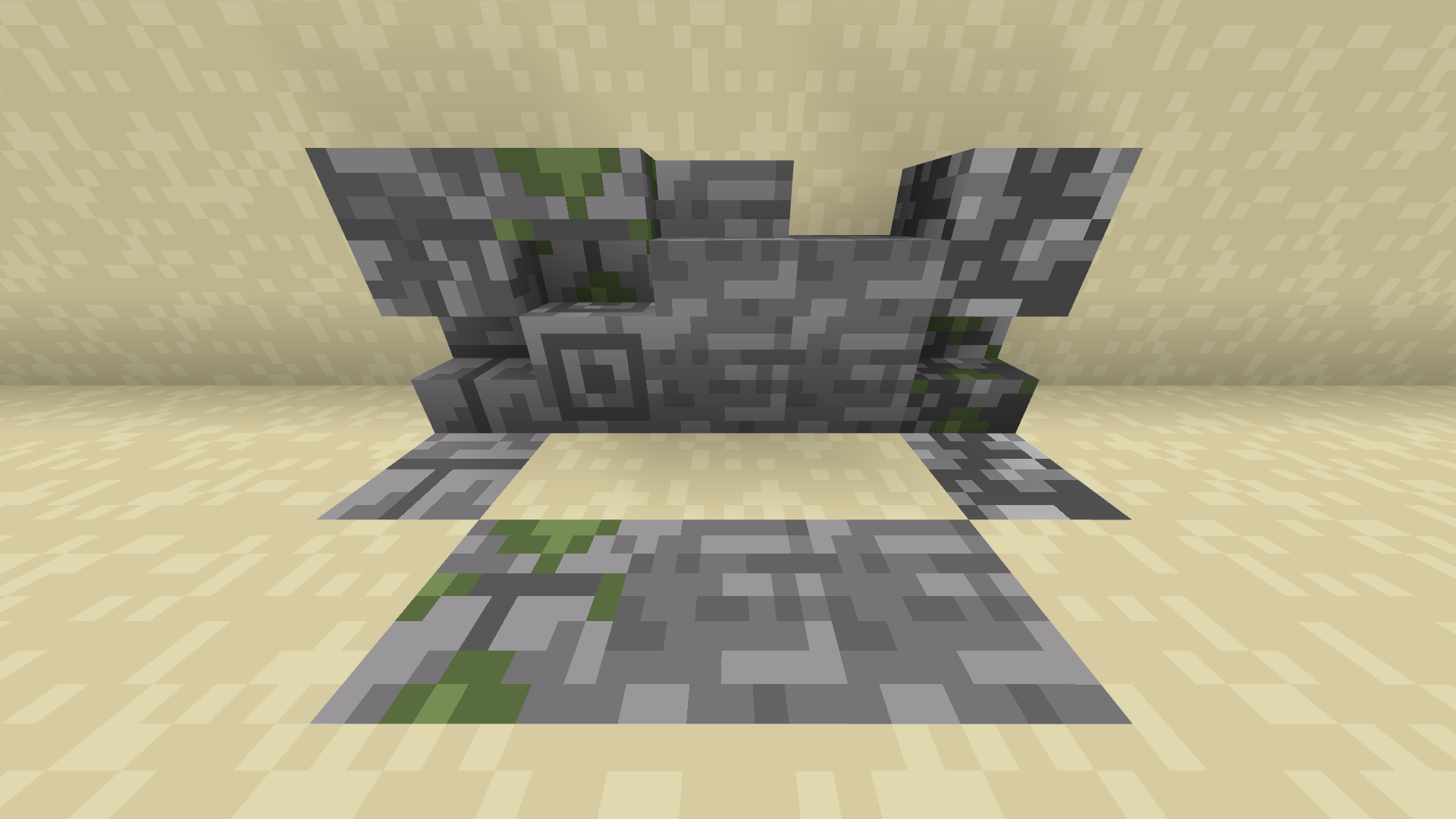
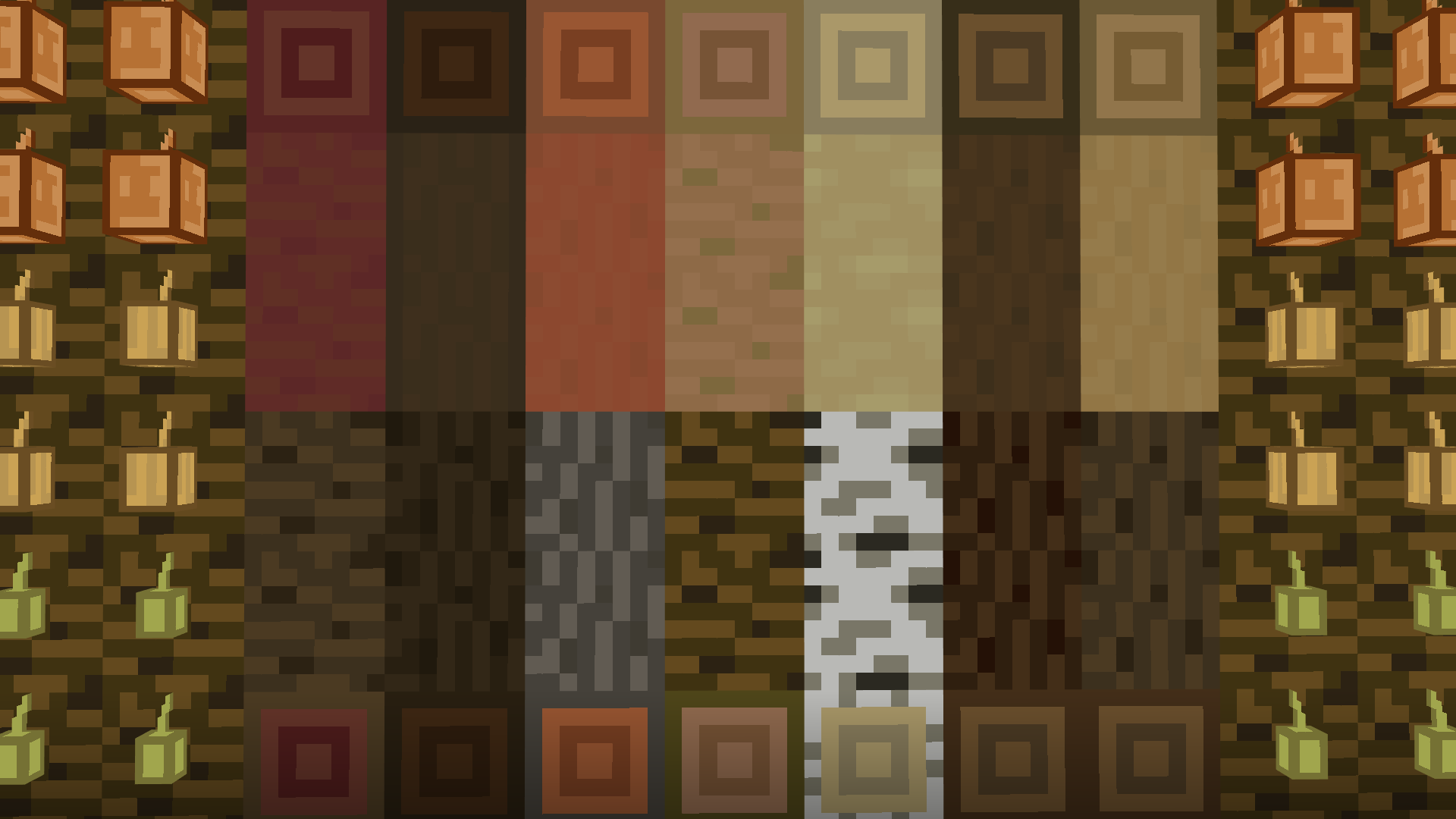
A Full 8x8 Minecraft Retexture
by itsme64
Download Claim this project
11,032 downloads
0 likes
0 followers
Updated Oct 14, 2026
0 hypes
Follow0
16x Miscellaneous Traditional
Advertisement Remove ads with Premium →

This is Itsmooth,
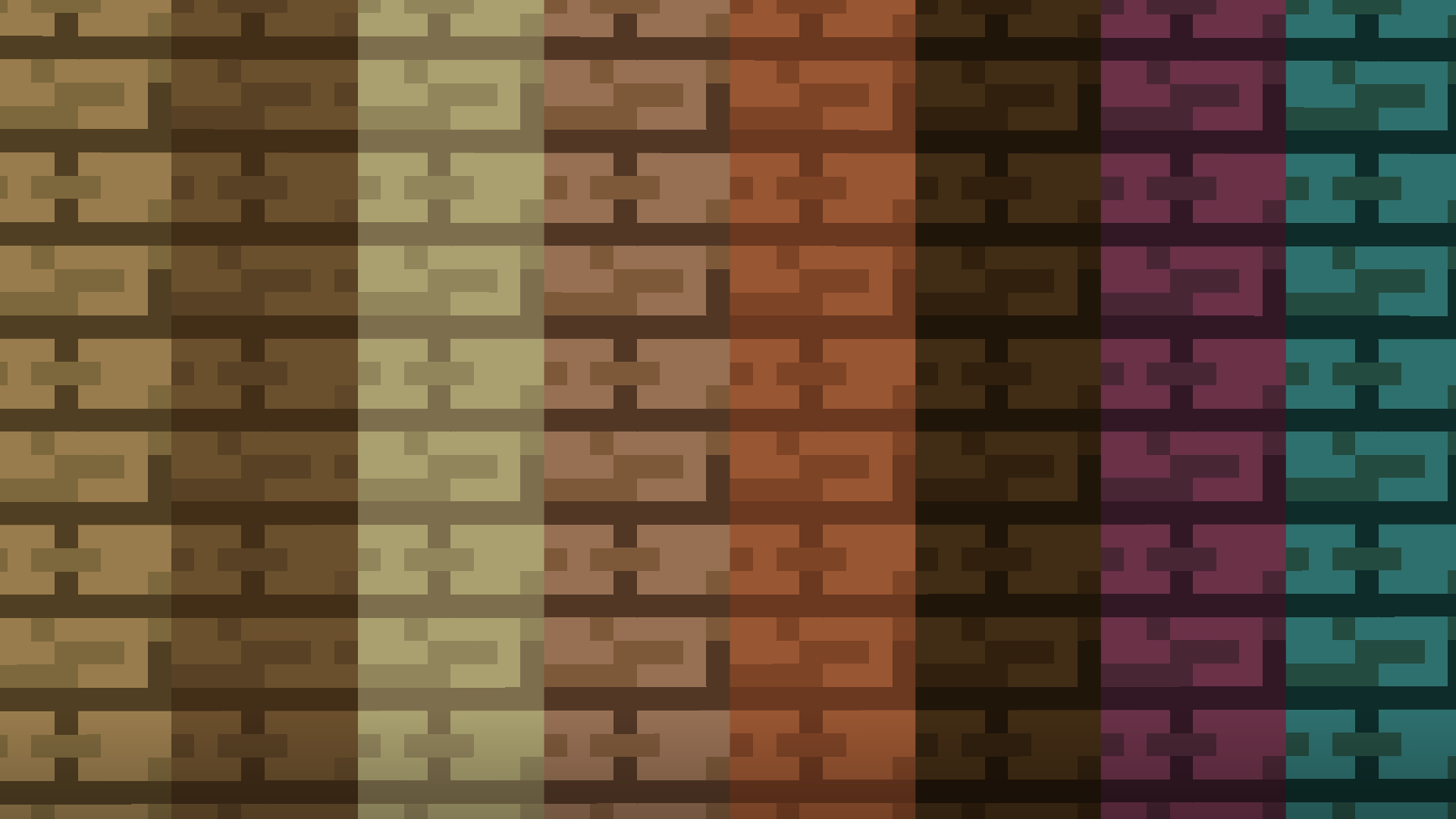
In this pack, all(most) all textures are 8px by 8px. This is half of the usual 16px by 16px.

Fun fact: Itsmooth is a Simplistic texture pack, and may even improve game performace, although this isn't a guarantee. 

Check out my YouTube: https://www.youtube.com/c/Itsme64 
Trailer Video: https://youtu.be/jAcR6uSRuTo 

MESSAGE ON 28/02/25: Itsmooth is NOT yet 100% completed, although I'm working very hard to bring this pack to full completion as soon as possible :))
As of 28/02/25 this pack is recontinued *yay*

Although you might not expect it from a simple Minecraft Texture Pack, but this pack actually has a very interesting back story: 

This pack also exists for Minecraft Bedrock Edition: https://www.curseforge.com/minecraft-bedrock/addons/itsmooth 

Do you often work with texture packs? Check out my texture pack conversion website, allowing cross-version texture pack converting (even Bedrock to Java and Java to Bedrock): https://www.convertmcpack.net/ 

Itsmooth
MC 1.21.4
Release 2025-02-28 Get
Itsmooth [1.1.201]
MC 1.20.1, 1.20
Release 2023-07-01 Get
Itsmooth [1.1.20]
MC 1.19.4
Release 2023-05-19 Get
Itsmooth [1.1.19]
MC 1.19.4
Release 2023-04-12 Get
Itsmooth [1.1.18]
MC 1.19.3
Release 2023-02-28 Get
Itsmooth [1.1.17]
MC 1.19.3
Release 2023-01-28 Get
Itsmooth [1.1.16]
MC 1.19.3
Release 2023-01-07 Get
Itsmooth [1.1.15]
MC 1.19.3
Release 2022-12-08 Get
Itsmooth 1.1.14
MC 1.19-Snapshot, 1.19.2, 1.19.1, 1.19
Release 2022-07-02 Get
Itsmooth 1.1.01.zip
MC 1.18.1, 1.18.2, 1.18, 1.18-Snapshot
Release 2022-05-19 Get

Requirements & install

How to use this resource pack in Minecraft
Resolution
16x
Minecraft
1.19 – 1.21.4
Install folder
.minecraft/resourcepacks

How to install resource packs

  1. Download the resource pack .zip file (do not extract it).
  2. In Minecraft open Options → Resource Packs → Open Pack Folder.
  3. Drop the .zip into the resourcepacks folder (.minecraft/resourcepacks).
  4. Move the pack to the Selected column and click Done.
Browse more: 16x resource packs 32x resource packs 64x resource packs 128x resource packs 256x resource packs 512x+ resource packs Resource Packs for 1.21.4 All resource packs

More from itsme64

Advertisement Remove ads with Premium →

You Might Also Like