Mineuniverse
Resource Packs
IR Theme Park Pack

IR Theme Park Pack

RESOURCE PACK
Theme Park trains for Immersive Railroading
by DJZelex
Download Claim this project
103,375 downloads
0 likes
Updated Oct 14, 2026
0 hypes
512x and Higher
Advertisement Remove ads with Premium →

Welcome to The Theme Park Pack!


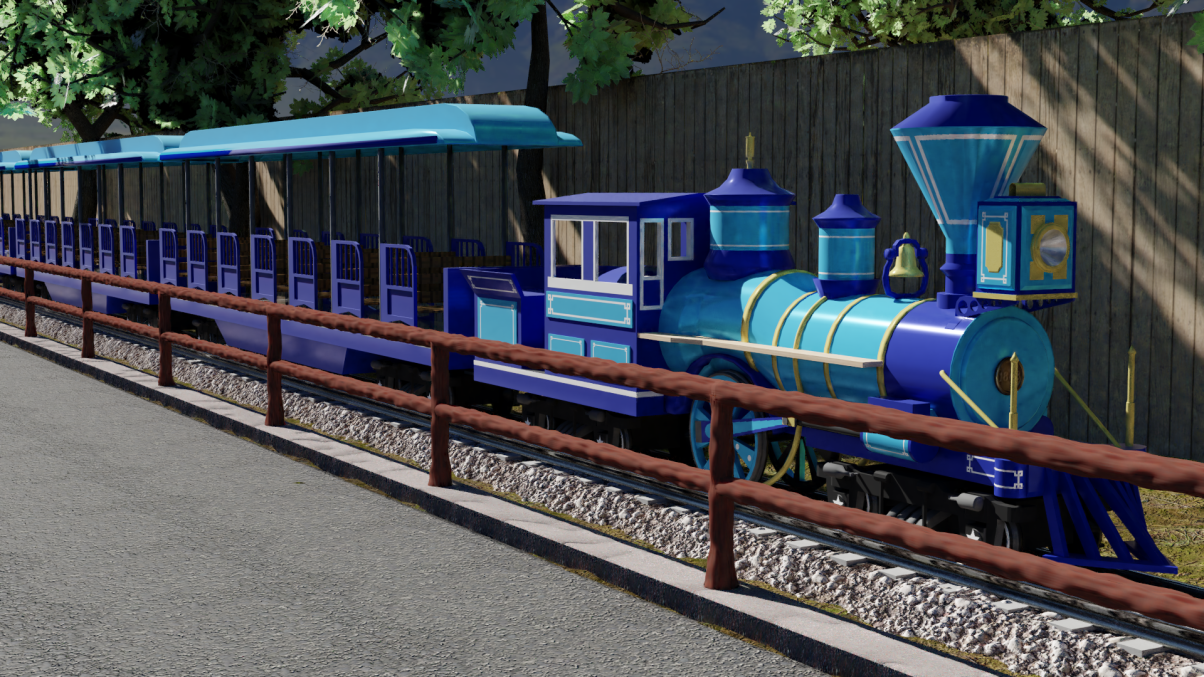
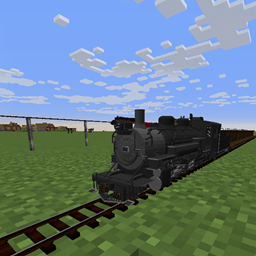
This resource pack aims to bring something a bit different to IR, trains that are intended for Theme Parks!


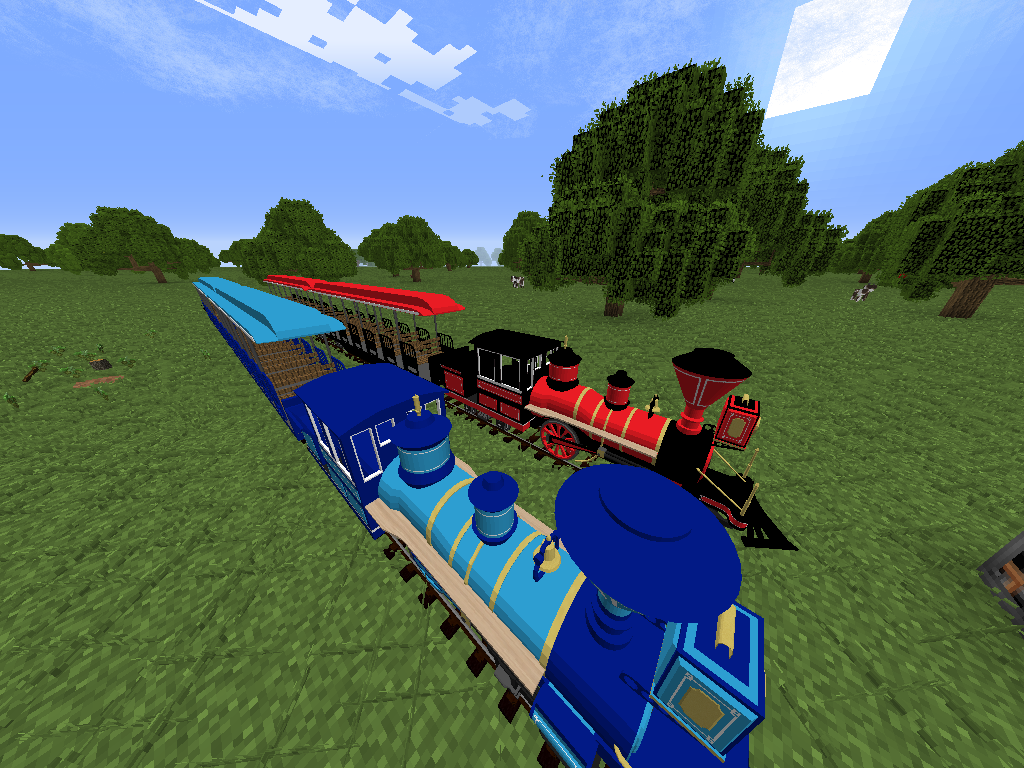
resource pack currently contains 2 full sets with 2 more coming soon


Currently Contains

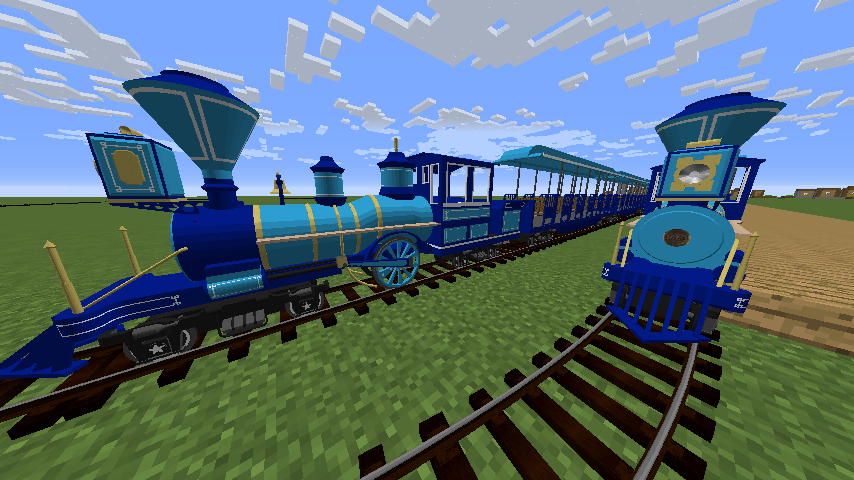
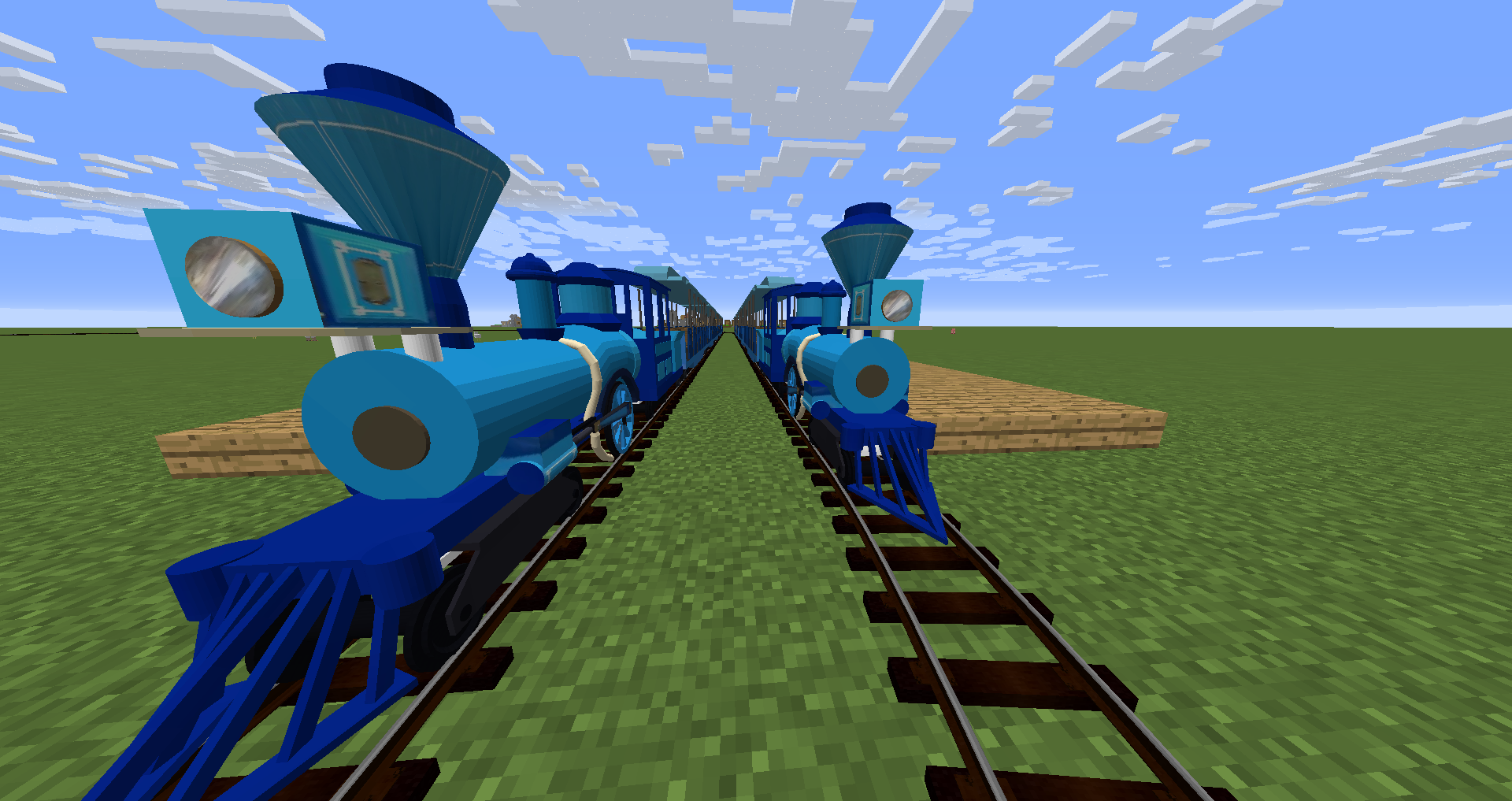
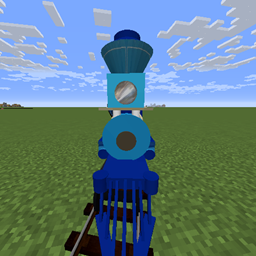
C.P. Huntington

Big Thunder Mountain Railroad


The original C.P. Huntington is a Standard gauge locomotive, but thats not what we have here. This is the C.P. Huntington made by Chance Rides, and is meant for MC gauge track.

Currently comes with two locomotive livery


All Specifications are as close to those found on the Chance Rides website as possible


Big Thunder Mountain is owned by The Disney Company, with this fan recreation created by Dark Raider. Note that this is a coaster, and will be moved soon to a separate pack specifically for theme park attractions, as opposed to theme park trains


Notes:

Proper Logo coming as soon as i can make one between classes...


TERMS OF USE:

Under no circumstances may any content in this pack be reproduced, ported, or modified and publicly distributed without explicit permission from the respective author, DarkRaider or DigitalMagic (DJZelex). Usage of this pack for profit or monetary gain of any type is strictly forbidden. By downloading this pack, you agree to these terms and conditions.

Theme Park Pack V1.5
MC 1.12.2
Release 2020-02-16 Get
V1.4
MC 1.12.2
Release 2018-11-12 Get
V1.1
MC 1.12.2
Release 2018-09-10 Get
V 1
MC 1.12.2
Beta 2018-09-04 Get

Requirements & install

How to use this resource pack in Minecraft
Resolution
512x+
Minecraft
1.12.2
Install folder
.minecraft/resourcepacks

How to install resource packs

  1. Download the resource pack .zip file (do not extract it).
  2. In Minecraft open Options → Resource Packs → Open Pack Folder.
  3. Drop the .zip into the resourcepacks folder (.minecraft/resourcepacks).
  4. Move the pack to the Selected column and click Done.

512x packs need a strong GPU and at least 4 GB of RAM for Minecraft; a performance mod such as Sodium is strongly recommended.

Browse more: 16x resource packs 32x resource packs 64x resource packs 128x resource packs 256x resource packs 512x+ resource packs Resource Packs for 1.12.2 All resource packs

More from DJZelex

Advertisement Remove ads with Premium →

You Might Also Like