Mineuniverse
Resource Packs
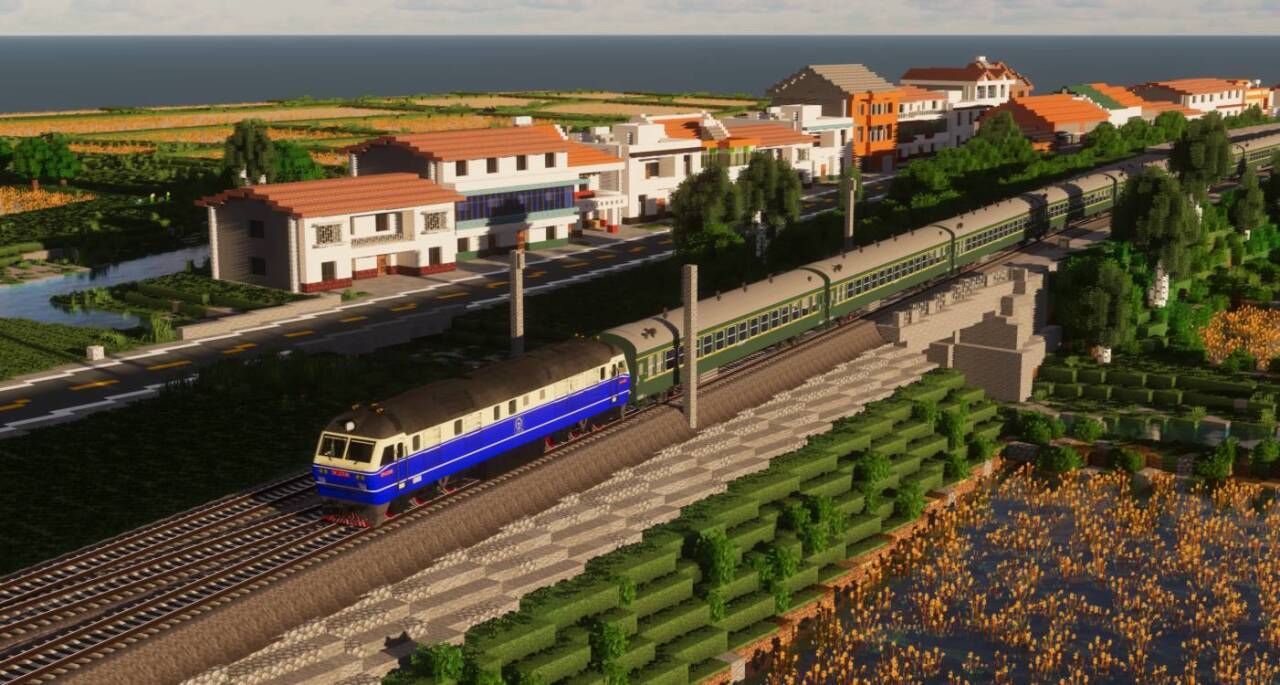
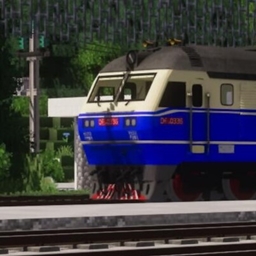
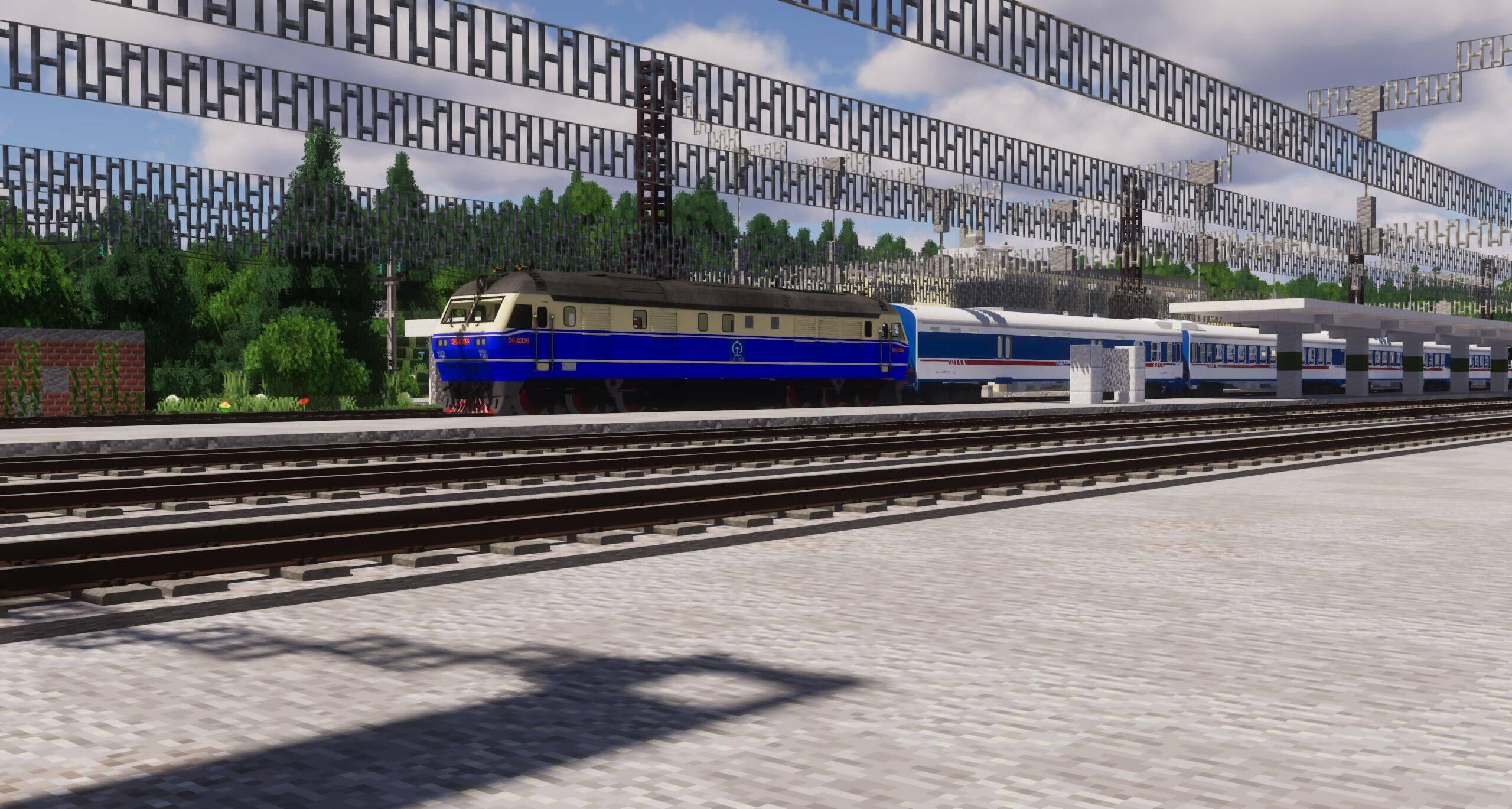
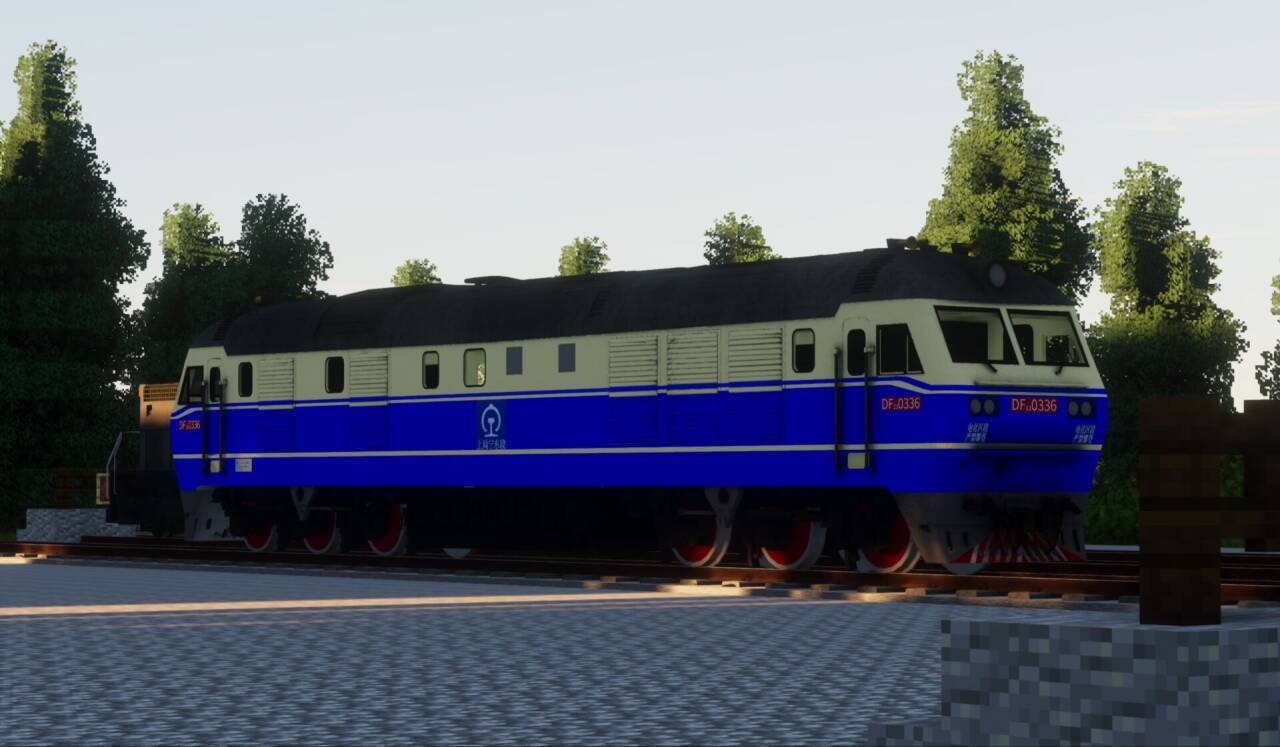
[IR/Immersive Railroading]HT657's locomotives pack

[IR/Immersive Railroading]HT657's locomotives pack

RESOURCE PACK
HT657's locomotives pack
by ChiHai_ChenXi
Download Claim this project
Add a badge to your pageLink to [IR/Immersive Railroading]HT657's locomotives pack from a README, website or forum post.
Preview: Badge

Badges update automatically and link to the resource pack page on MineUniverse.

4,299 downloads
0 likes
0 followers
Updated Oct 14, 2026
0 hypes
Follow0
512x and Higher Mod Support
Advertisement Remove ads with Premium →

————————————————————————————————————
模型:HT657
组包:赤海晨曦
音效:HT657

————————————————————————————————————

This pack is made by HT657 and ChiHai_ChenXi

This is made for Immersive Railroading mod 
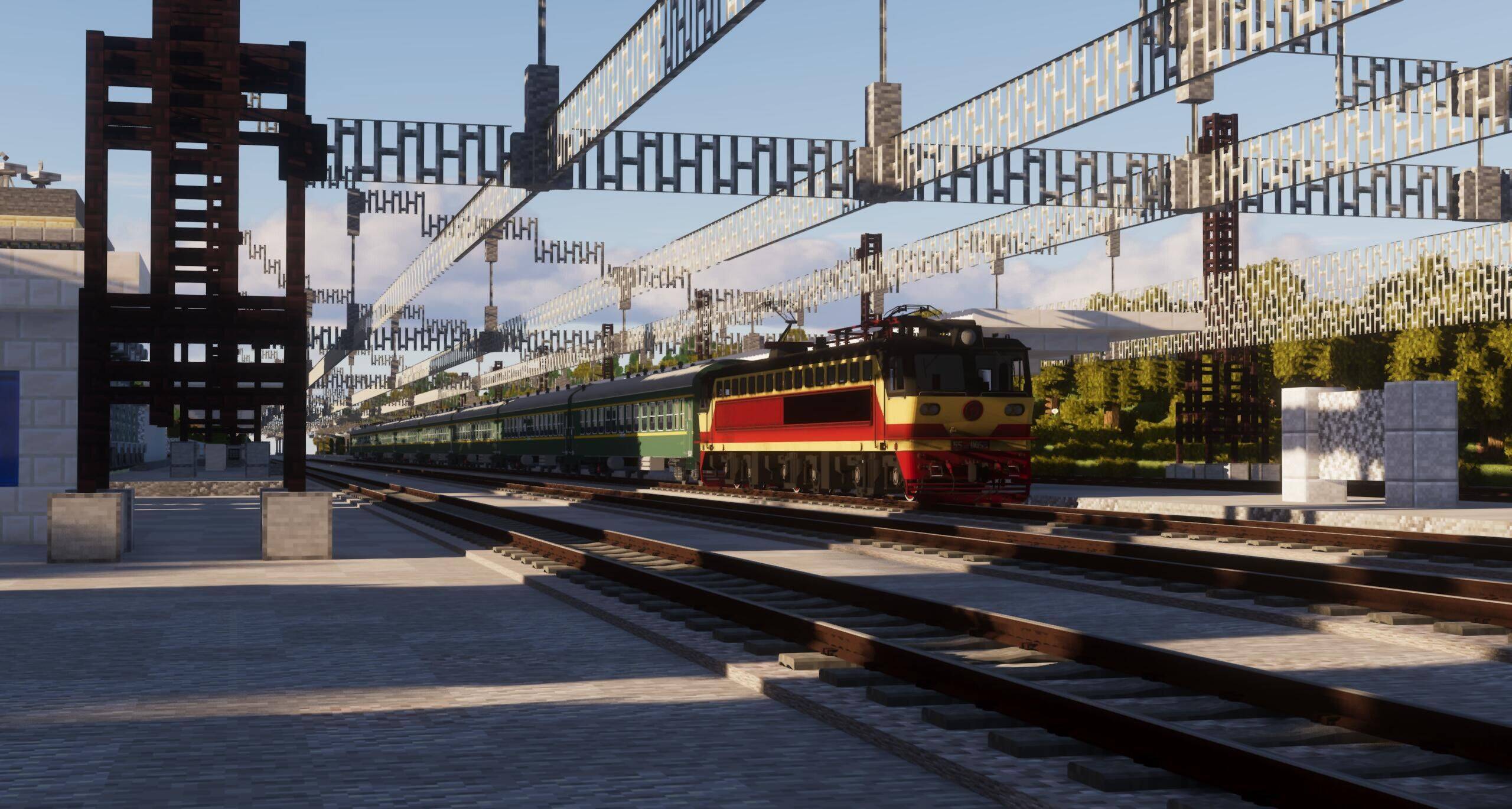
QQ图片20240829185400.jpg

TC~{~0AYBG()43ZBWX3GG1X_tmb.jpg

//media.forgecdn.net/attachments/953/126/lwr-q-9x-pfv-r-3-vmuj_tmb.jpg" rel="noopener nofollow" target="_blank">https://media.forgecdn.net/attachments/953/126/lwr-q-9x-pfv-r-3-vmuj_tmb.jpg" alt="%LWR[Q{`9X%PFV(R}3$VMUJ_tmb.jpg">
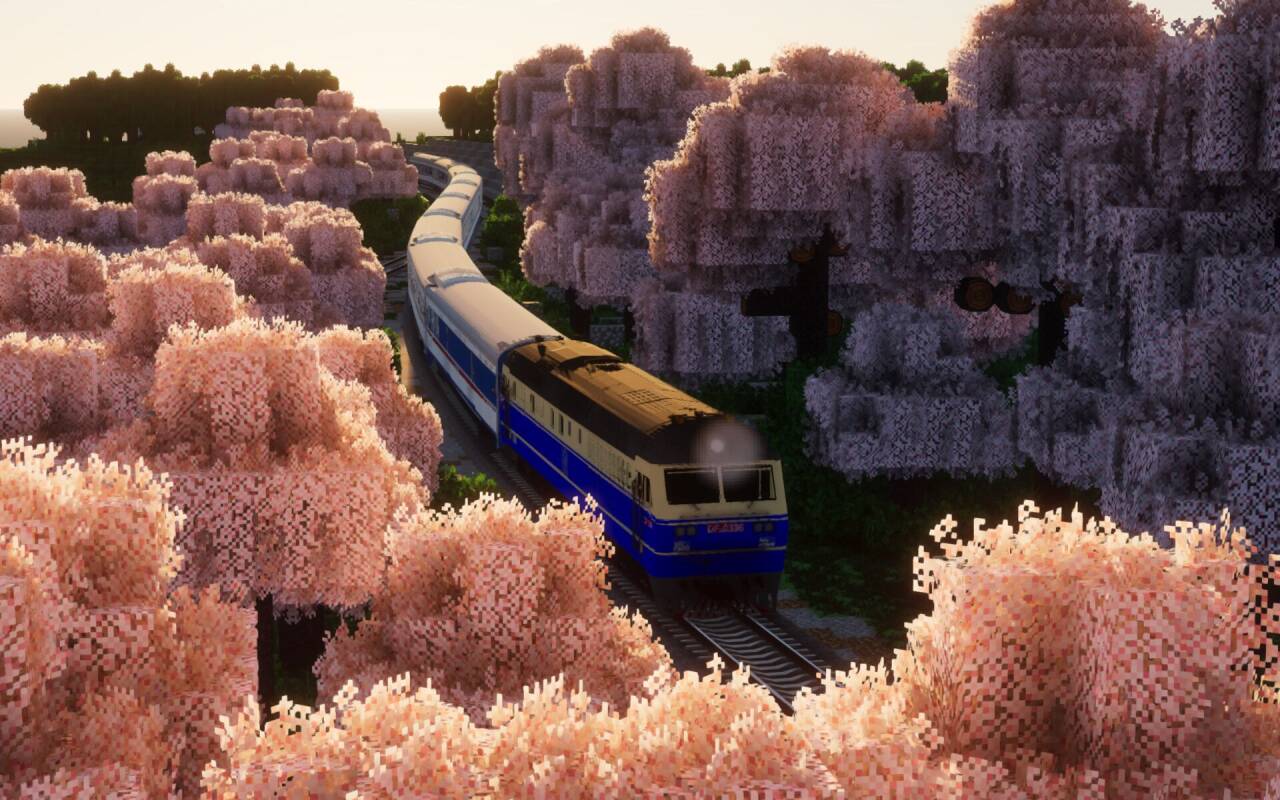
R60AXKLFB31NZCP)P)I(1$K_tmb.jpg

657Diesel
MC 1.14.4, 1.16.5, 1.12.2
Release 2024-08-29 Get
657Elec
MC 1.14.4, 1.16.5, 1.12.2
Release 2024-08-29 Get

Requirements & install

How to use this resource pack in Minecraft
Resolution
512x+
Minecraft
1.12.2 – 1.16.5
Install folder
.minecraft/resourcepacks

How to install resource packs

  1. Download the resource pack .zip file (do not extract it).
  2. In Minecraft open Options → Resource Packs → Open Pack Folder.
  3. Drop the .zip into the resourcepacks folder (.minecraft/resourcepacks).
  4. Move the pack to the Selected column and click Done.

512x packs need a strong GPU and at least 4 GB of RAM for Minecraft; a performance mod such as Sodium is strongly recommended.

Browse more: 16x resource packs 32x resource packs 64x resource packs 128x resource packs 256x resource packs 512x+ resource packs Resource Packs for 1.16.5 All resource packs

More from ChiHai_ChenXi

Advertisement Remove ads with Premium →

You Might Also Like