Mineuniverse
Resource Packs
IR DarkRaider's Freight - Community Livery Pack

IR DarkRaider's Freight - Community Livery Pack

RESOURCE PACK
Community Liveries for DarkRaider's Modern Freight
by DarkRaidersMedia
Download Claim this project
Add a badge to your pageLink to IR DarkRaider's Freight - Community Livery Pack from a README, website or forum post.
Preview: Badge

Badges update automatically and link to the resource pack page on MineUniverse.

54,407 downloads
0 likes
0 followers
Updated Oct 14, 2026
0 hypes
Follow0
256x Modern
Advertisement Remove ads with Premium →

THIS IS A LIVERY PACK. IT REQUIRES DARKRAIDER'S MODERN FREIGHT AND THE IMMERSIVE RAILROADING MOD. IT DOES NOT CHANGE VANILLA TEXTURES.


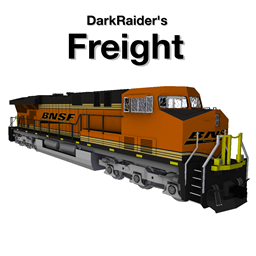
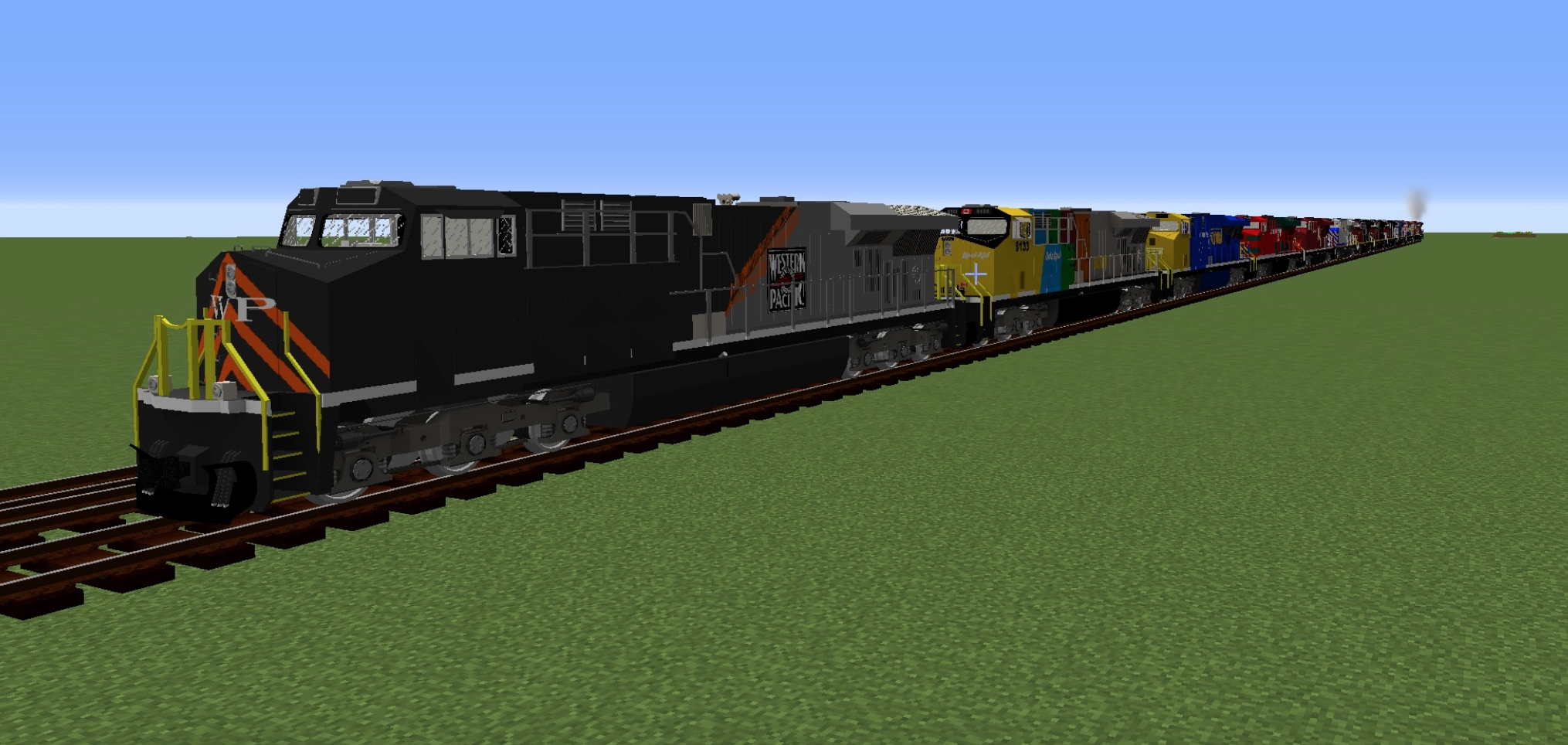
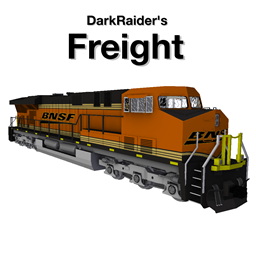
Modern US Freight? In Minecraft? Now with additional liveries? Yes! This pack adds community contributed liveries to DarkRaider's Modern Freight Pack. 


Included Liveries:

  • ES44AC "GEVO" (BCRail/CN/Citirail/Ferromex/CP/Pacific National/Western Pacific/VIA Rail/New York Central)

 
Want to make and contribute a livery? Get the texture kits for use in GIMP here.

Artists:

  • NascarFan0921
  • Trainfan042


If you would like to have your reskin featured:

  • Contact via this chat
  •             OR 
    • Discord: DarkRaider (darkraider)

TERMS OF USE:

Under no circumstances may any content in this pack be reproduced or modified and publicly distributed without explicit permission from the author, DarkRaider. Usage of this pack for profit or monetary gain of any type is strictly forbidden. By downloading this pack, you agree to these terms and conditions.


All logos and names used are property of their respective owners. The "GEVO" locomotive design is a property of GE Transportation. 

ModernFreightCommunity.zip
MC 1.12.1, 1.10.2, 1.11, 1.10, 1.10.1, 1.11.1, 1.11.2, 1.12.2
Release 2020-07-30 Get

Requirements & install

How to use this resource pack in Minecraft
Resolution
256x
Minecraft
1.10 – 1.12.2
Install folder
.minecraft/resourcepacks

How to install resource packs

  1. Download the resource pack .zip file (do not extract it).
  2. In Minecraft open Options → Resource Packs → Open Pack Folder.
  3. Drop the .zip into the resourcepacks folder (.minecraft/resourcepacks).
  4. Move the pack to the Selected column and click Done.

Packs from 128x upwards need more video memory: install a performance mod such as Sodium for smooth frame rates.

Browse more: 16x resource packs 32x resource packs 64x resource packs 128x resource packs 256x resource packs 512x+ resource packs Resource Packs for 1.12.2 All resource packs

More from DarkRaidersMedia

Advertisement Remove ads with Premium →

You Might Also Like