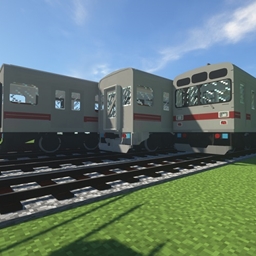
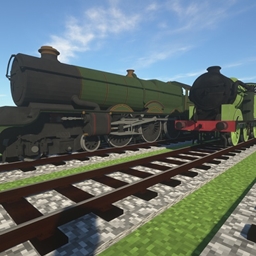
This pack is by TheLegend5550 and is made for Immersive Railroading MC Mod versions; 1.10, 1.11 and 1.12
You can download Immersive Railroading mod here: https://minecraft.curseforge.com/projects/immersive-railroading
This pack contains the following Locomotives & Rolling Stock;
- Aussie Diesel Locomotive Pack (NSW GR 900)
#IMPORTANT INFORMATION: This resourcepack adds locomotives and freight cars mentioned above to Immersive Railroading mod. https://minecraft.curseforge.com/projects/immersive-railroading  To add those locomotives you have to have Immersive Railroading installed. You will need to upload these to your resourcepacks folder, from there you will launch the game, once launched don't forget to enable them under resource packs in game.
#INSTALLATION: If you want to install it on a modded server you have to drop this into config/immersive railroading on the server and into resourcepacks folder on your minecraft instance. For mc 1.10 you have to open pack. mcmeta and change "pack_format": 3 to "pack_format": 2 TIP: You can have multiple IR resourcepacks loaded at a time.
Each folder will have its own separate zip file, so you can pick and select which resourcepacks to add or you can add all of them.