Mineuniverse
Resource Packs
[Immersive Railroading] Shaded's Meme Collection (April Fools 2023 special)

[Immersive Railroading] Shaded's Meme Collection (April Fools 2023 special)

RESOURCE PACK
Funky voxel trains
by ShadedPixture
Download Claim this project
Add a badge to your pageLink to [Immersive Railroading] Shaded's Meme Collection (April Fools 2023 special) from a README, website or forum post.
Preview: Badge

Badges update automatically and link to the resource pack page on MineUniverse.

1,553 downloads
0 likes
0 followers
Updated Oct 14, 2026
0 hypes
Follow0
16x Mod Support
Advertisement Remove ads with Premium →

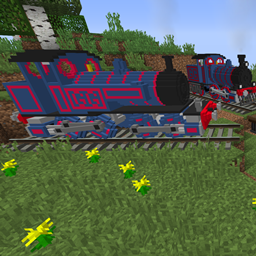
This pack does not change vanilla textures! It only adds stock to the Immersive Railroading mod. As an IR pack, it is version independent as long as you put it in the config\immersiverailroading folder.

You WILL need IR 1.10+ or the 1.9.1 test builds to utilise this pack, it will not work on any earlier versions!


My best pack ever! Absolutely no sarcasm because I put oh so much effort into this!

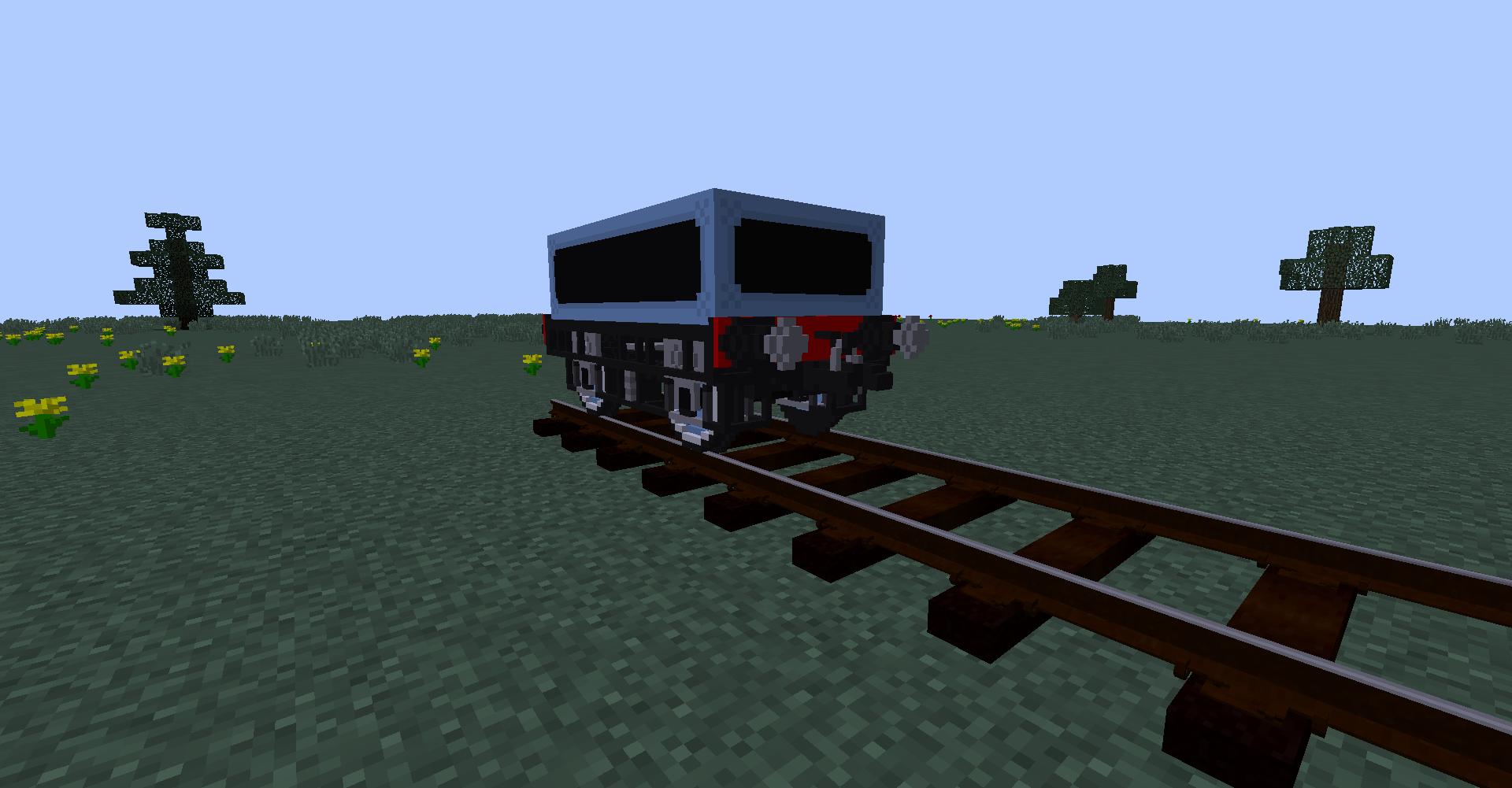
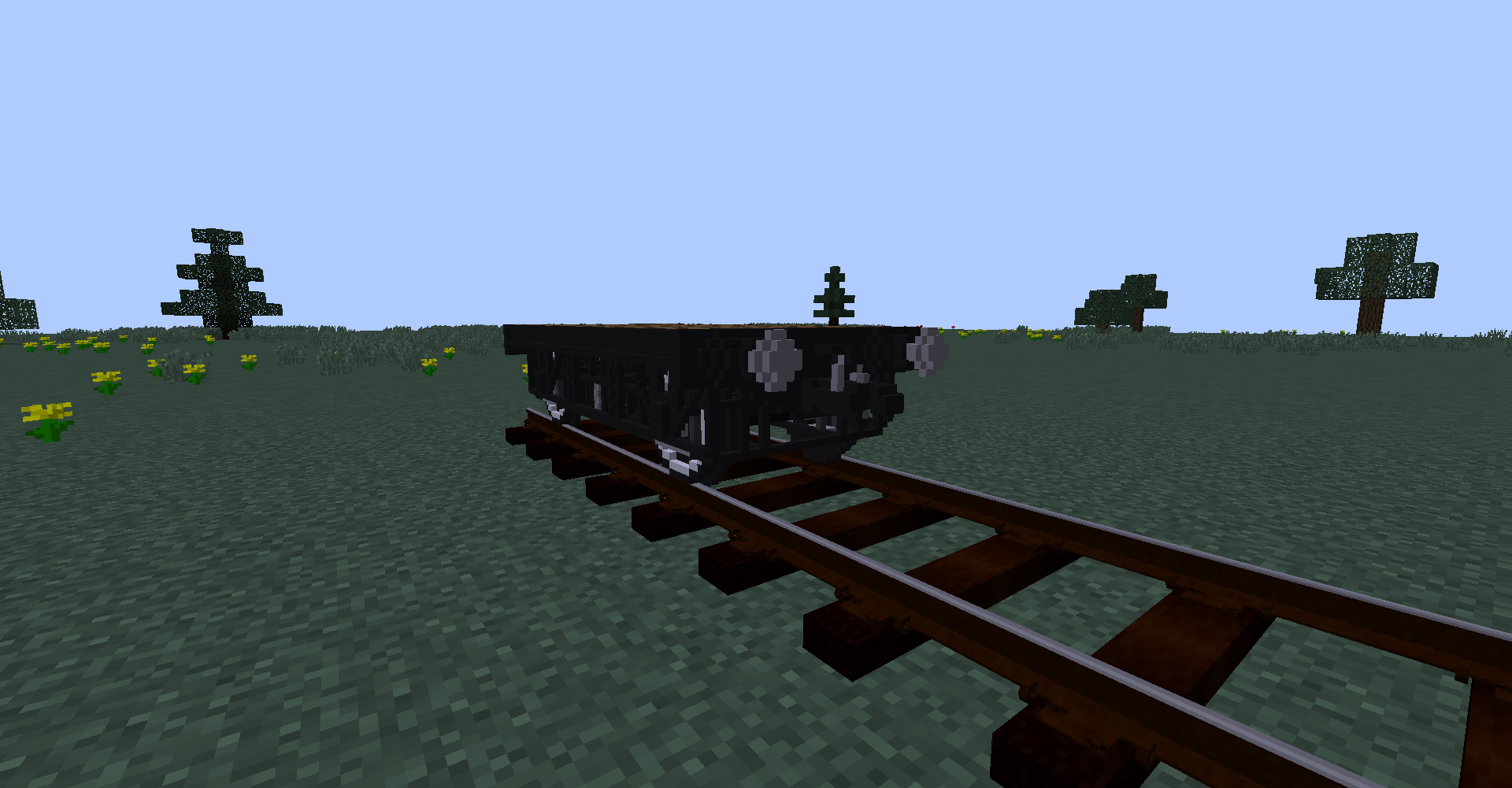
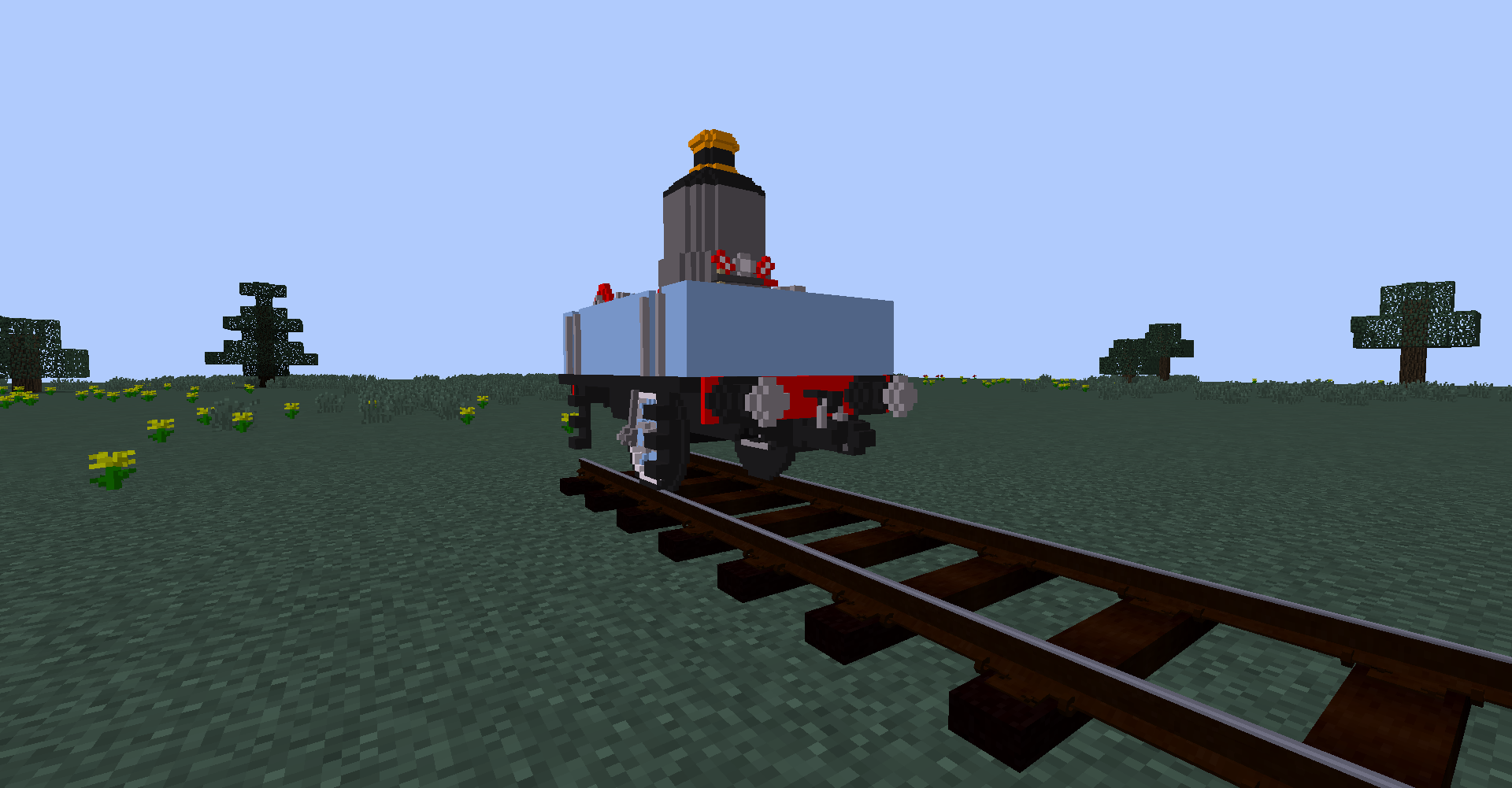
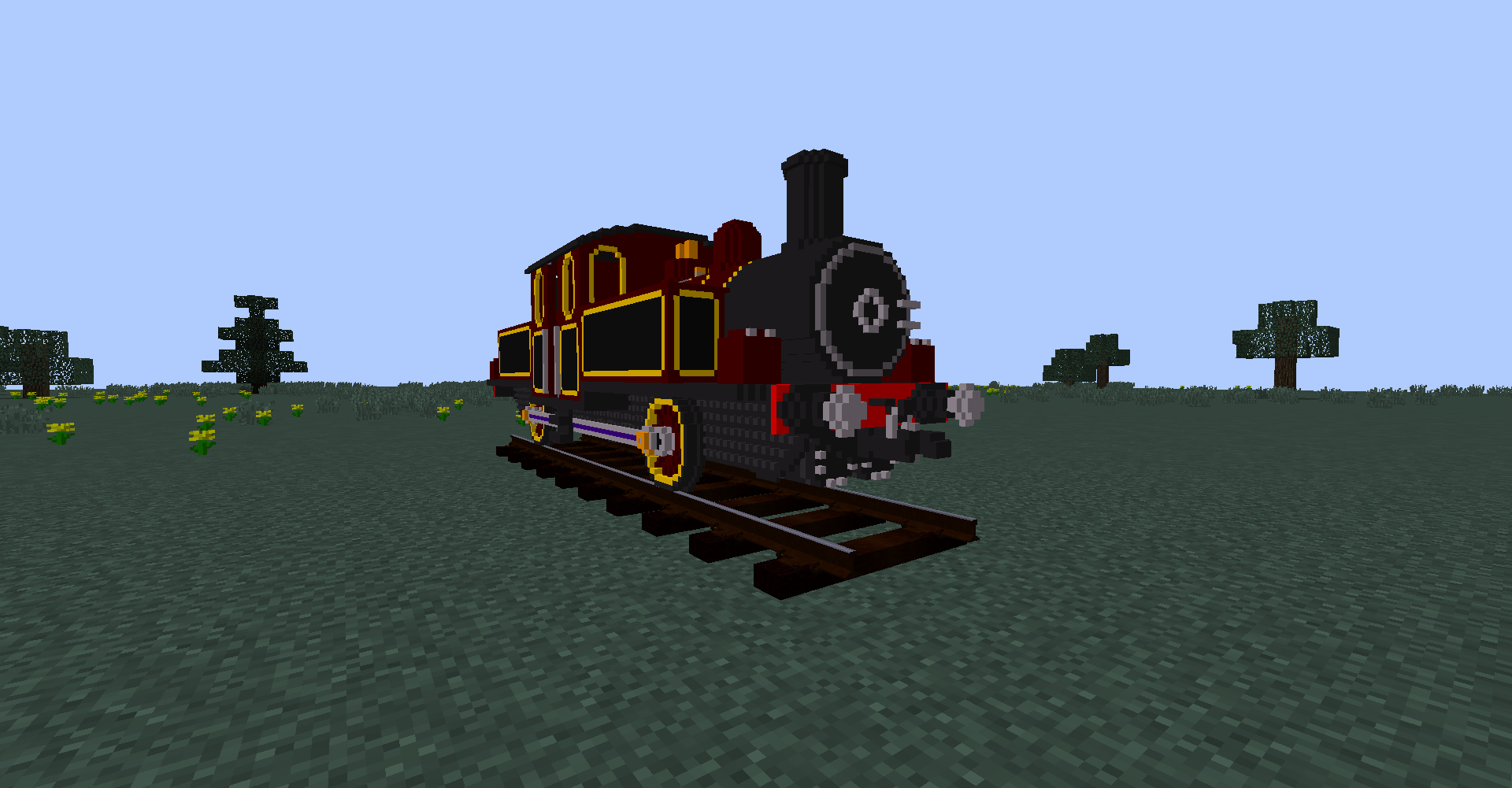
In this pack, you get so much fun stuff!

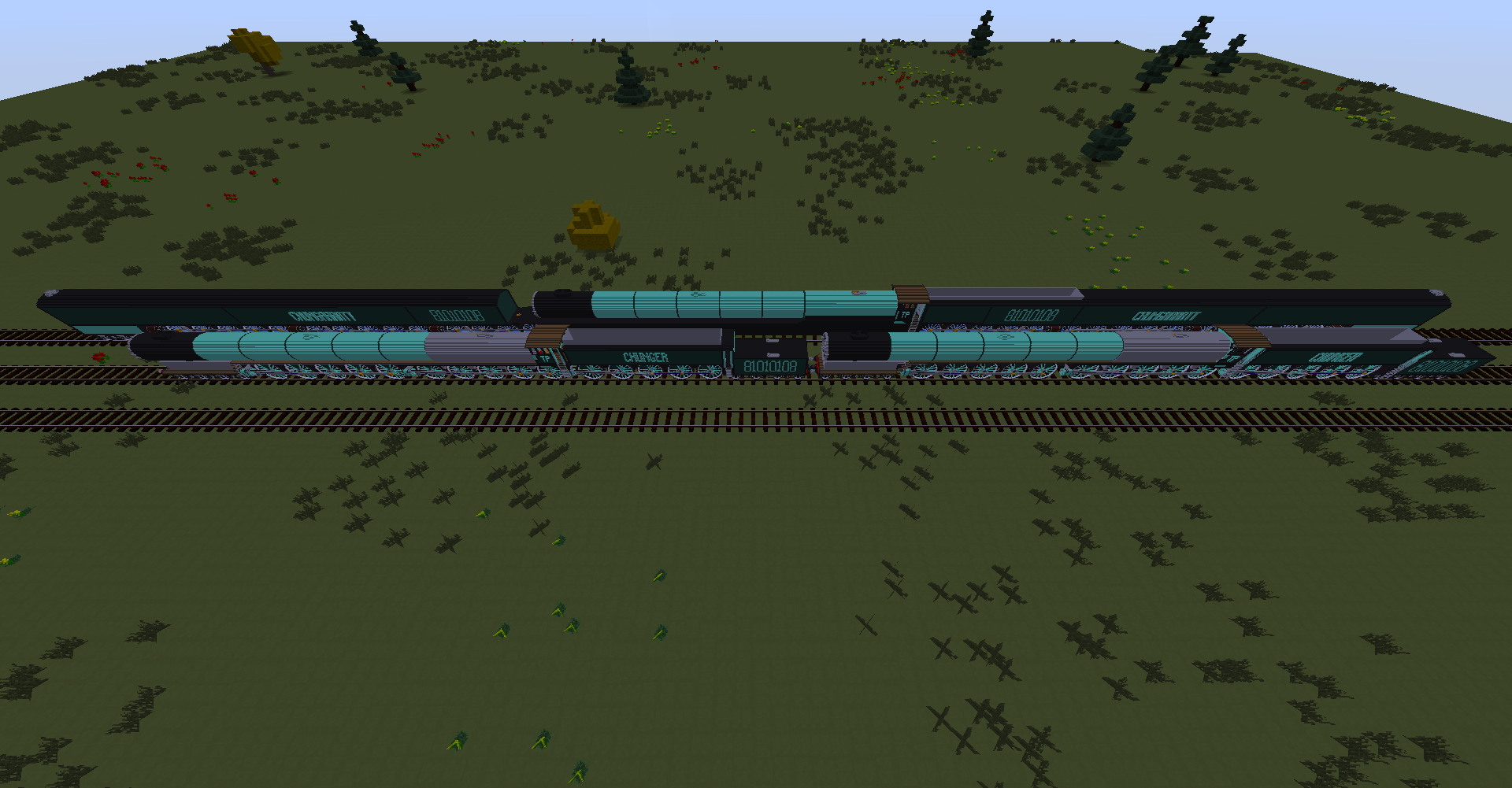
- vert. aka the fastest steam engine ever made

- A worse version of vert. as a joke

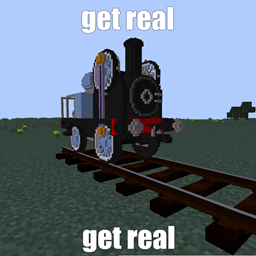
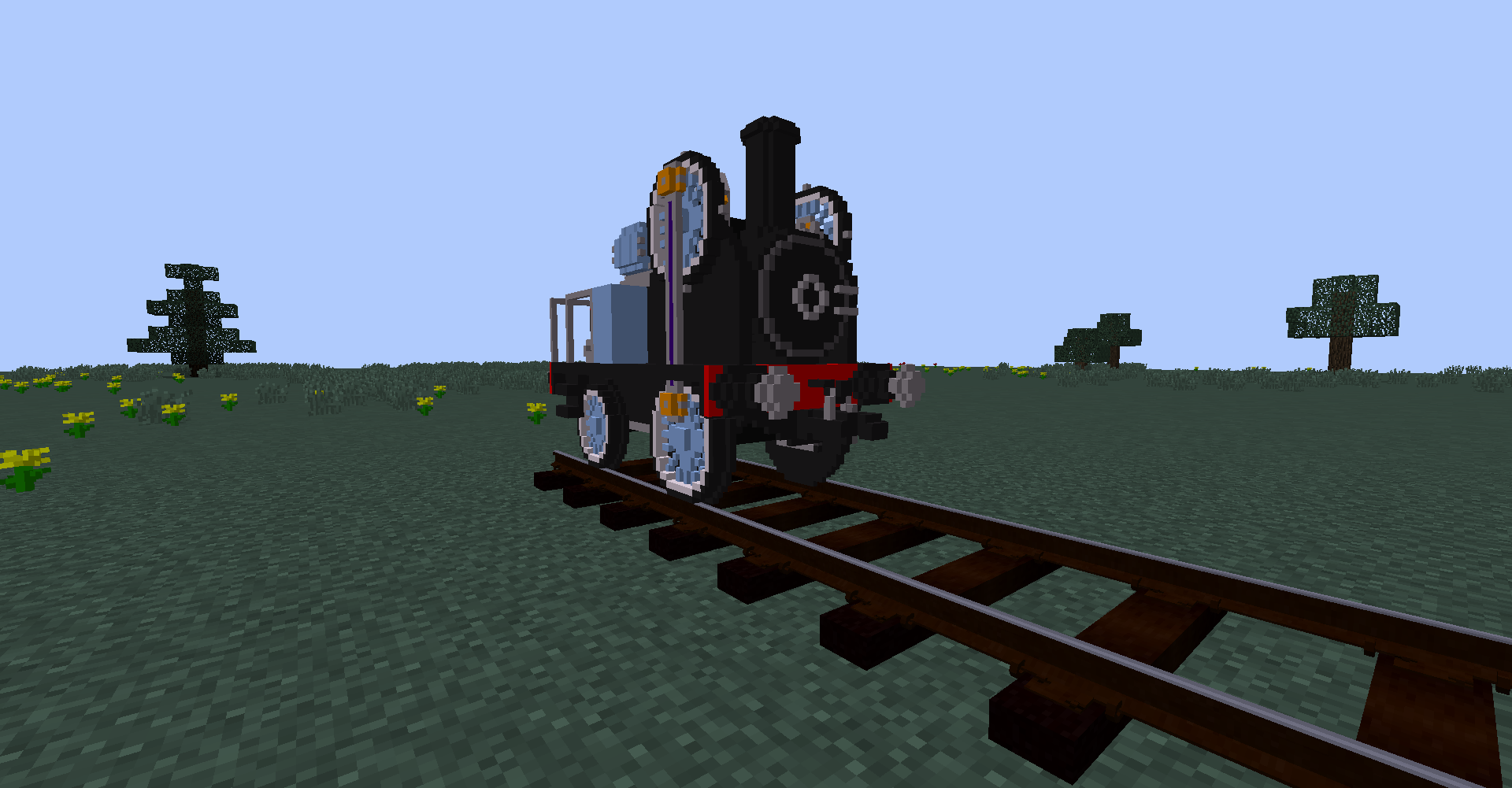
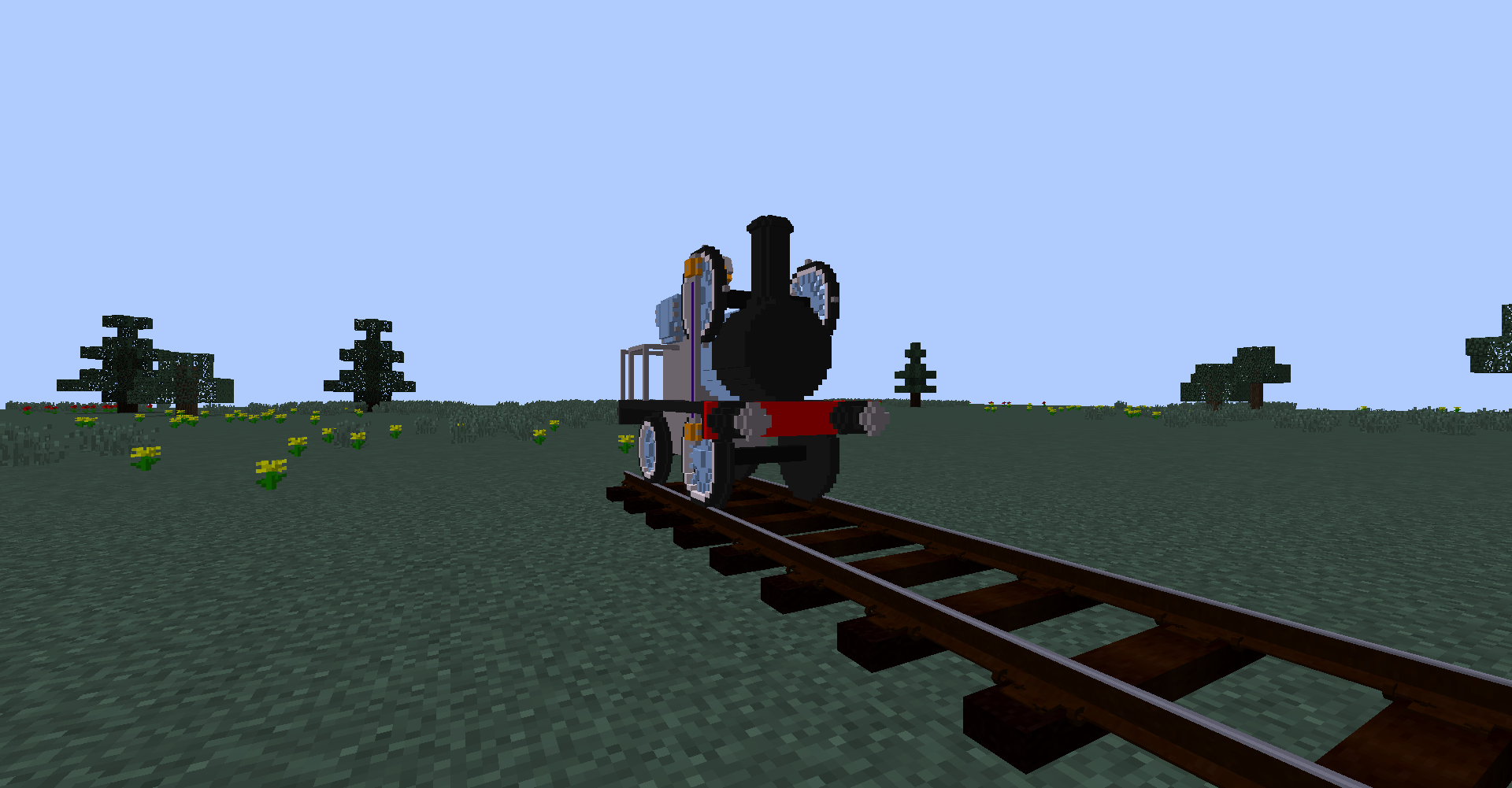
- The revolutionary 0-4-0 PseudoFairlie type

- Another revolutionary engine: the amazing balancing 0-2-0

- The flatbed I've put the most effort ever into

- The coal wagon I've put the most effort ever into

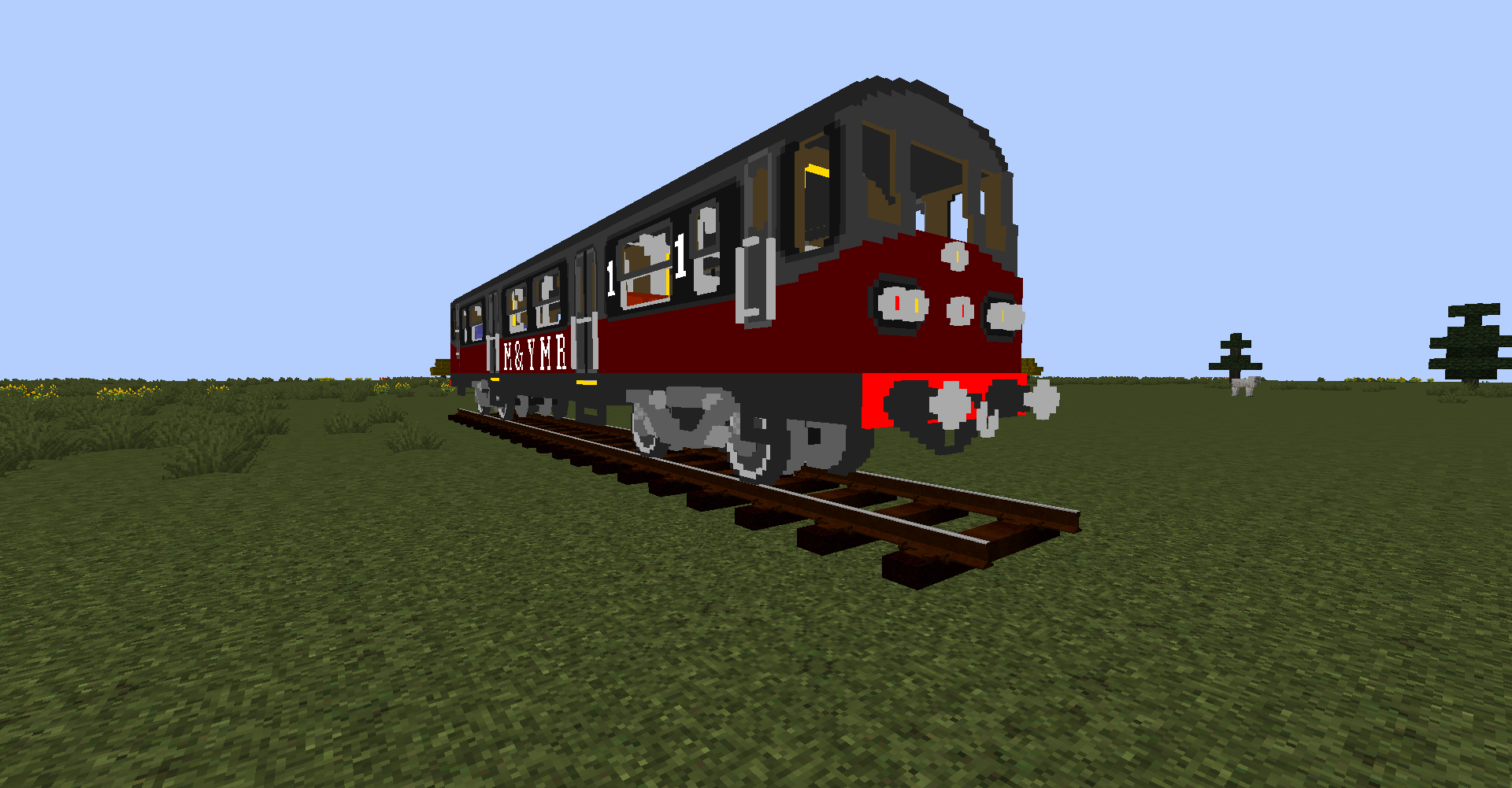
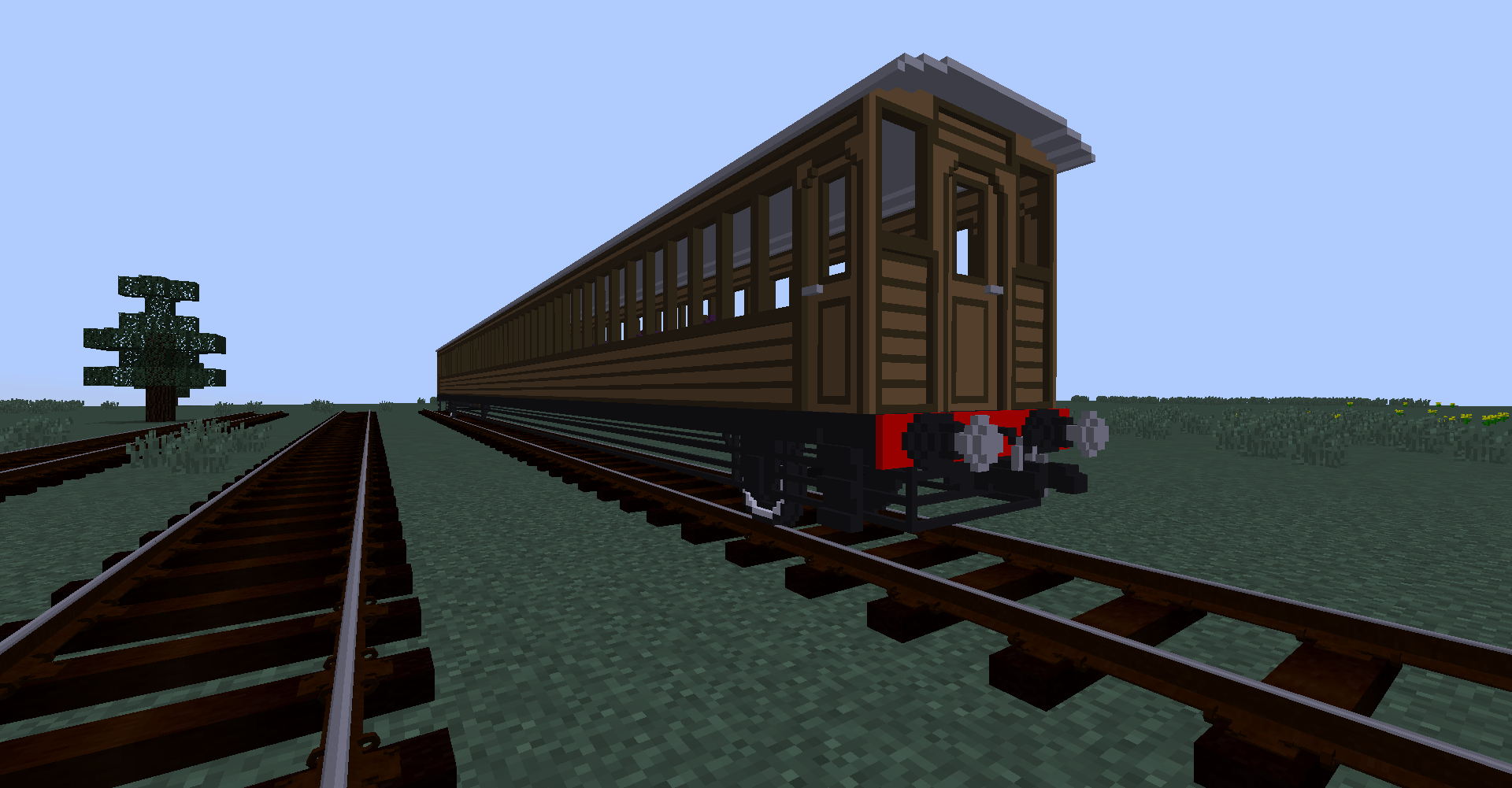
- A passenger coach with enough capacity to suit an entire server

Pixtures Meme Collection 2025 update part 1.zip
MC 1.14.4, 1.16.5, 1.10.2, 1.15.2, 1.7.10, 1.11.2, 1.12.2
Release 2025-04-01 Get
Shaded's Meme Collection 2024 update
MC 1.14.4, 1.16.5, 1.10.2, 1.15.2, 1.7.10, 1.11.2, 1.12.2, 1.13.2
Release 2024-03-31 Get
pixtures-meme-collection-sound-fix
MC 1.14.4, 1.16.5, 1.10.2, 1.15.2, 1.7.10, 1.11.2, 1.12.2, 1.13.2
Release 2023-07-31 Get
pixtures-meme-collection.zip
MC 1.14.4, 1.16.5, 1.10.2, 1.15.2, 1.7.10, 1.11.2, 1.12.2
Release 2023-03-31 Get

Requirements & install

How to use this resource pack in Minecraft
Resolution
16x
Minecraft
1.7.10 – 1.16.5
Install folder
.minecraft/resourcepacks

How to install resource packs

  1. Download the resource pack .zip file (do not extract it).
  2. In Minecraft open Options → Resource Packs → Open Pack Folder.
  3. Drop the .zip into the resourcepacks folder (.minecraft/resourcepacks).
  4. Move the pack to the Selected column and click Done.
Browse more: 16x resource packs 32x resource packs 64x resource packs 128x resource packs 256x resource packs 512x+ resource packs Resource Packs for 1.16.5 All resource packs

More from ShadedPixture

Advertisement Remove ads with Premium →

You Might Also Like