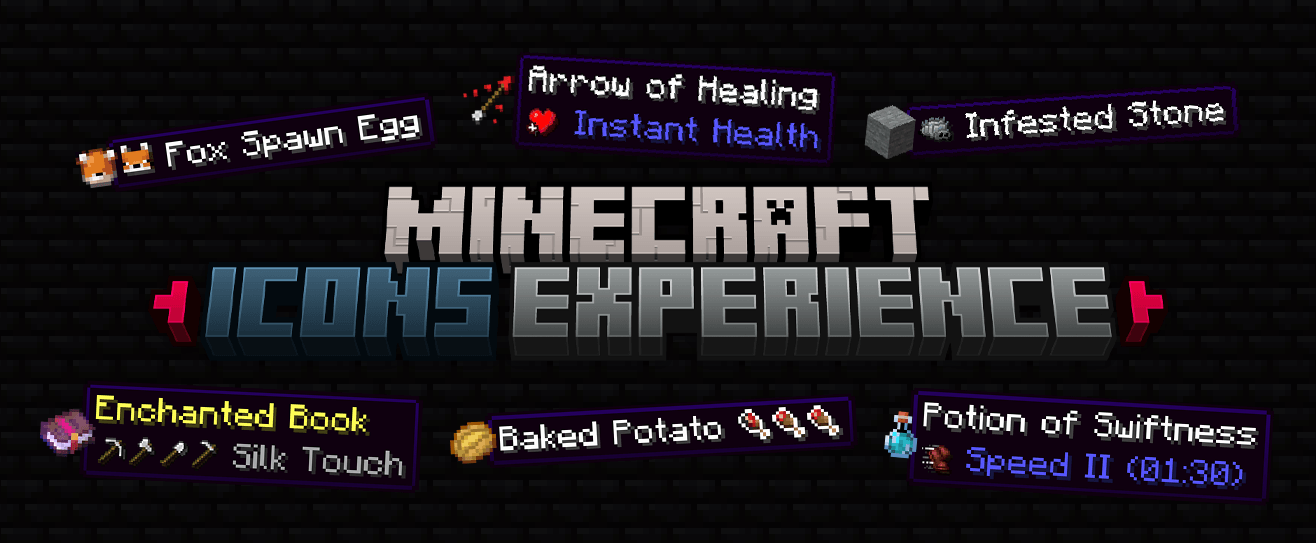

Adds more icons to UI: Enchantments, Effects, Durability, Spawn Eggs, Food, Gamemode, Anvil, Enchanting Table, Settings, Skin Customization, Sleep.
Changes the text color in a few places, such as the world selection screen.
This icons is from my resource pack Vanilla Experience+.
Feel free to report any issues, feedback, or concerns by sending me a DM. Please check the FAQ section first.


To see icons, you need to play in one of these languages:
 English (US) English (US) |
 Polish Polish |
 German German |
 Portuguese (Brazil) Portuguese (Brazil) |
 Chinese (Simplified) Chinese (Simplified) |
 Russian Russian |
 French French |
 Spanish Spanish |
 Spanish (Mexico) Spanish (Mexico) |

The resource pack is marked as incompatible or made for a newer Minecraft version
- If you downloaded the correct version of the resource pack for your Minecraft version, you can safely ignore this warning - everything will work properly.
Additional UI icons are not visible
- Extra UI icons are displayed only when using one of the supported languages listed in the project description.
Is this resource pack available for Bedrock Edition?
- Currently, this resource pack is available for Java Edition only.
Can I use assets from this pack in my own resource pack?
- Redistribution or reuse of assets is not allowed without my explicit permission. However, you may safely use this pack as a dependency. Private, non-public use is permitted.
Can I include this resource pack in a modpack?
- Yes, this resource pack may be included in modpacks as a dependency.