Mineuniverse
Resource Packs
HxH Textures

HxH Textures

RESOURCE PACK
A simple Hunter x Hunter themed Resource Pack for Minecraft.
by NagaMods
Download Claim this project
155 downloads
0 likes
0 followers
Updated Oct 14, 2026
0 hypes
Follow0
64x Traditional
Advertisement Remove ads with Premium →

Hunter x Hunter Textures

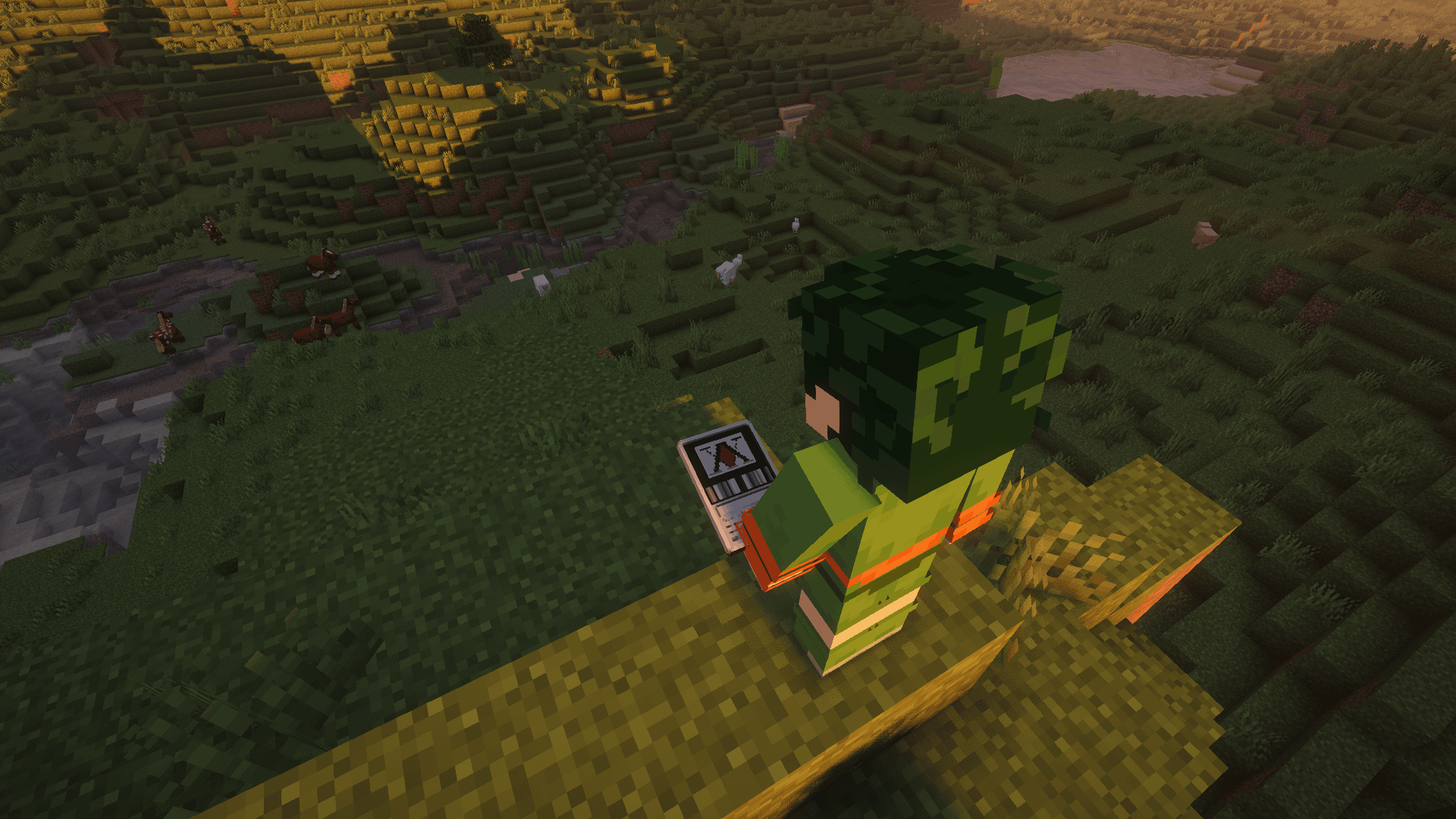
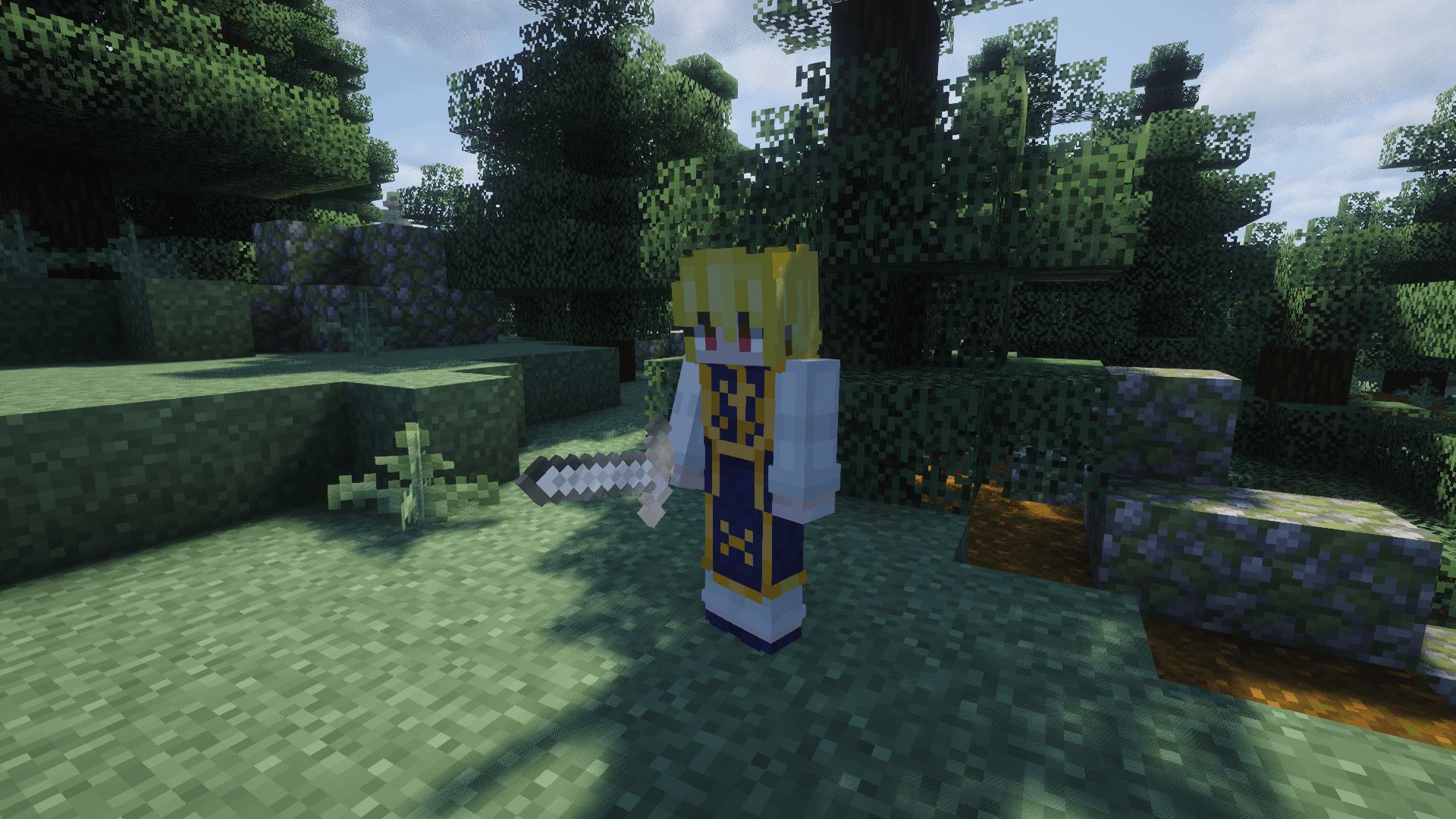
This resource pack integrates the visual identity and thematic elements of the Hunter x Hunter universe into Minecraft. Built with a focus on asset fidelity, UI optimization, and gameplay readability, this pack provides a comprehensive thematic overhaul without compromising vanilla performance

  Content 

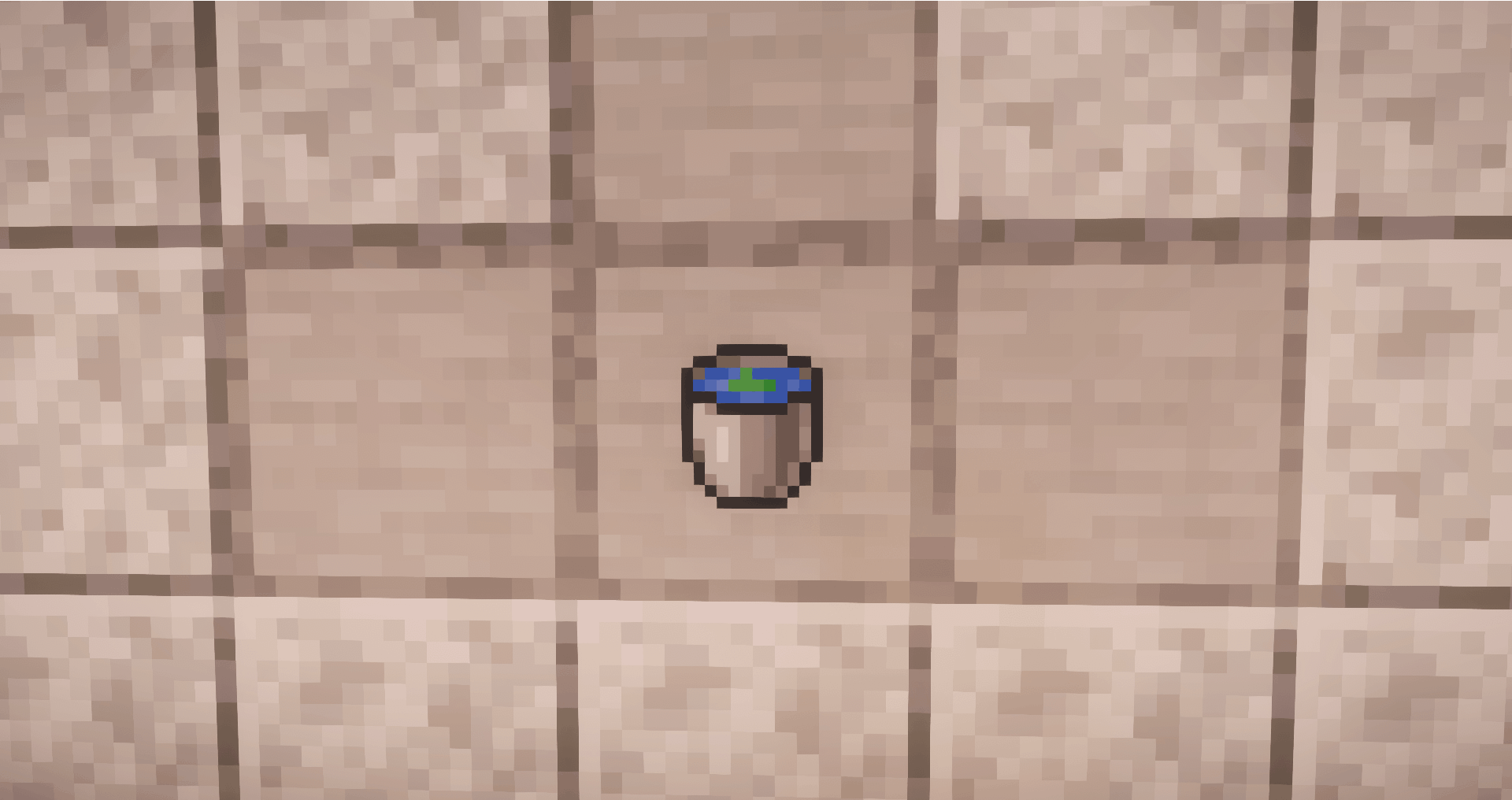
  • Water Bucket → Water Divination
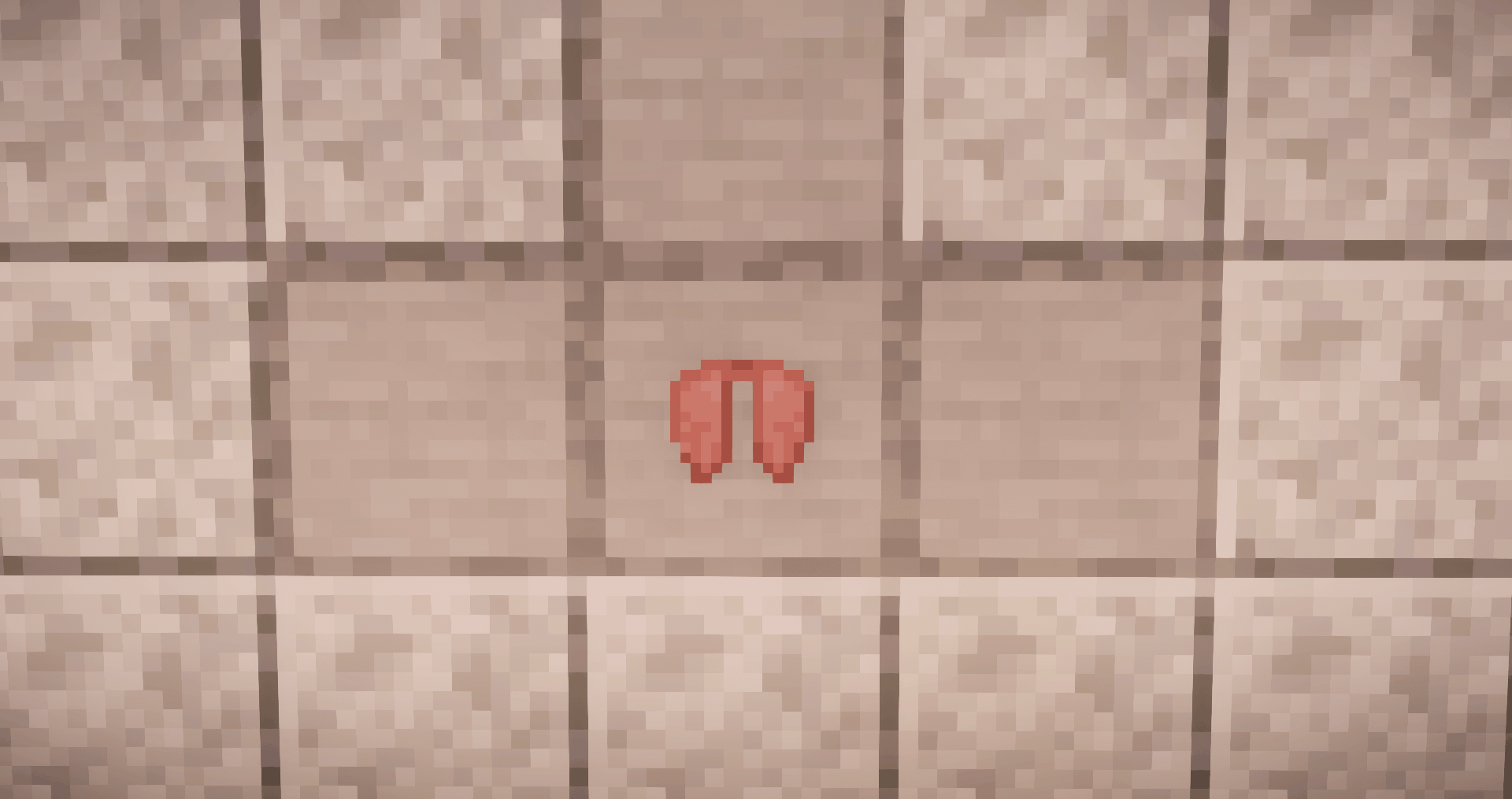
  • Elytra → Wings of Mentuthuyoupi
  • Enchanted Glint → Nen
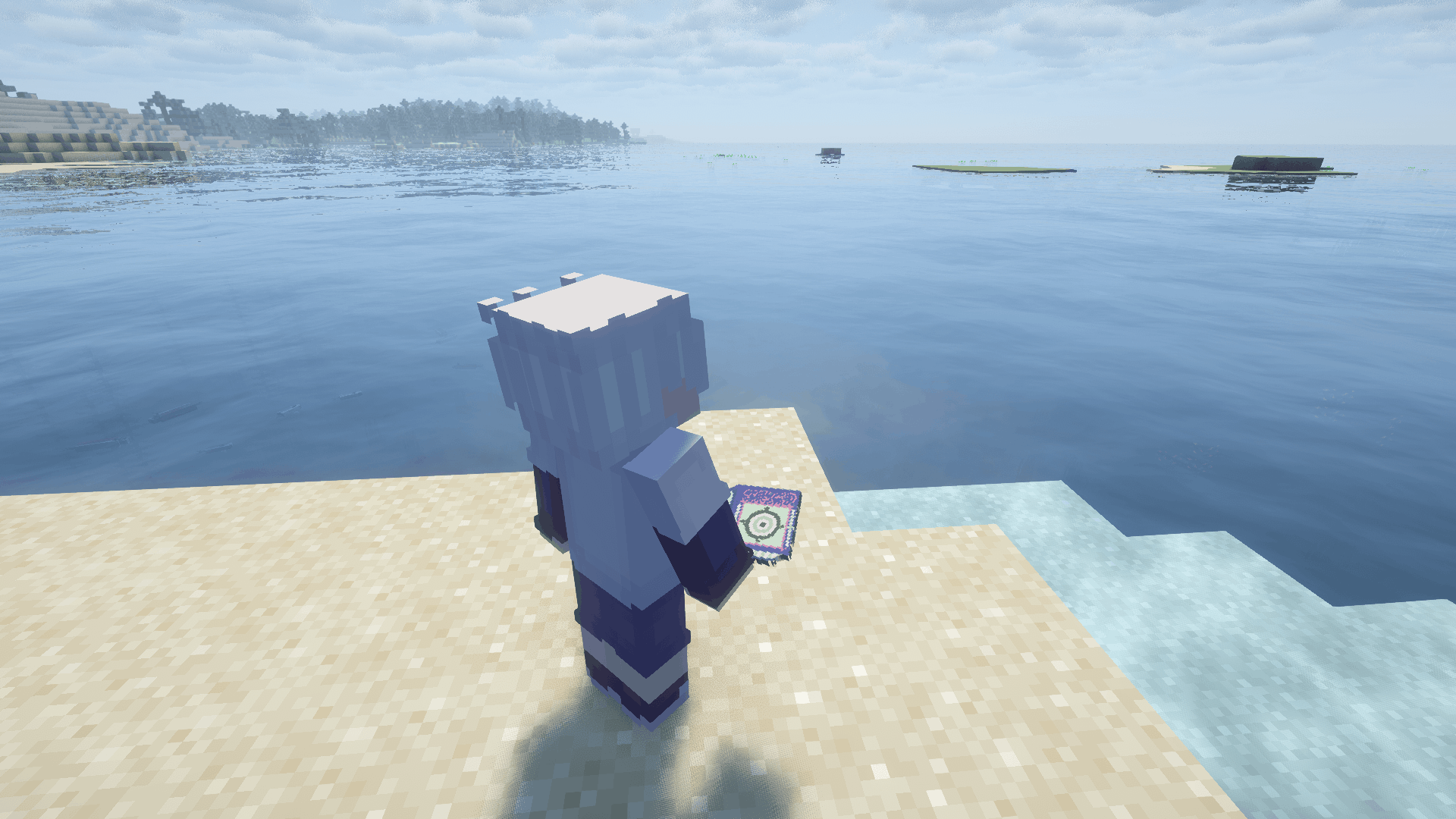
  • Enchanted Book → Greed Island Book
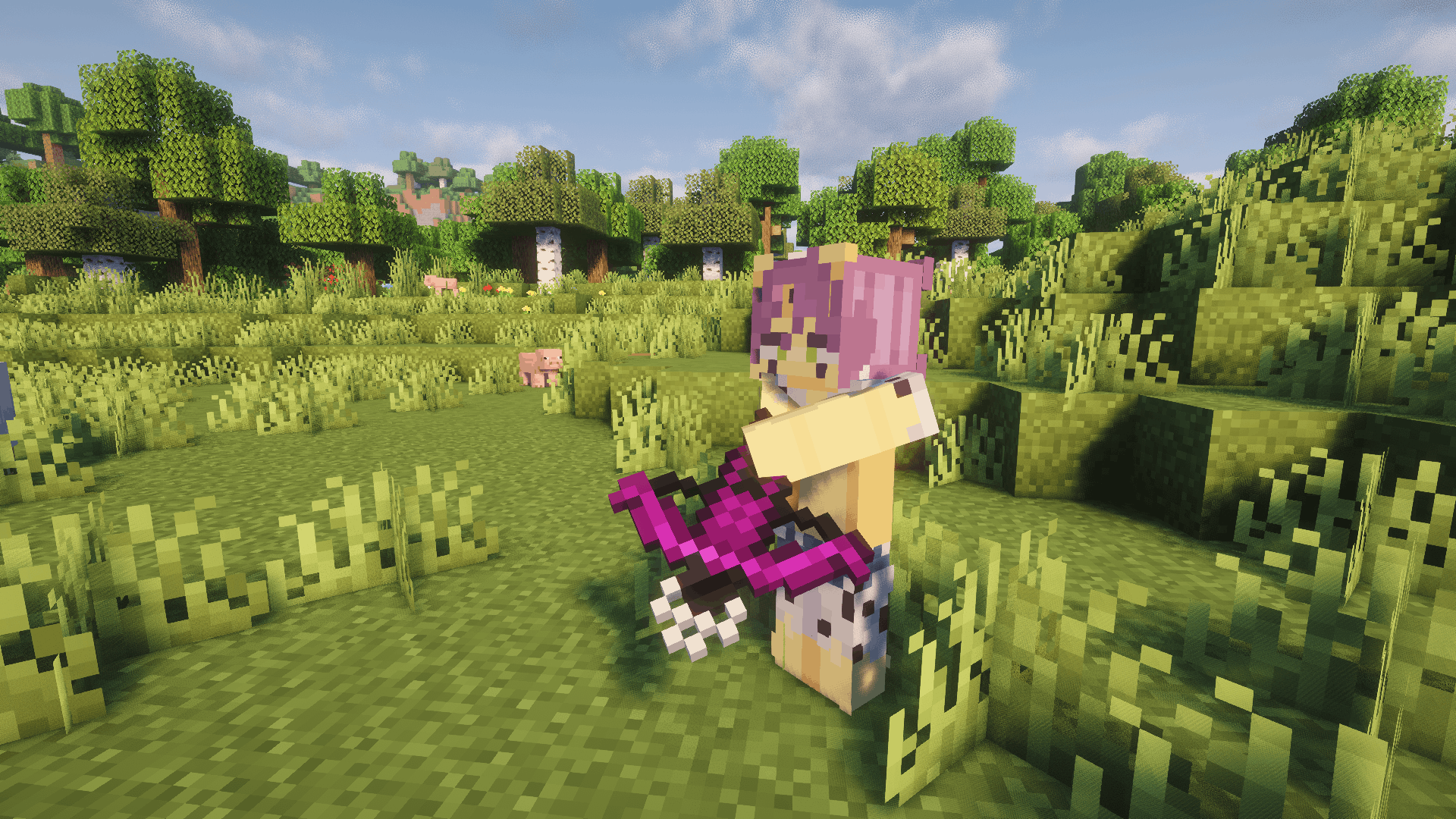
  • Crossbow → Cheetu's Crossbow
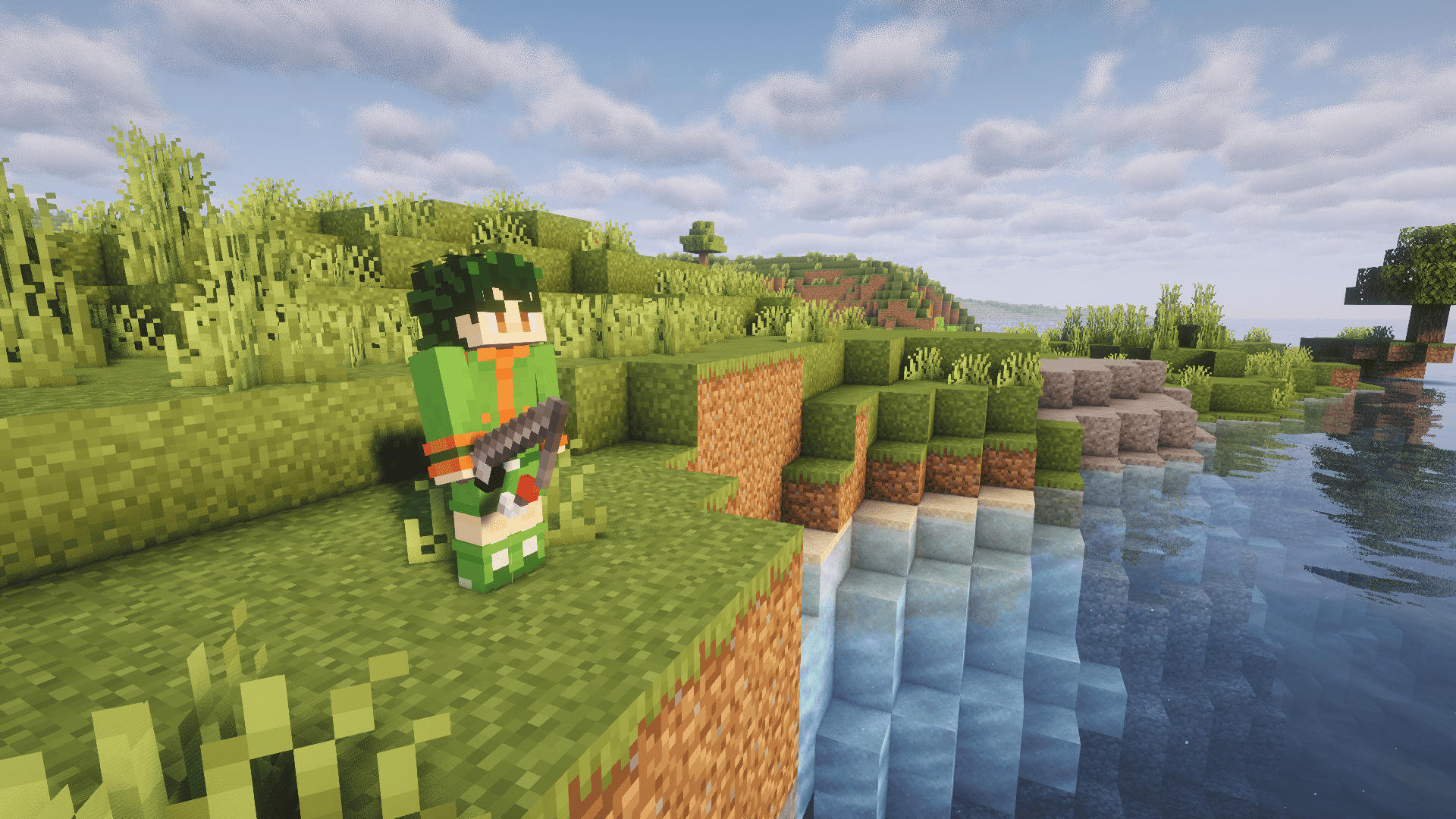
  • Fishing Rod → Gon's Fishing Rod
  • Totem of Undying → Hunter License
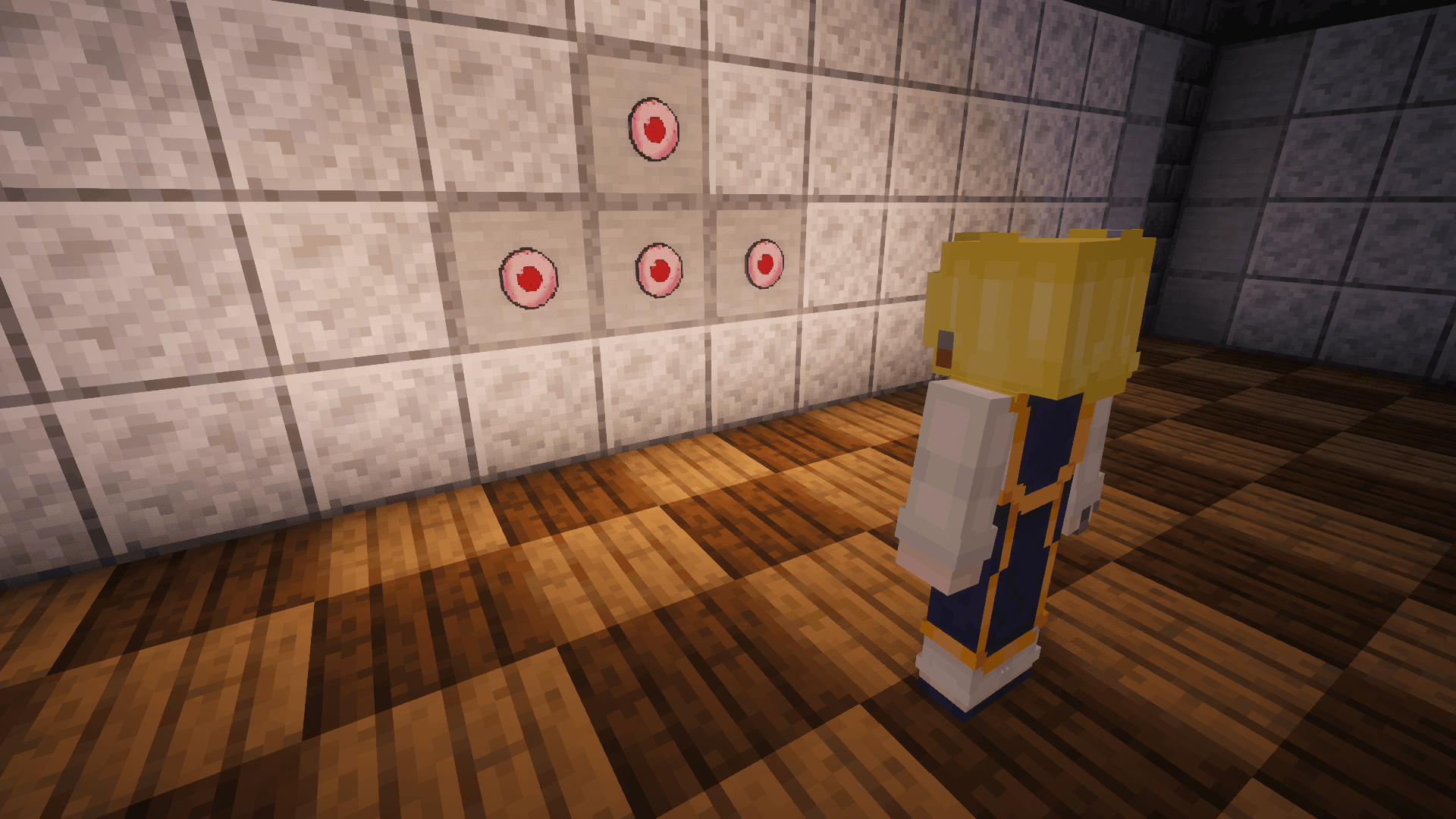
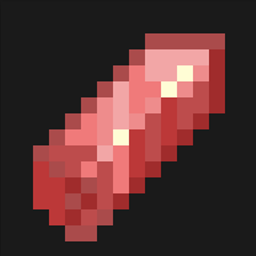
  • Ender Eye → Scarlet Eyes
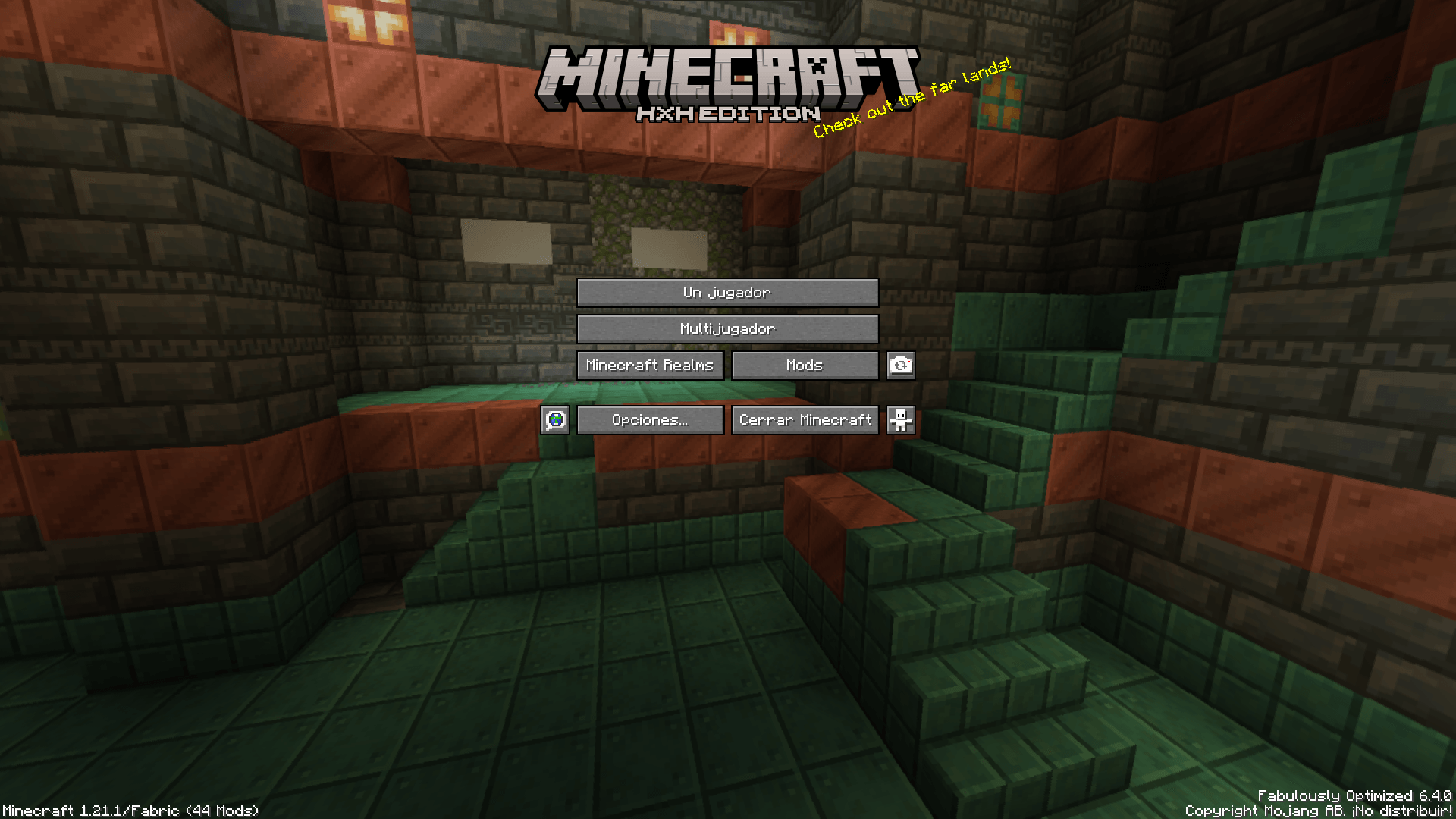
  • Java Edition → HxH Edition
    More coming soon…

    Install 

    To install this resource pack, select your Minecraft version in the download menu, and copy the

    downloaded file into Minecraft's resourcepacks folder. Alternatively, if you are using the Modrinth App, you can easily add this resource pack to an instance by selecting "Install with Modrinth App" in the download menu.

Support Me 

If you enjoy this texture pack, the best way to help is by subscribing to my YouTube channel NagaMods, checking my Modrinth profile for more content, joining my Discord, and following my social media!

Your support keeps this project alive. Thank you for downloading.

HxH Textures 0.1.1
MC 1.21, 1.21.8, 1.21.5, 1.21.4, 1.21.1, 1.21.6, 1.21.3, 1.21.7, 1.21.2, 1.21.9, 1.21.10, 1.21.11, 26.1, 26.1.1, 26.1.2
Release 2026-06-04 Get

Requirements & install

How to use this resource pack in Minecraft
Resolution
64x
Minecraft
1.21.7 – 26.1.2
Install folder
.minecraft/resourcepacks

How to install resource packs

  1. Download the resource pack .zip file (do not extract it).
  2. In Minecraft open Options → Resource Packs → Open Pack Folder.
  3. Drop the .zip into the resourcepacks folder (.minecraft/resourcepacks).
  4. Move the pack to the Selected column and click Done.
Browse more: 16x resource packs 32x resource packs 64x resource packs 128x resource packs 256x resource packs 512x+ resource packs Resource Packs for 26.1.2 All resource packs

More from NagaMods

Advertisement Remove ads with Premium →

You Might Also Like