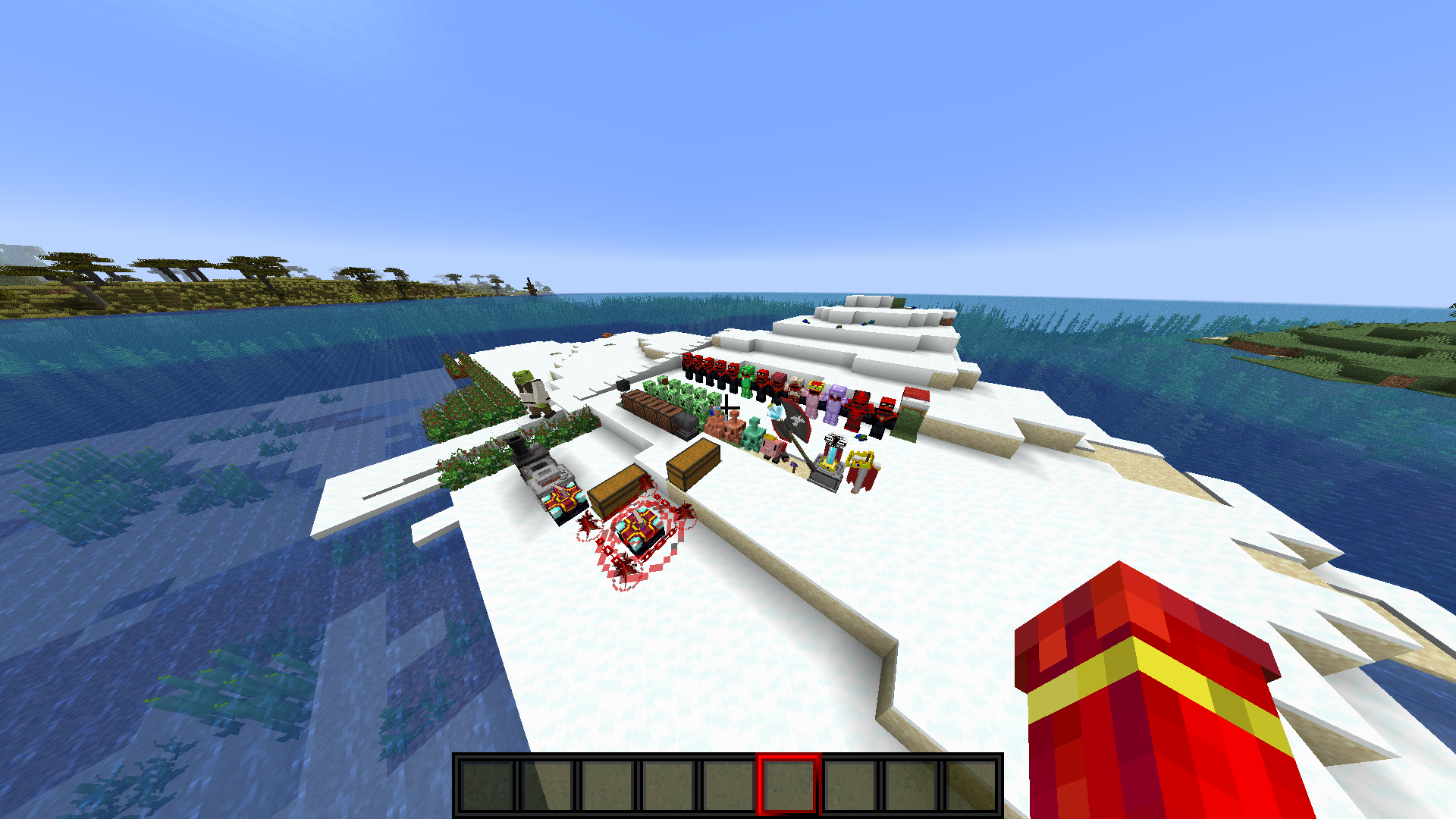
Please try this out these are my personal texture pack I use I wish I could tag the people that make the texture packs I put in here but I forget who I got them from so if you let them know that would be thankful and if you have any question let me know
CHANGES
-custom music
-changes panda,ves,bat,ravenger,wandering villager,silverfish,bee,enderman,enderdragon,fox,dolphin,warden
-custom tools,armor,weapons,diamonds, gold,netherite
-beacon
-netherstar
-3d posion
-3d snowball
-3dfishing rods
-snow golems as penguins
-3d frog spawn
-crepper cake
-brewing stand
-3d spawn eggs
-rename curved pumpkin Eye of Agamotto turns into it
-copper golem lightning rod
-remand copper ingot copper golem or the oxidized copper golem
-rename diamond smol techno turn into small techno
-rename diamon or netherite axe Axe of Peace -enchantmen book enchantment books
-bell
-rename iron sword to Memorial to sword in groun
-beetroot and barries
-blast furnace and furnace
-armor stand to nightwing elmo
-enchantment rings enchantment rings
-red nether portal and crying oby and stuff that you can craft with it
-3d spawn eggs
-bows as cool guns
-cool trident
-reddeath to pearl and toemdum of undying
-ancient dabry
-sattle
-diamon and ntherite hoe to sythe
-lead as wip
sniper spyglass
-recovery compass as a skull
-goat horn
-and more but I forgot sorry