Mineuniverse
Resource Packs
Homeostatic ReDrawn

Homeostatic ReDrawn

RESOURCE PACK
Overlays replacements, Russian translation, item retextures, that's it.
by Orvyla
Download Claim this project
269 downloads
0 likes
0 followers
Updated Oct 14, 2026
0 hypes
Follow0
256x
Advertisement Remove ads with Premium →

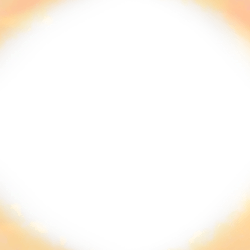
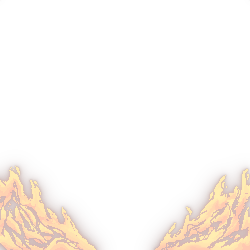
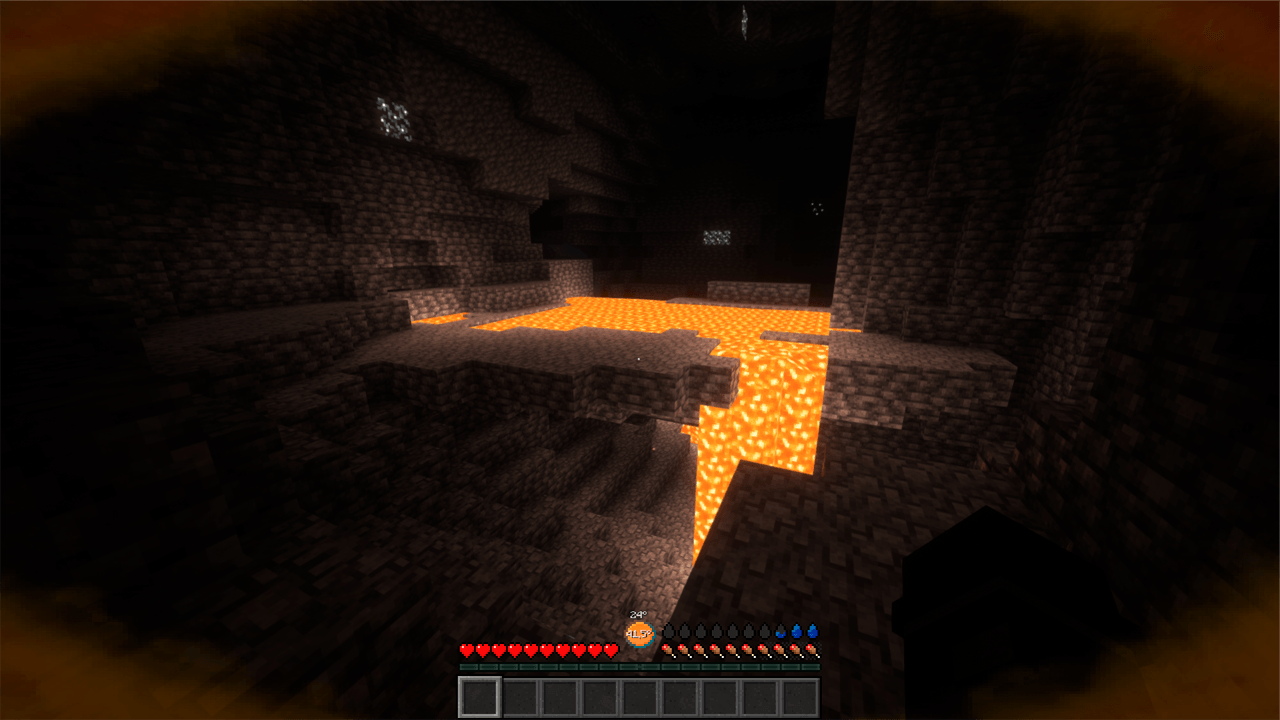
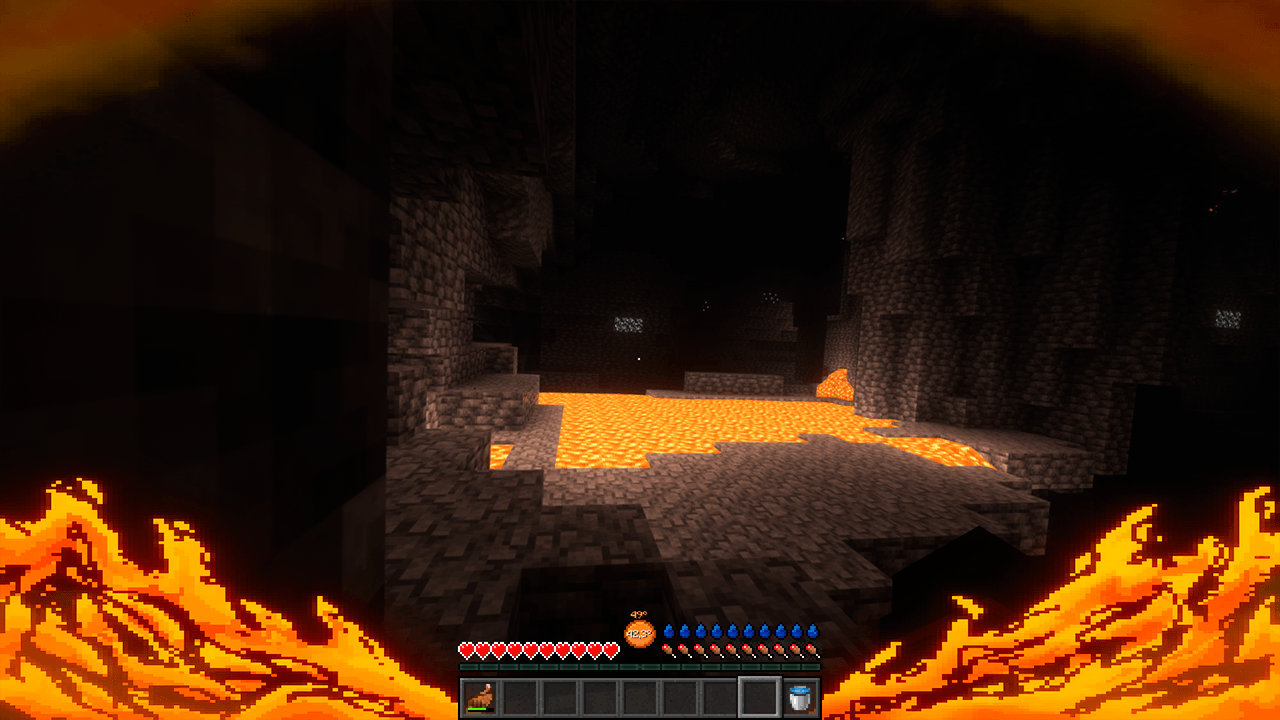
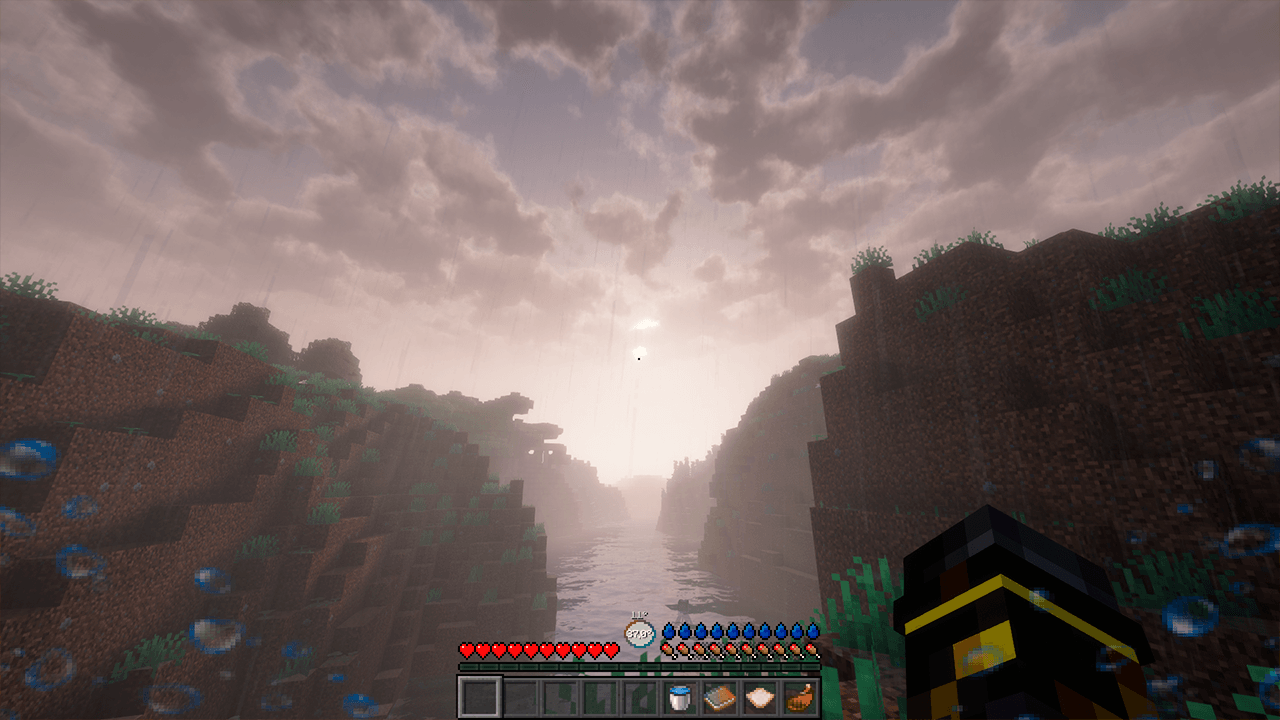
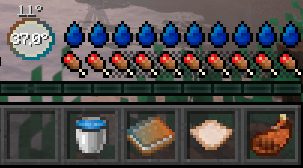
I played with the Homeostatic mod and noticed that the overlays are very poorly positioned and terribly cut out, and some even take up half the screen and seriously interfere. So I tried to make them better

Now it includes:

  • Full Russian translation
  • Slight item retextures
  • Overlay retextures
  • HUD retextures


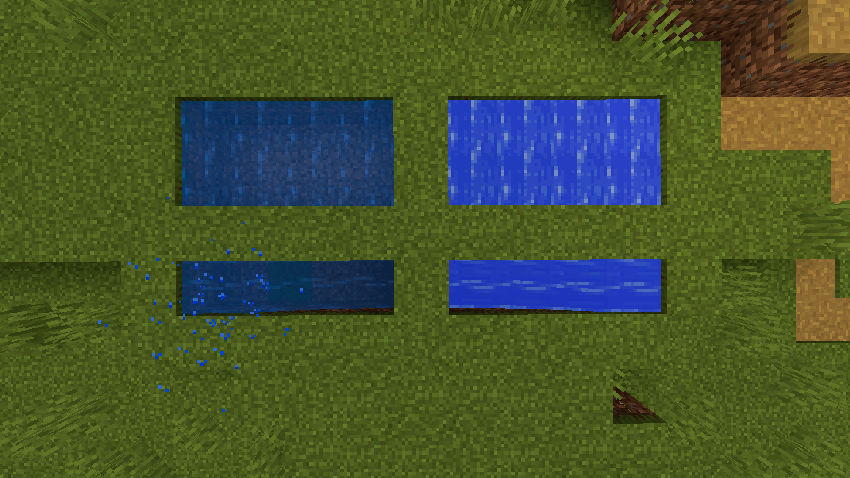
    Some things, such as the purified water source/flow block texture, death messages, and the book, may not work properly (at least on version 1.19.2 or the book on version 1.20.1). This is a problem with the mod itself, not the resource pack, I checked.

    Broken water on 1.19.2

    I tried to add an alpha channel to the textures, but it didn't help.


Homeostatic ReDrawn 2.3
MC 1.19.3, 1.20.2, 1.21, 1.19.4-Snapshot, 1.20.5, 1.20.2-Snapshot, 1.20.5-Snapshot, 1.19.4, 1.19-Snapshot, 1.21.1-Snapshot, 1.18.2, 1.19.2, 1.20.3-Snapshot, 1.20.3, 1.20.1, 1.20
Release 2025-02-16 Get
Homeostatic ReDrawn 2.2
MC 1.19.3, 1.20.2, 1.21, 1.19.4-Snapshot, 1.20.5, 1.20.2-Snapshot, 1.20.5-Snapshot, 1.19.4, 1.19-Snapshot, 1.21.1-Snapshot, 1.18.2, 1.19.2, 1.20.3-Snapshot, 1.20.3, 1.20.1, 1.20
Release 2024-12-21 Get
Homeostatic ReDrawn 2.1
MC 1.19.3, 1.19.4-Snapshot, 1.19.4, 1.19.2, 1.20.1, 1.20, 1.20-Snapshot, 1.19.3-Snapshot
Release 2024-12-20 Get
Homeostatic overlays remake 1.1 (old)
MC 1.19.3, 1.19.4-Snapshot, 1.19.4, 1.19.2, 1.20.1, 1.20, 1.20-Snapshot, 1.19.3-Snapshot
Release 2024-07-23 Get

Requirements & install

How to use this resource pack in Minecraft
Resolution
256x
Minecraft
1.20.2-Snapshot – 1.21.1-Snapshot
Install folder
.minecraft/resourcepacks

How to install resource packs

  1. Download the resource pack .zip file (do not extract it).
  2. In Minecraft open Options → Resource Packs → Open Pack Folder.
  3. Drop the .zip into the resourcepacks folder (.minecraft/resourcepacks).
  4. Move the pack to the Selected column and click Done.

Packs from 128x upwards need more video memory: install a performance mod such as Sodium for smooth frame rates.

Browse more: 16x resource packs 32x resource packs 64x resource packs 128x resource packs 256x resource packs 512x+ resource packs Resource Packs for 1.21.1-Snapshot All resource packs

More from Orvyla

Advertisement Remove ads with Premium →

You Might Also Like