Mineuniverse
Resource Packs
Hollywood Blocks - Resource Pack

Hollywood Blocks - Resource Pack

RESOURCE PACK
Realistic Immersion
by fimishb
Download Claim this project
135,276 downloads
0 likes
Updated Oct 14, 2026
0 hypes
256x Traditional
Advertisement Remove ads with Premium →
hbpacklogo
 
 
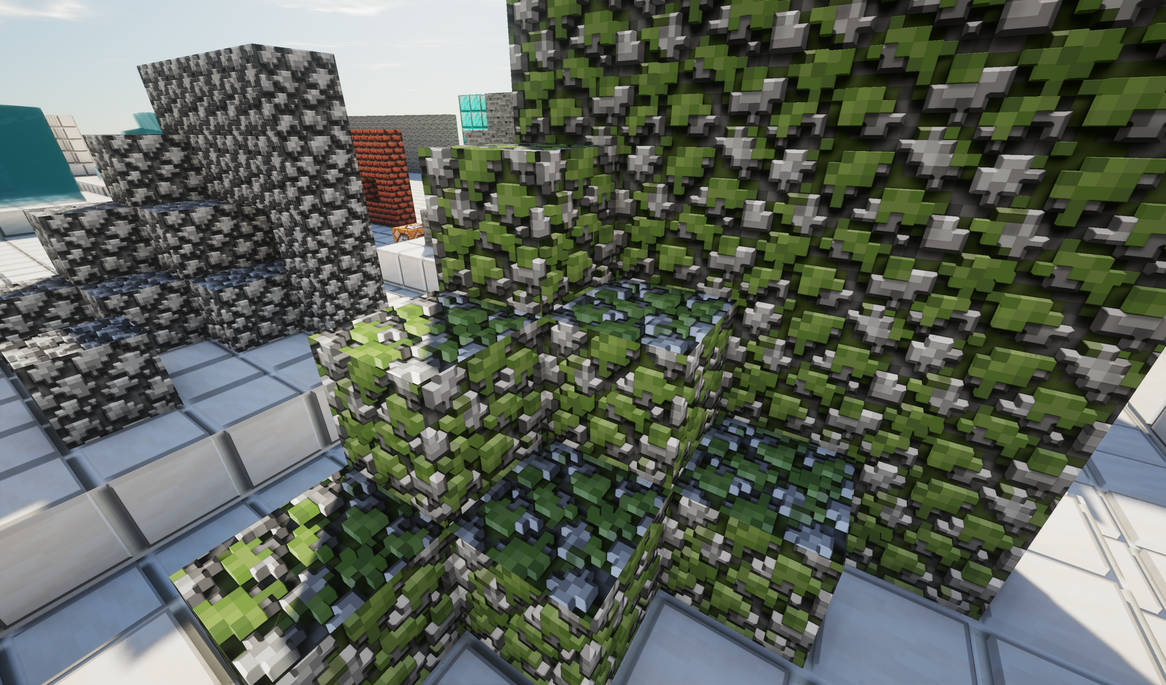
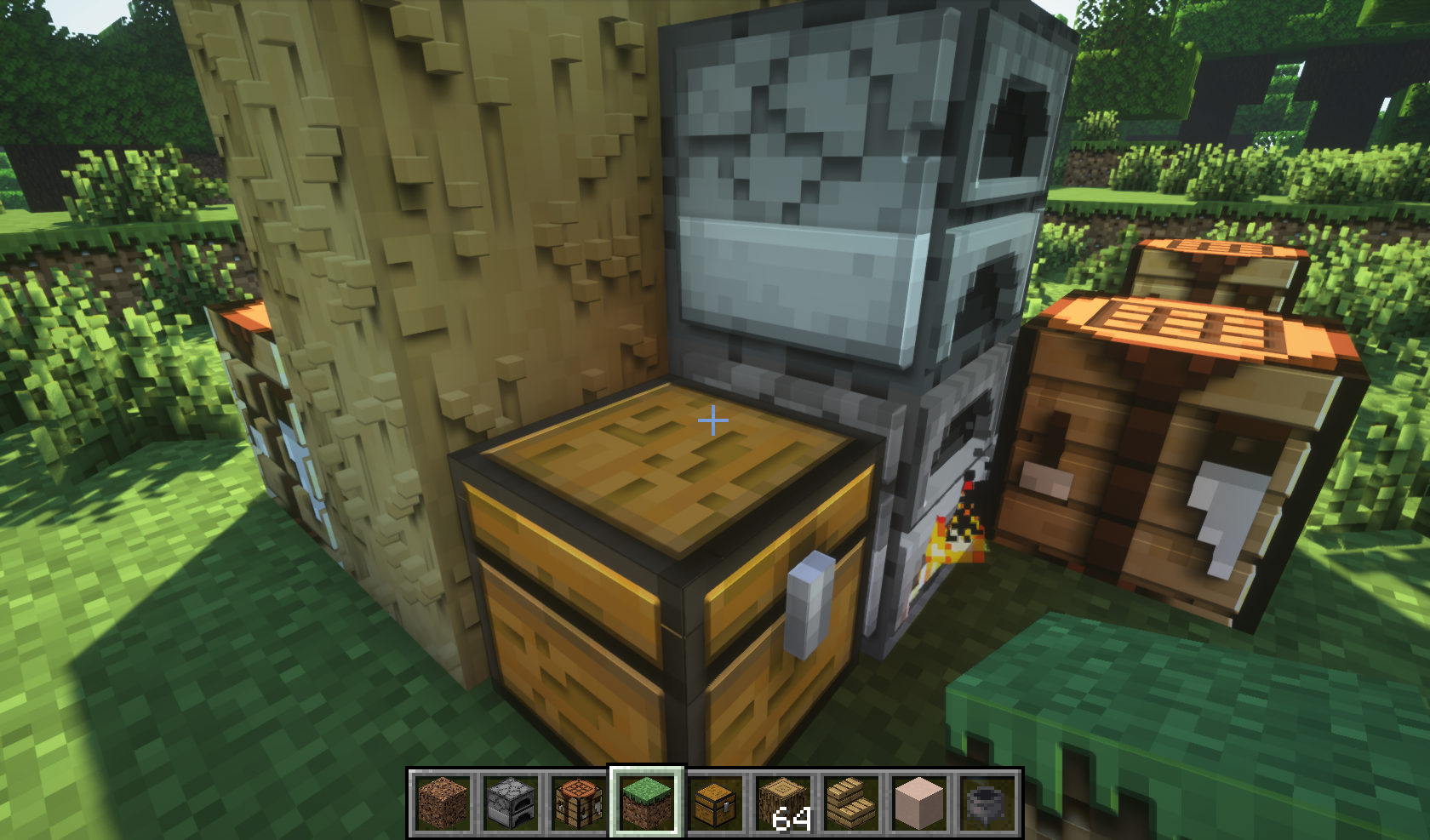
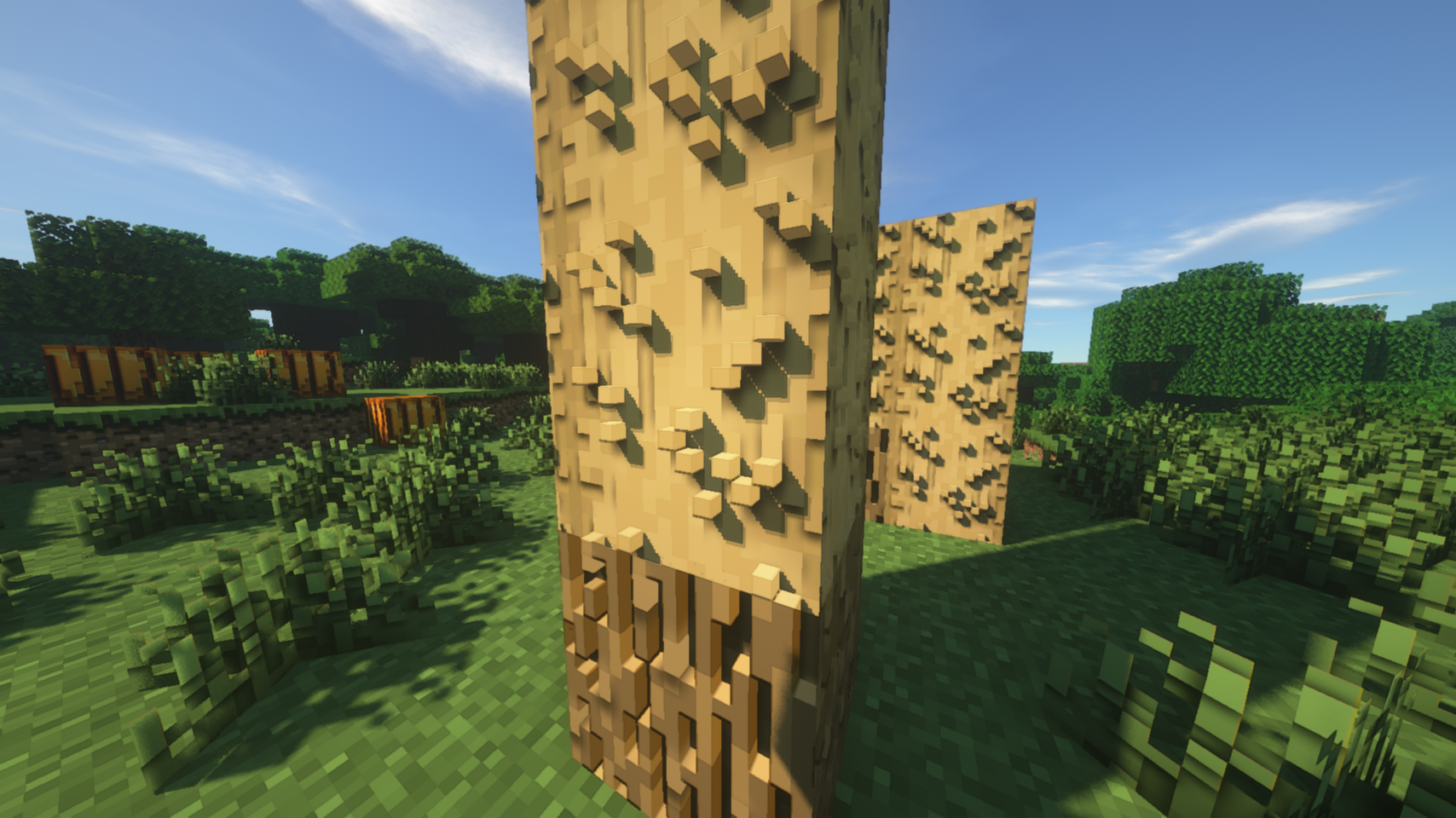
Note Feb-21-2020: unfortunately all 3d models permanently changed for paralax textures (not 3d models :/)
reason: minecraft java edition does not support 3d models massively!
 
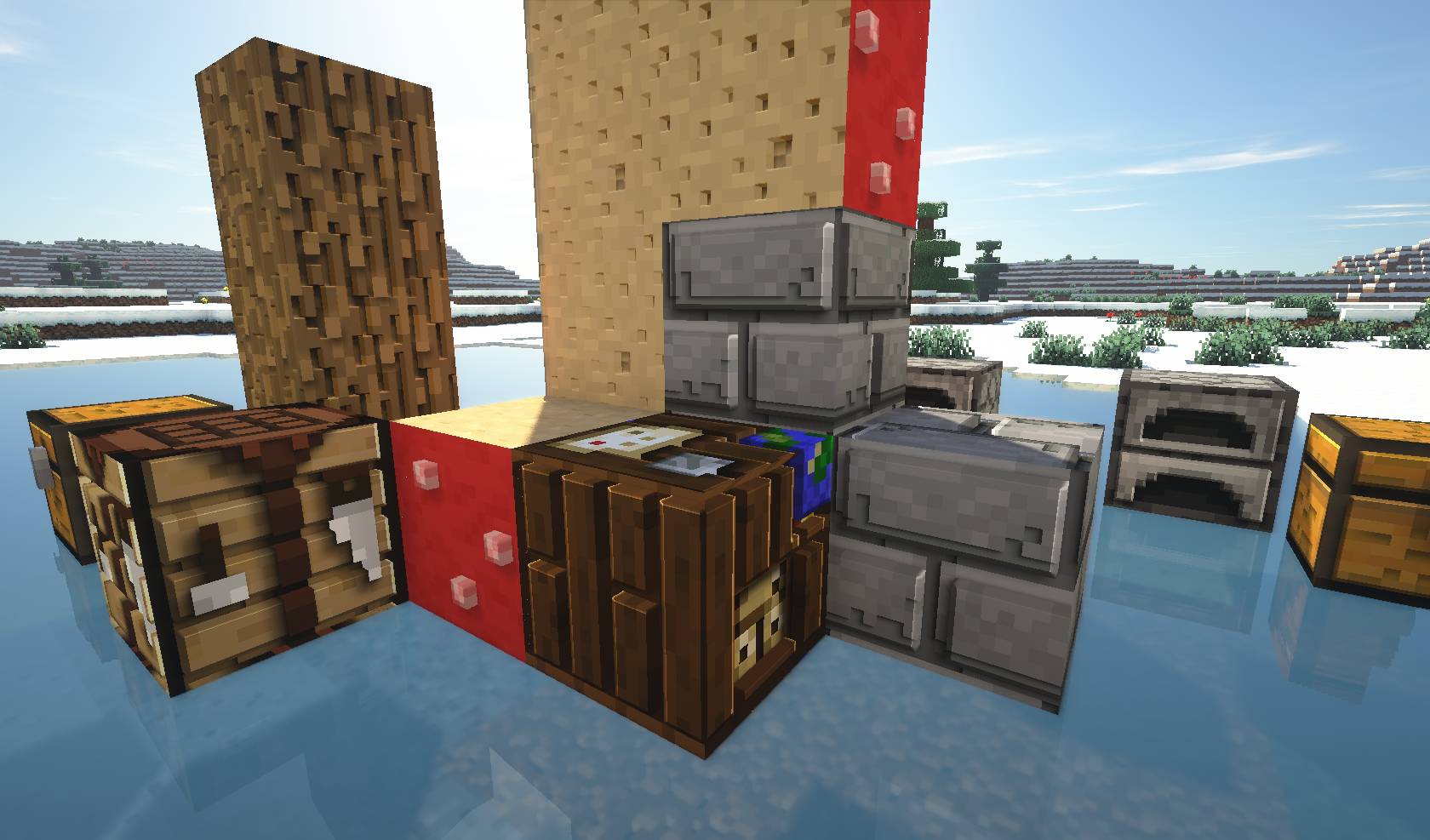
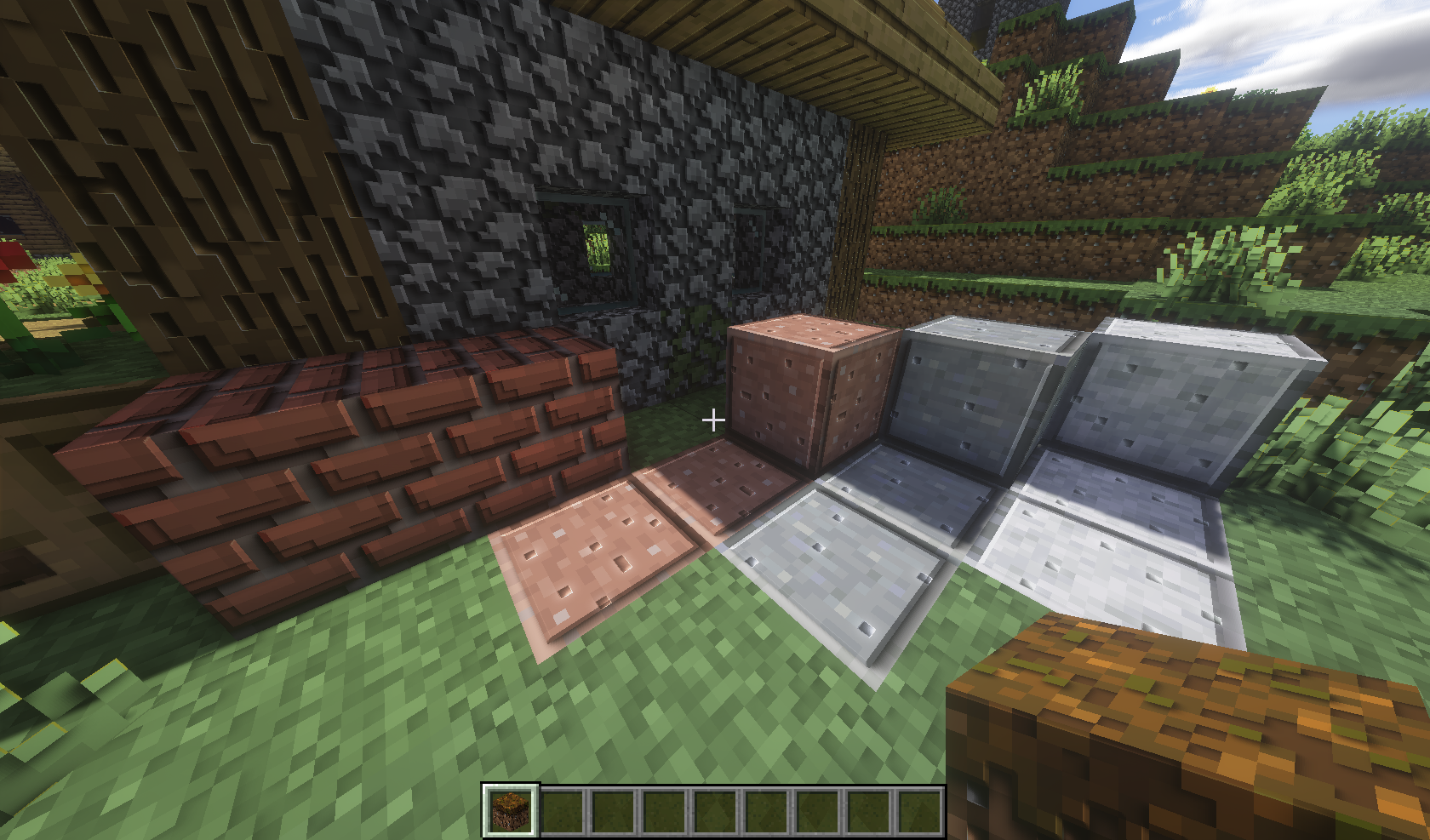
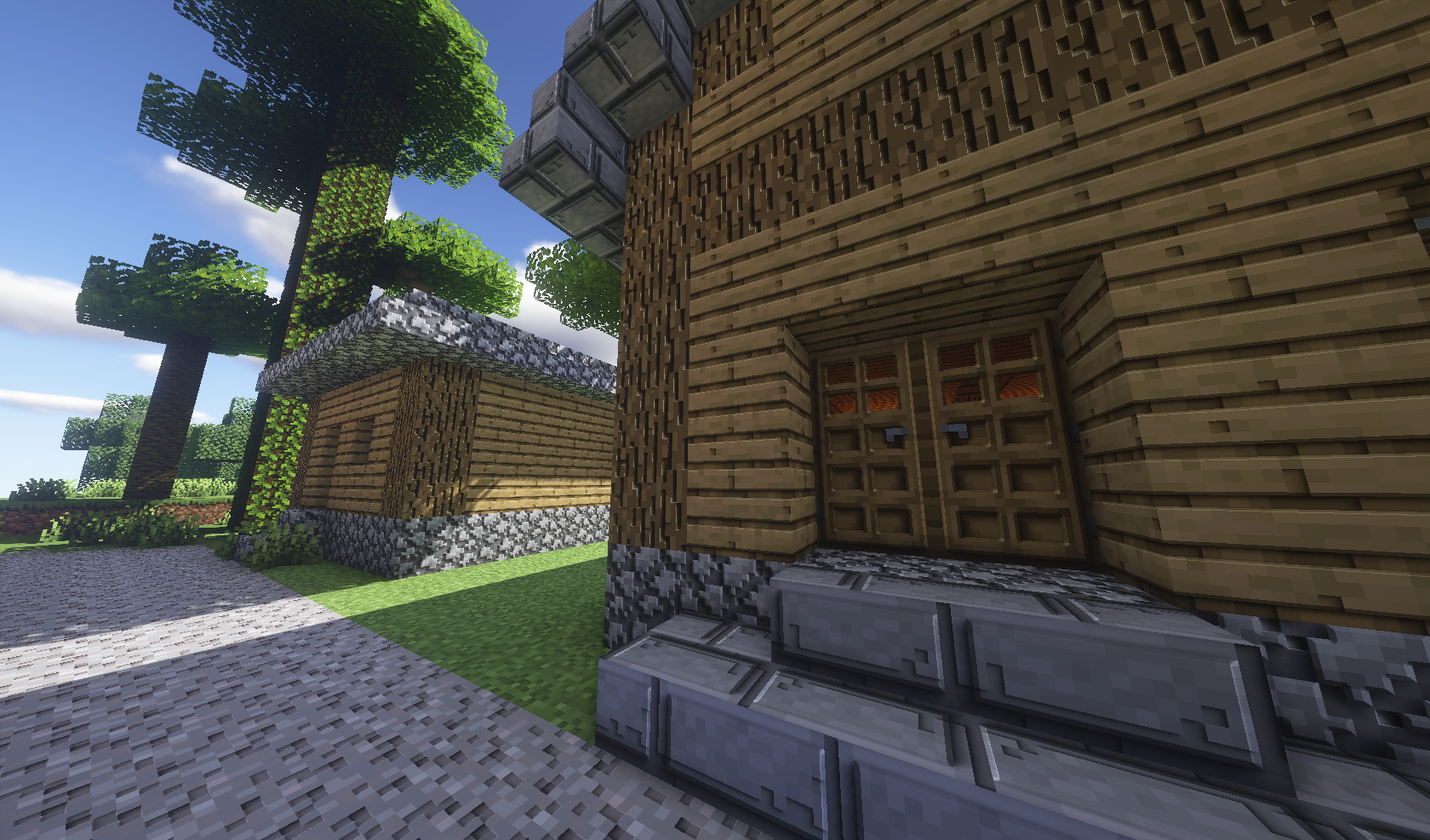
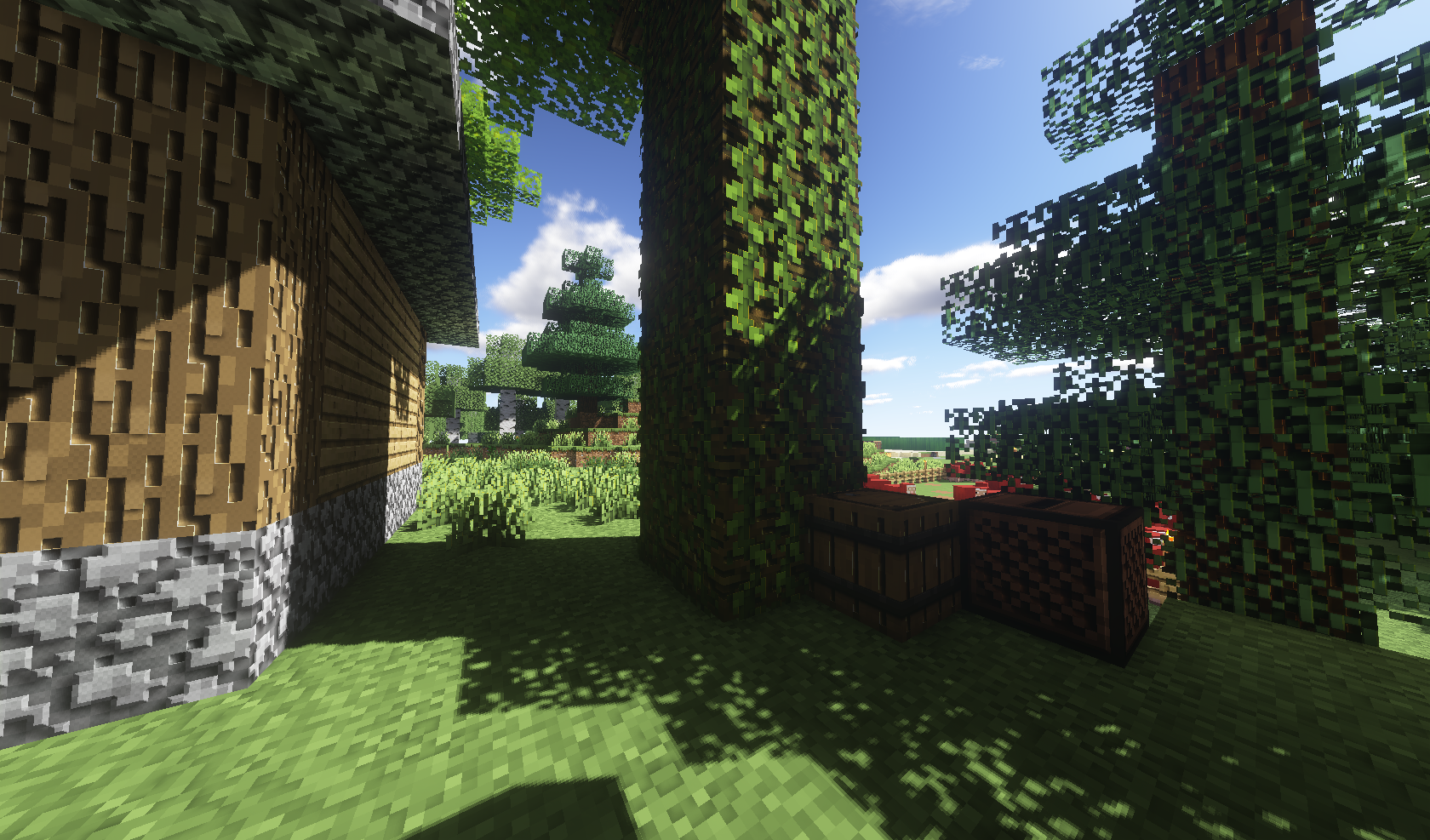
how to make it work as in the images:
1 - Install Opitfine.jar (the shaders receiver) link https://optifine.net/home 
2 - Download shader.zip (the shader file) link https://sildurs-shaders.github.io
3 - In your game locate shaders folder (Options > Video settings > Shaders... > Shaders Folder)
4 - the system to go open your shaders folder, so place shader.zip file in this folder
5 - Go back to game and select shader.zip in shader list
 
img


Hi! My name is Fernando M.S. or FiMiS. The original project 128x was started in mid-2013 and was abandoned due to personal issues, at time involving equipment shortages and RAW file loss, so I am re-texturizing all blocks 256x and using the latest Minecraft design

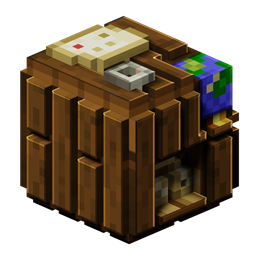
The Hollywood Blocks are focused to maintain the maximum default design exposing only subtle details in high definition. My inspiration came 10 years ago when I noticed this Texture Pack by Jeanki on PlanetMinecraft.com. it looked innovative so I decided to do my own texture pack version. Yep, this texture pack from 10 years ago was my inspiration and as you can see even the 128x resolution was similar. All techniques used to produce my version are gray scale variant color overlays, this procedure was inspired by primitive texturing schemes observed in classic games such as Quake 1996.
 
  • This resource pack are photo-realistic?

Nope, hollywood blocks should avoid as much photographic image compositing techniques, image blurry, pixel noise, filters and drastic color changes.

  • I am making others resolutions?

I intend to keep the package in just one resolution. Currently Minecraft texture folder contains more than 600 files (to blocks only) and those numbers rise with each update so will have a lot of work to scale multiple package.

  • This have Corporyght?

This is a recreation of the mojang design but I have spent a lot of time and effort to reproduce this. You are free to download install and share this resource pack but be sure to quote me and recommend my download link https://curseforge.com/hollywood-blocks-fimis Pls! Thx! ♥

Hollywood Blocks - Team:

https://www.deviantart.com/fimis-hbpack FiMiS Design

https://www.planetminecraft.com/member/fimis/ FiMiS Design

https://twitter.com/FiMiS9 FiMiS Design

https://twitter.com/XDeFlower SchrodingerBlume China Maker


Minecraft Shader receiver:

https://optifine.net/home


Minecraft Shaders:

https://www.curseforge.com/minecraft/customization/complementary-shaders

https://sildurs-shaders.github.io

https://bitslablab.com

https://www.curseforge.com/minecraft/customization/chocapic13-shaders

https://sonicether.com

Credit Links:
https://blockbench.net
https://github.com/JTK222
https://blender.org

HollywoodBlocks_v0.1.0
MC 1.16-Snapshot
Release 2020-06-17 Get
HollywoodBlocks_v0.0.12
MC 1.16-Snapshot, 1.15-Snapshot, 1.15, 1.15.2, 1.15.1
Release 2020-04-01 Get
HollywoodBlocks_v0.0.11
MC 1.15-Snapshot, 1.14.4, 1.14.1, 1.14.3, 1.15, 1.15.2, 1.14, 1.14.2, 1.14-Snapshot, 1.15.1
Release 2020-03-08 Get
HollywoodBlocks_v0.0.10
MC 1.15-Snapshot, 1.14.4, 1.14.1, 1.14.3, 1.15, 1.15.2, 1.14, 1.14.2, 1.14-Snapshot, 1.15.1
Release 2020-02-21 Get
HollywoodBlocks_v0.0.9_mc1.15_mc1.14
MC 1.15-Snapshot, 1.14.4, 1.14.1, 1.14.3, 1.15, 1.15.2, 1.14, 1.14.2, 1.14-Snapshot, 1.15.1
Release 2020-01-28 Get
HollywoodBlocks_v0.0.8_mc1.15
MC 1.15, 1.15.1
Beta 2020-01-13 Get
HollywoodBlocks_v0.0.7_mc1.15
MC 1.15, 1.15.1
Alpha 2020-01-12 Get
HollywoodBlocks_v0.0.6_mc1.5.zip
MC 1.14.4, 1.14.1, 1.14.3, 1.15, 1.14, 1.14.2, 1.14-Snapshot, 1.15.1
Alpha 2020-01-08 Get

Requirements & install

How to use this resource pack in Minecraft
Resolution
256x
Minecraft
1.14.2 – 1.16-Snapshot
Install folder
.minecraft/resourcepacks

How to install resource packs

  1. Download the resource pack .zip file (do not extract it).
  2. In Minecraft open Options → Resource Packs → Open Pack Folder.
  3. Drop the .zip into the resourcepacks folder (.minecraft/resourcepacks).
  4. Move the pack to the Selected column and click Done.

Packs from 128x upwards need more video memory: install a performance mod such as Sodium for smooth frame rates.

Browse more: 16x resource packs 32x resource packs 64x resource packs 128x resource packs 256x resource packs 512x+ resource packs Resource Packs for 1.16-Snapshot All resource packs

More from fimishb

Advertisement Remove ads with Premium →

You Might Also Like