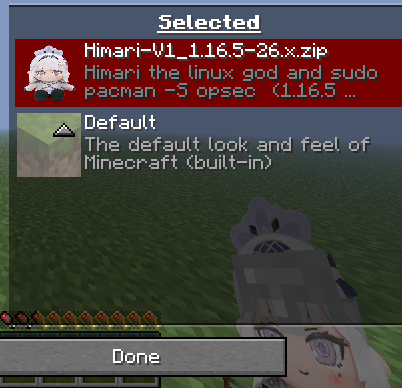
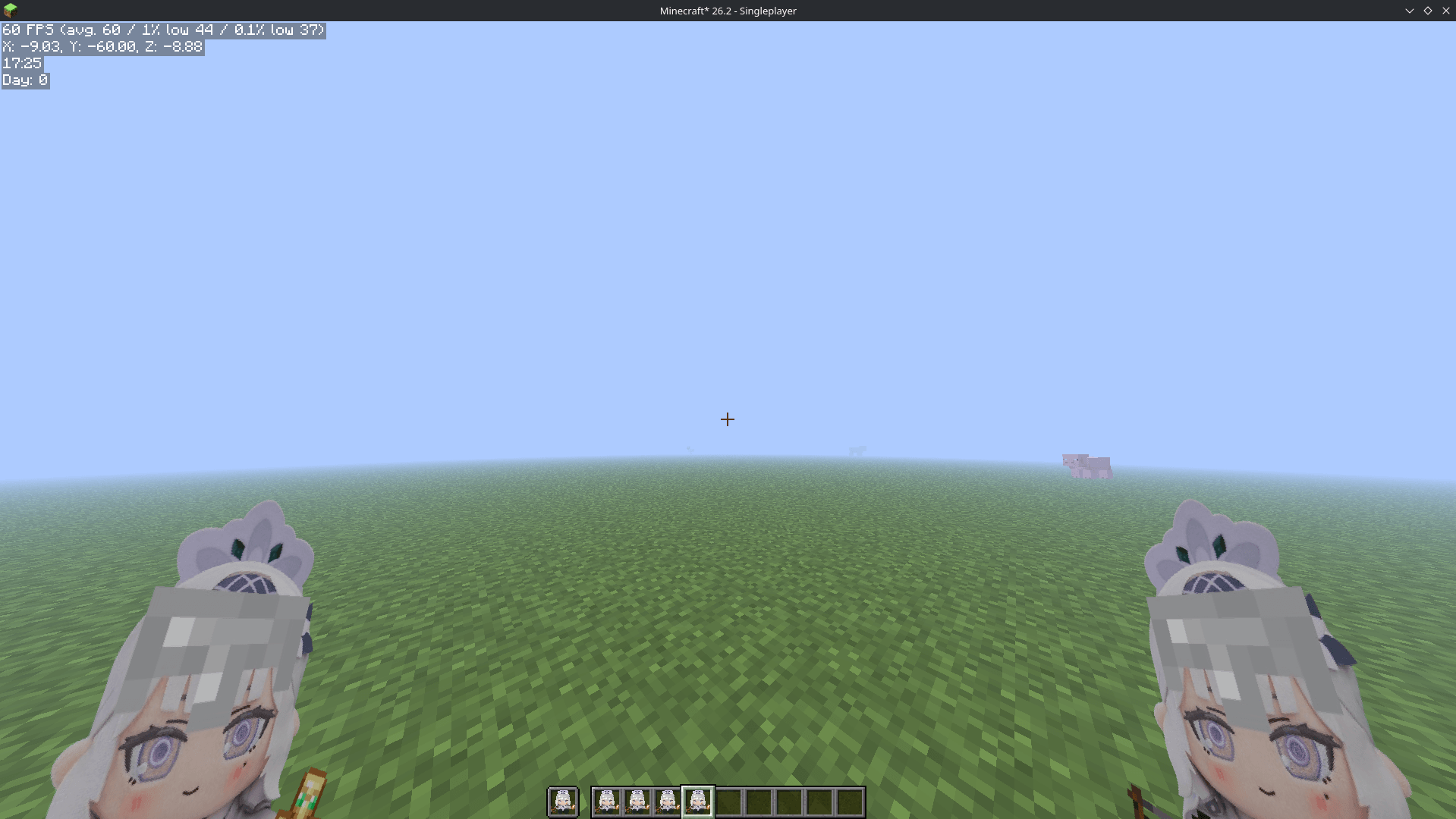
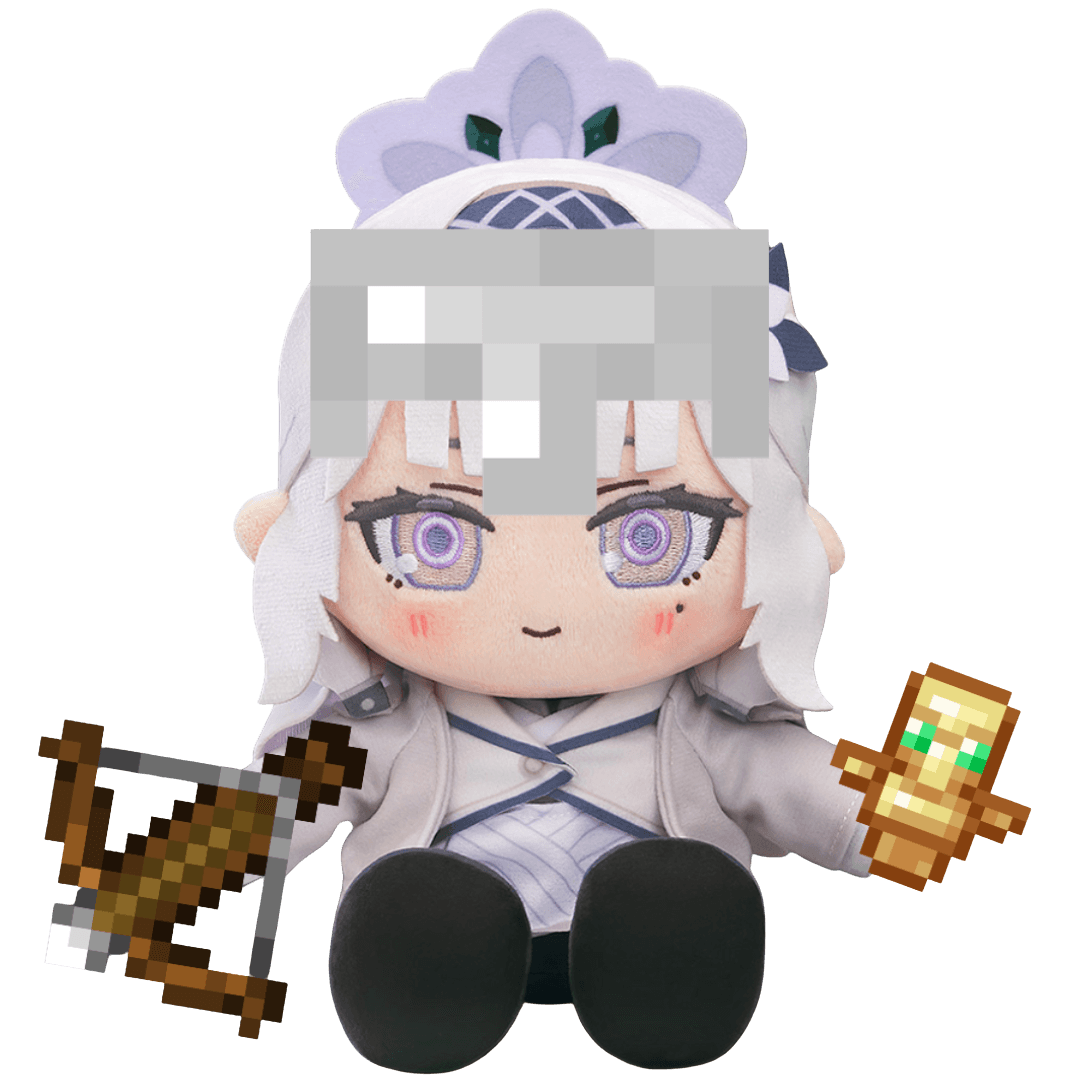
MODRINTH: https://modrinth.com/resourcepack/himari-plusie-totem
EN
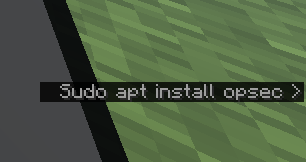
... should a say "sudo pacman install opsec"? (larp king)
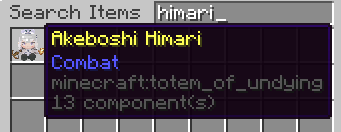
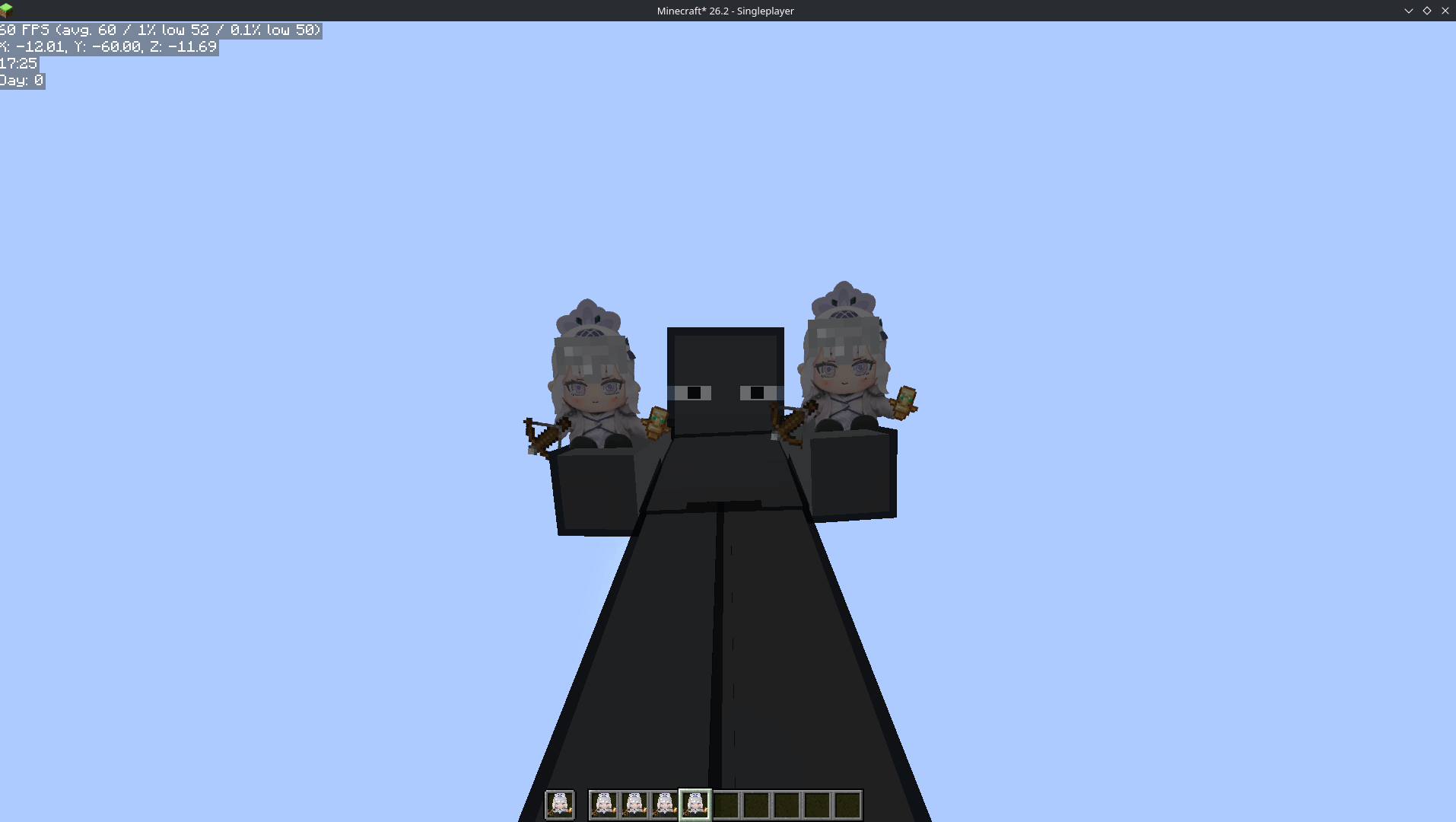
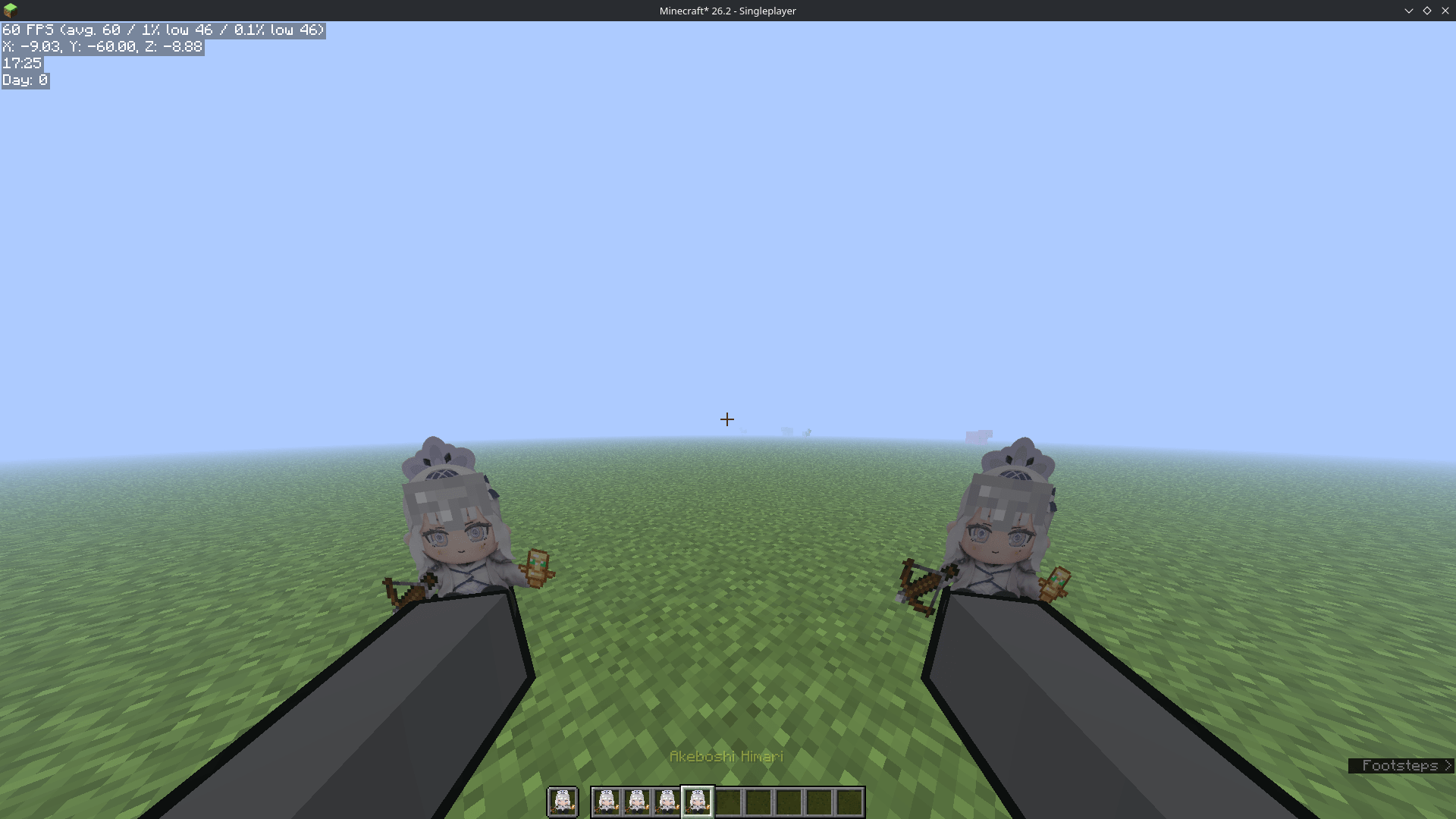
This resource pack includes:
VI
" sudo apt install opsec i use arch btw windows is bloatware using linux i using mullvad vpn Helloworld("print") "- đó là những gì himari larp trong vũ trụ blue archive diddy skibidi này ( joke )
trong resouce pack này gồm
STORY/TRUYỆN
EN:
When asked by the Foreclosure Task Force for help, Himari immediately went to Hoshino's house. With her tech skills that won first place in the Abydos high school computer competition, she was able to identify the cause and solution.
- Ayane: Please, sister, help save Hoshino senpai and sensei! They're still trapped inside this computer!
- Himari: Fufu, it's actually simple. It's the consequence of using Windows—just use Linux instead.
- Ayane: ????
- Himari: Just kidding. It's because Hoshino bought the computer from Temu AND installed Tlaucher. Money spent to get a bad smell in return.
- Ayane: What do we do now?
- Himari: Now we just need to eliminate the Tlaucher virus and give this computer a little performance boost—piece of cake.
- Ayane: Thank goodness, we finally have a way to save Hoshino senpai!
- Himari: By the way, I'm curious to explore the Minecraft world inside this computer. Maybe I can even grant the ability to travel between the two worlds.
- Ayane: Thank you so much, sister!
[Inside Minecraft]
- Hoshino: This world is so peaceful, perfect for a place to sleep~
- Sensei: I agree. It's getting dark though, let's head home together. We should have found quite a bit of diamonds in the cave.
- Hoshino/Shiroko: Yes, sir!
- Shiroko: (Strange... I have a feeling something interesting is about to happen...)
RUMBLE
- Sensei/Hoshino/Shiroko: What was that?!
- Himari: Kekeke, what place is this dark? Oh, is everyone here? Wait, where's my gun?
- Sensei: Sorry Himari, I forgot to install the Tacz mod. So you got pulled in here too?
- Himari: Oh, I came to rescue everyone. Anyway, I've already eliminated the virus and replaced Tlaucher with another launcher, so you don't need to worry about being permanently trapped.
VN:
khi được Foreclosure Task Force nhờ giúp, himari đã đến nhà hoshino ngay sau đó, với tài công nghệ đạt giải nhất tin học cấp abydos thì cô đã tìm hiểu đuợc nguyên nhân và hướng giải quyết
- Ayane: xin chị hãy cứu giúp Hoshino senpai và sensei, họ vẫn còn đang mắc kẹt trong chiếc máy tính này
- Himari: Fufu, cũng đơn giản thôi, hậu quả của dùng windows đấy dùng linux đi
- Ayane: ????
- Himari: đùa thôi do máy tính hoshino mua từ temu và cả Tlaucher nữa đấy, tiền hít mà đòi hít mùi thơm
- Ayane: bây giờ phải làm sao ạ?
- Himari: bây giờ chỉ cần diệt con virus của Tlaucher cũng như độ cho máy tính này tí hiệu năng là ngon luôn
- Ayane: may quá cuối cùng cũng có cách cứu được Hoshino senpai rồi
- Himari: tiện thể chị muốn khám phá thế giới Minecraft trong máy tính này luôn, có khi chị có thể cho khả năng qua lại giữa hai thế giới luôn
- Ayane: thế trăm sụ nhờ chị ạ!
trong thế giới minecraft trong máy tính
- Hoshino: thế giới này yên bình quá đi, rất phù hợp để làm chỗ ngủ đây~
- Sensei: thầy cũng thấy thế, mà trời sắp tối rồi, chúng ta cùng nhau trở về nhà đi, dưới hang chắc cũng đào đuợc kha khá kim cuơng rồi
- Hoshino/Shiroko: vâng ạ!
-Shiroko: ( sao mình linh cảm có gì đó thú vị sắp diễn ra nhỉ )
RẦM
- Sensei/Hoshino/Shiroko: gì vậy???
- Himari: khụ khụ, nơi gì tối om vậy? ồ mọi người ở đây hết à, ủa súng đâu?
- Sensei: xin lỗi Himari, thầy quên cài mod tacz, mà em cũng bị hút vào đây à
- Himari: à em đến để cứu mọi người, dù sao thì em cũng đã diệt virus và thay Tlaucher bằng laucher khác rồi nên thầy không phải lo về việc bị mắc kẹt vĩnh viễn đâu