Mineuniverse
Resource Packs
Hermit Permit

Hermit Permit

RESOURCE PACK
A Fan-Made Hermit Permit Resource Pack
by SaplingEmo366
Download Claim this project
Add a badge to your pageLink to Hermit Permit from a README, website or forum post.
Preview: Badge

Badges update automatically and link to the resource pack page on MineUniverse.

1,833 downloads
0 likes
0 followers
Updated Oct 14, 2026
0 hypes
Follow0
64x Miscellaneous
Advertisement Remove ads with Premium →

Hermit Permit

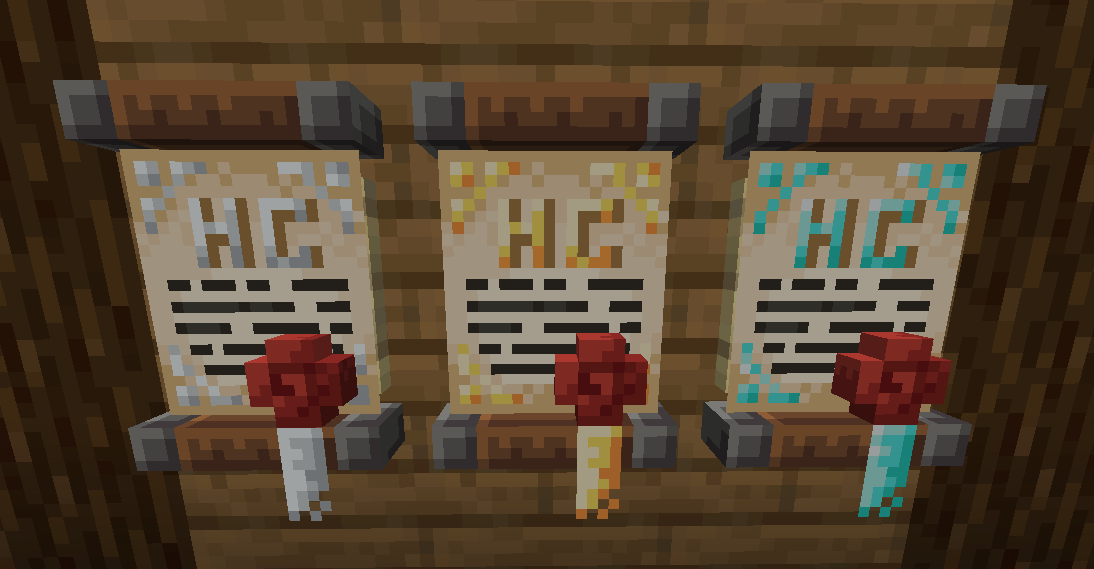
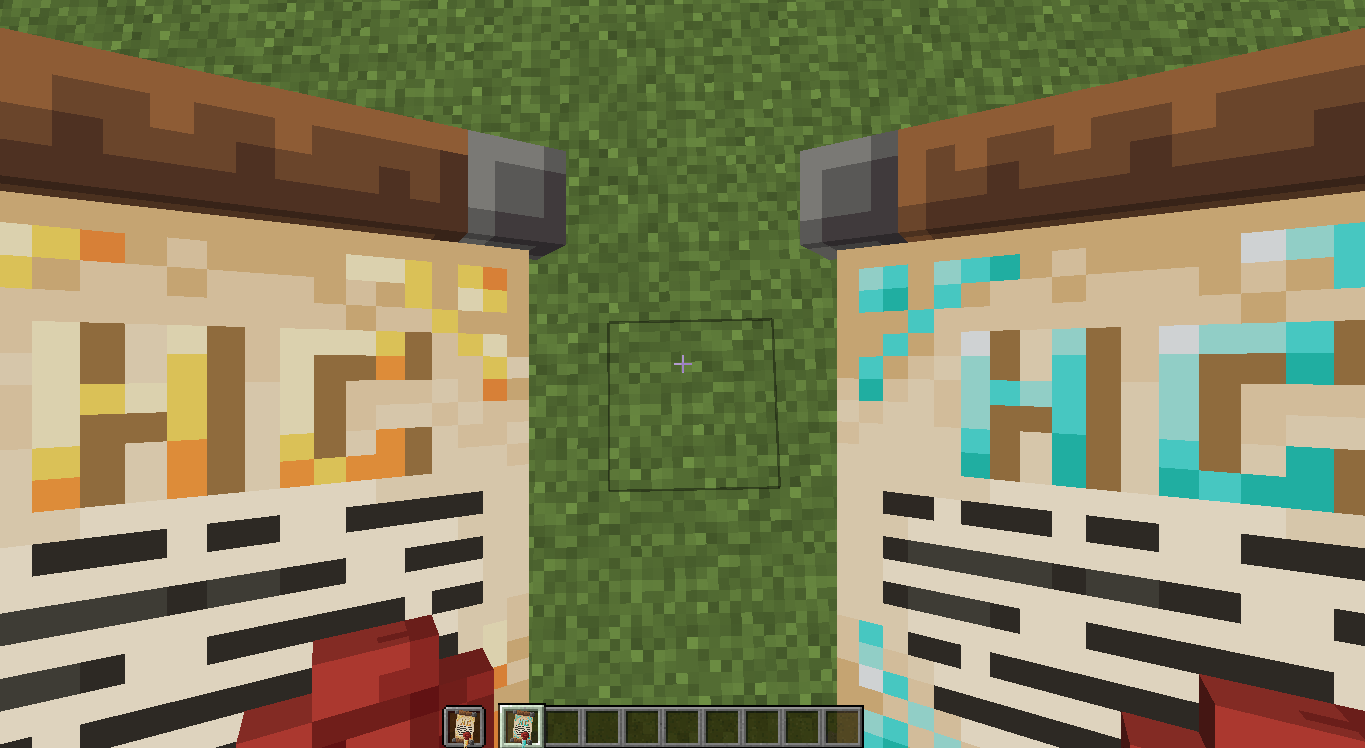
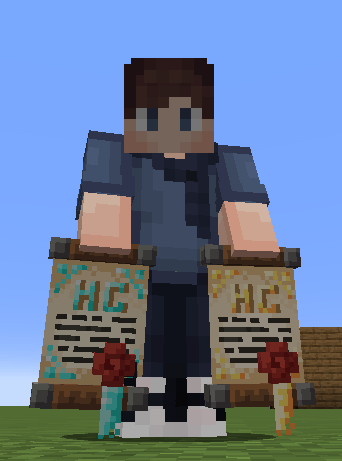
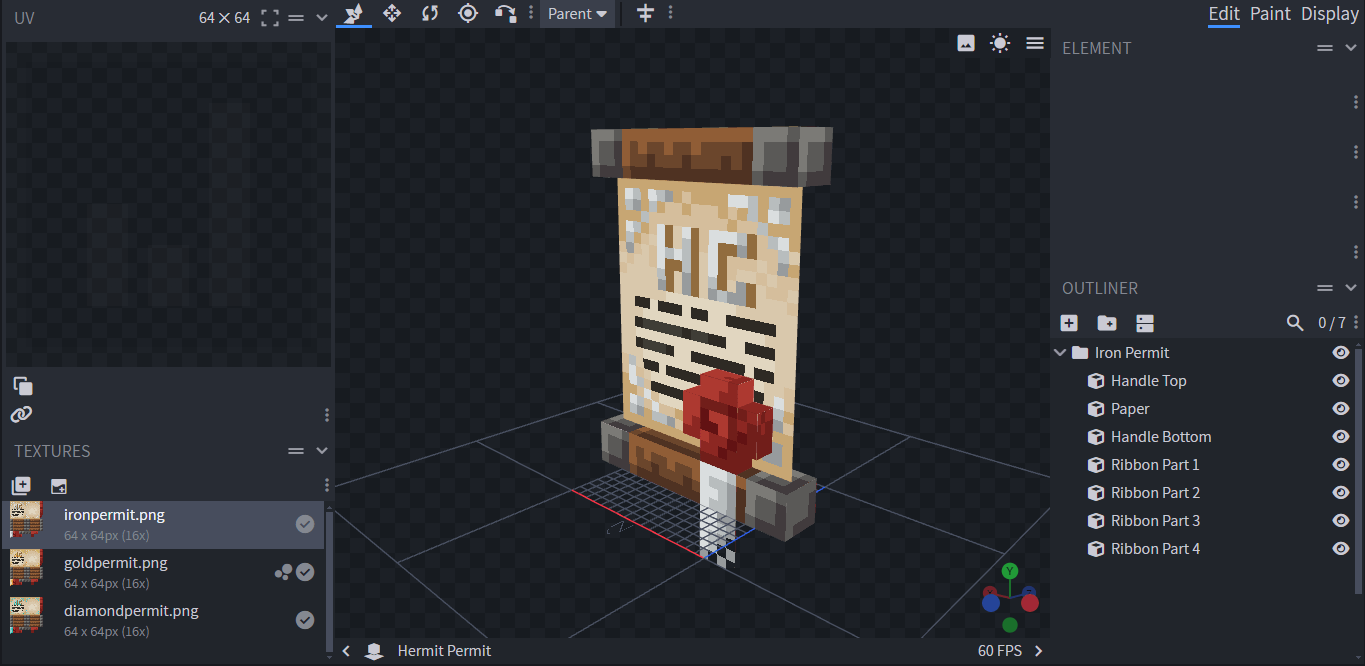
Are you interested in adding Hermit Permits to your worlds and servers? Over the past five months, I’ve reviewed all the videos featuring the permits and spent countless hours recreating them as accurately as possible. While minor discrepancies may exist, the Permits are essentially one-to-one replicas. During this process, I also learned to use Blockbench to design the model and textures.

Edit: Moved updates like this into the file's changelog in a shorter format for easier consumption.
Additionally, if you are unable to obtain the permits, the resource pack includes a README file.

P.S. Additionally, if you are aware of who created the original model and textures, please let me know so I can provide proper credit. I want to share my creation with people who will appreciate it.


Hermit Permit
MC 26.1
Release 2026-03-24 Get
Hermit Permit
MC 1.21.11
Release 2025-12-28 Get
Hermit Permit
MC 1.21.9, 1.21.10
Release 2025-10-03 Get
Hermit Permit
MC 1.21.8, 1.21.7
Release 2025-08-08 Get
Hermit Permit
MC 1.21.6
Release 2025-06-25 Get
Hermit Permit
MC 1.21.5
Release 2025-03-31 Get
Hermit Permit
MC 1.21.4
Release 2024-12-17 Get
Hermit Permit (Not Compatible with Custom Roleplay Data)
MC 1.21.4, 1.21.4-Snapshot
Release 2024-12-06 Get
Hermit Permit
MC 1.21.3, 1.21.2
Release 2024-10-28 Get
Hermit Permit
MC 1.21.1
Release 2024-10-20 Get

Requirements & install

How to use this resource pack in Minecraft
Resolution
64x
Minecraft
1.21.5 – 26.1
Install folder
.minecraft/resourcepacks

How to install resource packs

  1. Download the resource pack .zip file (do not extract it).
  2. In Minecraft open Options → Resource Packs → Open Pack Folder.
  3. Drop the .zip into the resourcepacks folder (.minecraft/resourcepacks).
  4. Move the pack to the Selected column and click Done.
Browse more: 16x resource packs 32x resource packs 64x resource packs 128x resource packs 256x resource packs 512x+ resource packs Resource Packs for 26.1 All resource packs
Advertisement Remove ads with Premium →

You Might Also Like