Mineuniverse
Resource Packs
Hellim's TrueTexture GUI - TTCollection

Hellim's TrueTexture GUI - TTCollection

RESOURCE PACK
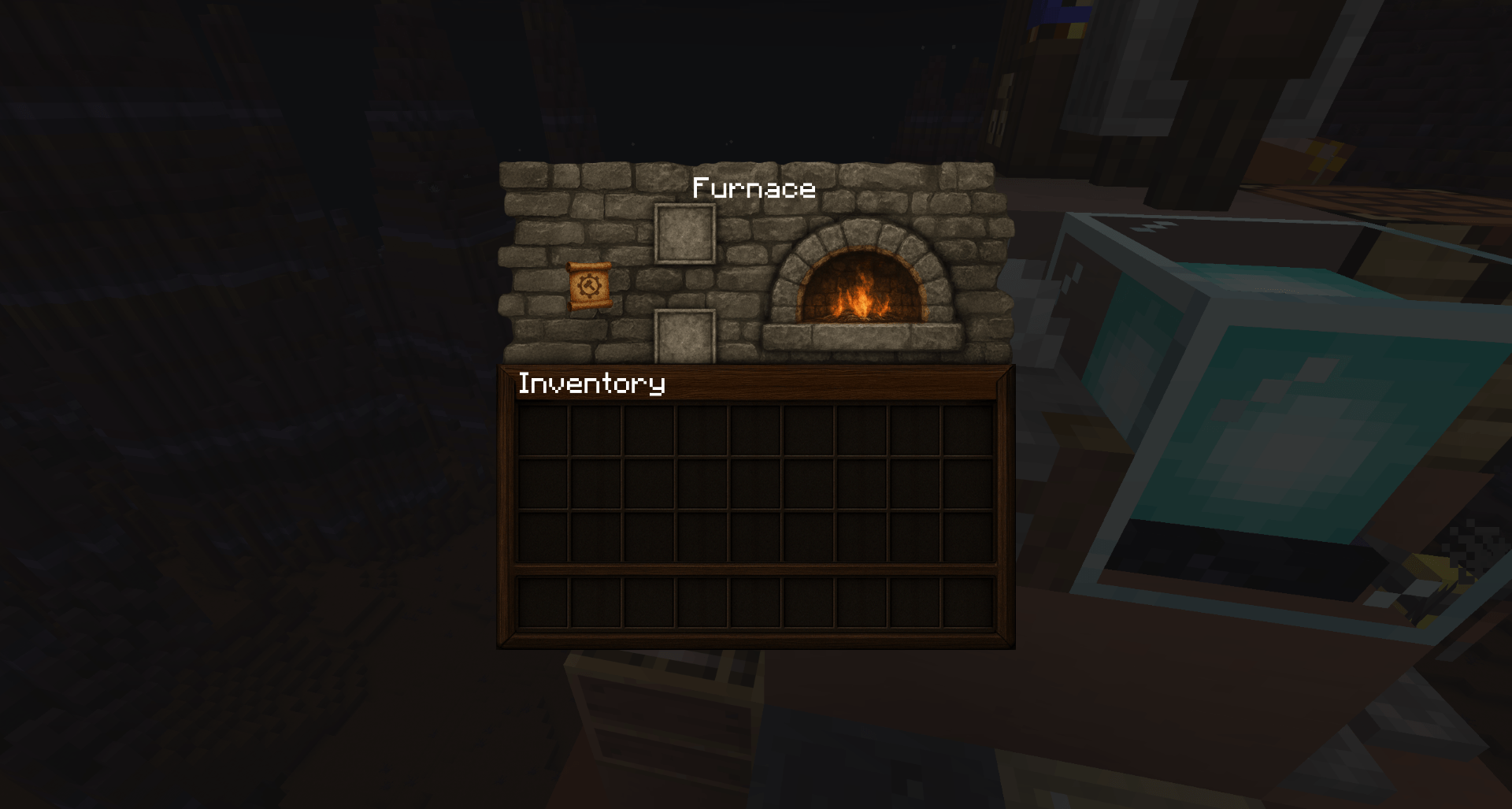
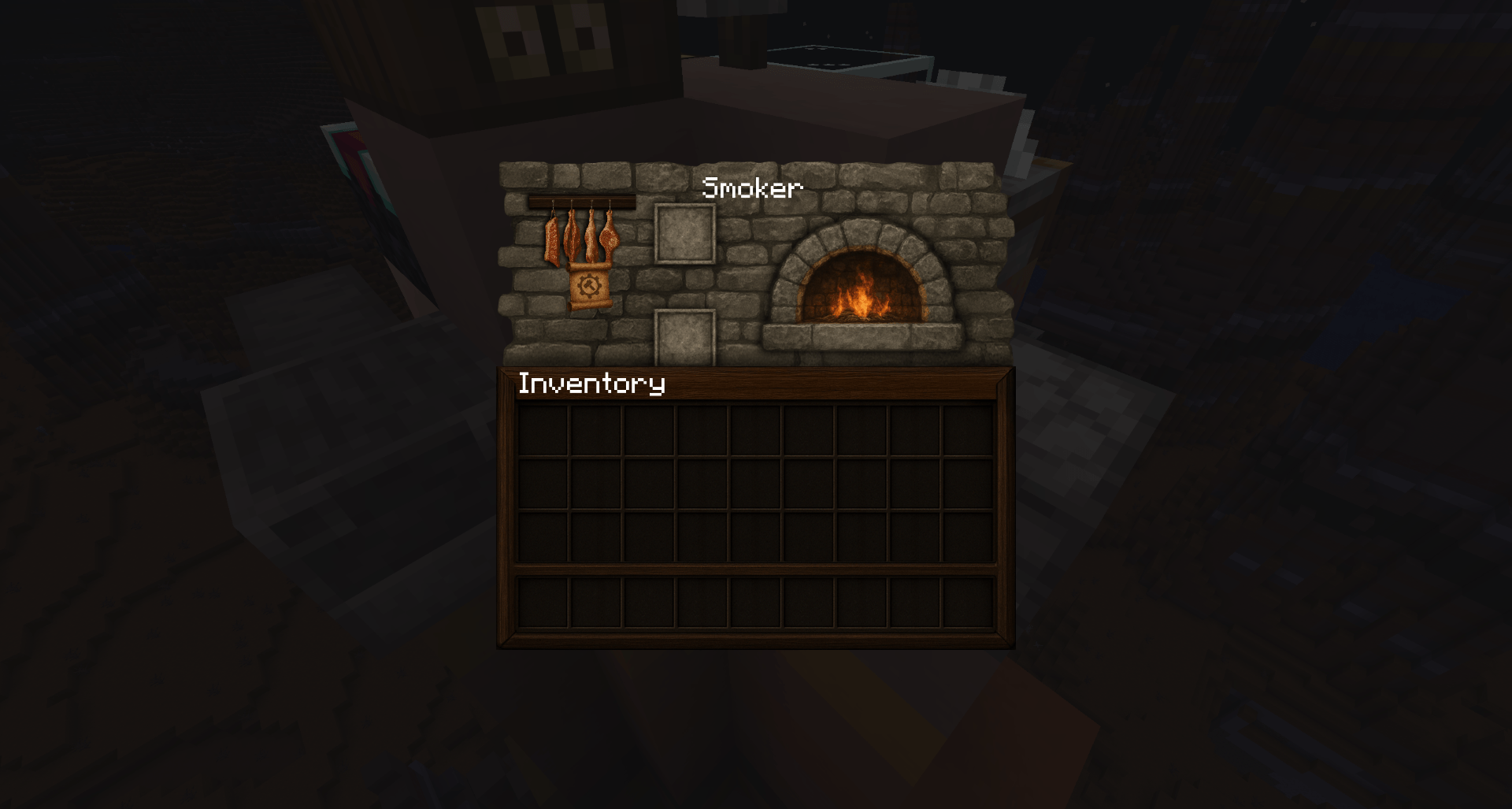
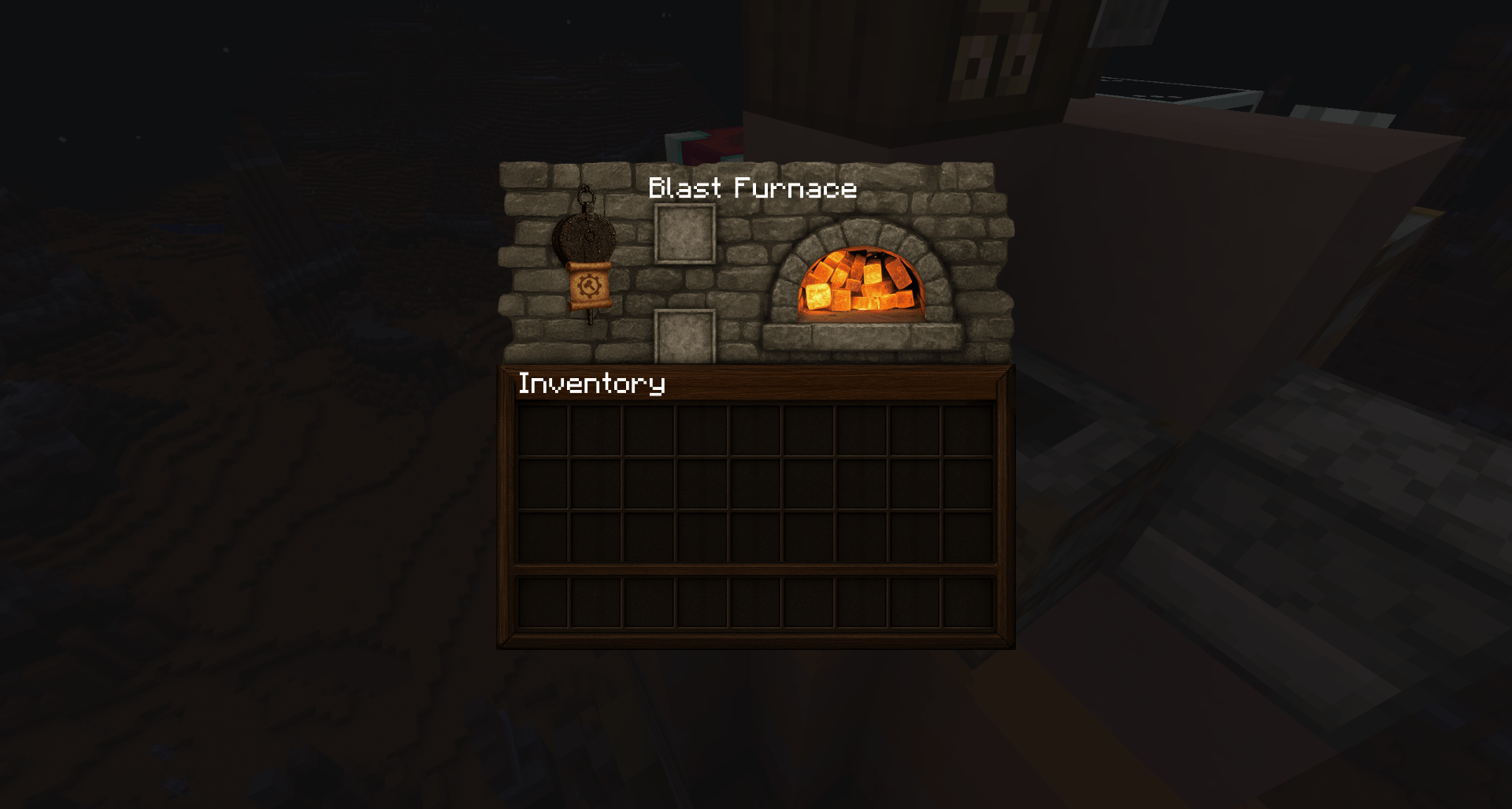
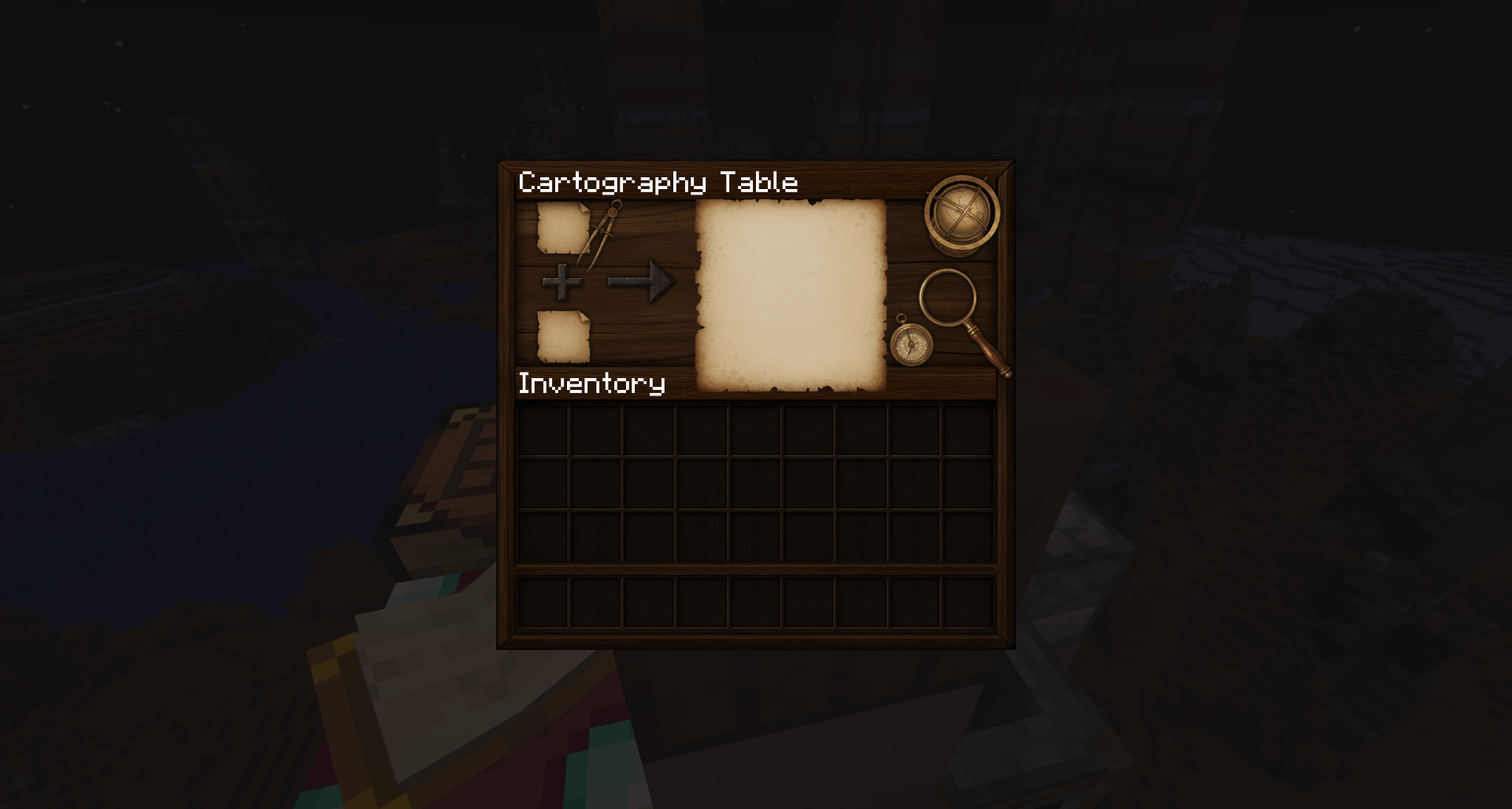
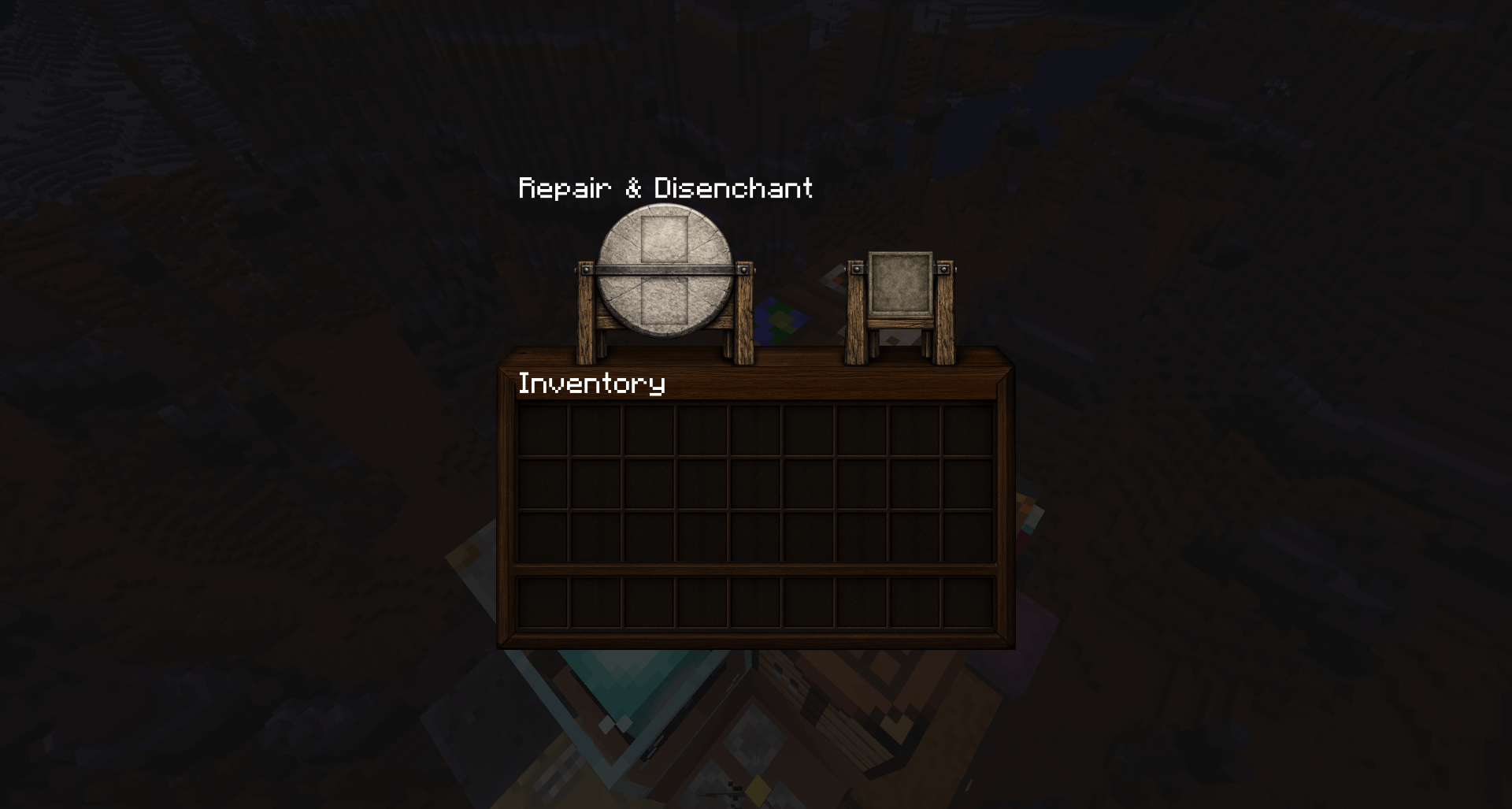
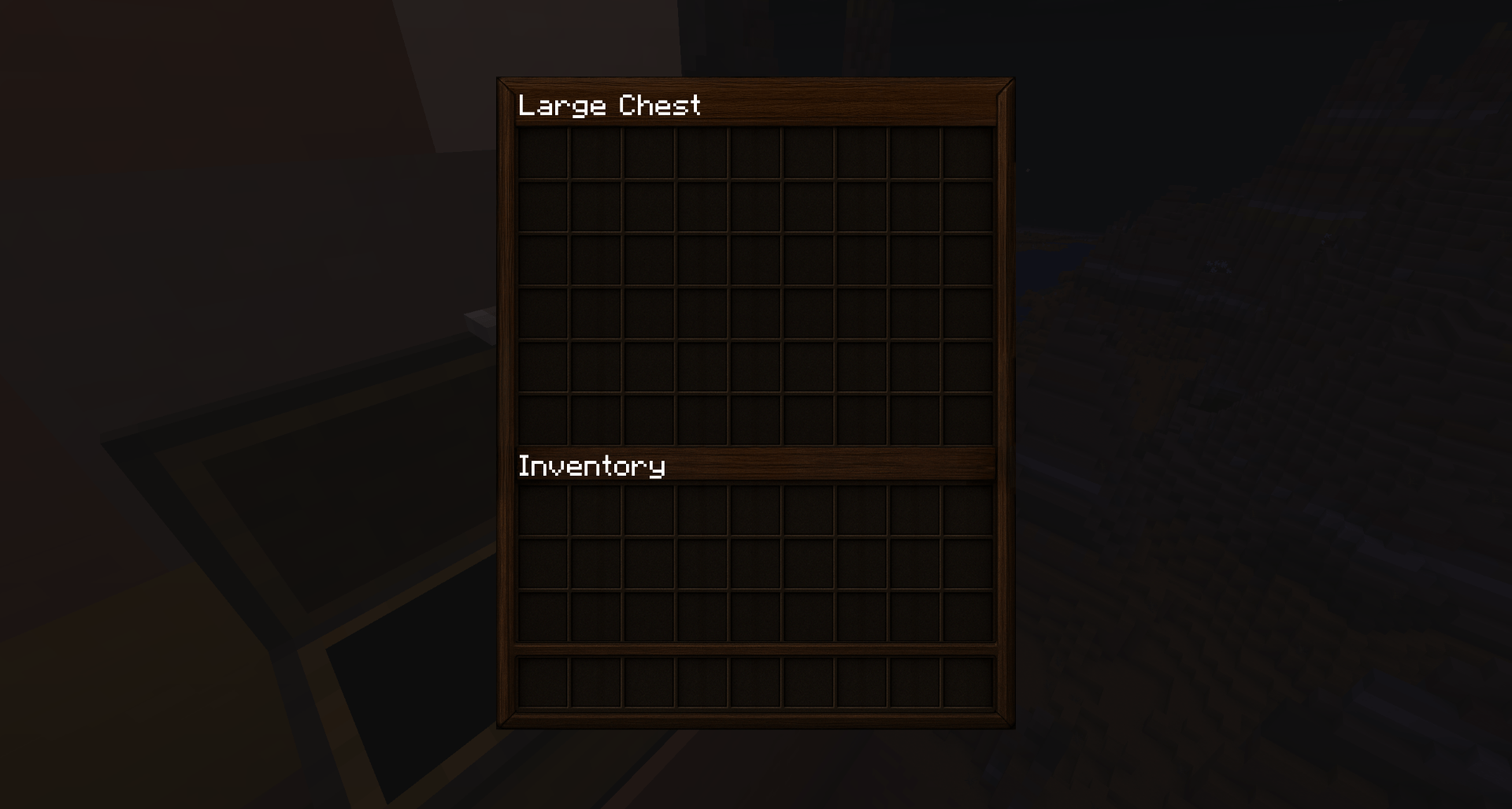
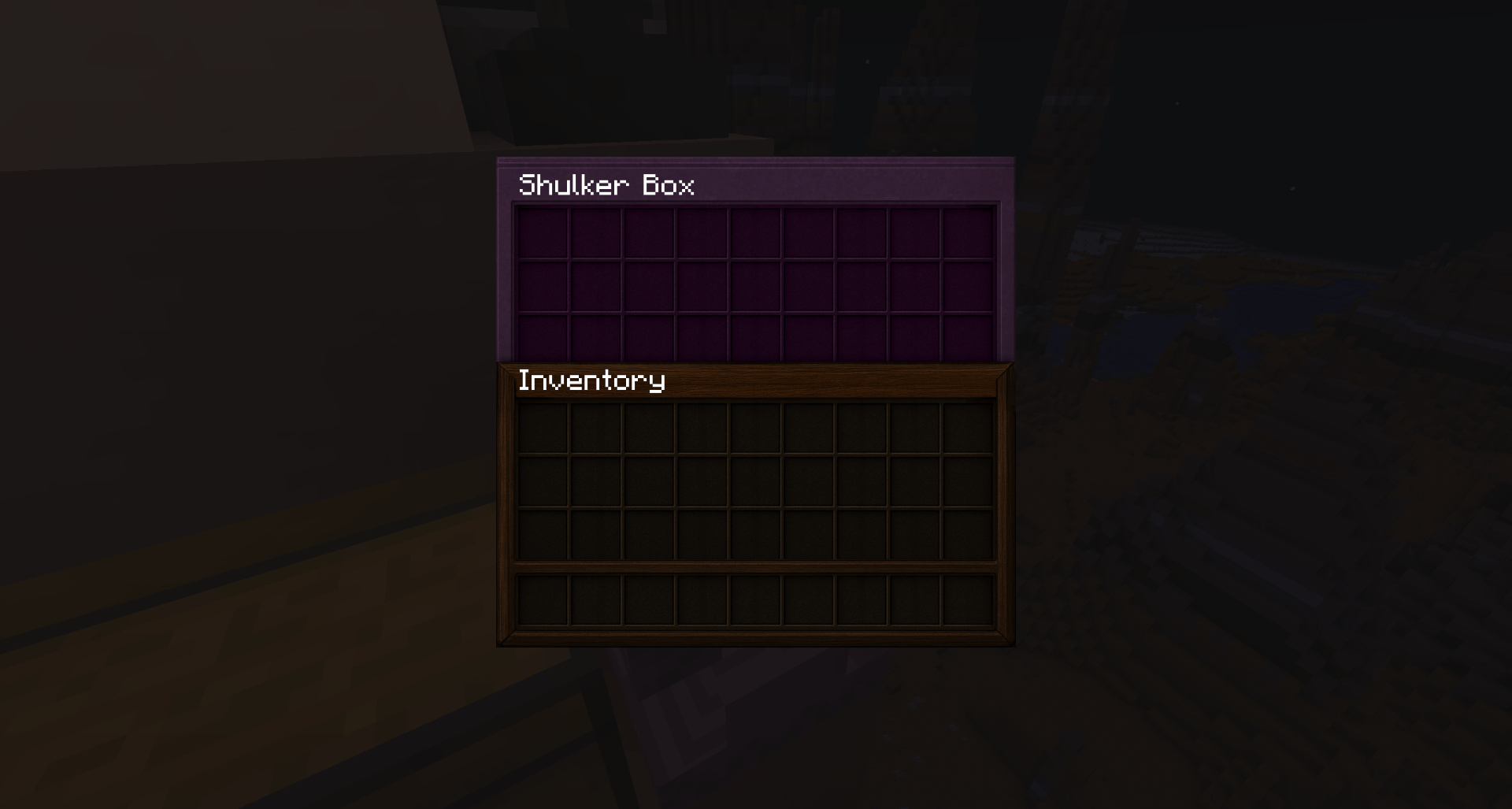
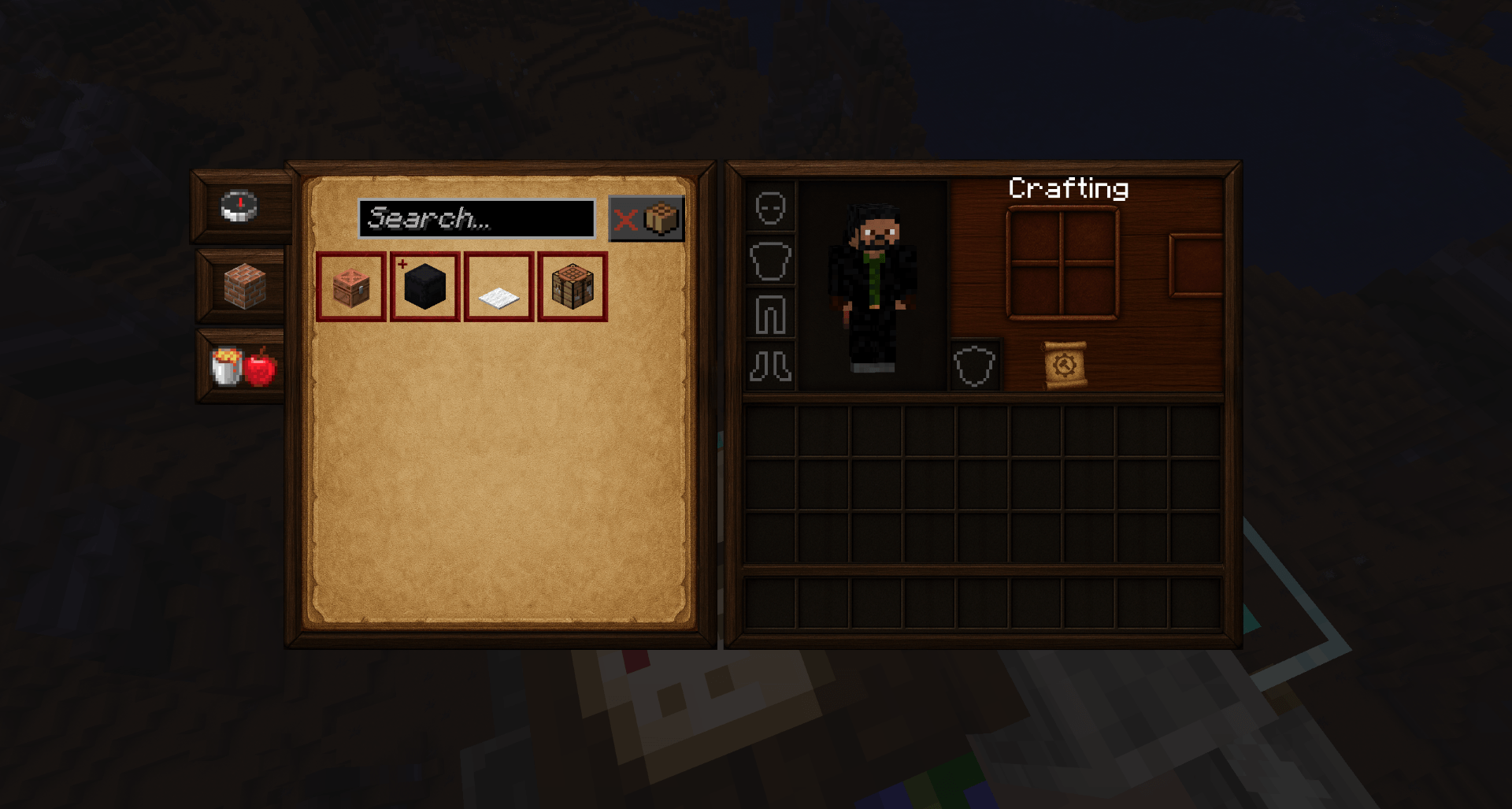
True Textured Minecraft GUI with realistic textures.
by ManiacVII
Download Claim this project
114,590 downloads
0 likes
0 followers
Updated Oct 14, 2026
0 hypes
Follow0
512x and Higher Animated Medieval Mod Support Photo Realistic
Advertisement Remove ads with Premium →

Hellim's Projects - Hellim's TrueTexture GUI
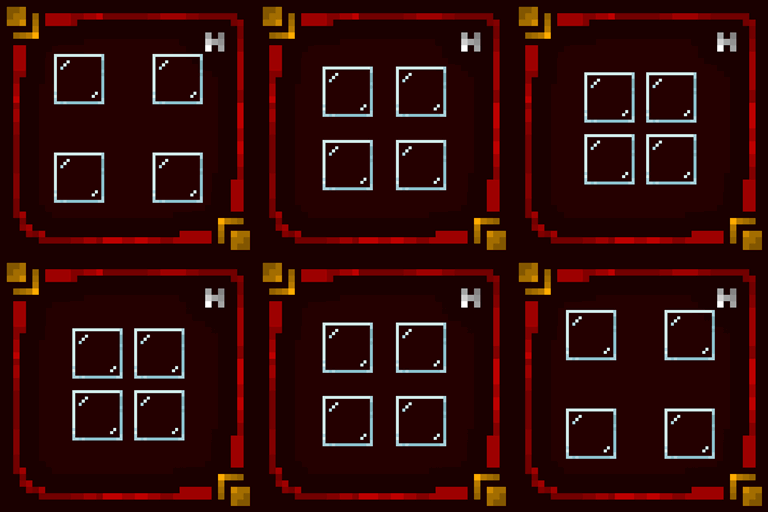
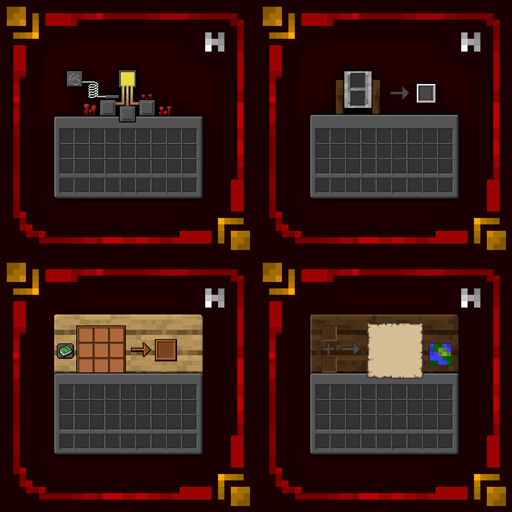
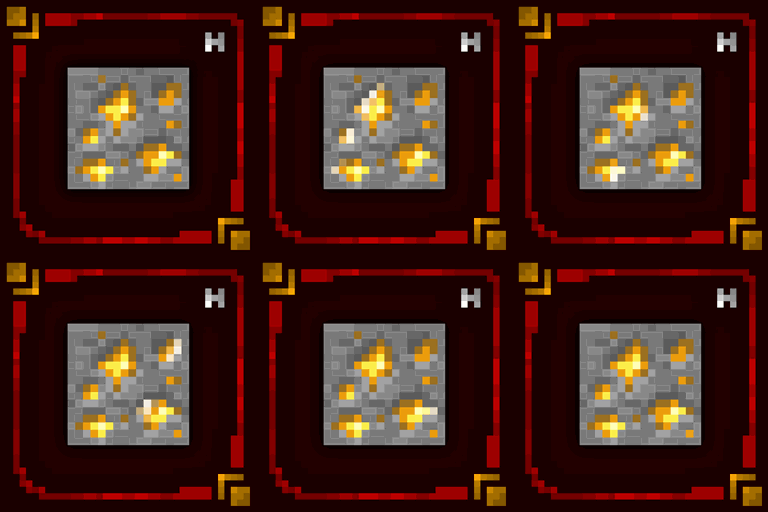
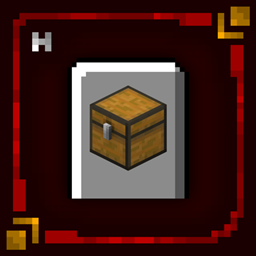
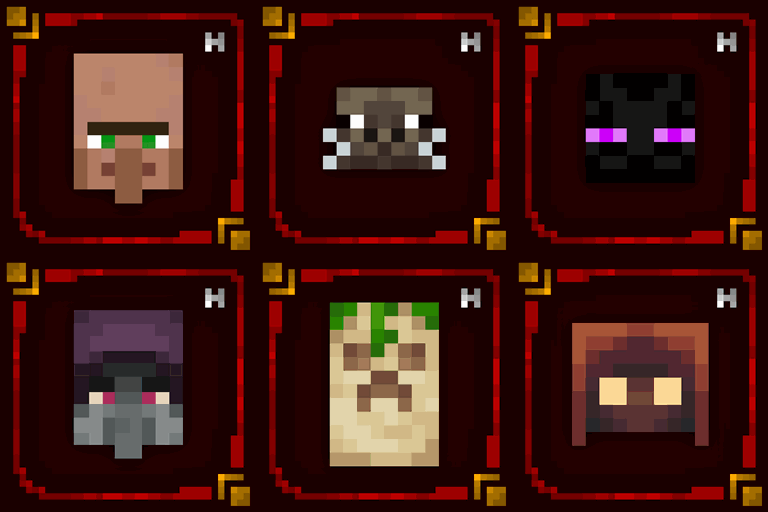
Hellim's TrueTexture GUI is a dark-themed resource pack that redefines Minecraft's style, combining realism with atmosphere. Featuring high-quality, handcrafted textures inspired by natural materials such as aged wood, weathered leather, and brushed metal, the resourcepack gives the game a richer, more grounded aesthetic. The interface (GUI) has been completely redesigned to match its dark, immersive style, providing a cohesive visual experience whether you're managing your inventory or exploring the world. Subtle shadows, darker tones, along with natural textures come together to create a more tactile Minecraft.

Whether you’re building medieval castles, delving into dungeons, or simply enjoying survival mode, Hellim's TrueTexture GUI adds an extra layer of depth and polish to your gameplay.

❗You can suggest mods for us to add to Resourcepack. For this, come to our Discord server or comment.❗

  • This entire project is licensed under the "All Rights Reserved" license.
  • You can use the project in Curseforge or Modrinth Modpacks as you wish. You don't need permission for this. But do not forget to tag our project in the description section of your Modpack.
  • Please send us your problems, bugs, and suggestions regarding the packages via our Discord Server.

Hellim's TrueTexture GUI v0.1
MC 1.21, 1.20.2, 1.21.8, 1.20.5, 1.21.5, 1.21.4, 1.20.1, 1.20, 1.20.6, 1.21.1, 1.21.6, 1.21.3, 1.21.7, 1.20.4, 1.20.3, 1.21.2, 1.21.9, 1.21.10, 1.21.11
Release 2025-09-24 Get

Requirements & install

How to use this resource pack in Minecraft
Resolution
512x+
Minecraft
1.21.4 – 1.21.11
Install folder
.minecraft/resourcepacks

How to install resource packs

  1. Download the resource pack .zip file (do not extract it).
  2. In Minecraft open Options → Resource Packs → Open Pack Folder.
  3. Drop the .zip into the resourcepacks folder (.minecraft/resourcepacks).
  4. Move the pack to the Selected column and click Done.

512x packs need a strong GPU and at least 4 GB of RAM for Minecraft; a performance mod such as Sodium is strongly recommended.

Browse more: 16x resource packs 32x resource packs 64x resource packs 128x resource packs 256x resource packs 512x+ resource packs Resource Packs for 1.21.11 All resource packs

More from ManiacVII

Advertisement Remove ads with Premium →

You Might Also Like