Mineuniverse
Resource Packs
Happy Wolf Totem

Happy Wolf Totem

RESOURCE PACK
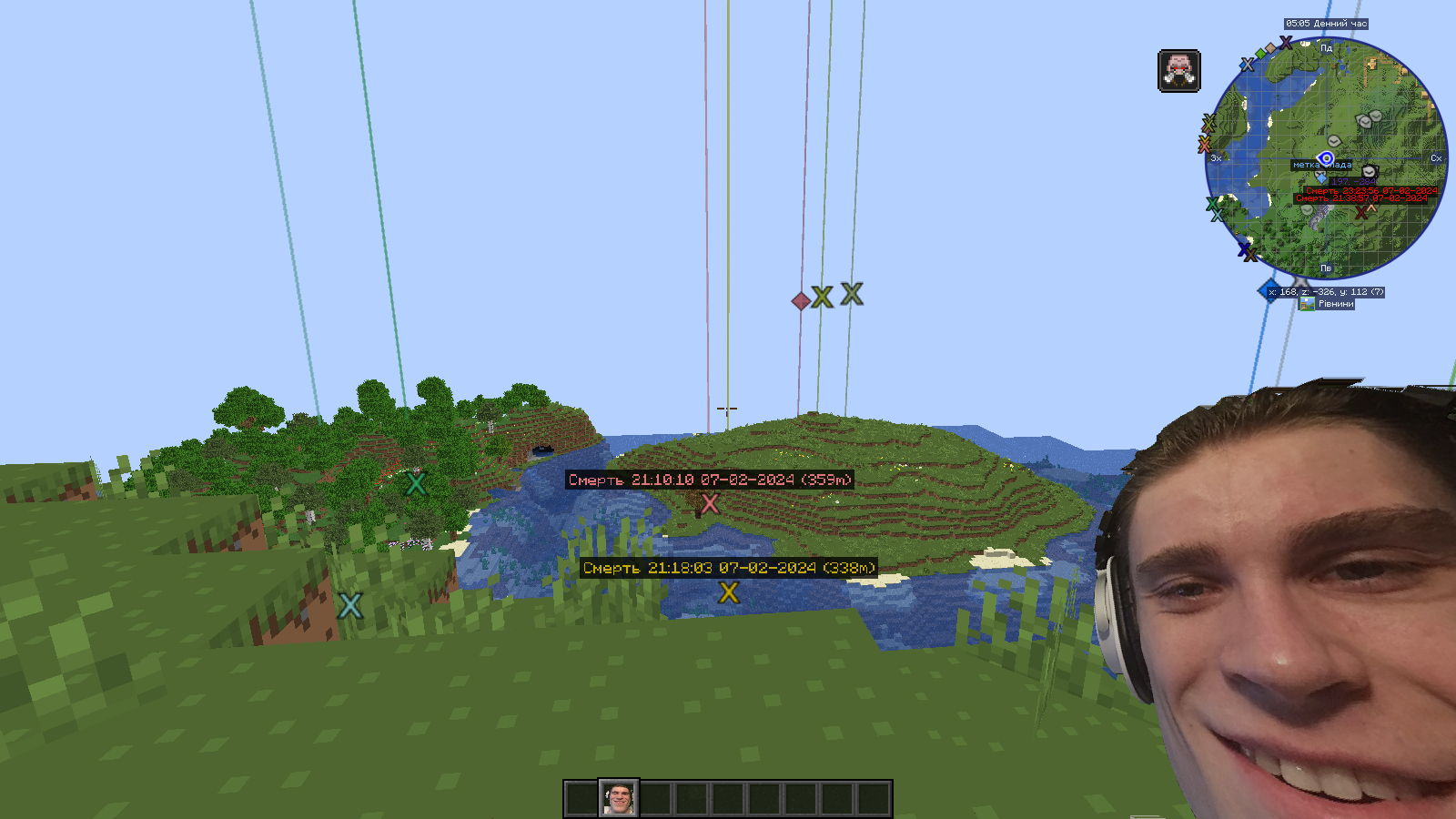
Totem with a blogger's face and sound from this blogger's meme (Happy Wolf)
by absosut
Download Claim this project
796 downloads
0 likes
0 followers
Updated Oct 14, 2026
0 hypes
Follow0
512x and Higher Animated Photo Realistic
Advertisement Remove ads with Premium →

Description:

Welcome to the world of mystical and mysterious textures with the Happy Wolf Totem Pack! This texture in turn changes the standard appearance of the Immortality Totem, giving it a unique, magical and whimsical look.

Features of the texture pack:

Unique design: Instead of a standard totem, you will receive a sophisticated artifact with new details and bright colors that emphasize its magical properties.
High resolution: Every detail of the totem is processed with high resolution, which adds to the realism and aesthetic appeal.
Compatibility with Minecraft 1.20.1: The texture pack is optimized for the latest version of the game, which guarantees stable operation and seamless integration.
Easy installation: Simple instructions will help you quickly install the texture pack and enjoy the new look of the totem.
Why you should choose "Happy Wolf Totem":

The updated look of the totem will add new colors and emotions to the game.
High quality textures will provide a pleasant gaming experience.
Perfect for those looking for something new and different from the usual Minecraft.
Download the "Happy Wolf Totem" texture pack now and discover new possibilities for your favorite Minecraft world!


Happy Wolf Totem
MC 1.20.2, 1.21, 1.20.5, 1.20.2-Snapshot, 1.20.5-Snapshot, 1.20.3-Snapshot, 1.20.3, 1.20.1, 1.20, 1.20.6, 1.20.4, 1.21-Snapshot, 1.20-Snapshot
Release 2024-07-03 Get

Requirements & install

How to use this resource pack in Minecraft
Resolution
512x+
Minecraft
1.20.3-Snapshot – 1.21
Install folder
.minecraft/resourcepacks

How to install resource packs

  1. Download the resource pack .zip file (do not extract it).
  2. In Minecraft open Options → Resource Packs → Open Pack Folder.
  3. Drop the .zip into the resourcepacks folder (.minecraft/resourcepacks).
  4. Move the pack to the Selected column and click Done.

512x packs need a strong GPU and at least 4 GB of RAM for Minecraft; a performance mod such as Sodium is strongly recommended.

Browse more: 16x resource packs 32x resource packs 64x resource packs 128x resource packs 256x resource packs 512x+ resource packs Resource Packs for 1.21 All resource packs
Advertisement Remove ads with Premium →

You Might Also Like