 Pack Version (Last): v1.1
Created by:
Me ( @GalacticUniv )
Available in the following versions:
1.16 - 1.20.1 | 1.20.2+
Tags:
Custom, Black, Orange, 32x, Halloween, Pumpkin
Description:
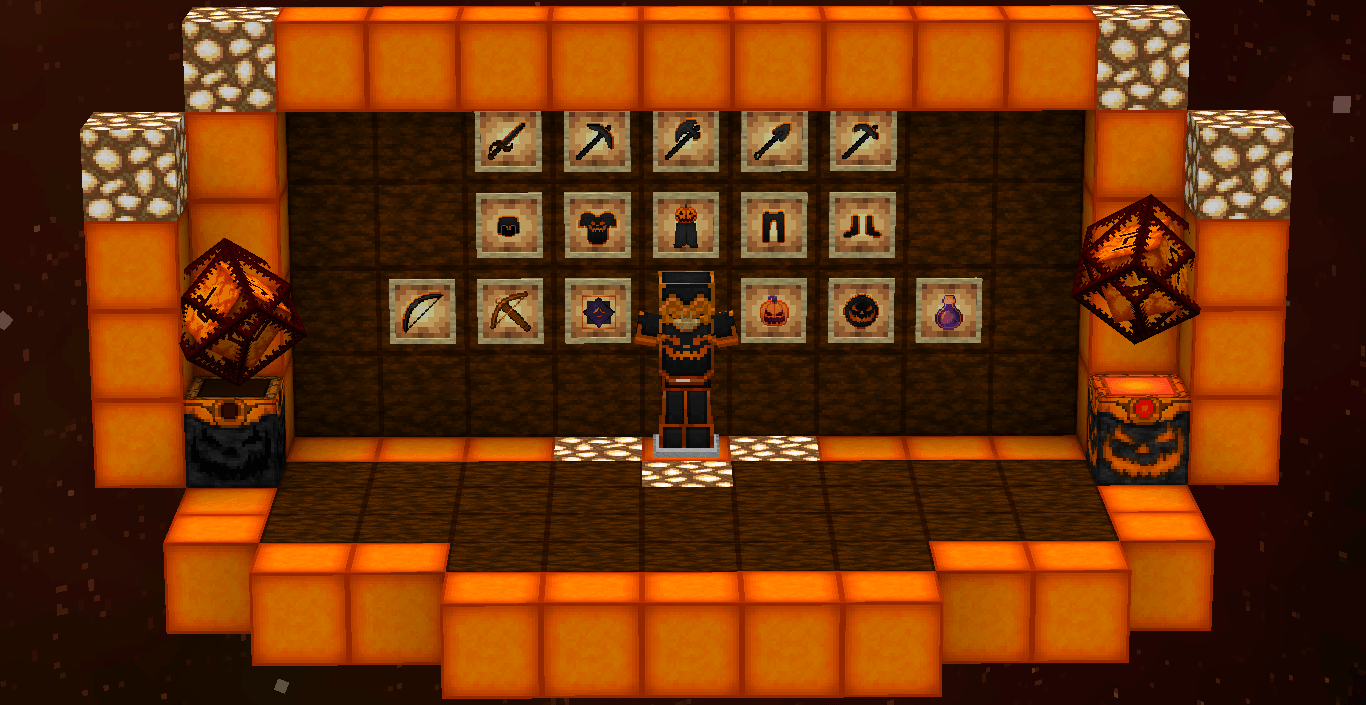
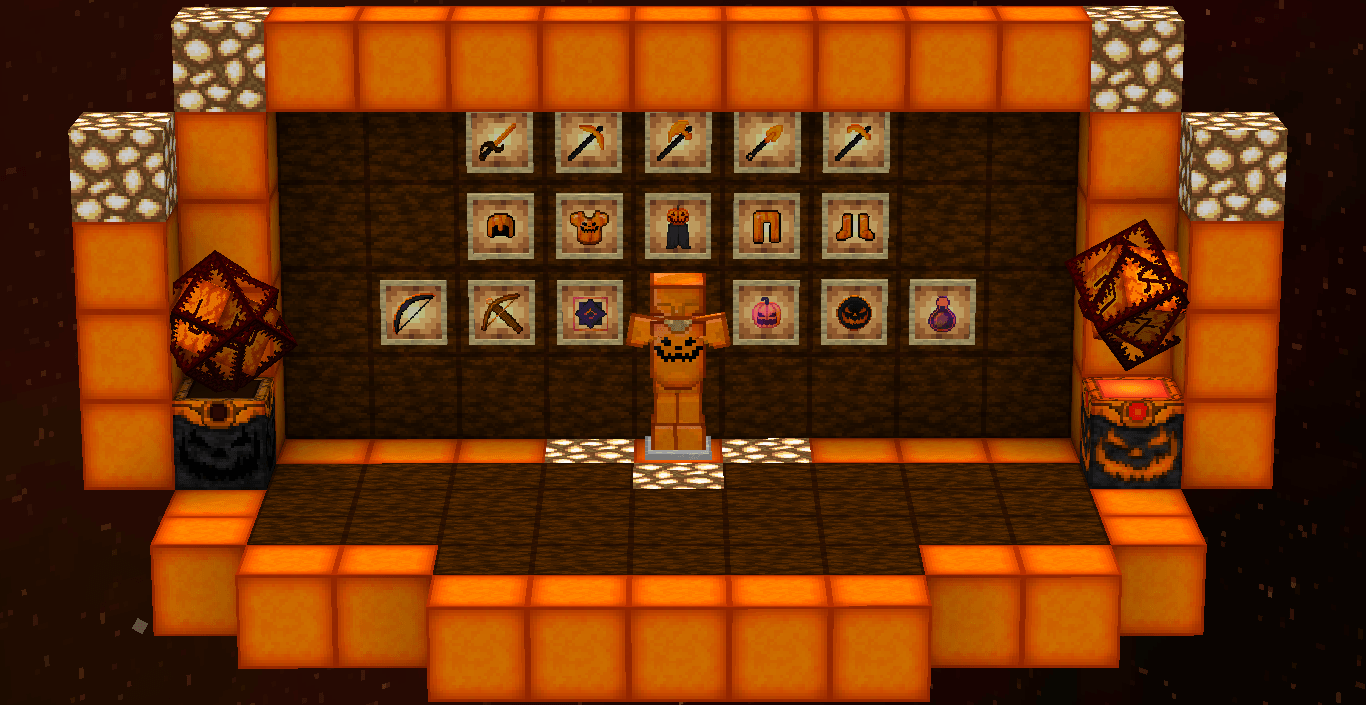
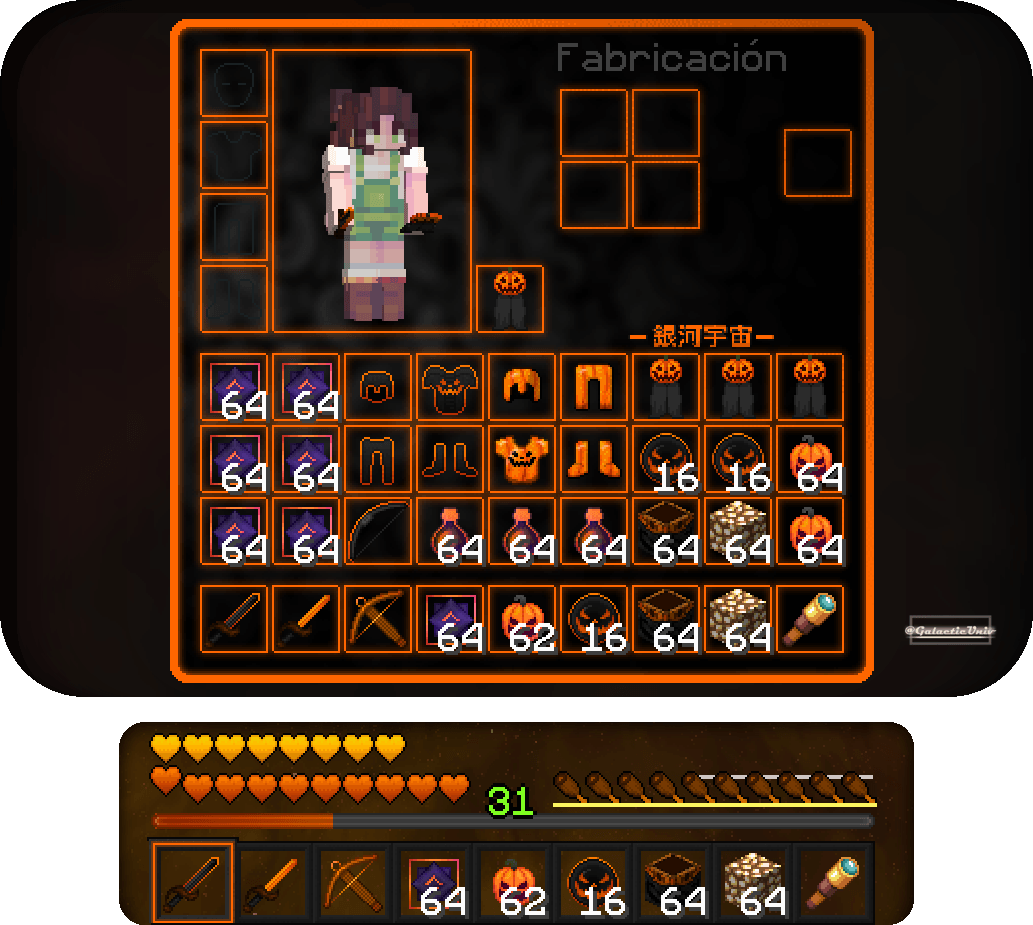
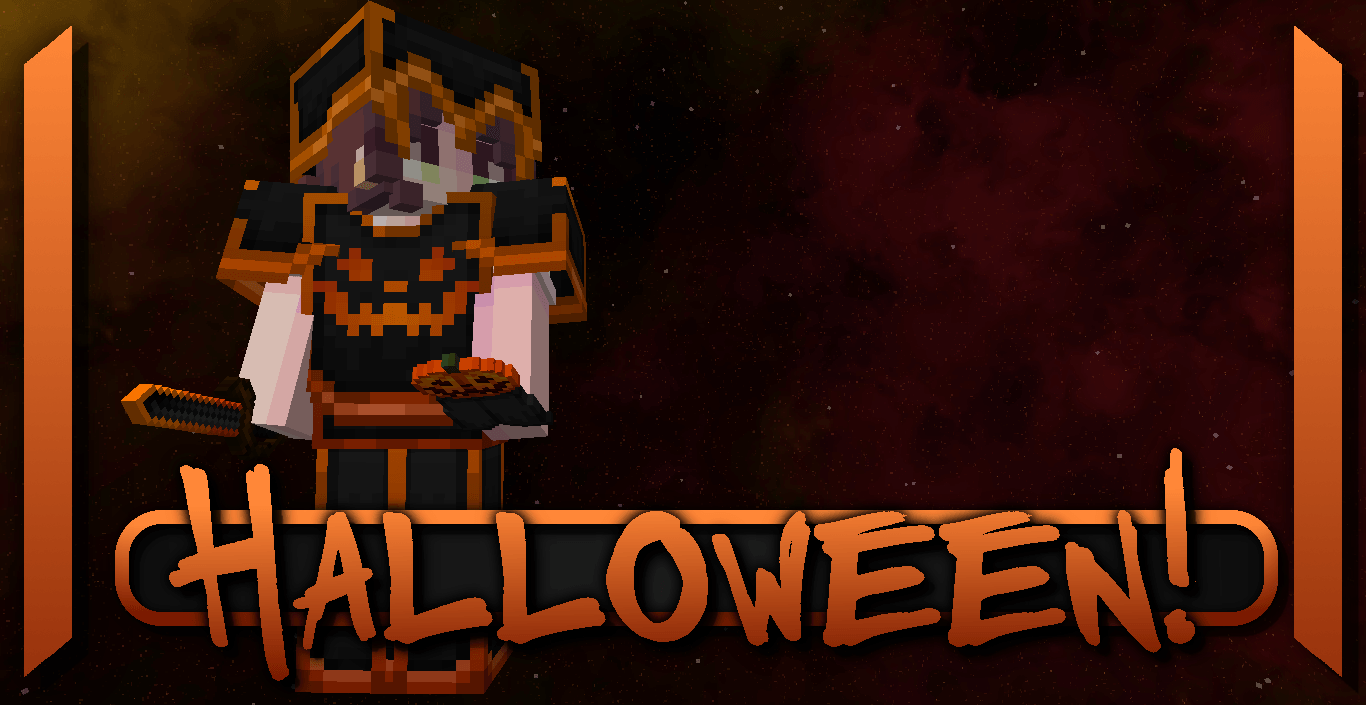
Halloween! is a texture pack inspired by one of the most important events of the year: Halloween—the month of witches, costumes, and candy! Pumpkins are one of the most iconic symbols of this celebration, so they’ve been chosen as the central theme for this pack.
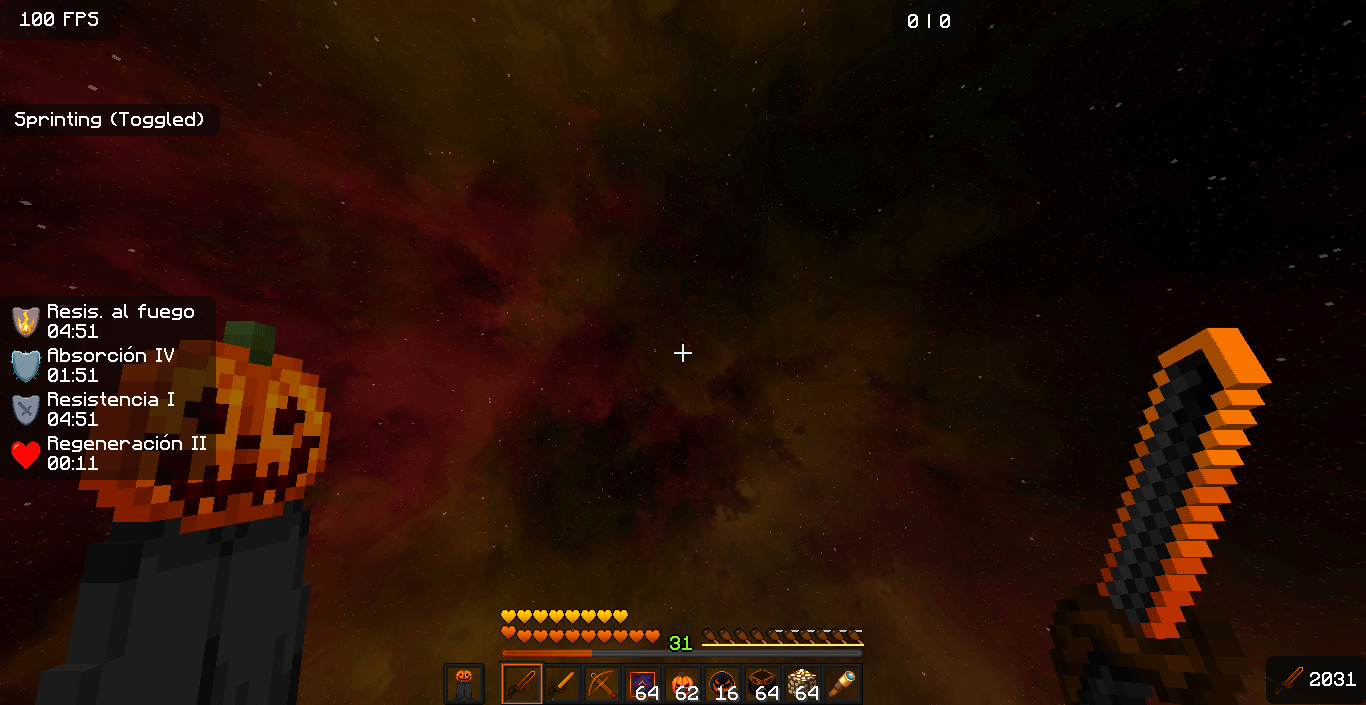
Pumpkins, with their classic orange hue, are often carved with spooky faces, and this texture pack incorporates that charm into its textures. It’s perfect for anyone looking to celebrate Halloween in Minecraft while enjoying the thrill of PvP!
This texture pack includes both diamond and netherite in one pack, so you don’t have to worry! Both textures are tailored to match the theme, including tools, swords, and more.
Don't forget that downloading the texture pack from the official sources (In PlanetMinecraft) is a huge way to support us! <3
If you have any questions or want to report a bug, feel free to do so through our official Discord: https://discord.gg/72dHTWJr6R
You can also follow us on social media! :D https://solo.to/galacticuniv