Mineuniverse
Resource Packs
Halloween mashup lighting fix (READ DESC)

Halloween mashup lighting fix (READ DESC)

RESOURCE PACK
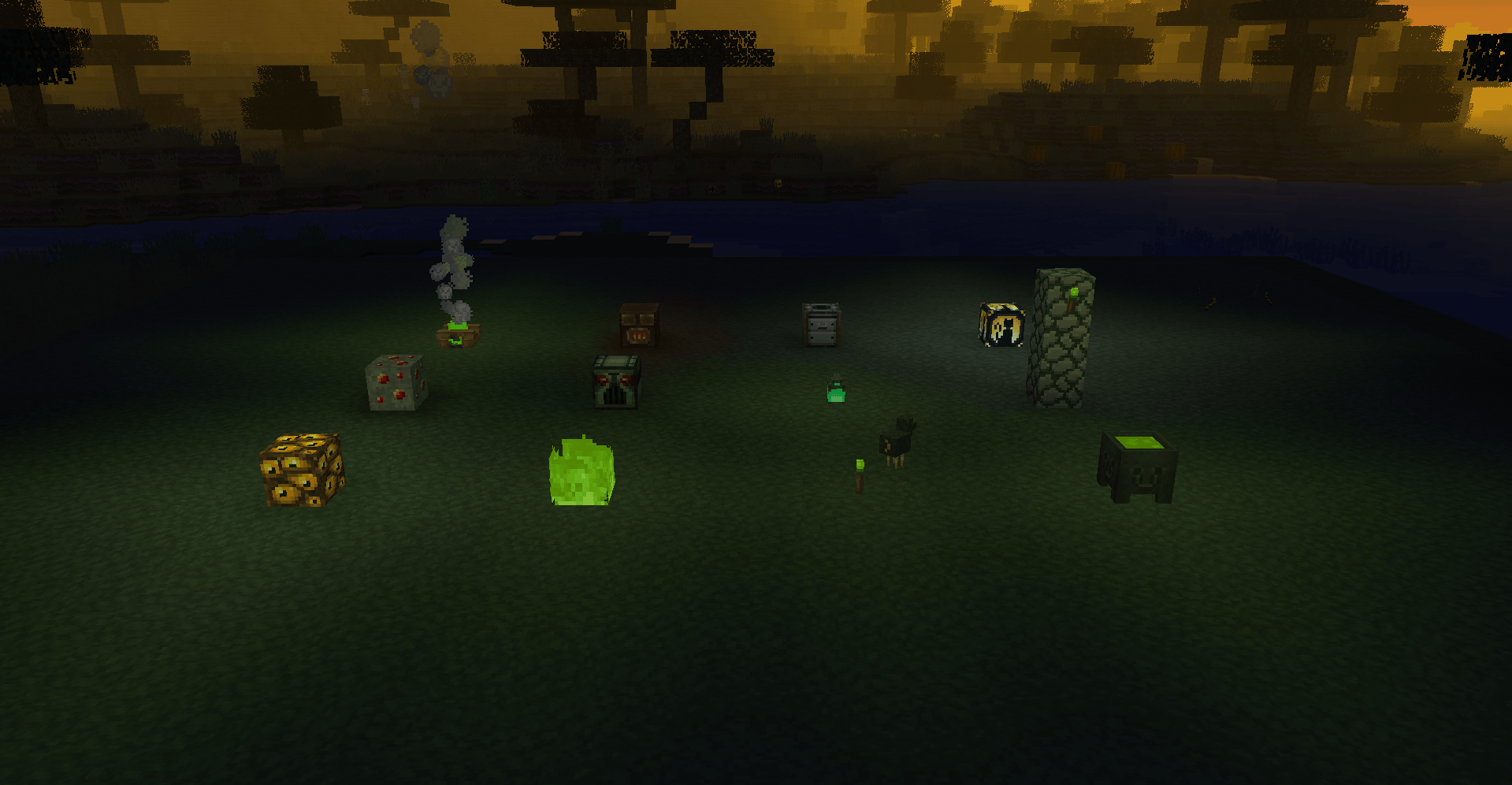
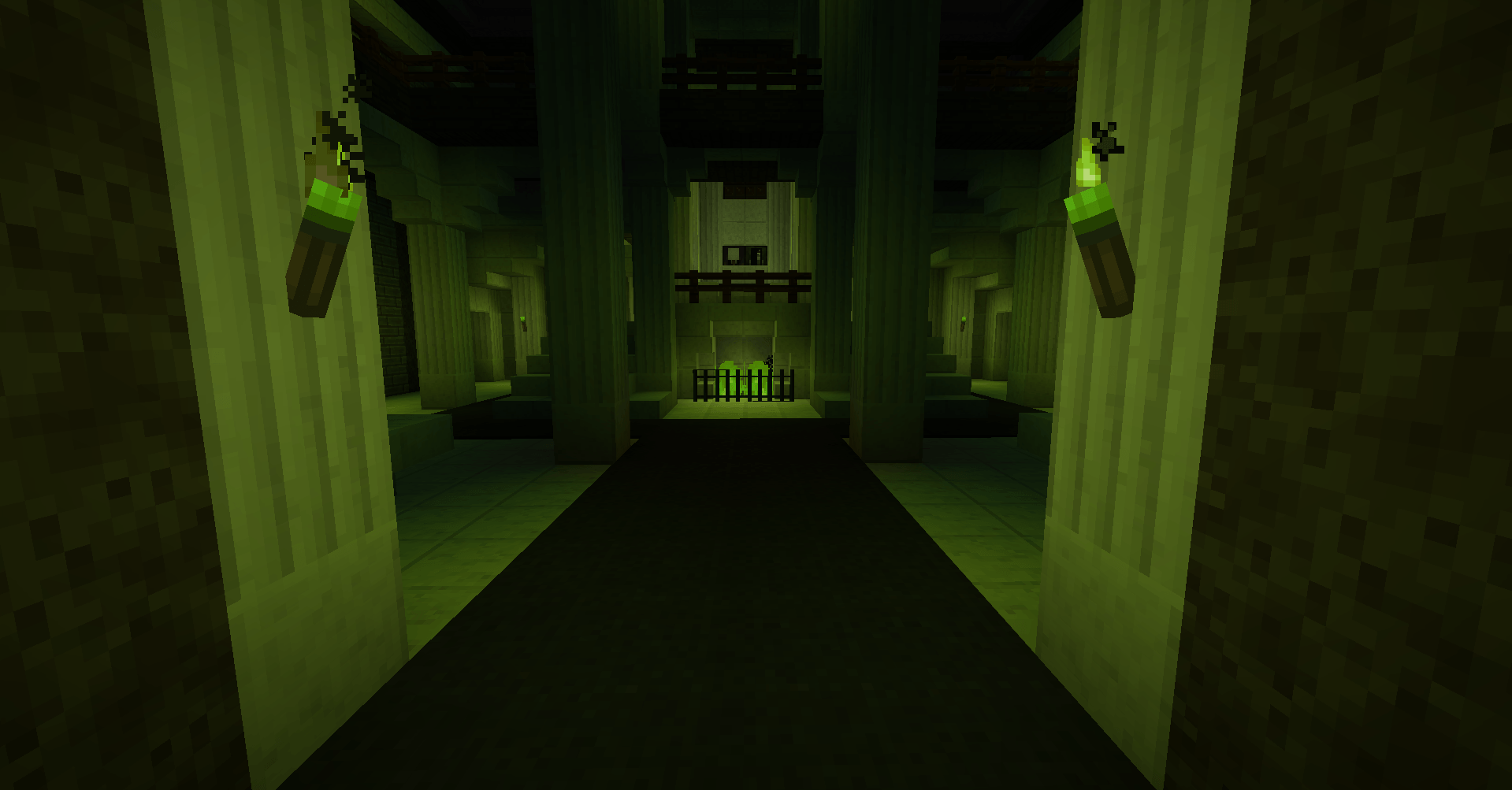
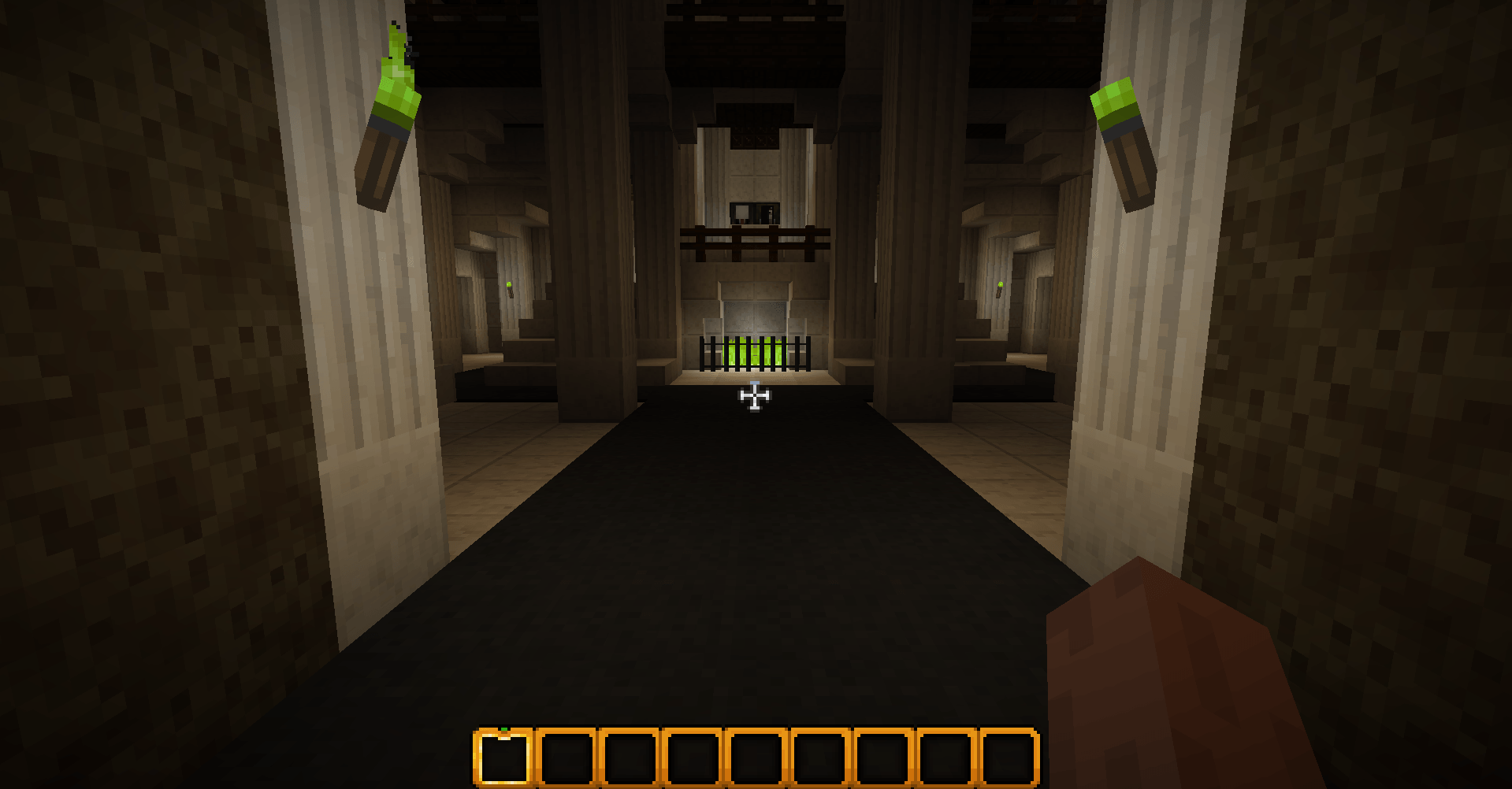
(READ DESC) This mod fixes the lighting of some blocks, to match the old halloween mashup released in 2015.
by notDastweaker
Download Claim this project
Add a badge to your pageLink to Halloween mashup lighting fix (READ DESC) from a README, website or forum post.
Preview: Badge

Badges update automatically and link to the resource pack page on MineUniverse.

150 downloads
0 likes
0 followers
Updated Oct 14, 2026
0 hypes
Follow0
64x Miscellaneous
Advertisement Remove ads with Premium →

This mod requires the "colorful lighting" mod and is easily configurable by going into "resourcepacks\Halloween Mashup Lighting\assets\minecraft\light" and double clicking on "emitters.json" to edit, add, and remove lighting colors.

Are you tired of configuring shader pack settings, just  for it to seem a bit... off. then this is the resource for you!

This mod changes the torch, lava, fire, and so much more lights to match the halloween mashup pack.

This is best experienced with the "halloween texture pack Redux" (from modrinth), colorful skies (from curseforge), and configurable fog (also from curseforge). 

!NOTE! Some lights may look off. and the "colored lighting emmbedium edition" kinda tweaks out sometimes. in the mean time, you can add custom block lights by opening the .json file in "light" folder inside this resource pack, and adding "minecraft:example": "#HexCode",  (obviously replacing "example" with the block's name. and "HexCode" with your hex code. if the block has a space in it like "redstone torch" then do "redstone_torch".)

Halloween Mashup Lighting.zip (READ DESC)
MC 1.20.1
Release 2026-08-02 Get
Halloween Mashup Lighting.zip
MC 1.20.1
Release 2026-07-31 Get

Requirements & install

How to use this resource pack in Minecraft
Resolution
64x
Minecraft
1.20.1
Install folder
.minecraft/resourcepacks

How to install resource packs

  1. Download the resource pack .zip file (do not extract it).
  2. In Minecraft open Options → Resource Packs → Open Pack Folder.
  3. Drop the .zip into the resourcepacks folder (.minecraft/resourcepacks).
  4. Move the pack to the Selected column and click Done.
Browse more: 16x resource packs 32x resource packs 64x resource packs 128x resource packs 256x resource packs 512x+ resource packs Resource Packs for 1.20.1 All resource packs
Advertisement Remove ads with Premium →

You Might Also Like