Badges update automatically and link to the resource pack page on MineUniverse.
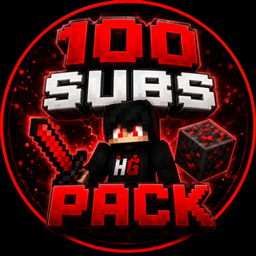
# HaiderGaming00 100 Subs Pack
Welcome to the HaiderGaming00 100 Subs Pack!
This Minecraft resource pack was created as a special milestone project to celebrate the journey toward 100 subscribers on the HaiderGaming00 channel.
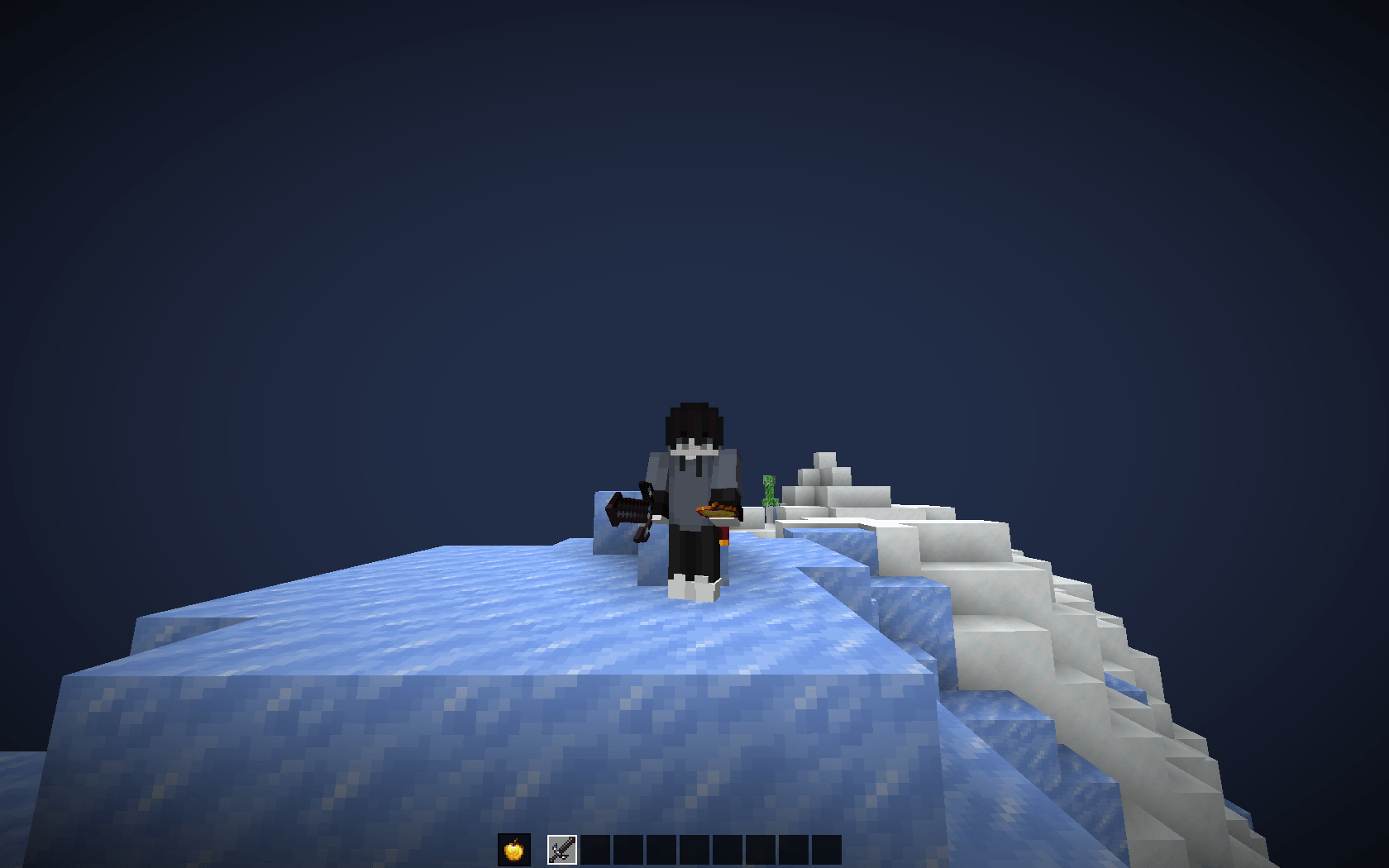
The pack focuses on clean, custom item textures designed to give Minecraft a fresh and more polished visual style while keeping the original Minecraft feel.
## ✨ Features
• Custom item textures
• Custom sword and tool visuals
• Clean and recognizable item designs
• Improved visual style for everyday gameplay
• Designed with PvP and Survival SMP gameplay in mind
• Lightweight resource pack
• Easy to install and use
## 🎮 Designed For
This pack is made for players who enjoy both PvP and Survival SMP gameplay and want their Minecraft items to have a cleaner and more customized appearance.
Whether you are playing survival, an SMP, or simply exploring your world, the pack is designed to fit naturally into Minecraft without making the game feel completely different.
## 📦 Installation
1. Download the latest version of the pack.
2. Open Minecraft Java Edition.
3. Go to Options → Resource Packs.
4. Open the Resource Pack folder.
5. Place the downloaded ZIP file inside the folder.
6. Return to Minecraft and enable the pack.
No additional mods are required to use the resource pack.
## 🔧 Compatibility
Minecraft Java Edition.
Please make sure you download a version of the pack that matches your Minecraft version.
## ❤️ About The Pack
This pack was created by HaiderGaming00 as a 100-subscriber milestone project.
Thank you to everyone who supports the channel and downloads the pack!
If you enjoy the pack, consider leaving feedback and sharing it with other Minecraft players.
## 👤 Creator
Created by: HaiderGaming00
Project: HaiderGaming00 100 Subs Pack
Thank you for checking out the pack! ❤️