Mineuniverse
Resource Packs
GUI Slate Gray

GUI Slate Gray

RESOURCE PACK
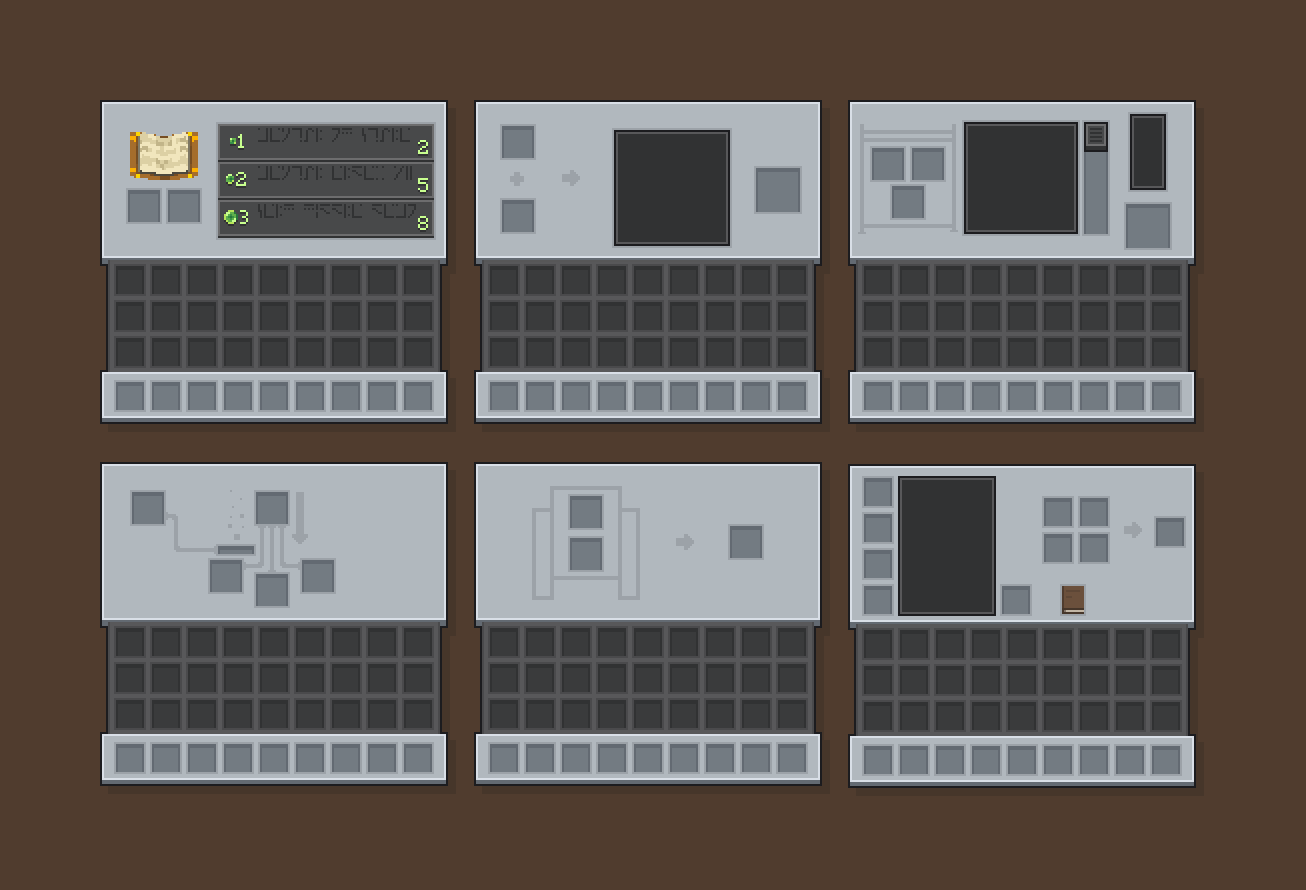
The theme of bedrock buttons made into inventory GUI. (Mod support)
by Emploice
Download Claim this project
1,665 downloads
0 likes
Updated Oct 14, 2026
0 hypes
16x Font Packs Modern
Advertisement Remove ads with Premium →

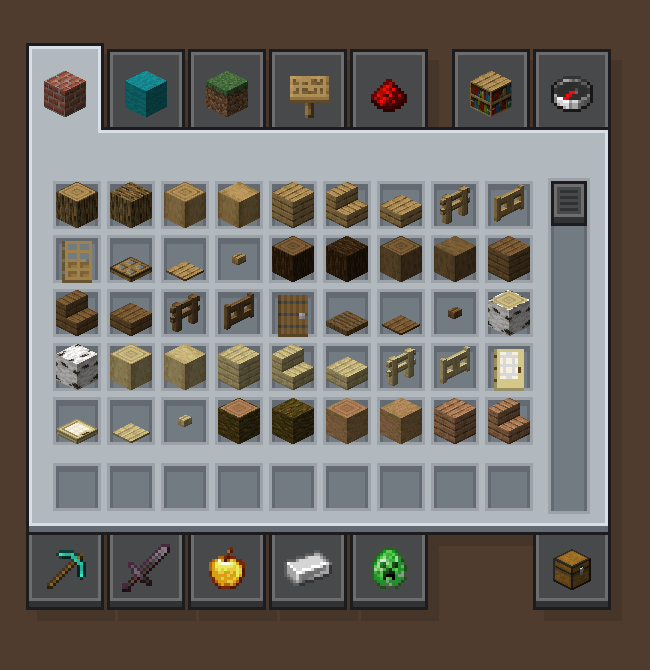
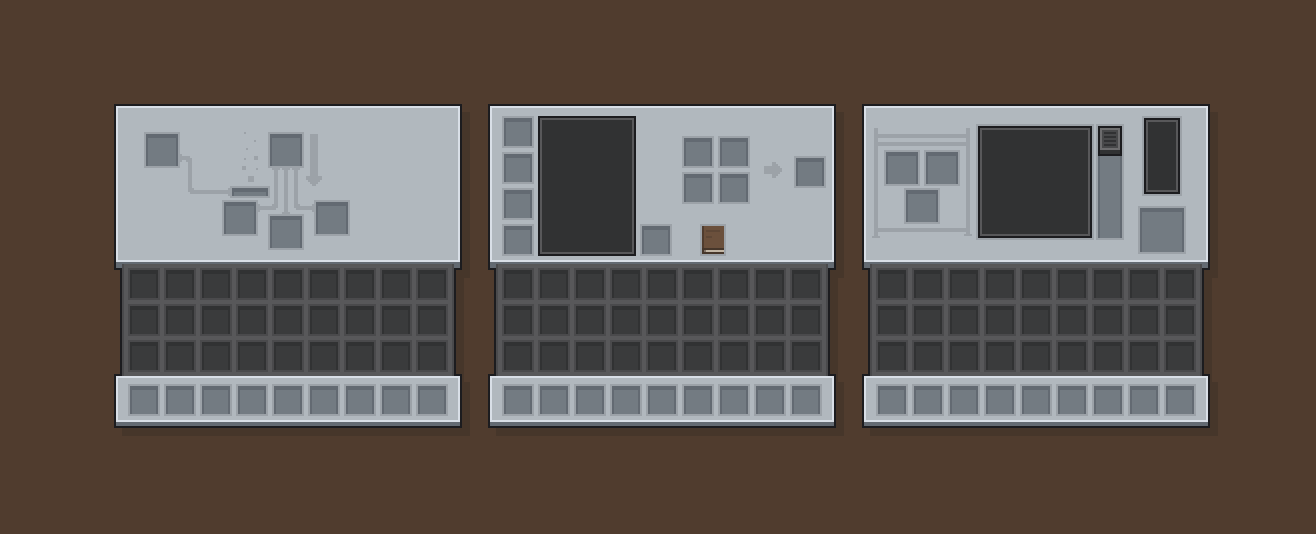
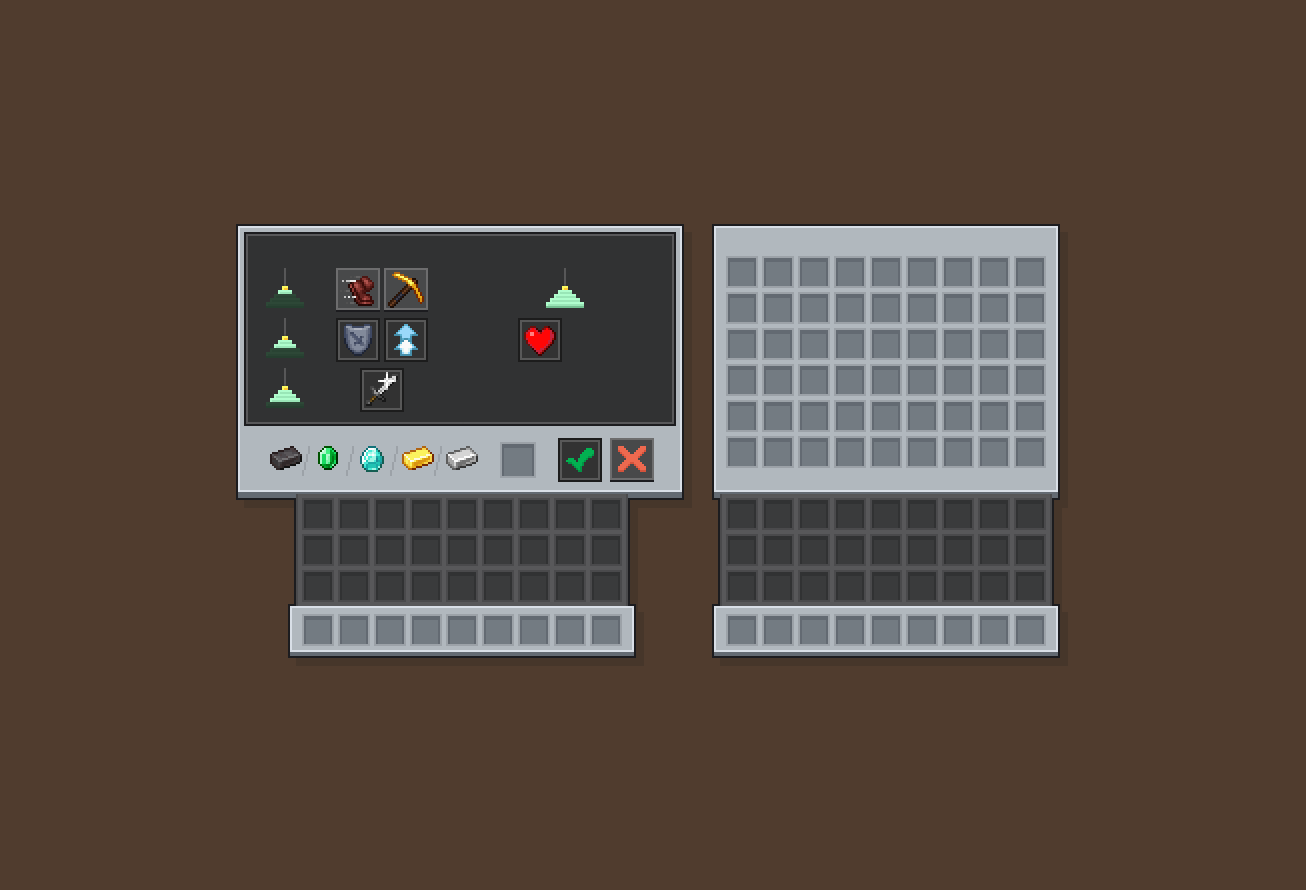
GUI Slate Brown is a GUI texture pack designed to match the button style seen in the Bedrock Edition of Minecraft. This pack replaces the entire UI and GUI interface of the game to what i beleve a less clutterd and more uniqe theme.

This is the second pack in this theme my first one is Slate Gui Brown. This is basically the same texturepack but the inventory is gray instead.


Suppourted Mods:

  • Appleskin
  • Cosmetic Armour Reworked
  • Farmers Delight
  • Jei
  • Sophisticated Backpacks
  • Soragedrawrs
  • Toms Storage
[1.16.0 - 1.18.2] GUI Slate Gray
MC 1.16.3, 1.17.1, 1.16.1, 1.18.1, 1.16, 1.17, 1.18, 1.18.2, 1.16.2, 1.16.4
Release 2026-01-25 Get
[1.19.0 - 1.20.1] GUI Slate Gray
MC 1.19.3, 1.19.4, 1.20.1, 1.20, 1.19.1, 1.19.2, 1.19
Release 2026-01-25 Get
[1.20.2 - 1.21.11] GUI Slate Brown
MC 1.21, 1.20.2, 1.21.8, 1.20.5, 1.21.5, 1.21.4, 1.20.6, 1.21.1, 1.21.6, 1.21.3, 1.21.7, 1.20.4, 1.20.3, 1.21.2, 1.21.9, 1.21.10, 1.21.11, 26.1, 26.1.1, 26.1.2, 26.2, 26.3
Release 2026-01-25 Get

Requirements & install

How to use this resource pack in Minecraft
Resolution
16x
Minecraft
1.21.9 – 26.3
Install folder
.minecraft/resourcepacks

How to install resource packs

  1. Download the resource pack .zip file (do not extract it).
  2. In Minecraft open Options → Resource Packs → Open Pack Folder.
  3. Drop the .zip into the resourcepacks folder (.minecraft/resourcepacks).
  4. Move the pack to the Selected column and click Done.
Browse more: 16x resource packs 32x resource packs 64x resource packs 128x resource packs 256x resource packs 512x+ resource packs Resource Packs for 26.3 All resource packs

More from Emploice

Advertisement Remove ads with Premium →

You Might Also Like