Mineuniverse
Resource Packs
GUI Slate Brown

GUI Slate Brown

RESOURCE PACK
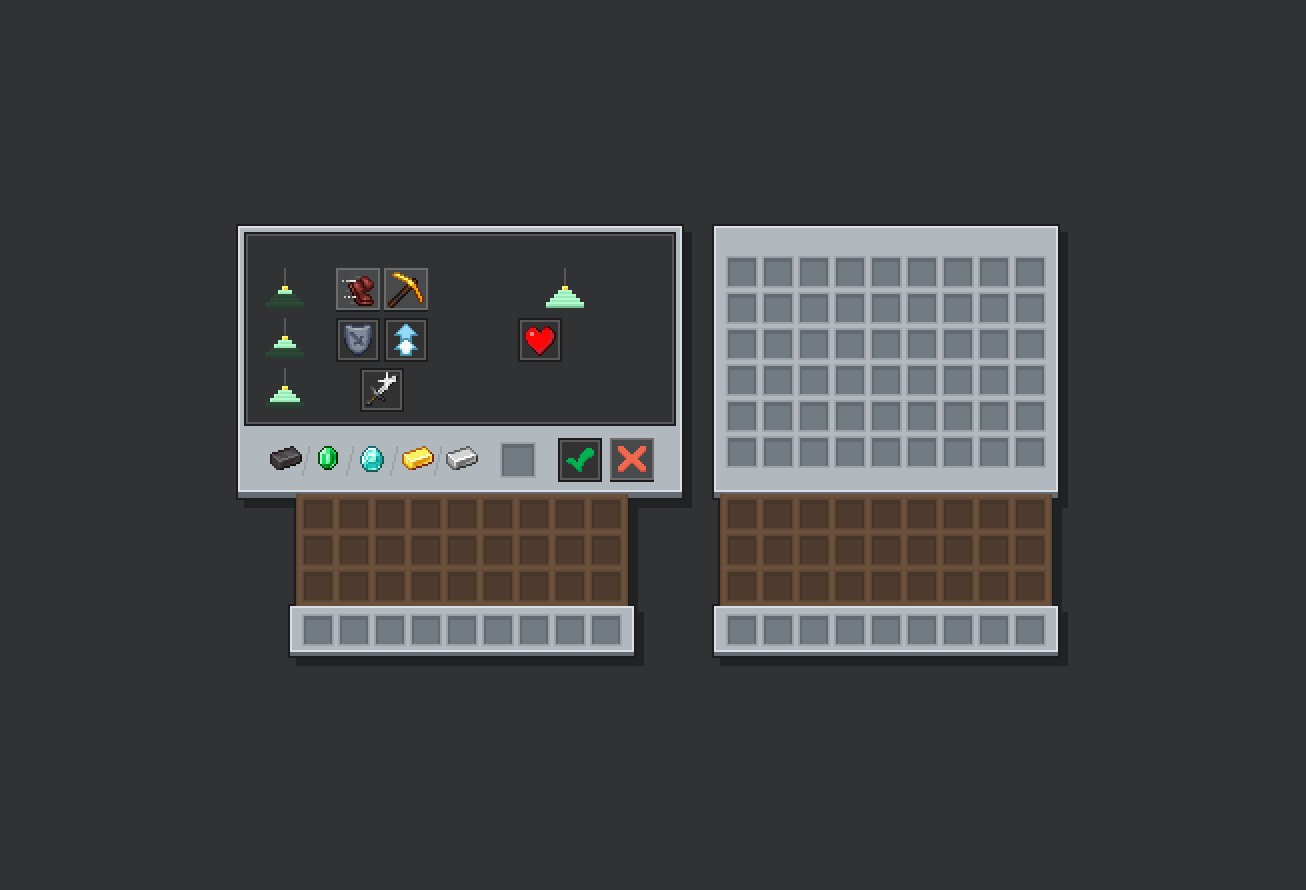
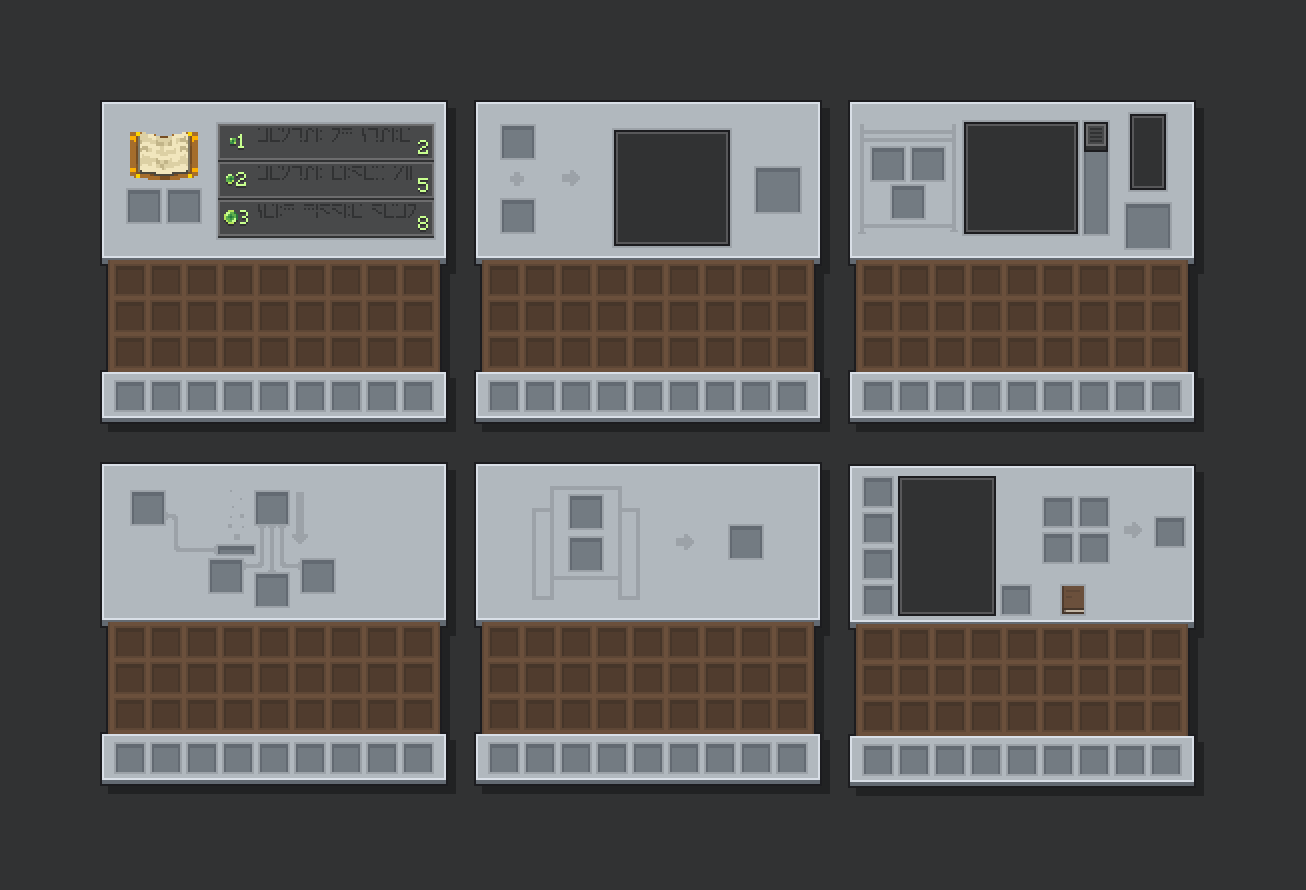
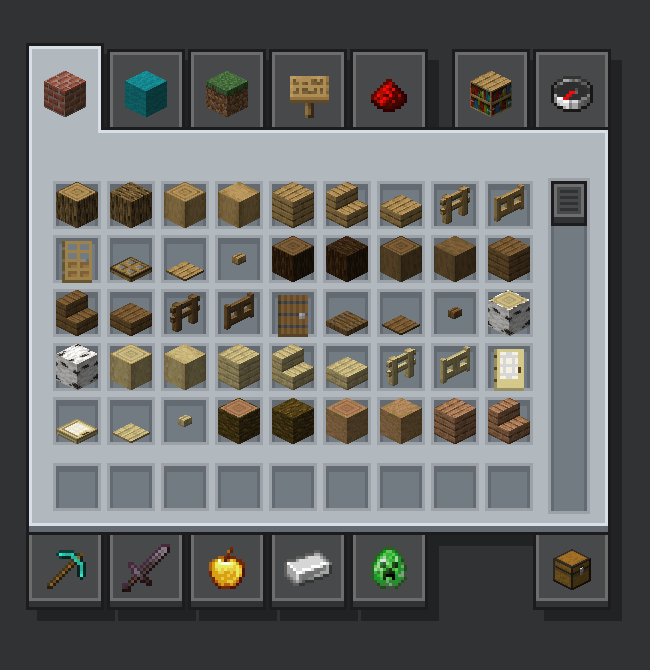
The theme of bedrock buttons made into inventory GUI. (Mod support)
by Emploice
Download Claim this project
534 downloads
0 likes
Updated Oct 14, 2026
0 hypes
16x Modern
Advertisement Remove ads with Premium →

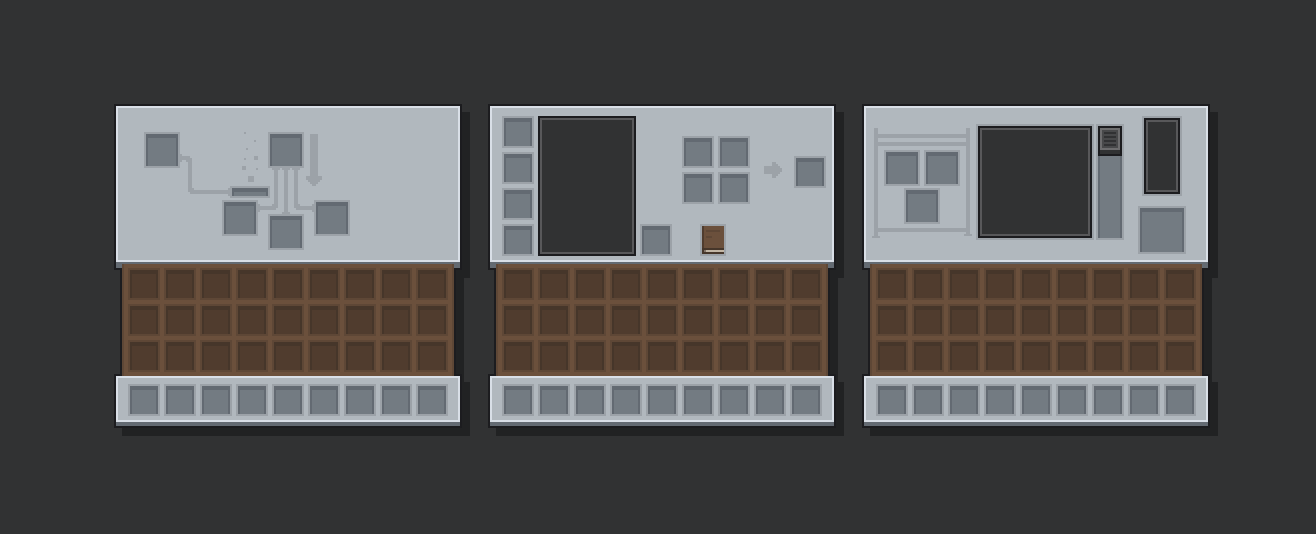
GUI Slate Brown is a GUI texture pack designed to match the  button style seen in the Bedrock Edition of Minecraft. This pack replaces the entire UI and GUI interface of the game to what i beleve a less clutterd and more uniqe theme. 

Suppourted Mods:

- Appleskin
- Cosmetic Armour Reworked
- Farmers Delight
- Jei
- Sophisticated Backpacks
- Soragedrawrs
- Toms Storage

Plans for the near future: 

- I plan on remaking the UI so hearts, food, bars, and empty icons.

- Making some mod compats. 


Test it out! I need feedback so if anything looks out of place tell me! (curseforge comments).

[1.16.0 - 1.18.2] GUI Slate Brown
MC 1.16.3, 1.17.1, 1.16.1, 1.18.1, 1.16, 1.16.5, 1.17, 1.18, 1.18.2, 1.16.2, 1.16.4
Release 2026-01-26 Get
[1.19.0 - 1.20.1] GUI Slate Brown
MC 1.19.3, 1.19.4, 1.20.1, 1.20, 1.19.1, 1.19.2, 1.19
Release 2026-01-26 Get
[1.20.2 - 1.21.11] GUI Slate Brown
MC 1.21.8, 1.21.5, 1.21.4, 1.21.6, 1.21.3, 1.21.7, 1.21.2, 1.21.9, 1.21.10, 1.21.11, 26.1, 26.1.1, 26.1.2, 26.2, 26.3
Release 2026-01-26 Get
[1.16.0 - 1.18.2] GUI Slate Brown
MC 1.16.3, 1.17.1, 1.16.1, 1.18.1, 1.16, 1.16.5, 1.17, 1.18, 1.18.2, 1.16.2, 1.16.4
Release 2025-12-24 Get
[1.19.0 - 1.20.1] GUI Slate Brown
MC 1.19.3, 1.19.4, 1.20.1, 1.20, 1.19.1, 1.19.2, 1.19
Release 2025-12-24 Get
[1.20.2 - 1.21.11] GUI Slate Brown
MC 1.21, 1.20.2, 1.21.8, 1.20.5, 1.21.5, 1.21.4, 1.20.6, 1.21.1, 1.21.6, 1.21.3, 1.21.7, 1.20.4, 1.20.3, 1.21.2, 1.21.9, 1.21.10, 1.21.11
Release 2025-12-24 Get
[1.16.0 - 1.18.2] GUI Slate Brown
MC 1.16.3, 1.17.1, 1.16.1, 1.18.1, 1.16, 1.16.5, 1.17, 1.18, 1.18.2, 1.16.2, 1.16.4
Release 2025-12-13 Get
[1.19.0 - 1.20.1] GUI Slate Brown
MC 1.19.3, 1.19.4, 1.20.1, 1.20, 1.19.1, 1.19.2, 1.19
Release 2025-12-13 Get
[1.20.2 - 1.21.11] GUI Slate Brown
MC 1.21, 1.20.2, 1.21.8, 1.20.5, 1.21.5, 1.21.4, 1.20.6, 1.21.1, 1.21.6, 1.21.3, 1.21.7, 1.20.4, 1.20.3, 1.21.2, 1.21.9, 1.21.10, 1.21.11
Release 2025-12-13 Get
[1.16.0 - 1.20.1] GUI Slate Brown
MC 1.16.3, 1.17.1, 1.16.1, 1.18.1, 1.16, 1.16.5, 1.19.3, 1.19.4, 1.17, 1.18, 1.20.1, 1.20, 1.19.1, 1.18.2, 1.19.2, 1.16.2, 1.16.4, 1.19
Release 2025-11-30 Get
[1.20.2 - 1.21.11] GUI Slate Brown
MC 1.21, 1.20.2, 1.21.8, 1.20.5, 1.21.5, 1.21.4, 1.20.6, 1.21.1, 1.21.6, 1.21.3, 1.21.7, 1.20.4, 1.20.3, 1.21.2, 1.21.9, 1.21.10, 1.21.11
Release 2025-11-30 Get

Requirements & install

How to use this resource pack in Minecraft
Resolution
16x
Minecraft
1.21.9 – 26.3
Install folder
.minecraft/resourcepacks

How to install resource packs

  1. Download the resource pack .zip file (do not extract it).
  2. In Minecraft open Options → Resource Packs → Open Pack Folder.
  3. Drop the .zip into the resourcepacks folder (.minecraft/resourcepacks).
  4. Move the pack to the Selected column and click Done.
Browse more: 16x resource packs 32x resource packs 64x resource packs 128x resource packs 256x resource packs 512x+ resource packs Resource Packs for 26.3 All resource packs

More from Emploice

Advertisement Remove ads with Premium →

You Might Also Like