Mineuniverse
Resource Packs
GTCEuM Indicators

GTCEuM Indicators

RESOURCE PACK
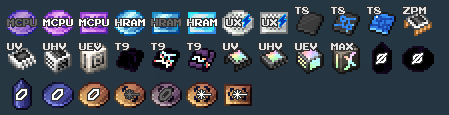
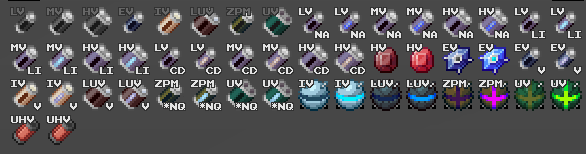
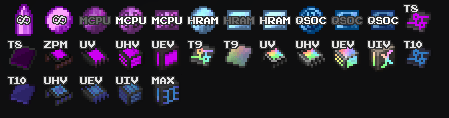
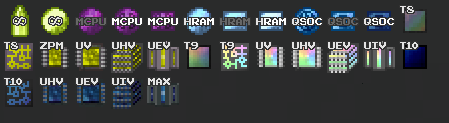
Adds several indicators to help identify circuits, boards, wafers, chips etc
by fullsets_
Download Claim this project
2,908 downloads
0 likes
Updated Oct 14, 2026
0 hypes
32x Mod Support
Advertisement Remove ads with Premium →

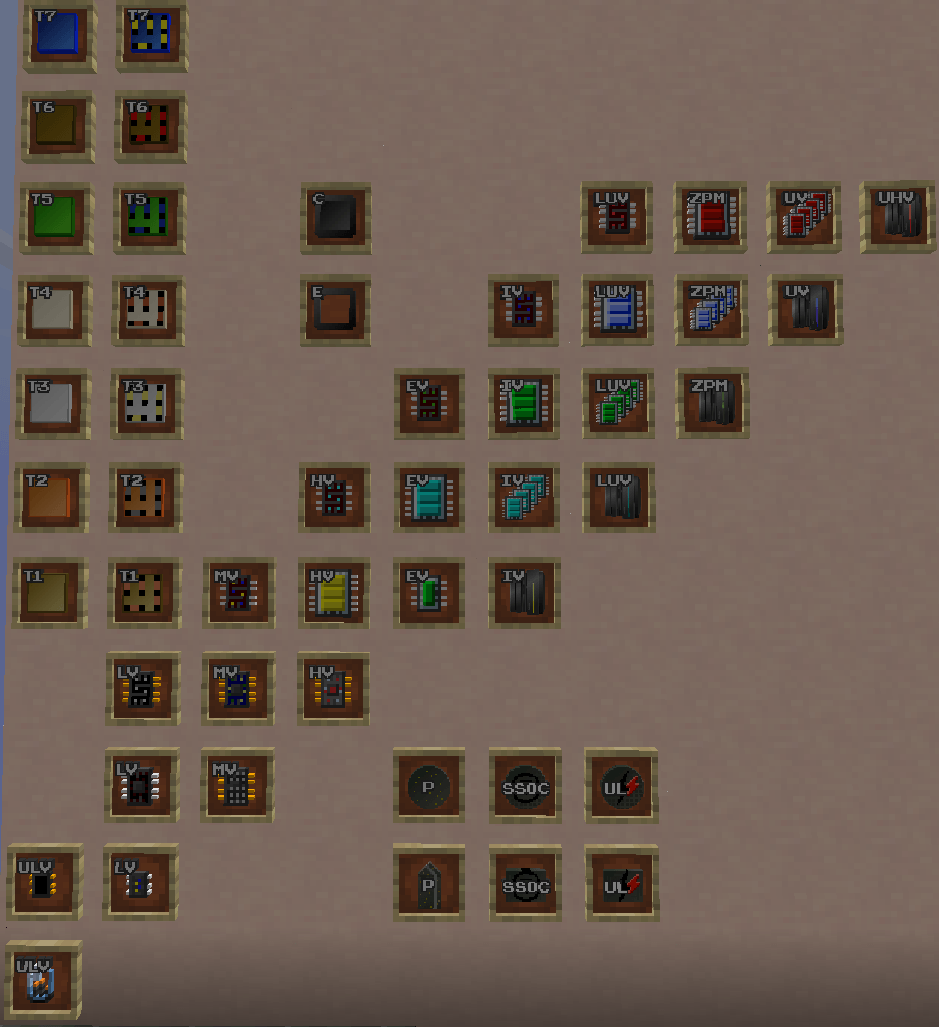
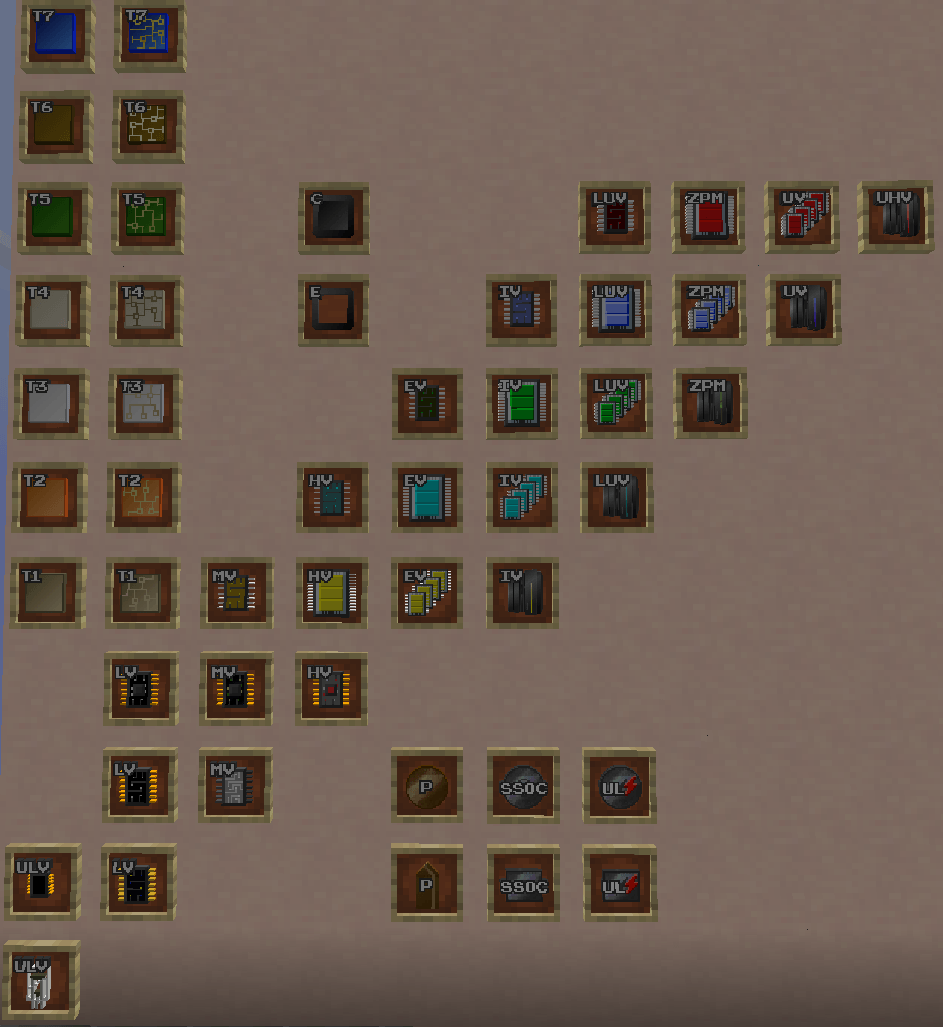
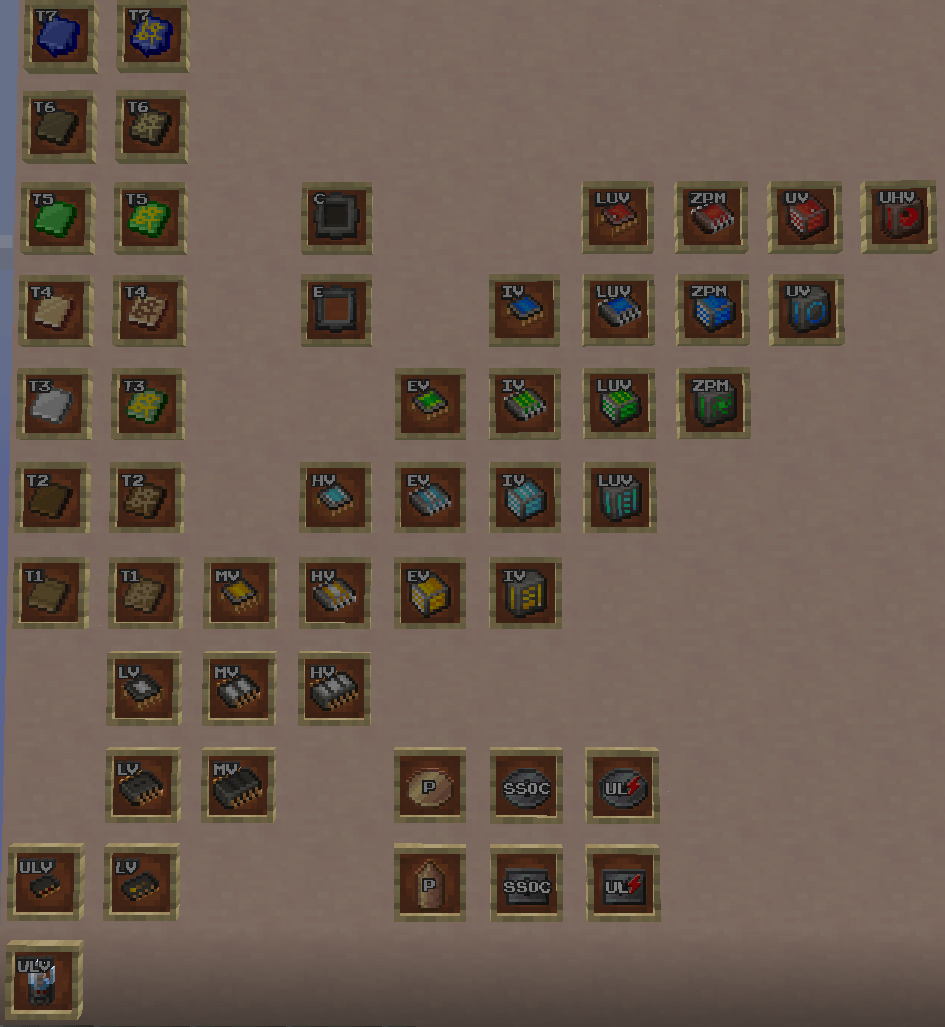
This resourcepack adds Usernm0-style indicators as overlays to several Gregtech CEu/Modern items

This means that you can use whatever resource pack you want, and this pack will overlay the indicators.

Check Images tab to understand what this means!

Make sure you download the correct version for Gregtech CEu or Gregtech CEu Modern!

Also check out Better Greg!

Thank you for 1000 2000 downloads!


Currently implemented:

Circuits (Voltage)

Boards (Tier)

Molds (Casting/Extrude Shape)

Boules (Material)

Wafer (Material/Type)

Chips (Type)

Batteries (Voltage/Material)


Monifactory:

To make this pack to work with Monifactory's custom items, download the addon available in the "additional files" section

Click to go to file

(This addon makes use of item models, so even if the modpack's textures change, it will still work)


Star Technology:

TomTomTom has made an addon for Star Technology, you can find it in this channel of the Star Technology discord server


Feel free to leave any feedback in the comments


Credits

The letters, numbers and symbols used for the overlays in this resource pack were extracted from GTNH-Textures-Usernm by Usernm0 https://github.com/Usernm0/GTNH-Textures-Usernm?tab=CC-BY-4.0-1-ov-file which is licensed under CC-BY 4.0

(1.20.1) GTCEuM Indicators 1.1.0
MC 1.20.1
Release 2024-10-15 Get
(1.12.2) GTCEu Indicators 1.1.0
MC 1.12.2
Release 2024-10-15 Get
(1.20.1) GTCEuM Indicators 1.0.1
MC 1.20.1
Release 2024-10-04 Get
(1.12.2) GTCEu Indicators 1.0.1
MC 1.12.2
Release 2024-10-04 Get

Requirements & install

How to use this resource pack in Minecraft
Resolution
32x
Minecraft
1.12.2 – 1.20.1
Install folder
.minecraft/resourcepacks

How to install resource packs

  1. Download the resource pack .zip file (do not extract it).
  2. In Minecraft open Options → Resource Packs → Open Pack Folder.
  3. Drop the .zip into the resourcepacks folder (.minecraft/resourcepacks).
  4. Move the pack to the Selected column and click Done.
Browse more: 16x resource packs 32x resource packs 64x resource packs 128x resource packs 256x resource packs 512x+ resource packs Resource Packs for 1.20.1 All resource packs

More from fullsets_

Advertisement Remove ads with Premium →

You Might Also Like