Mineuniverse
Resource Packs
FutureNeo

FutureNeo

RESOURCE PACK
Cyan & Pink CPvP Texture Pack 32x
by GalacticUniv
Download Claim this project
Add a badge to your pageLink to FutureNeo from a README, website or forum post.
Preview: Badge

Badges update automatically and link to the resource pack page on MineUniverse.

16,397 downloads
0 likes
0 followers
Updated Oct 14, 2026
0 hypes
Follow0
32x Animated Font Packs Miscellaneous Traditional
Advertisement Remove ads with Premium →

Logo

Pack Version (Last): v7.1

Created by:

Me ( @GalacticUniv )

Available in the following versions:

1.7.10 - 1.8.9 | 1.16 - 1.20.1 | 1.20.2+

Tags:

Custom, Cyan, Pink, Black, 32x, FutureNeo, Gradient

Description:

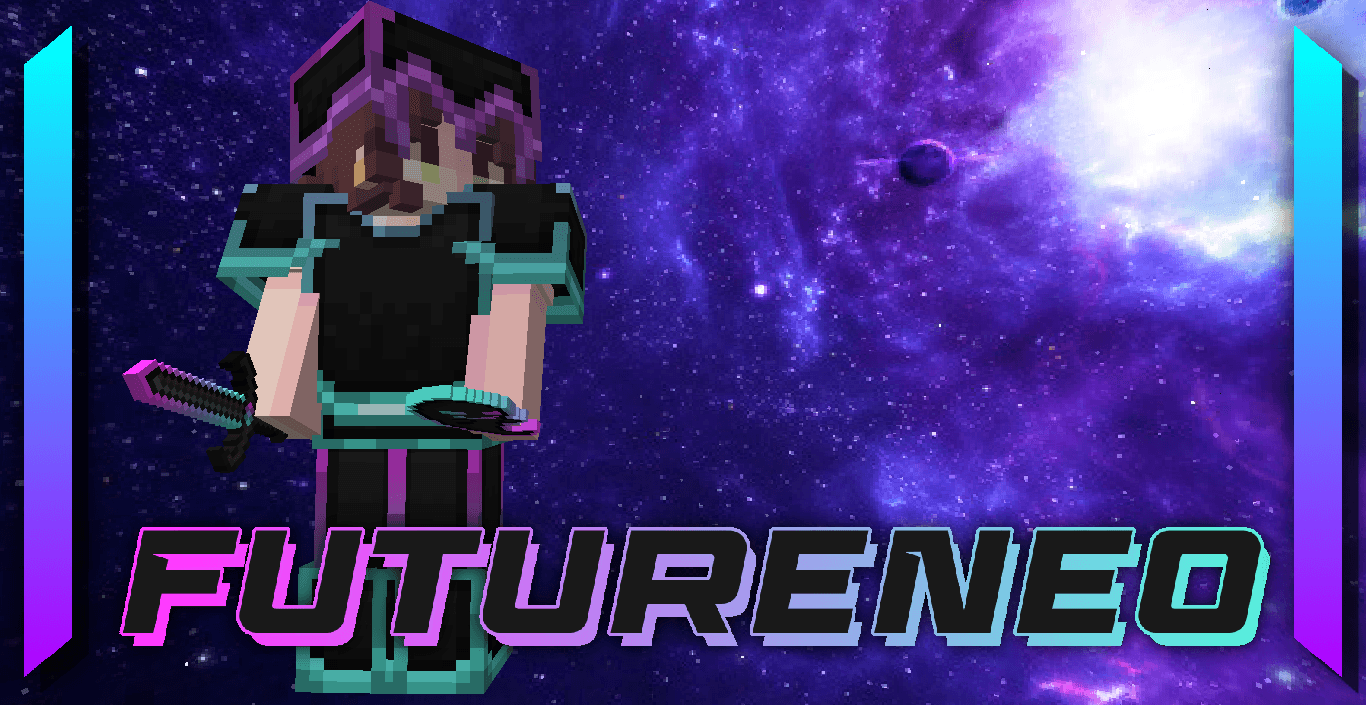
FutureNeo is one of the most updated yet oldest texture packs in my Discord server, with over 7 different versions (though we only have the 7th one, as the others are lost). This pack holds a special meaning for me as it’s become somewhat of a personal brand. It’s one of those projects that reflects a lot of what I love and what defines me.

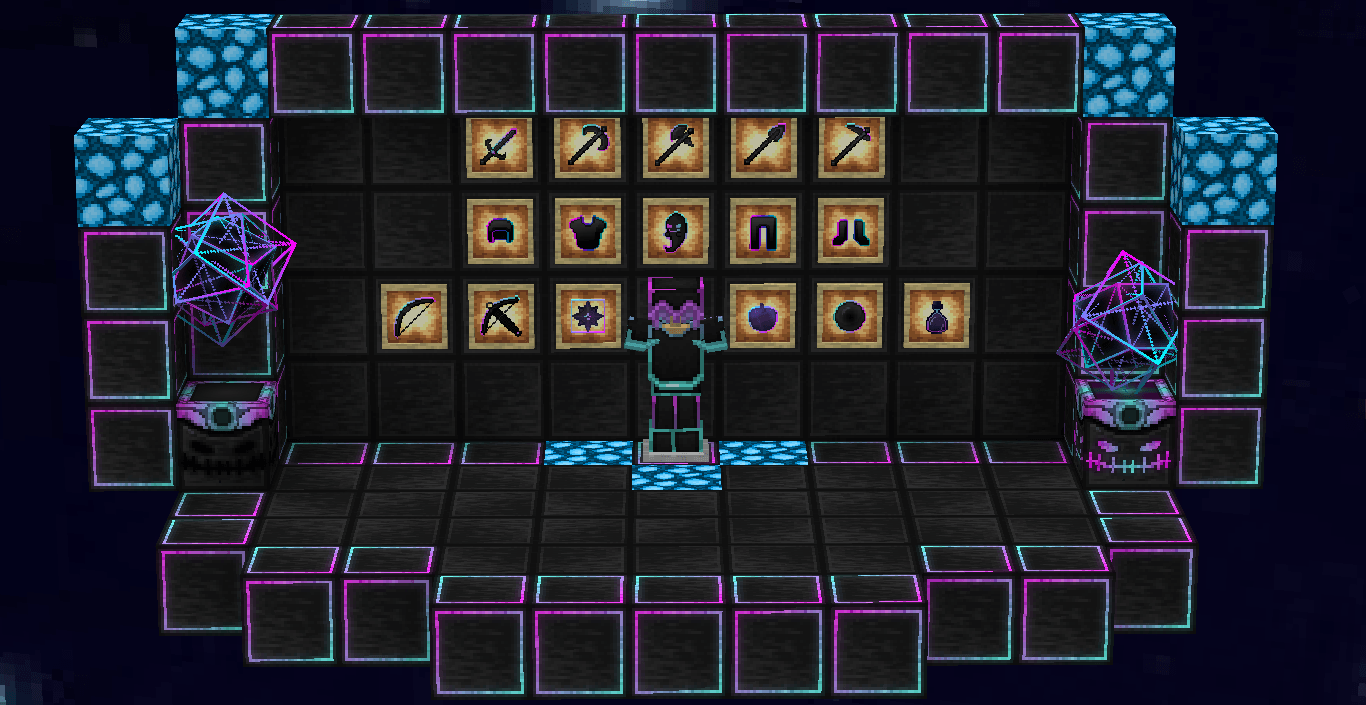
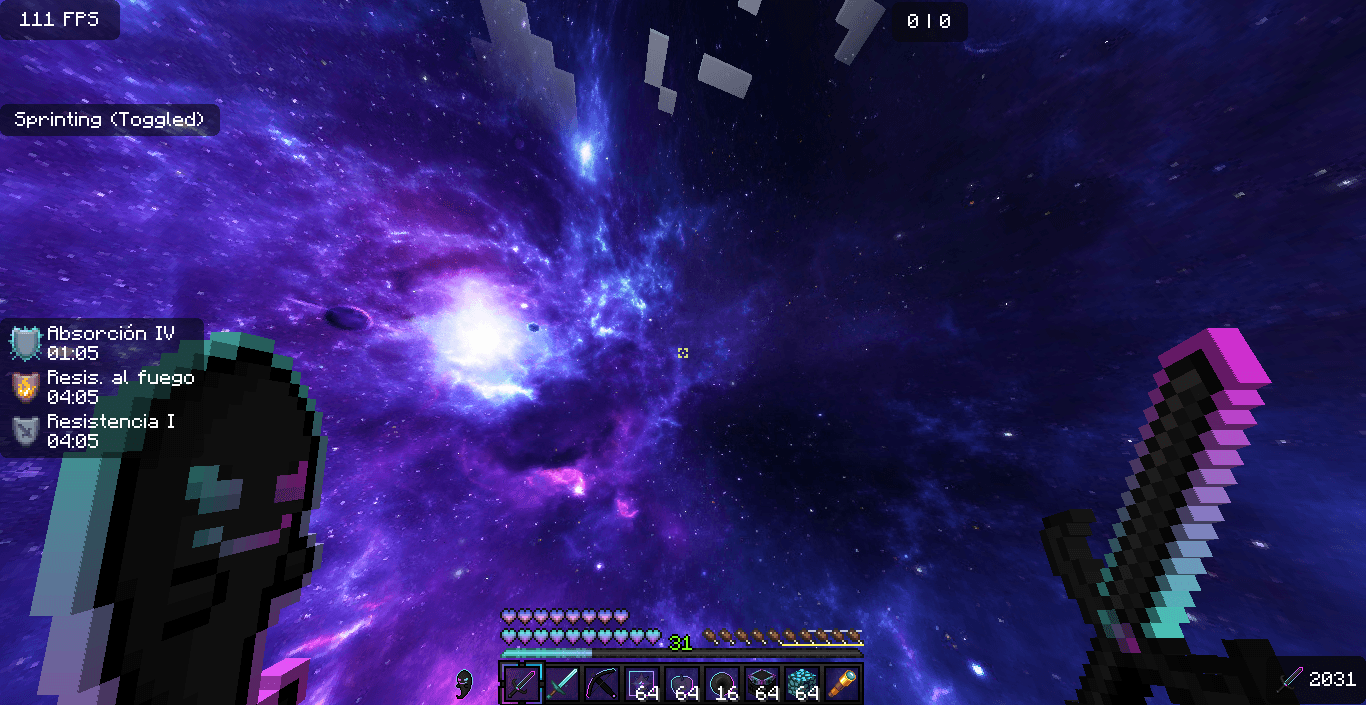
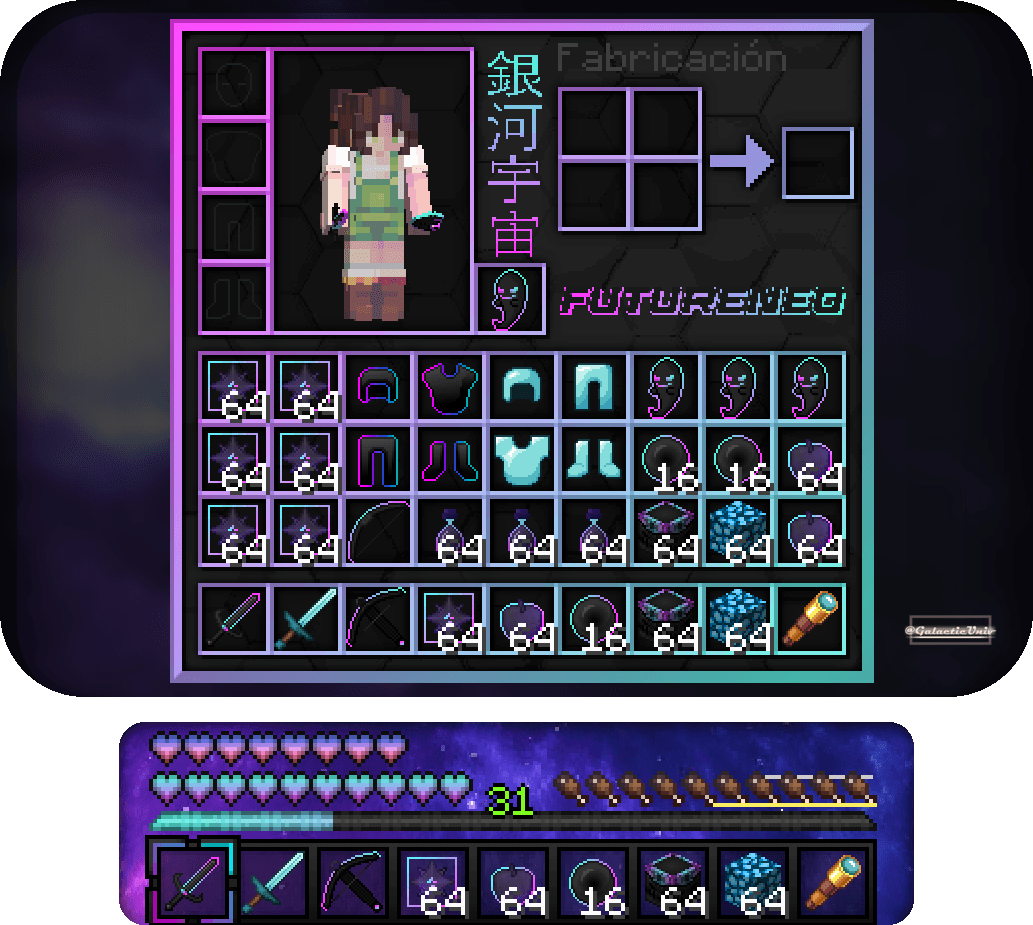
The main theme is black with a gradient silhouette of pink and light blue, giving it a unique touch. It has everything needed to be a solid and stylish PvP texture pack!

This texture pack is designed for Netherite only, but you can download the diamond version in our discord!

Don't forget that downloading the texture pack from the official sources (In PlanetMinecraft) is a huge way to support us! <3 

If you have any questions or want to report a bug, feel free to do so through our official Discord: https://discord.gg/72dHTWJr6R

You can also follow us on social media! :D https://solo.to/galacticuniv

Compatible with

FutureNeo for 1.20.2 - 1.21.4
MC 1.20.2, 1.21.4
Release 2025-02-12 Get
[NEW] FutureNeo for 1.16-1.20.1
MC 1.17.1, 1.19.4-Snapshot, 1.16.5, 1.18.2, 1.20.1
Release 2025-01-15 Get
FutureNeo v7.zip
MC 1.17.1, 1.19.3, 1.16.5, 1.18.2
Release 2022-11-22 Get

Requirements & install

How to use this resource pack in Minecraft
Resolution
32x
Minecraft
1.16.5 – 1.21.4
Install folder
.minecraft/resourcepacks

How to install resource packs

  1. Download the resource pack .zip file (do not extract it).
  2. In Minecraft open Options → Resource Packs → Open Pack Folder.
  3. Drop the .zip into the resourcepacks folder (.minecraft/resourcepacks).
  4. Move the pack to the Selected column and click Done.
Browse more: 16x resource packs 32x resource packs 64x resource packs 128x resource packs 256x resource packs 512x+ resource packs Resource Packs for 1.21.4 All resource packs

More from GalacticUniv

Advertisement Remove ads with Premium →

You Might Also Like