Mineuniverse
Resource Packs
Find the Bombs Resources

Find the Bombs Resources

RESOURCE PACK
The required number cubes and flag models for the Find the Bombs data pack.
by carkn
Download Claim this project
Add a badge to your pageLink to Find the Bombs Resources from a README, website or forum post.
Preview: Badge

Badges update automatically and link to the resource pack page on MineUniverse.

5 downloads
0 likes
0 followers
Updated Oct 14, 2026
0 hypes
Follow0
32x Miscellaneous
Advertisement Remove ads with Premium →

Find the Bombs Resources

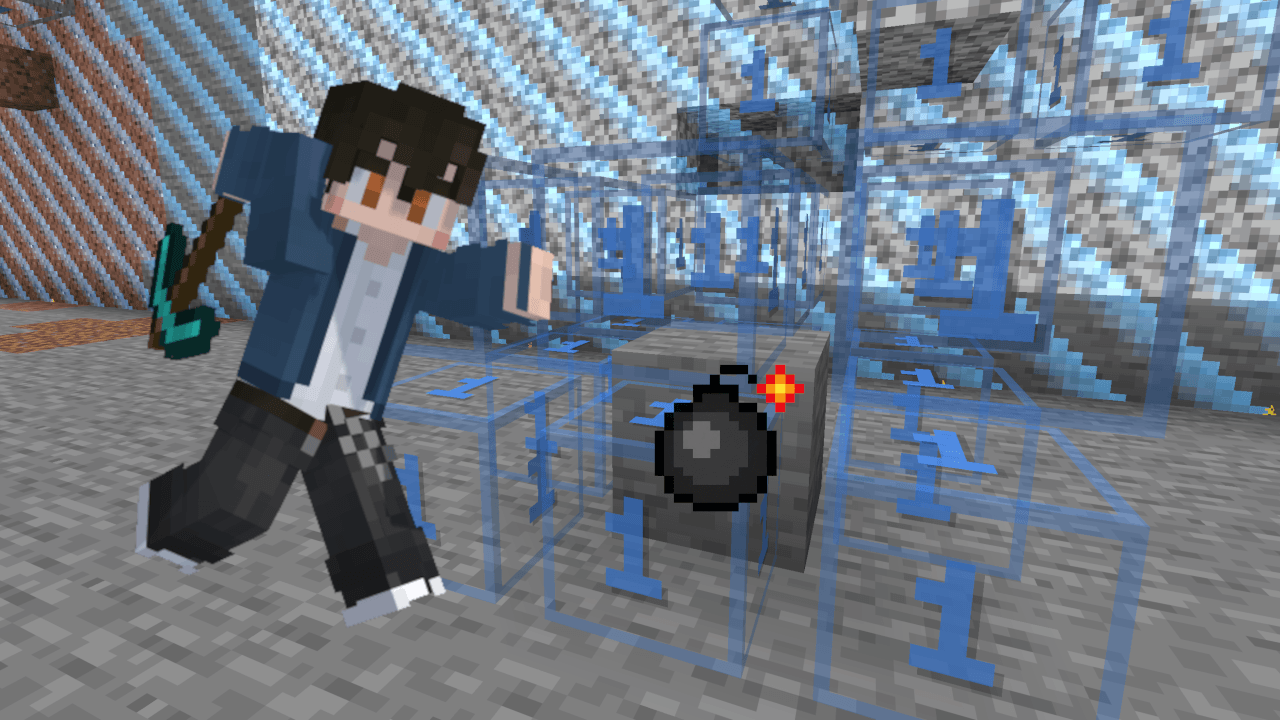
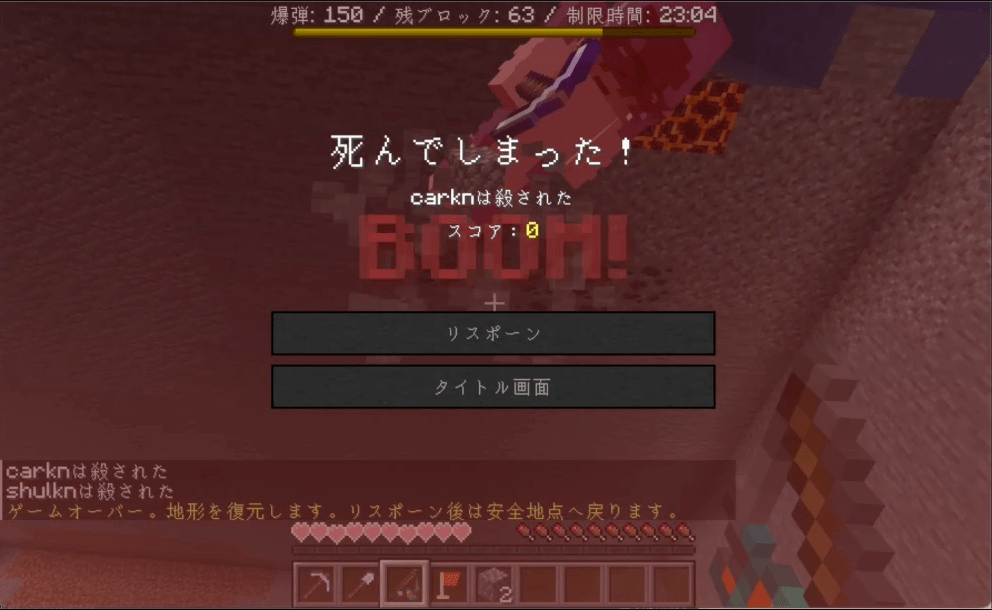
The companion resource pack for Find the Bombs. It provides the number cubes and flags used to read the board and mark suspected bombs. Use it together with the Find the Bombs data pack.

Download the Data Pack

Included

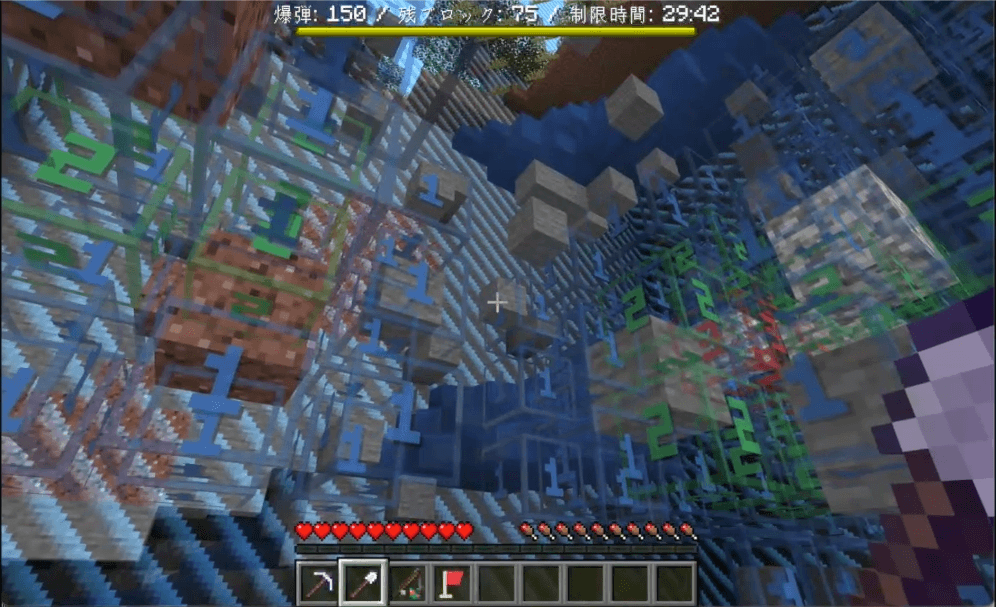
  • Number cubes from 1 to 26, with the same number visible on all six faces.
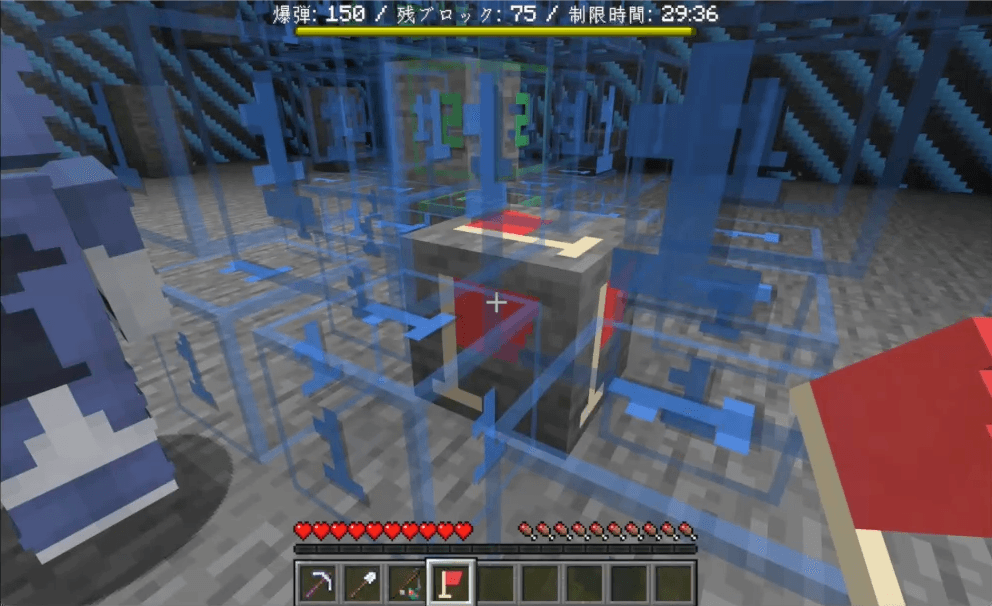
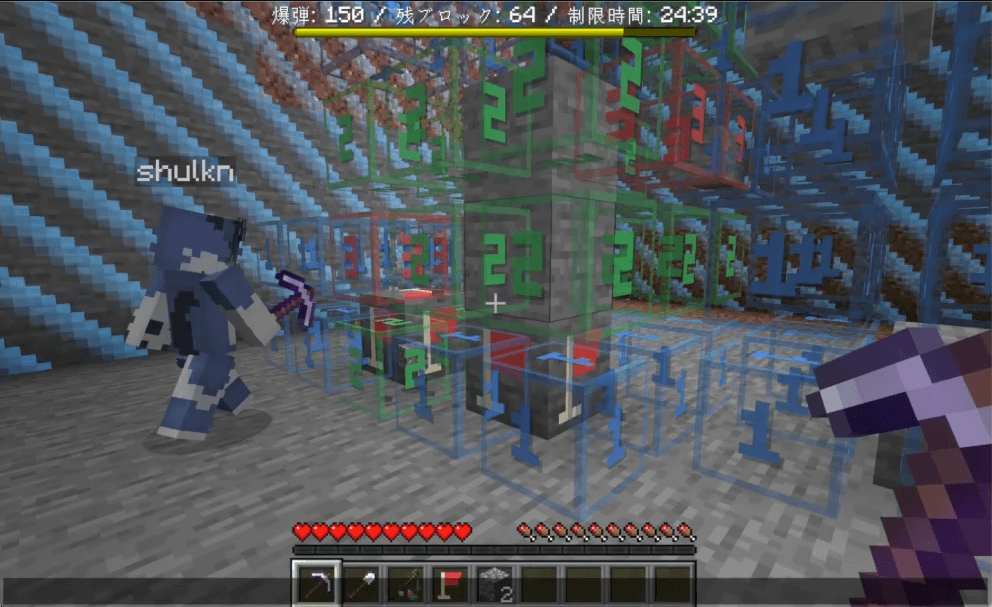
  • Transparent backgrounds and translucent digits and edges, so nearby blocks remain visible.
  • Color-coded numbers: blue for 1, green for 2, red for 3, purple for 4, and additional colors for higher counts.
  • A Flag Tool model and flag markers for blocks.

The data pack controls the game, menus, bomb placement, and display entities. This download supplies their custom visual assets.

Requirements

  • Minecraft Java Edition 26.3.
  • The separate Find the Bombs data pack, v1.0.0.
  • This resource pack enabled on every player's client.

No mods or plugins are required. Bedrock Edition and other Minecraft versions are not supported by this release.

Installation

  1. Download bomb-search-en-resourcepack-v1.0.0.zip and keep it zipped.
  2. Place it in your client's resourcepacks folder.
  3. Open Options > Resource Packs and move it into the active list.
  4. Install the companion bomb-search-en-datapack-v1.0.0.zip in your world's datapacks folder, following the instructions on the Find the Bombs project page.
  5. Reopen the world or restart the server after installing the data pack for the first time.

On a multiplayer server, the host installs the data pack in the server world, and every player enables this resource pack on their own client.

Troubleshooting

If number cubes appear as paper or the flags have the wrong model, confirm that this pack is enabled and that both packs are the matching version. Avoid enabling multiple versions of this resource pack at the same time.

Support

Created by carkn. Report visual issues in the project comments with your Minecraft version, pack versions, and a screenshot. For game rules and installation of the data pack, see the Find the Bombs project page. You can also contact @carkuuun on X.

Changelog

  • v1.0.0: Number cubes and flag models for Find the Bombs.
bomb-search-en-resourcepack-v1.0.0.zip
MC 26.3
Release 2026-09-23 Get

Requirements & install

How to use this resource pack in Minecraft
Resolution
32x
Minecraft
26.3
Install folder
.minecraft/resourcepacks

How to install resource packs

  1. Download the resource pack .zip file (do not extract it).
  2. In Minecraft open Options → Resource Packs → Open Pack Folder.
  3. Drop the .zip into the resourcepacks folder (.minecraft/resourcepacks).
  4. Move the pack to the Selected column and click Done.
Browse more: 16x resource packs 32x resource packs 64x resource packs 128x resource packs 256x resource packs 512x+ resource packs Resource Packs for 26.3 All resource packs

More from carkn

Advertisement Remove ads with Premium →

You Might Also Like