Mineuniverse
Resource Packs
Feather elytra

Feather elytra

RESOURCE PACK
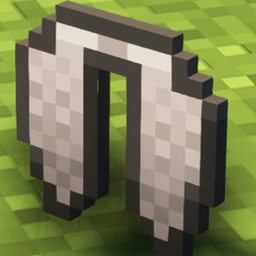
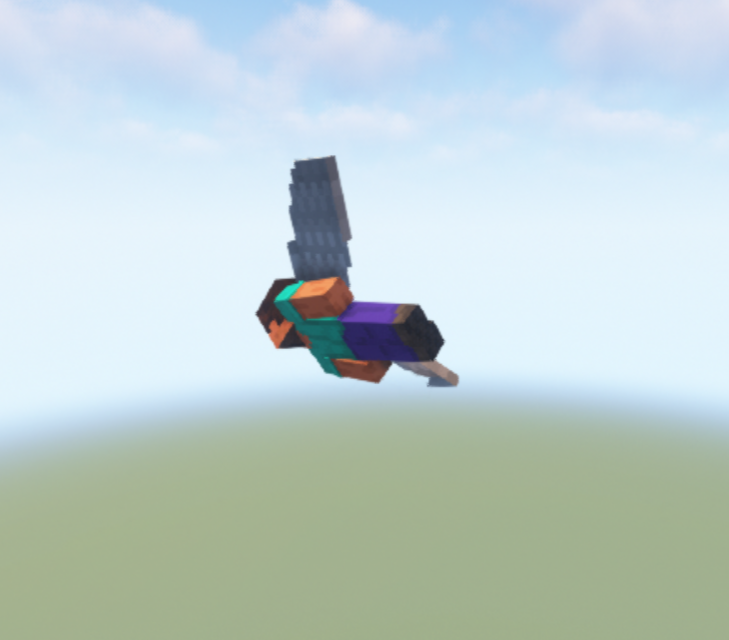
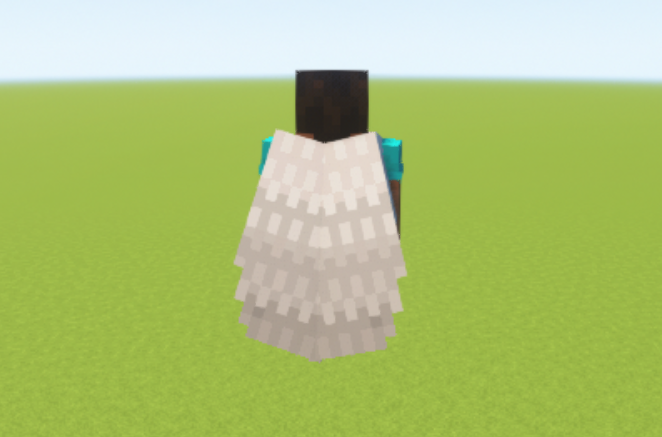
Makes the elytra look like it is made out of feathers
by Venaticshelf408
Download Claim this project
2,586 downloads
0 likes
Updated Oct 14, 2026
0 hypes
16x Miscellaneous
Advertisement Remove ads with Premium →

This texturepack changes:

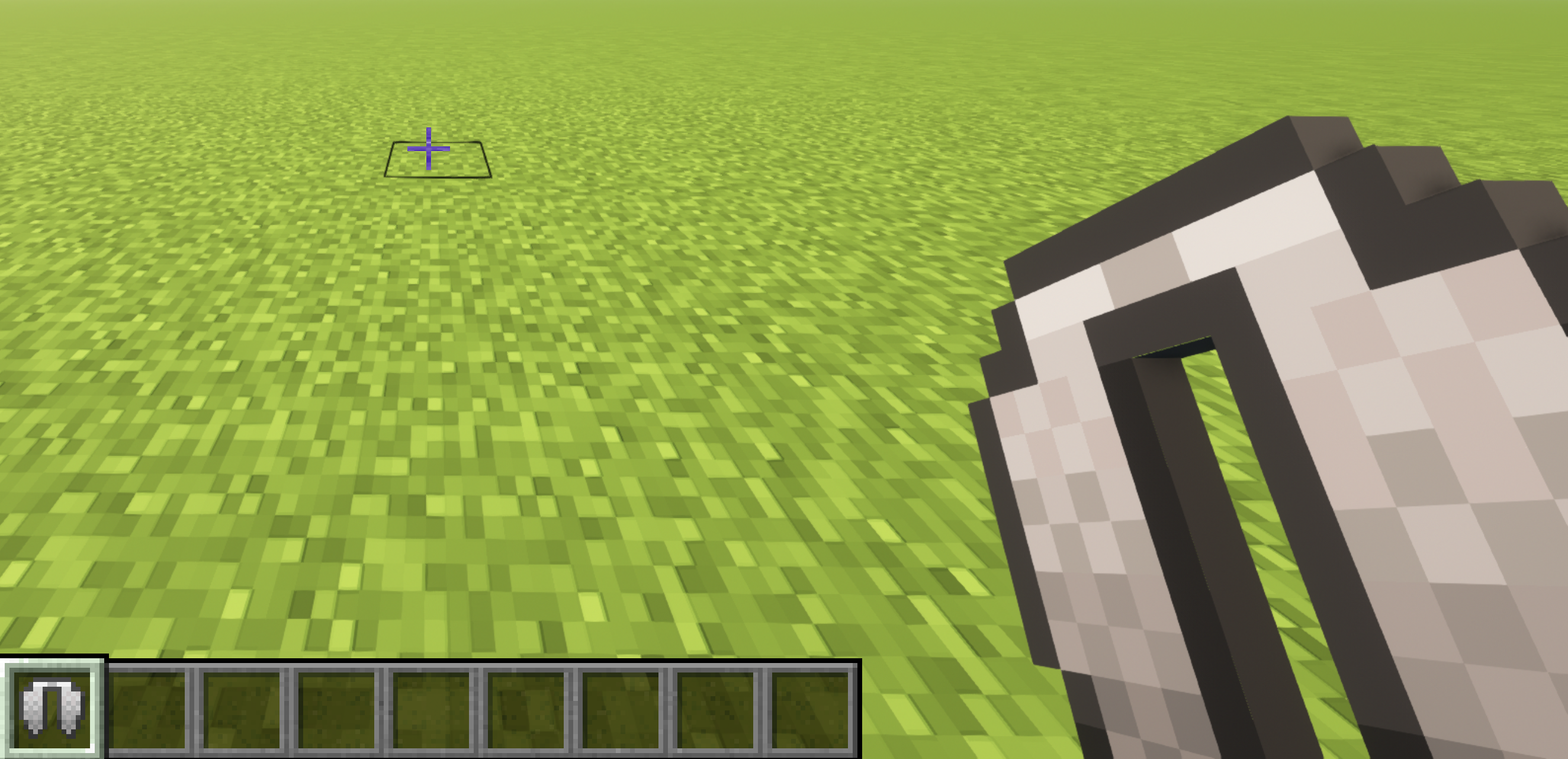
-the elytra texture, when worn

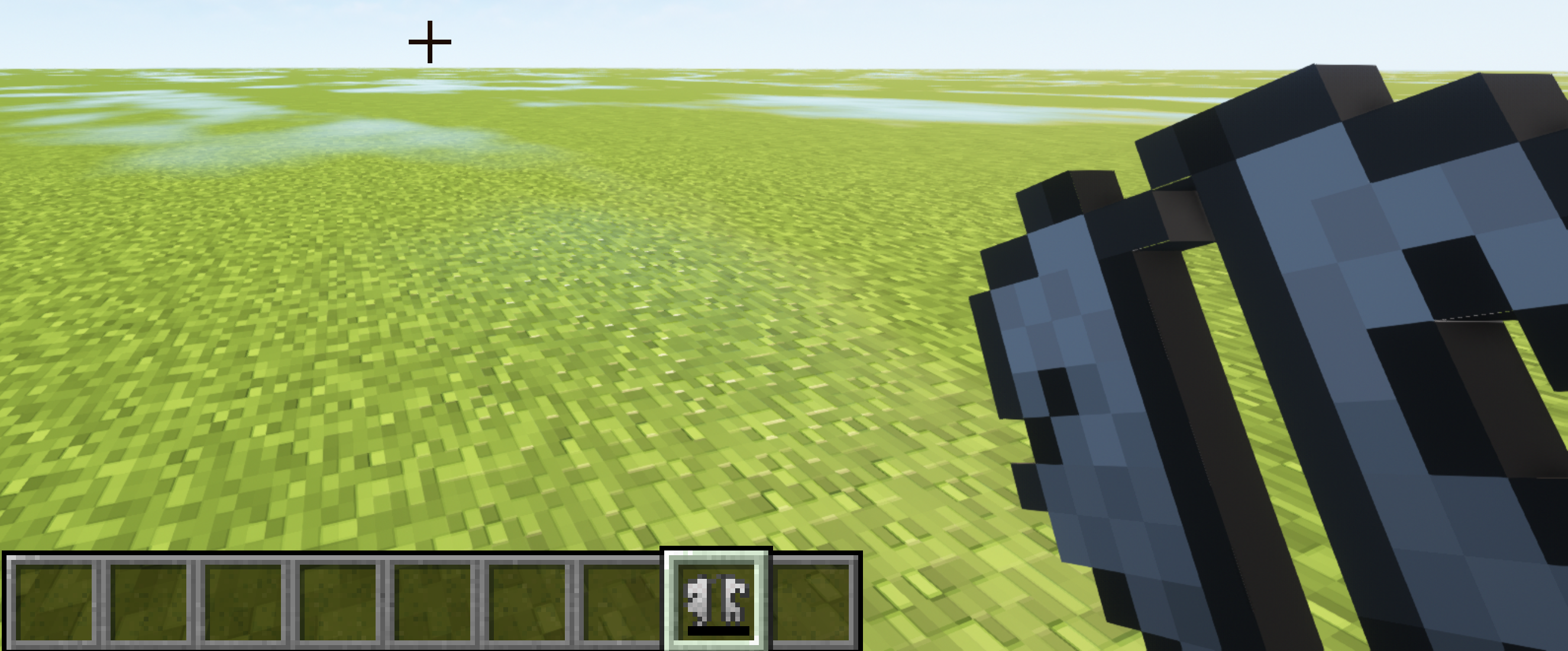
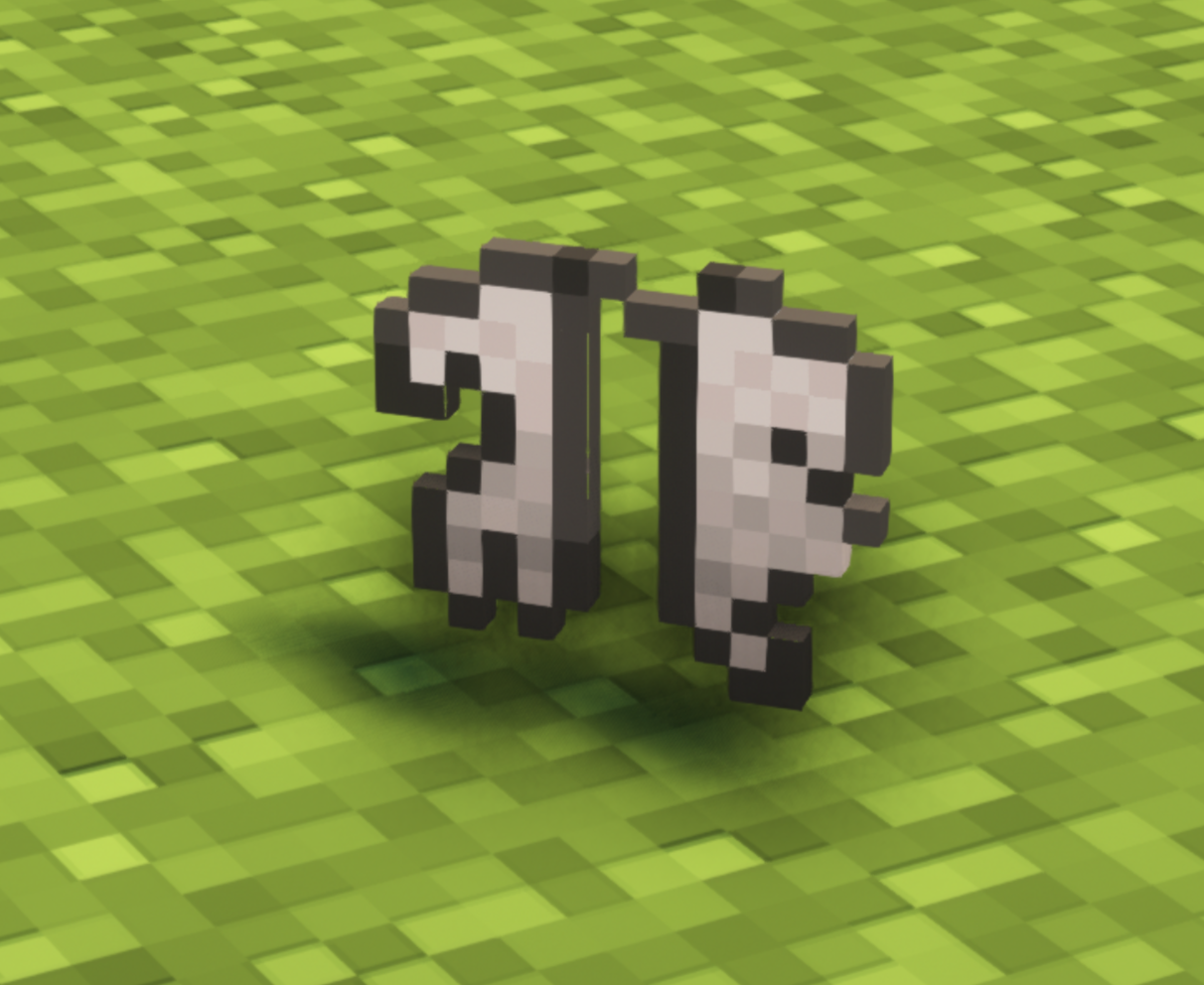
-the elytra item in hand, in itemframe, when dropped...

-the broken elytra item


The texturepack will change all of those aspects, so that they look like they are made out of feathers

Note: If you download the universal File dont be mistaken if Minecraft says that the texturepack is made for an older / newer version of Minecraft it will work for 1.9 and all Versions that have been released after 1.9!

Litle problem i have noticed is that the elytra when you are holding it doesnt have the texture but it will still change the look when you are wearing it.

Also please let me know in the comments if it doesnt work in a specific version and i'll tr to fix it.

Important!: Before using this texturepack make sure your avatar doesn't have a cape or else the elytra will just use the pattern of your cape.


Also check out my other texturepacks!


(Thanks for 100 downloads :D )

Univesal_feather_elytra.zip
MC 1.16-Snapshot, 1.17.1, 1.9.1, 1.16.3, 1.13.1, 1.9.3, 1.19.3, 1.20.2, 1.21, 1.15-Snapshot, 1.16.1, 1.18.1, 1.19.4-Snapshot, 1.20.5, 1.10-Snapshot, 1.9.4, 1.9.2, 1.14.4, 1.14.1
Release 2024-07-07 Get
Feather-elytra 1.20.5 + 1.20.6.zip
MC 1.20.5, 1.20.6
Release 2024-07-01 Get
Feather-elytra 1.21.zip
MC 1.21
Release 2024-07-01 Get
Feather-elytra 1.20.4 + 1.20.3.zip
MC 1.20.3, 1.20.4
Release 2024-04-05 Get
Feather-elytra 1.20.2.zip
MC 1.20.2
Release 2024-04-05 Get
Feather-elytra 1.20.1 + 1.20.zip
MC 1.20.1, 1.20
Release 2024-04-05 Get

Requirements & install

How to use this resource pack in Minecraft
Resolution
16x
Minecraft
1.20 – 1.21
Install folder
.minecraft/resourcepacks

How to install resource packs

  1. Download the resource pack .zip file (do not extract it).
  2. In Minecraft open Options → Resource Packs → Open Pack Folder.
  3. Drop the .zip into the resourcepacks folder (.minecraft/resourcepacks).
  4. Move the pack to the Selected column and click Done.
Browse more: 16x resource packs 32x resource packs 64x resource packs 128x resource packs 256x resource packs 512x+ resource packs Resource Packs for 1.21 All resource packs

More from Venaticshelf408

Advertisement Remove ads with Premium →

You Might Also Like