Mineuniverse
Resource Packs
Ender-Warped-Blocks

Ender-Warped-Blocks

RESOURCE PACK
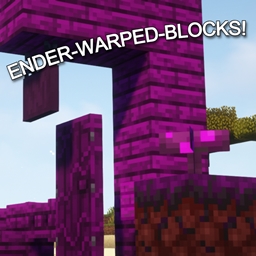
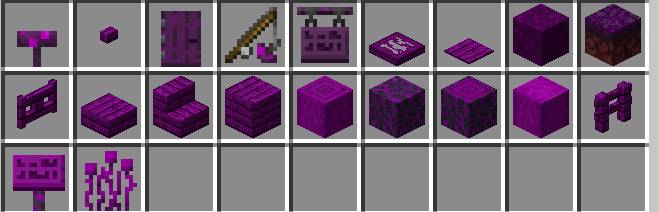
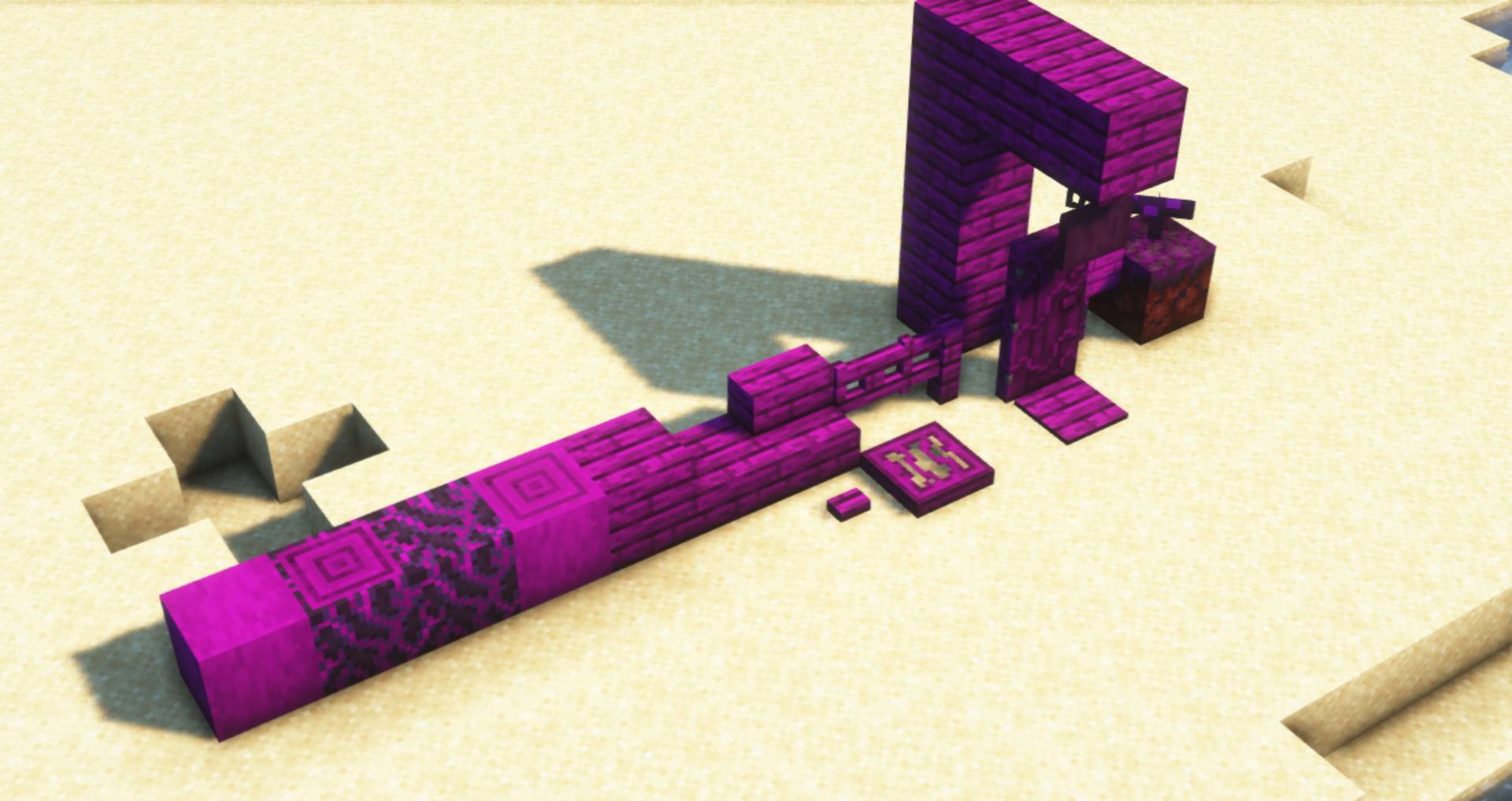
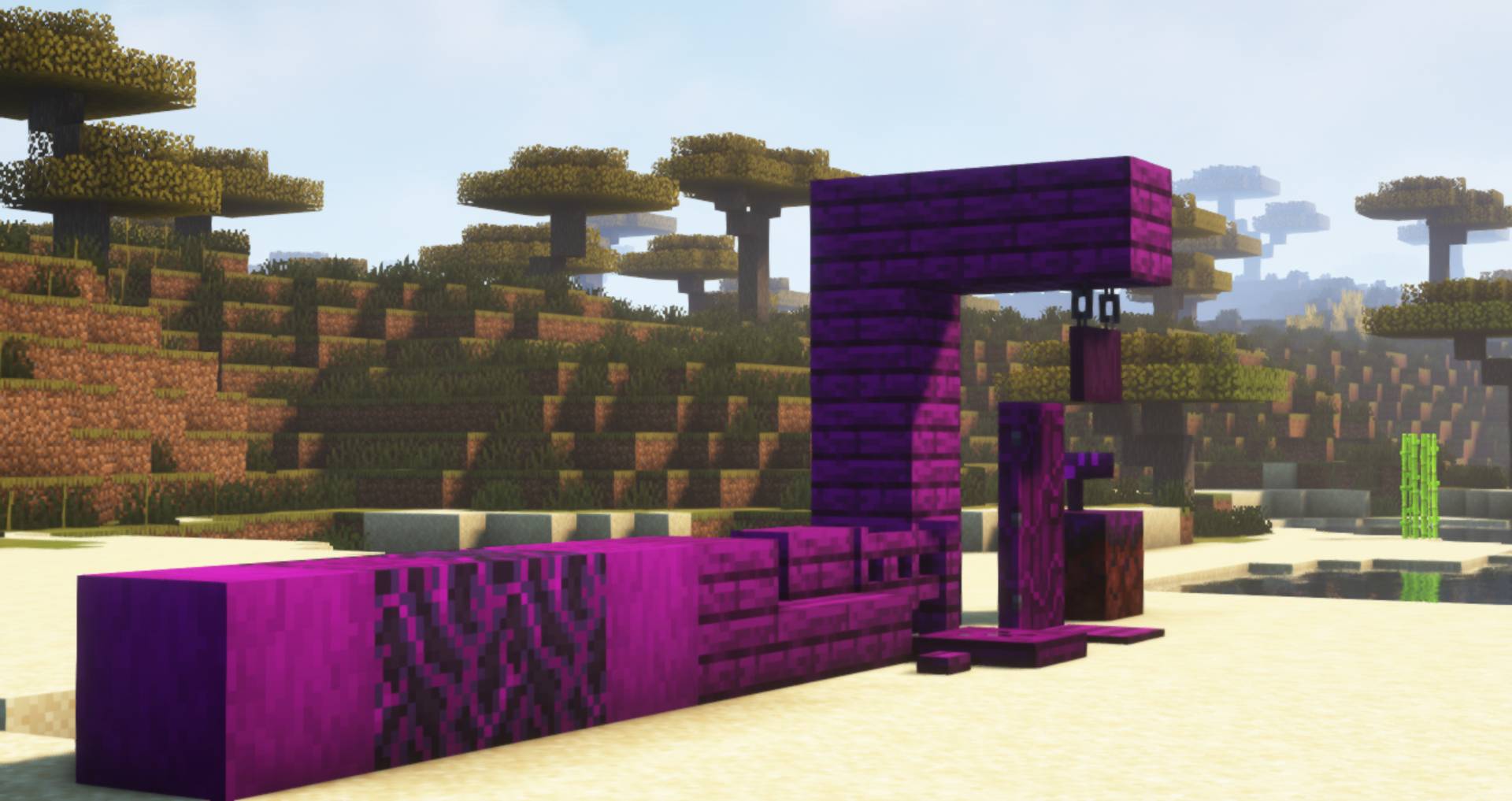
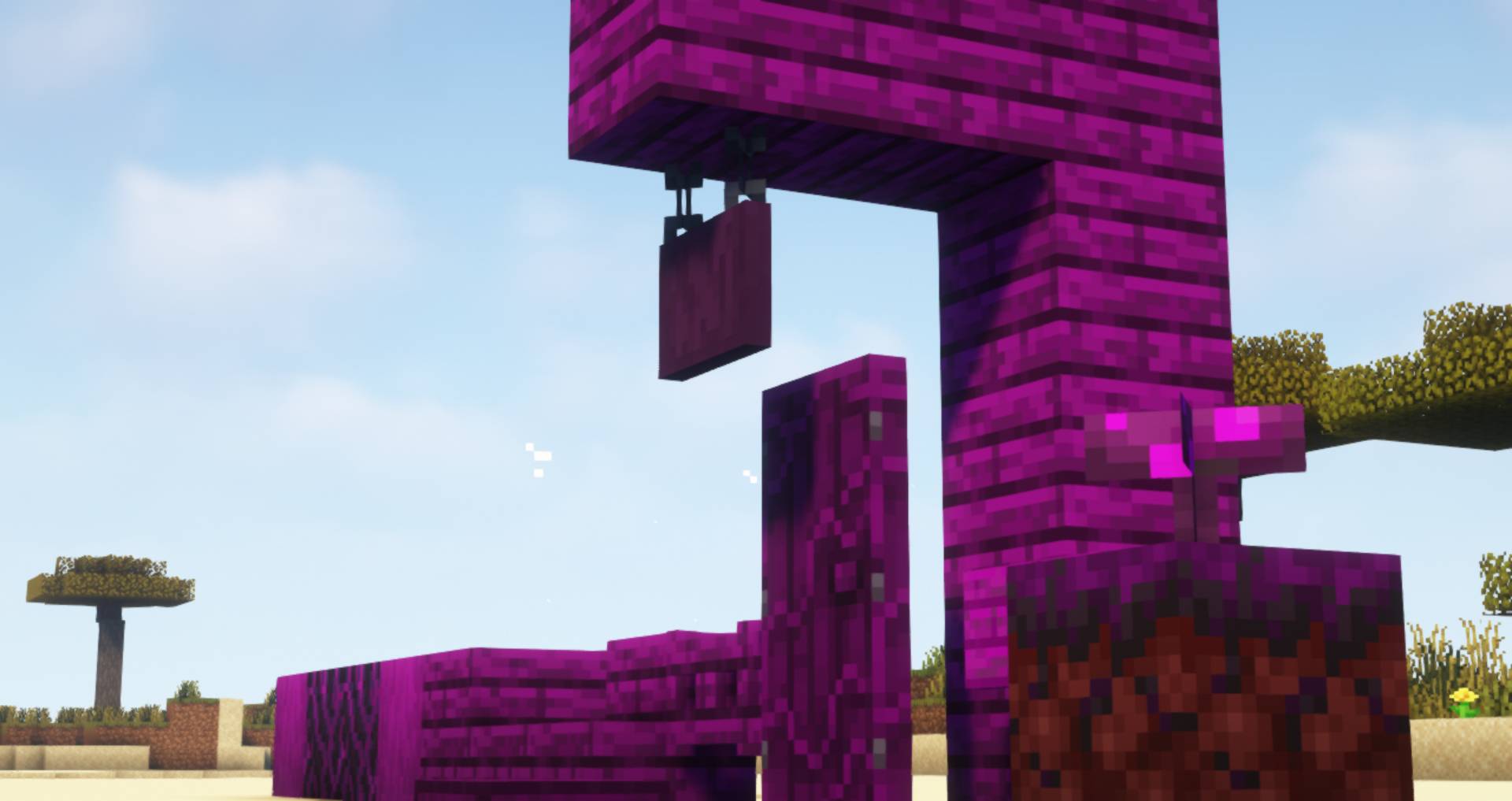
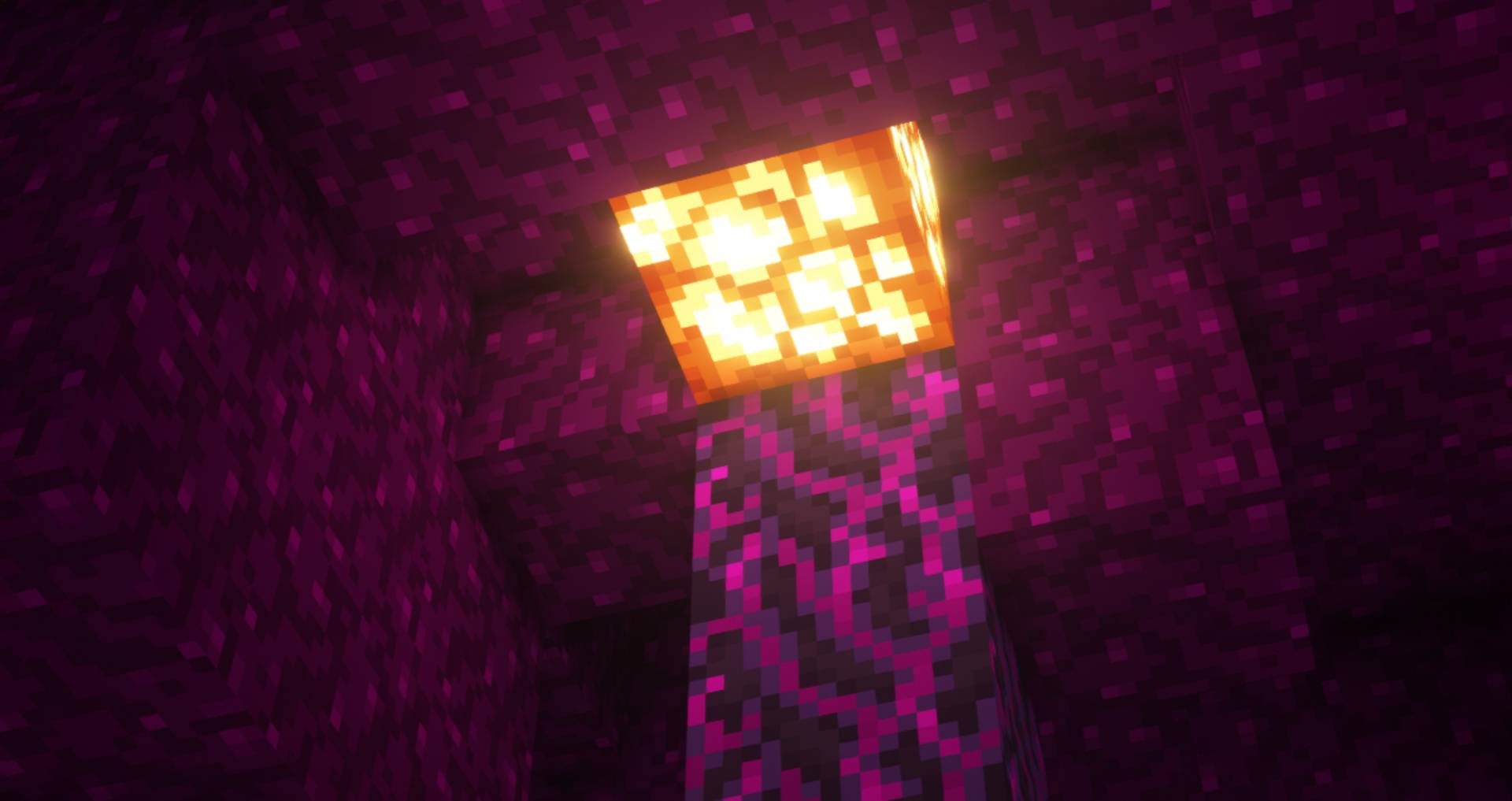
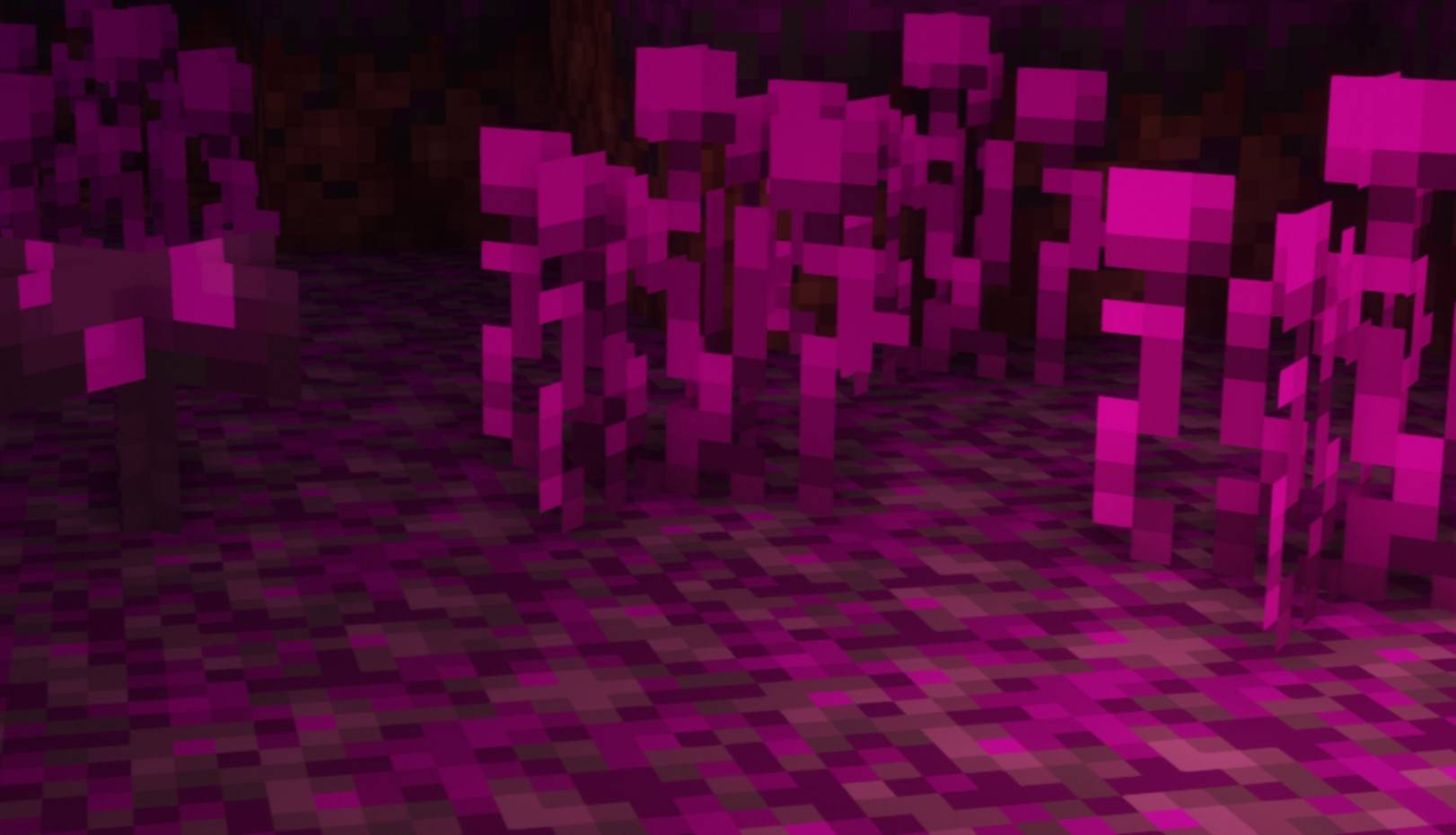
This texturepacks makes all Warped forest related blocks dark purple to match the endermen.
by Venaticshelf408
Download Claim this project
1,118 downloads
0 likes
Updated Oct 14, 2026
0 hypes
16x Animated Miscellaneous
Advertisement Remove ads with Premium →

Have you ever wondered: "Why are the Warped forests in minecraft cyan (or green idk what color is called) even though the enderman is the main mob that spawns there".

Okay... Maybe you didn't have that question but i sure did and so i created this texturepack to make all the Warped forest related blocks a dark purple to match the enderman.

Note: If you download the universal File dont be mistaken if Minecraft says that the texturepack is made for an older / newer version of Minecraft it will work for 1.16 and all Versions that have been released after 1.16!

Also please let me know in the comments if it doesnt work in a specific version and i'll try to fix it.


Thanks for your support yall see ya when the next texturepack comes out! :D

 

Also check out my other texturepacks!

Universal.zip
MC 1.17.1, 1.16.3, 1.19.3, 1.20.2, 1.21, 1.16.1, 1.18.1, 1.19.4-Snapshot, 1.20.5, 1.17, 1.20.2-Snapshot, 1.20.5-Snapshot, 1.16, 1.19.4, 1.19-Snapshot, 1.16.5, 1.18.2, 1.19.2
Release 2024-07-07 Get
Ender-Warped-Blocks 1.20.1 + 1.20.zip
MC 1.20.1, 1.20
Release 2024-07-02 Get
Ender-Warped-Blocks 1.20.2.zip
MC 1.20.2
Release 2024-07-02 Get
Ender-Warped-Blocks 1.20.3 + 1.20.4.zip
MC 1.20.3, 1.20.4
Release 2024-07-02 Get
Ender-Warped-Blocks 1.20.5 + 1.20.6.zip
MC 1.20.5, 1.20.6
Release 2024-07-02 Get
Ender-Warped-Blocks 1.21.zip
MC 1.21
Release 2024-07-02 Get

Requirements & install

How to use this resource pack in Minecraft
Resolution
16x
Minecraft
1.20.2-Snapshot – 1.21
Install folder
.minecraft/resourcepacks

How to install resource packs

  1. Download the resource pack .zip file (do not extract it).
  2. In Minecraft open Options → Resource Packs → Open Pack Folder.
  3. Drop the .zip into the resourcepacks folder (.minecraft/resourcepacks).
  4. Move the pack to the Selected column and click Done.
Browse more: 16x resource packs 32x resource packs 64x resource packs 128x resource packs 256x resource packs 512x+ resource packs Resource Packs for 1.21 All resource packs

More from Venaticshelf408

Advertisement Remove ads with Premium →

You Might Also Like