Mineuniverse
Resource Packs
FancyCraft x64 Classy Resource Pack

FancyCraft x64 Classy Resource Pack

RESOURCE PACK
Classy Fun
by kyctarniq
Download Claim this project
14,942 downloads
0 likes
Updated Oct 14, 2026
0 hypes
64x Modern Photo Realistic
Advertisement Remove ads with Premium →

Don't forget you need to use MCPatcher or Optifine for this texture pack to look perfect, it uses Connected Textures.

Hi Guys,

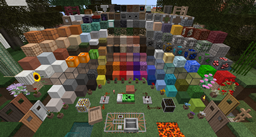
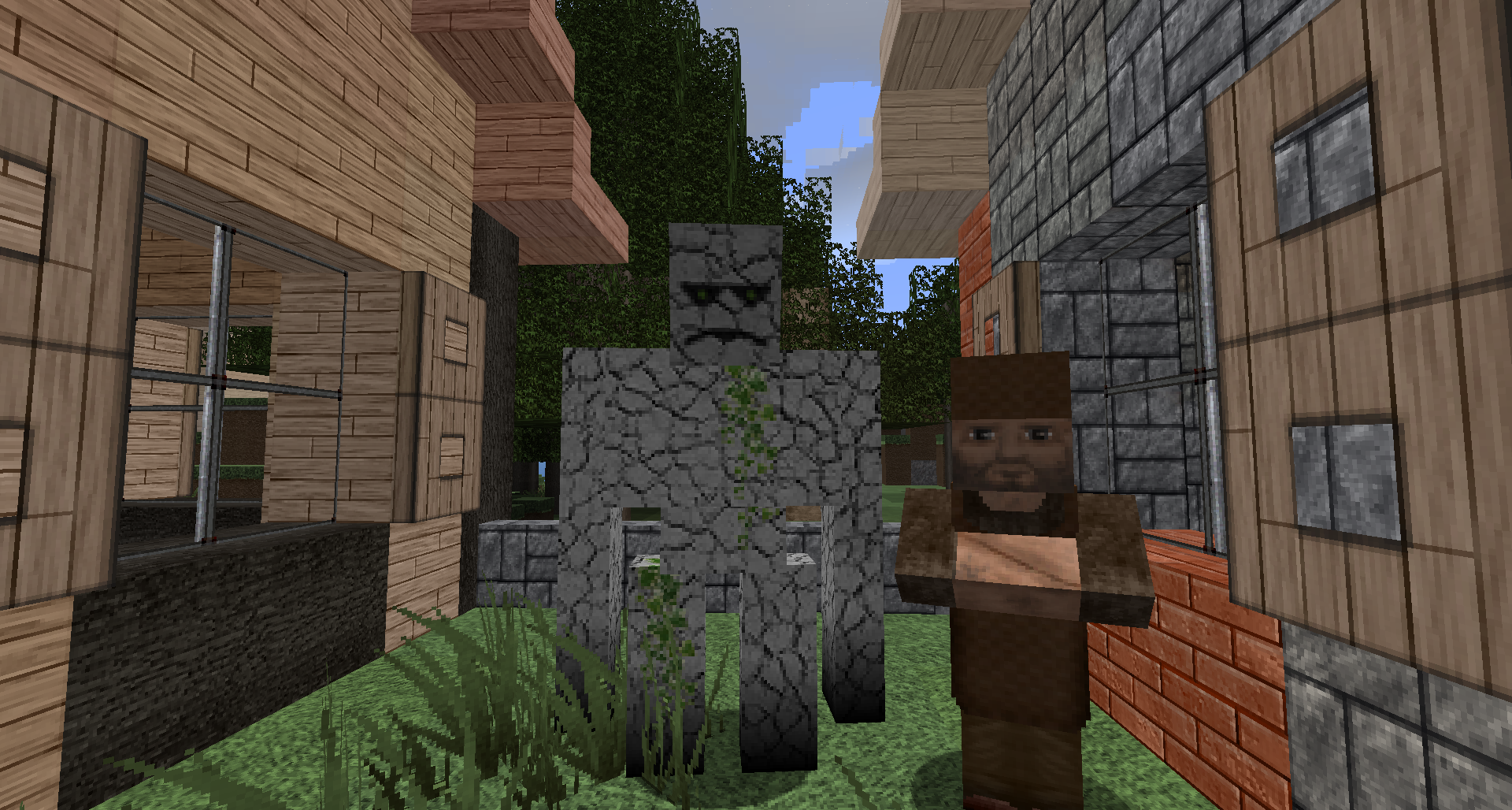
FancyCraft just got, well just that, fancier!  Yes, it has. There have been several original textures that have bothered me for a long time, like the doors for example, they were anything but fancy.  That is no longer true.  I have begun reworking some original textures that are below the mark.  I am turning up the fancy to 11!  Check out the new doors plus the new cobble and stone bricks.  I hope you like them.  Expect more as in the near future!

JJJas0n started this wonderful pack when Minecraft was very young.  FancyCraft has always been one of the best HD packs.  I have requested and received permission from JJJason to start the brand again.

Others have made an effort to continue the pack but have fallen away.  I have started afresh from the last JJJas0n release.  I have worked hard to keep the standard as incredibly high as FancyCraft started.  Please tell me if I have succeeded and where I have missed the mark.
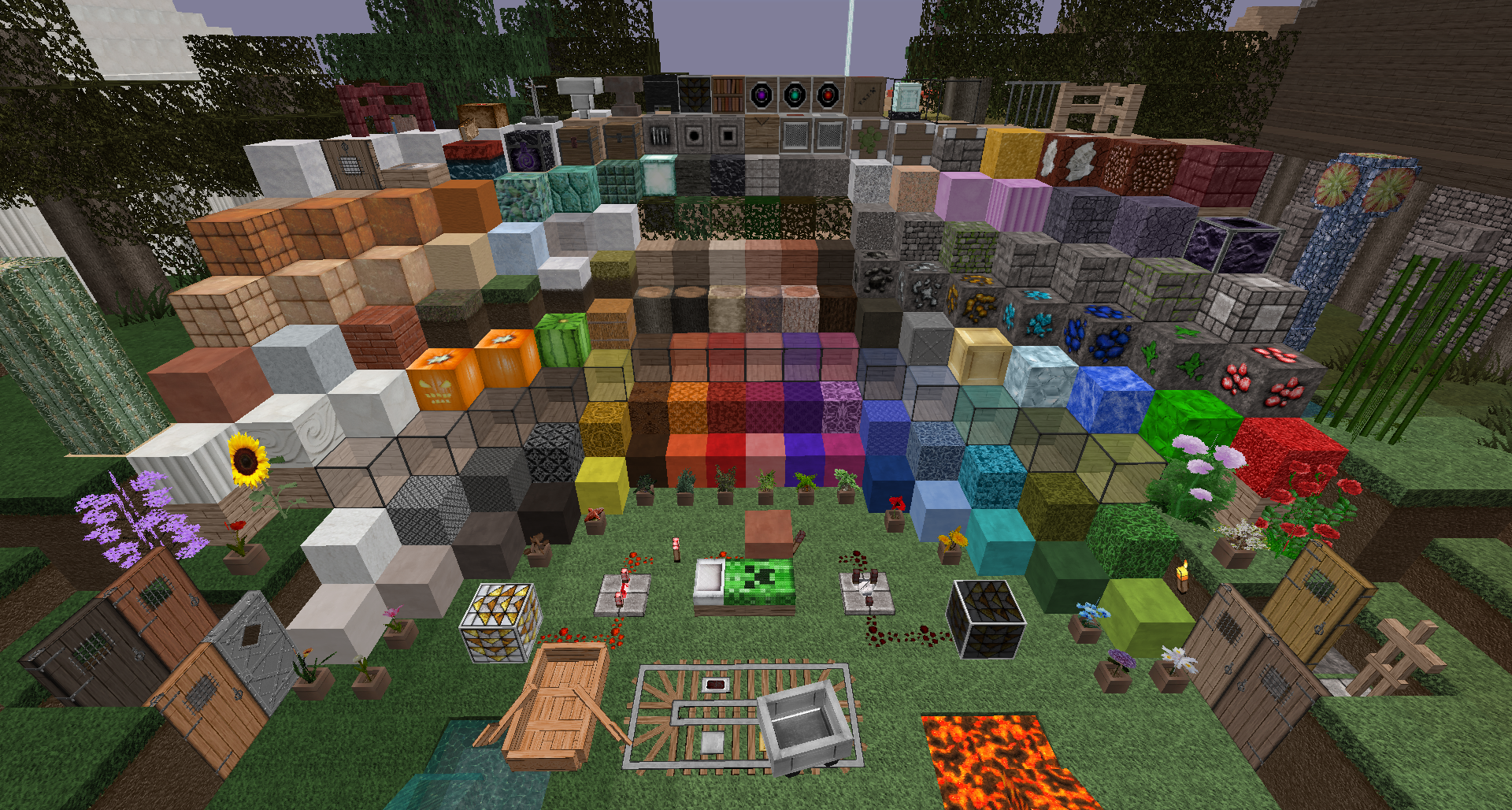

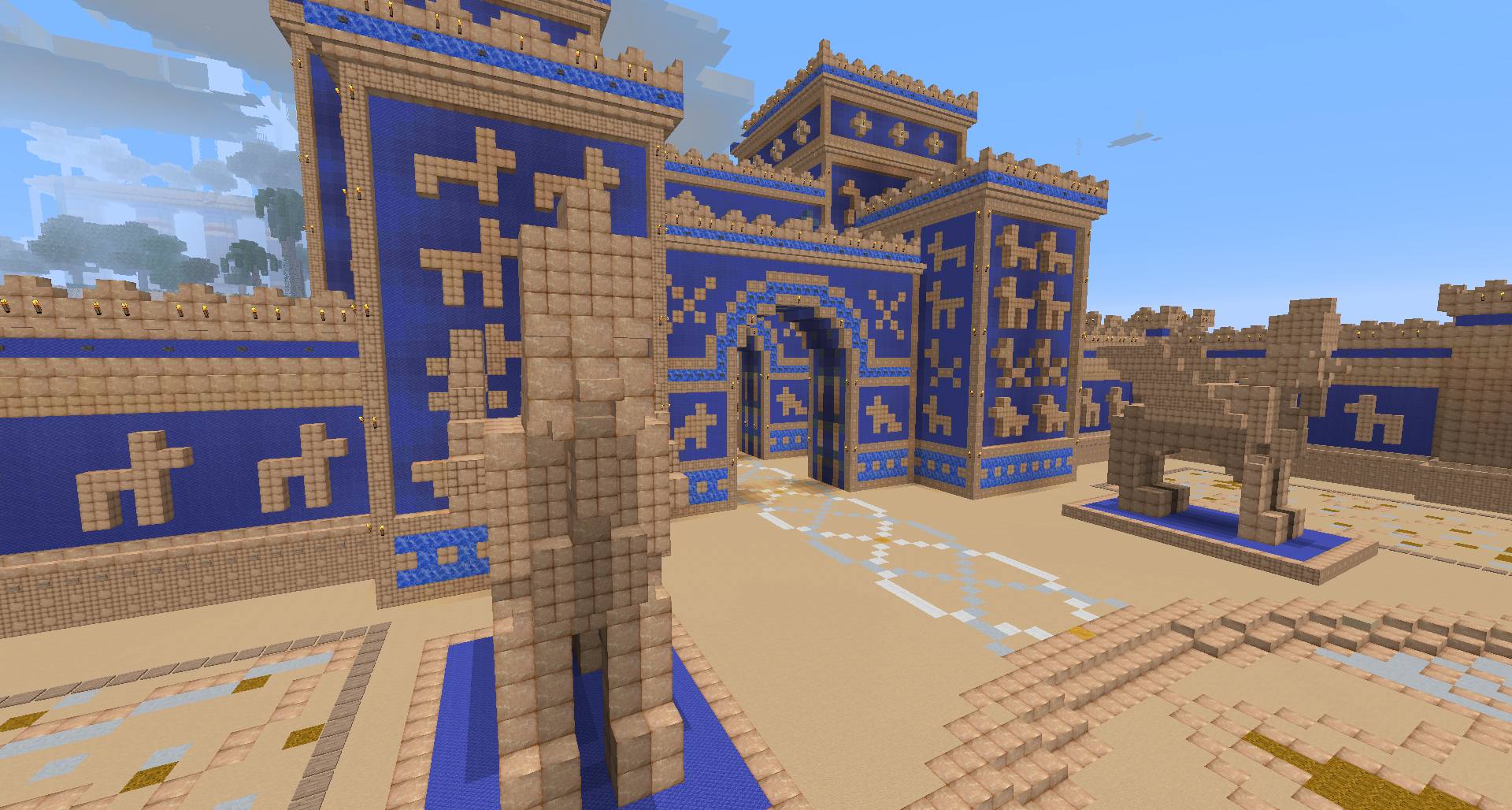
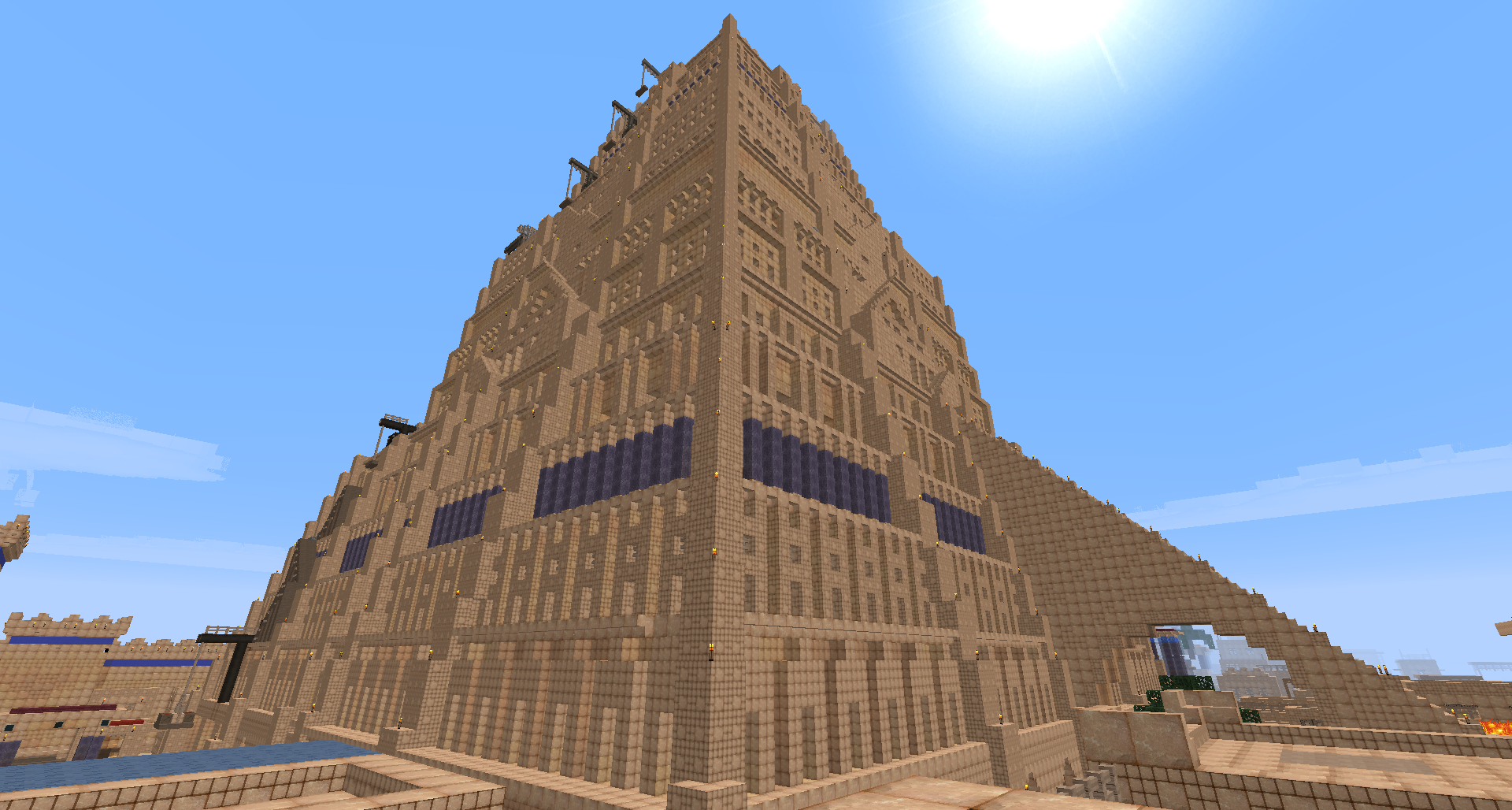
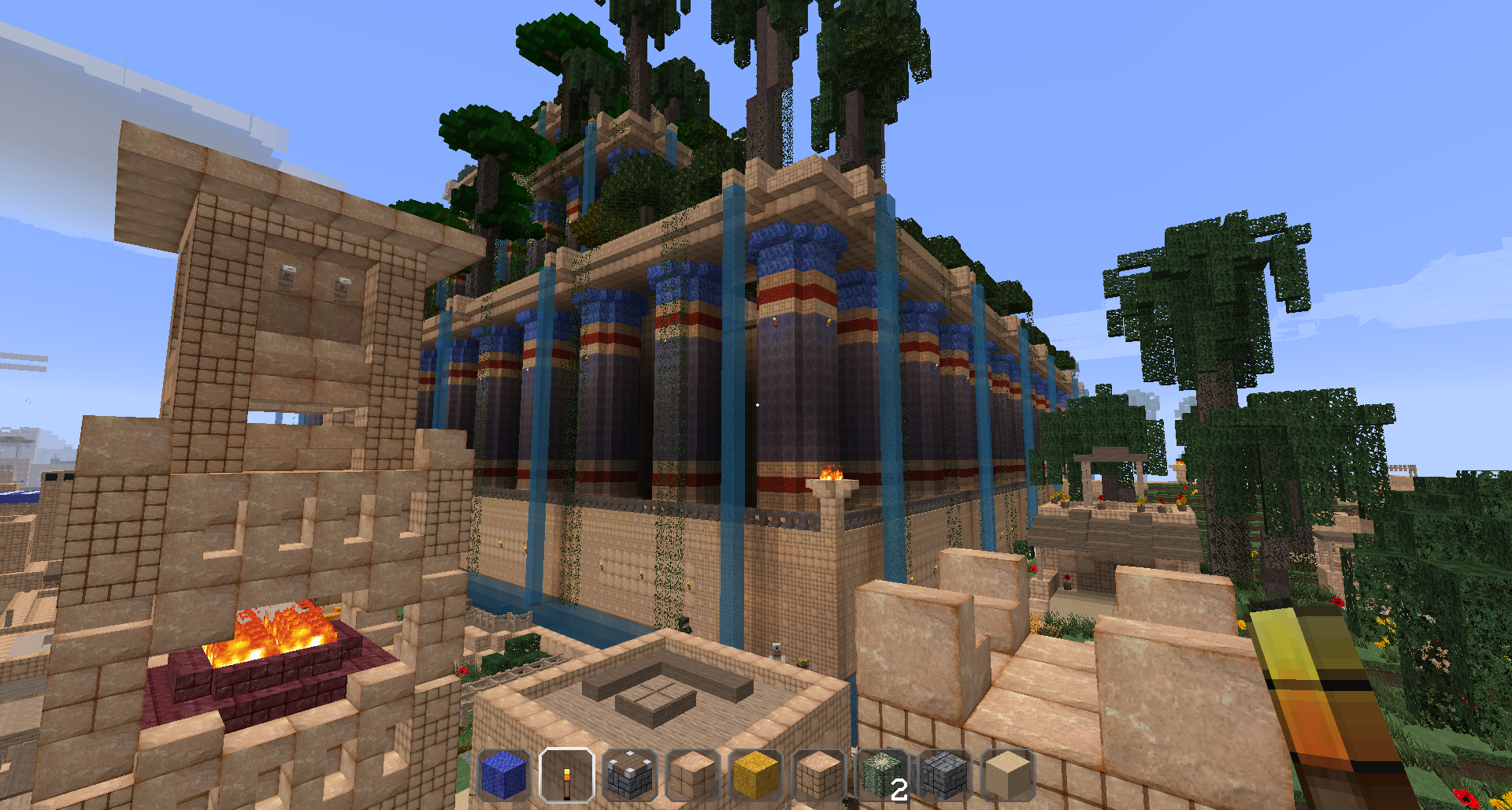
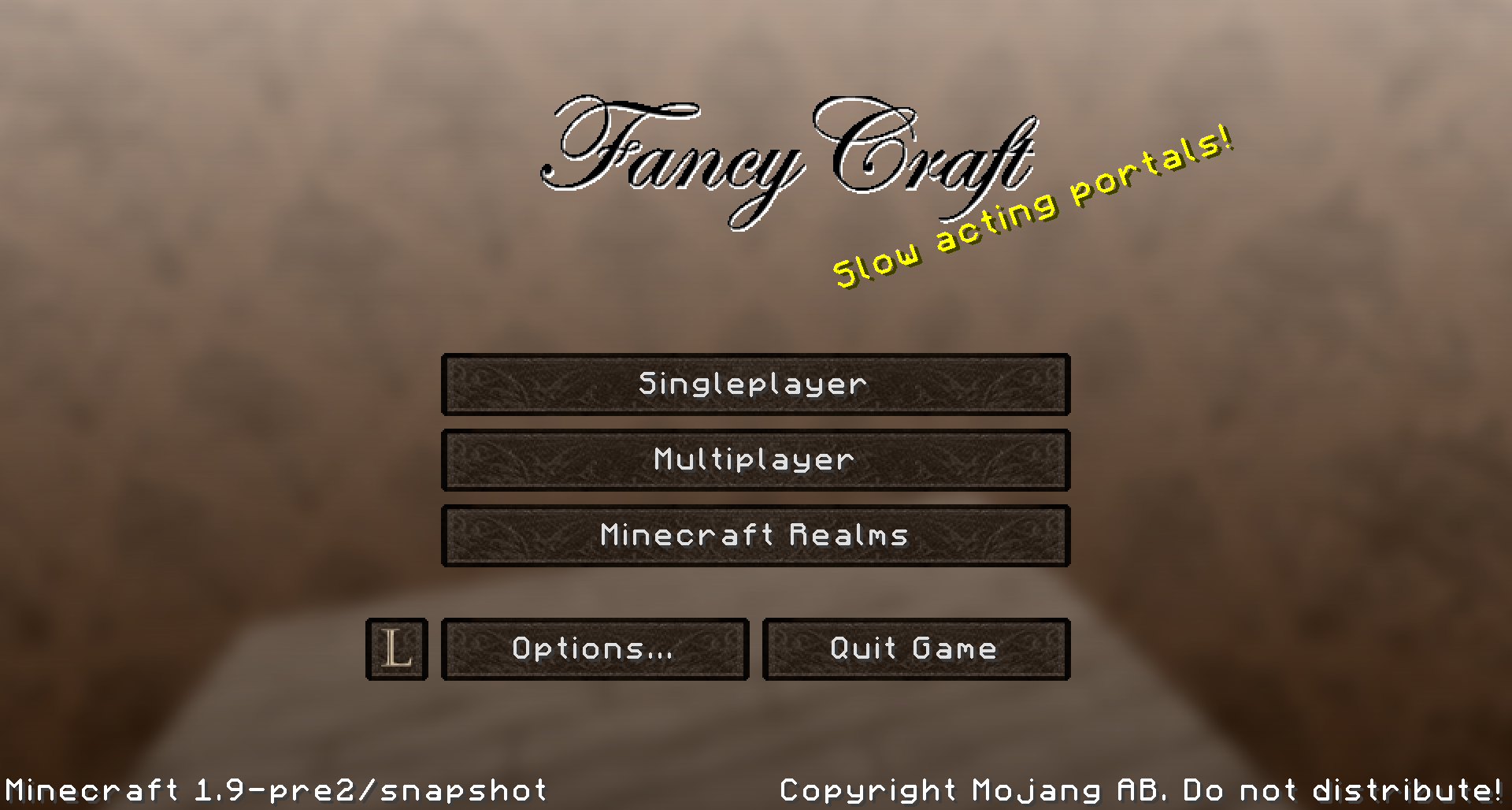
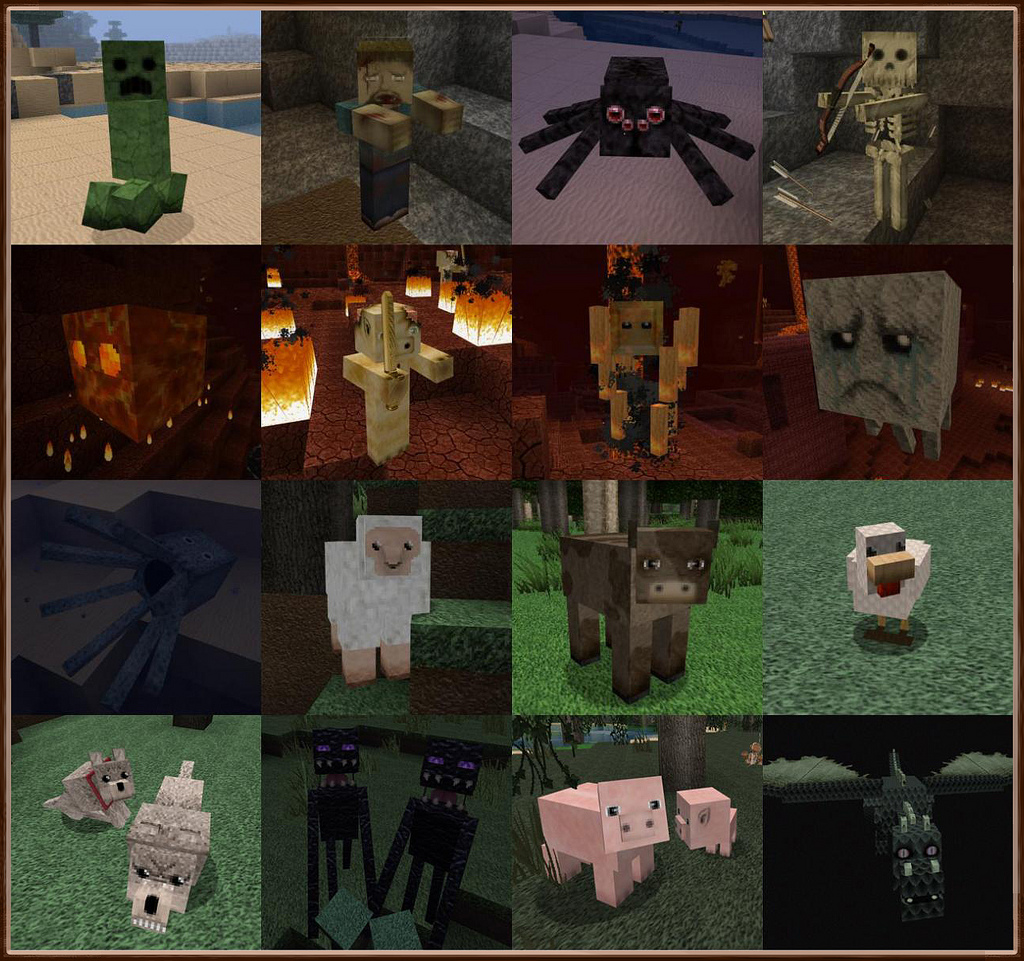
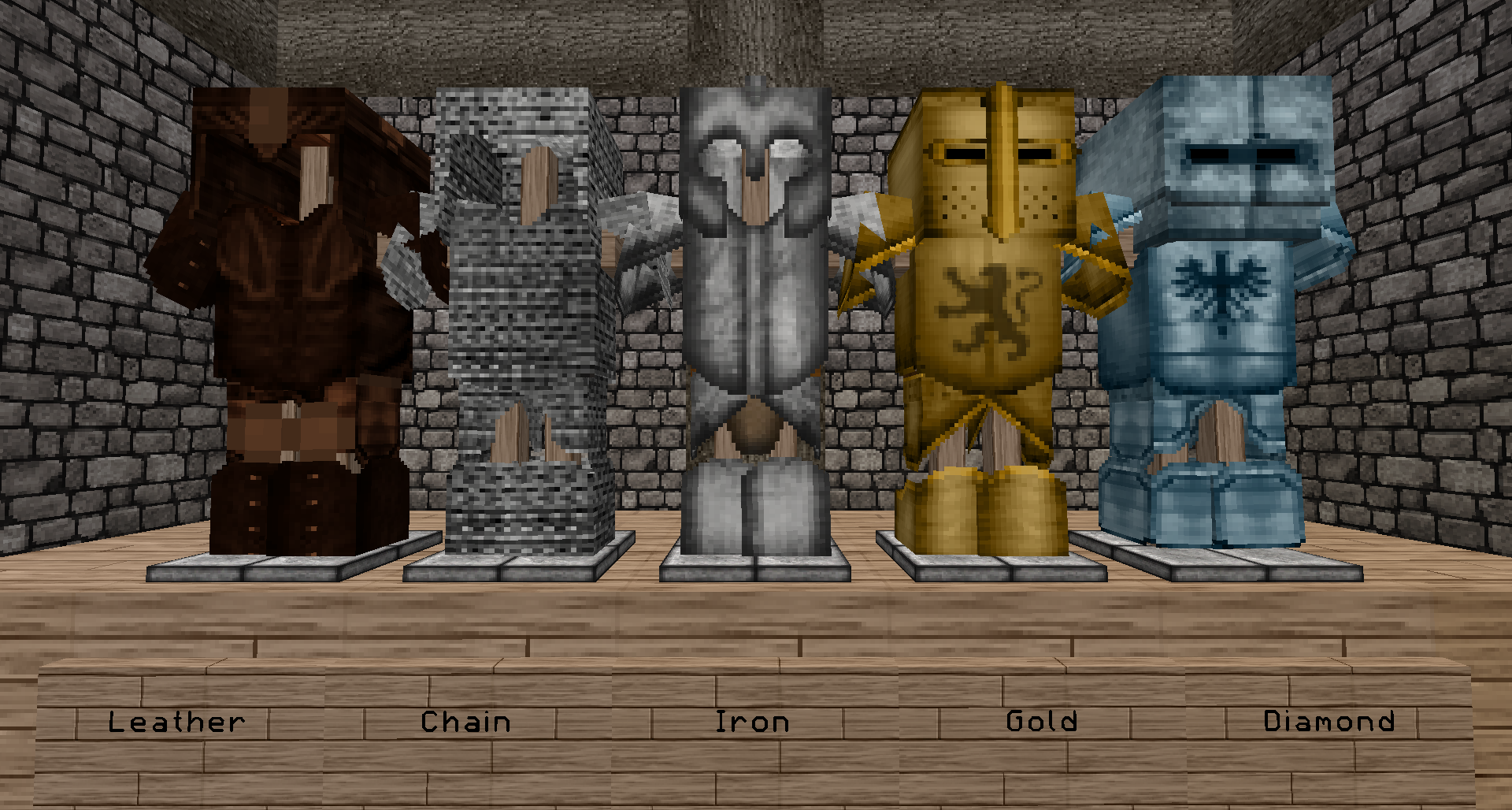
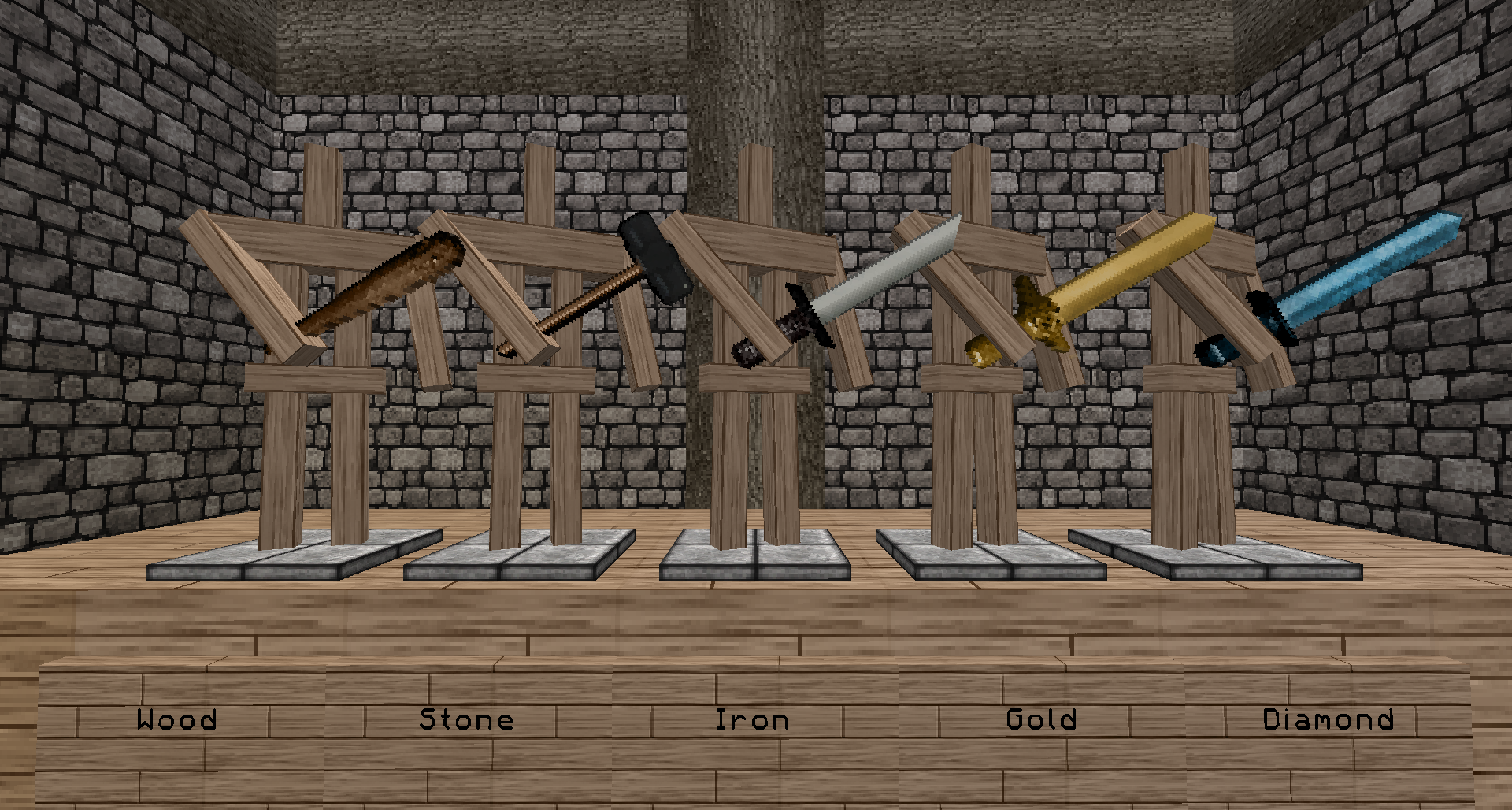
Screenshot thanks to Kab's Resource Pack Showcase!

Credits from the original pack:
  • Font from Misa's texturepack
  • Water, lava, and environment textures are from Scuttle's Texture pack. He was kind enough to let me use these; they look great.
  • This texturepack was inspired by Misa's and Scuttle's.


Licence / Permissions (legalistic crap):
  • Please get permission to reuse content from this pack in other packs.
  • Please get permission to re-distribute this content.
  • Please give credit and link to this thread to write reviews with screenshots.
  • Please give credit and link to this thread to make videos using this content.

undefined

Please tell me what you like and, especially, what you DO NOT like. For the things that are not right, if you can tell me why they are wrong there is a good chance I will fix it, well at least try.
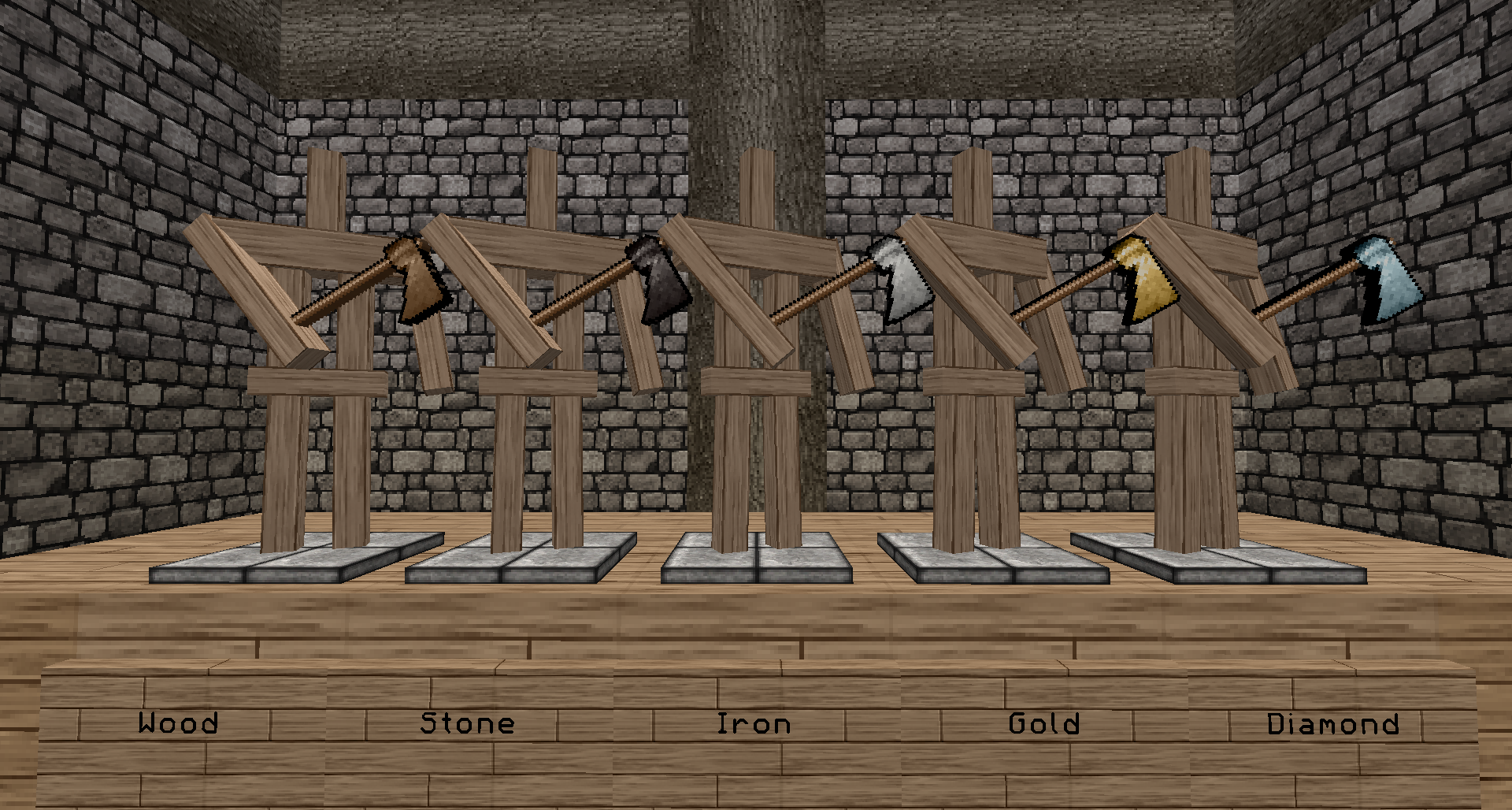
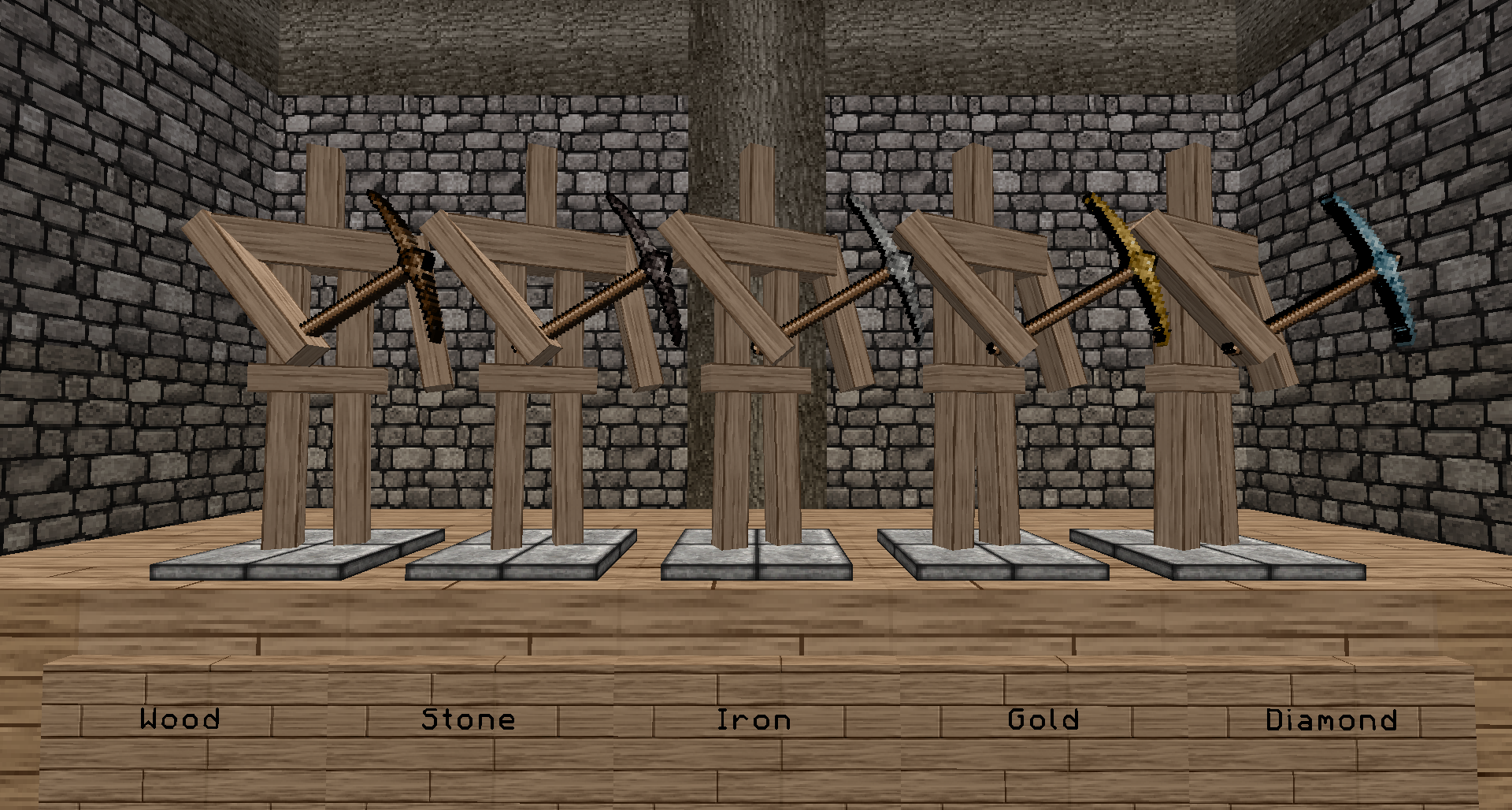
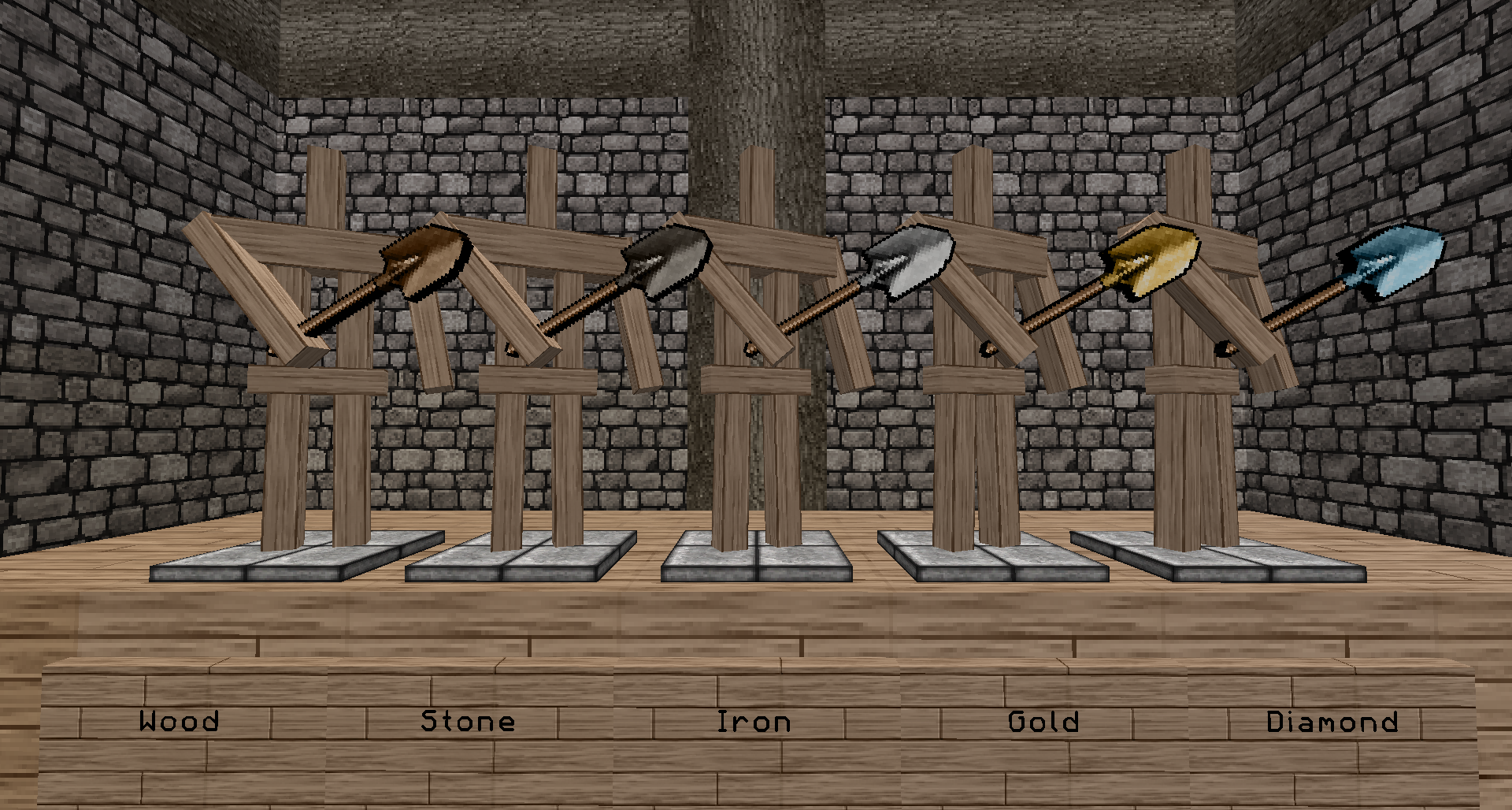
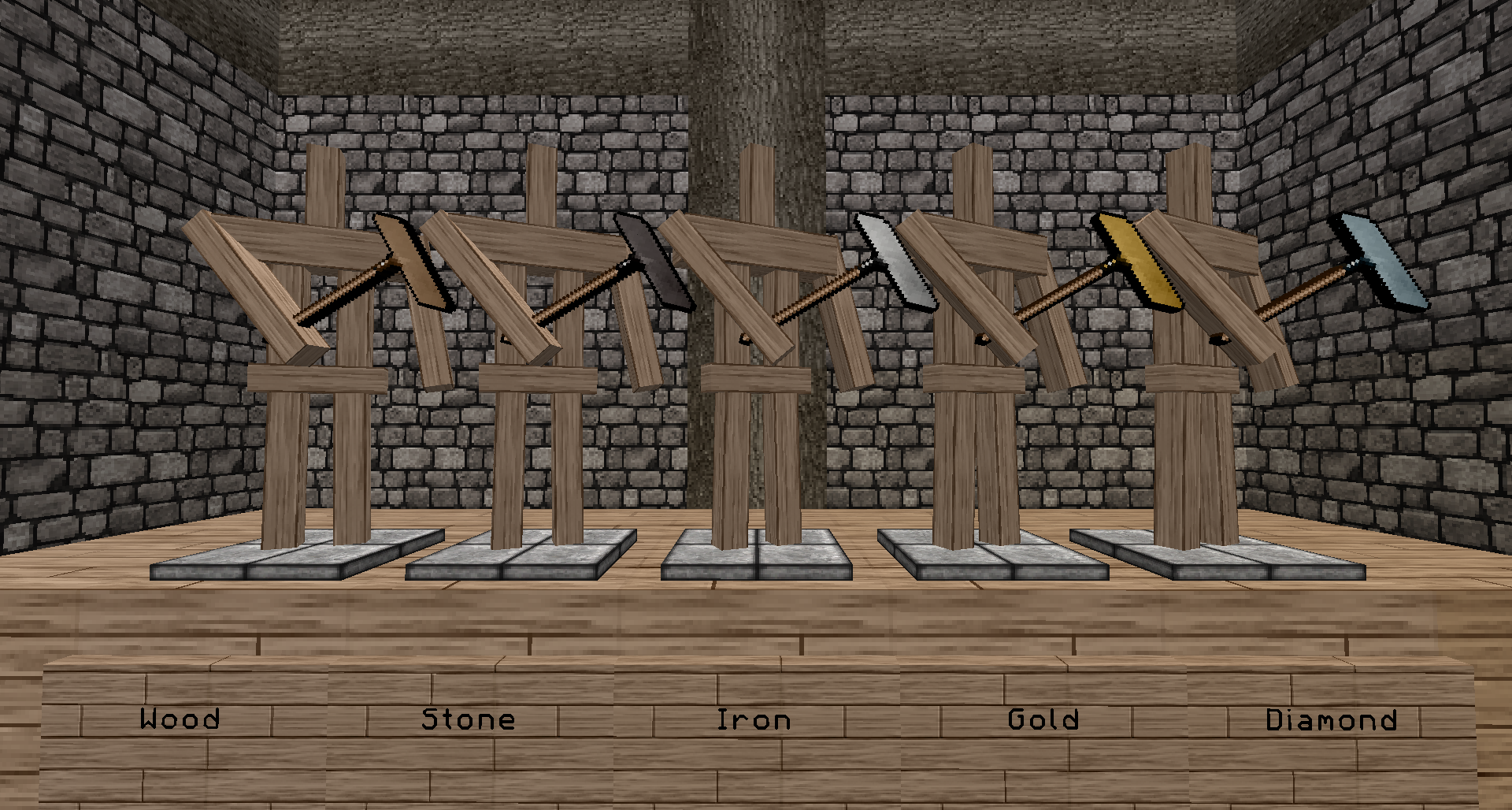


These are all my texture packs, I bet there is something you like:  

FancyCraft x64 1.9 v2
MC 1.9.1, 1.9.3, 1.9.4, 1.9.2, 1.9-Snapshot, 1.9
Release 2016-06-02 Get
FancyCraft x64 1.9 2a
MC 1.9.1, 1.9.3, 1.9.4, 1.9.2, 1.9-Snapshot, 1.9
Release 2016-06-02 Get
FancyCraft x64 1.8 v4
MC 1.8.7, 1.8.4, 1.8.8, 1.8-Snapshot, 1.8.3, 1.8.6, 1.8, 1.8.2, 1.8.5, 1.8.9, 1.8.1
Release 2016-02-25 Get
FancyCraft x64 1.9 v1
MC 1.9-Snapshot
Release 2016-02-25 Get
FancyCraft x64 Classy 1.8 v3
MC 1.8.7, 1.8.4, 1.8.8, 1.8-Snapshot, 1.8.3, 1.8.6, 1.8, 1.8.2, 1.8.5, 1.8.1
Release 2015-12-19 Get
FancyCraft x64 Classy 1.8 v2
MC 1.8.7, 1.8.4, 1.8.8, 1.8-Snapshot, 1.8.3, 1.8.6, 1.8, 1.8.2, 1.8.5, 1.8.1
Release 2015-10-07 Get
FancyCraft64 1.8.8 v1
MC 1.8.7, 1.8.4, 1.8-Snapshot, 1.8.3, 1.8.6, 1.8, 1.8.2, 1.8.5, 1.8.1
Release 2015-08-24 Get
FancyCraft64_1.7.10_v1.zip
MC 1.7.6, 1.7.4, 1.7.7, 1.7.5, 1.6.1, 1.7.9, 1.7.2, 1.7.8, 1.6.4, 1.7.10, 1.6.2
Release 2014-07-26 Get
FancyCraft64_1.7.9_v2.zip
MC 1.7.6, 1.7.4, 1.7.7, 1.7.5, 1.6.1, 1.7.9, 1.7.2, 1.7.8, 1.6.4, 1.6.2
Release 2014-06-10 Get
FancyCraft64_1.7.9_v1.zip
MC 1.7.4
Release 2014-05-06 Get

Requirements & install

How to use this resource pack in Minecraft
Resolution
64x
Minecraft
1.8.8 – 1.9.4
Install folder
.minecraft/resourcepacks

How to install resource packs

  1. Download the resource pack .zip file (do not extract it).
  2. In Minecraft open Options → Resource Packs → Open Pack Folder.
  3. Drop the .zip into the resourcepacks folder (.minecraft/resourcepacks).
  4. Move the pack to the Selected column and click Done.
Browse more: 16x resource packs 32x resource packs 64x resource packs 128x resource packs 256x resource packs 512x+ resource packs Resource Packs for 1.9.4 All resource packs

More from kyctarniq

Advertisement Remove ads with Premium →

You Might Also Like