Badges update automatically and link to the resource pack page on MineUniverse.
DISCLAIMER: Due to an unknown error, Falloutcraft was permanently lost. It will receive no further updates due to this predicament.
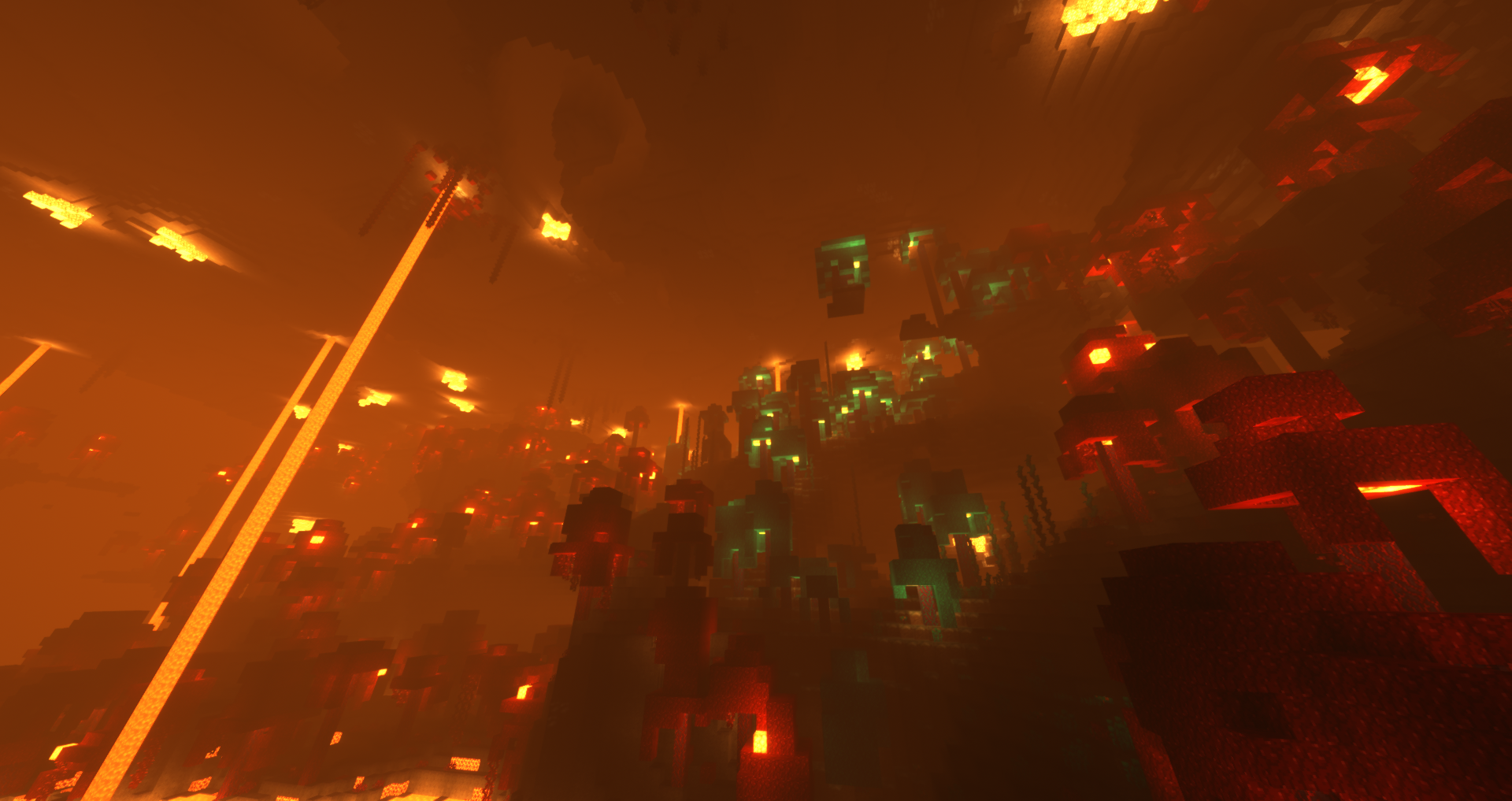
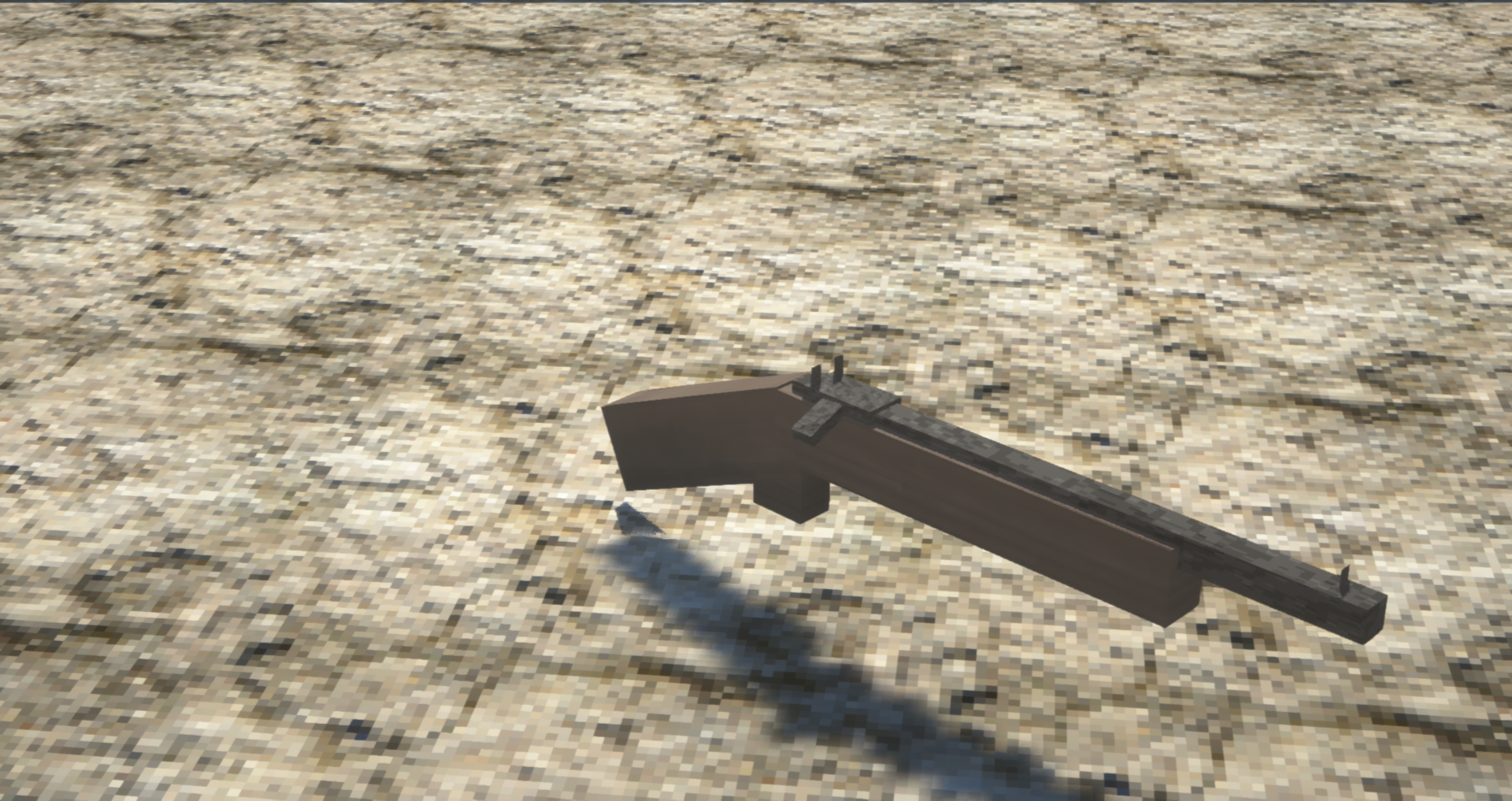
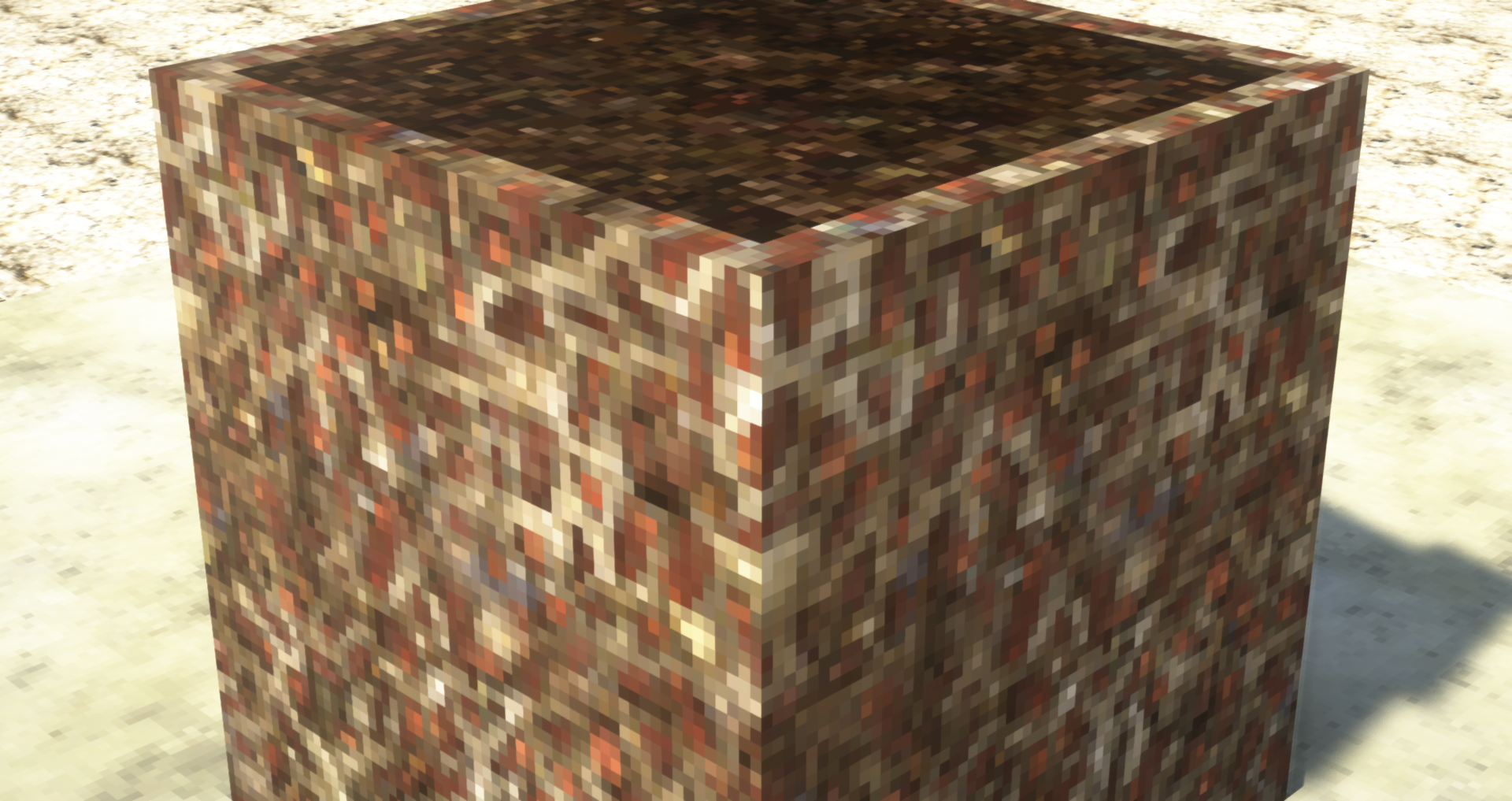
Fallout craft is a semi-realistic, 64x64 Fallout themed pack for 1.15 through 1.16.1.
Features:
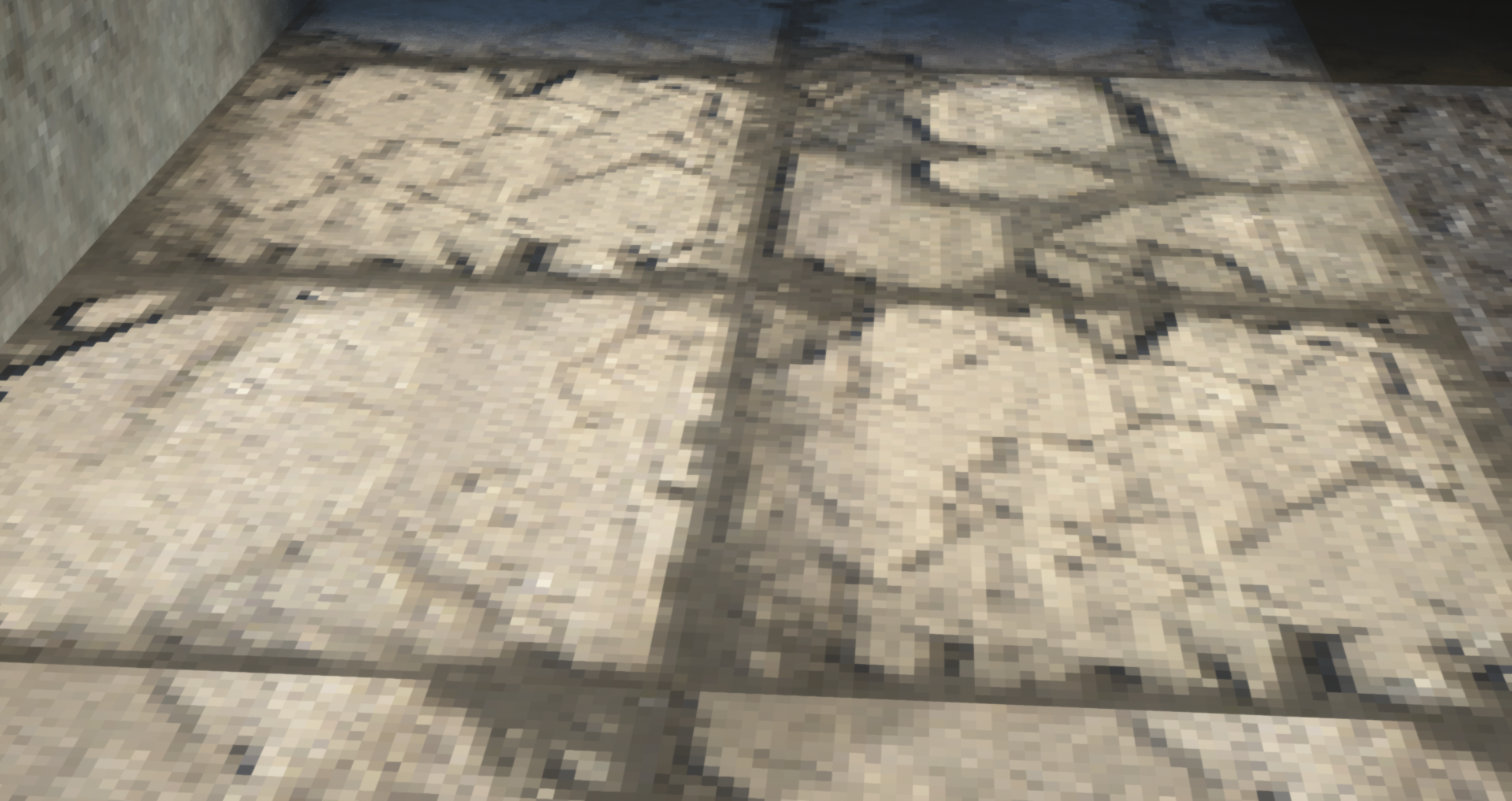
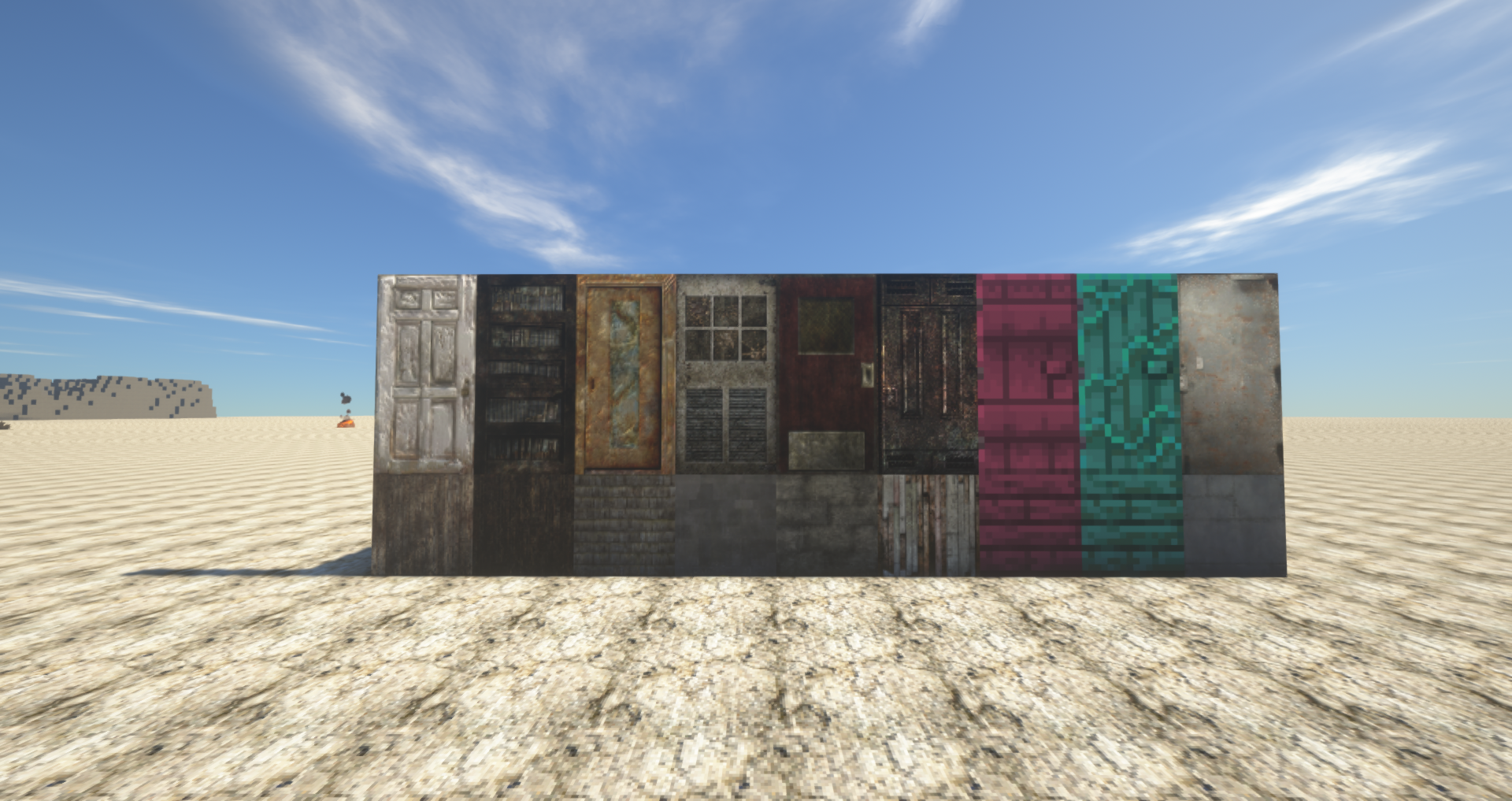
- New, 32x to 64x textures for almost everything (Lower being items and mobs, higher being blocks)
- PBR (requires OptiFine and Supported shader)
- CTM (Connected textures, Overlay, Alternate Textures, etc.), Custom mob models, and custom colormaps (OptiFine Required)
- Custom item models for the Bow and Crossbow
- Custom Lang file (WIP, changes may not show)
- Optional sound pack
Notes:
- If it wasn't already apparent, this is heavily dependent on OptiFine. Without OptiFine, you may come across broken models.
- This is not affiliated or endorsed by Bethesda or Interplay / Obsidian. This is my own little project. You may not redistribute this content or claim this content as your own. You can use the pack in servers and multiplayer as long as you give full credit to me.
Thank you for checking this out!
Patch Notes:
- Improved some lackluster textures
- Added more block textures