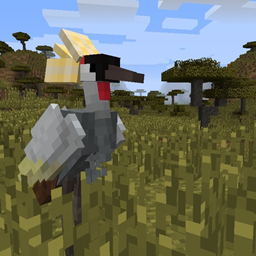
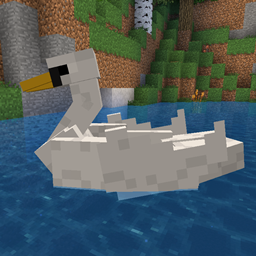
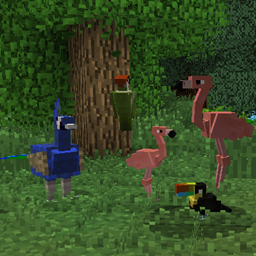
Exotic Birds is an aesthetic mod that adds more than 100 different varieties of birds to your game. Use this mod as a template for creating your own configurations. Files can be edited to allow for full customisation of the drops of an entity, spawning biomes, crafting recipes, nest generation, advancements and more!
The Forge version of Exotic Birds can be found here: https://www.curseforge.com/minecraft/mc-mods/exotic-birds
To adjust the spawn rate of the nests:
Edit the max_inclusive value in data/exoticbirds/worldgen/placed_feature/nest_placed.json. The default value is '5'. A smaller value will produce fewer nests.
To adjust spawn rate of birds:
Navigate to data/exoticbirds/forge/biome_modifier where you will find all the spawn configs for every bird.
Edit the minCount and maxCount to adjust the group size.
Edit the weight to adjust the rarity of the bird. A higher value is more common.
To adjust biome spawning of birds:
Navigate to data/exoticbirds/tags/worldgen/biome. Here you will find a list of the biomes each type of bird can spawn. Simply edit the files to add the biomes you wish.
If you'd like to ask a question or keep up with the latest mod news, you can join the Exotic Birds discord community! https://discord.gg/9S6NAjd