Mineuniverse
Resource Packs
Enhanced User Interface

Enhanced User Interface

RESOURCE PACK
Minecraft unOfficial enhanced user interface
by Holazas
Download Claim this project
577 downloads
0 likes
Updated Oct 14, 2026
0 hypes
16x Miscellaneous
Advertisement Remove ads with Premium →

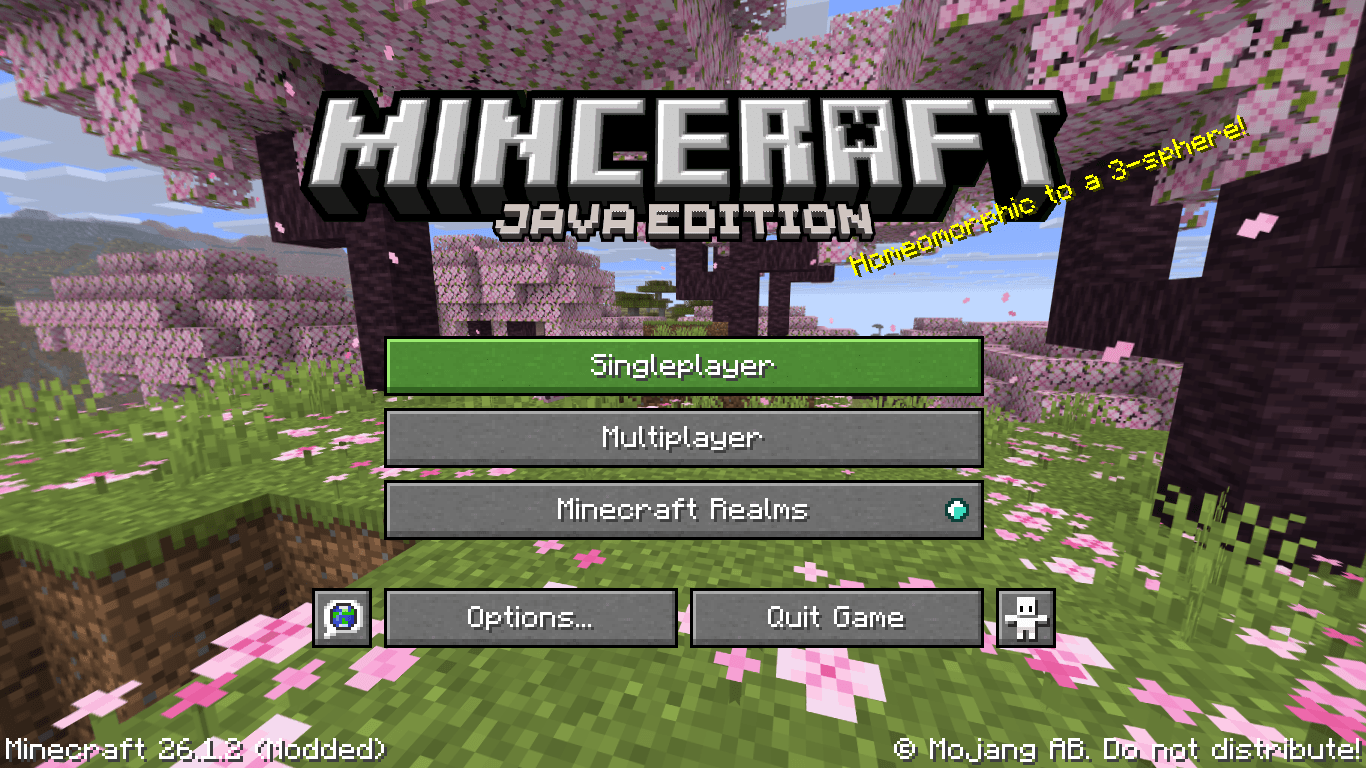
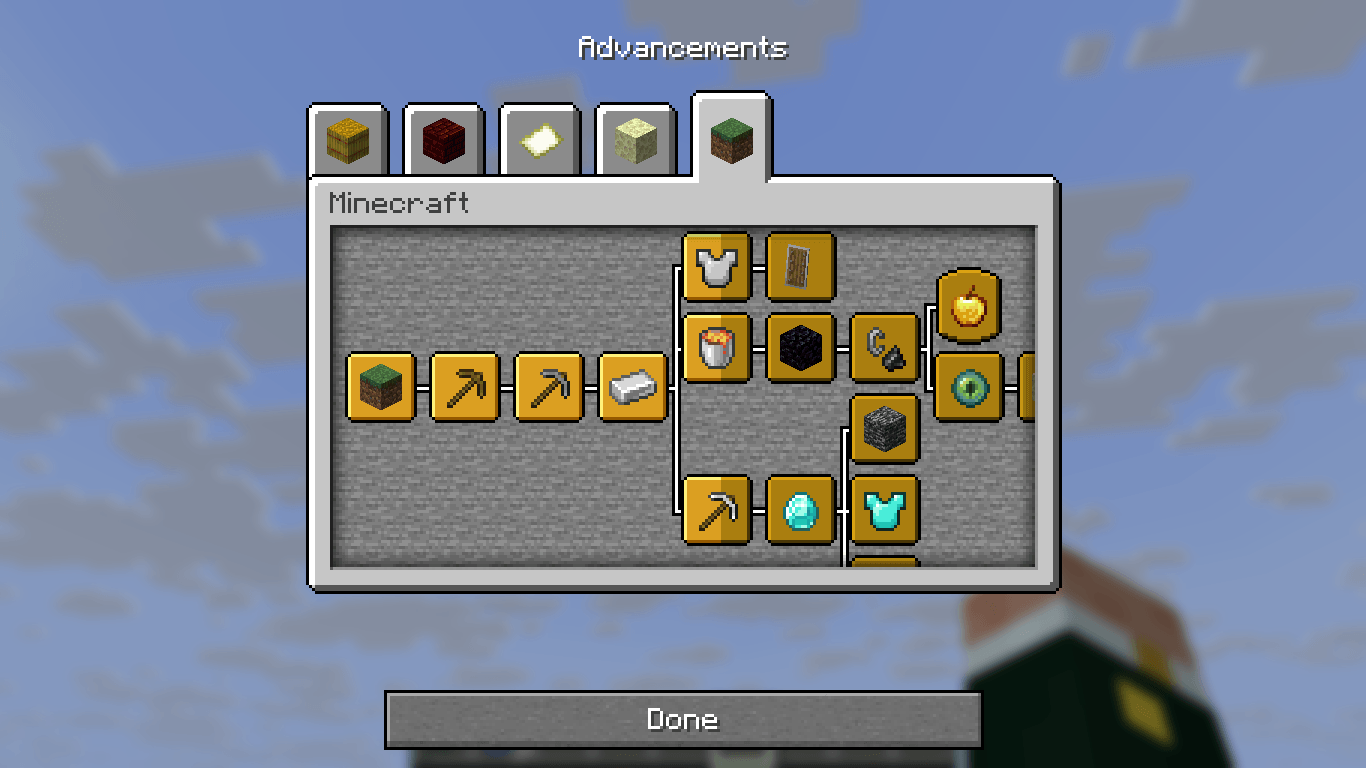
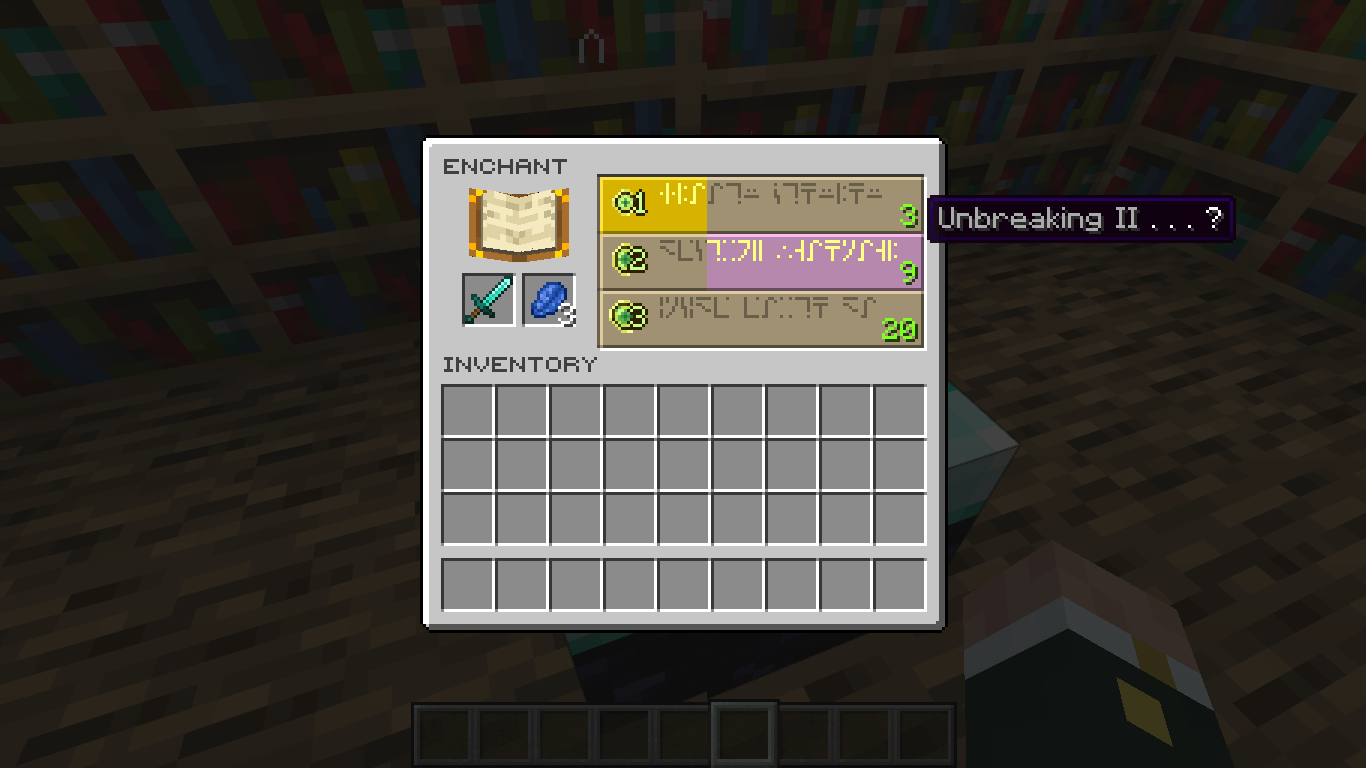
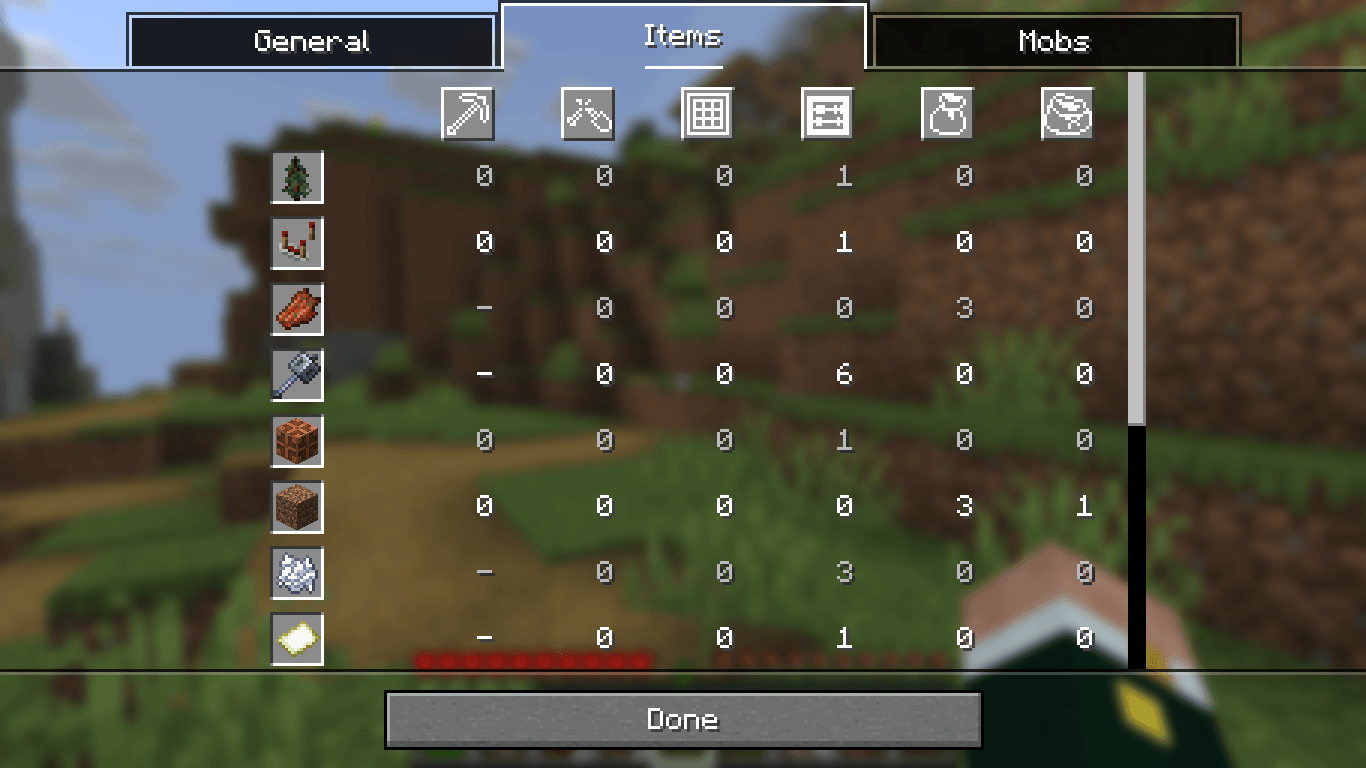
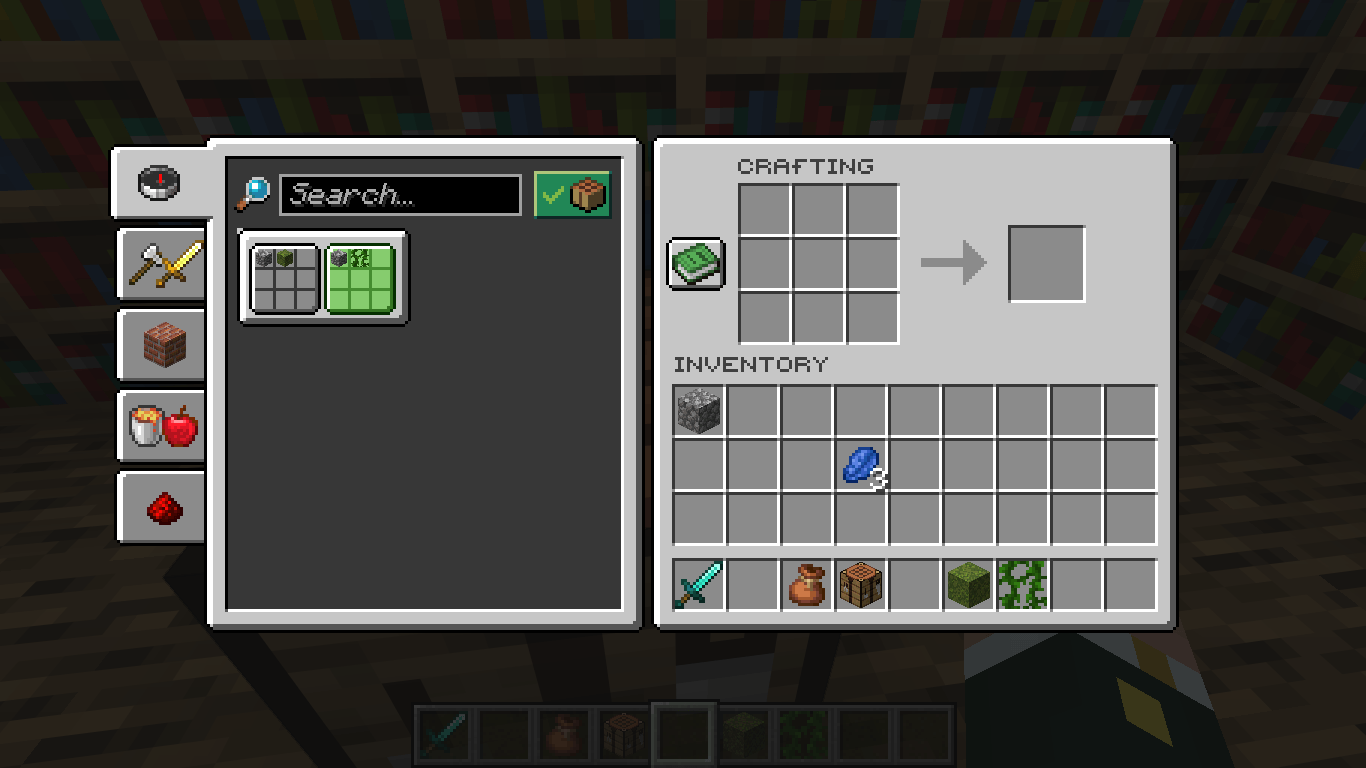
Minecraft unOfficial Enhanced User Interface

This resource pack the UI of Minecraft. It is a part of the Minecraft unOfficial Proyect.

It's just the culmination of the combination of the old Java GUI, the modern Java GUI, the Bedrock Edition UI. Getting the best of the three worlds, this pack brings the best, simplest (keep in mind that that's the purpose), and detailed GUI pack that have never been conceived in the minds of the Mojang employees.


License

This project is licensed under the GNU Lesser General Public License v2.1. You may use, modify, and redistribute it under the terms of the LGPL v2.1.

This software is provided "as is", without warranty of any kind. See the LICENSE file or https://www.gnu.org/licenses/old-licenses/lgpl-2.1.txt for full license text.



SUPPORT ME BY CLICKING THIS ADVERTISEMENT

ver1.1
MC 1.21.2-Snapshot, 1.21, 1.21.6-snapshot, 1.20.2-Snapshot, 1.20.5-Snapshot, 1.21.1-Snapshot, 1.20.2, 1.21.8, 1.20.5, 1.21.5, 1.21.4, 1.21.5-Snapshot, 1.20.6, 1.21.1, 1.21.6, 1.21.3
Release 2026-05-20 Get
ver1.0
MC 1.21.2-Snapshot, 1.21, 1.21.6-snapshot, 1.20.2-Snapshot, 1.20.5-Snapshot, 1.21.1-Snapshot, 1.20.2, 1.21.8, 1.20.5, 1.21.5, 1.21.4, 1.21.5-Snapshot, 1.20.6, 1.21.1, 1.21.6, 1.21.3
Release 2026-04-29 Get
(OLD) ᴠᴇʀ1.1.0 - Enhanced GUI
MC 1.21.2-Snapshot, 1.21, 1.21.6-snapshot, 1.20.2-Snapshot, 1.20.5-Snapshot, 1.21.1-Snapshot, 1.20.2, 1.21.8, 1.20.5, 1.21.5, 1.21.4, 1.21.5-Snapshot, 1.20.6, 1.21.1, 1.21.6, 1.21.3
Release 2025-12-18 Get
[OLD] Enhanced GUI [1.20.2-1.21.8]
MC 1.21.2-Snapshot, 1.21, 1.21.6-snapshot, 1.20.5-Snapshot, 1.21.1-Snapshot, 1.20.2, 1.21.8, 1.20.5, 1.21.5, 1.21.4, 1.21.5-Snapshot, 1.20.6, 1.21.1, 1.21.6, 1.21.3, 1.21.7, 1.20.4
Release 2025-09-26 Get

Requirements & install

How to use this resource pack in Minecraft
Resolution
16x
Minecraft
1.21.3 – 1.21.8
Install folder
.minecraft/resourcepacks

How to install resource packs

  1. Download the resource pack .zip file (do not extract it).
  2. In Minecraft open Options → Resource Packs → Open Pack Folder.
  3. Drop the .zip into the resourcepacks folder (.minecraft/resourcepacks).
  4. Move the pack to the Selected column and click Done.
Browse more: 16x resource packs 32x resource packs 64x resource packs 128x resource packs 256x resource packs 512x+ resource packs Resource Packs for 1.21.8 All resource packs

More from Holazas

Advertisement Remove ads with Premium →

You Might Also Like