Mineuniverse
Resource Packs
Enhanced Traffic Control (Traffic Control Addon)

Enhanced Traffic Control (Traffic Control Addon)

RESOURCE PACK
Control traffic in Minecraft with style!
by B1G_BR0DY
Download Claim this project
3,081 downloads
0 likes
0 followers
Updated Oct 14, 2026
0 hypes
Follow0
64x
Advertisement Remove ads with Premium →


WELCOME!


PLEASE READ THE FULL DESCRIPTION BEFORE YOU DOWNLOAD!


This is a Resource Pack which contains several texture changes and model changes to the Traffic Control mod by CSX8600


THIS IS NOT A COPY OF THE MOD!


As of now, this resource pack currently changes.


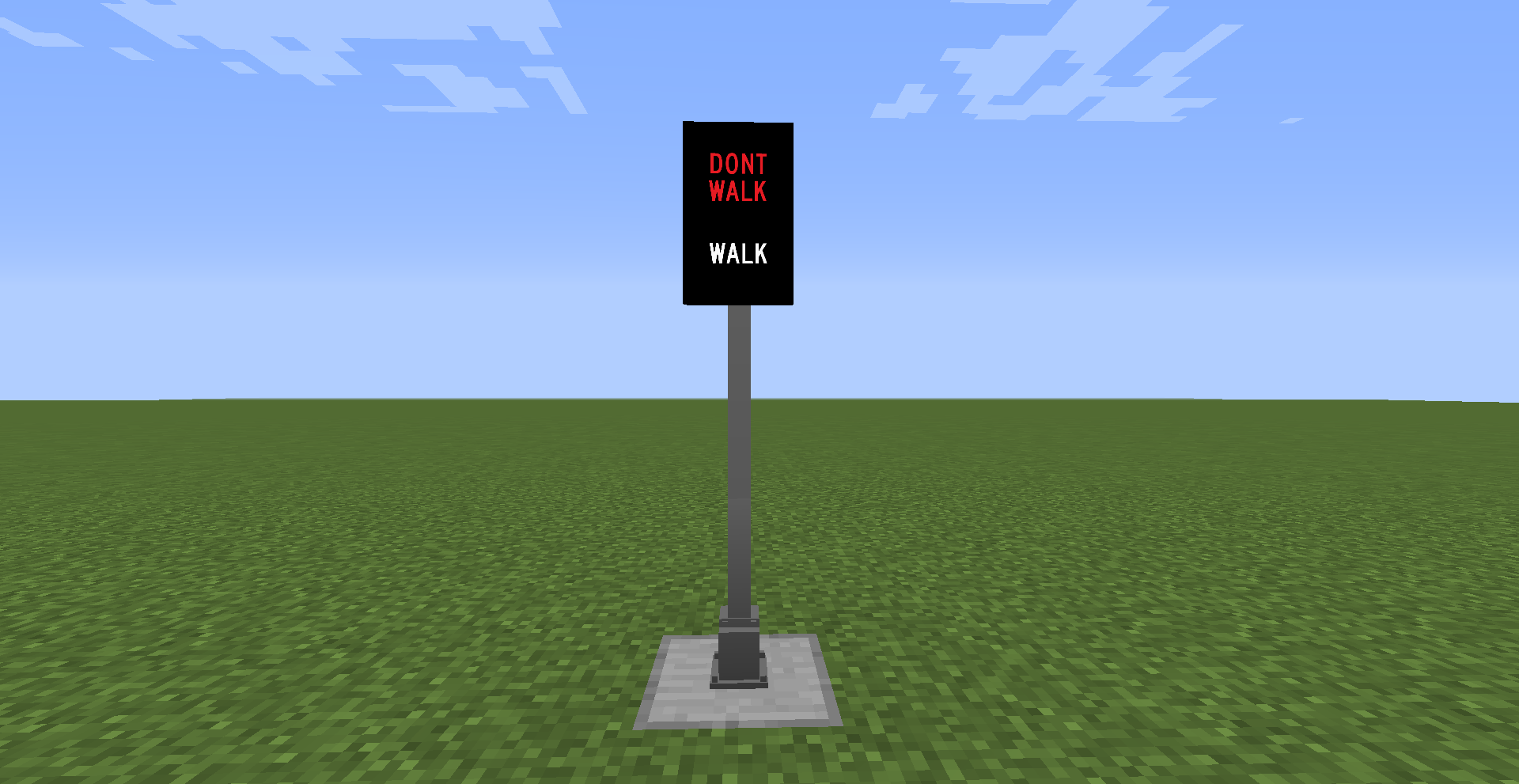
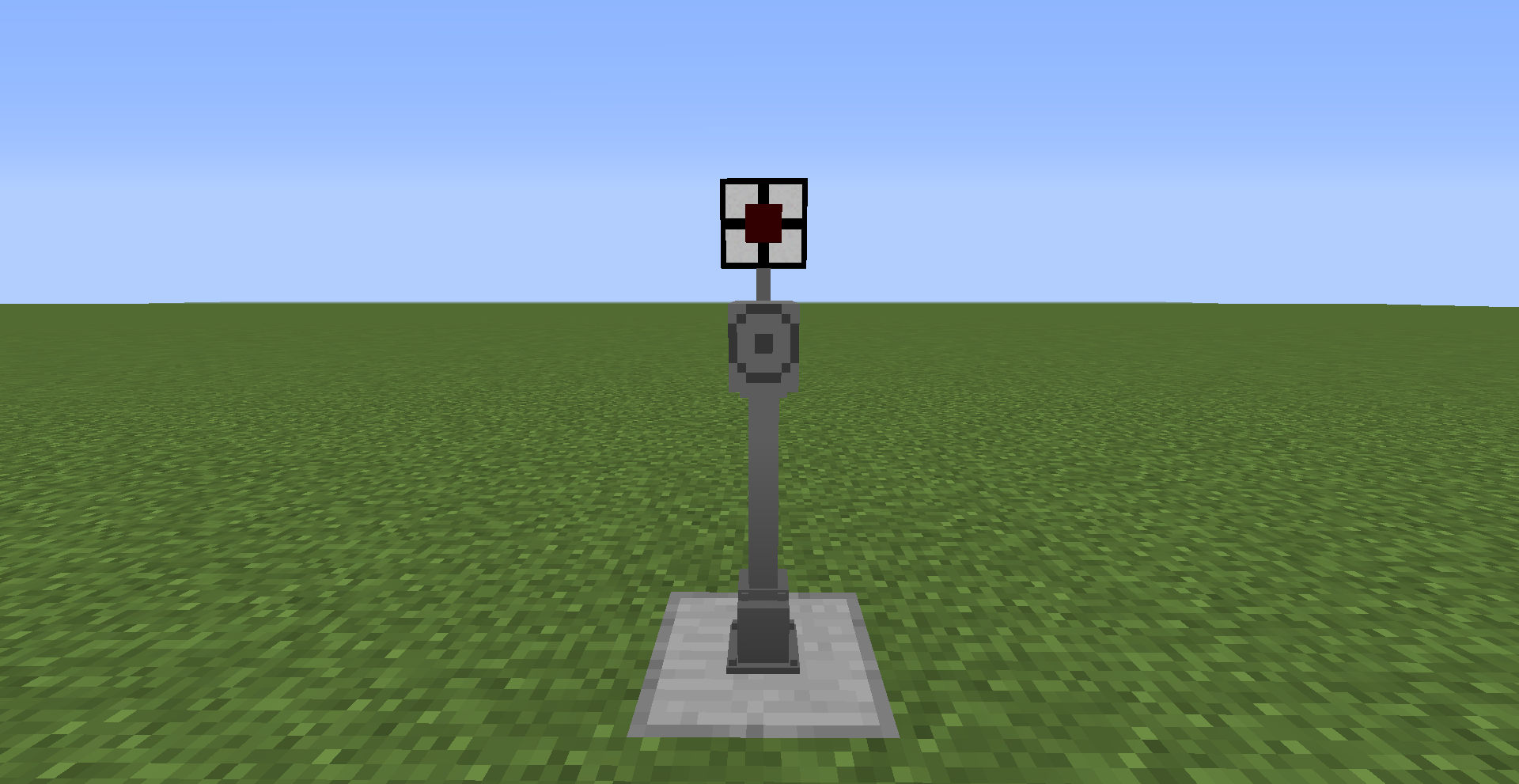
  • Texture of the Pole & Related Blocks to a clear gray color.
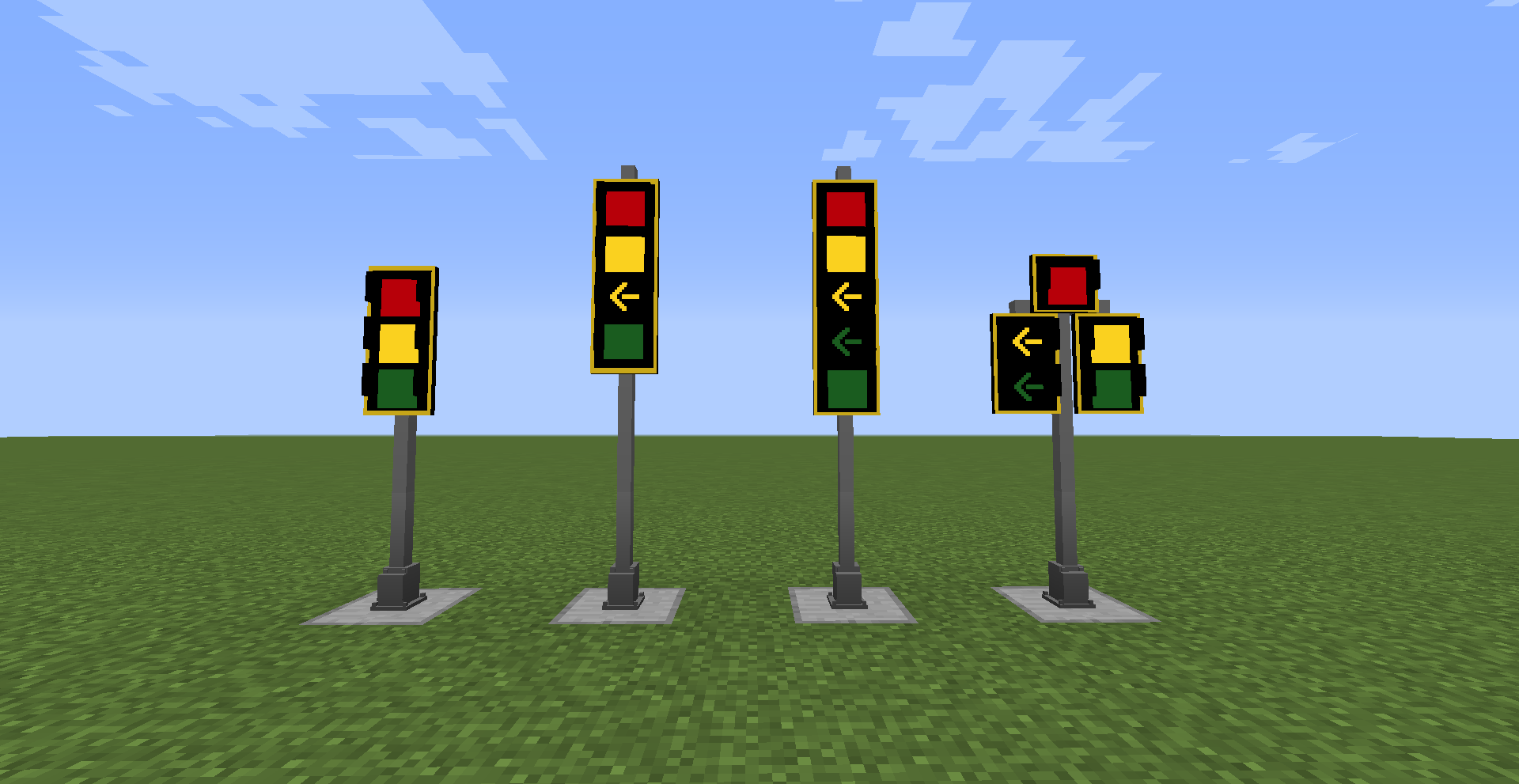
  • Texture of the Traffic Lights to have a Yellow Border around it.
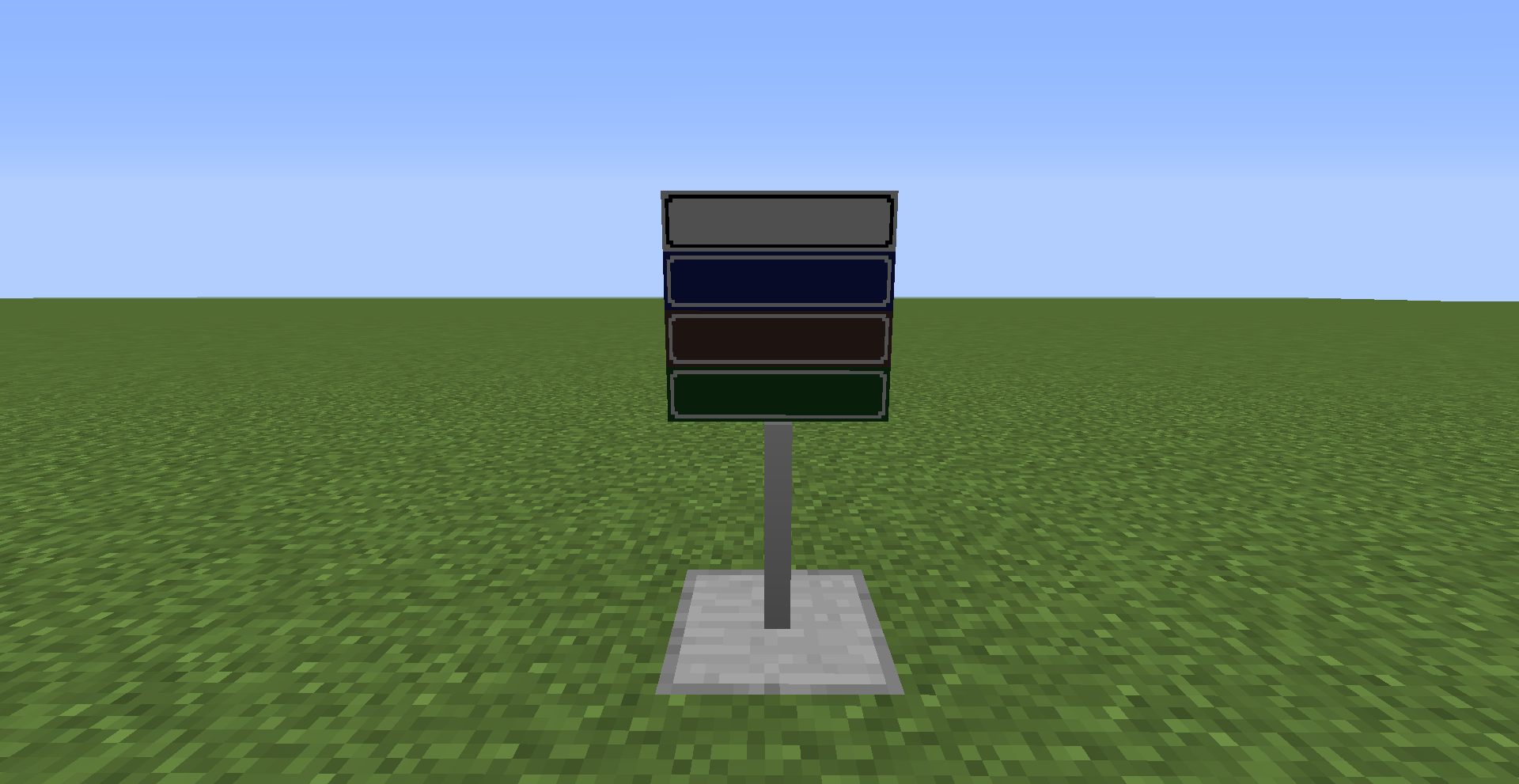
  • Texture of the Street Sign to change the four existing colors to Green, Blue, Brown, & White.
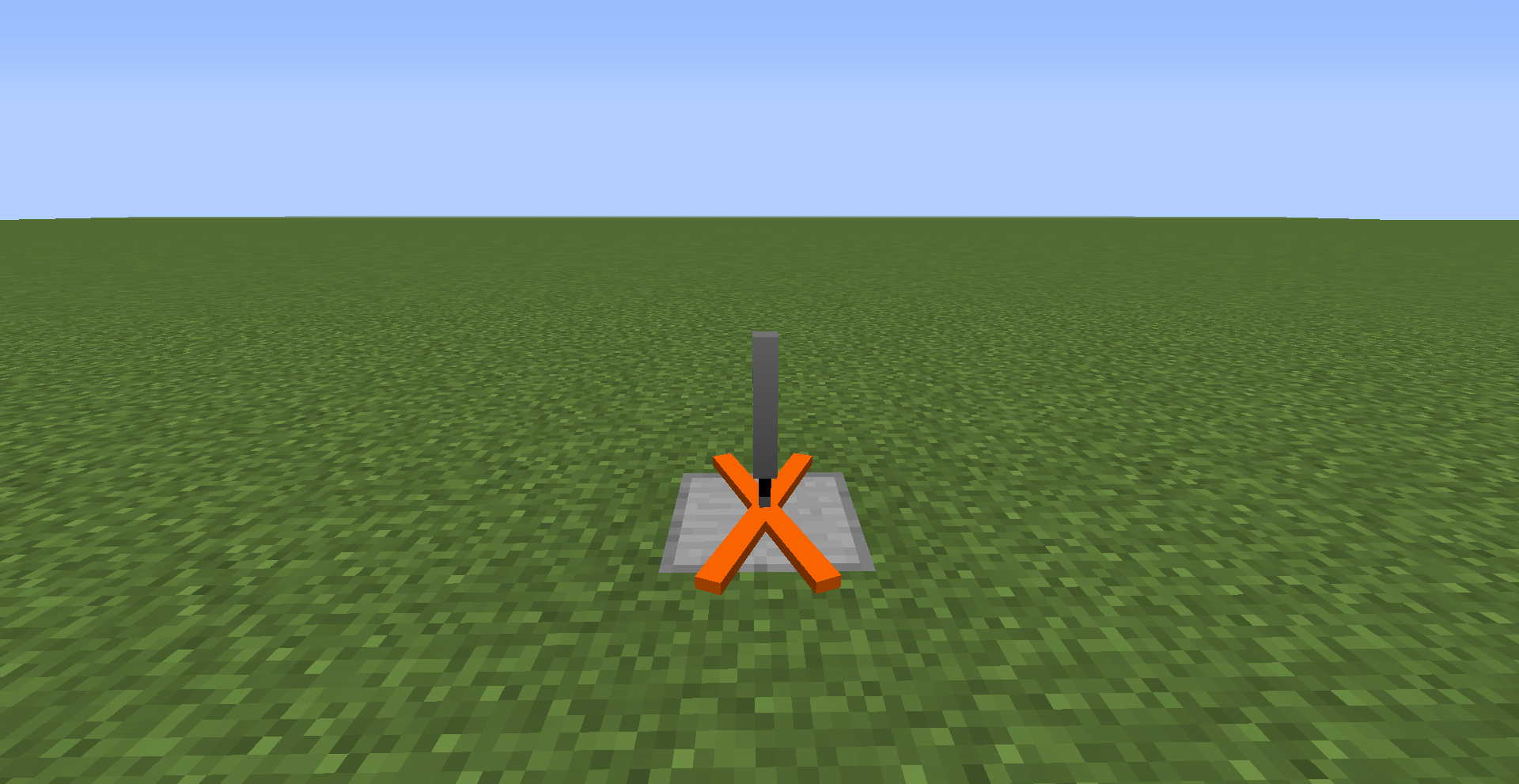
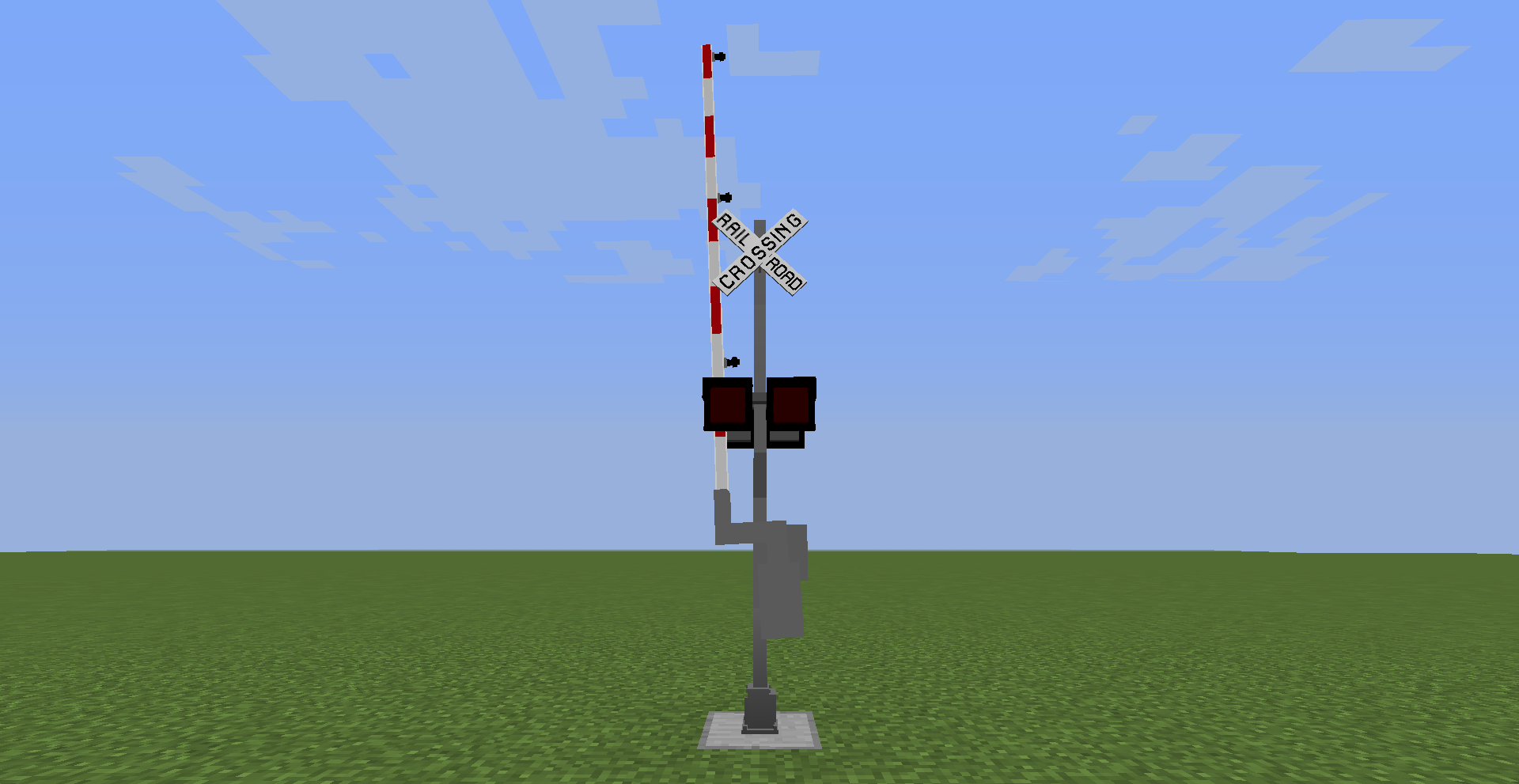
  • Texture of the Railroad Crossing Gate & Crossbuck
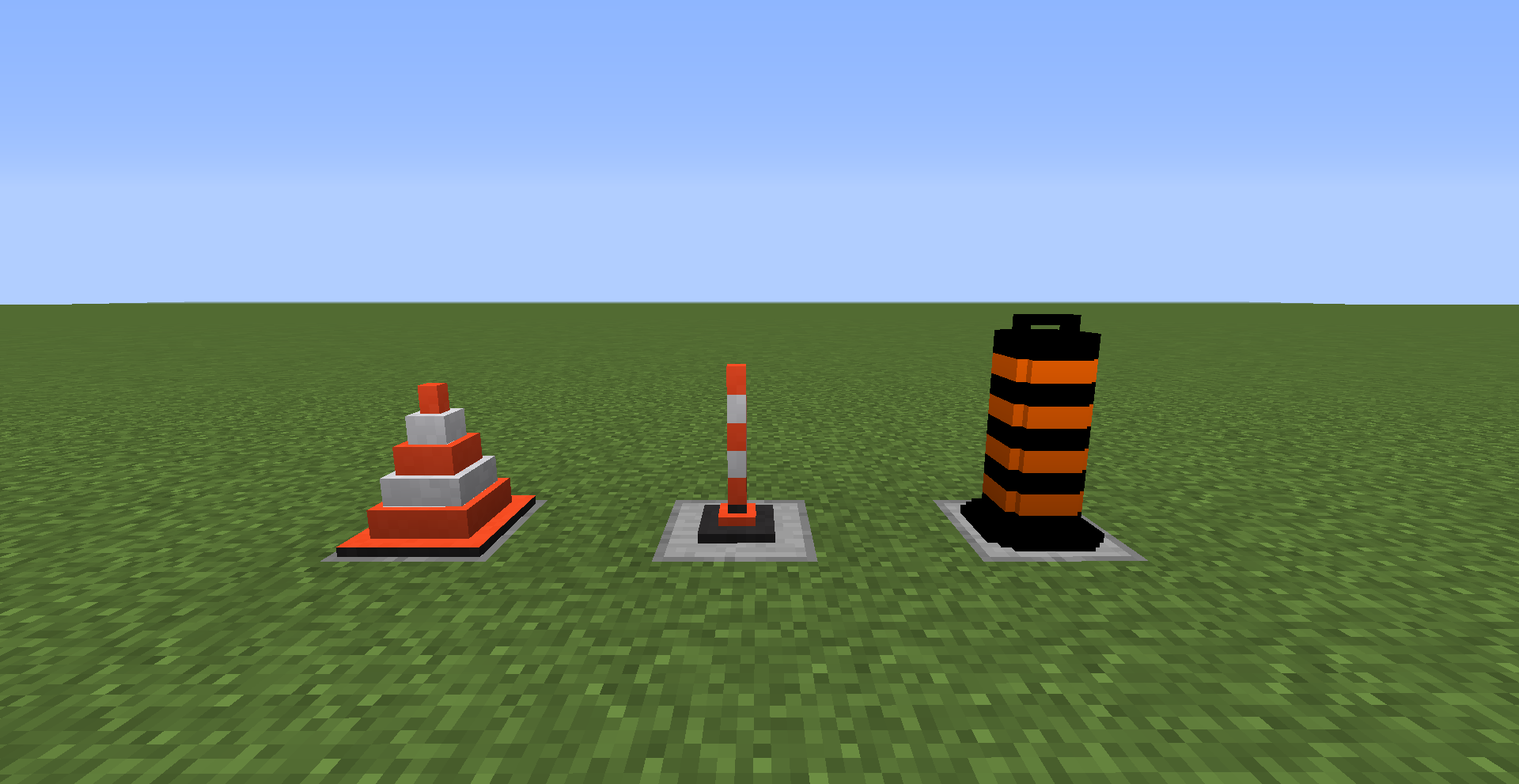
  • Texture of the Traffic Cones
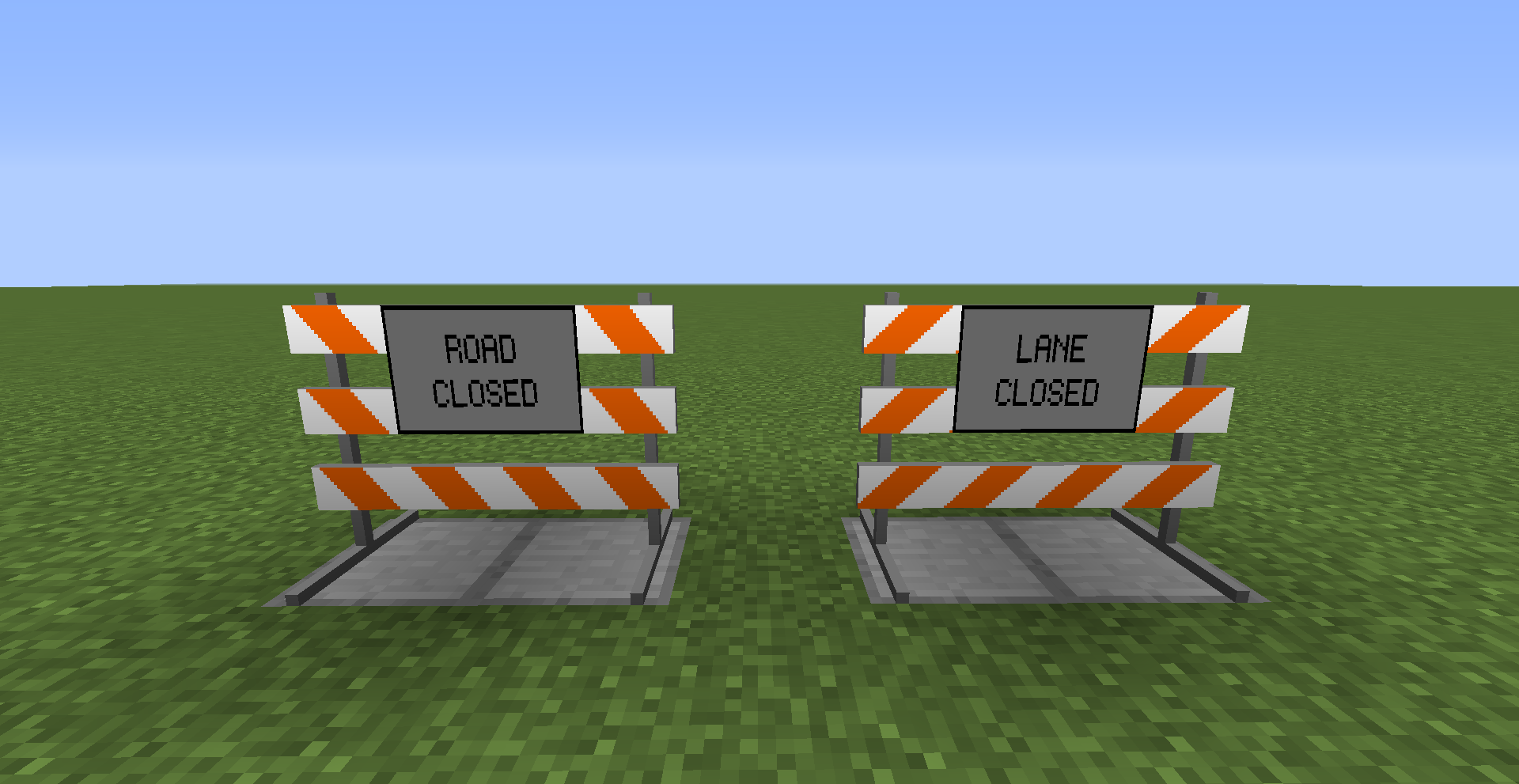
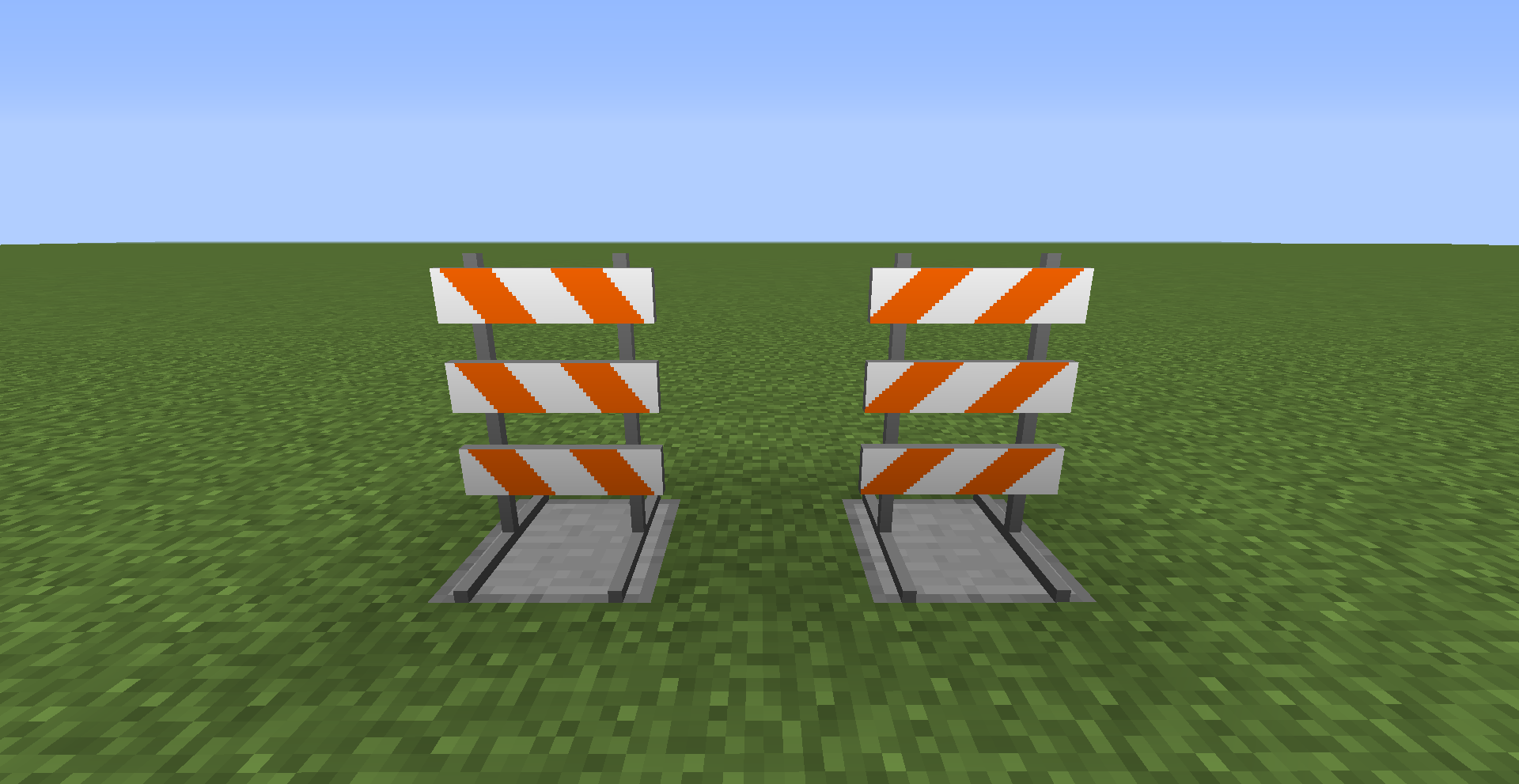
  • Texture of the Type 3 Barrier & The Signs
  • Texture of the Wig Wag
  • Texture of the Crosswalk Button & Bulbs 
  • Model of the Base
  • Model of the Crossing Gate
  • Model of the Crossbuck
  • Model of the Traffic Barrel
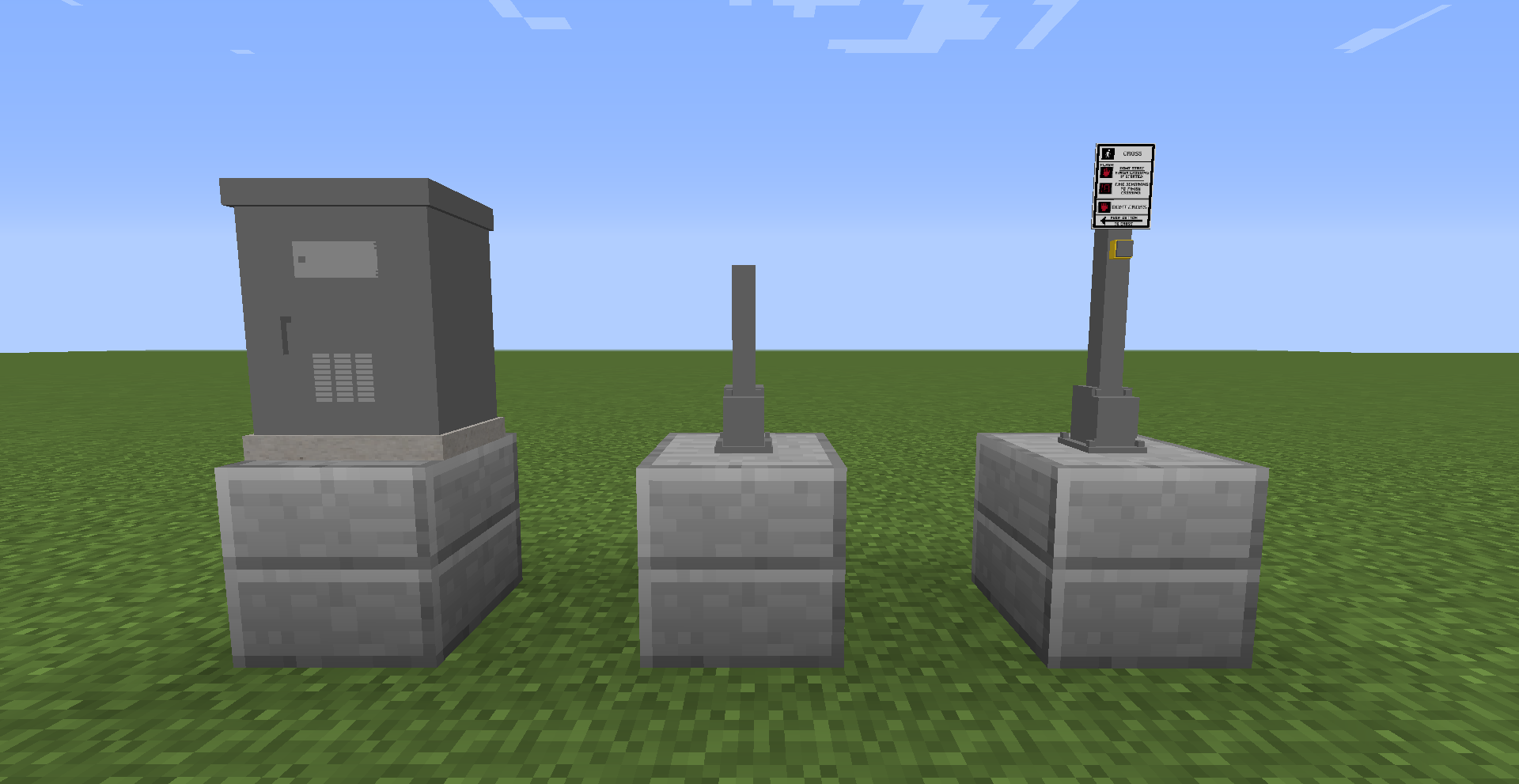
  • Model of the Sign Stand
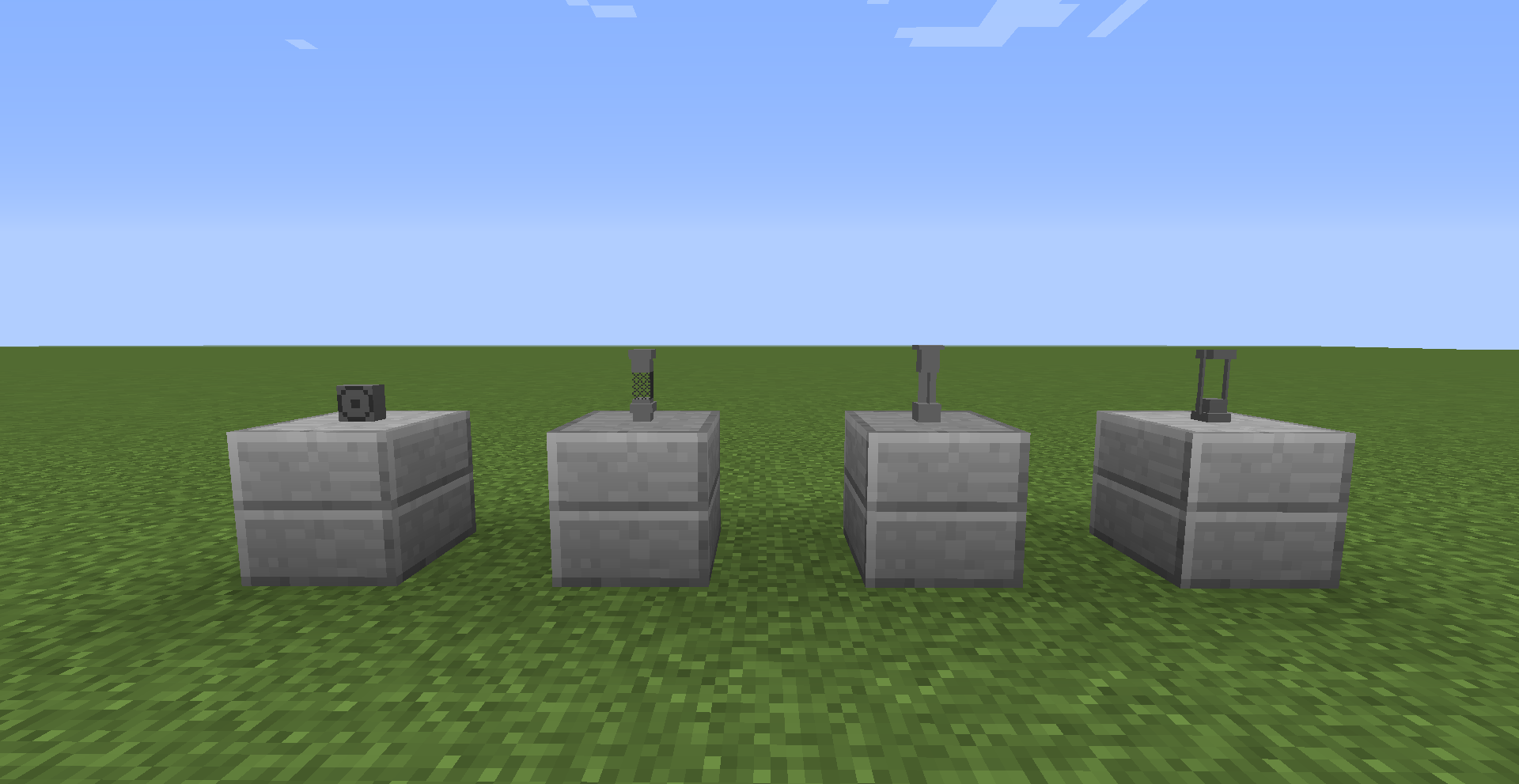
  • Model of all 4 Crossing Bells to different types.
  • Model of the Crosswalk Button
  • Model of the Traffic Light Control Box


DUE TO THE CHANGES TO THE LISTED MODELS, CUSTOM ANGLES WILL NOT FUNCTION PROPERLY!!!


THE NEW BELLS ARE


  • Safetran Mechanical Bell
  • General Signals Type 2 Electronic Bell (New Model)
  • Western Cullen Hayes Type 1.5 Electronic Bell (New Model)
  • Safetran Type 1 Electronic Bell (Changed Model)


HOPE YOU ENJOY!!!


LET'S ALSO NOT FORGET WHO MADE CUSTOM ANGLES POSSIBLE. THE ONE AND ONLY Gamearoo



Enhanced Traffic Control
MC 1.12.2
Release 2026-01-25 Get
Enhanced Traffic Control
MC 1.12.2
Release 2024-07-22 Get
DO NOT DOWNLOAD
MC 1.12.2
Release 2024-04-18 Get
Enhanced Traffic Control
MC 1.12.2
Release 2024-04-18 Get
Enhanced Traffic Control
MC 1.12.2
Release 2024-04-01 Get
Enhanced Traffic Control
MC 1.12.2
Release 2024-03-24 Get

Requirements & install

How to use this resource pack in Minecraft
Resolution
64x
Minecraft
1.12.2
Install folder
.minecraft/resourcepacks

How to install resource packs

  1. Download the resource pack .zip file (do not extract it).
  2. In Minecraft open Options → Resource Packs → Open Pack Folder.
  3. Drop the .zip into the resourcepacks folder (.minecraft/resourcepacks).
  4. Move the pack to the Selected column and click Done.
Browse more: 16x resource packs 32x resource packs 64x resource packs 128x resource packs 256x resource packs 512x+ resource packs Resource Packs for 1.12.2 All resource packs

More from B1G_BR0DY

Advertisement Remove ads with Premium →

You Might Also Like