Mineuniverse
Resource Packs
Enhanced Armor

Enhanced Armor

RESOURCE PACK
Makes Armor and Armor Items Match the Colors of the Ore/Gem they belong to
by creepermax123
Download Claim this project
3,060 downloads
0 likes
Updated Oct 14, 2026
0 hypes
16x Miscellaneous
Advertisement Remove ads with Premium →

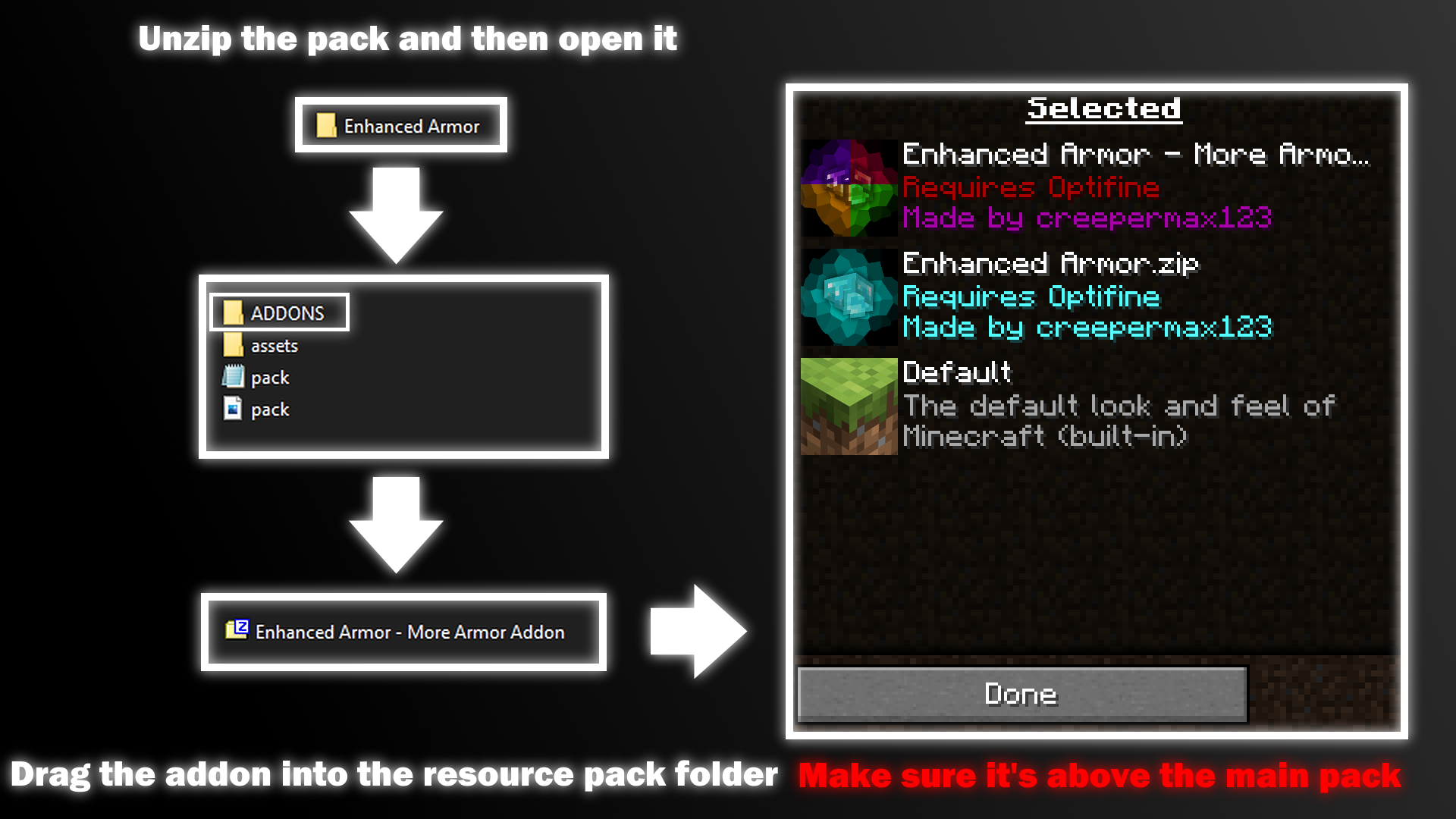
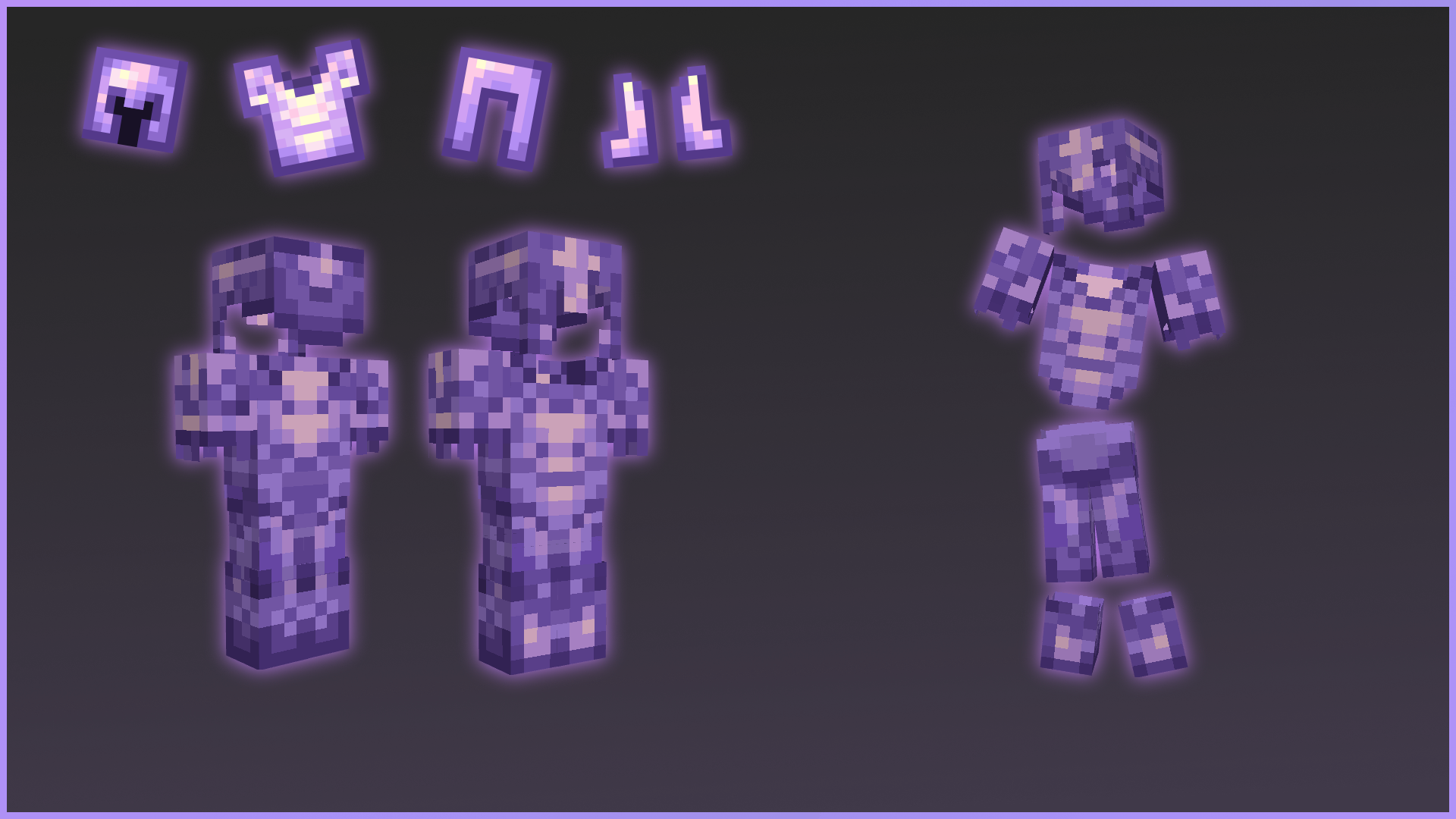
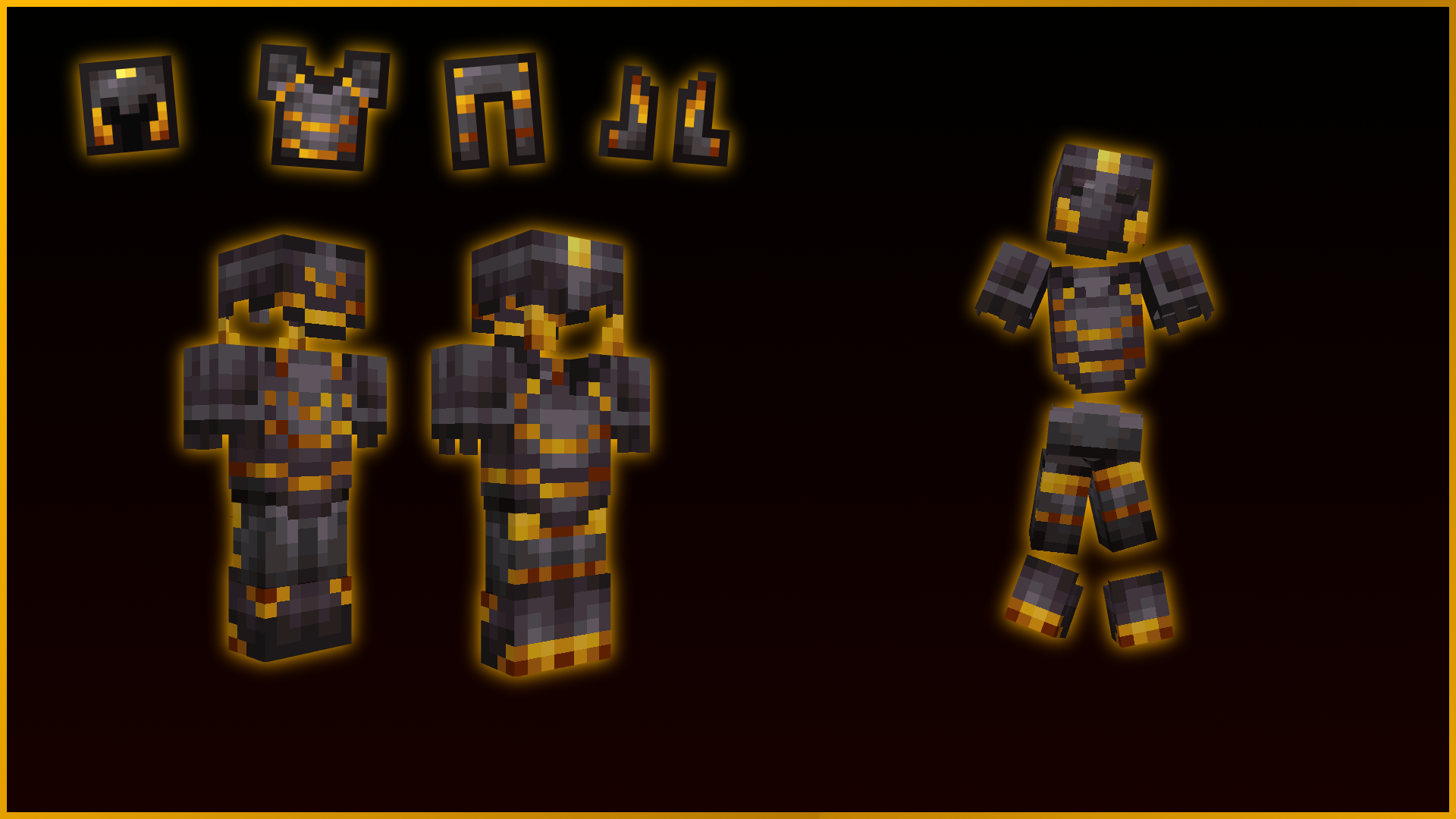
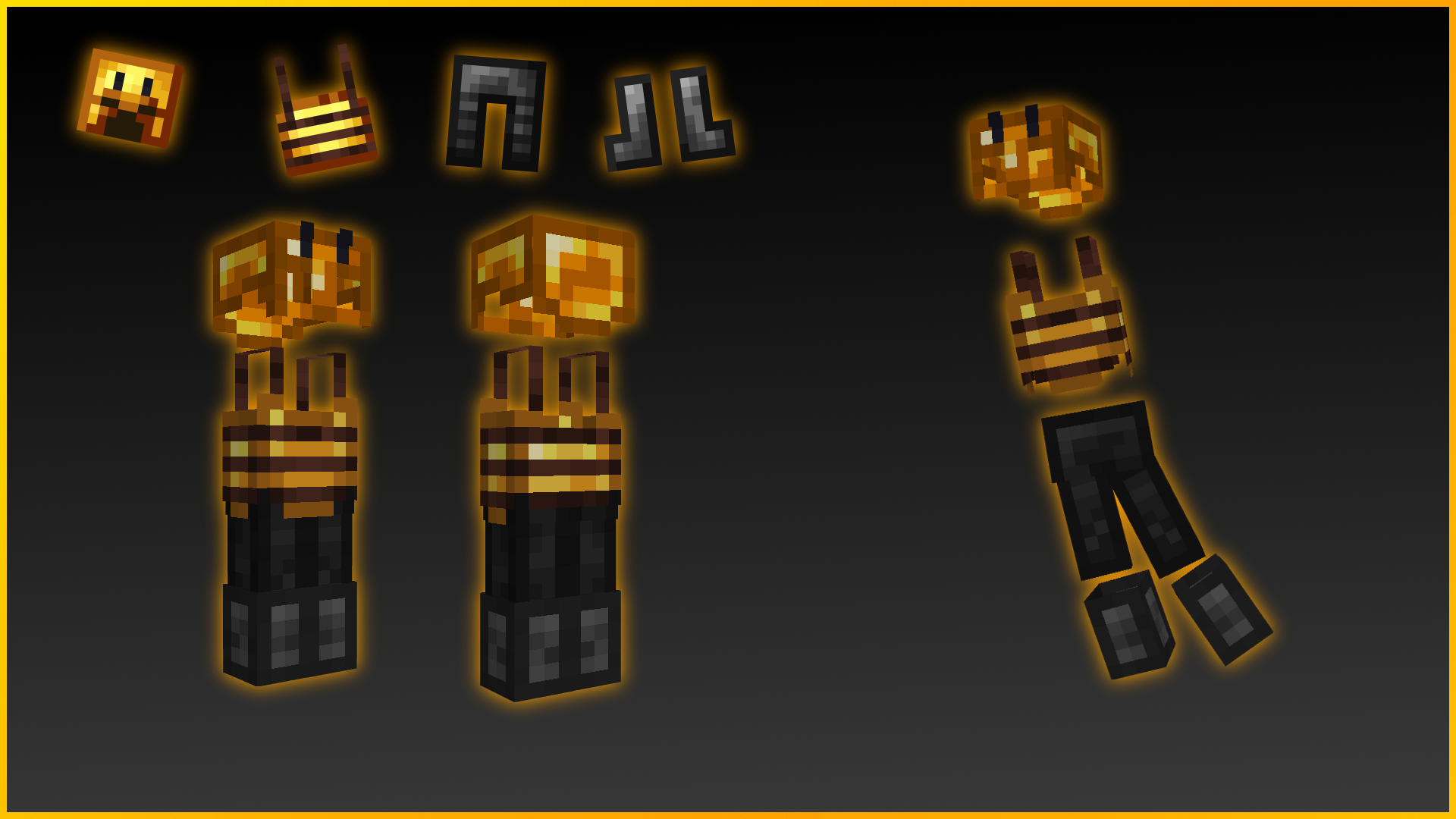
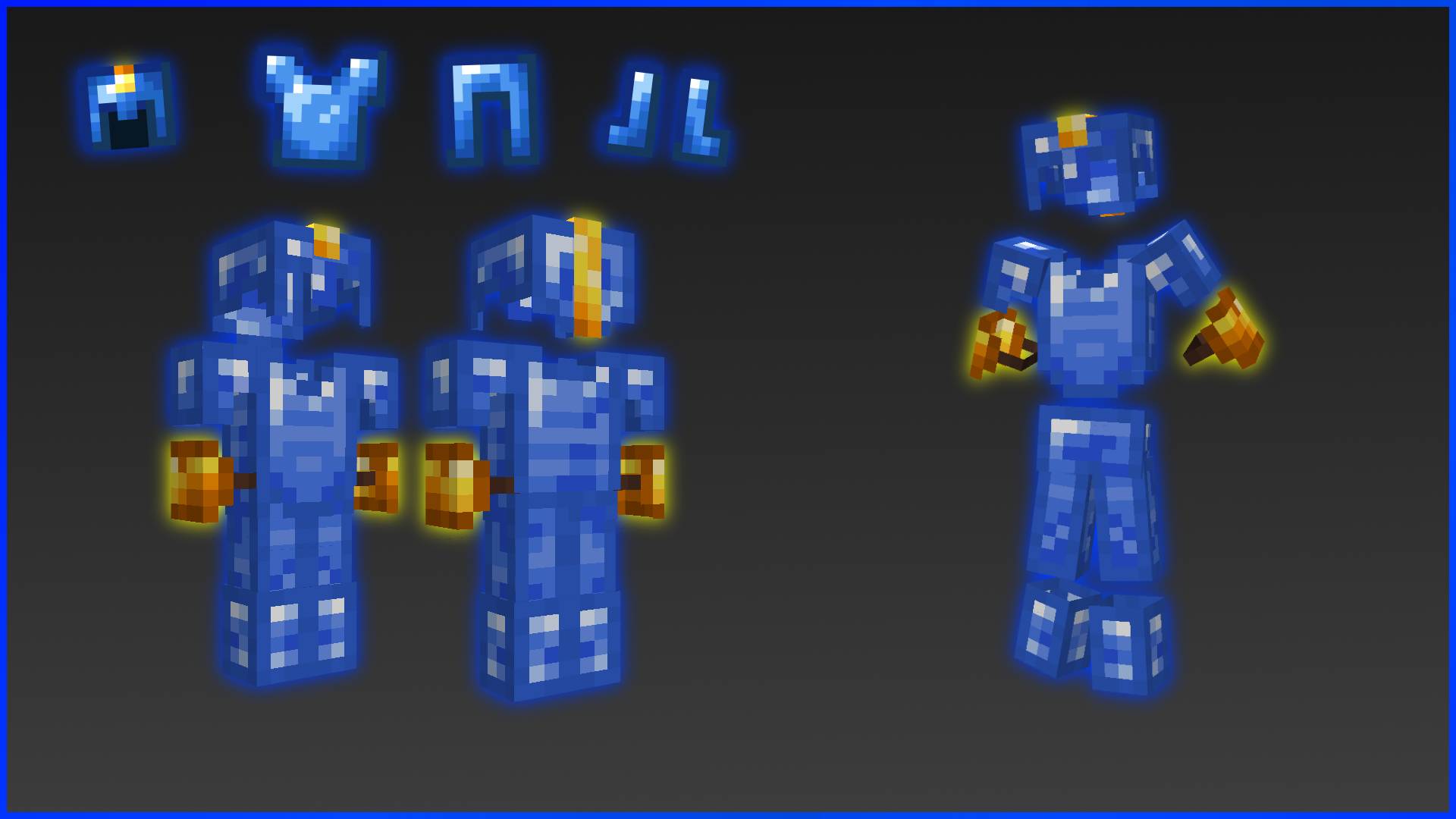
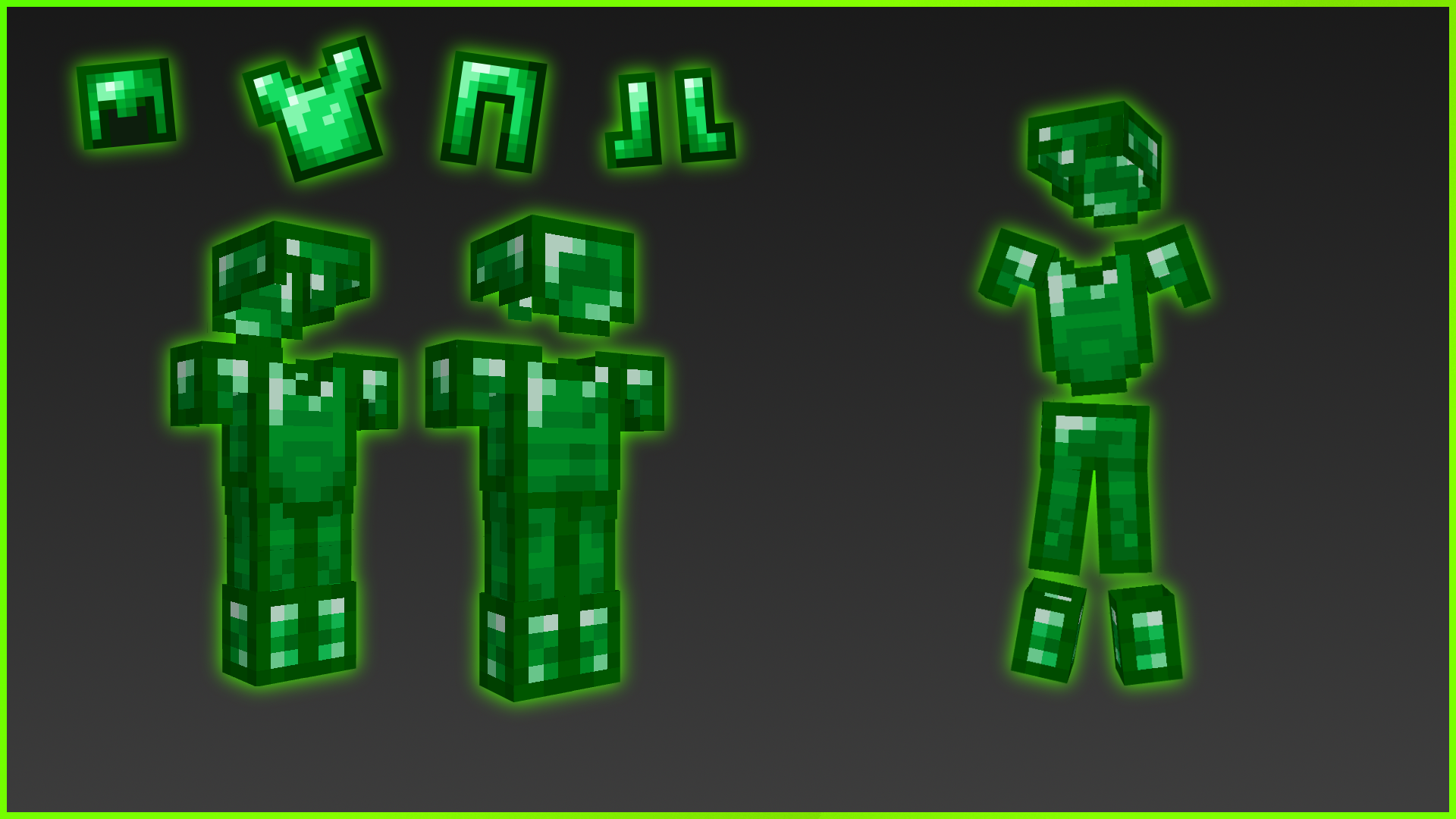
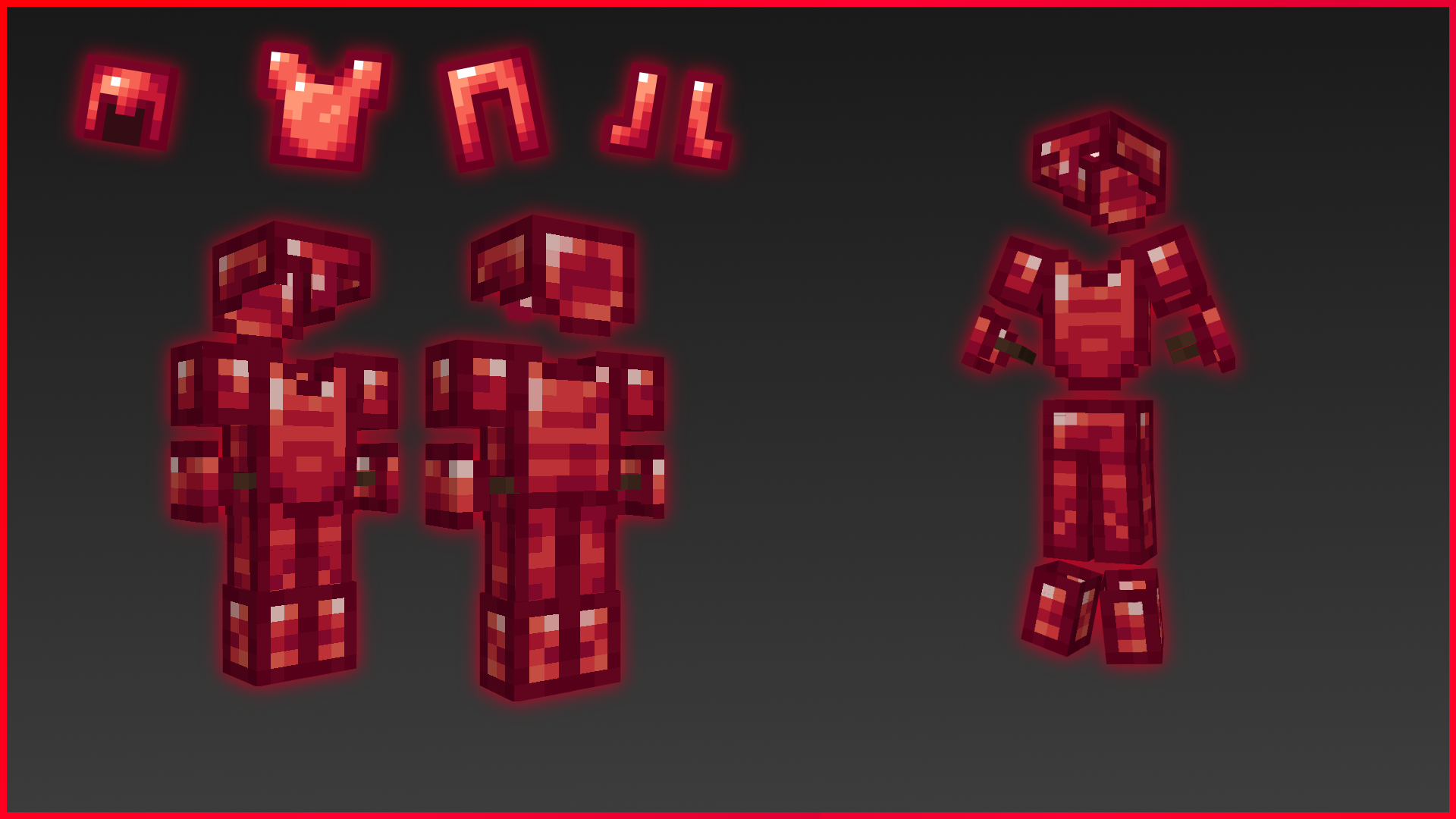
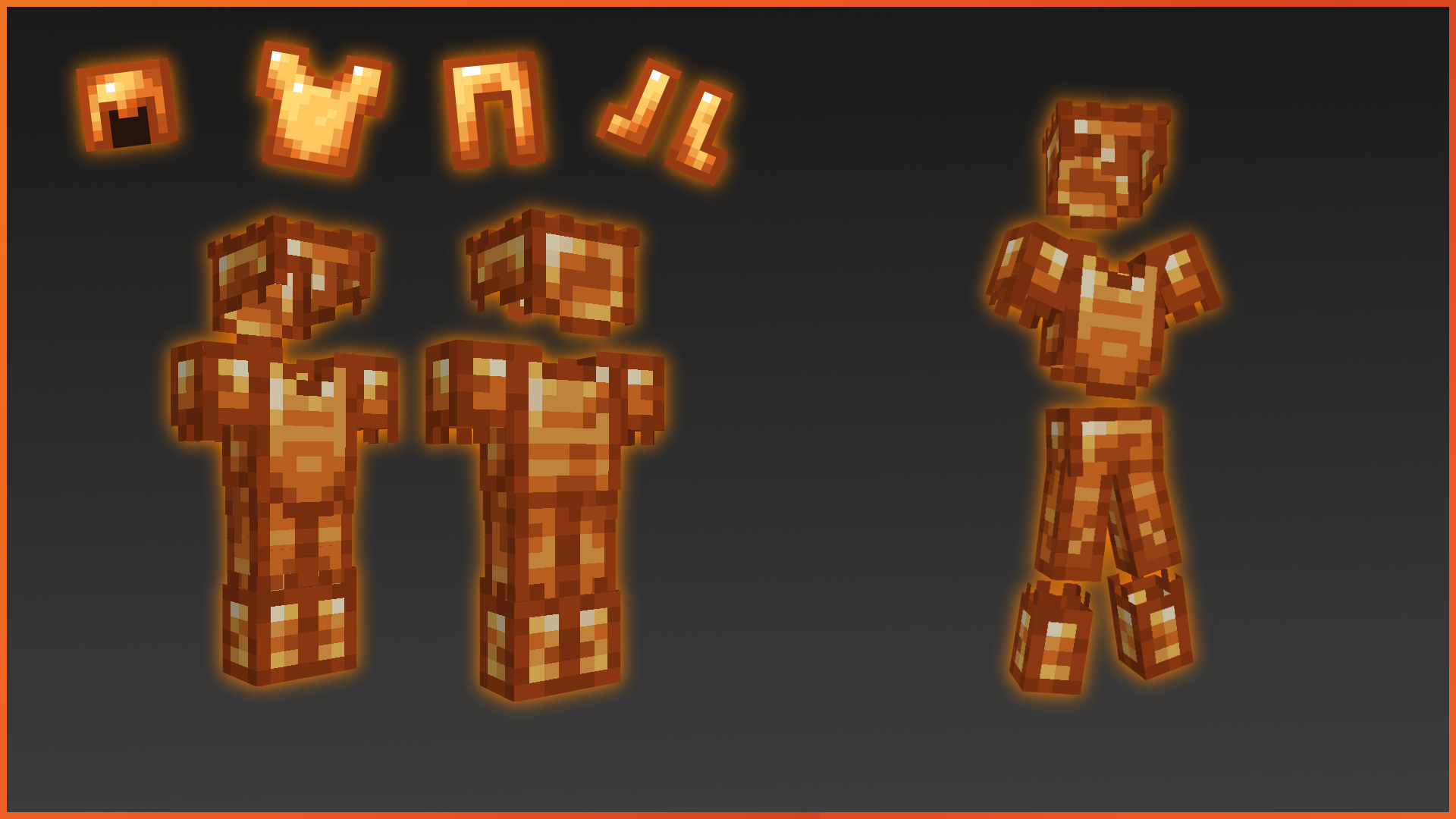
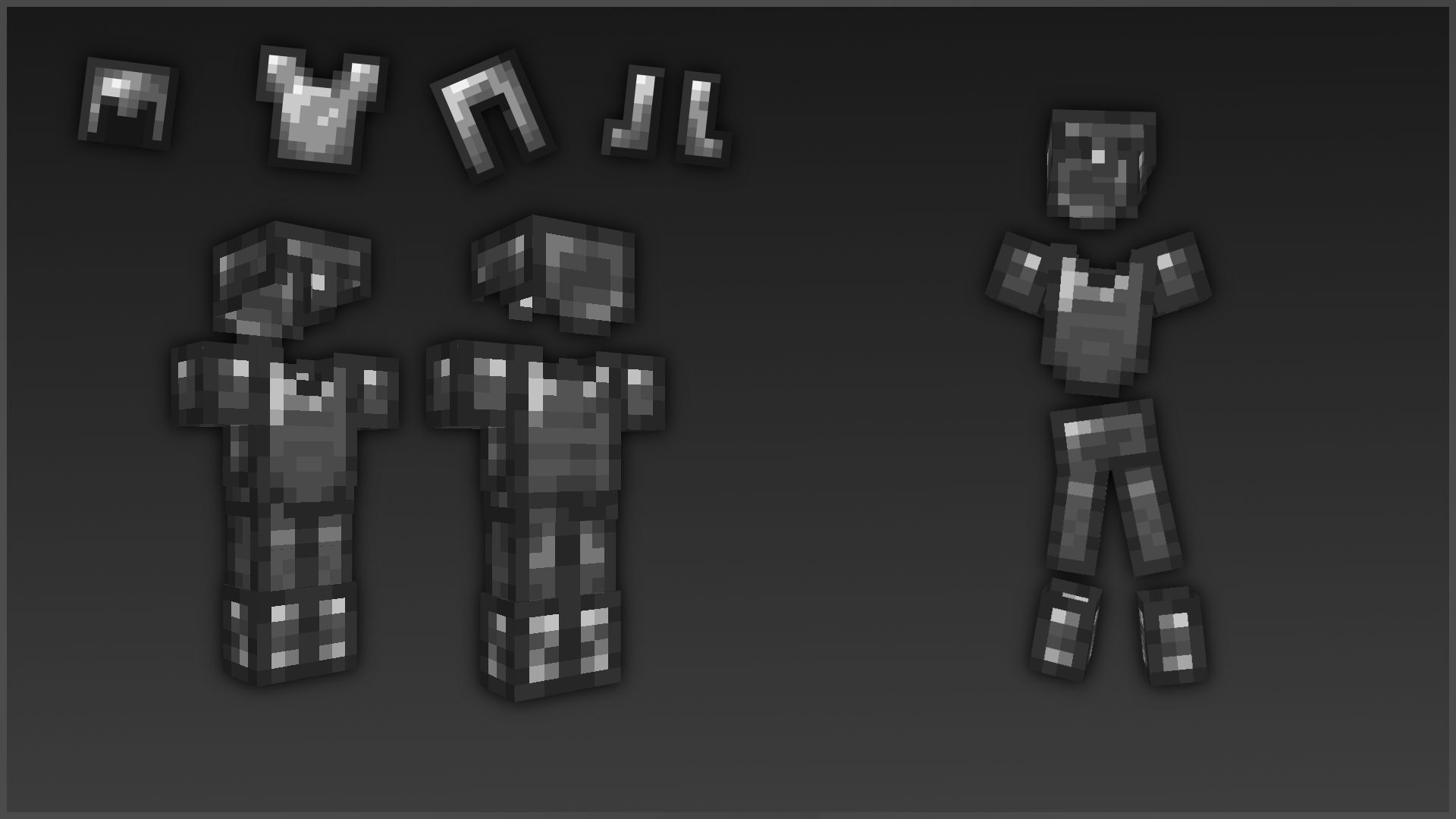
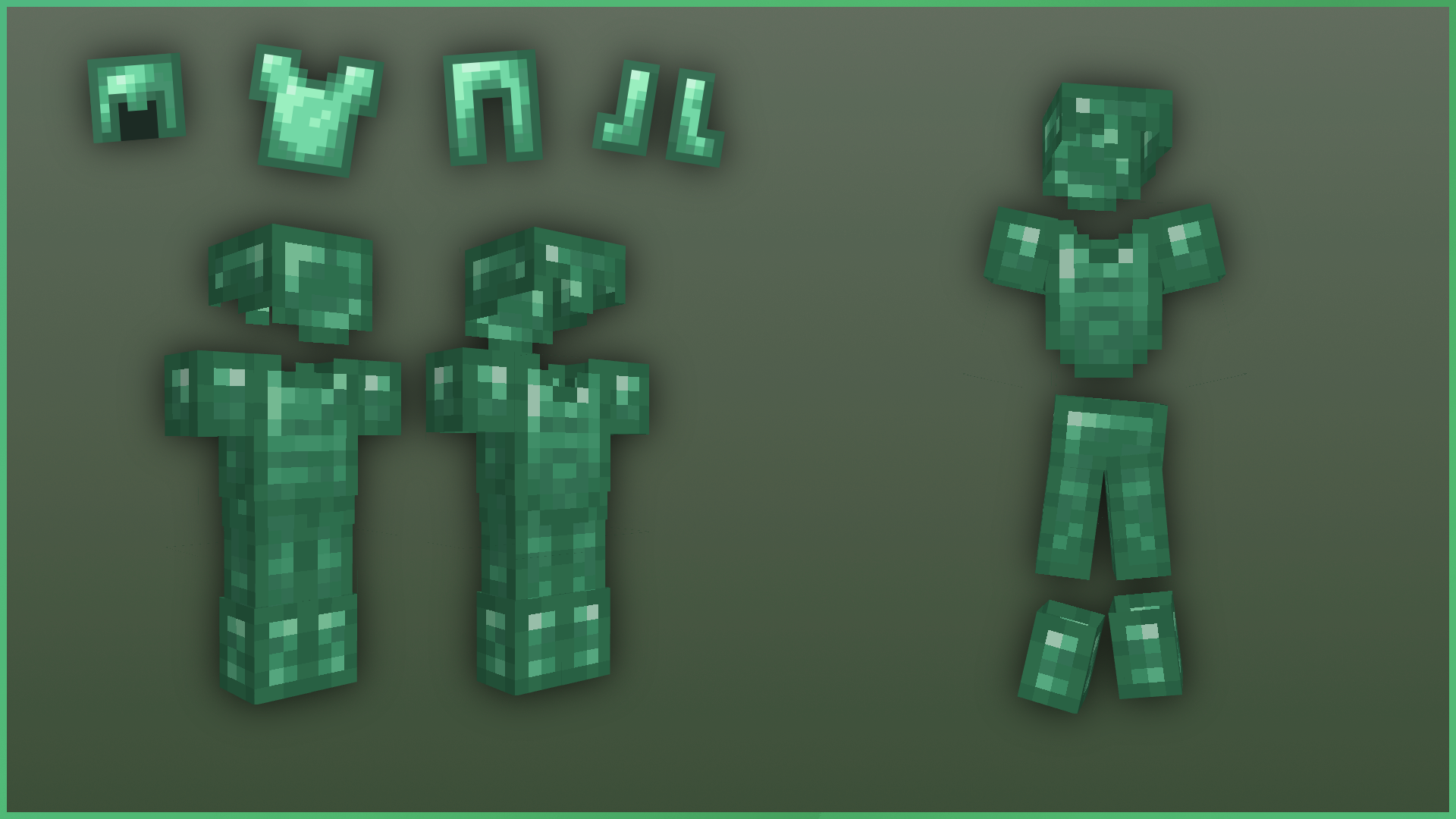
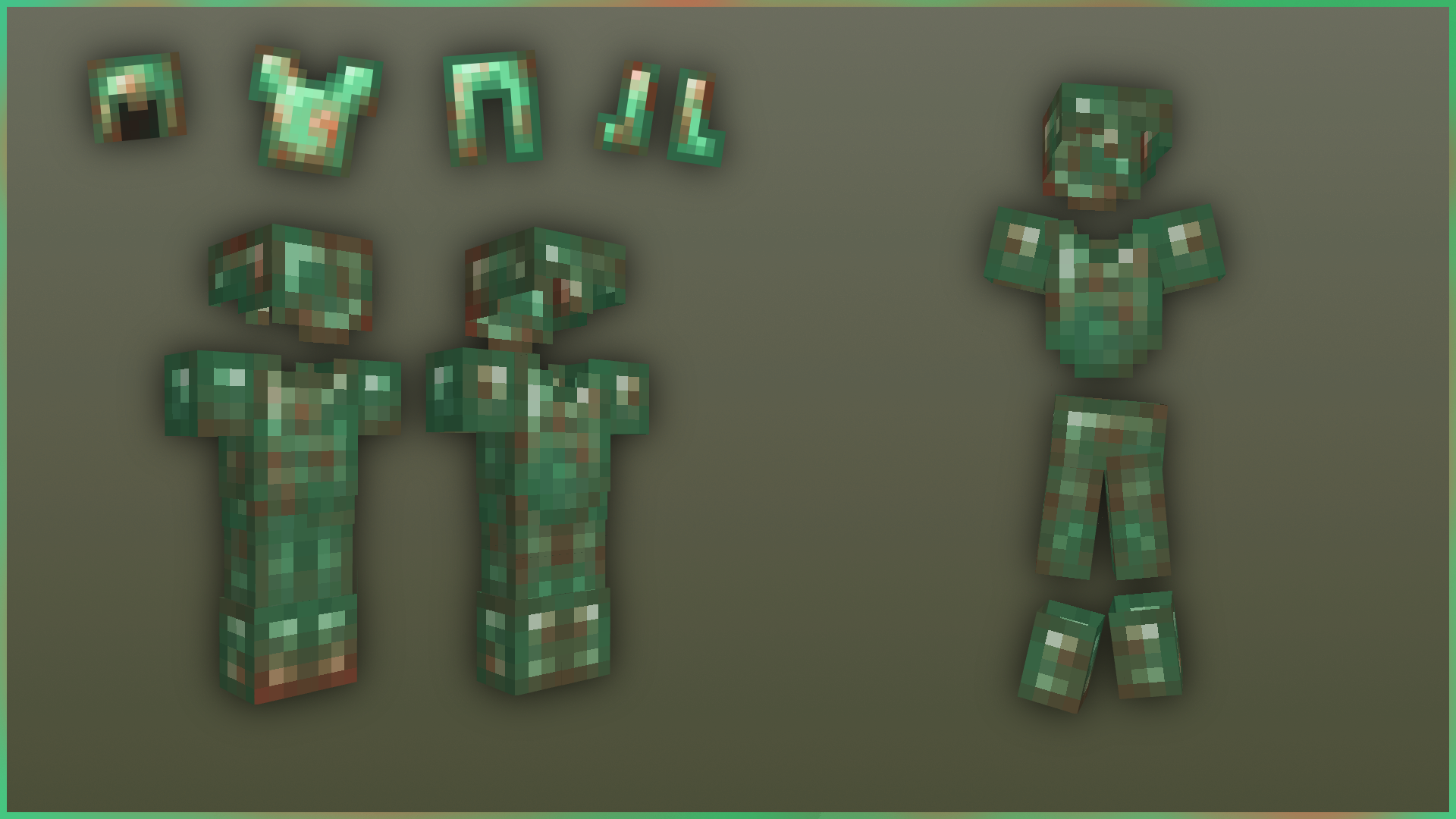
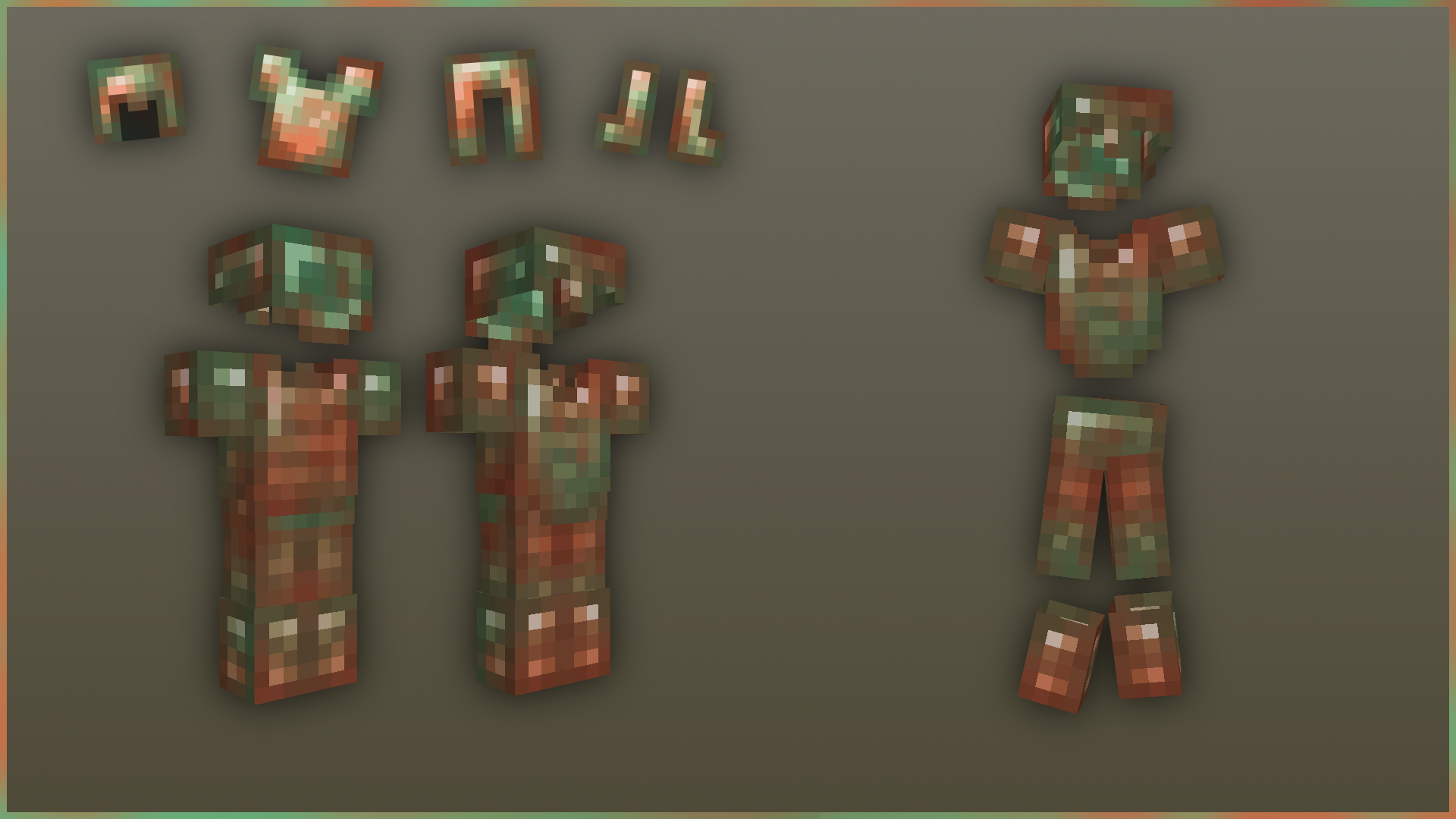
This texture pack makes it so the armor items are squarer and fit the color of the gem/ore they belong to, it does the same with the actual armor itself, this pack also includes an Addon pack that adds new Armor, to get the other types of armor just name any piece of armor the following names


Iron Armor Names
● "Copper"
● "Exposed"
● "Weathered"
● "Oxidized"
● "Titanium"

Gold Armor Names
● "Bronze"
● "Ruby"

Diamond Armor Names
● "Emerald"
● "Lapis"
● "Bee"

Netherite Armor Names
● "Gilded Netherite"
● "Amethyst"


Made By: creepermax123
Arm Straps Inspired By: Bumbee


To make sure the pack works go to
Options>Video Settings>Quality
and make sure these are on


Custom Entity Models: On
Emissive Textures: On
Random Entities: On


Enhanced Armor.zip
MC 1.18.1, 1.18.2, 1.19.2, 1.19.1, 1.18, 1.19
Release 2022-10-01 Get

Requirements & install

How to use this resource pack in Minecraft
Resolution
16x
Minecraft
1.18 – 1.19.2
Install folder
.minecraft/resourcepacks

How to install resource packs

  1. Download the resource pack .zip file (do not extract it).
  2. In Minecraft open Options → Resource Packs → Open Pack Folder.
  3. Drop the .zip into the resourcepacks folder (.minecraft/resourcepacks).
  4. Move the pack to the Selected column and click Done.
Browse more: 16x resource packs 32x resource packs 64x resource packs 128x resource packs 256x resource packs 512x+ resource packs Resource Packs for 1.19.2 All resource packs

More from creepermax123

Advertisement Remove ads with Premium →

You Might Also Like