Mineuniverse
Resource Packs
Porkier Piglins

Porkier Piglins

RESOURCE PACK
Makes Piglins biome dependent with randomized variants
by creepermax123
Download Claim this project
903,359 downloads
0 likes
Updated Oct 14, 2026
0 hypes
16x Miscellaneous
Advertisement Remove ads with Premium →

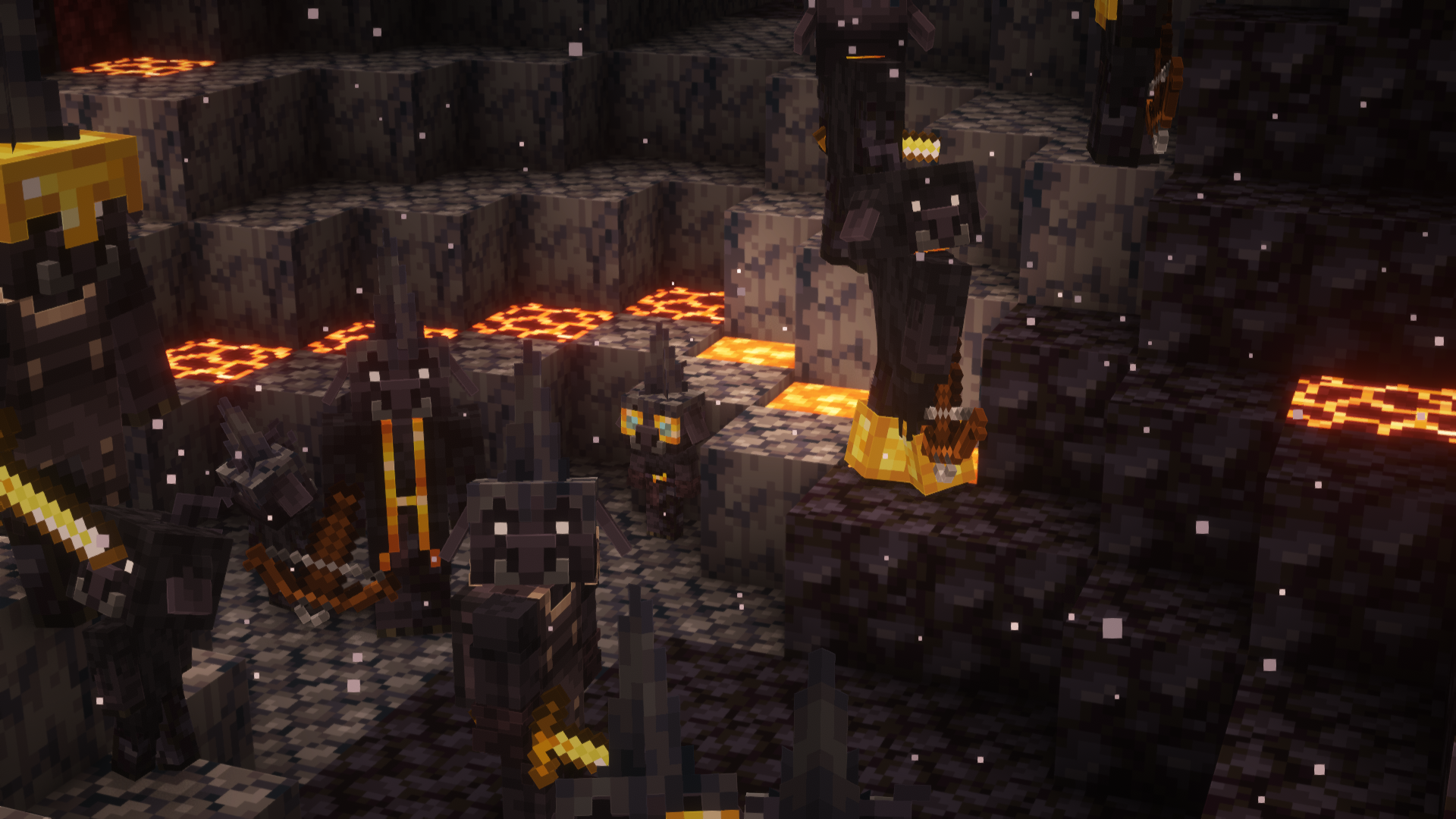
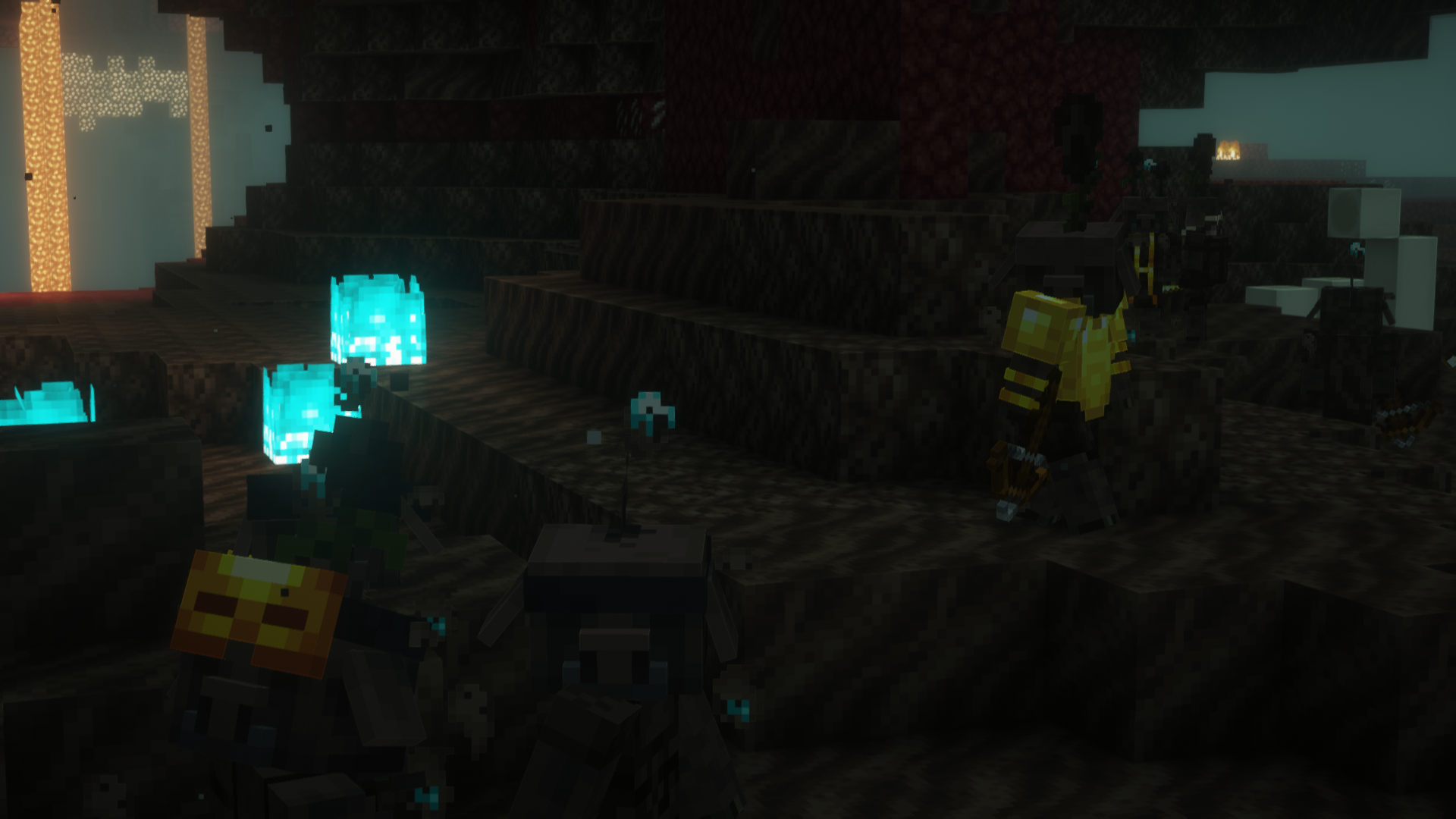
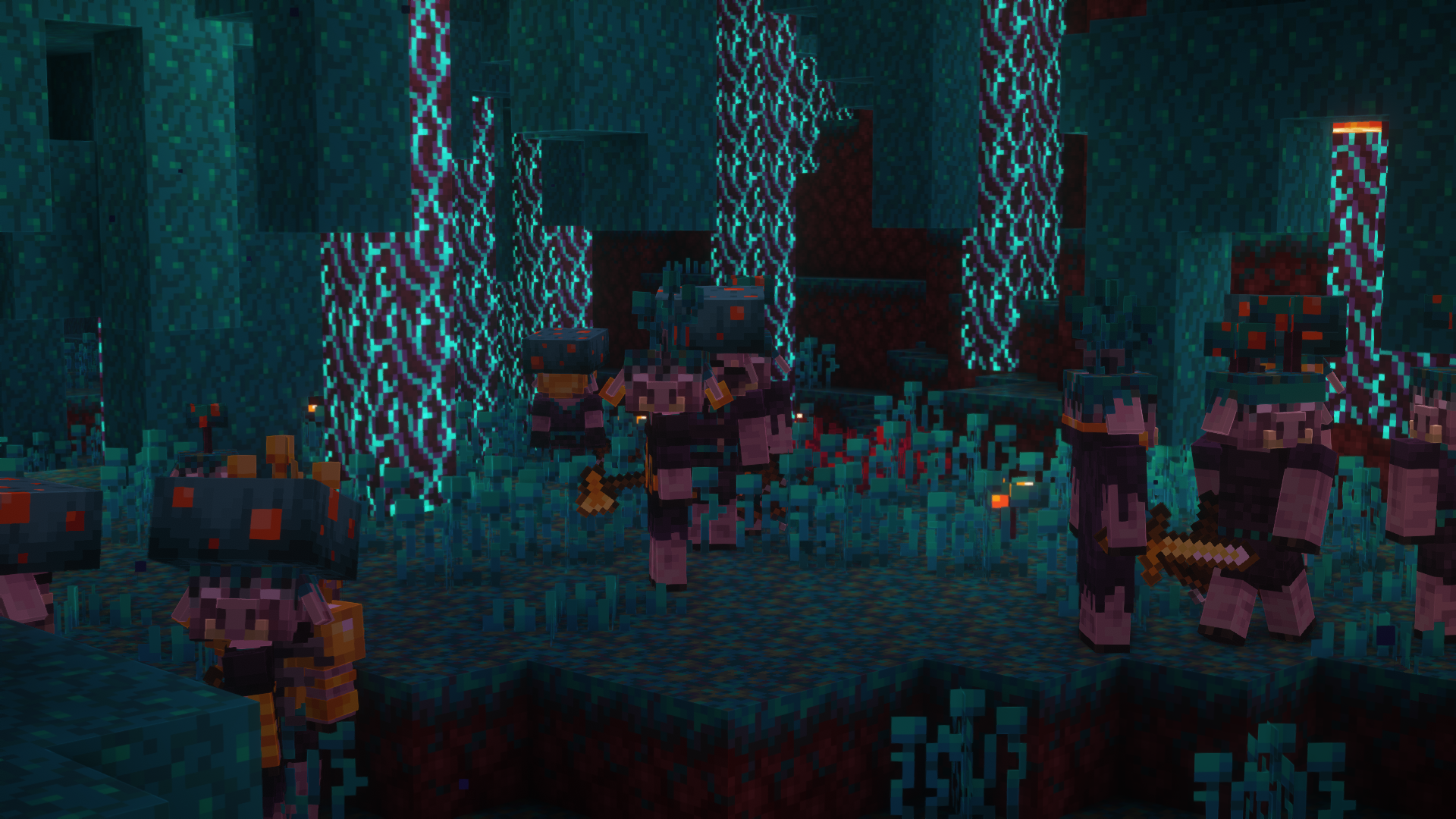
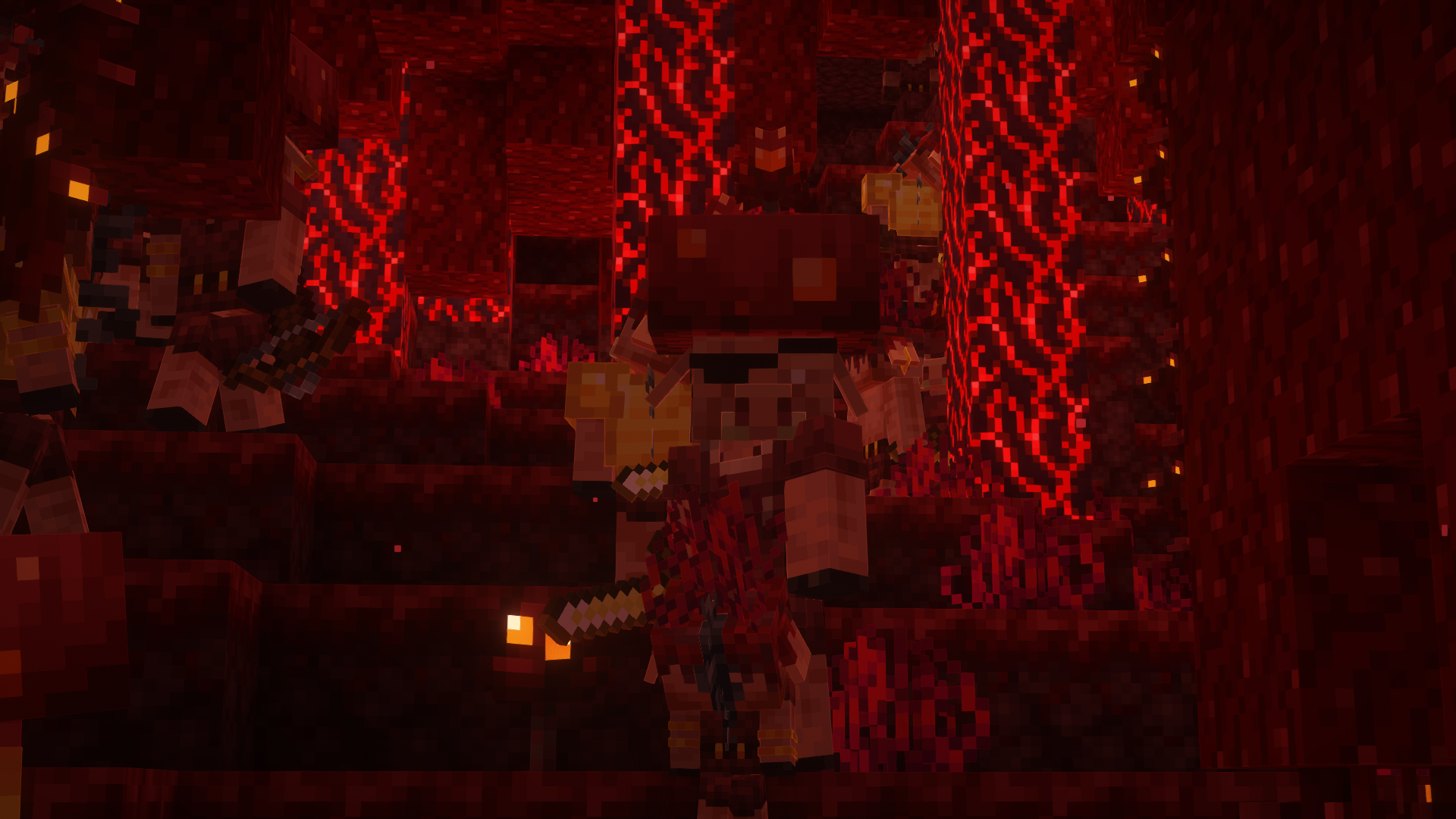
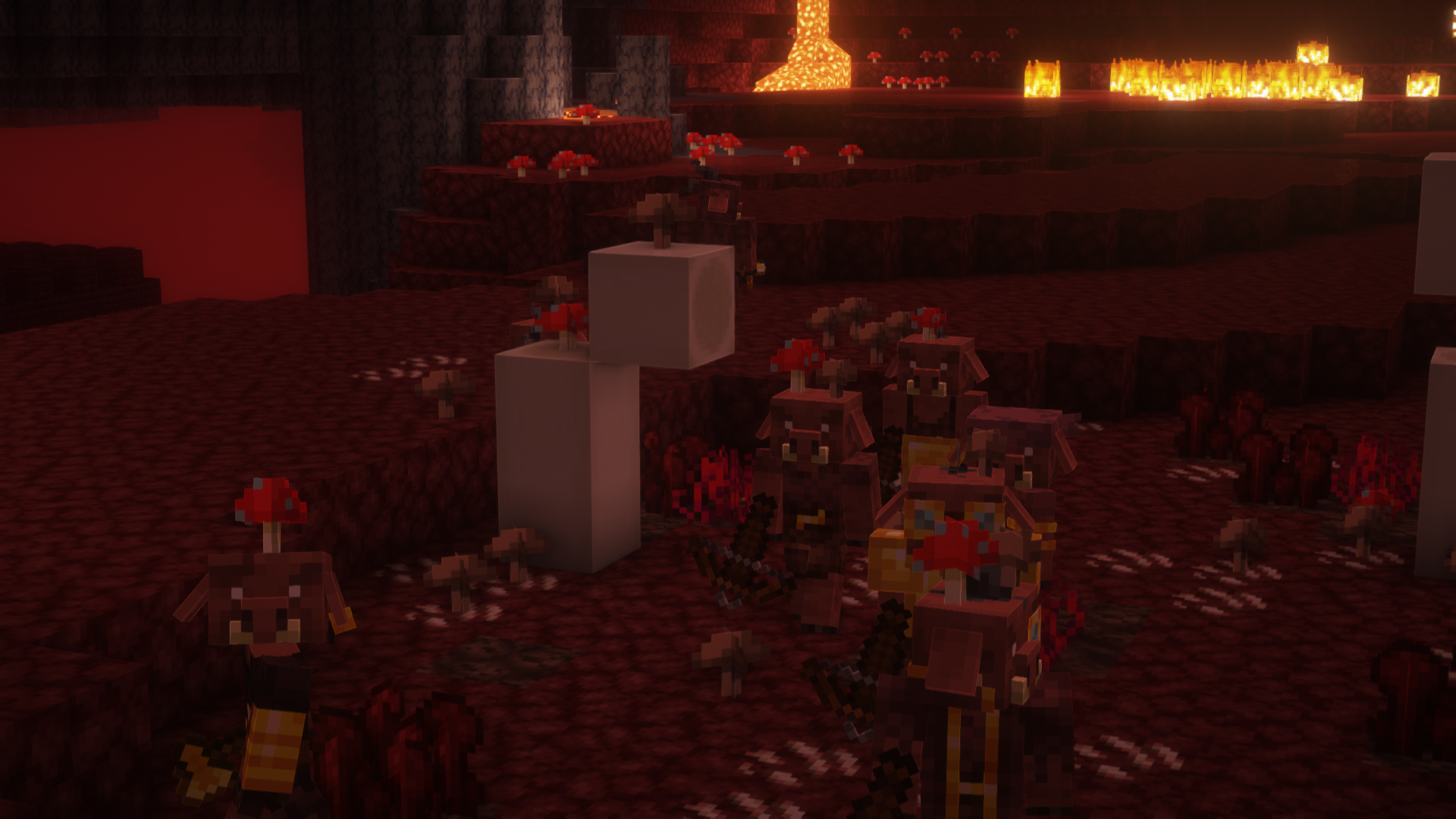
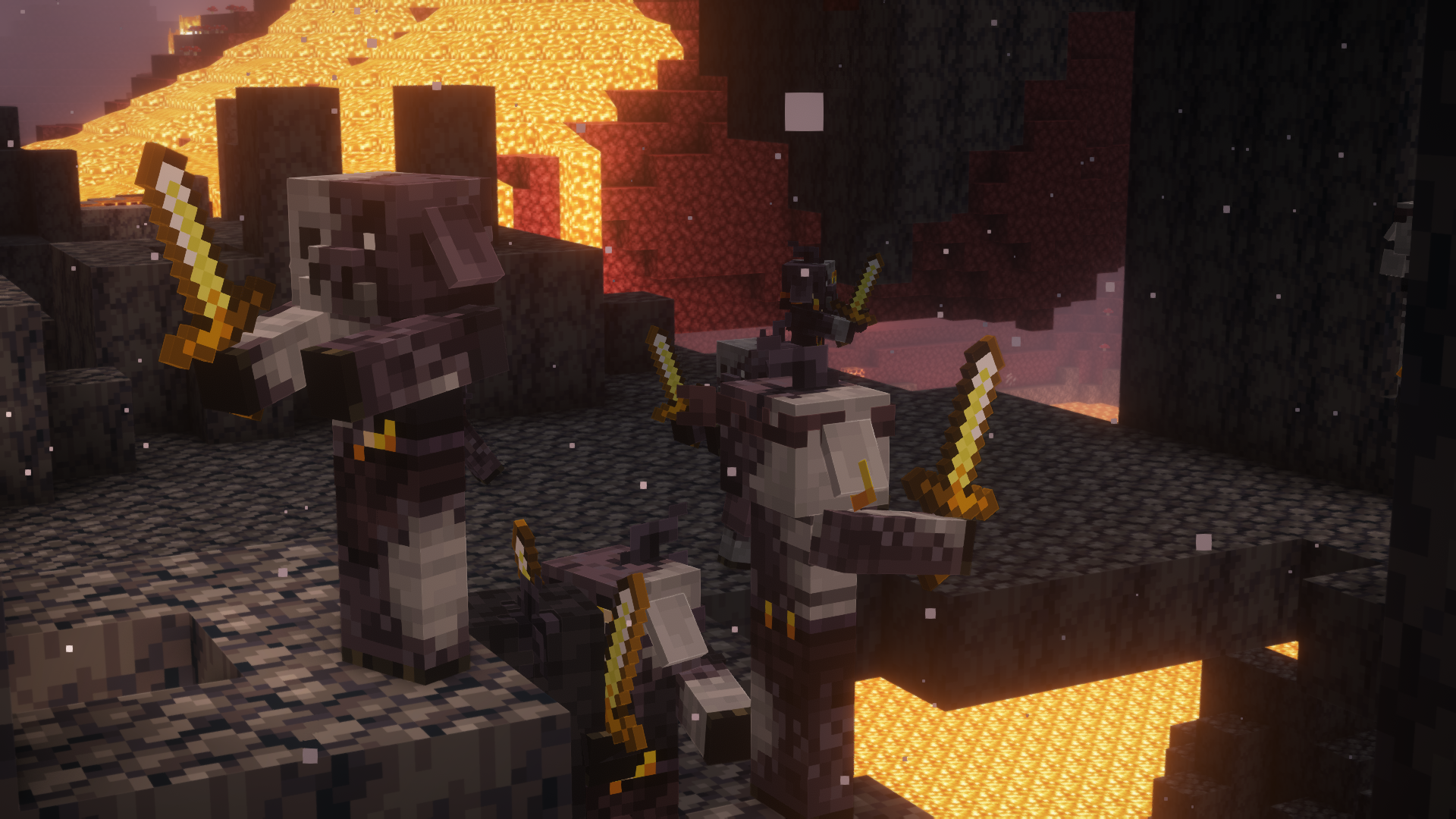
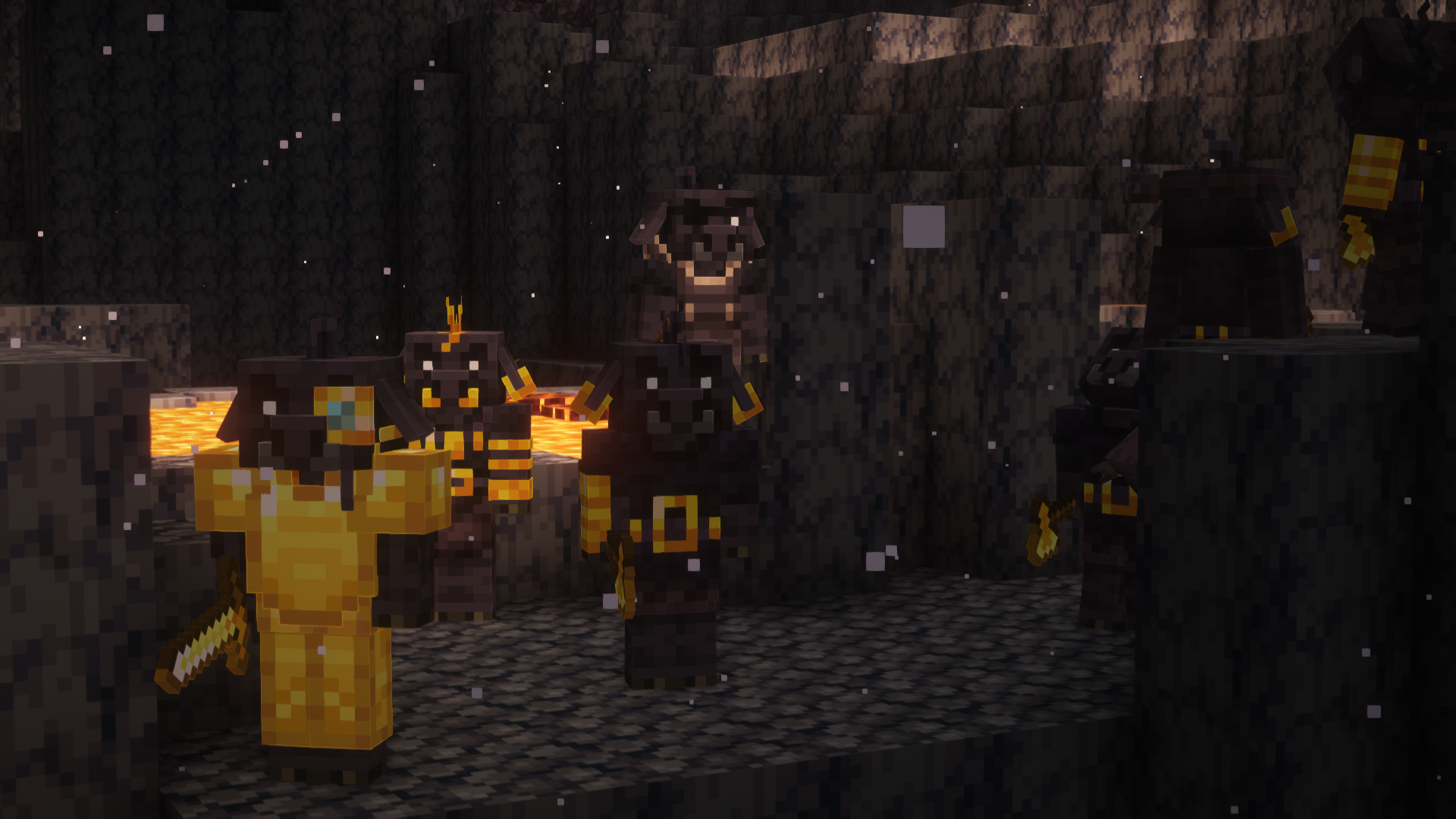
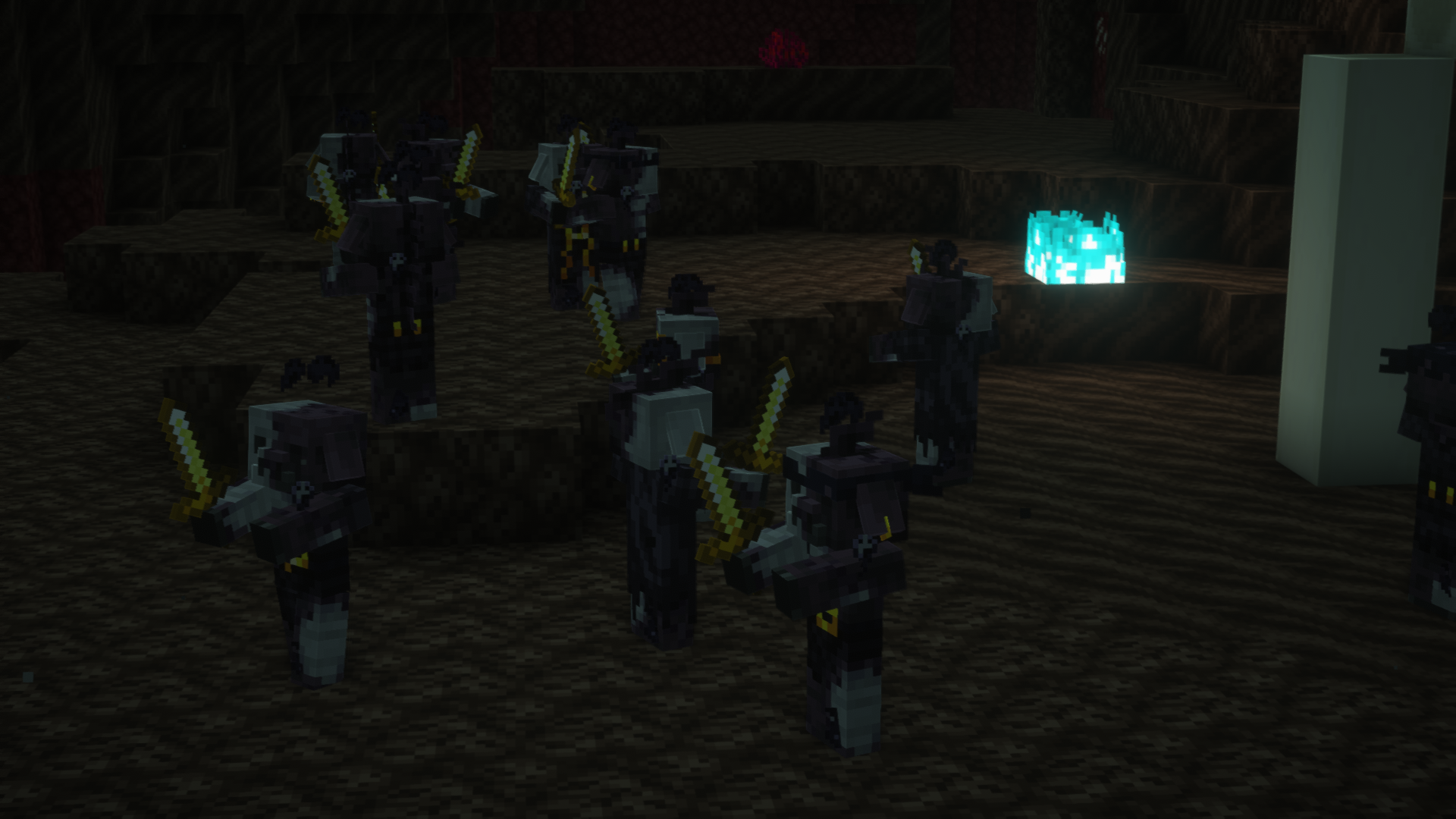
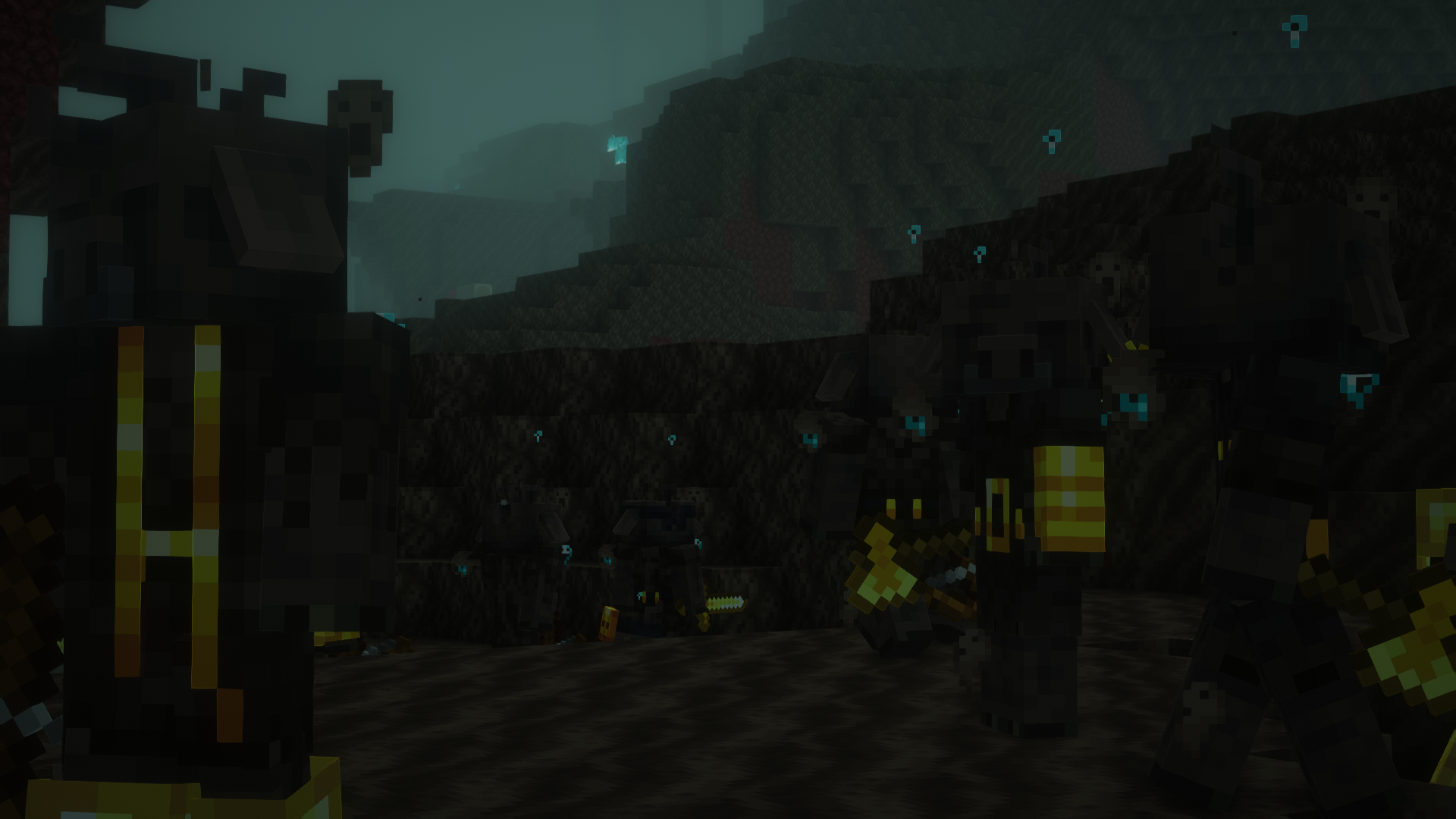
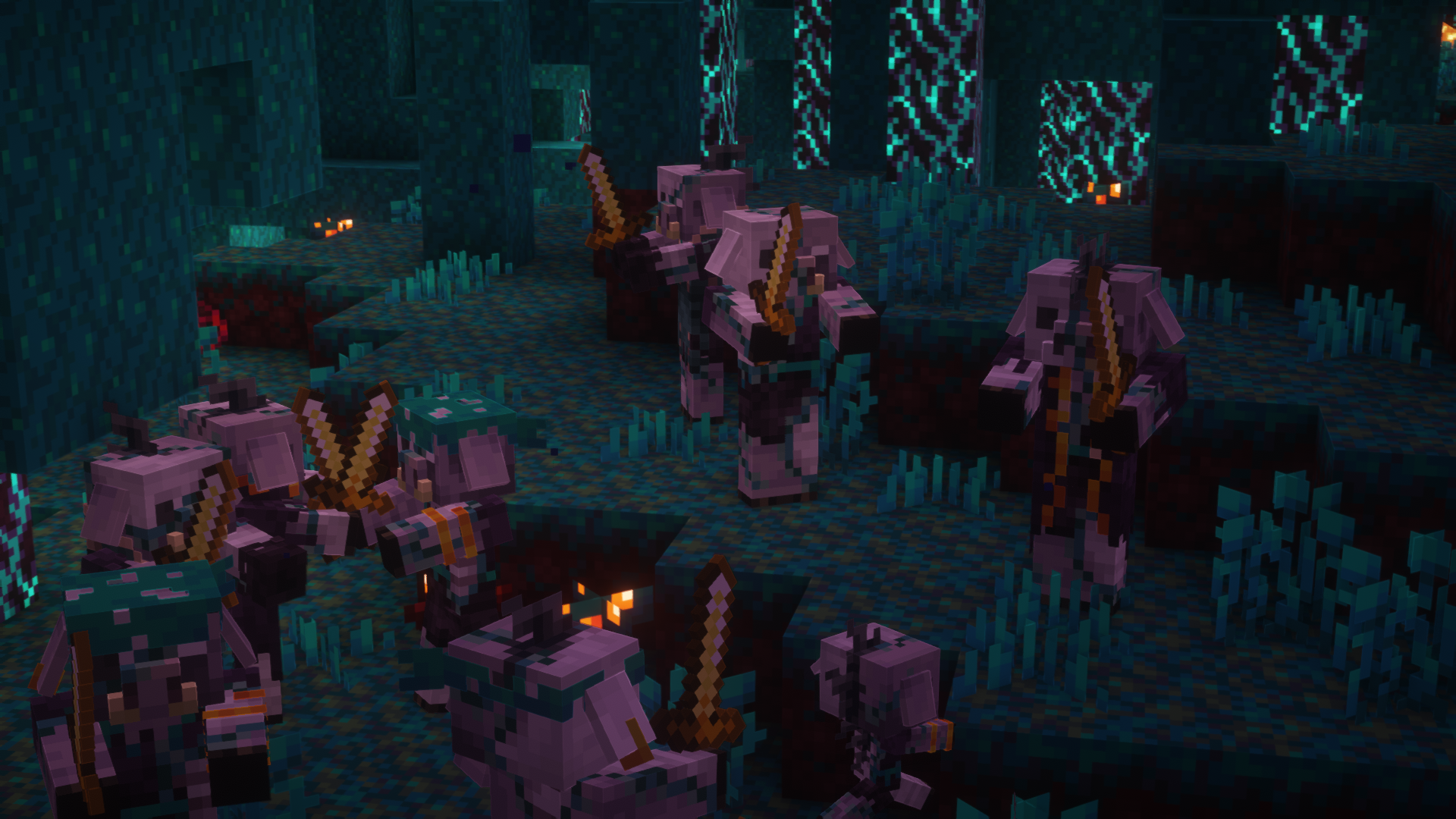
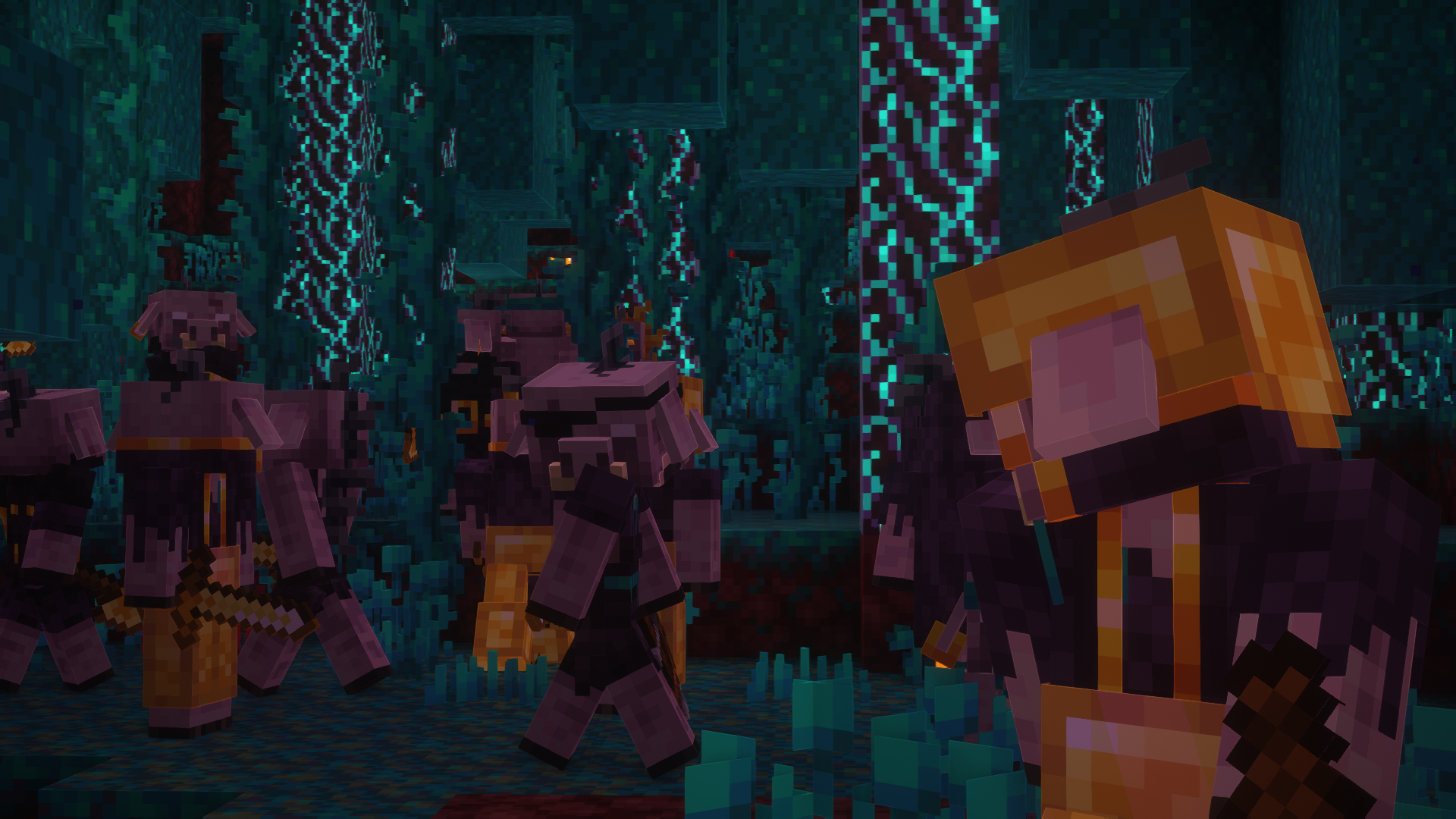
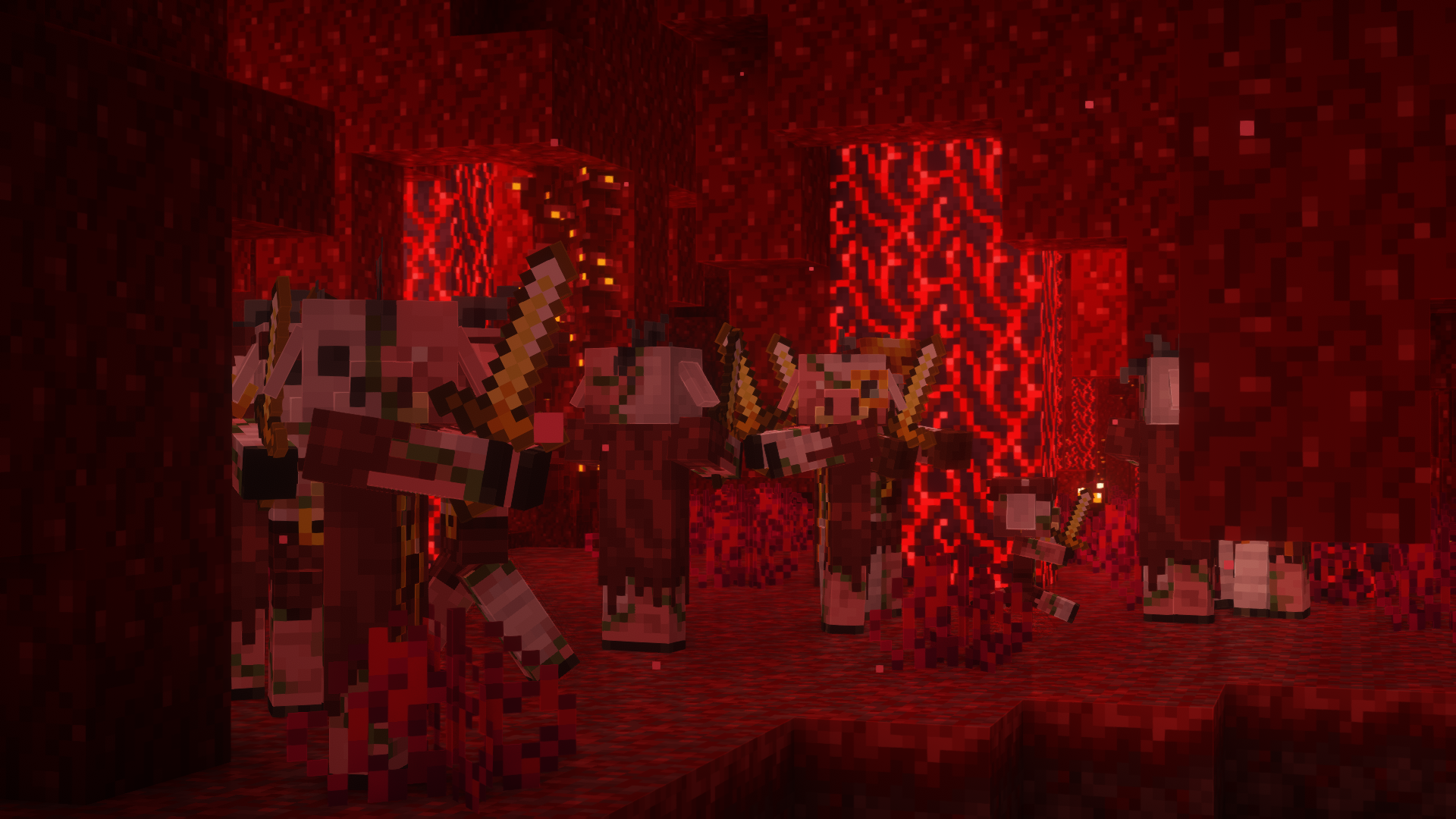
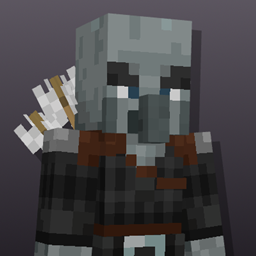
Porkier Piglins adds biome dependent variants to all Piglins, including biome dependent skin colours, and foliage
that can be enabled with two addon packs The Piglin Pigments Addon, and The Foliage Addon
Mobs affected by this pack: Piglins, Piglin Brutes, Zombified Piglins. For any further information look in the images tab, instructions on how to obtain the add-on packs will be found there.


Variants
●14 Piglins in each Biome
●3 Piglin Brutes in each Biome

●14 Zombified Piglins in each Biome
● 6 Namable Variants
● 1 Secret Variant

All Named Variants
● "Soul Trader"
● "Witch"
● "Gourd"
● "Butch"
● "Jason"
● "Goo"


Max's Better Mobs and Fresh Animations Version


Made By: creepermax123 & A Platinum Block
Concept Art By: Molly_Rocks


To make sure the pack works go to
Options>Video Settings>Quality
and make sure these are on


Custom Entity Models: On
Emissive Textures: On
Random Entities: On


Porkier Piglins v1.4 - The Piglets Update
MC 1.21.4
Release 2025-01-08 Get
Porkier Piglins v1.3 - The Pigments O' Plenty Update
MC 1.20
Release 2024-03-01 Get
Porkier Piglins - Minor Change
MC 1.18.1, 1.18.2, 1.19.2, 1.19.1, 1.18, 1.19
Release 2023-03-28 Get
Porkier Piglins v1.2 - The Haunted Hogs Update
MC 1.18.1, 1.18.2, 1.19.2, 1.19.1, 1.18, 1.19
Release 2022-10-04 Get
Porkier Piglins.zip
MC 1.18.1, 1.18.2, 1.19.2, 1.19.1, 1.18, 1.19
Release 2022-08-31 Get

Requirements & install

How to use this resource pack in Minecraft
Resolution
16x
Minecraft
1.18 – 1.21.4
Install folder
.minecraft/resourcepacks

How to install resource packs

  1. Download the resource pack .zip file (do not extract it).
  2. In Minecraft open Options → Resource Packs → Open Pack Folder.
  3. Drop the .zip into the resourcepacks folder (.minecraft/resourcepacks).
  4. Move the pack to the Selected column and click Done.
Browse more: 16x resource packs 32x resource packs 64x resource packs 128x resource packs 256x resource packs 512x+ resource packs Resource Packs for 1.21.4 All resource packs

More from creepermax123

Advertisement Remove ads with Premium →

You Might Also Like