Mineuniverse
Resource Packs
Emissive Textures for Spectrum [LabPBR version]

Emissive Textures for Spectrum [LabPBR version]

RESOURCE PACK
LabPBR emissive textures for Spectrum mod
by GeorgeHaldane
Download Claim this project
348 downloads
0 likes
0 followers
Updated Oct 14, 2026
0 hypes
Follow0
16x Miscellaneous Mod Support
Advertisement Remove ads with Premium →

Emissive Textures for Spectrum [LabPBR version]

This packs adds full support for shader-compatible emissive textures for Spectrum mod — block, items, equipment, everything!

Emissives are implemented using LabPBR, this is a standard format supported by most Iris shaders that allows them to add reflections/normals/emission in a portable way.

What it does

It adds shader-compatible emissive textures for emissives.

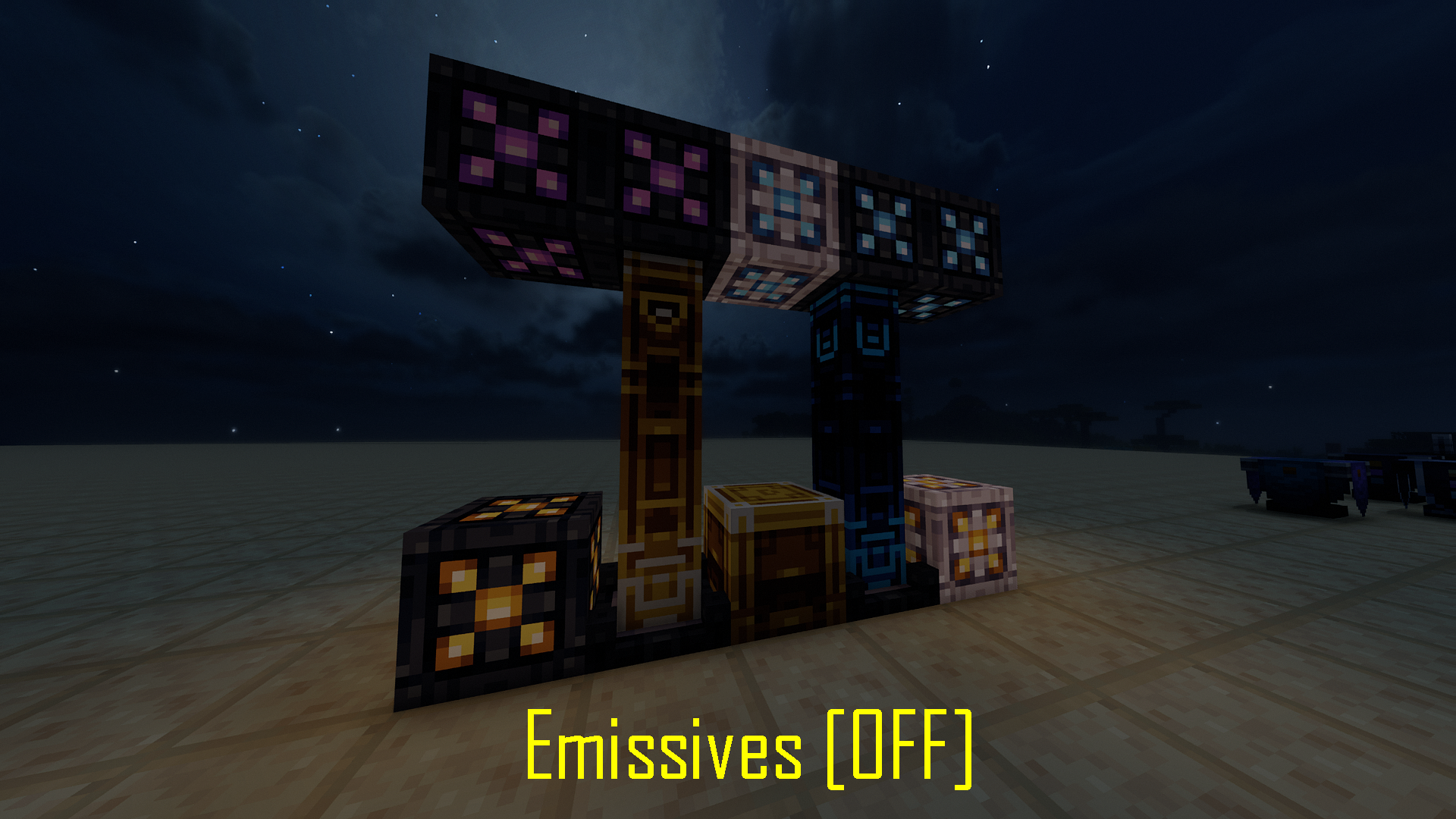
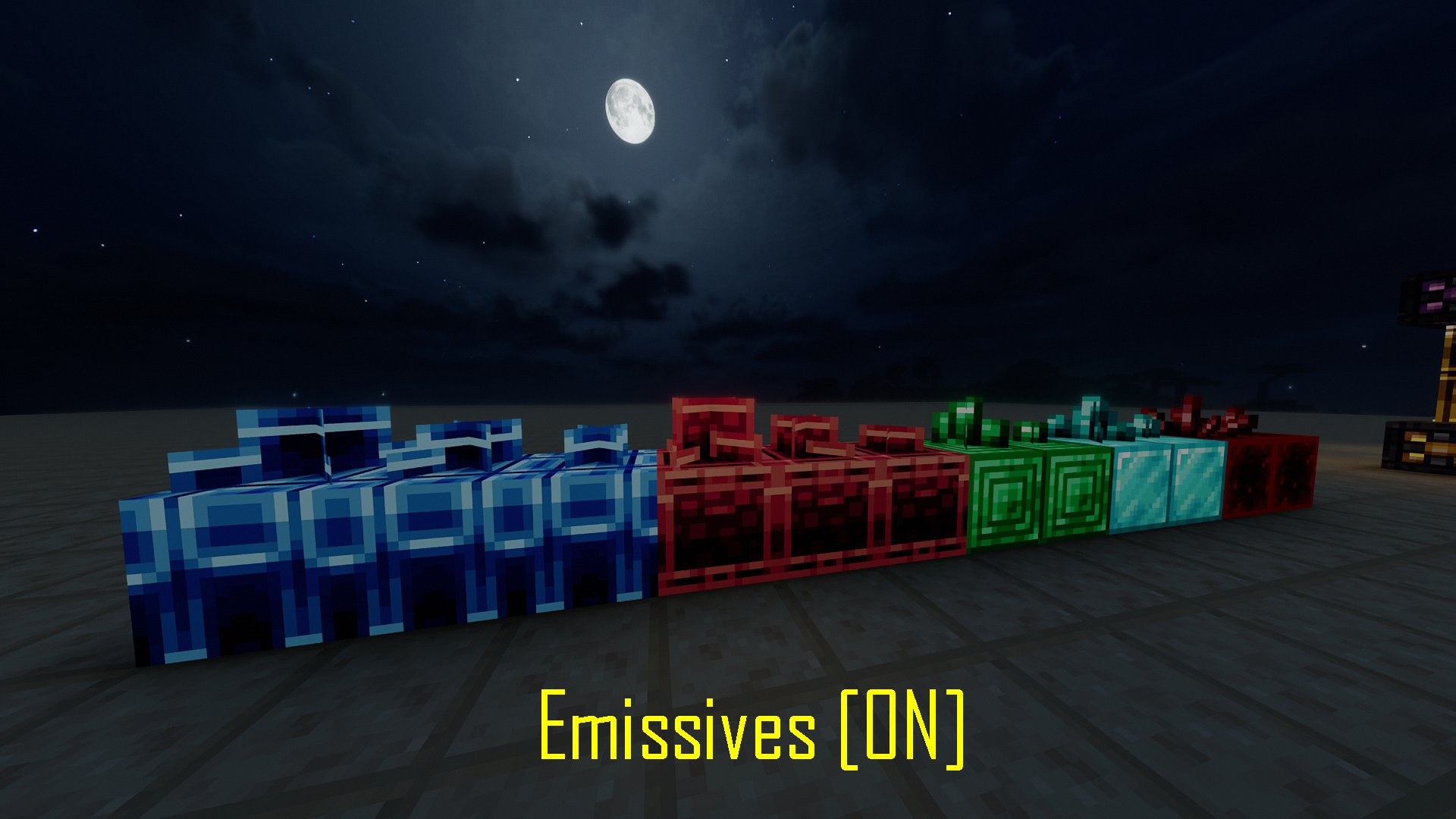
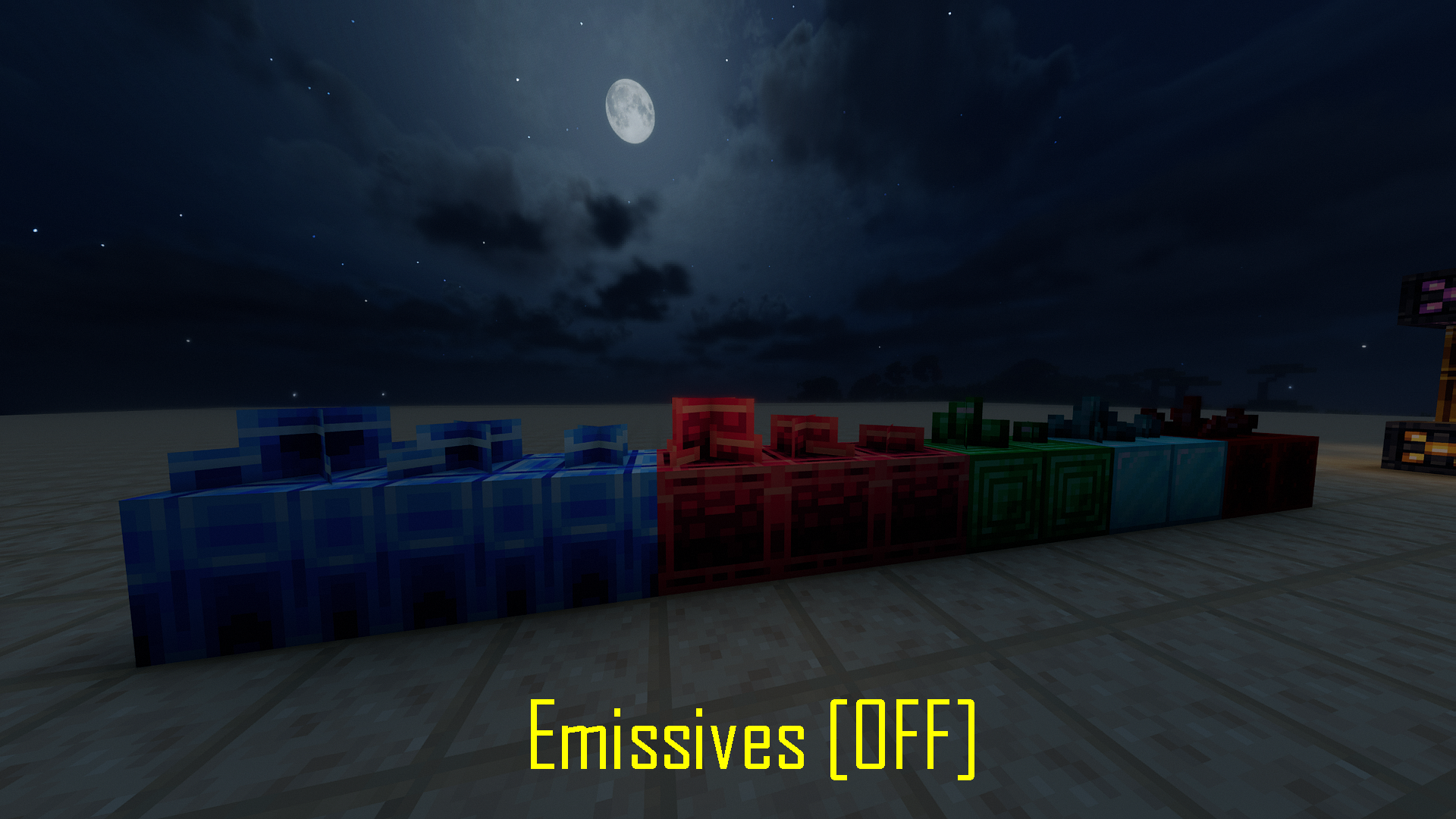
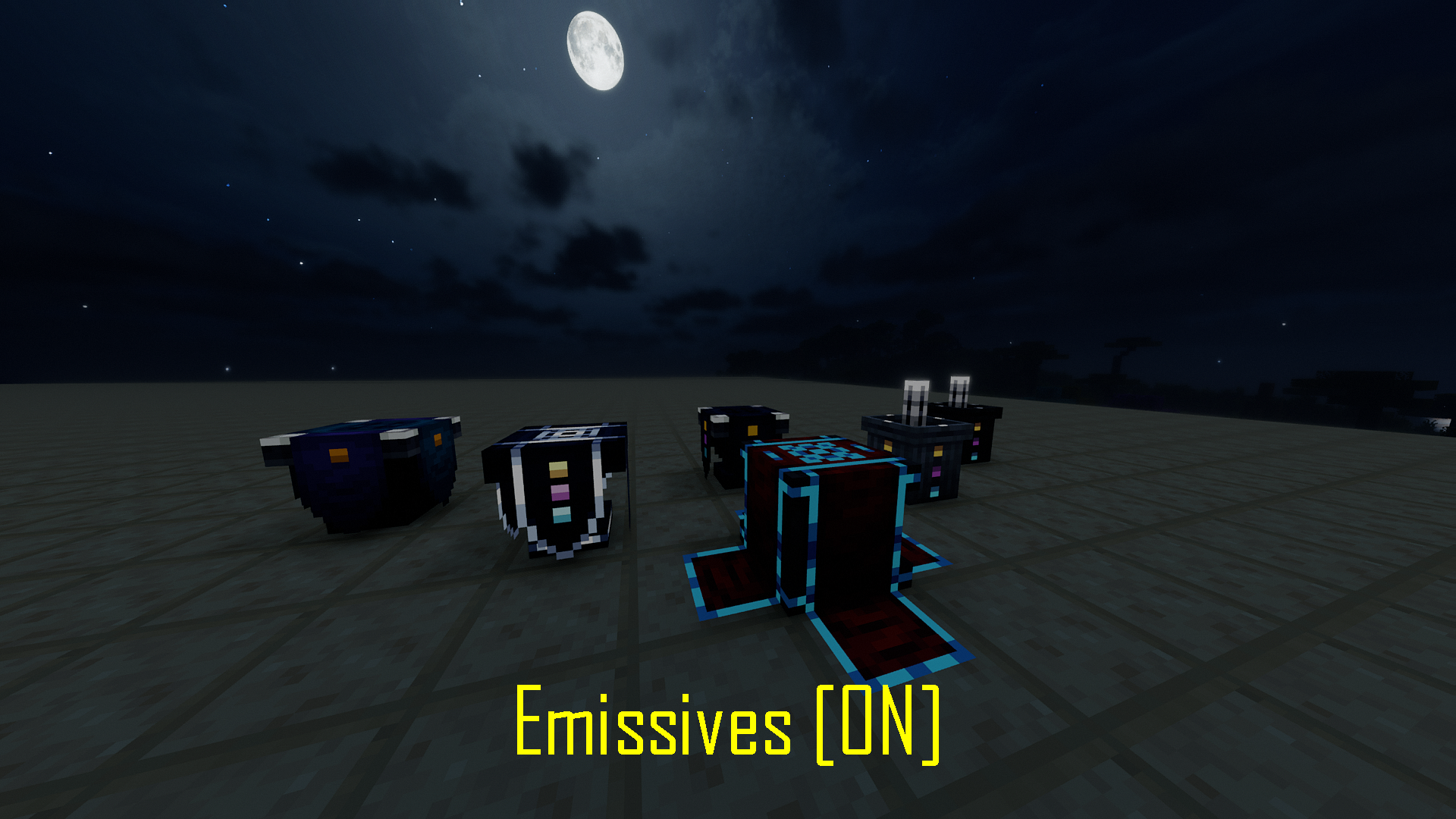
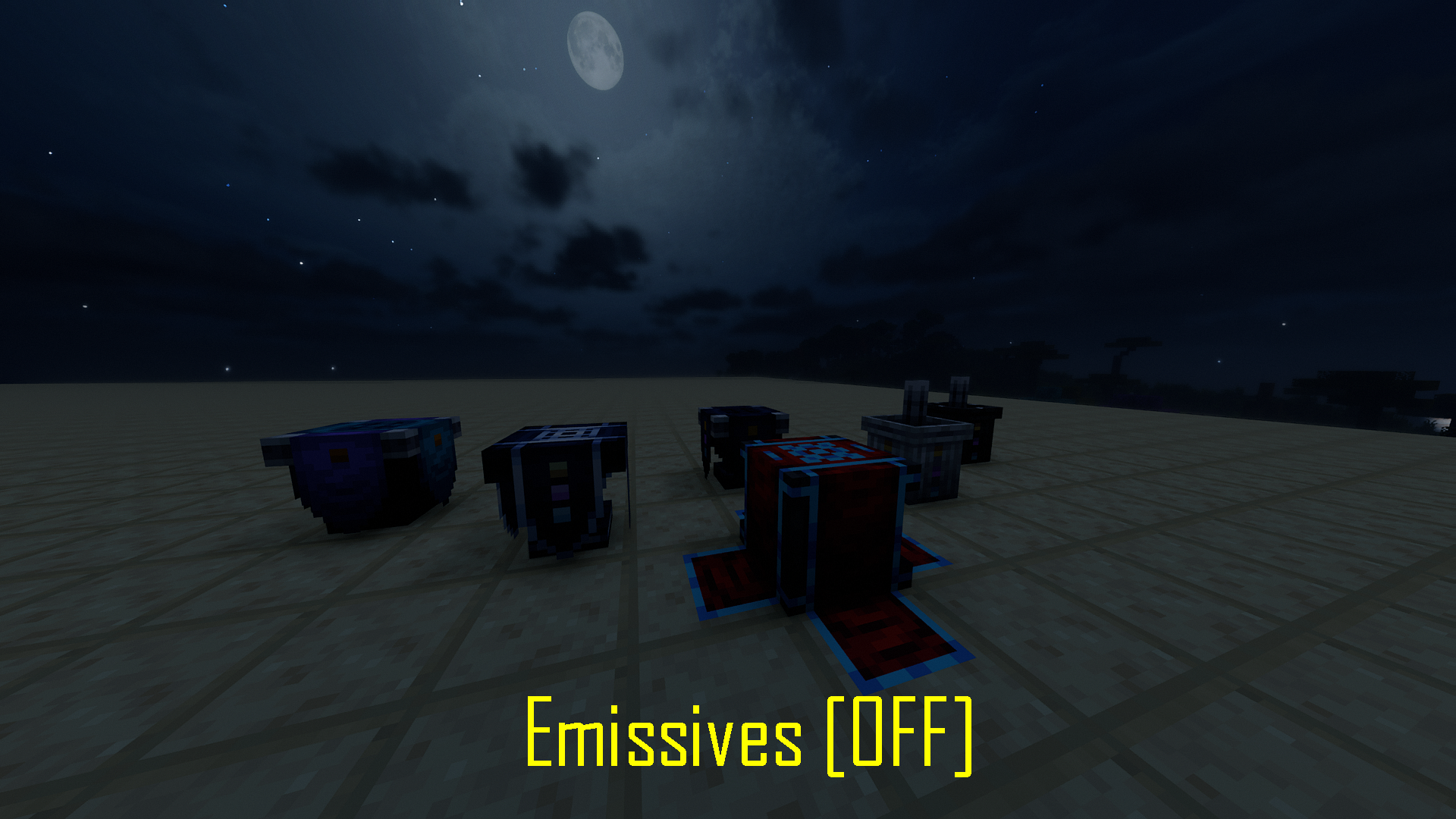
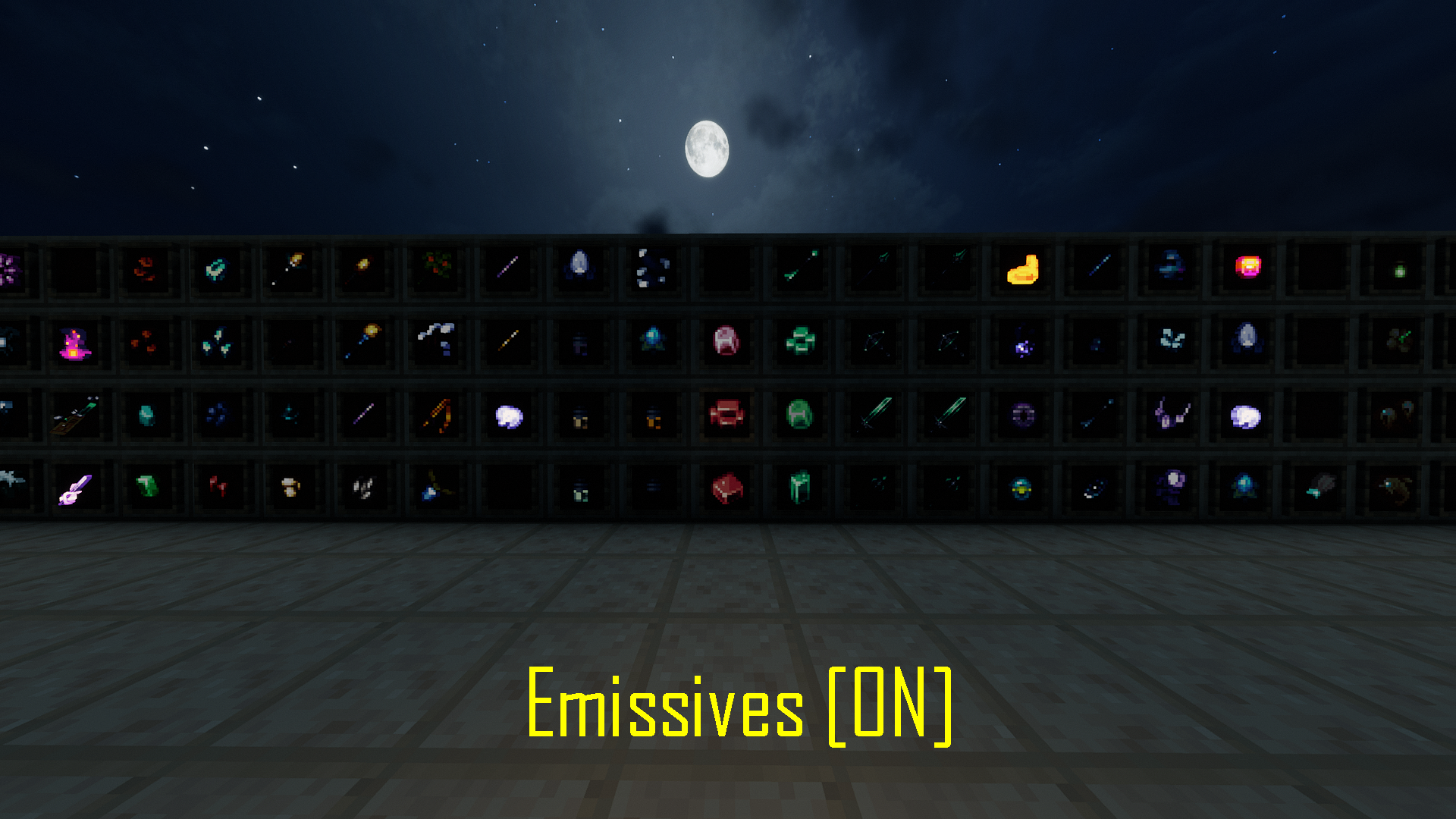
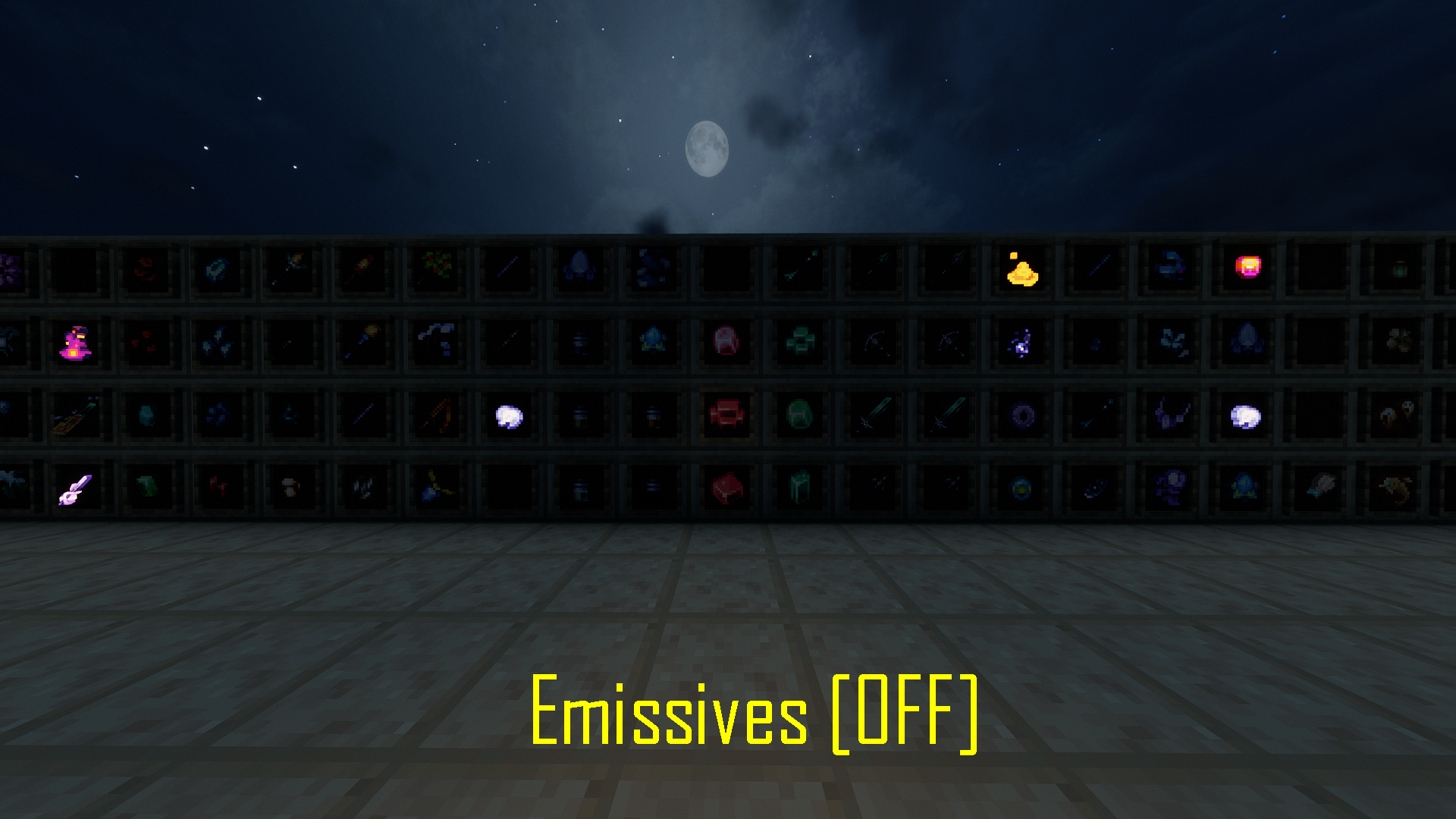
Your gems will glow, your blocks will shine, your magic items will have a nice shine to them — in short, a lot of things become nicer to look at.

The changes also apply to vanilla gemstones to provide a uniform texture style.
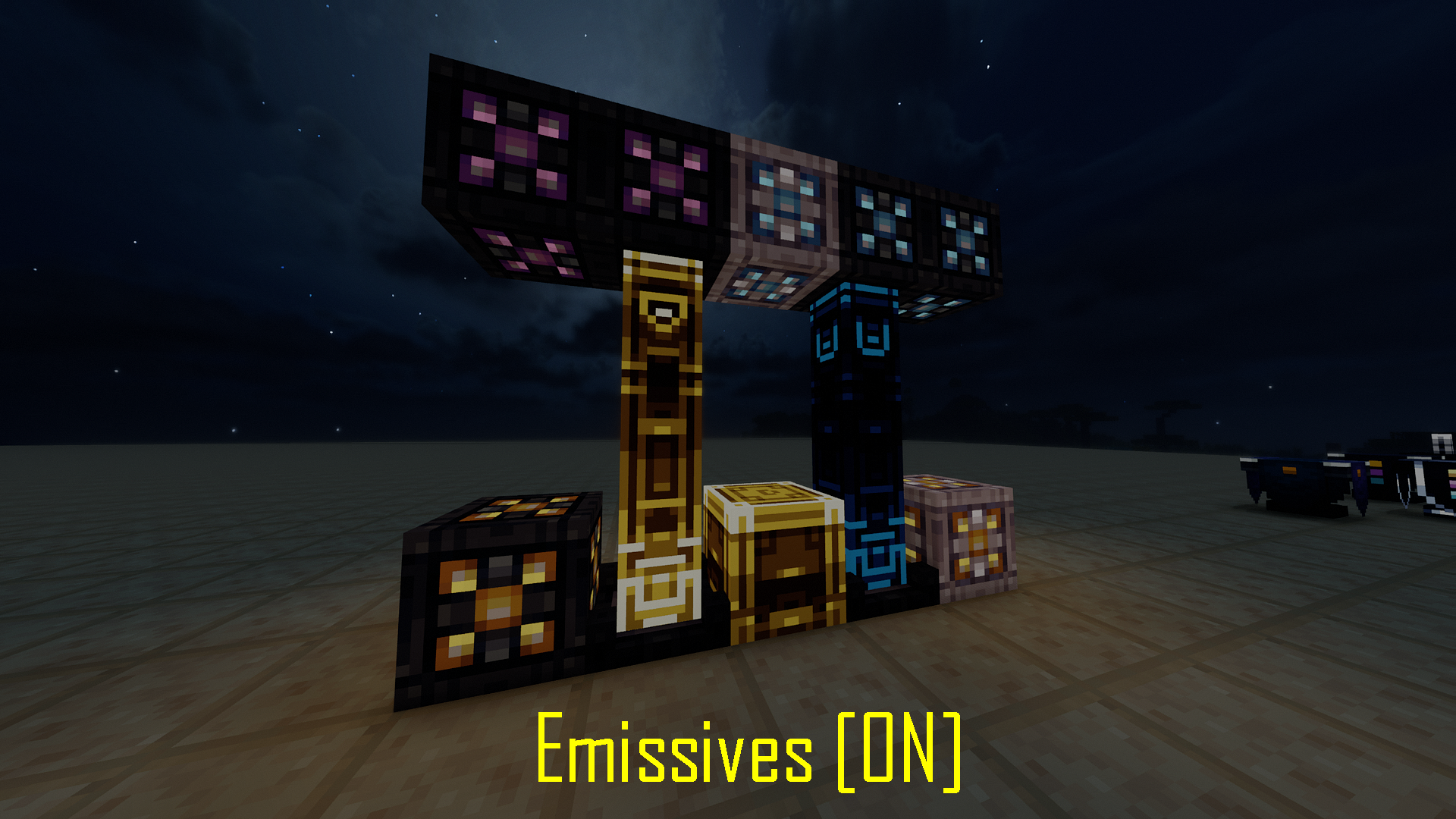
Showcase

Resourcepack enabled Resourcepack disabled Resourcepack enabled Resourcepack disabled Resourcepack enabled Resourcepack disabled Resourcepack enabled Resourcepack disabled

Where can I get glowing ores?

Due to being a matter of taste, glowing ores are a part of my other resourcepack that adds shader glowing ores for multiple mods, including Spectrum and vanilla. Check it out!

Troubleshooting

To see emission in game don't forget to turn on LabPBR support in your shader. Almost all popular shaders support it, it's usually located in the "Materials" tab.

The resourcepack was tested for Spectrum 1.8.3 but should work for all versions of the mod.

LabPBR Spectrum Emissives v2.zip
MC 1.18.1, 1.18.2, 1.19.2, 1.20.1
Release 2025-01-13 Get
Spectrum_Emissives_LabPBR_v1.zip
MC 1.18.1, 1.18.2, 1.19.2, 1.20.1
Release 2025-01-12 Get

Requirements & install

How to use this resource pack in Minecraft
Resolution
16x
Minecraft
1.18.1 – 1.20.1
Install folder
.minecraft/resourcepacks

How to install resource packs

  1. Download the resource pack .zip file (do not extract it).
  2. In Minecraft open Options → Resource Packs → Open Pack Folder.
  3. Drop the .zip into the resourcepacks folder (.minecraft/resourcepacks).
  4. Move the pack to the Selected column and click Done.
Browse more: 16x resource packs 32x resource packs 64x resource packs 128x resource packs 256x resource packs 512x+ resource packs Resource Packs for 1.20.1 All resource packs

More from GeorgeHaldane

Advertisement Remove ads with Premium →

You Might Also Like