Mineuniverse
Resource Packs
DSWG New Paintings

DSWG New Paintings

RESOURCE PACK
New Paintings
by Daswaget
Download Claim this project
Add a badge to your pageLink to DSWG New Paintings from a README, website or forum post.
Preview: Badge

Badges update automatically and link to the resource pack page on MineUniverse.

1,159 downloads
0 likes
0 followers
Updated Oct 14, 2026
0 hypes
Follow0
256x Medieval Miscellaneous Modern Traditional
Advertisement Remove ads with Premium →


1.13+
DSWG = Daswaget

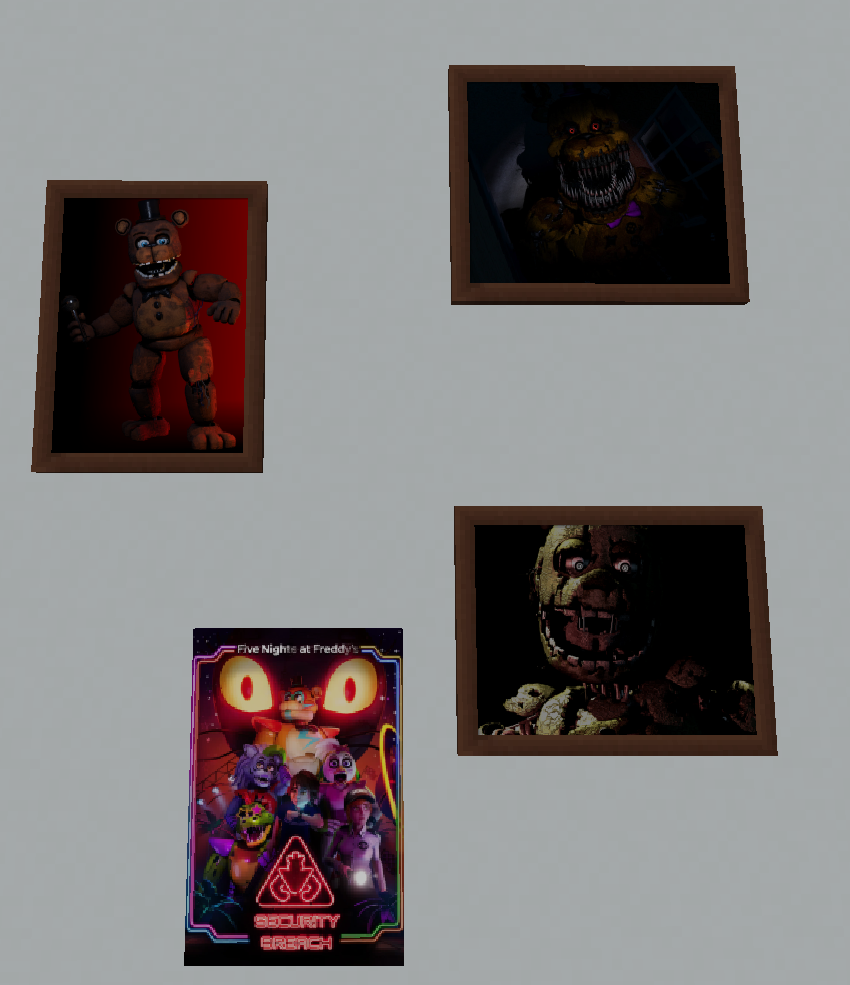
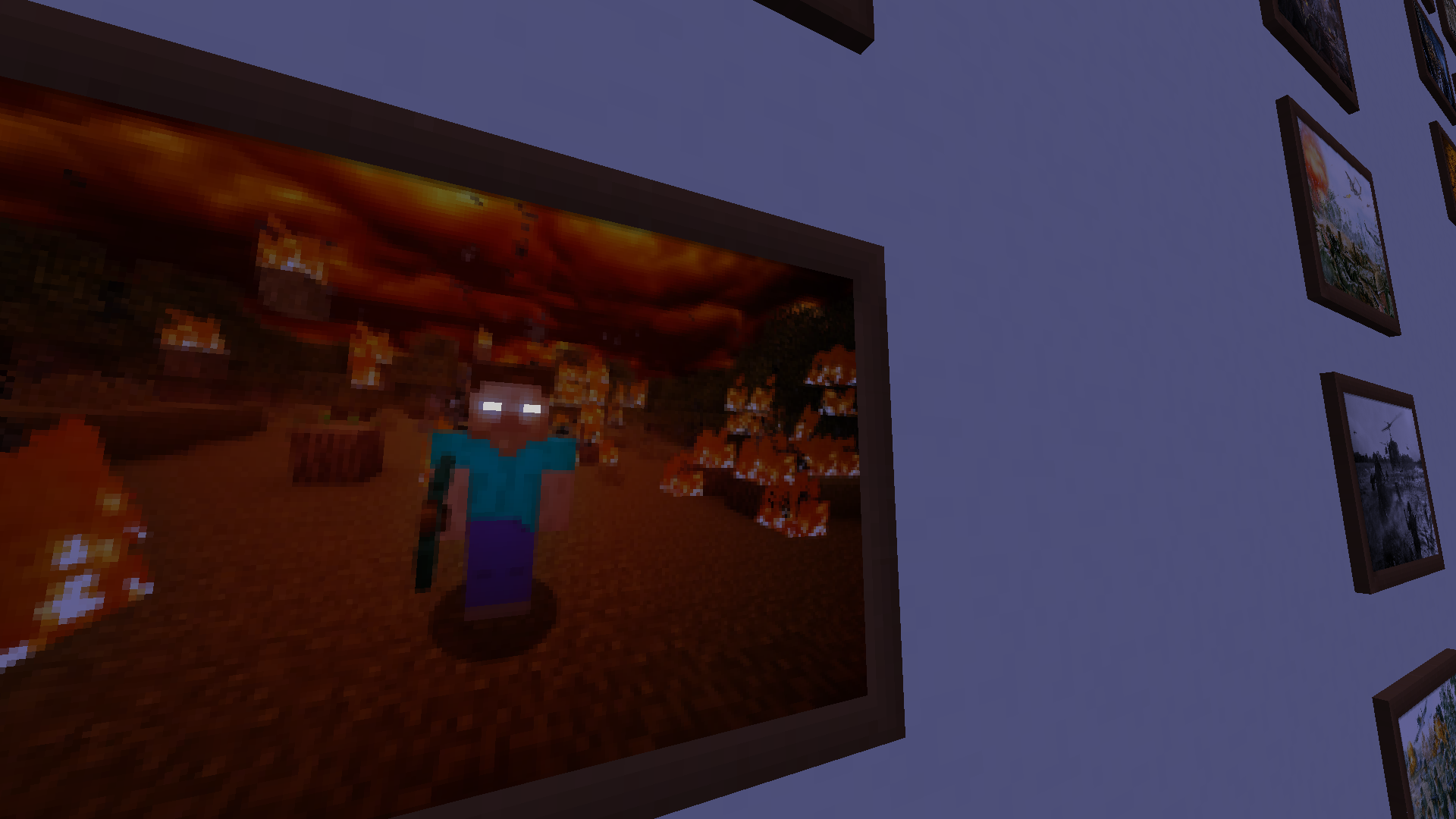
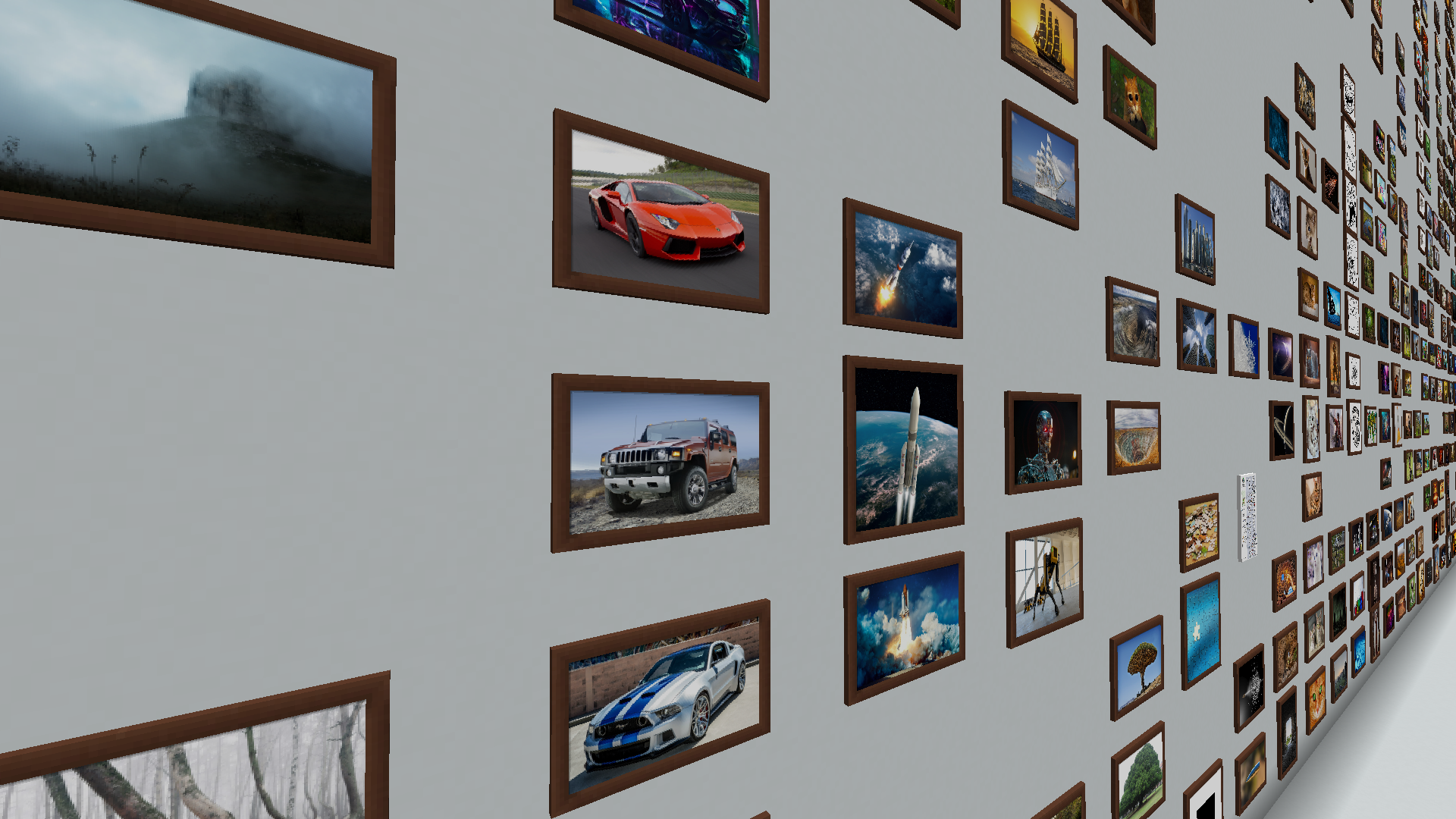
The new update added 15 paintings on the theme of FNAF!


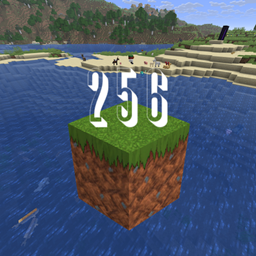
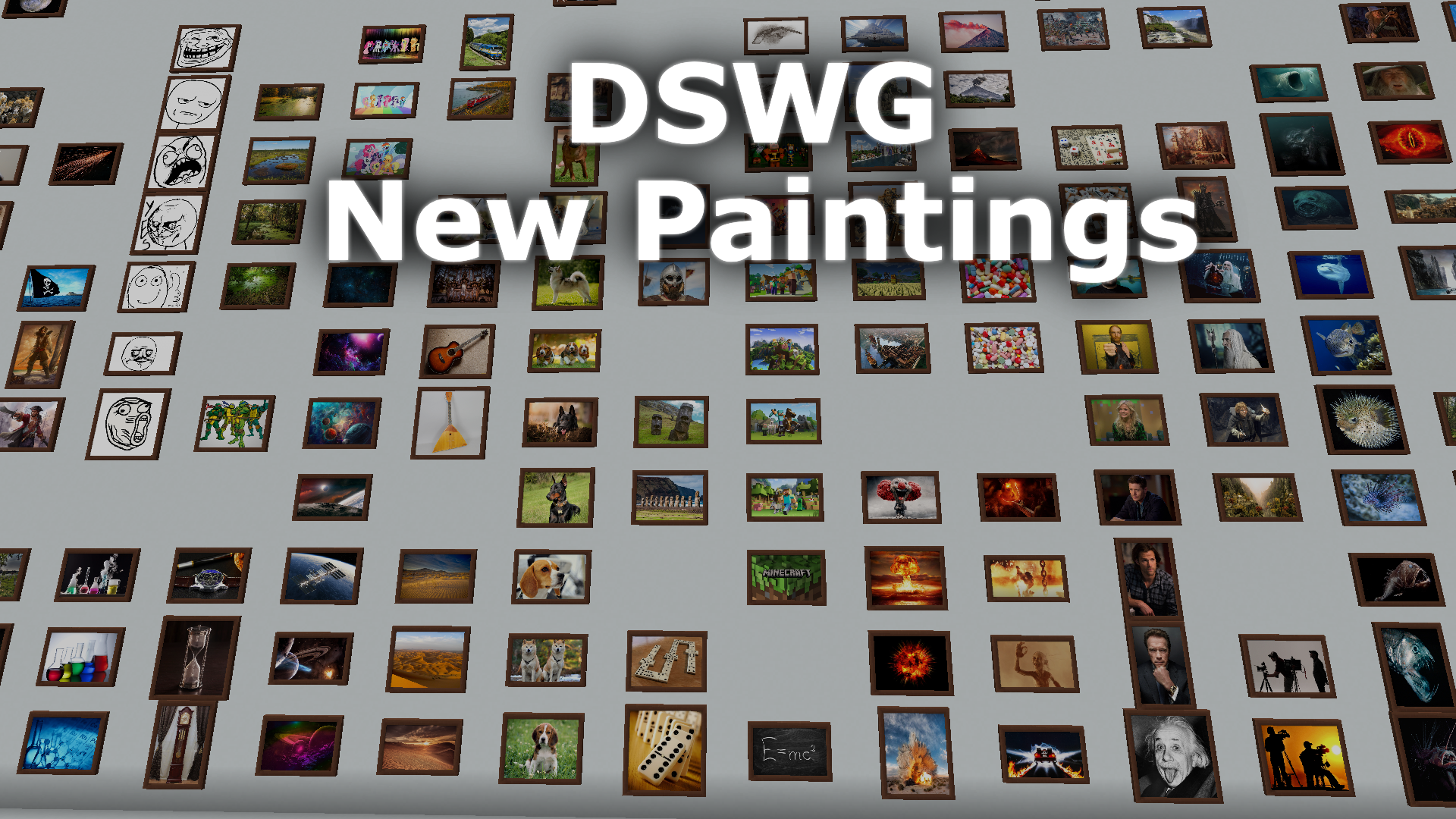
The size of the paintings is 256x256

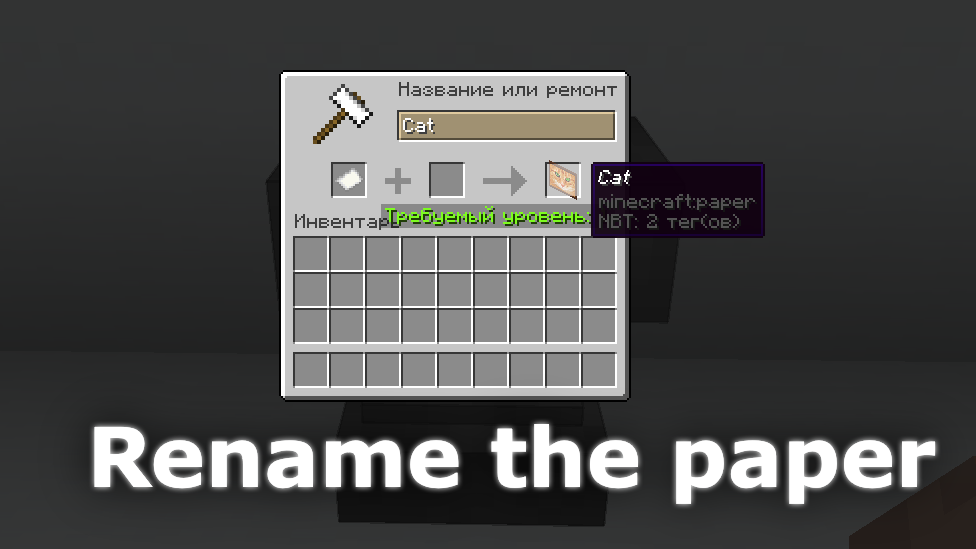
To get a painting just rename the paper to:

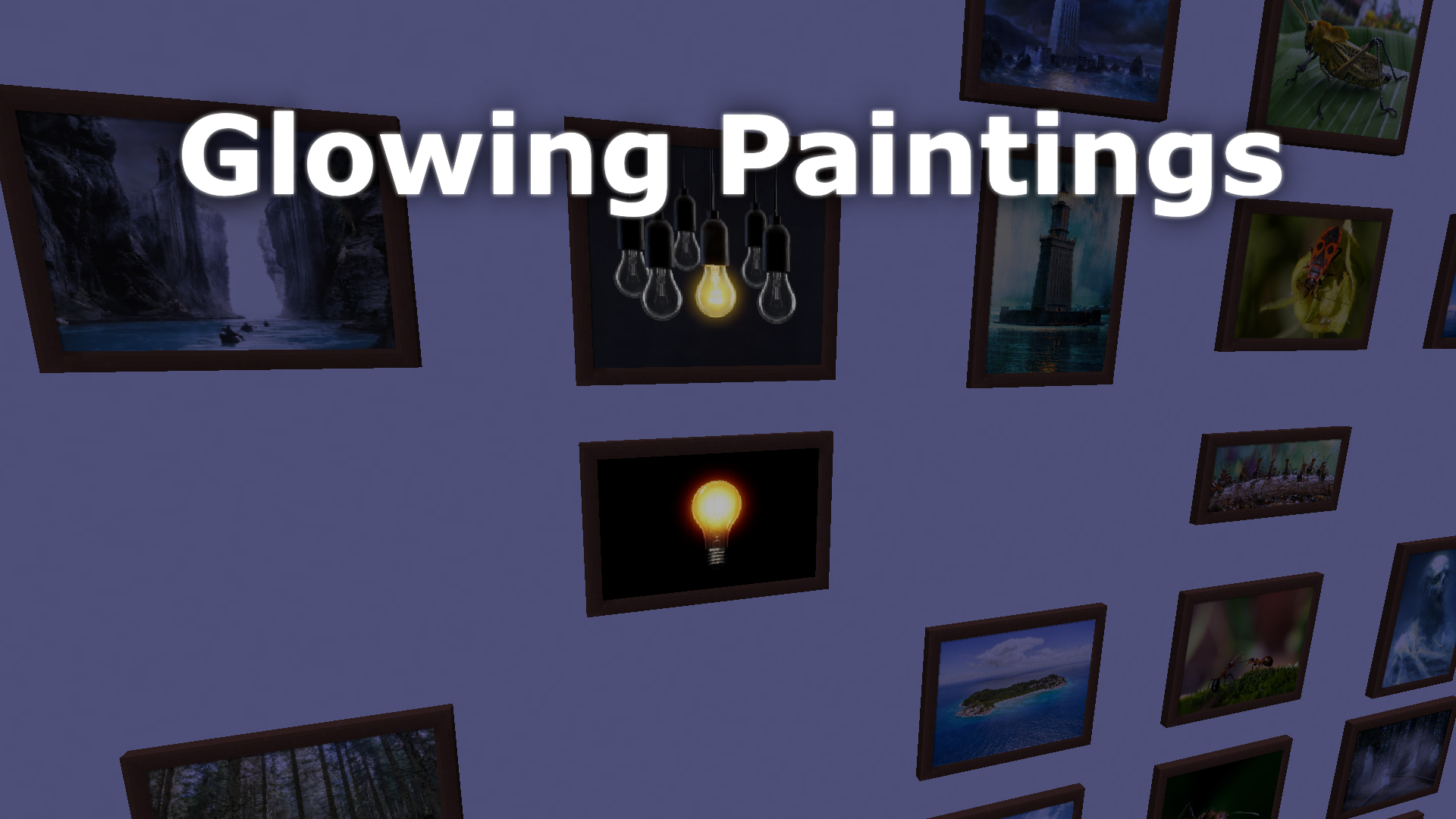
Demo: Back to the Future ; Building ; Cat ; Cat 2 ; Cosmos ; Deep sea fish ; Dog ; Dog 2 ; Domino ; Fish ; Genie lamp ; Golf ; Gumball poker face ; Hanging gardens ; Island ; Lamborghini Aventador ; Light bulb ; Markus Persson ; Pirate ; Puss in Boots ; Rabbit ; Sauron ; Snowflake ; Wasp ; Waterfall

(And also the file with renaming is located inside the zip file of the resource pack)

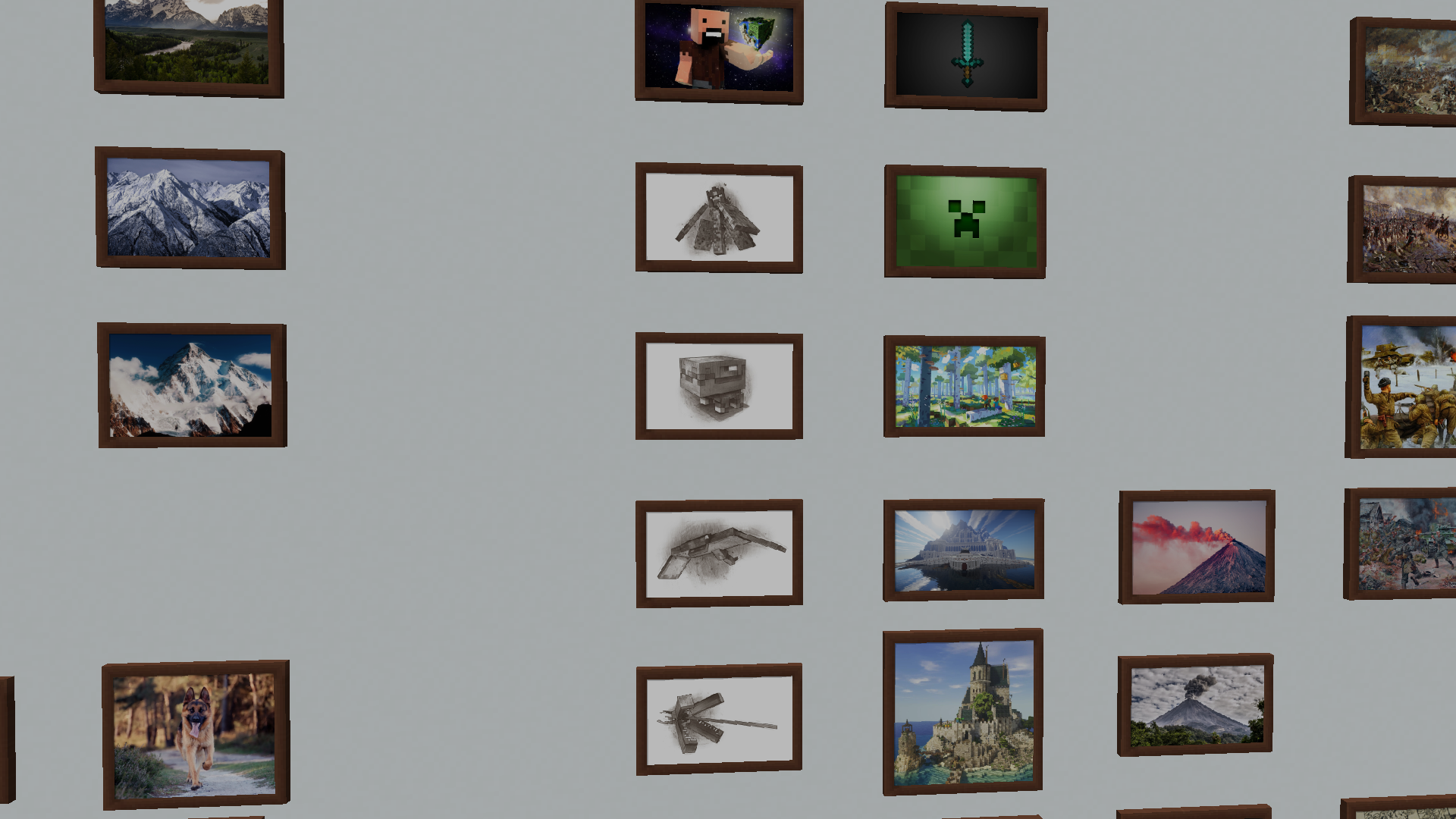
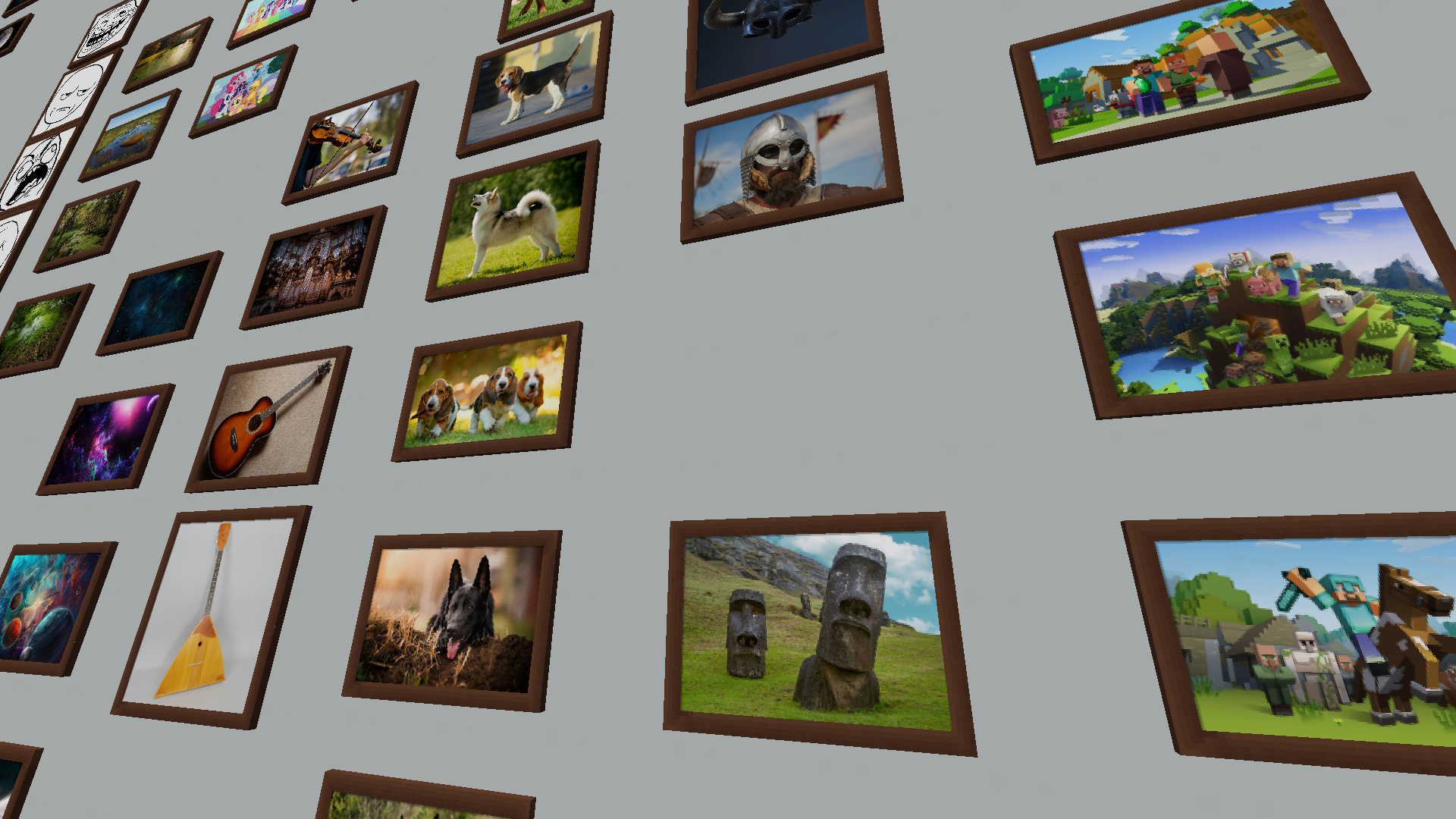
There are 365+ paintings in the full version!
(Demo version add 25 paintings)


For Optifine


News and more about this Resource pack

My Patreon - https://www.patreon.com/daswaget

New Paintings Demo v1.1
MC 1.16-Snapshot, 1.17.1, 1.16.3, 1.13.1, 1.15-Snapshot, 1.16.1, 1.18.1, 1.14.4, 1.14.1, 1.17, 1.14.3, 1.15, 1.16, 1.13, 1.16.5, 1.15.2, 1.14, 1.17-Snapshot, 1.18, 1.16.4, 1.14.2
Release 2022-01-27 Get
DSWG New Paintings Demo 1.18 v1.0
MC 1.16-Snapshot, 1.17.1, 1.16.3, 1.13.1, 1.15-Snapshot, 1.16.1, 1.18.1, 1.14.4, 1.14.1, 1.17, 1.14.3, 1.15, 1.16, 1.13, 1.16.5, 1.18.2, 1.15.2, 1.14, 1.17-Snapshot, 1.18, 1.16.4
Release 2022-01-21 Get

Requirements & install

How to use this resource pack in Minecraft
Resolution
256x
Minecraft
1.16.4 – 1.18.2
Install folder
.minecraft/resourcepacks

How to install resource packs

  1. Download the resource pack .zip file (do not extract it).
  2. In Minecraft open Options → Resource Packs → Open Pack Folder.
  3. Drop the .zip into the resourcepacks folder (.minecraft/resourcepacks).
  4. Move the pack to the Selected column and click Done.

Packs from 128x upwards need more video memory: install a performance mod such as Sodium for smooth frame rates.

Browse more: 16x resource packs 32x resource packs 64x resource packs 128x resource packs 256x resource packs 512x+ resource packs Resource Packs for 1.18.2 All resource packs

More from Daswaget

Advertisement Remove ads with Premium →

You Might Also Like