Mineuniverse
Resource Packs
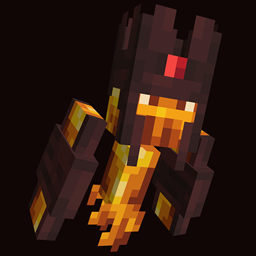
Drodi's Slimes x Fresh Animations

Drodi's Slimes x Fresh Animations

RESOURCE PACK
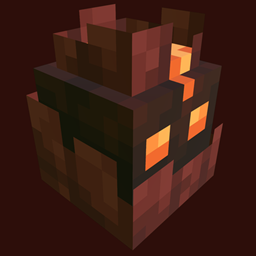
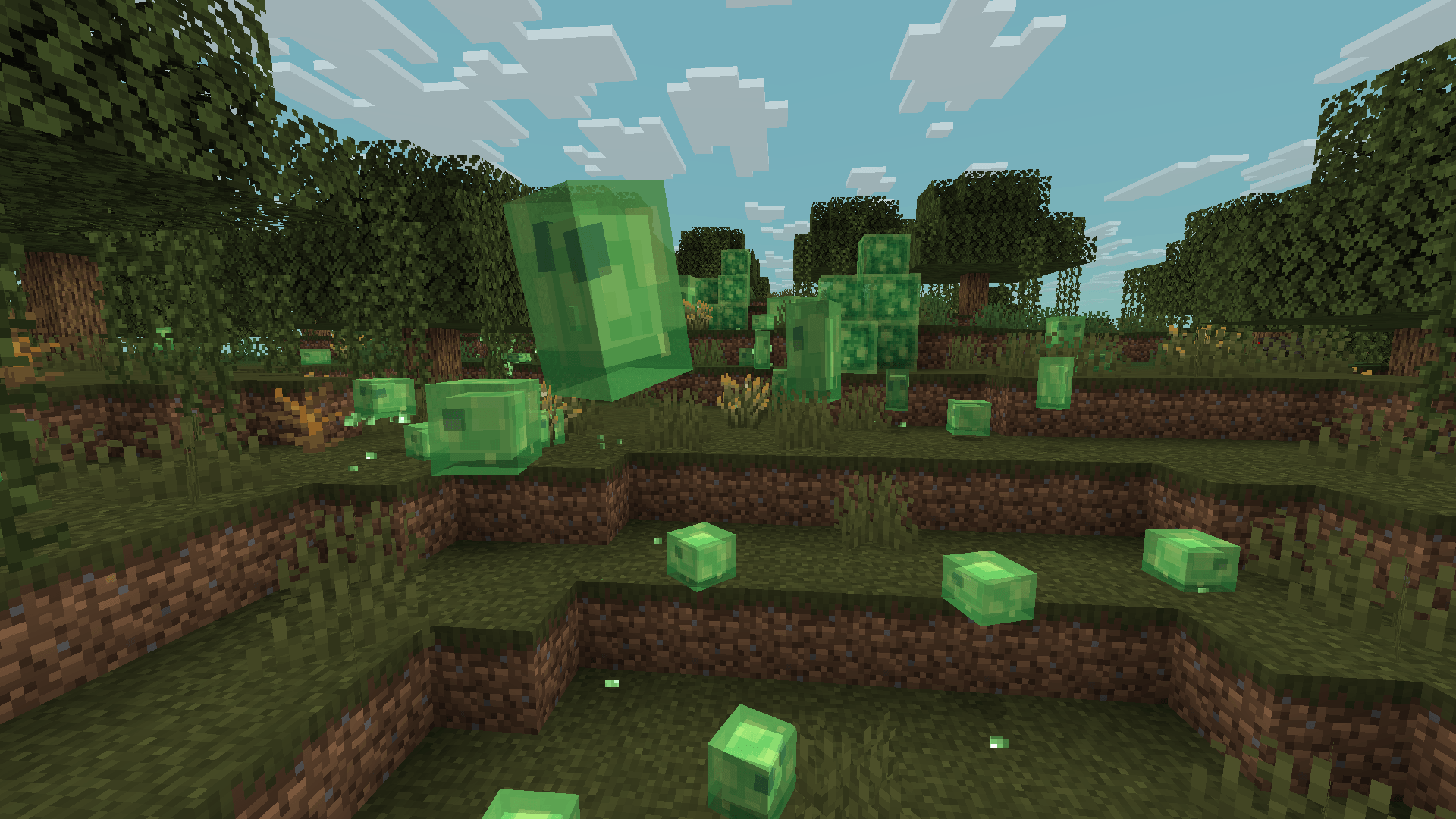
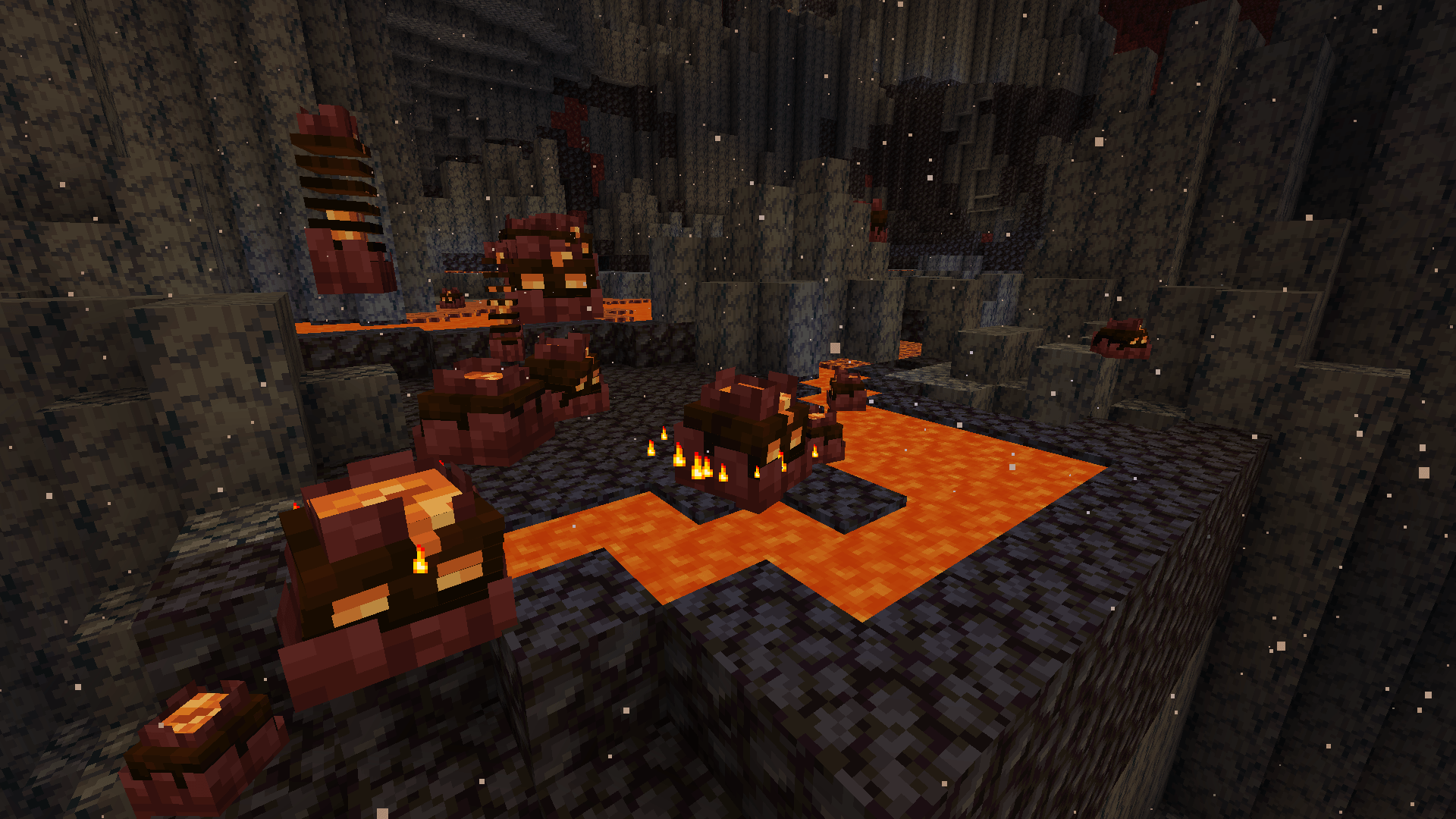
Compatibility patch between Drodi's Slimes and Fresh Animations.
by Dordinatteur
Download Claim this project
Add a badge to your pageLink to Drodi's Slimes x Fresh Animations from a README, website or forum post.
Preview: Badge

Badges update automatically and link to the resource pack page on MineUniverse.

120,736 downloads
0 likes
0 followers
Updated Oct 14, 2026
0 hypes
Follow0
16x Miscellaneous Traditional
Advertisement Remove ads with Premium →

This ressource pack requires EMF/ETF or Optifine

It is designed to be used with Fresh Animations. To ensure both packs work correctly, place Drodi's Slimes x Fresh Animations above Fresh Animations in your resource pack load order.

Discord server: discord.gg/uKFmfG3s2B

Official Sources:

The only official versions of my resource packs are available on:

Curseforge: Dordinatteur

Modrinth: Drodi

Planet Minecraft: Drodi

Any other website may host unauthorized reuploads, which could contain viruses or malware. If you choose to download from unofficial sources, you do so at your own risk.

If you suspect that someone is reuploading my resource packs without permission and action can be taken, please contact me on Discord: drodi99.


CREDITS:

  • Venixalis: Inspiration for the Magma Cube design.
v1.1
MC 1.16.3, 1.17.1, 1.21, 1.16.1, 1.18.1, 1.16, 1.16.5, 1.19.3, 1.20.2, 1.19.4, 1.21.8, 1.17, 1.20.5, 1.21.5, 1.18, 1.21.4, 1.20.1, 1.20, 1.20.6, 1.21.1, 1.21.6, 1.21.3, 1.21.7
Release 2026-03-19 Get
v1.0.0
MC 1.16-Snapshot, 1.17.1, 1.16.3, 1.19.3, 1.20.2, 1.21.2-Snapshot, 1.21, 1.16.1, 1.18.1, 1.19.4-Snapshot, 1.20.5, 1.17, 1.20.2-Snapshot, 1.20.5-Snapshot, 1.16, 1.19.4, 1.19-Snapshot
Release 2025-03-21 Get

Requirements & install

How to use this resource pack in Minecraft
Resolution
16x
Minecraft
1.21.1 – 1.21.8
Install folder
.minecraft/resourcepacks

How to install resource packs

  1. Download the resource pack .zip file (do not extract it).
  2. In Minecraft open Options → Resource Packs → Open Pack Folder.
  3. Drop the .zip into the resourcepacks folder (.minecraft/resourcepacks).
  4. Move the pack to the Selected column and click Done.
Browse more: 16x resource packs 32x resource packs 64x resource packs 128x resource packs 256x resource packs 512x+ resource packs Resource Packs for 1.21.8 All resource packs

More from Dordinatteur

Advertisement Remove ads with Premium →

You Might Also Like