Mineuniverse
Resource Packs
Drodi's Illagers

Drodi's Illagers

RESOURCE PACK
Reimagined Illagers with new models, textures, and unique features!
by Dordinatteur
Download Claim this project
Add a badge to your pageLink to Drodi's Illagers from a README, website or forum post.
Preview: Badge

Badges update automatically and link to the resource pack page on MineUniverse.

634,154 downloads
0 likes
0 followers
Updated Oct 14, 2026
0 hypes
Follow0
16x Traditional
Advertisement Remove ads with Premium →

Requires EMF/ETF

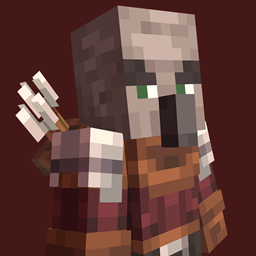
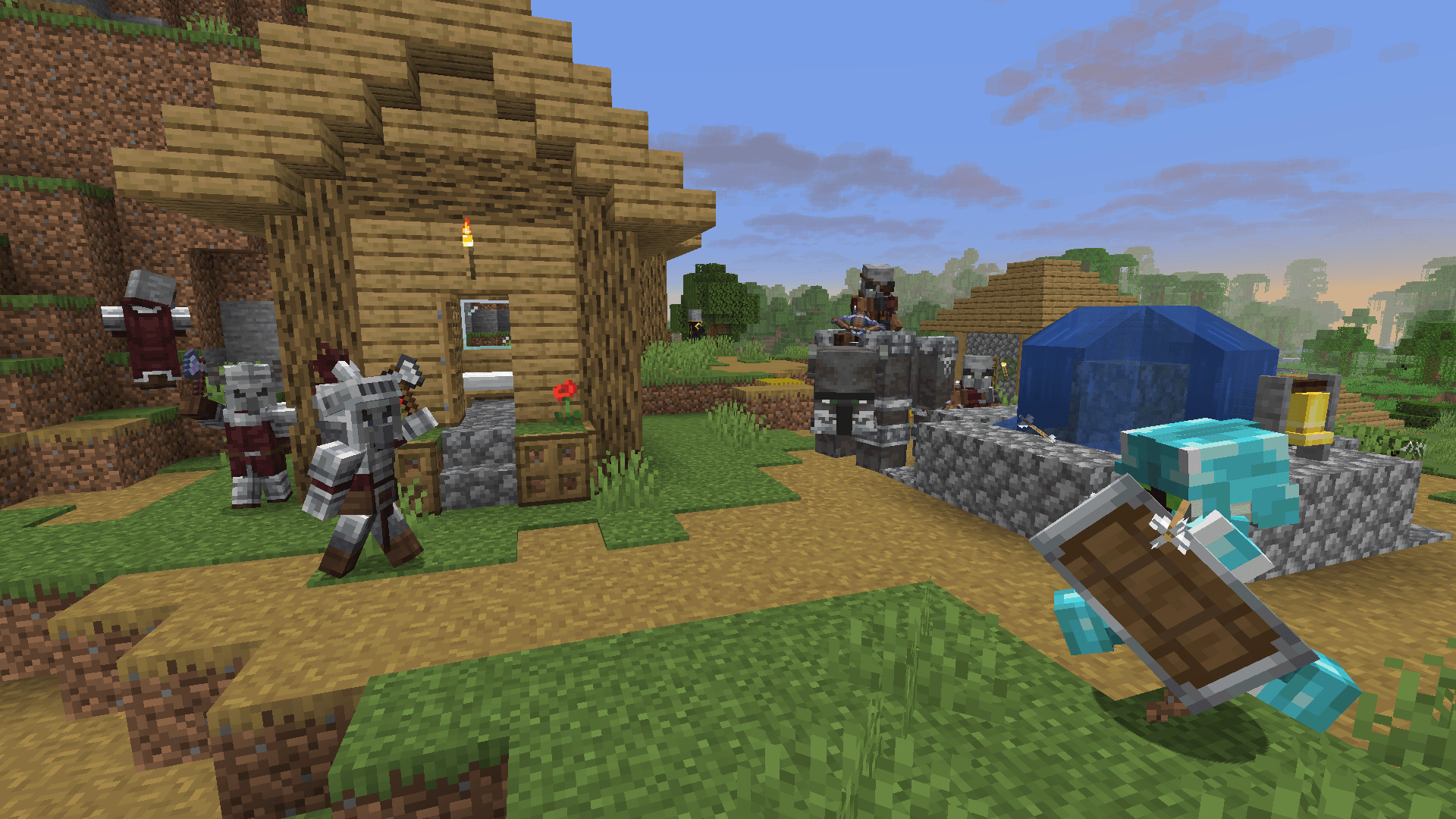
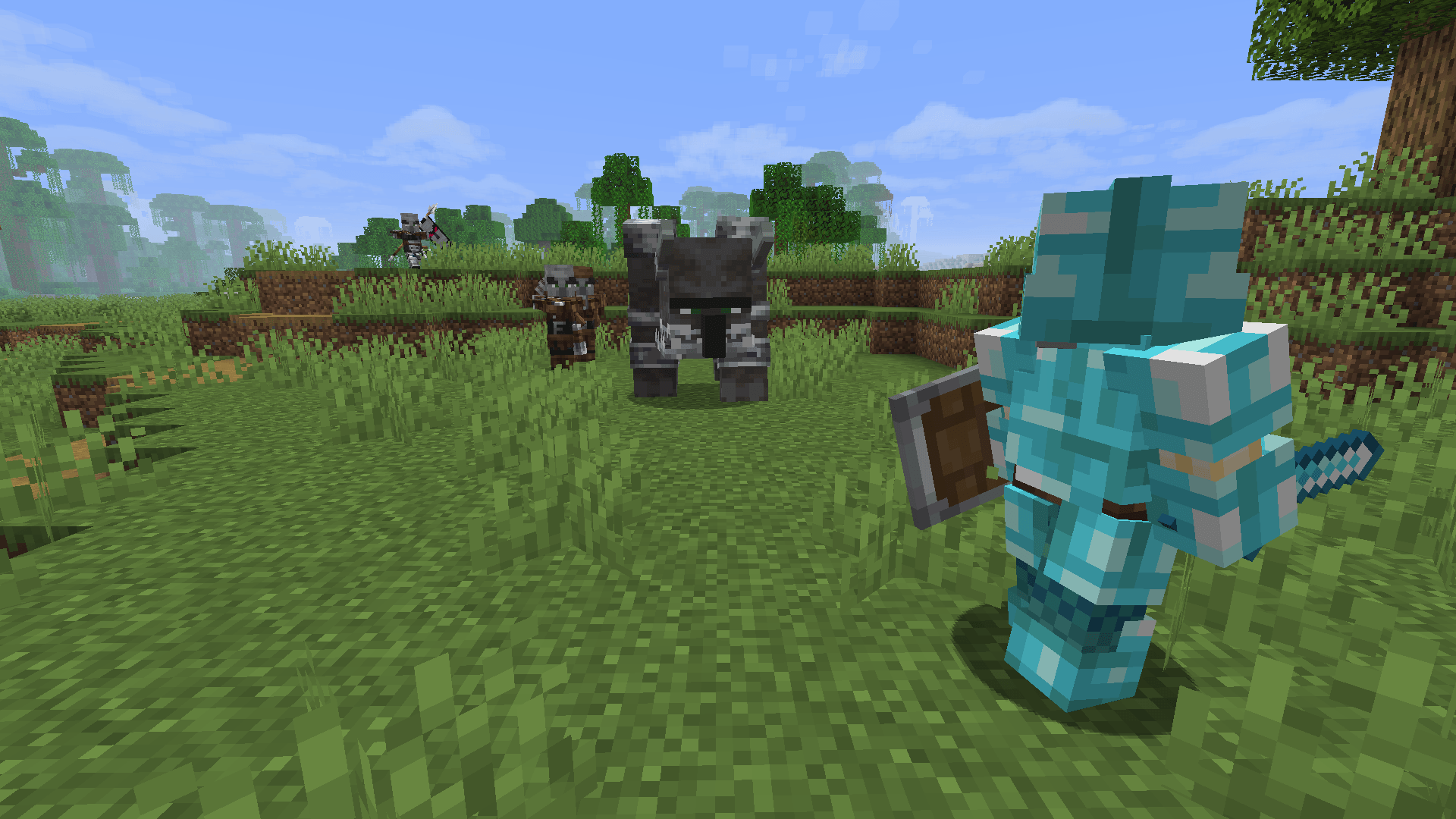
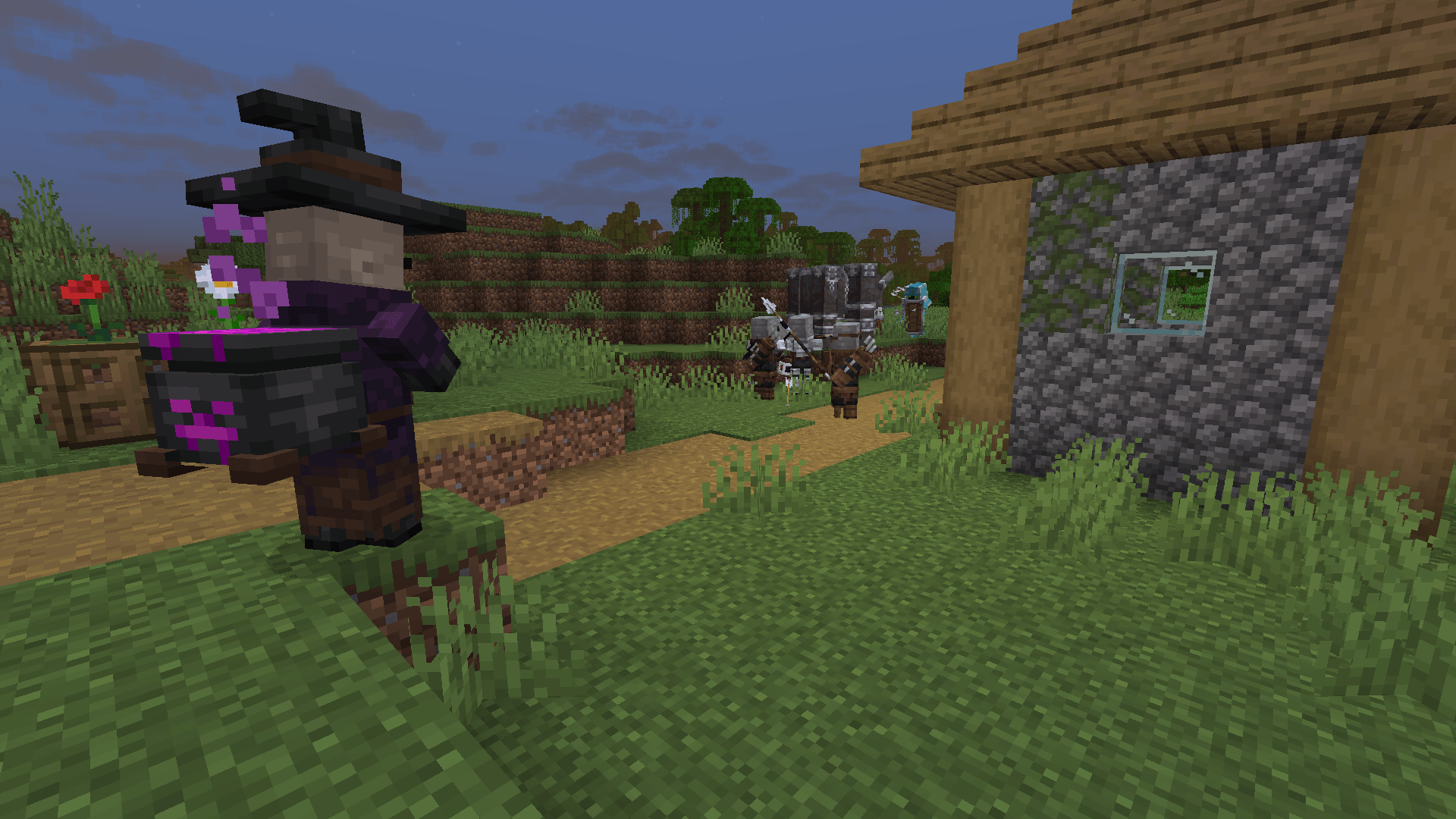
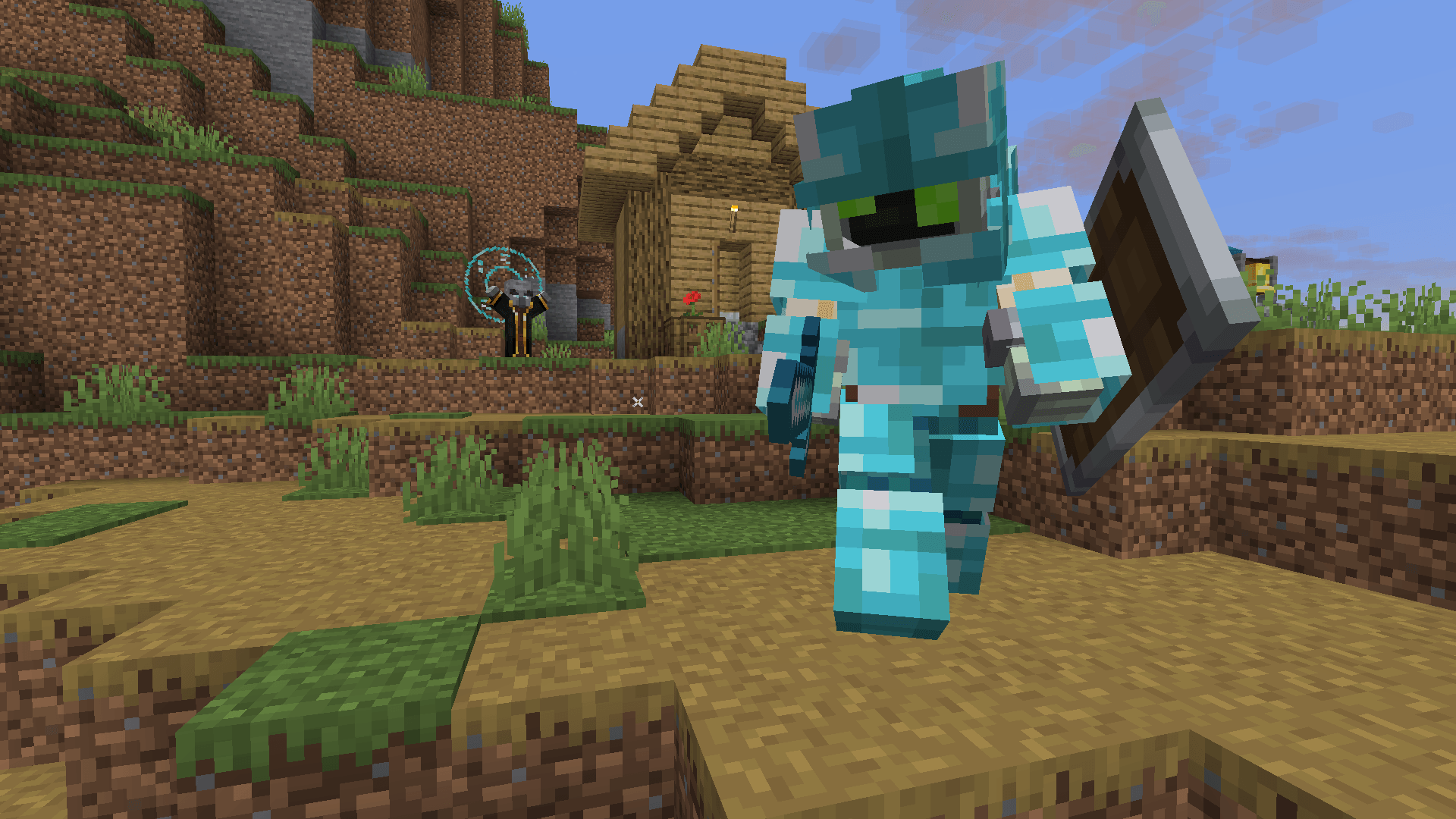
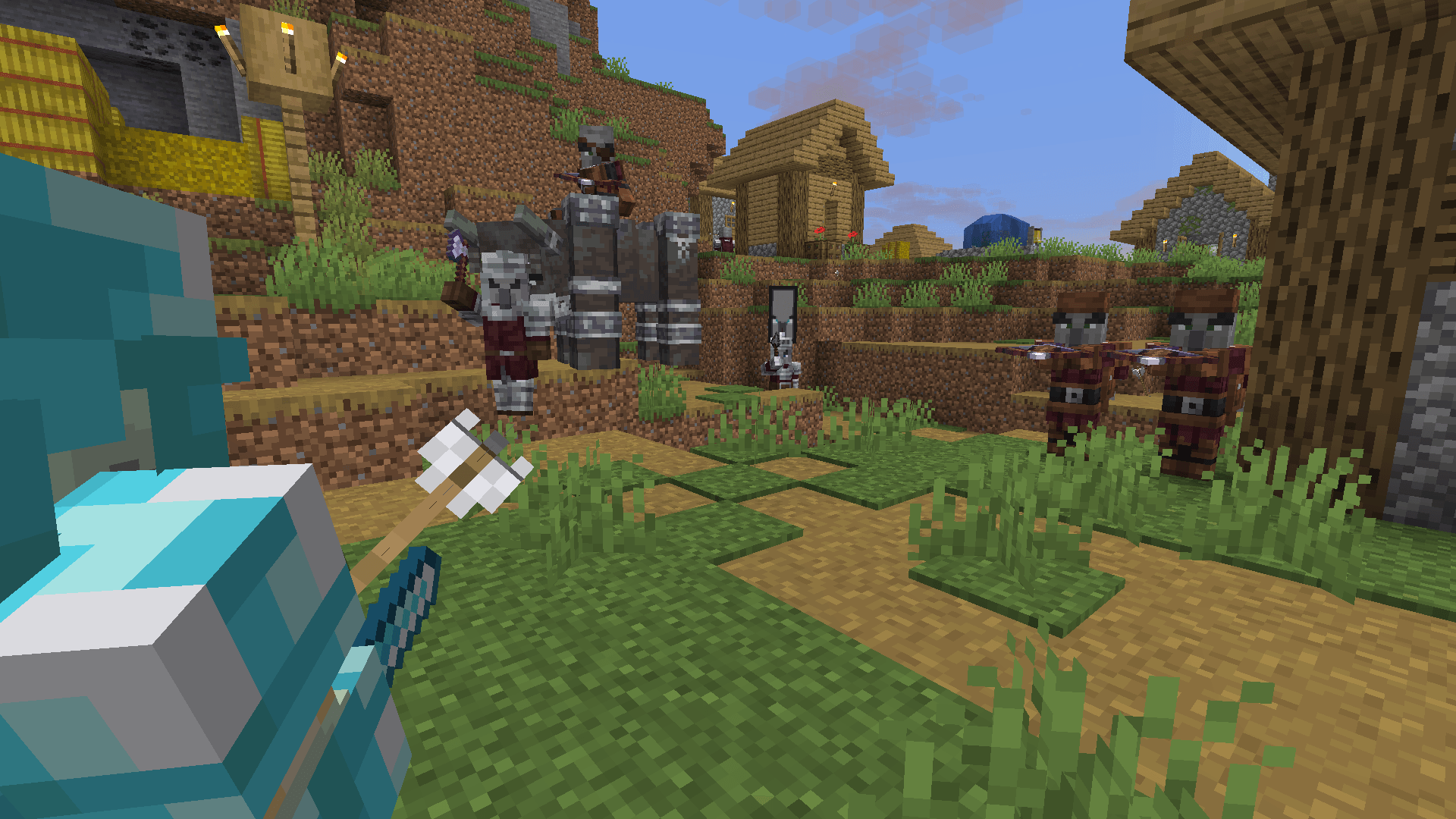
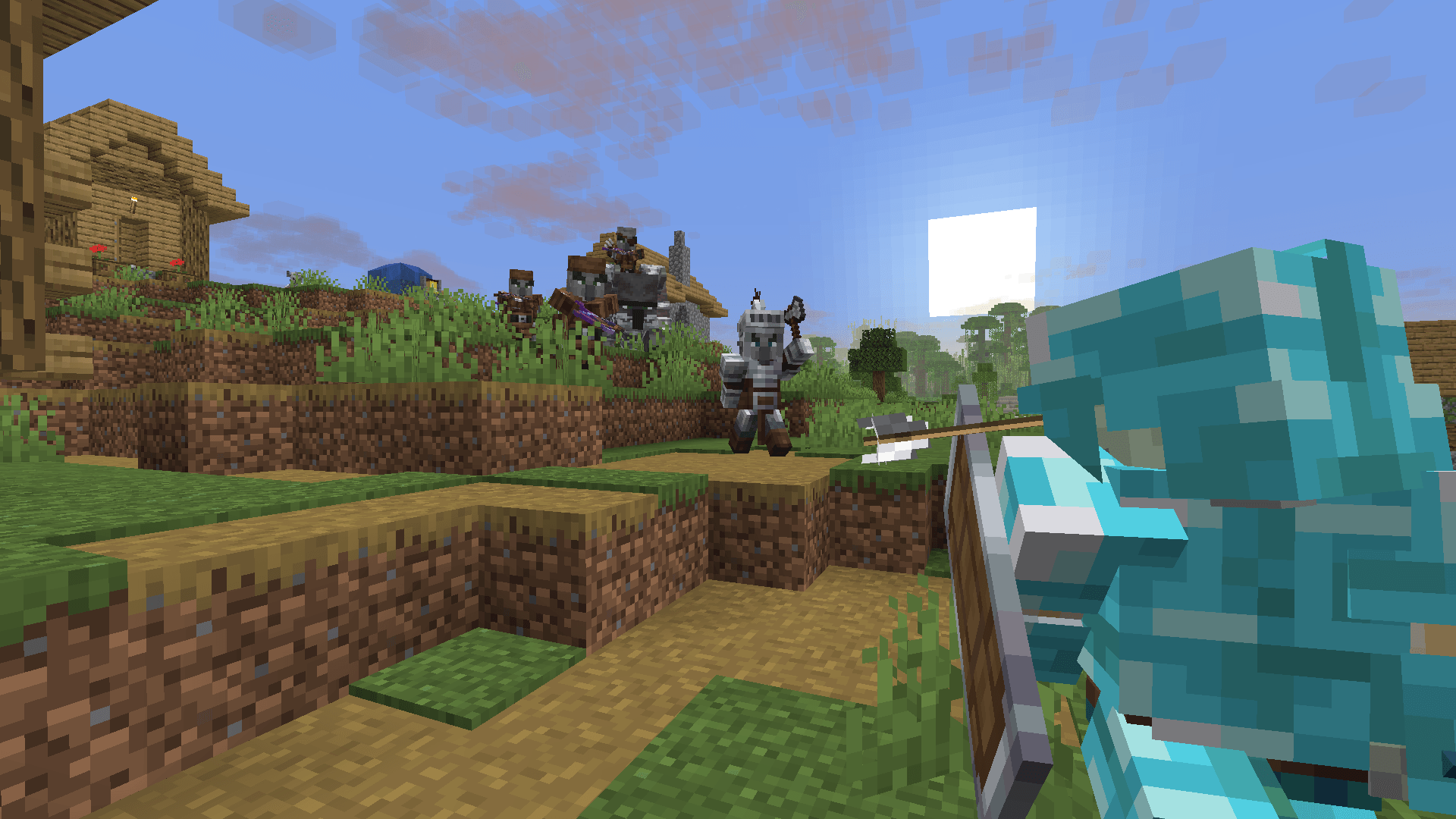
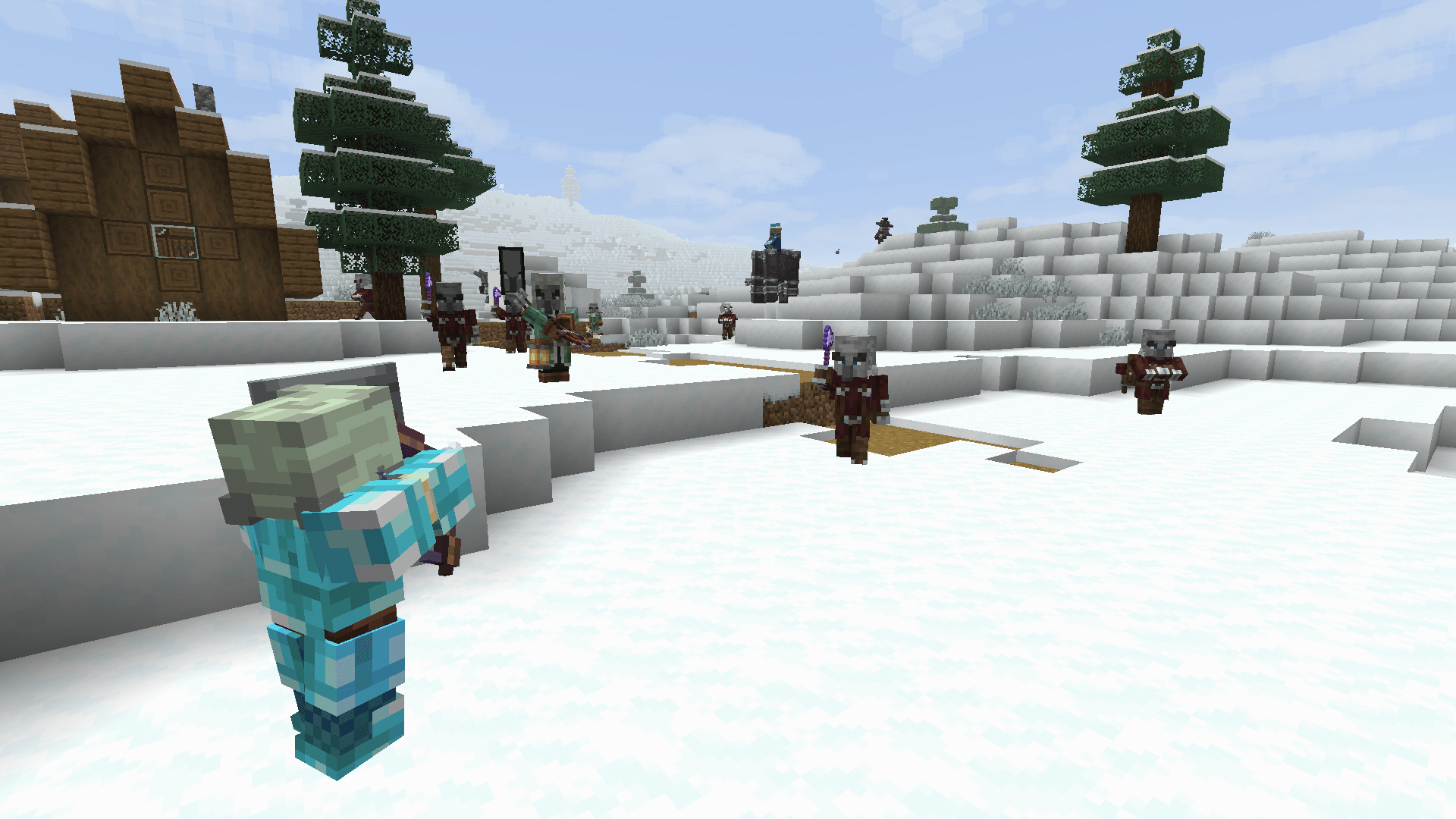
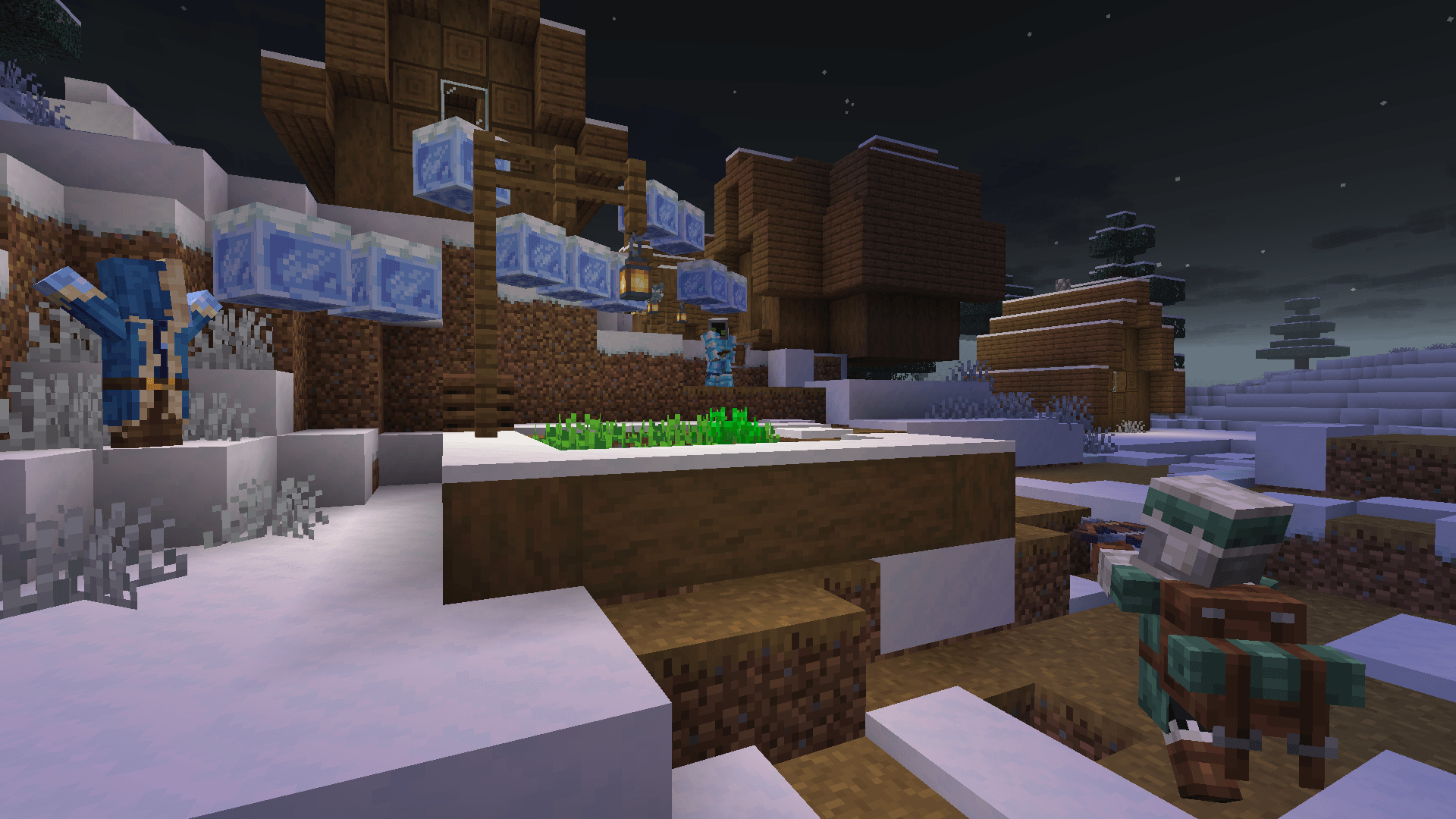
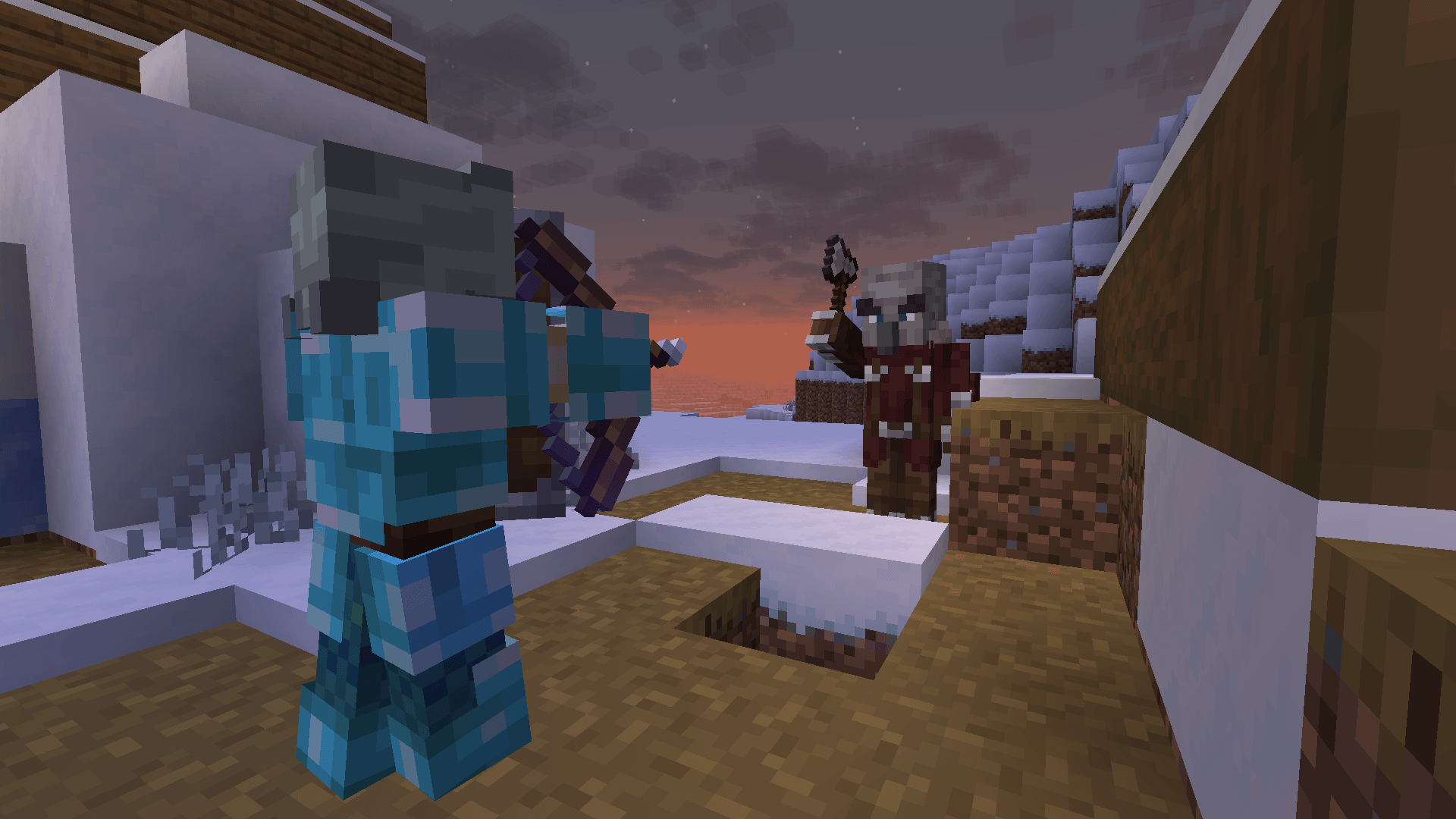
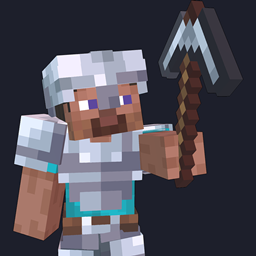
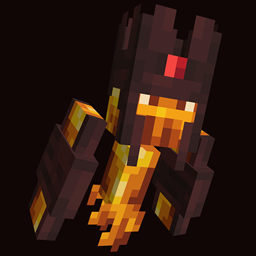
Drodi’s Illagers aims to remake and expand upon Illagers by reimagining them from the ground up: new models, fresh textures, variations and extra features!

Drodi’s Illagers was my first project and my introduction to making resource packs. It has slowly grown into much more, and I hope to keep maintaining it and adding more content.

Currently, the main features are:

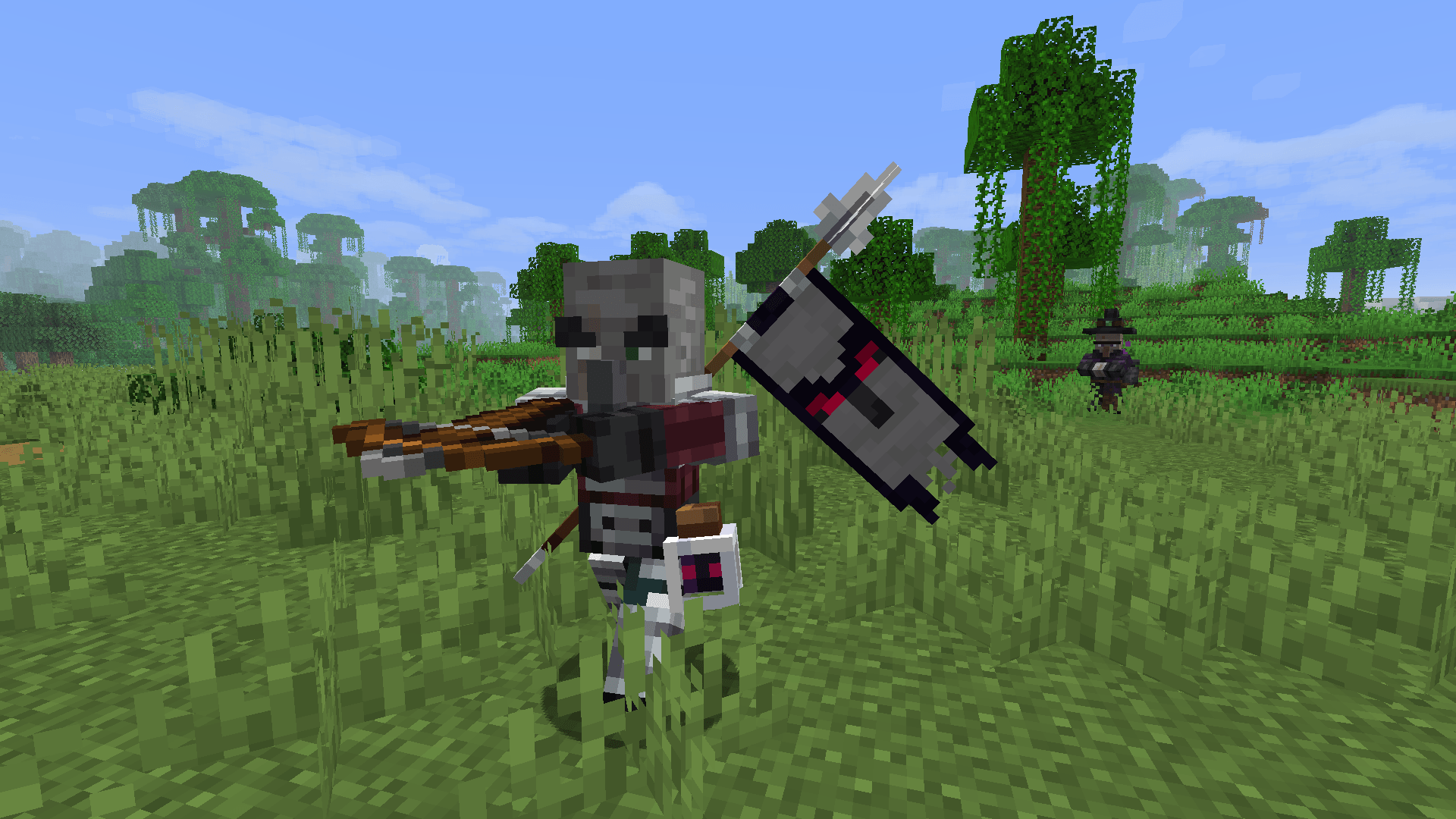
  • Complete visual overhauls for all Illagers (Vex excluded)
  • Special attack animation for the Evoker
  • One-of-a-kind Illager variants to discover
  • Custom Pillager captain variants
  • Snowy Pillagers, Vindicators and Evokers

A remake of this resource pack is in the works, with Desert variations being the next big feature!

For Fresh Animations compatibility, use Drodi's Illagers x Fresh Animations- please make sure to read the instructions before using it!


OFFICIAL SOURCES

The OFFICIAL versions of my resource packs are available on the following platforms:

Downloads from any other sources may be unsafe and could contain viruses or malware. Use them at your own risk.

If you find someone reuploading my resource packs without permission and it is possible to take action, please contact me on Discord: drodi99.


CREDITS

  • Keniu & Rustillery → Inspiration from their packs "Illagers Reborn" and "Rustillery’s Classy Illagers"
  • Shrimpsnail → Help with the Witch design + made the Witch’s cauldron
  • Blockixel Artistry → Heavy inspiration for the Iceologer design
  • Reijvi → General inspiration for the pack’s style
§4Drodi's Illagers [v5.3.2].zip
MC 1.16.3, 1.17.1, 1.21, 1.16.1, 1.18.1, 1.16, 1.16.5, 1.19.3, 1.20.2, 1.19.4, 1.21.8, 1.17, 1.20.5, 1.21.5, 1.18, 1.21.4, 1.20.1, 1.20, 1.20.6, 1.21.1, 1.21.6, 1.21.3, 1.21.7
Release 2025-11-15 Get
v5.3.1
MC 1.17.1, 1.16.3, 1.19.3, 1.20.2, 1.21, 1.16.1, 1.18.1, 1.20.5, 1.21.5, 1.17, 1.16, 1.19.4, 1.21.8, 1.21.9, 1.21.10, 1.16.5, 1.21.4, 1.18.2, 1.19.2, 1.20.3, 1.20.1, 1.20
Release 2025-10-24 Get
§4Drodi's Illagers [v5.3].zip
MC 1.17.1, 1.16.3, 1.19.3, 1.20.2, 1.21, 1.16.1, 1.18.1, 1.20.5, 1.21.5, 1.17, 1.16, 1.19.4, 1.21.8, 1.21.9, 1.21.10, 1.16.5, 1.21.4, 1.18.2, 1.19.2, 1.20.3, 1.20.1, 1.20
Release 2025-10-22 Get
§4Drodi's Illagers [v5.2].zip
MC 1.17.1, 1.16.3, 1.19.3, 1.20.2, 1.21, 1.16.1, 1.18.1, 1.20.5, 1.21.5, 1.17, 1.16, 1.19.4, 1.21.8, 1.16.5, 1.21.4, 1.18.2, 1.19.2, 1.20.3, 1.20.1, 1.20, 1.20.6, 1.19.1, 1.20.4
Release 2025-09-17 Get
v5.1 - post 1.21.5
MC 1.21.6-snapshot, 1.21.5, 1.21.5-Snapshot, 1.21.6
Release 2025-06-21 Get
v5 - pre 1.21.5
MC 1.19.3, 1.20.2, 1.21.2-Snapshot, 1.21, 1.19.4-Snapshot, 1.20.5, 1.20.2-Snapshot, 1.20.5-Snapshot, 1.19.4, 1.19-Snapshot, 1.21.1-Snapshot, 1.21.4, 1.19.2, 1.20.3-Snapshot, 1.20.3
Release 2025-06-20 Get
v5 - post 1.21.5
MC 1.21.6-snapshot, 1.21.5, 1.21.5-Snapshot, 1.21.6
Release 2025-06-20 Get
§3Drodi's Illagers [V4.9.1].zip
MC 1.19.3, 1.20.2, 1.21.2-Snapshot, 1.21, 1.18.1, 1.19.4-Snapshot, 1.20.5, 1.20.2-Snapshot, 1.20.5-Snapshot, 1.19.4, 1.19-Snapshot, 1.21.1-Snapshot, 1.21.4, 1.21.5-Snapshot, 1.18.2
Release 2025-01-18 Get
§3Drodi's Illagers [V4.9].zip
MC 1.16-Snapshot, 1.17.1, 1.16.3, 1.19.3, 1.20.2, 1.21.2-Snapshot, 1.21, 1.16.1, 1.18.1, 1.19.4-Snapshot, 1.20.5, 1.17, 1.20.2-Snapshot, 1.20.5-Snapshot, 1.16, 1.19.4, 1.19-Snapshot
Release 2025-01-10 Get

Requirements & install

How to use this resource pack in Minecraft
Resolution
16x
Minecraft
1.21.5-Snapshot – 1.21.10
Install folder
.minecraft/resourcepacks

How to install resource packs

  1. Download the resource pack .zip file (do not extract it).
  2. In Minecraft open Options → Resource Packs → Open Pack Folder.
  3. Drop the .zip into the resourcepacks folder (.minecraft/resourcepacks).
  4. Move the pack to the Selected column and click Done.
Browse more: 16x resource packs 32x resource packs 64x resource packs 128x resource packs 256x resource packs 512x+ resource packs Resource Packs for 1.21.10 All resource packs

More from Dordinatteur

Advertisement Remove ads with Premium →

You Might Also Like