Mineuniverse
Resource Packs
Drodi's Shield

Drodi's Shield

RESOURCE PACK
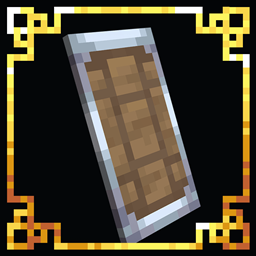
A redesign of the minecraft shield with built in quality of life features
by Dordinatteur
Download Claim this project
Add a badge to your pageLink to Drodi's Shield from a README, website or forum post.
Preview: Badge

Badges update automatically and link to the resource pack page on MineUniverse.

226,696 downloads
0 likes
0 followers
Updated Oct 14, 2026
0 hypes
Follow0
16x Miscellaneous Traditional
Advertisement Remove ads with Premium →

I hate the vanilla shield : It's ugly, blocks your FOV, and it's very annoying to have it in your offhand when not using it. Luckily, with ressource pack magic, we can make all those problems go away.

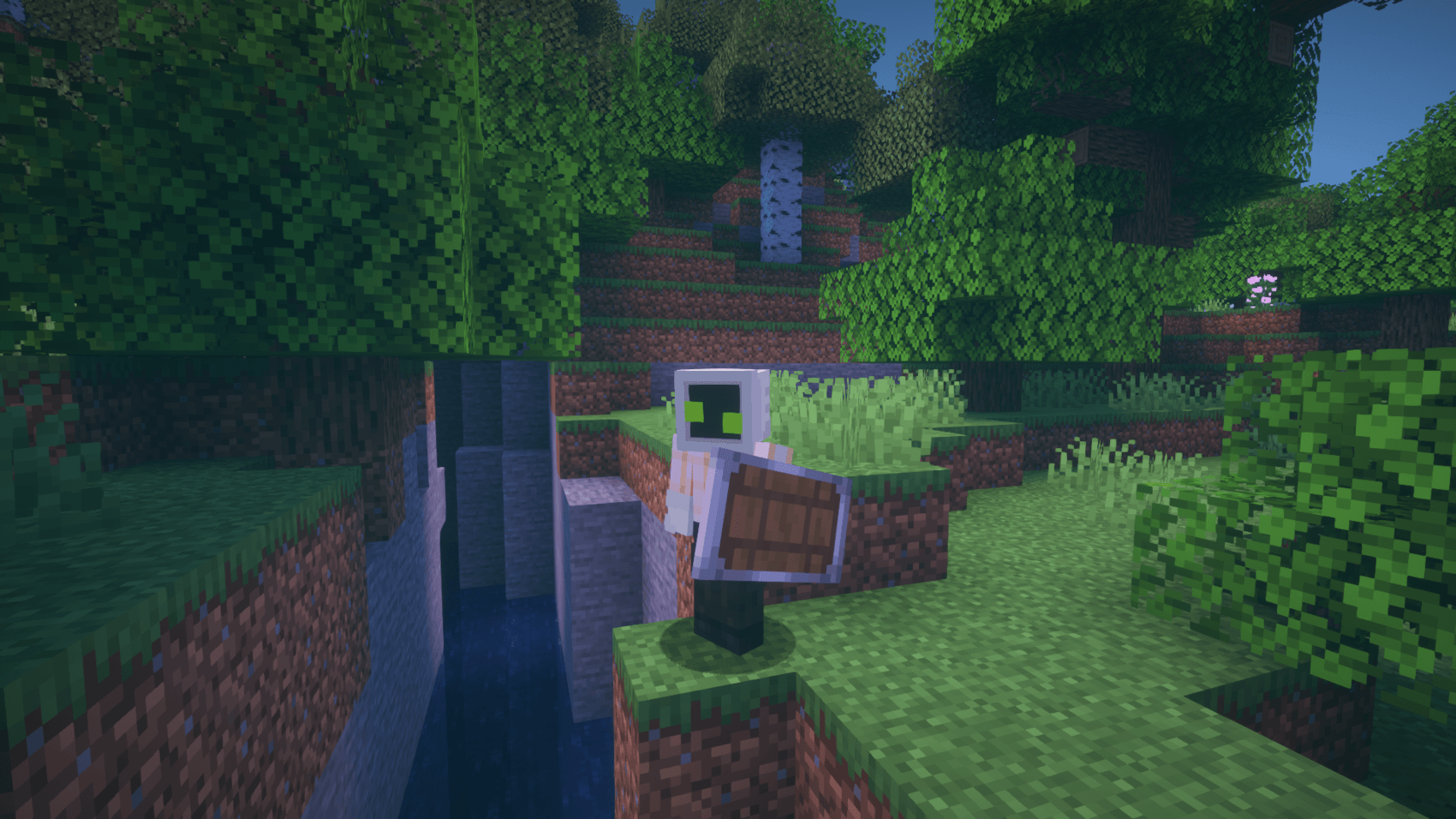
The shield now has a refurbished look with a much better texture, and a few changes to it's model

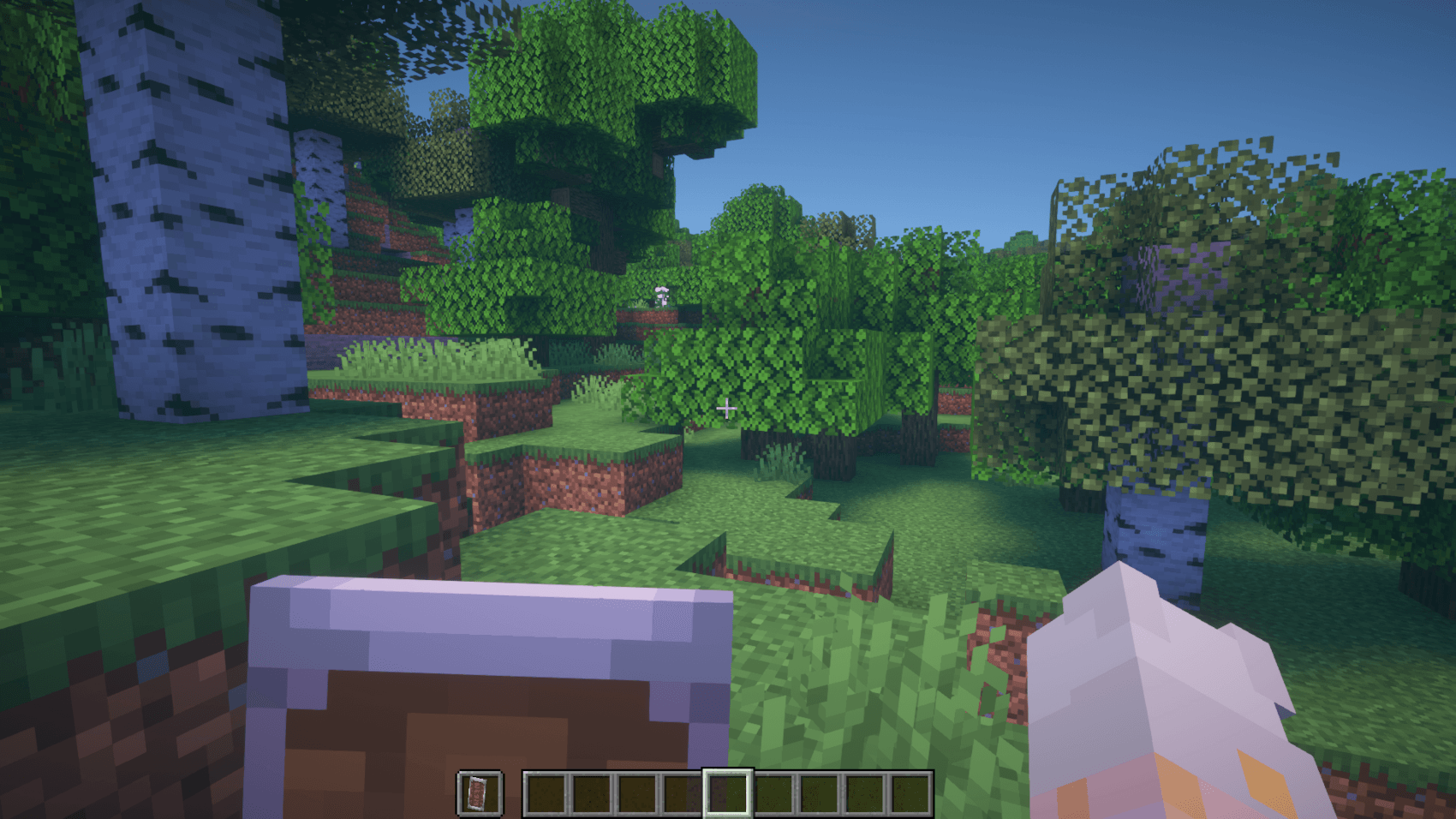
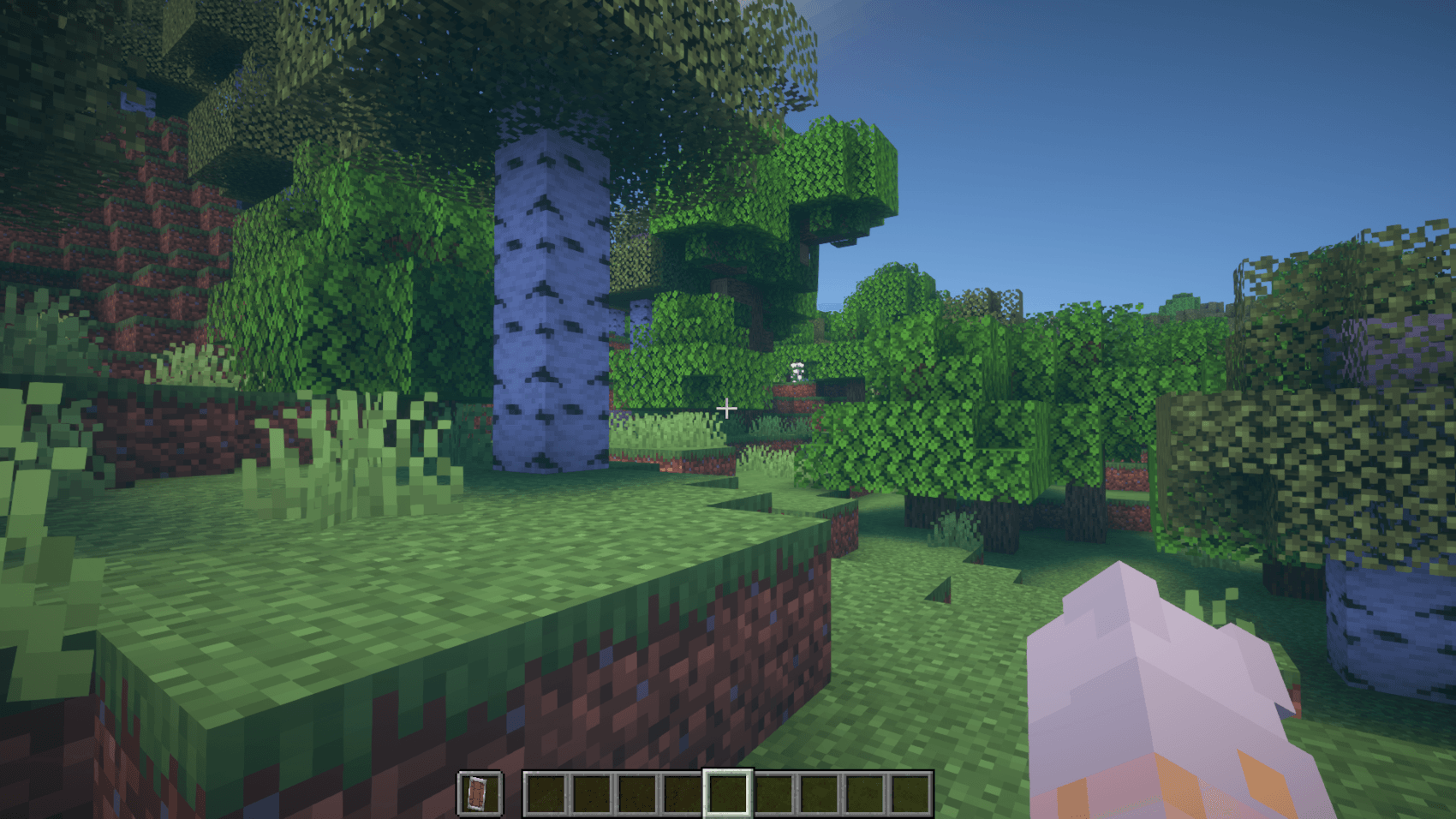
When holding it in your off hand in first person, it doesn't render

While blocking it takes up almost none of your FOV

This new model is taken from Faithless by Stich (with permission)

The OFFICIAL versions of my packs are available here on Curseforge under the profile Dordinatteur and on Planet Minecraft under the profile Drodi aswell as Modrinth under the profile @Drodi Any other source may contain viruses or malwares, so if you want to download from other sites, do so at your own risk.

If you believe someone else is reuploading my Ressource packs on other sources and action is possible, please contact me on discord (drodi99)


Stich's permission to use the shield model

§6Drodi's Shield [V2.2].zip
MC 1.16-Snapshot, 1.17.1, 1.16.3, 1.19.3, 1.20.2, 1.21.2-Snapshot, 1.21, 1.15-Snapshot, 1.16.1, 1.18.1, 1.19.4-Snapshot, 1.20.5, 1.17, 1.20.2-Snapshot, 1.20.5-Snapshot, 1.15, 1.16
Release 2025-02-05 Get

Requirements & install

How to use this resource pack in Minecraft
Resolution
16x
Minecraft
1.19.3 – 1.21.2-Snapshot
Install folder
.minecraft/resourcepacks

How to install resource packs

  1. Download the resource pack .zip file (do not extract it).
  2. In Minecraft open Options → Resource Packs → Open Pack Folder.
  3. Drop the .zip into the resourcepacks folder (.minecraft/resourcepacks).
  4. Move the pack to the Selected column and click Done.
Browse more: 16x resource packs 32x resource packs 64x resource packs 128x resource packs 256x resource packs 512x+ resource packs Resource Packs for 1.21.2-Snapshot All resource packs

More from Dordinatteur

Advertisement Remove ads with Premium →

You Might Also Like