Mineuniverse
Resource Packs
Dreamsphere 1_16 32x 64x 128x 256x

Dreamsphere 1_16 32x 64x 128x 256x

RESOURCE PACK
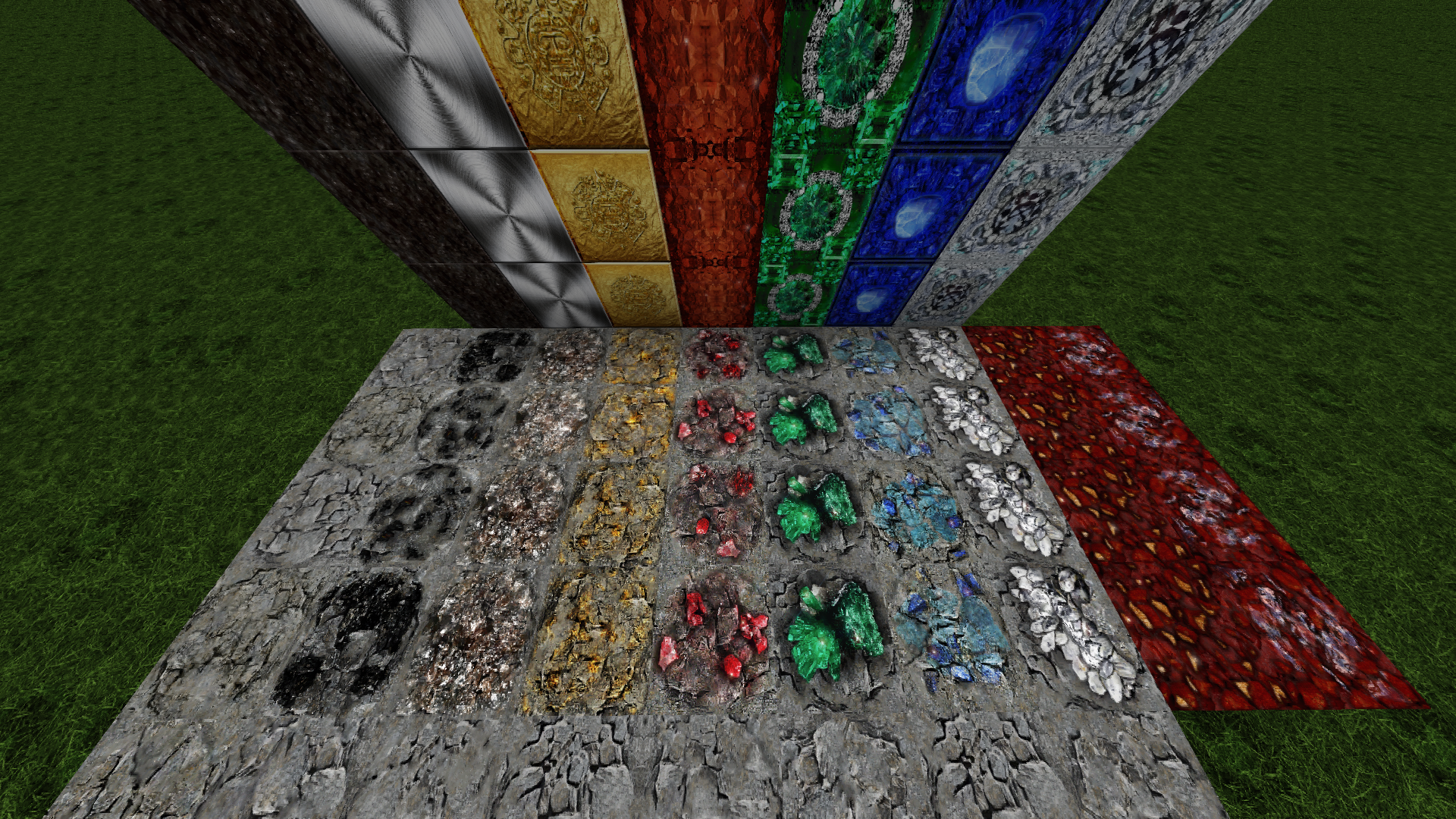
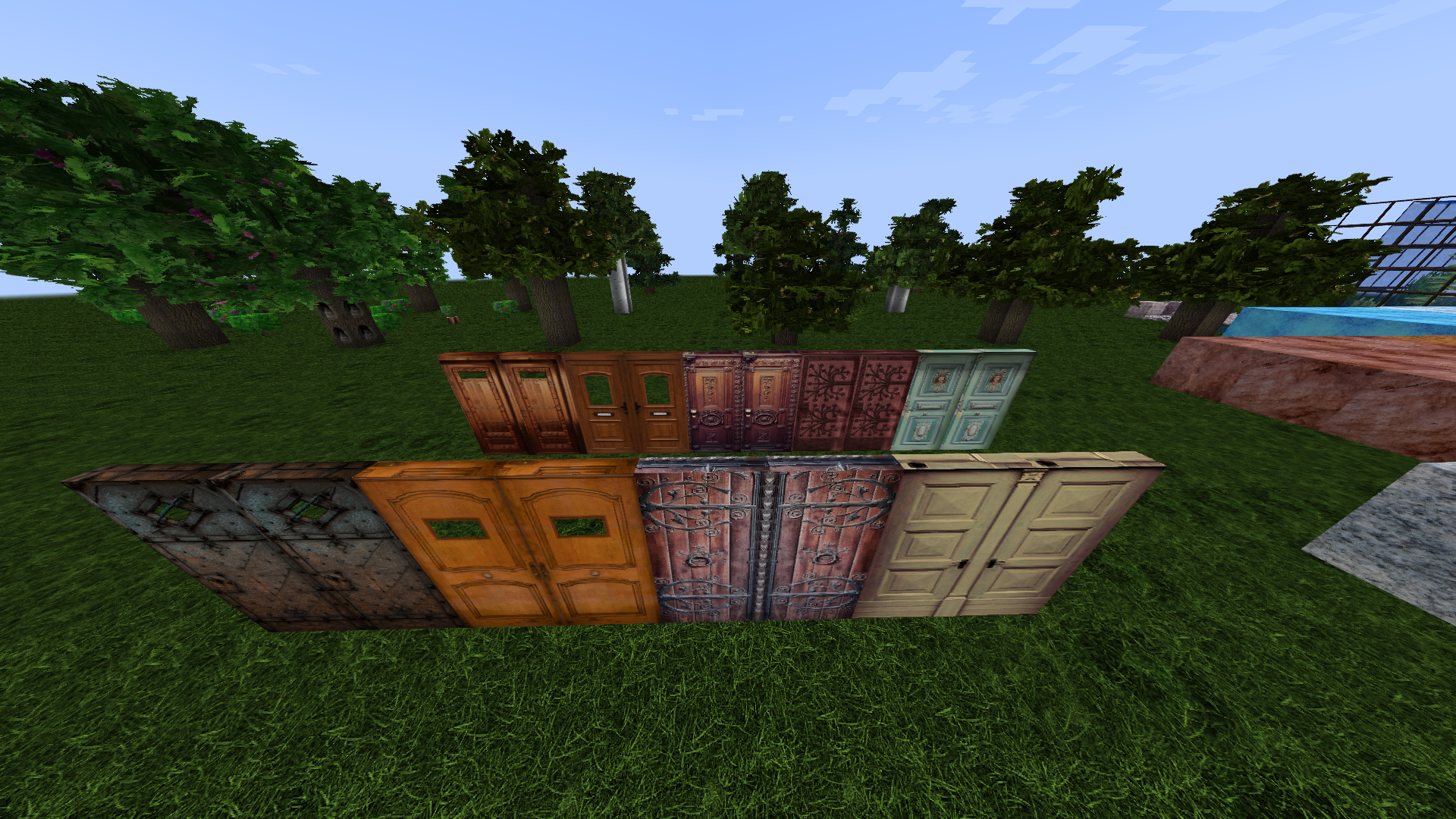
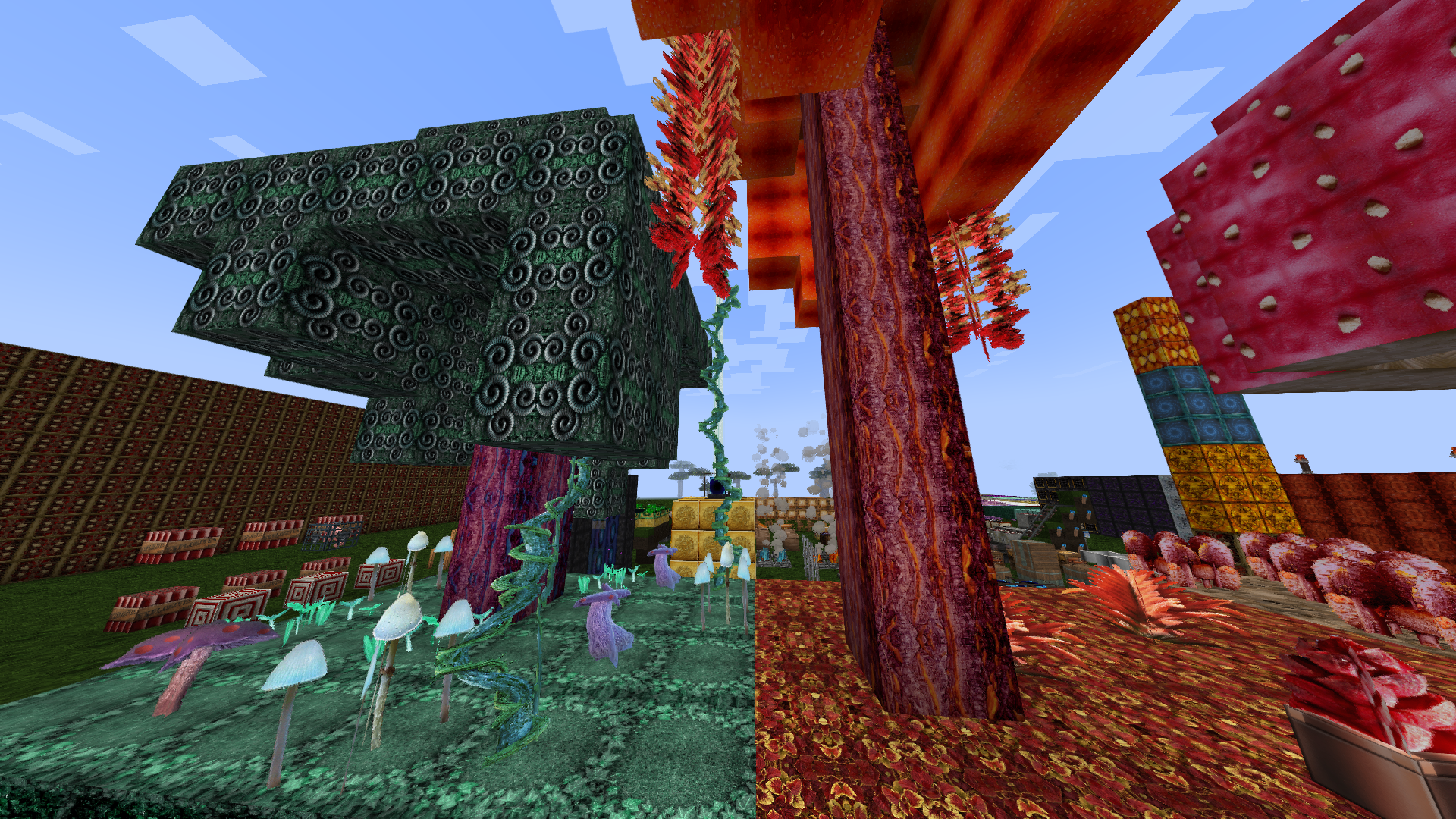
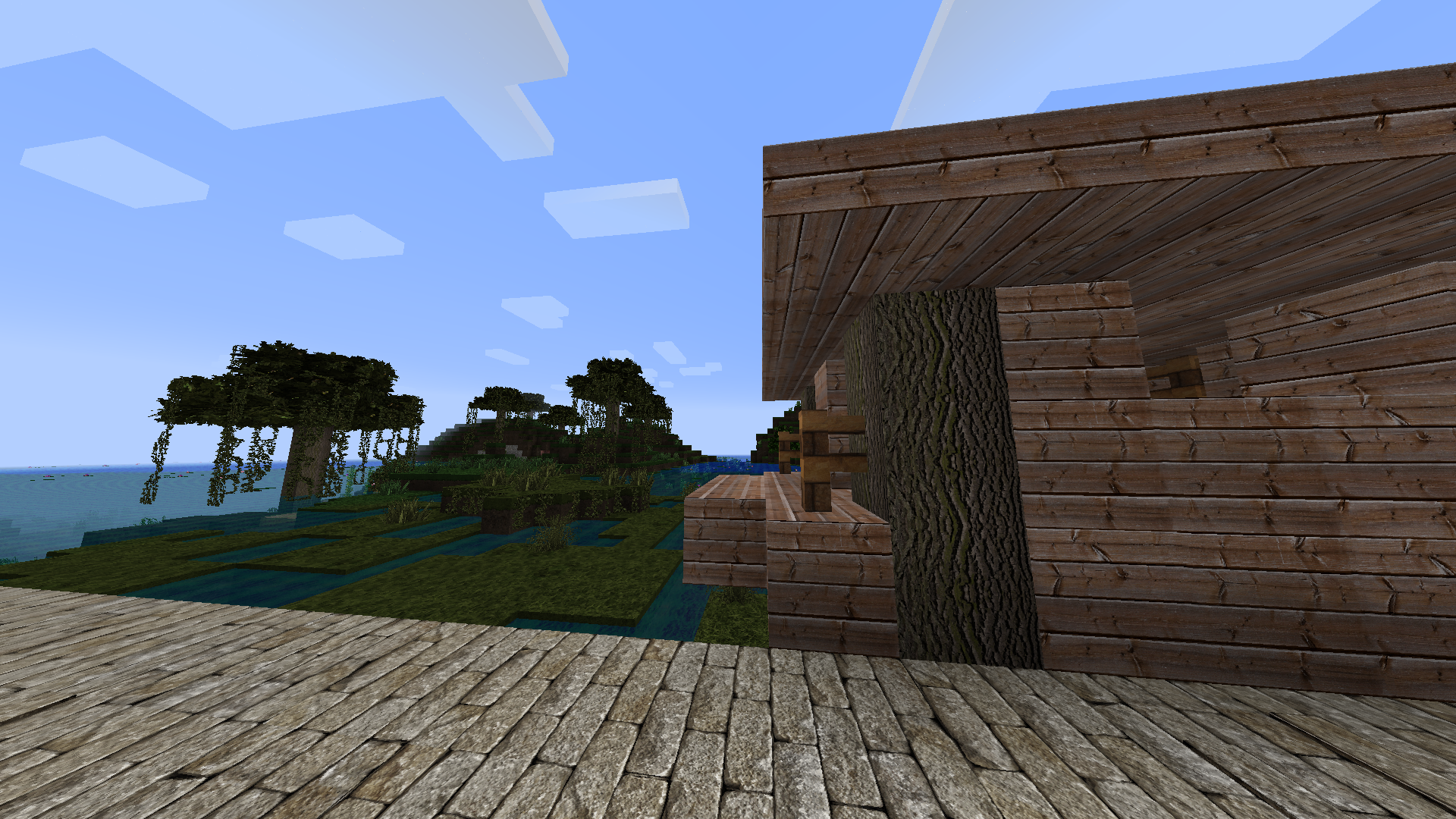
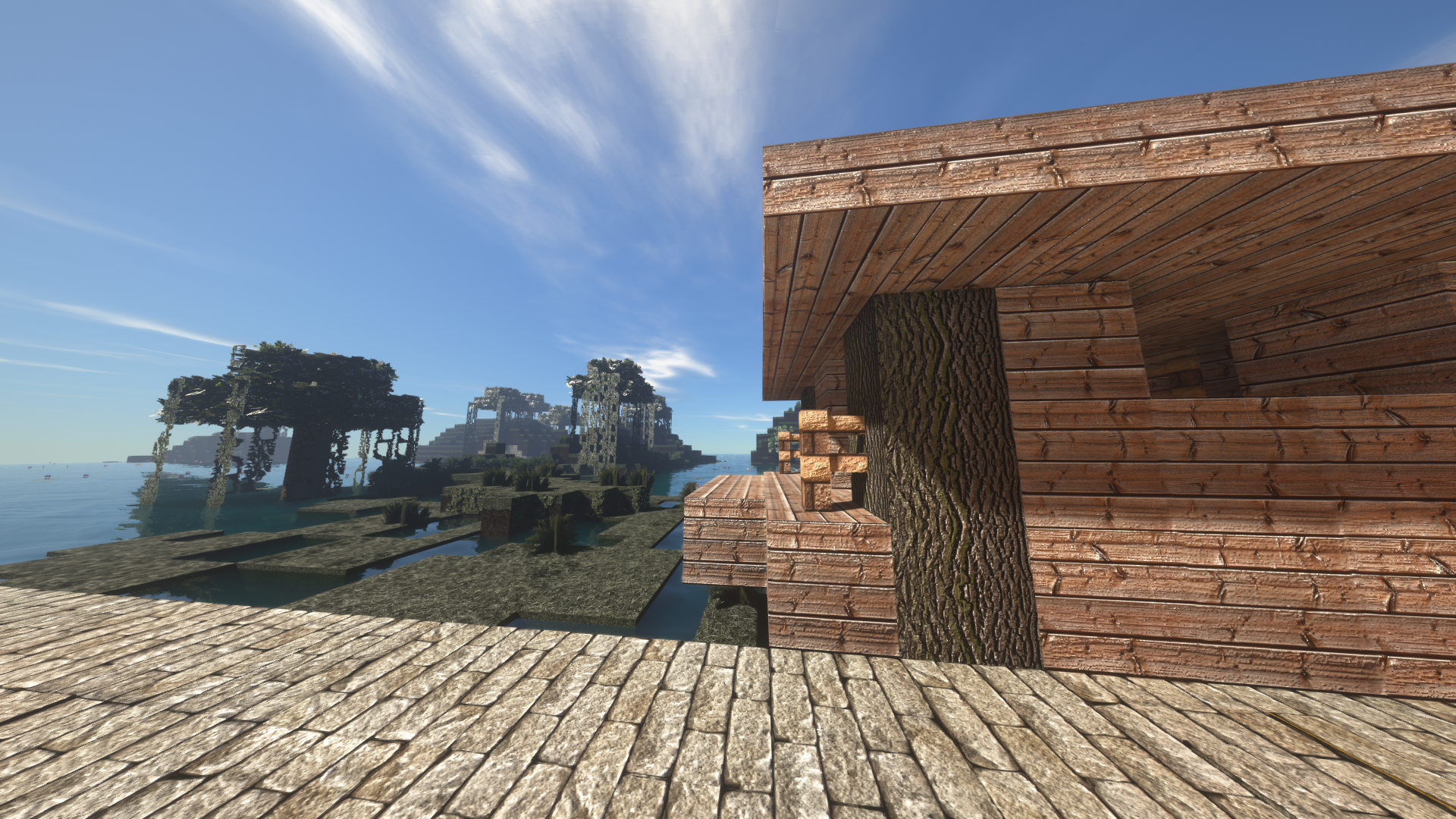
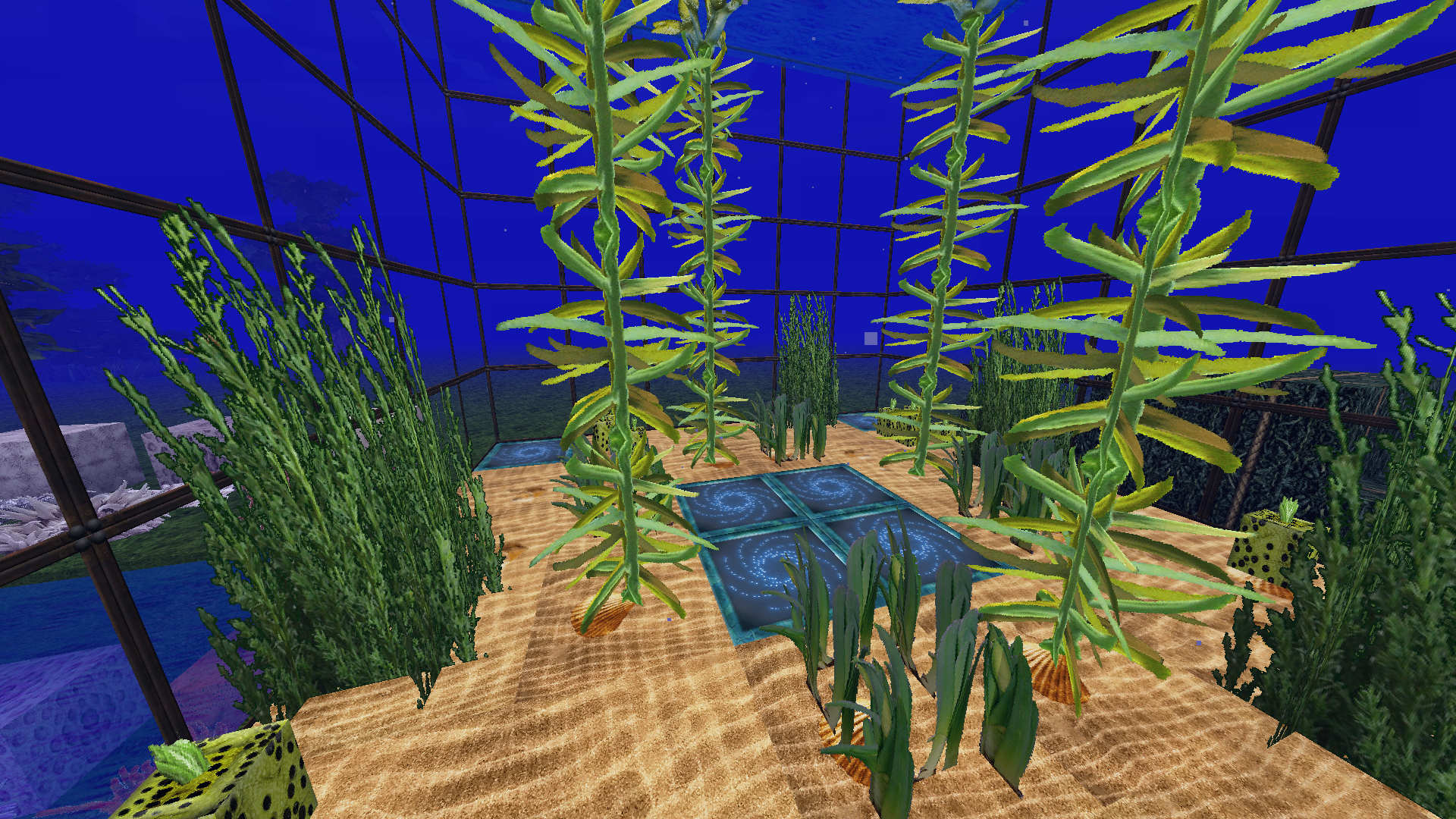
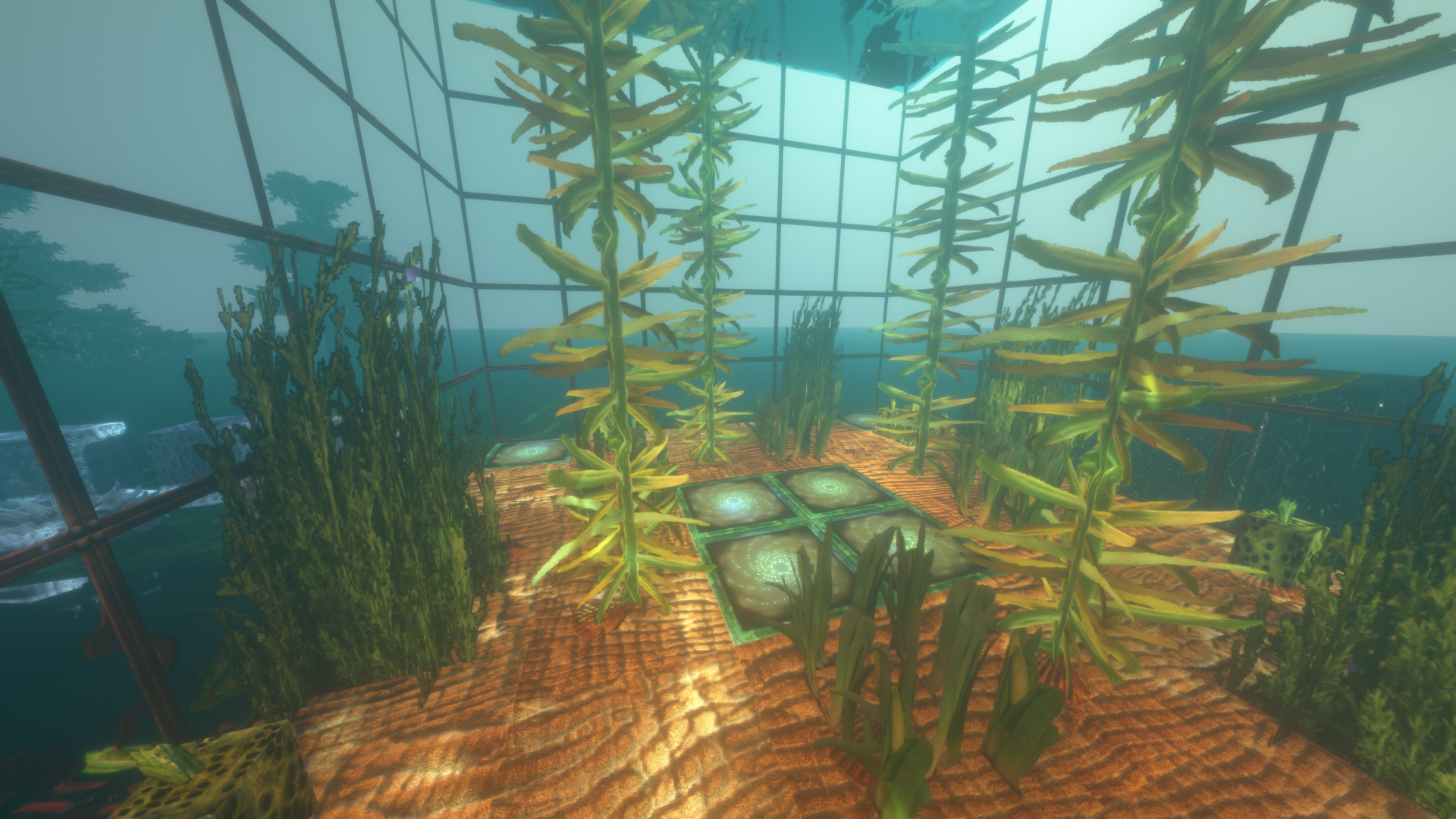
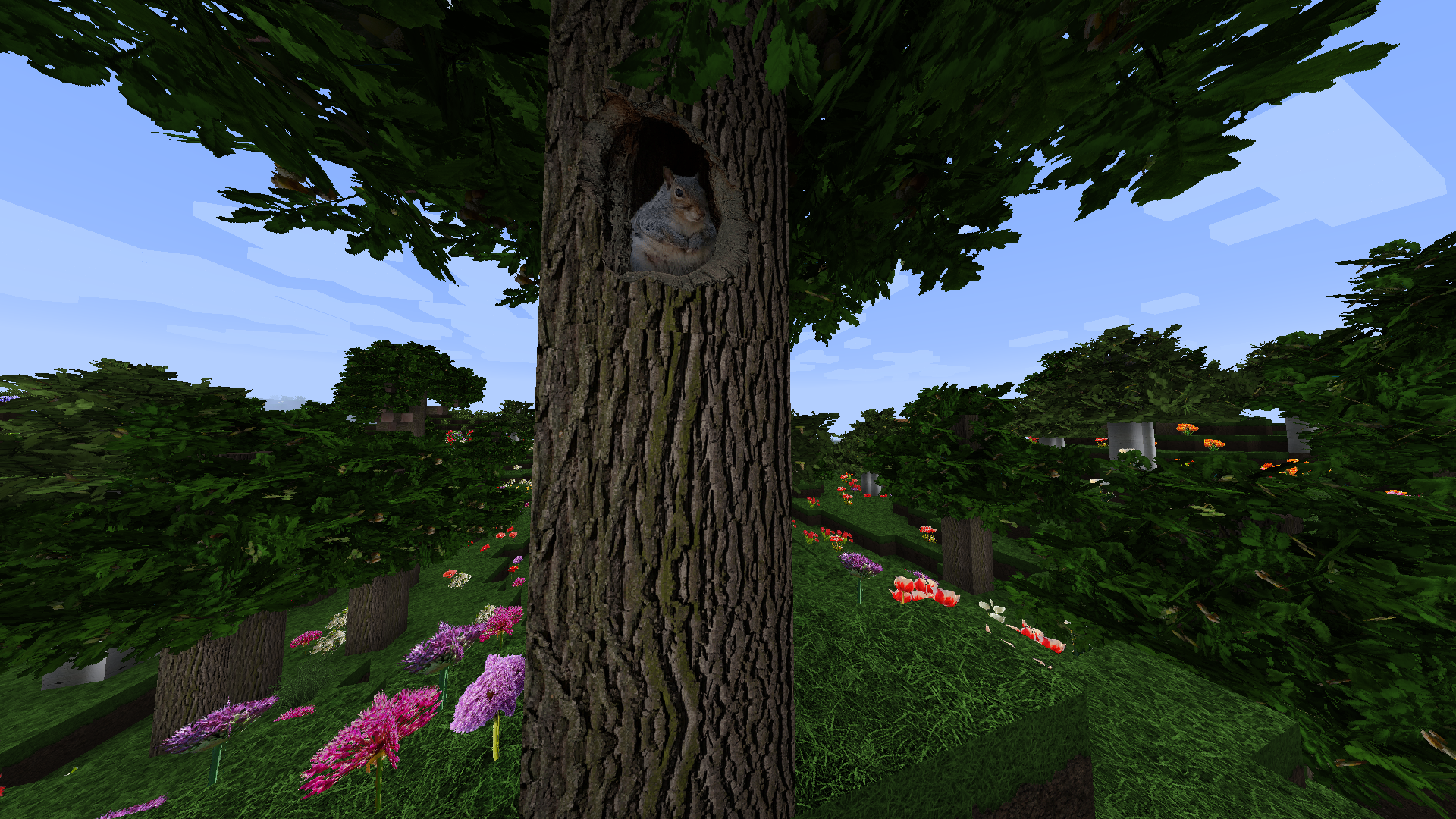
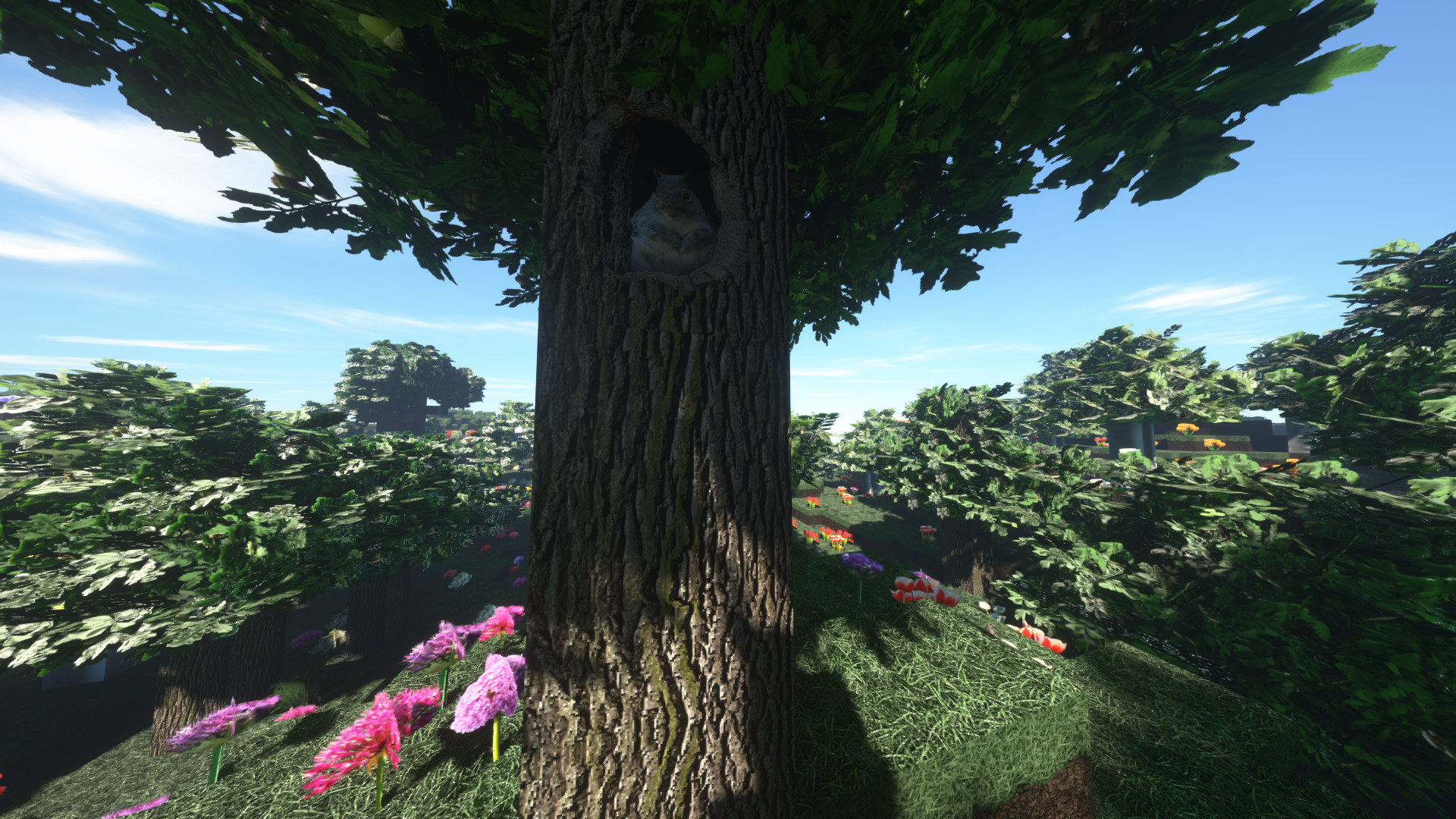
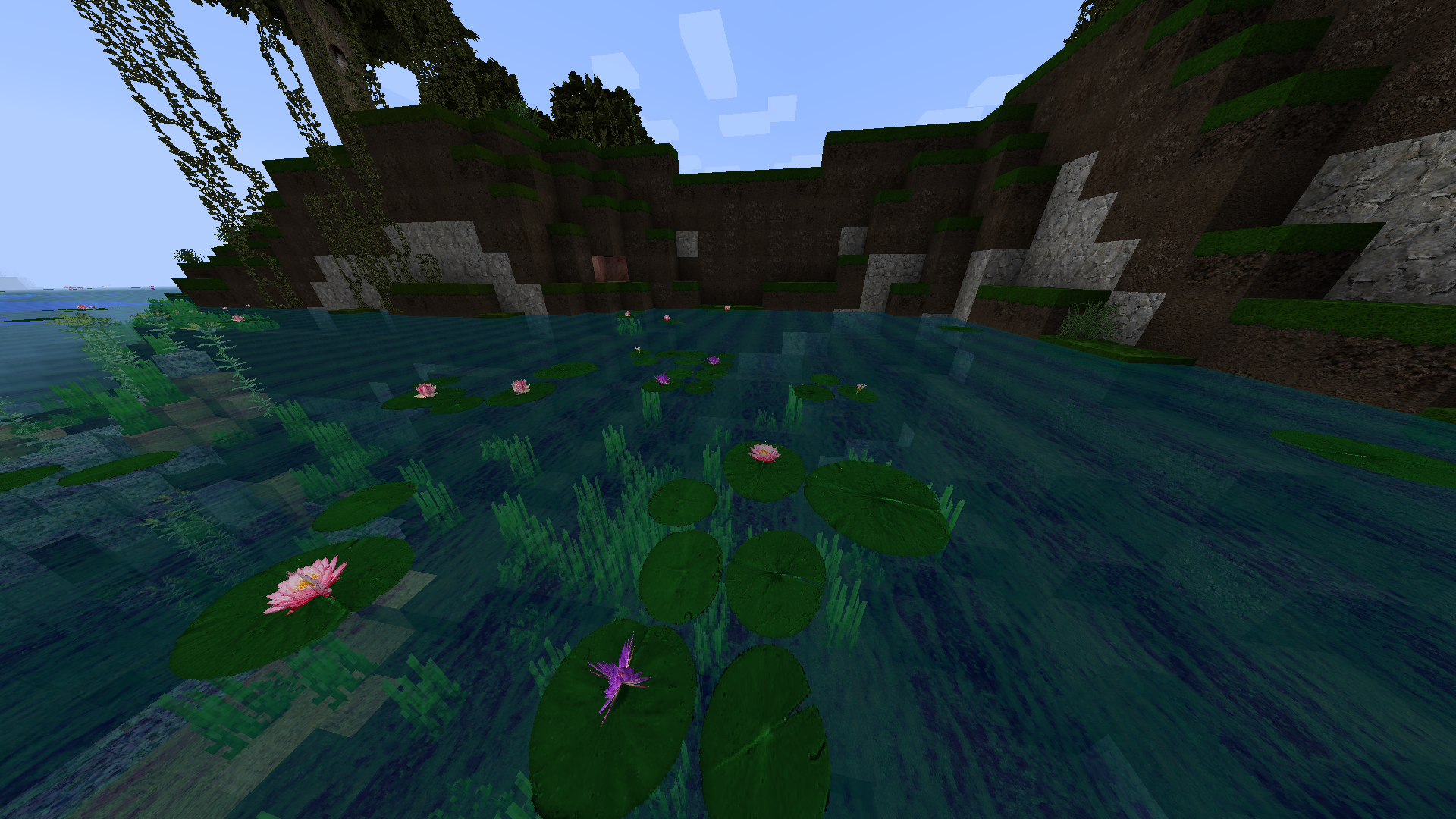
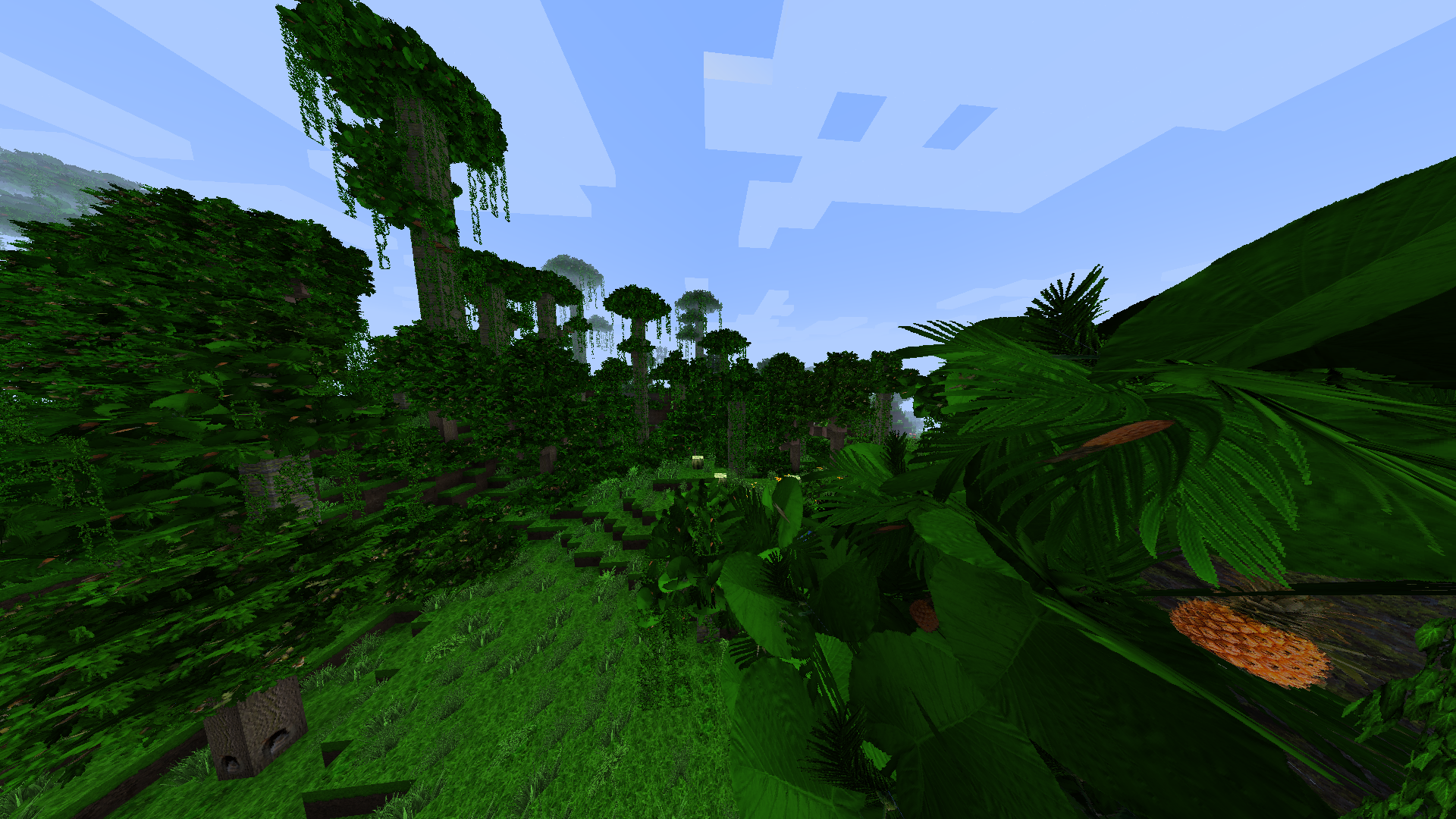
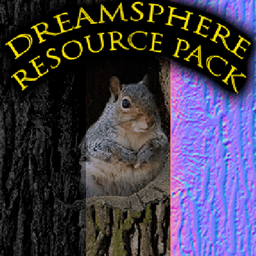
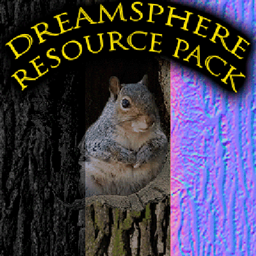
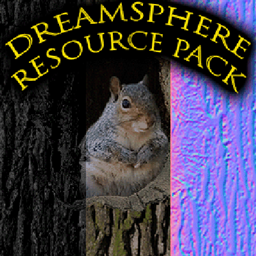
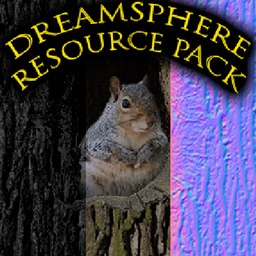
Beta Resource Pack with over 2200 replaced images. Medivial and traditional style with photo realistic images and animations.
by rivender_dreamspheremrp
Download Claim this project
Add a badge to your pageLink to Dreamsphere 1_16 32x 64x 128x 256x from a README, website or forum post.
Preview: Badge

Badges update automatically and link to the resource pack page on MineUniverse.

1,027 downloads
0 likes
0 followers
Updated Oct 14, 2026
0 hypes
Follow0
256x Animated Medieval Photo Realistic Traditional
Advertisement Remove ads with Premium →

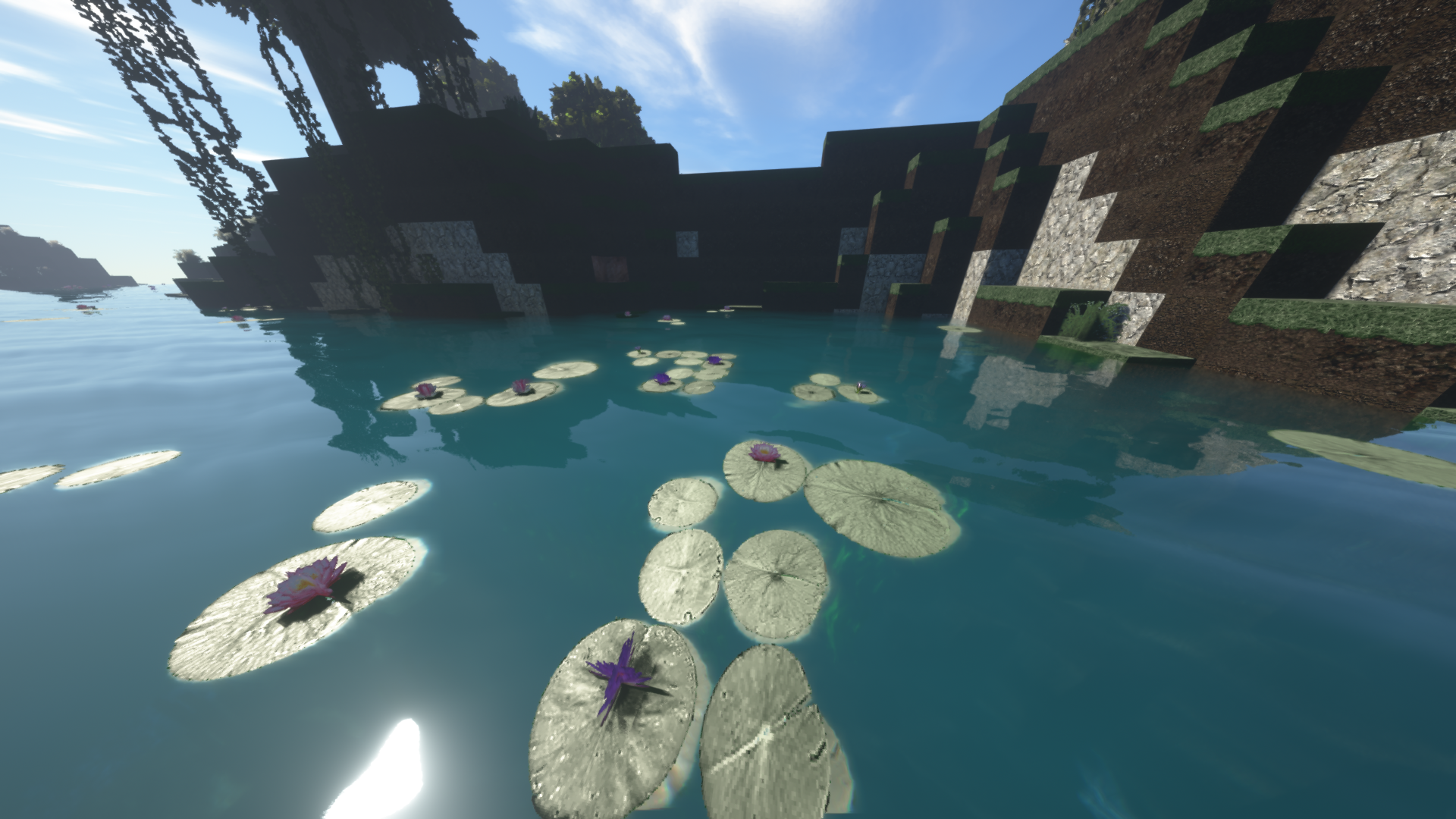
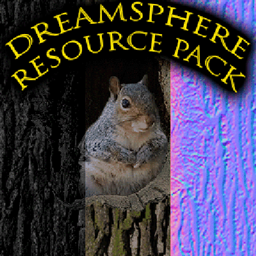
The new Dreamsphere 1.16 Beta Minecraft Resource Pack for Java-Edition contains over 2200 Images with Resolutions of 32x; 64x; 128x; and 256x Pixel size. It has a medivial and traditional style with photo realistic images and animations. It contains normal and specular Maps for Optifine Shaders (SEUS PTGI recommended). At current state all block-images are replaced yet. If i find enough supporters for my patreon-page i will keep going on my work and replace entities, effects, mobs, items and GUI next. I'd like to do nothing else than create great Minecraft Resources and improve my experience. If I ever reach 1000 Patrons Level 1 I could do this, so please help my dreams come true :-).

Patreon-Page: https://www.patreon.com/Rivender

Download-Resources: 32x-Resolution (Absolutely Free) 64x-Resolution (Absolutely Free) 128x-Resolution (Absolutely Free) 256x-Resolution (This Version Free and newest Version is Only for Patrons): https://www.patreon.com/Rivender

Dreamsphere_1.16_32x_Beta.zip
MC 1.16-Snapshot, 1.16.3, 1.16.1, 1.16, 1.16.5, 1.16.4, 1.16.2
Release 2021-06-10 Get
Dreamsphere_1.16_64x_Beta.zip
MC 1.16-Snapshot, 1.16.3, 1.16.1, 1.16, 1.16.5, 1.16.4, 1.16.2
Release 2021-06-10 Get
Dreamsphere_1.16_128x_Beta.zip
MC 1.16-Snapshot, 1.16.3, 1.16.1, 1.16, 1.16.5, 1.16.4, 1.16.2
Release 2021-06-10 Get
Dreamsphere_1.16_256x_Beta.zip
MC 1.16-Snapshot, 1.16.3, 1.16.1, 1.16, 1.16.5, 1.16.4, 1.16.2
Release 2021-06-10 Get

Requirements & install

How to use this resource pack in Minecraft
Resolution
256x
Minecraft
1.16-Snapshot – 1.16.5
Install folder
.minecraft/resourcepacks

How to install resource packs

  1. Download the resource pack .zip file (do not extract it).
  2. In Minecraft open Options → Resource Packs → Open Pack Folder.
  3. Drop the .zip into the resourcepacks folder (.minecraft/resourcepacks).
  4. Move the pack to the Selected column and click Done.

Packs from 128x upwards need more video memory: install a performance mod such as Sodium for smooth frame rates.

Browse more: 16x resource packs 32x resource packs 64x resource packs 128x resource packs 256x resource packs 512x+ resource packs Resource Packs for 1.16.5 All resource packs

More from rivender_dreamspheremrp

Advertisement Remove ads with Premium →

You Might Also Like