Mineuniverse
Resource Packs
Doku Realistic

Doku Realistic

RESOURCE PACK
Realistic Textures for minecraft
by sl1nexco2
Download Claim this project
Add a badge to your pageLink to Doku Realistic from a README, website or forum post.
Preview: Badge

Badges update automatically and link to the resource pack page on MineUniverse.

5,571 downloads
0 likes
0 followers
Updated Oct 14, 2026
0 hypes
Follow0
512x and Higher Miscellaneous Photo Realistic
Advertisement Remove ads with Premium →

With this resource pack, you will be able to experience the world of minecraft in a different way. You will be able to see real foliage and much more

This resource pack is based on OldPBR with beautiful textures for blocks or plants


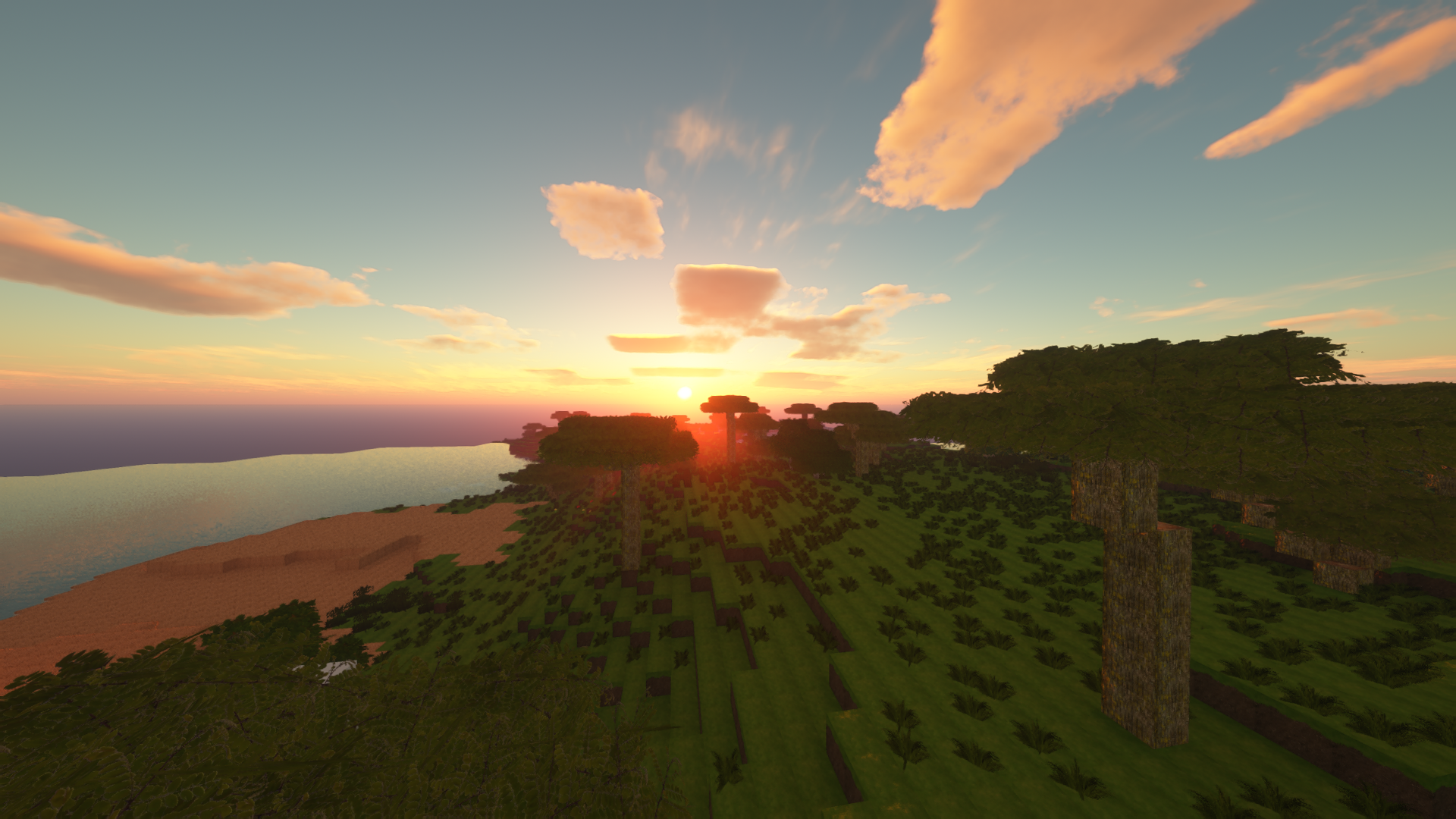
Trees


You can notice that in the resource pack the trees look like in real life, they are just as beautiful and just as realistic

They are also quite large and look good together with the textures of trees


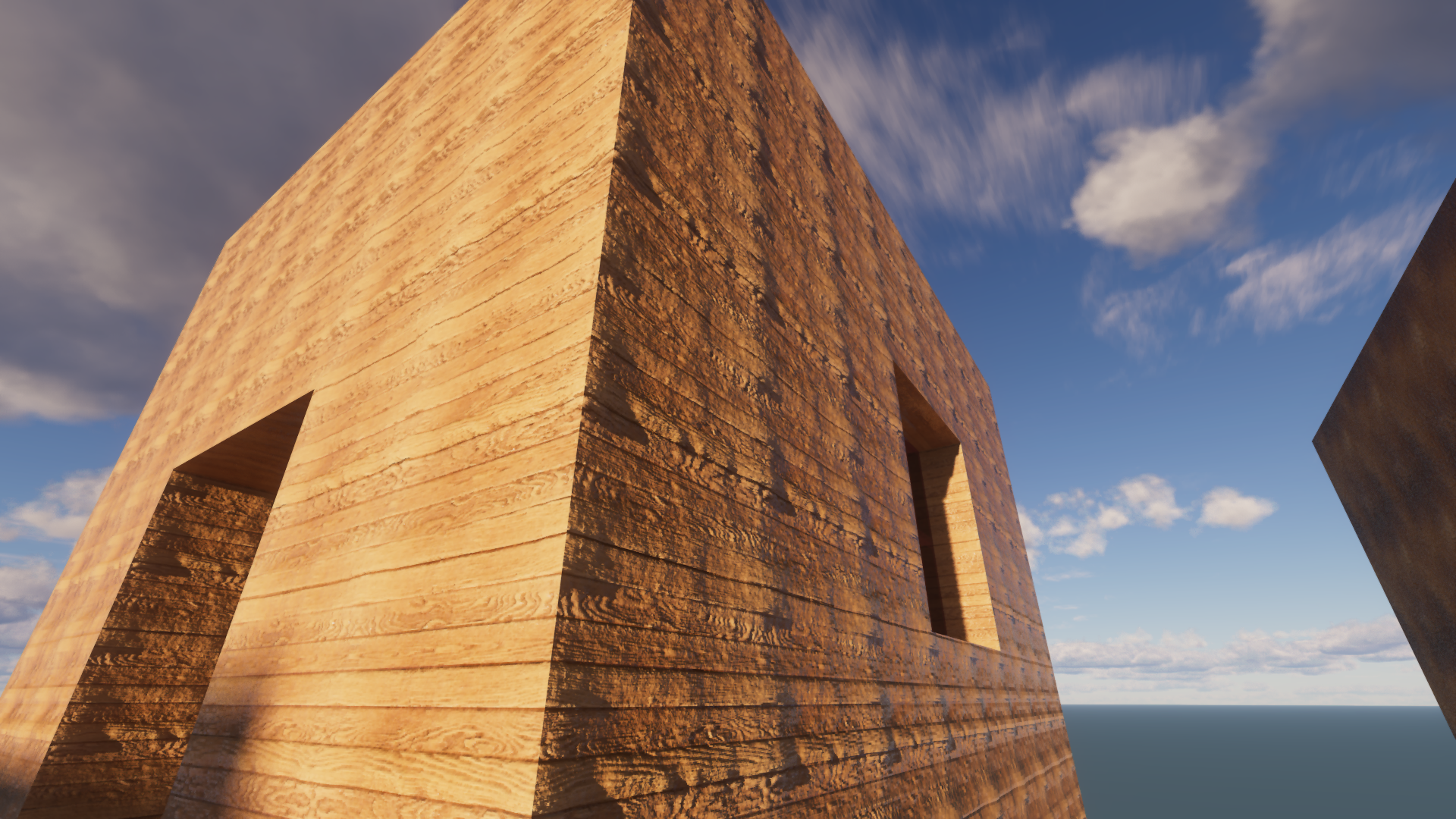
pom/pbr
Also in the resource pack there is support for pom and pbr textures, they give relief and parallaxes with which it looks even more realistic
This effect is especially revealed when tracing rays, it looks unusual and very beautiful


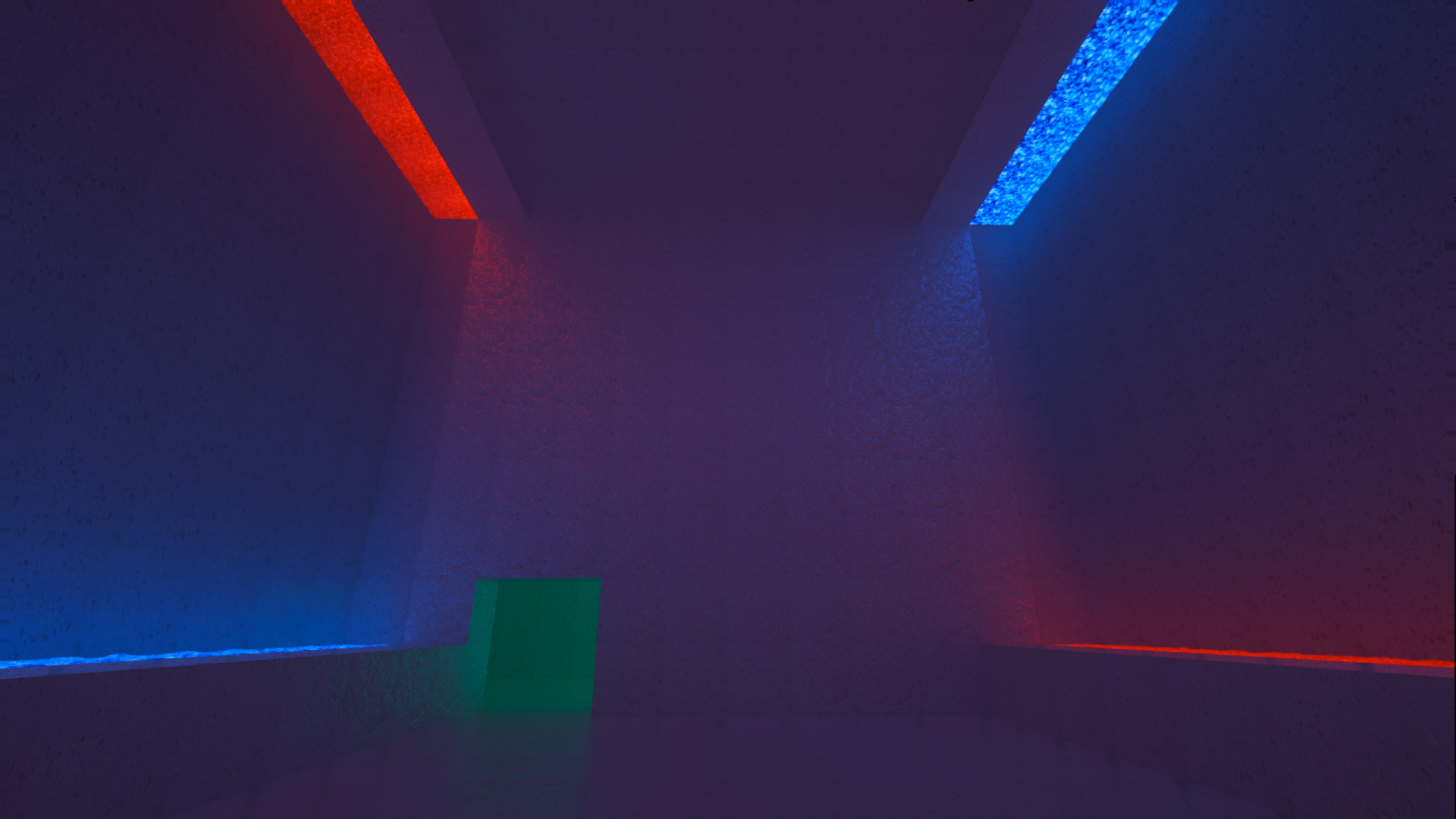
Ray Tracing
this resource pack supports ray tracing and shows how beautiful it can be

At the same time, if you use pom textures next to ray tracing, it will look unusual and epic

Doku Realistic build 11
MC 1.18.2
Release 2023-09-22 Get
Doku Realistic b10
MC 1.18.2
Release 2023-08-23 Get
Doku Realistic b9
MC 1.18.2
Release 2023-08-13 Get
Doku Realistic b8
MC 1.18.2
Release 2023-06-29 Get
Doku Realistic b7
MC 1.18.2
Release 2023-06-20 Get
Doku Realistic b6
MC 1.18.2
Release 2023-06-17 Get
Doku Realistic b5
MC 1.18.2
Release 2023-05-27 Get
Doku Realistic b4.zip
MC 1.18.2
Release 2023-05-24 Get

Requirements & install

How to use this resource pack in Minecraft
Resolution
512x+
Minecraft
1.18.2
Install folder
.minecraft/resourcepacks

How to install resource packs

  1. Download the resource pack .zip file (do not extract it).
  2. In Minecraft open Options → Resource Packs → Open Pack Folder.
  3. Drop the .zip into the resourcepacks folder (.minecraft/resourcepacks).
  4. Move the pack to the Selected column and click Done.

512x packs need a strong GPU and at least 4 GB of RAM for Minecraft; a performance mod such as Sodium is strongly recommended.

Browse more: 16x resource packs 32x resource packs 64x resource packs 128x resource packs 256x resource packs 512x+ resource packs Resource Packs for 1.18.2 All resource packs

More from sl1nexco2

Advertisement Remove ads with Premium →

You Might Also Like