Mineuniverse
Resource Packs
DEwolken Tpack

DEwolken Tpack

RESOURCE PACK
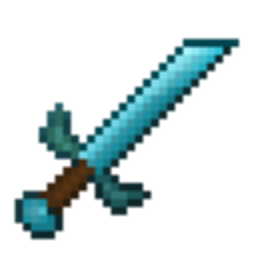
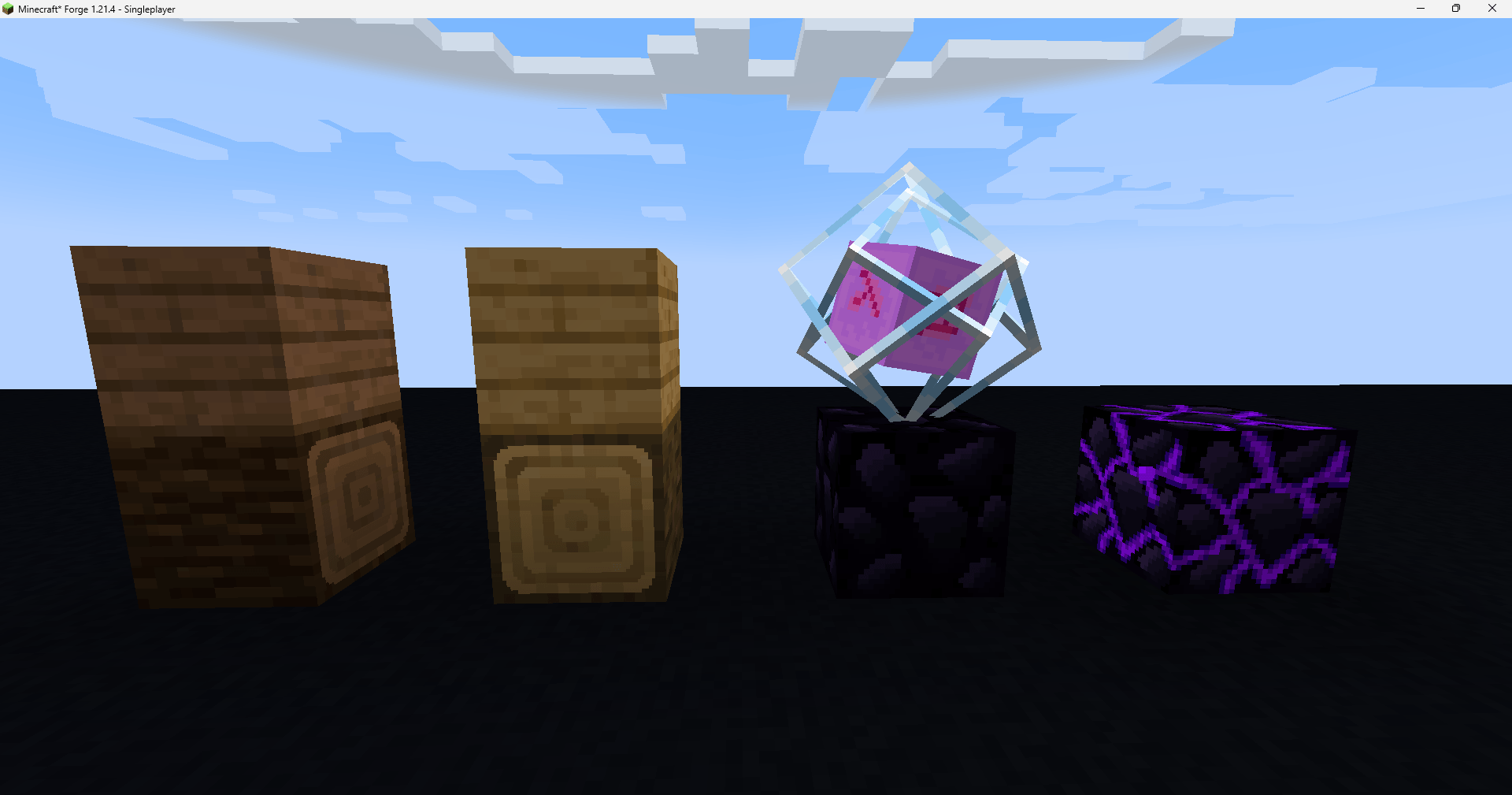
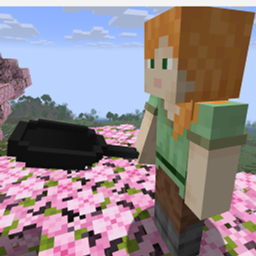
A clean Minecraft resource pack with smooth blocks and improved textures, built for general gameplay and casual PvP.
by DEwolken
Download Claim this project
258 downloads
0 likes
Updated Oct 14, 2026
0 hypes
64x Font Packs Modern
Advertisement Remove ads with Premium →
🌍 About This Pack
Welcome to a fresh visual experience for your game. This resource pack is designed to make your Minecraft world look cleaner, smoother, and more modern. By reworking the default textures, it removes visual clutter and brings a beautiful, polished look to every block and item.
Updates will be made every month - small Updates every week!
✨ Key Features
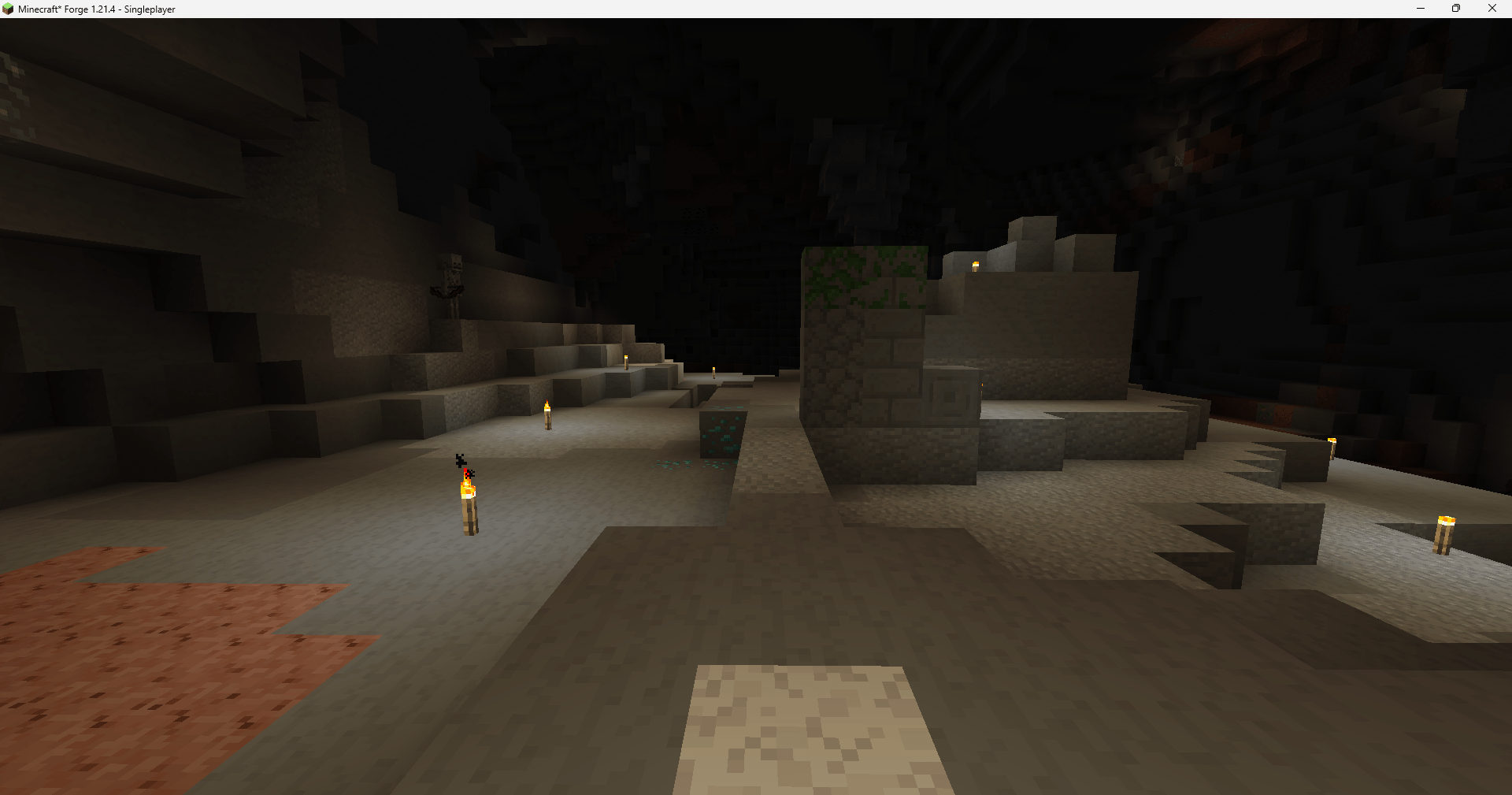
  • Smooth Blocks: No more noisy or harsh pixels. Enjoy clean and soft surfaces across the world.
  • Improved Textures: A refined look that stays true to the vanilla feel but makes everything look much better.
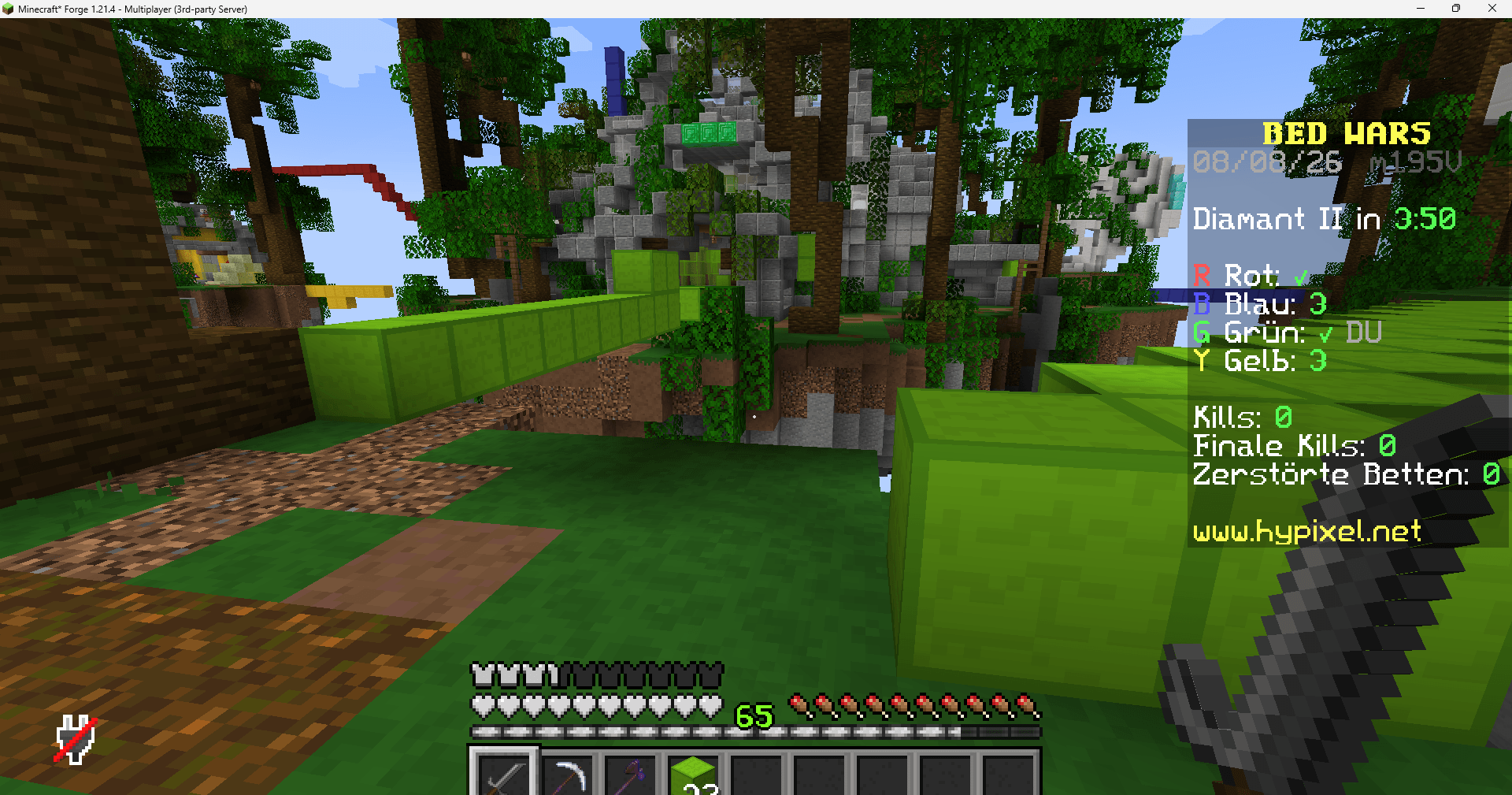
  • White Survival GUI: All survival interfaces – including your health hearts, level bar, ... – have been redesigned with a sleek, minimalist white look.
  • Versatile Use: Great for survival, building beautiful structures, or even casual PvP battles where clarity matters.
🎮 Compatibility & Updates
  • Minecraft 1.21.1: This pack is currently fully compatible and optimized for Minecraft version 1.21.1.
📺 Media & Previews
  • More Images & Videos: Want to see the pack in action? You can find more previews, screenshots, and videos on YouTube!

DEwolken - v1.3
MC 1.21.8, 1.21.5, 1.21.4, 1.21.6, 1.21.7, 1.21.9, 1.21.10, 1.21.11, 26.1, 26.2
Release 2026-08-14 Get
DEwolken - v1.1
MC 1.21.8, 1.21.5, 1.21.4, 1.21.6, 1.21.7, 1.21.9, 1.21.10, 1.21.11
Release 2026-08-09 Get
DEwolken - v1.2
MC 1.21.8, 1.21.5, 1.21.4, 1.21.6, 1.21.7, 1.21.9, 1.21.10, 1.21.11
Release 2026-08-09 Get

Requirements & install

How to use this resource pack in Minecraft
Resolution
64x
Minecraft
1.21.6 – 26.2
Install folder
.minecraft/resourcepacks

How to install resource packs

  1. Download the resource pack .zip file (do not extract it).
  2. In Minecraft open Options → Resource Packs → Open Pack Folder.
  3. Drop the .zip into the resourcepacks folder (.minecraft/resourcepacks).
  4. Move the pack to the Selected column and click Done.
Browse more: 16x resource packs 32x resource packs 64x resource packs 128x resource packs 256x resource packs 512x+ resource packs Resource Packs for 26.2 All resource packs

More from DEwolken

Advertisement Remove ads with Premium →

You Might Also Like