Mineuniverse
Resource Packs
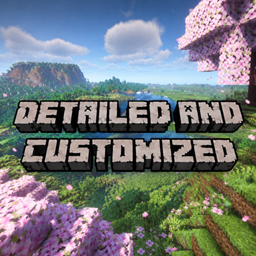
Detailed and customized

Detailed and customized

RESOURCE PACK
Once you add this pack into your game, believe you're a god !
by Unik_gamerYT
Download Claim this project
Add a badge to your pageLink to Detailed and customized from a README, website or forum post.
Preview: Badge

Badges update automatically and link to the resource pack page on MineUniverse.

3 downloads
0 likes
0 followers
Updated Oct 14, 2026
0 hypes
Follow0
64x Animated Traditional
Advertisement Remove ads with Premium →

This pack adds tones of detailed and bit more crisp to your gameplay.

What does this pack do ?

This pack adds some asthetics like :

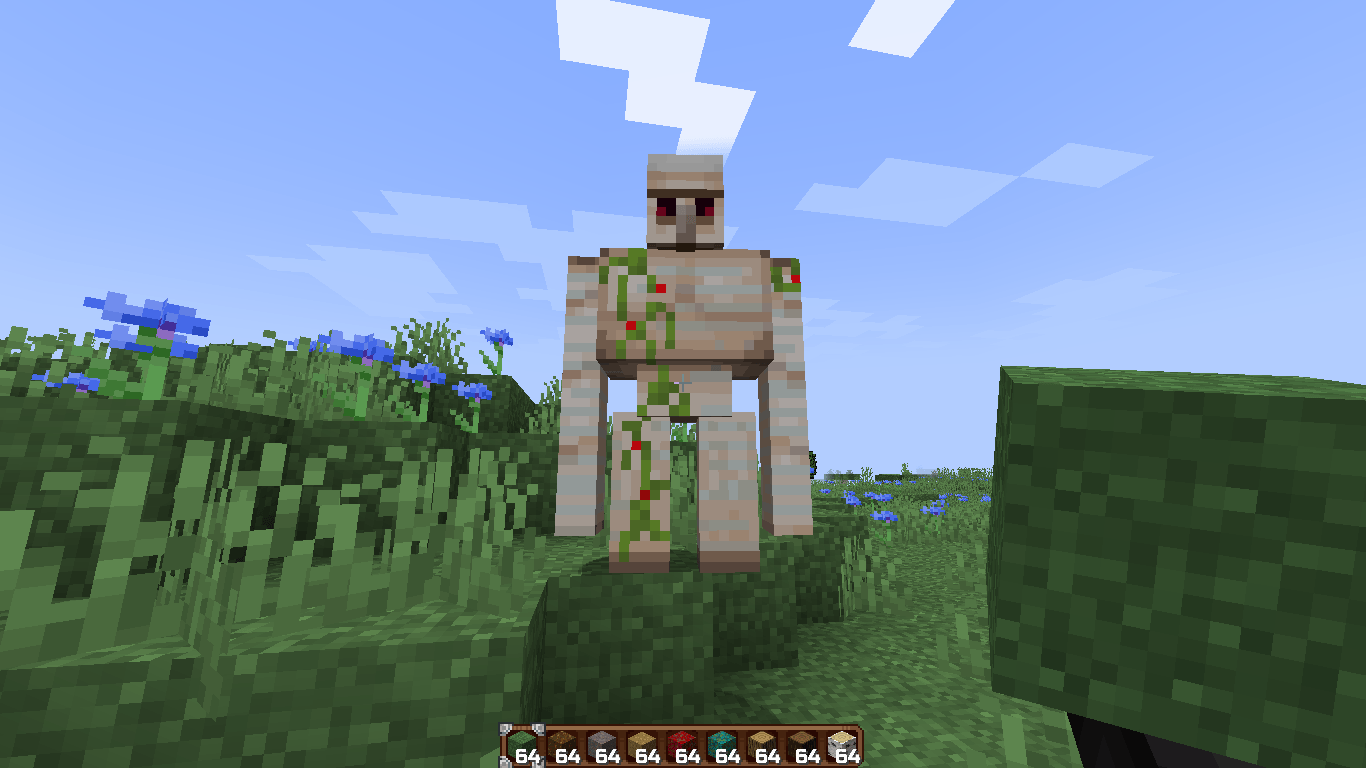
1. Red Iron Golem flowers

2. Warm glow

3. Animated Campfire items

4. Accurate scaffholding

5. Phantom Elytra ( changes your Elyta's design into phantom wings )

6. Fancier fences


This pack also carries Terrain changes like

  1. Wavy water ( best in Foge and NeoForge )
  2. Twinkling stars ( must be using fancy or fablous graphics )
  3. HD end flash
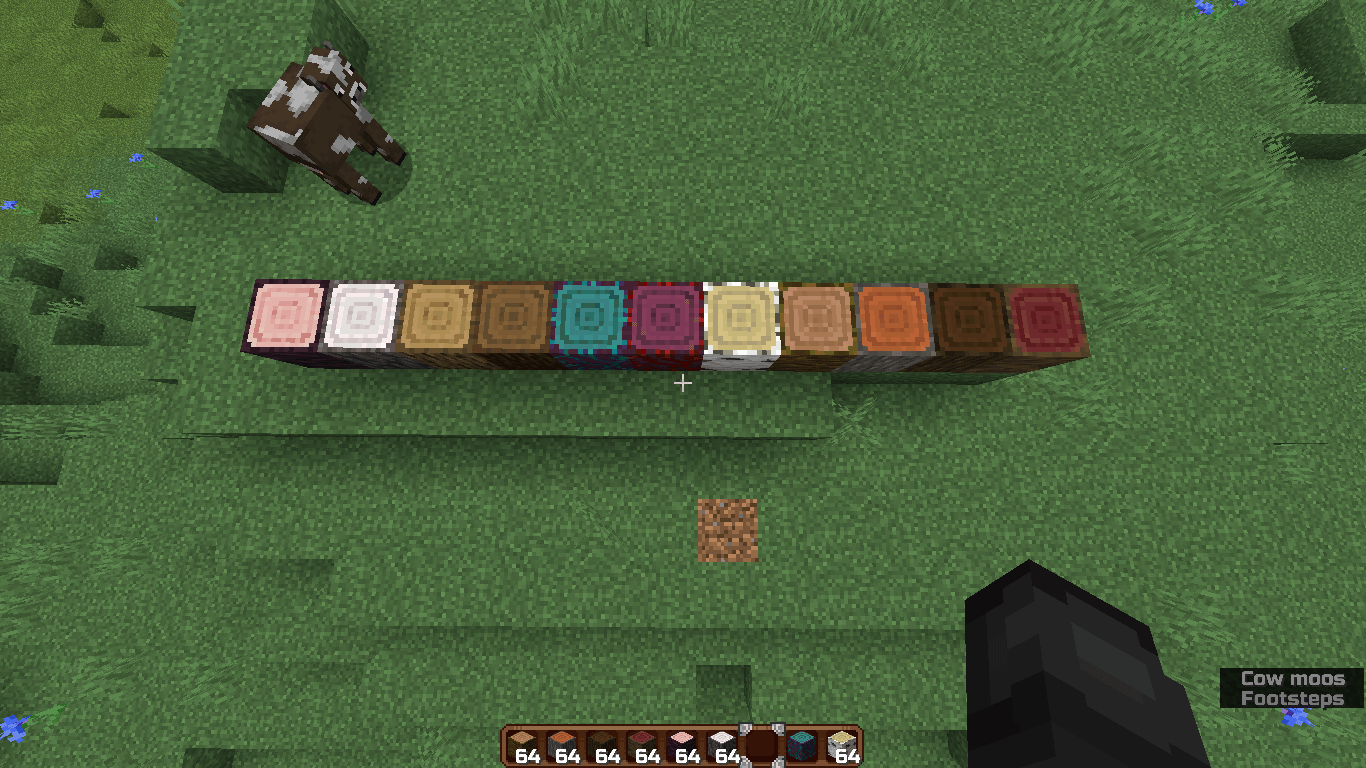
  4. Circular log tops
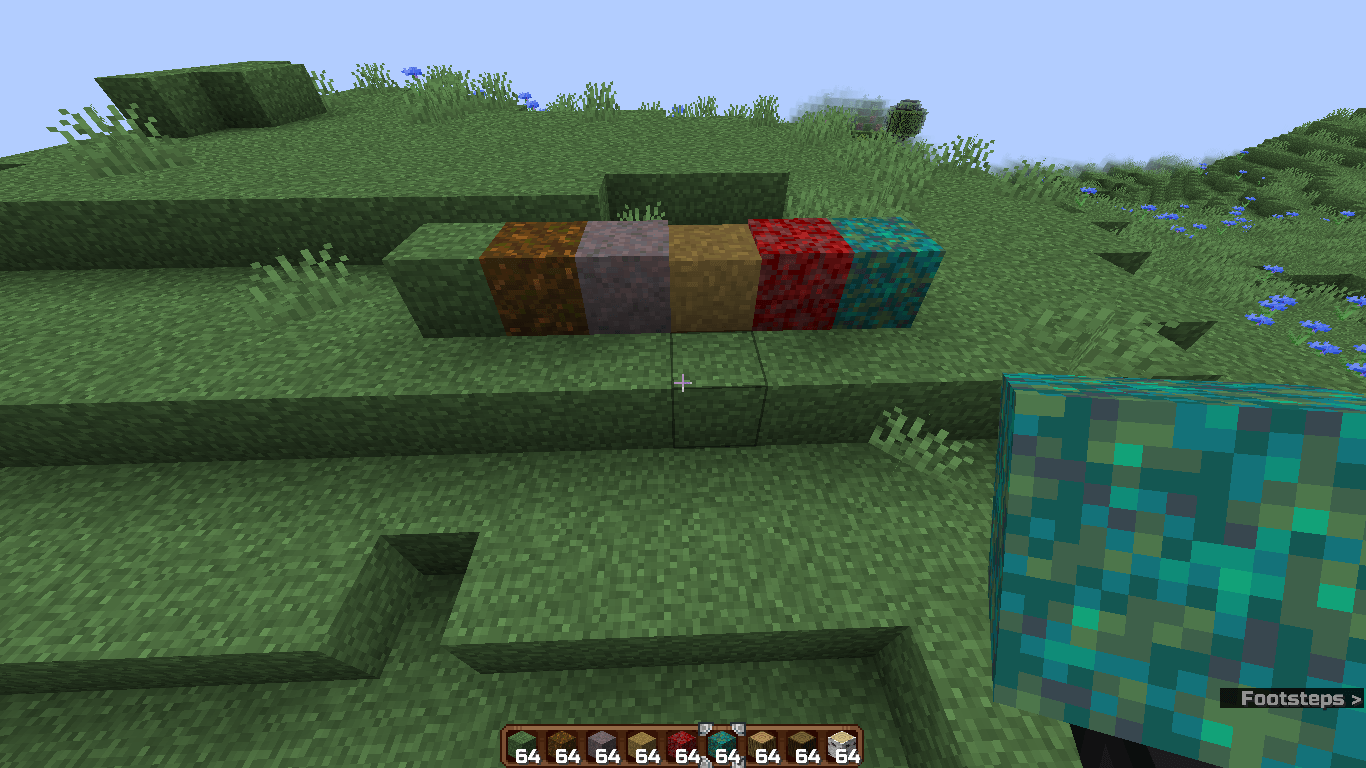
  5. Uniform ores
  6. Makes all grass related blocks fully covered like grass block, dirt path, warped grass, etc.


This pack also adds some variations like 

  1. Varieted Villagers ( taiga, snow, savanna etc. )
  2. Varieted offset & firefly bushes


This packs is only for 1.21 - 1.21.11

Can be loaded on any loader

Tested versions :

1.21

1.21.1

1.21.2

1.21.3

1.21.4

1.21.5

1.21.6

1.21.7

1.21.8

1.21.9

1.21.10

1.21.11


This packs only work on these versions.

For older and newer versions,

PLEASE FOLLOW !

Detail and customization [ 1.21.X ]
MC 1.21, 1.21.8, 1.21.5, 1.21.4, 1.21.1, 1.21.6, 1.21.3, 1.21.7, 1.21.2, 1.21.9, 1.21.10, 1.21.11
Release 2026-10-11 Get

Requirements & install

How to use this resource pack in Minecraft
Resolution
64x
Minecraft
1.21.4 – 1.21.11
Install folder
.minecraft/resourcepacks

How to install resource packs

  1. Download the resource pack .zip file (do not extract it).
  2. In Minecraft open Options → Resource Packs → Open Pack Folder.
  3. Drop the .zip into the resourcepacks folder (.minecraft/resourcepacks).
  4. Move the pack to the Selected column and click Done.
Browse more: 16x resource packs 32x resource packs 64x resource packs 128x resource packs 256x resource packs 512x+ resource packs Resource Packs for 1.21.11 All resource packs
Advertisement Remove ads with Premium →

You Might Also Like