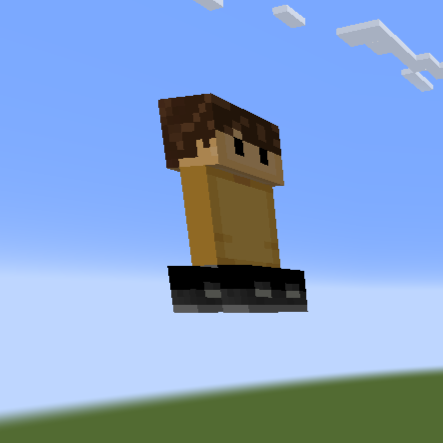
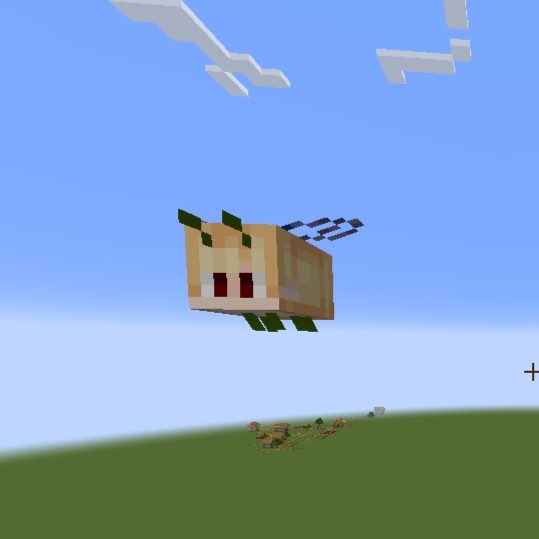
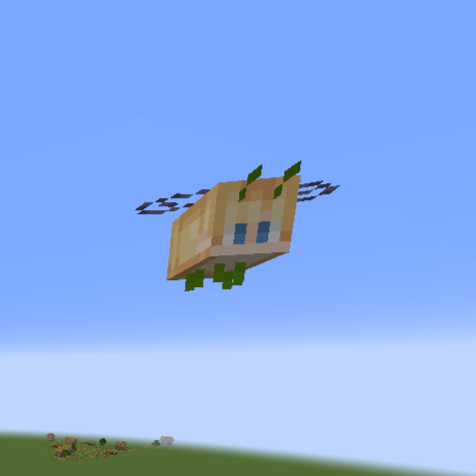
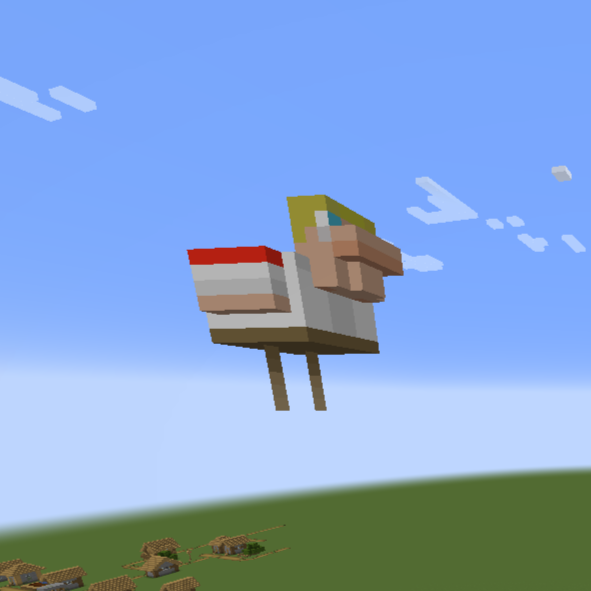
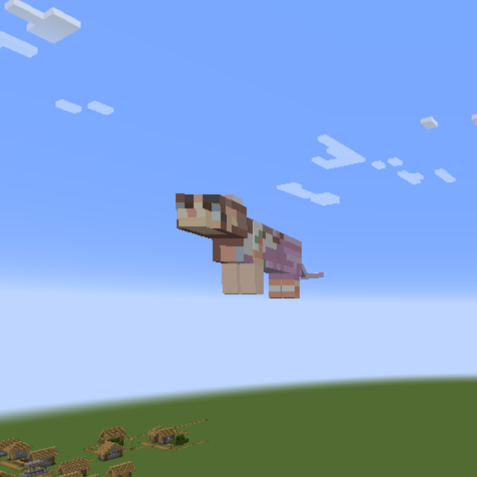
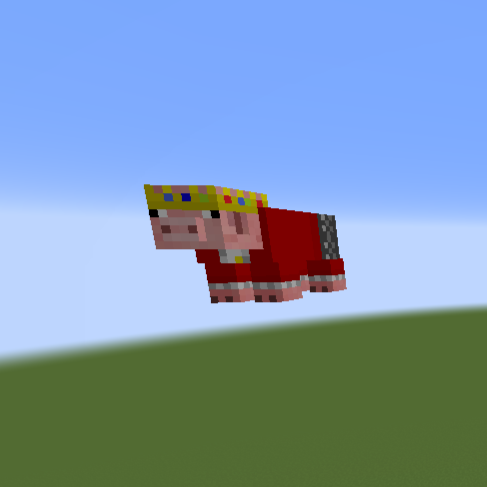
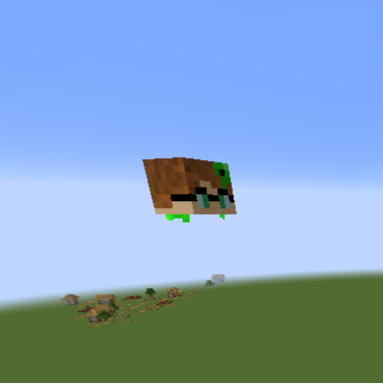
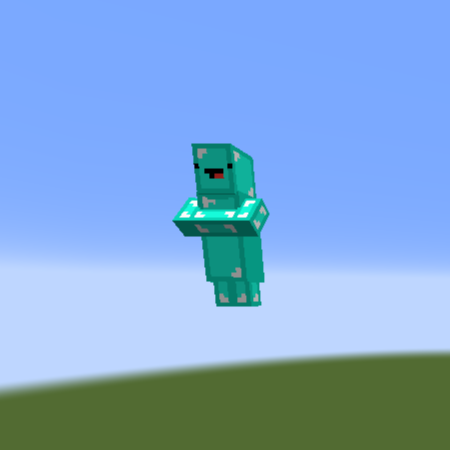
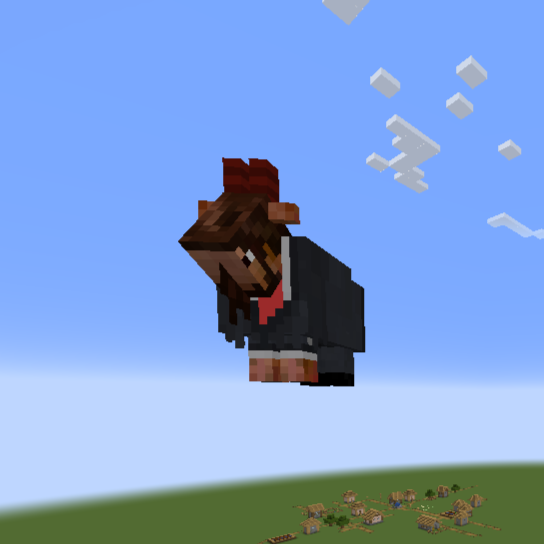
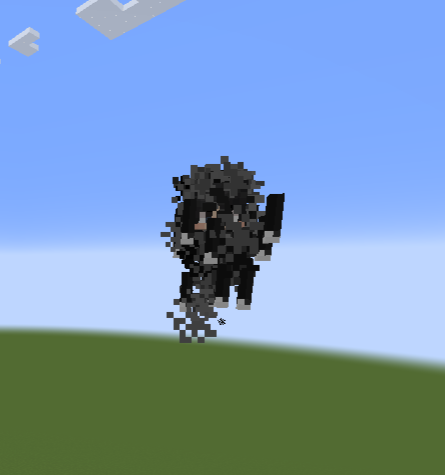
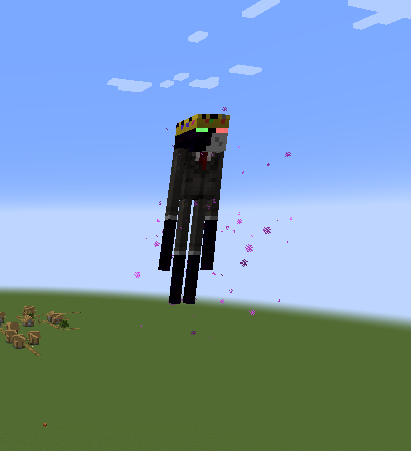
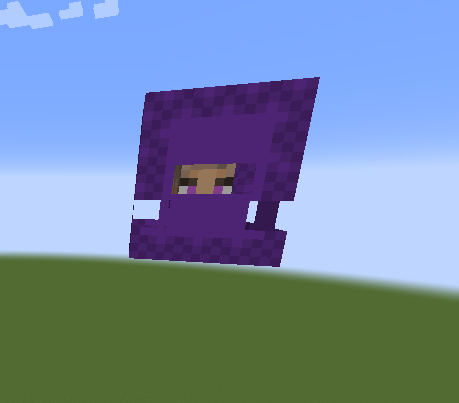
Some random day in August, I jokingly said to a friend, completely out of nowhere, "a texture pack but all the mobs are dsmp characters". Now over eight months later voilà, a texture pack but all the dsmp characters are mobs (and/or objects). Obviously not all the mobs are retextured because there's more mobs than dsmp characters. However, I plan to update this when new members are added and if I ever choose to just go wild and expand to mcyts outside of the dsmp.
[Video showcase coming soon!]
Contents List:
1. aimsey = Wolf
2. AntFrost = Snow Golem
3. Awesamdude = Iron Golem
4. BadBoyHalo = Turtle Egg
5. BoomerNA = Panda
6. Callahan = Turtle
7. Captain Puffy = Illigers
8. ConnorEatsPants = Zombie (and variants)
9. Dream = Glow Squid
10. TheEret = Ravager
11. Eryn = Rabbit
12. FoolishGamers = Wandering Trader
13. Fundy = Fox
14. GeorgeNotFound = Squid
15. Hannahxxrose = Vex
16. HBomb94 = Steve
17. JackManifoldTV = Polar Bear
18. Karl Jacobs = Witch
19. Michaelmcchill = Silver Fish
20. Nihachu = Axolotl
21. Ph1LzA = Parrot
22. Ponk = Magma Cube
23. Punz = Piglin
24. Purpled = Shulker
25. Quackity = Alex
26. Ranboo = Enderman
27. Sapnap = Blaze
28. Schlatt = Goat
29. Skeppy = Villager
30. Slimccle = Slime
31. TechnoBlade = Pig
32. TinaKitten = Cat
33. TommyInnit = Chicken
34. Tubbo = Bee
35. Wilbur Soot = Creeper
There are some Easter eggs that I added because I thought they would be funny that aren't included in the contents list so when you see it, and you will see it, I will refer you to this:
I am aware they aren't a member of the dream smp and I do not care, it's funny