Badges update automatically and link to the resource pack page on MineUniverse.

If you are a texture artist or a modder who wants to help others or learn for yourself join this link to my server!
Help Me Mod
DEEP FOLIAGE!
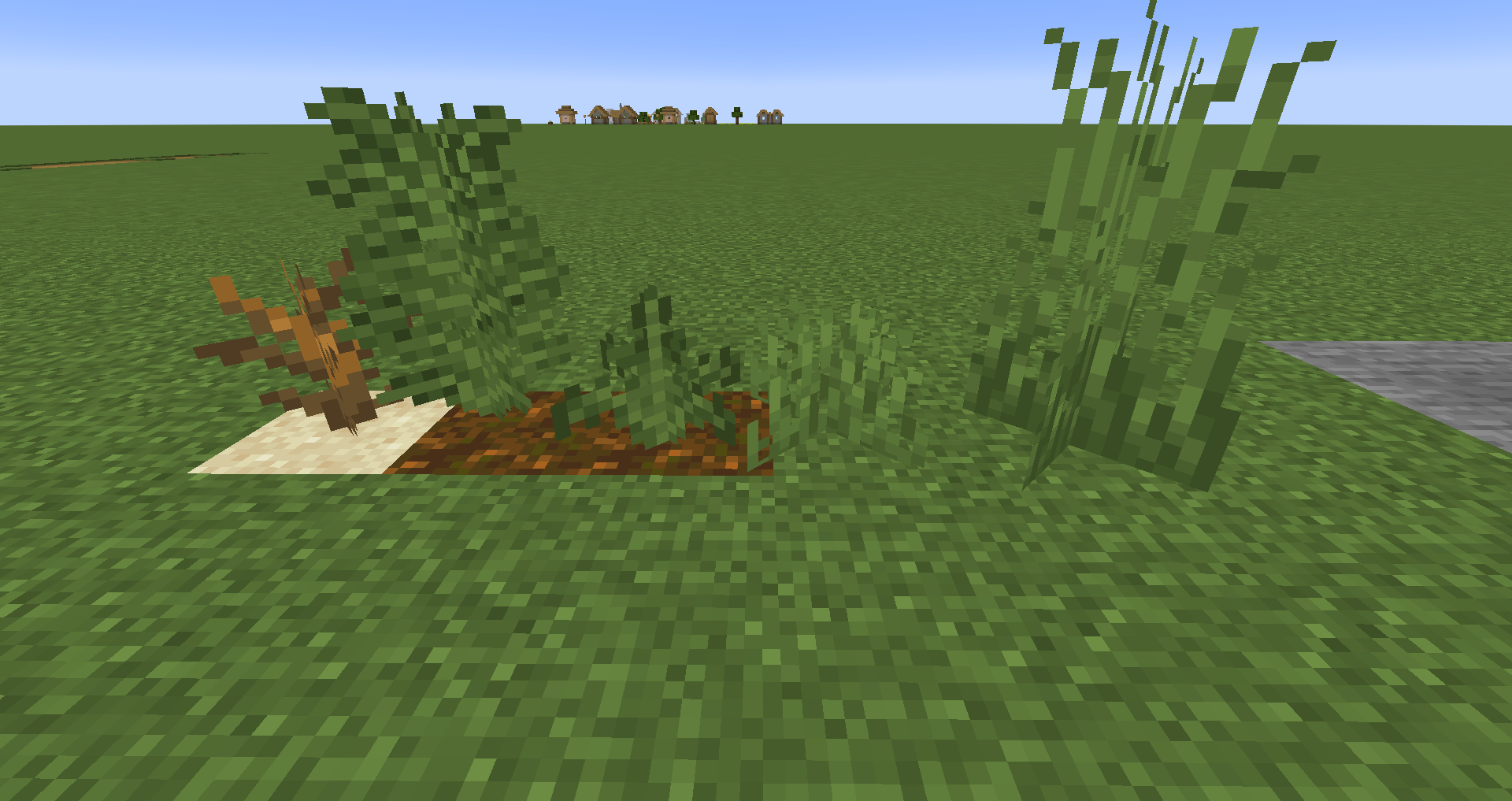
Do you think some of Minecraft's grass and miscellaneous flora can be a bit flat? shallow? well fret no more, I have spent countless days and nights crafting this resource pack that will add some more depth to your world.
Contents:
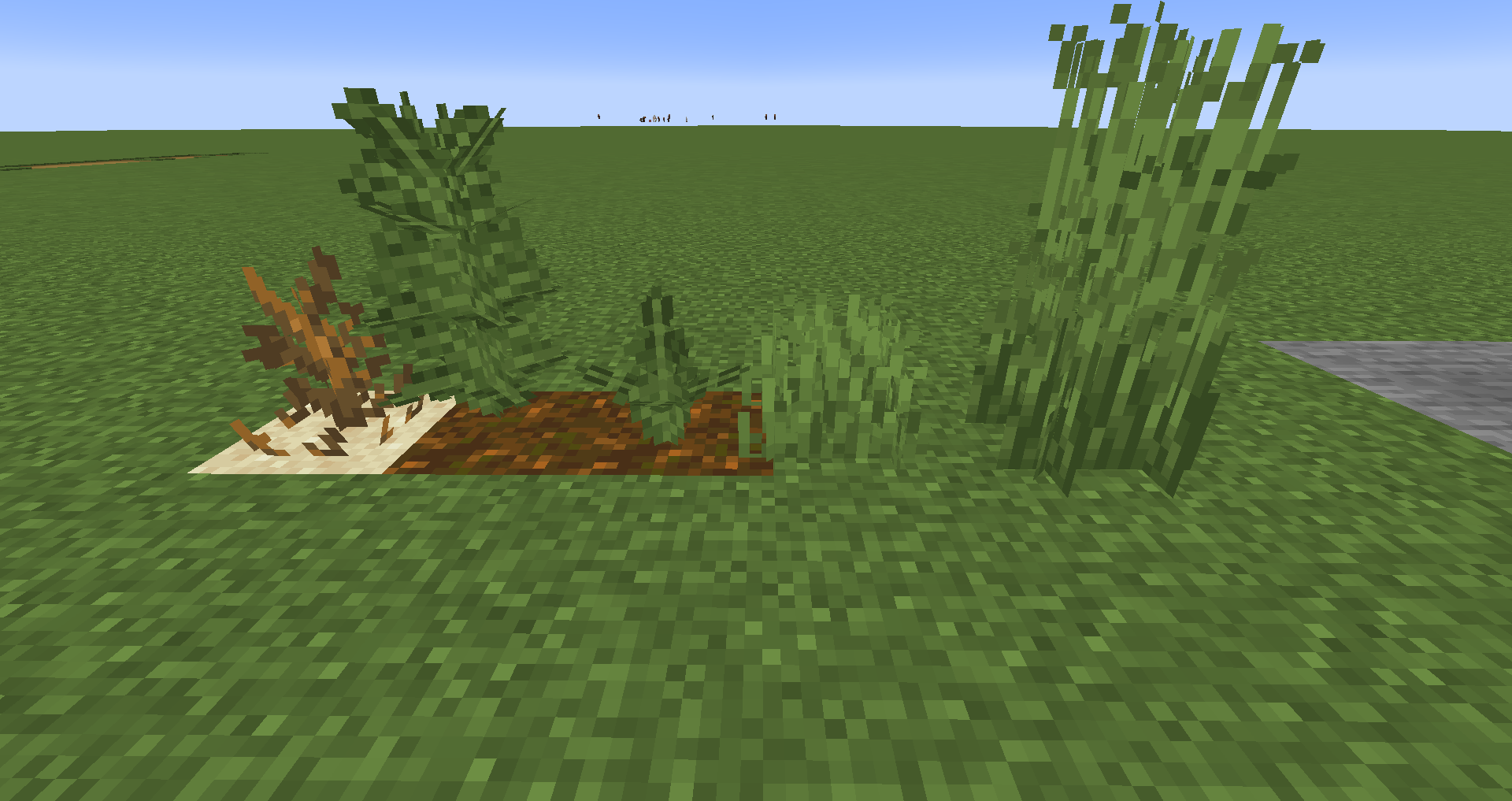
Grass, both short and tall has been given some more layers, and height variation.
Ferns are now a little better shaped and have a more 3D feel while also keeping the Minecraft textures and charm.
Dead bushes have extra branches sticking out and some extra detail on the floor.
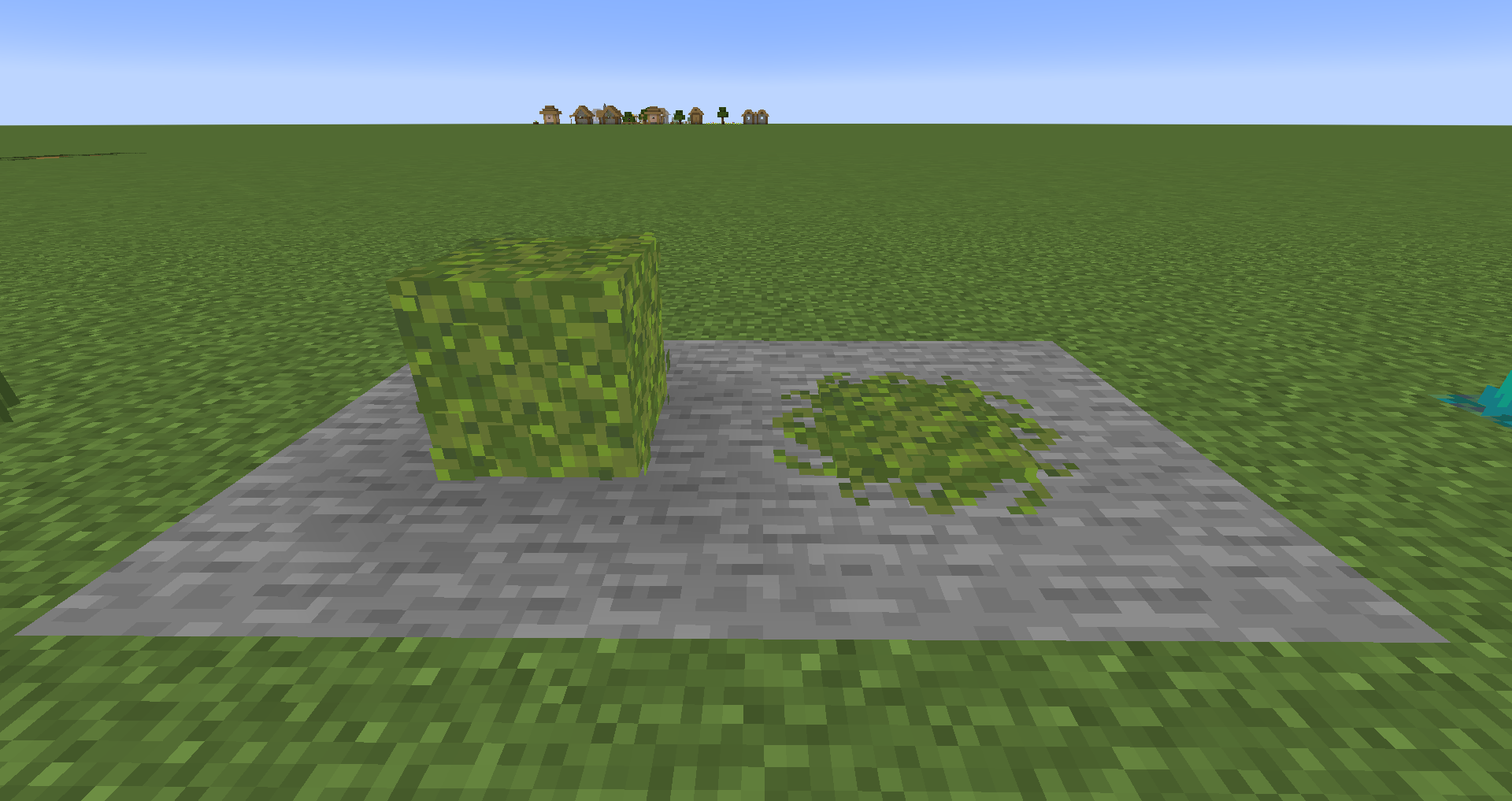
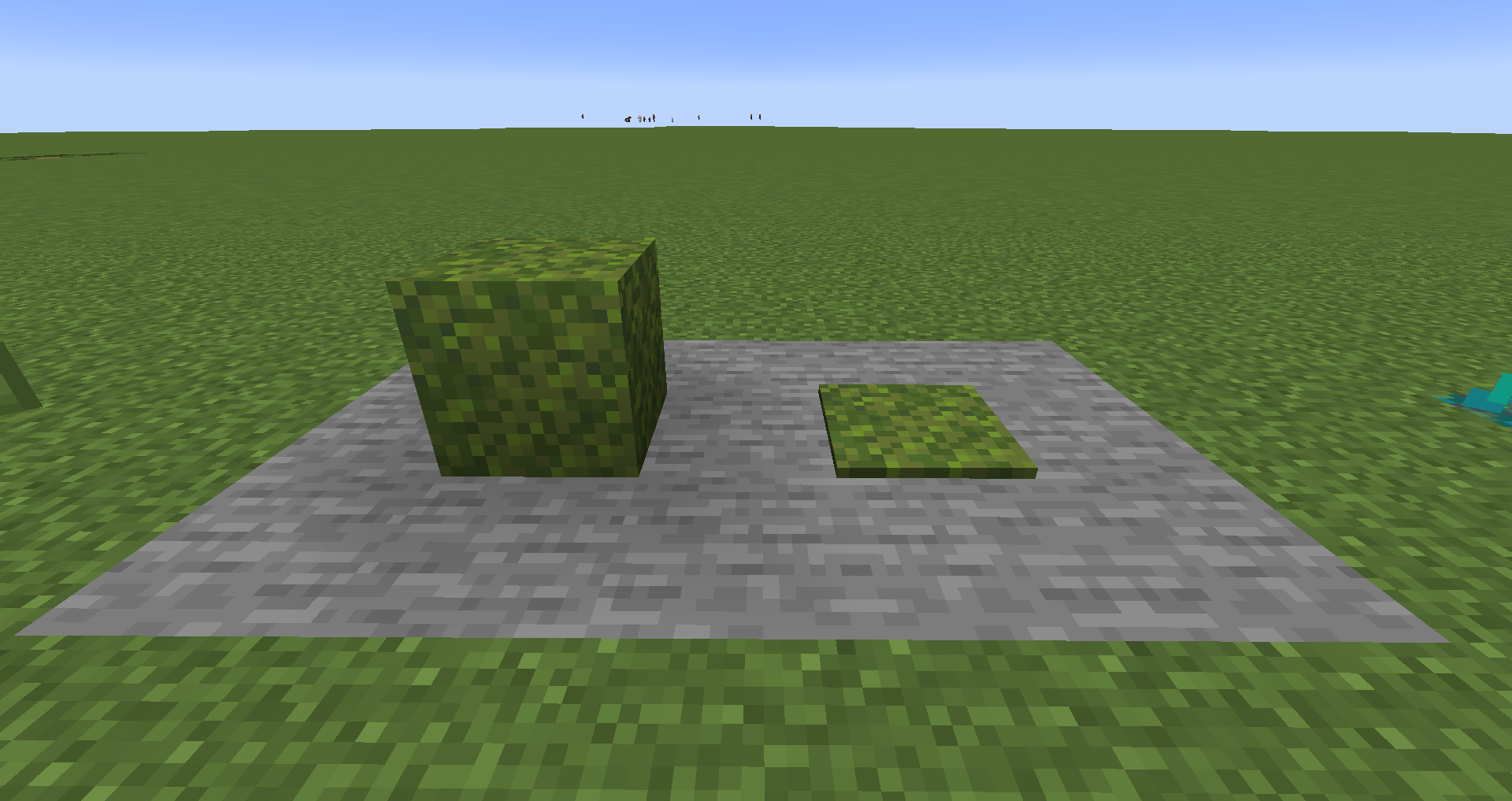
Moss now has an extra layer over the top with extra detail, same with moss carpets, which also have a custom trim to make it look like it has actually spread.
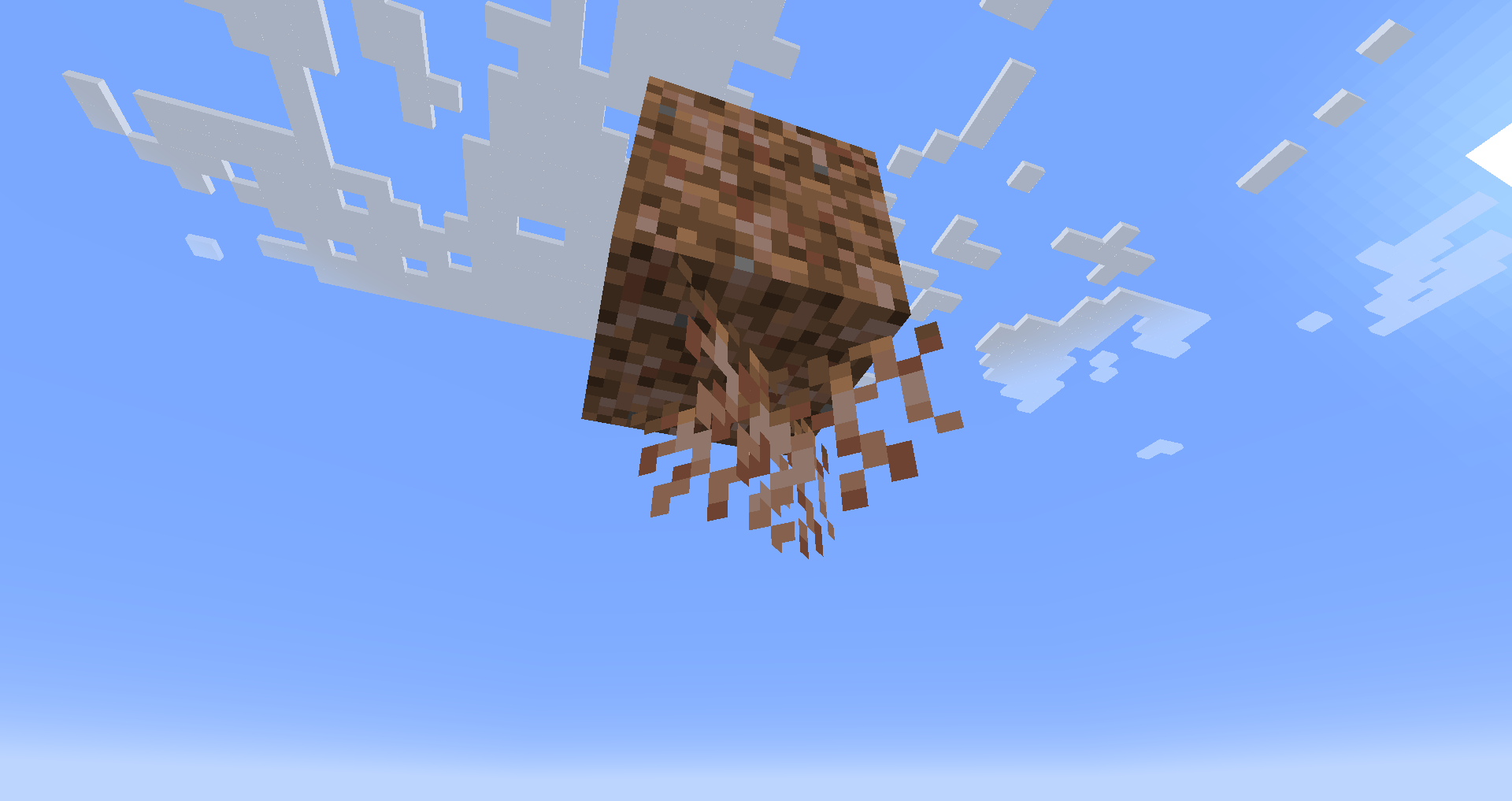
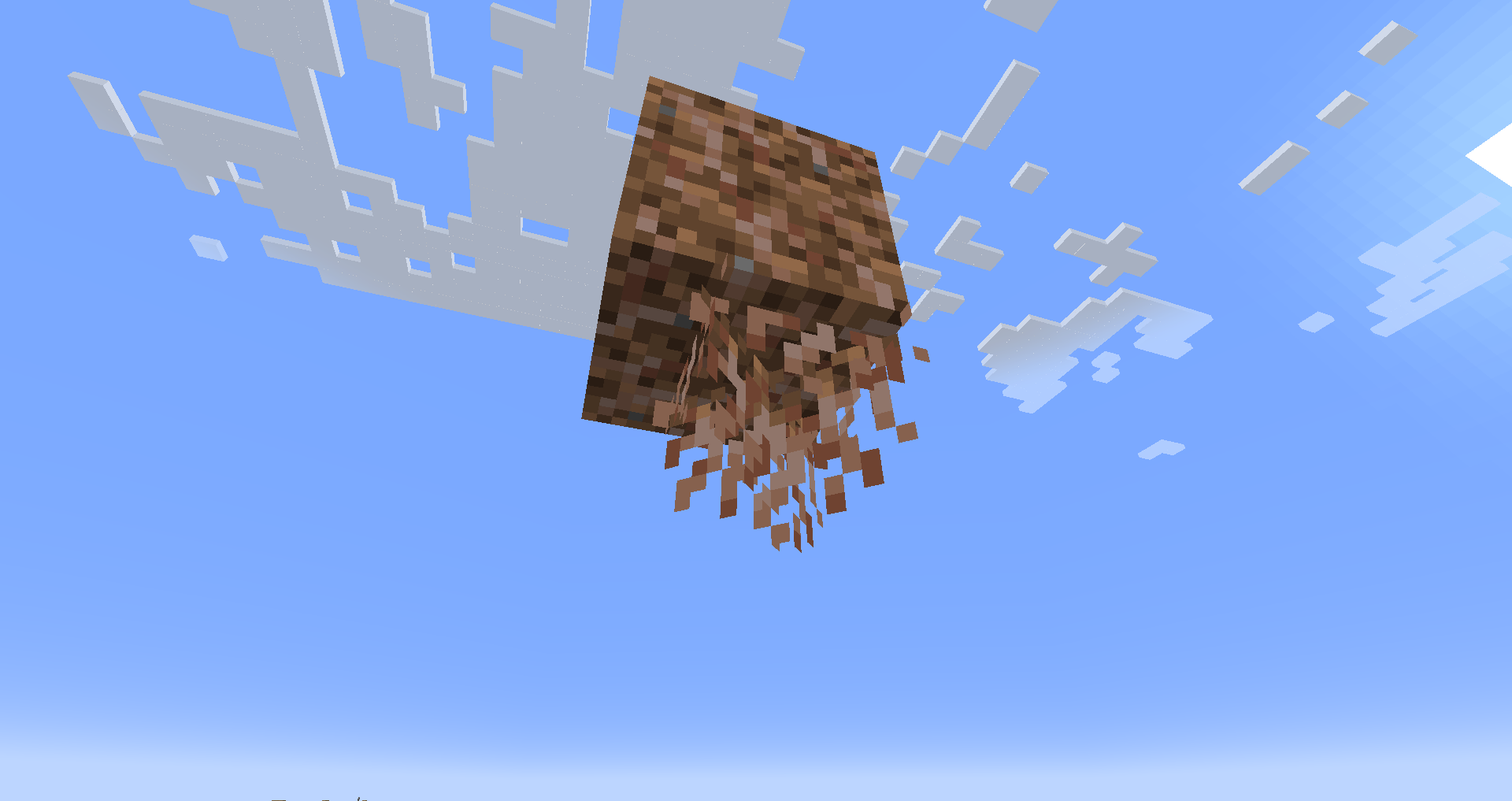
Hanging roots have been given more detail.
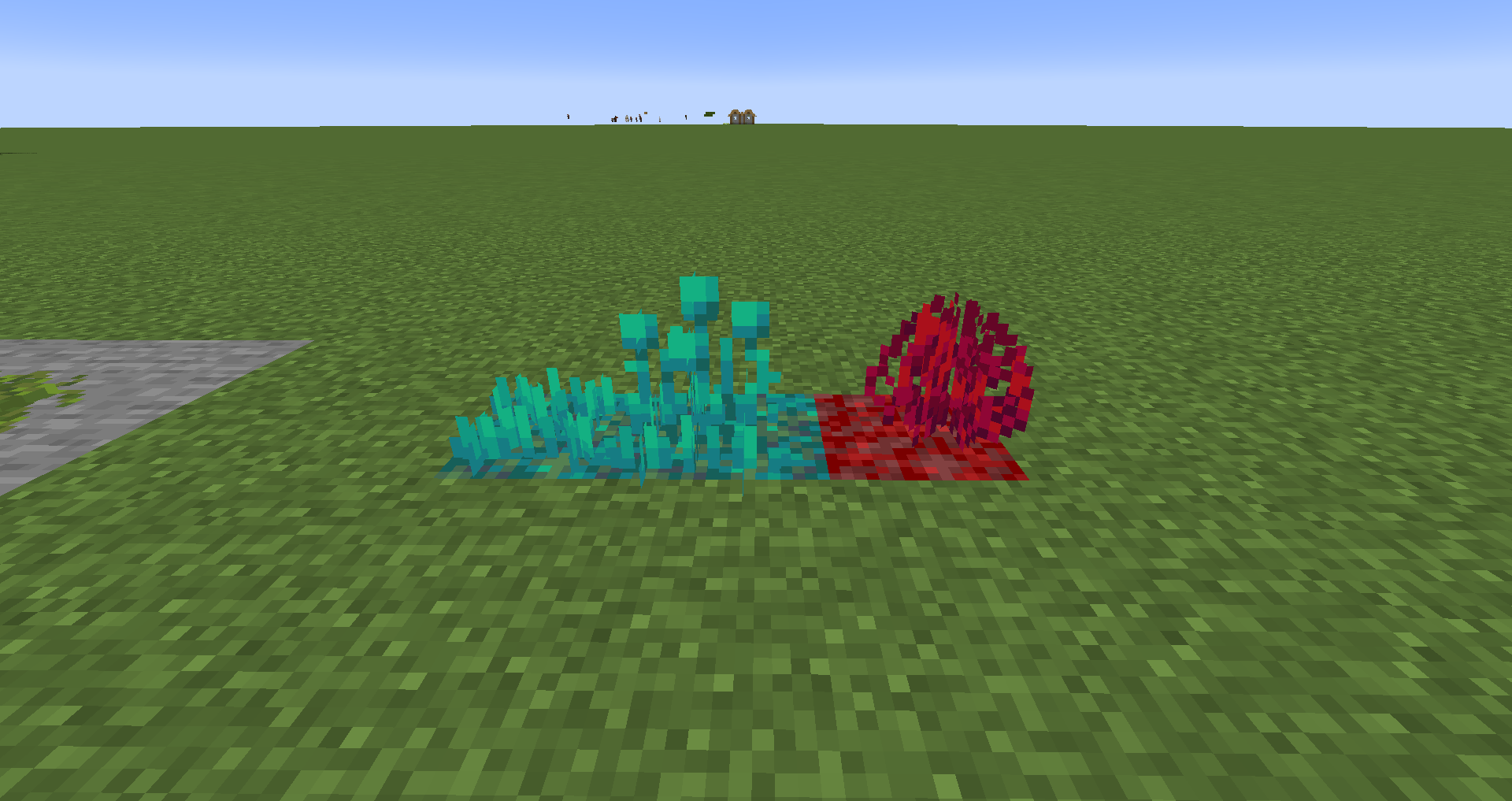
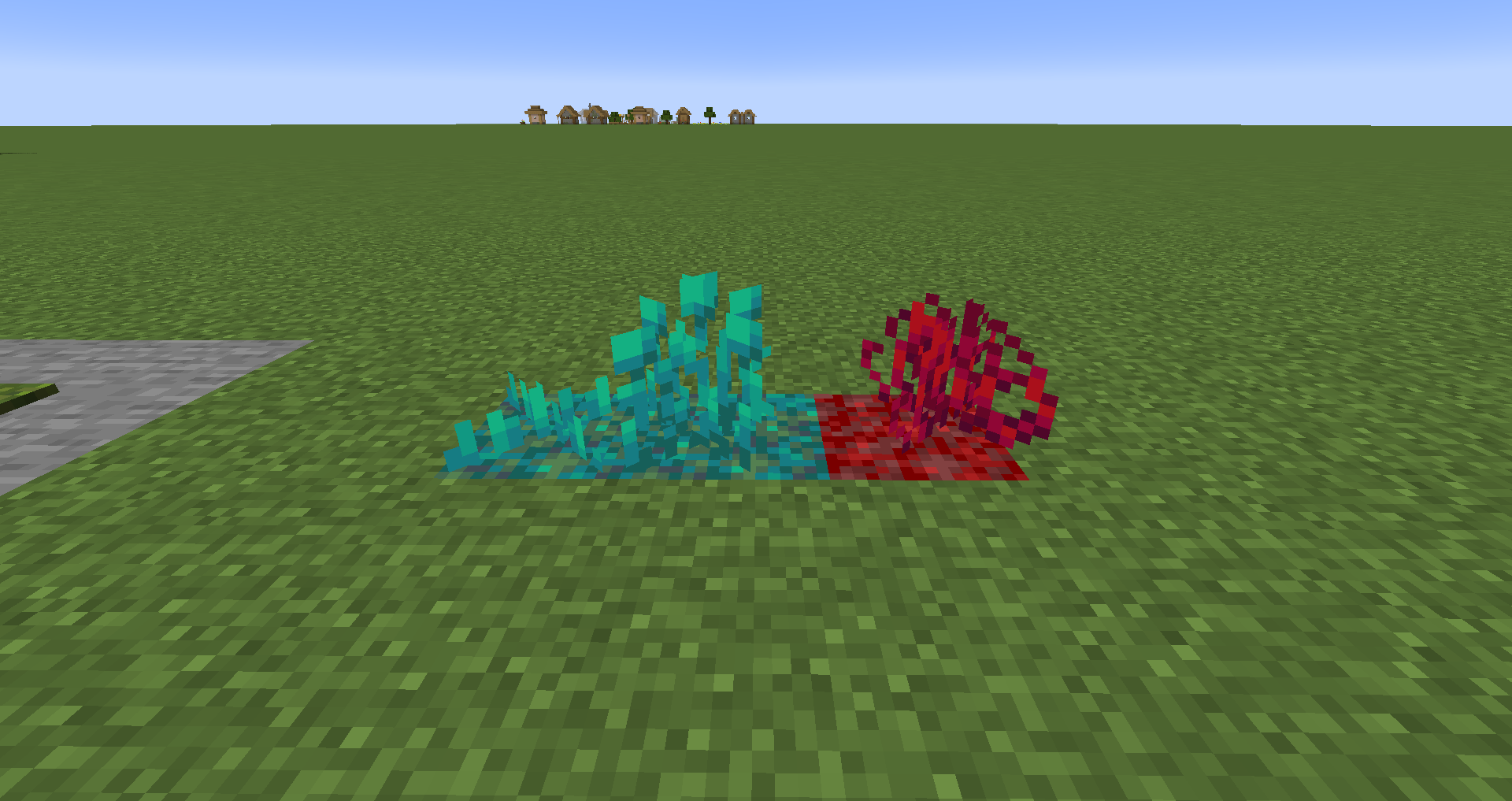
Nether sprouts, Warped roots, and Crimson roots have all been given unique shapes to add a little extra to the nether.
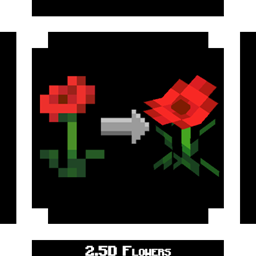
Be sure to check out my companion texture pack: 2.5D Flowers! I built these 2 mods alongside each other but separated them so you could have one without the other if wanted.
https://www.curseforge.com/minecraft/texture-packs/flowers-2-5d
I hope you enjoy, I plan to add more in the future like more variation, flora, and textures!
If you have any suggestions be sure to comment it and if I feel it fits, I will work on adding it to the pack.
Yours truly,
TREX GANG