Mineuniverse
Resource Packs
 DarkGUI addon "DARKObGUI"

DarkGUI addon "DARKObGUI"

RESOURCE PACK
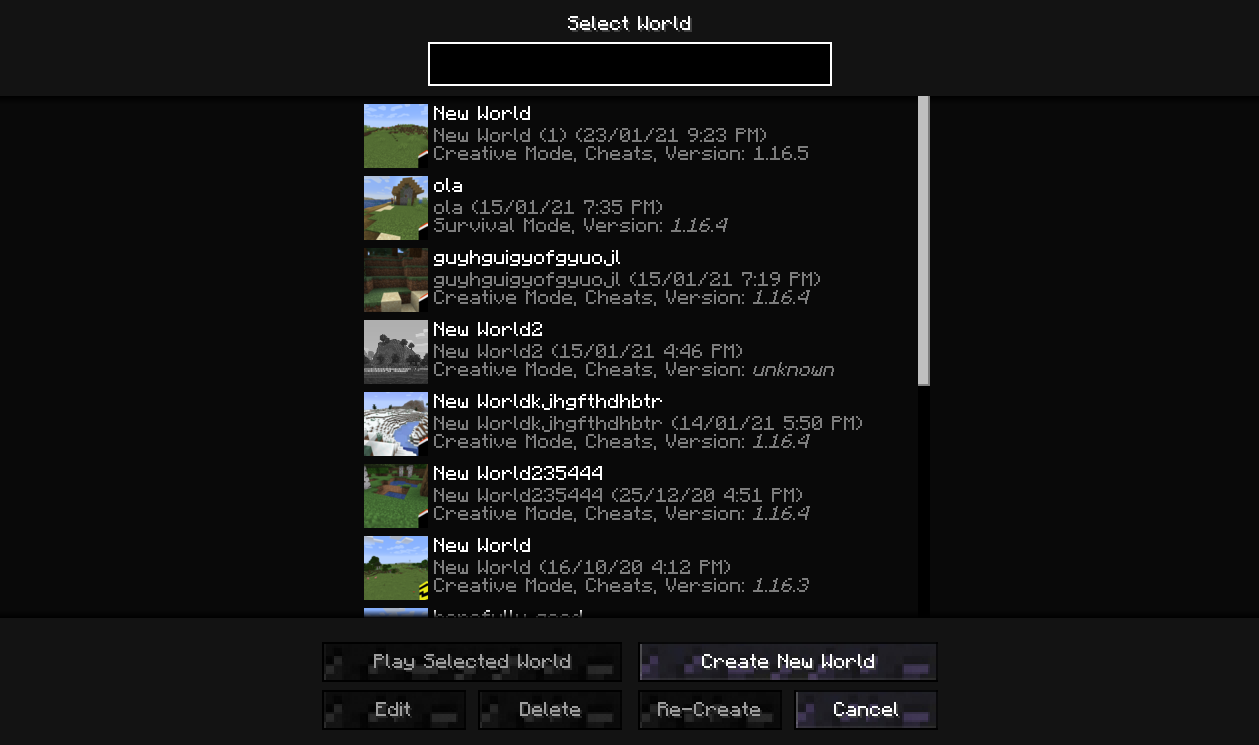
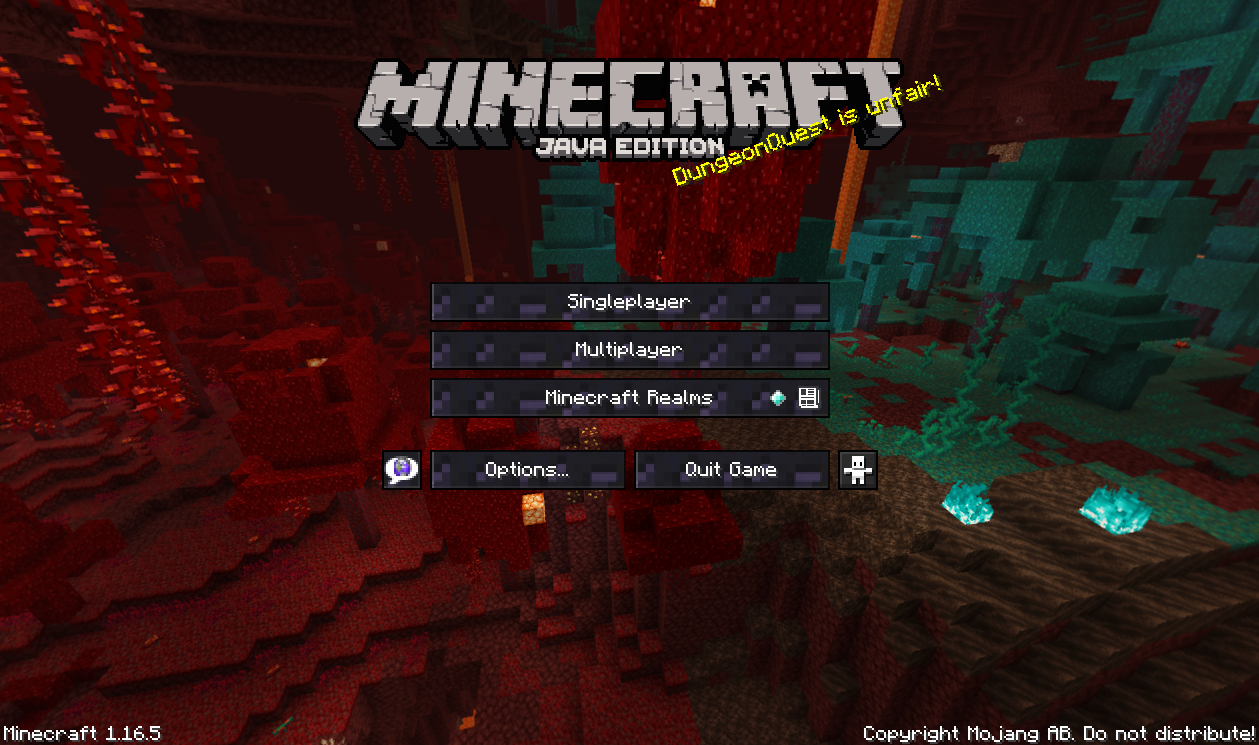
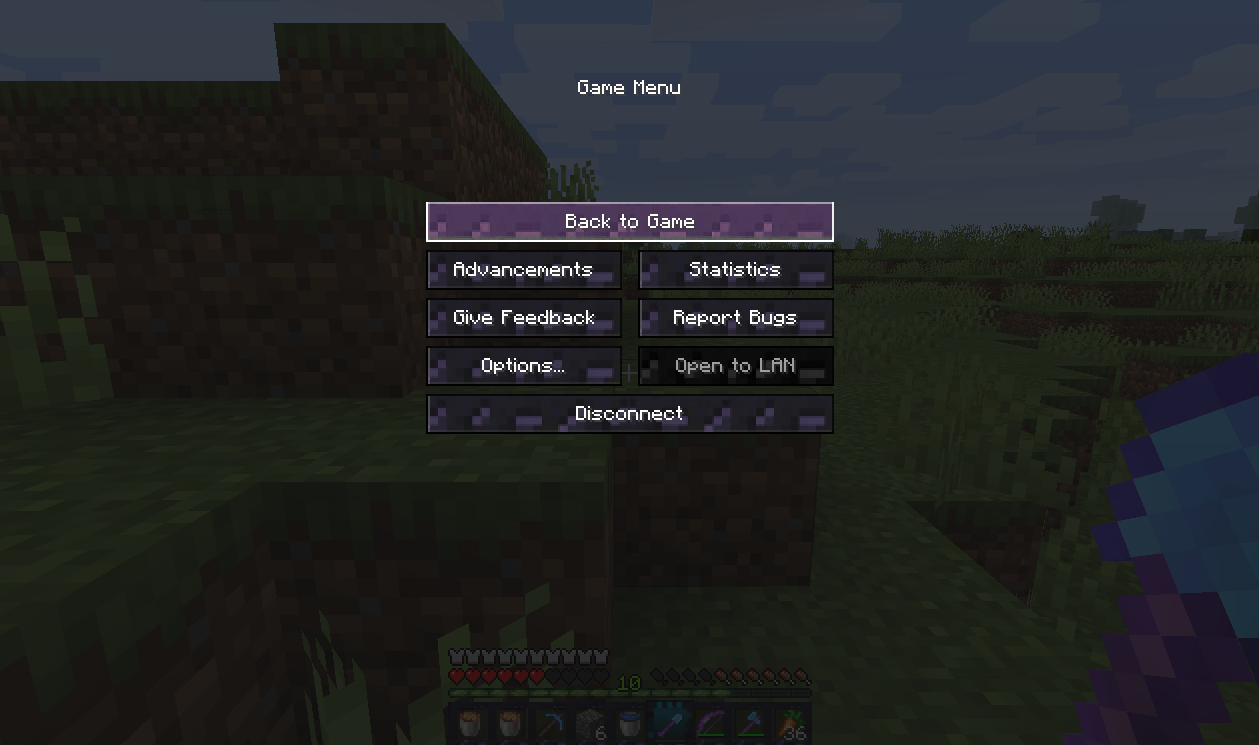
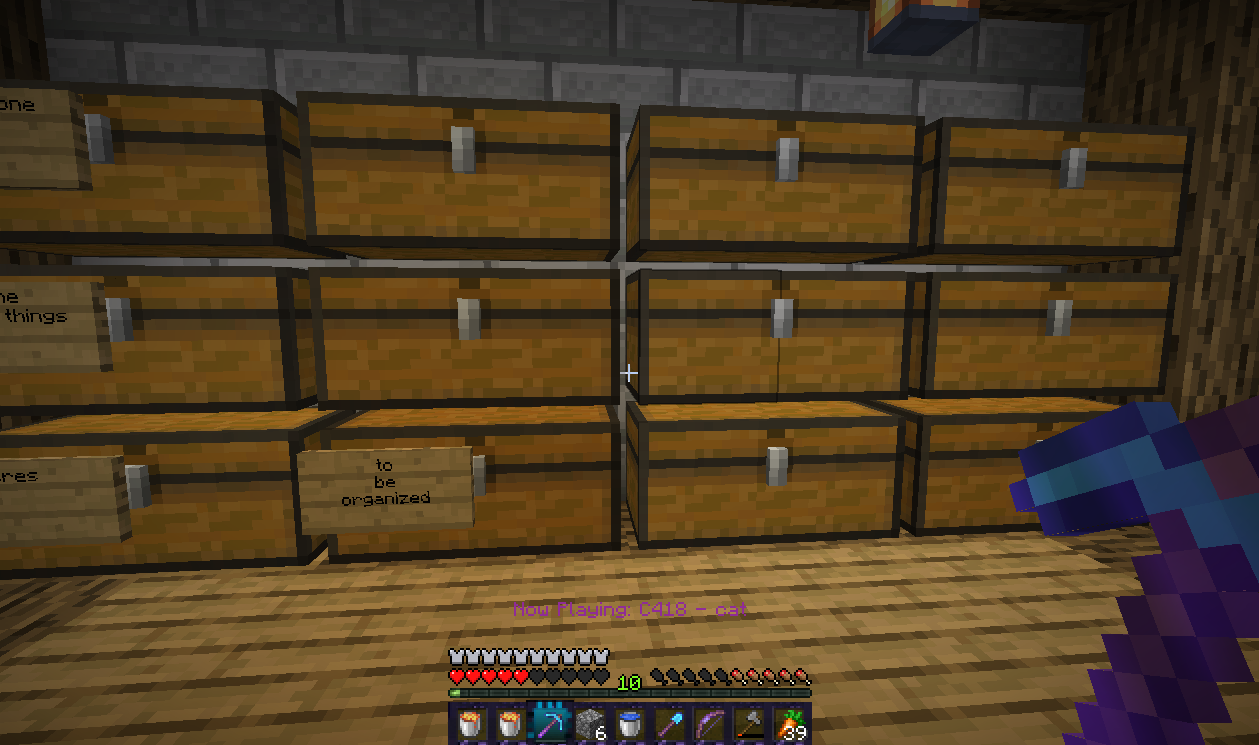
Sleek Obsidian GUI escape keys with a blue gradient hotbar selection.
by colored_blocks
Download Claim this project
4,000 downloads
0 likes
Updated Oct 14, 2026
0 hypes
64x Miscellaneous Modern
Advertisement Remove ads with Premium →

Changes the icons to a sleek blue tinged purple hot bar and escape keys.

You can now play a dark_mode texture pack with the obsidian blending in with the other monochrome colours.

I have been looking for a dark_mode in 1.16. for a while.

But have not found the hot bar menu or the escape keys in much detail or forgotten about.

In my opinion GUI texture packs should include the whole range of icons and not just the inventory.

DARKOb.pack.zip
MC 1.16.4
Release 2021-01-15 Get

Requirements & install

How to use this resource pack in Minecraft
Resolution
64x
Minecraft
1.16.4
Install folder
.minecraft/resourcepacks

How to install resource packs

  1. Download the resource pack .zip file (do not extract it).
  2. In Minecraft open Options → Resource Packs → Open Pack Folder.
  3. Drop the .zip into the resourcepacks folder (.minecraft/resourcepacks).
  4. Move the pack to the Selected column and click Done.
Browse more: 16x resource packs 32x resource packs 64x resource packs 128x resource packs 256x resource packs 512x+ resource packs Resource Packs for 1.16.4 All resource packs
Advertisement Remove ads with Premium →

You Might Also Like