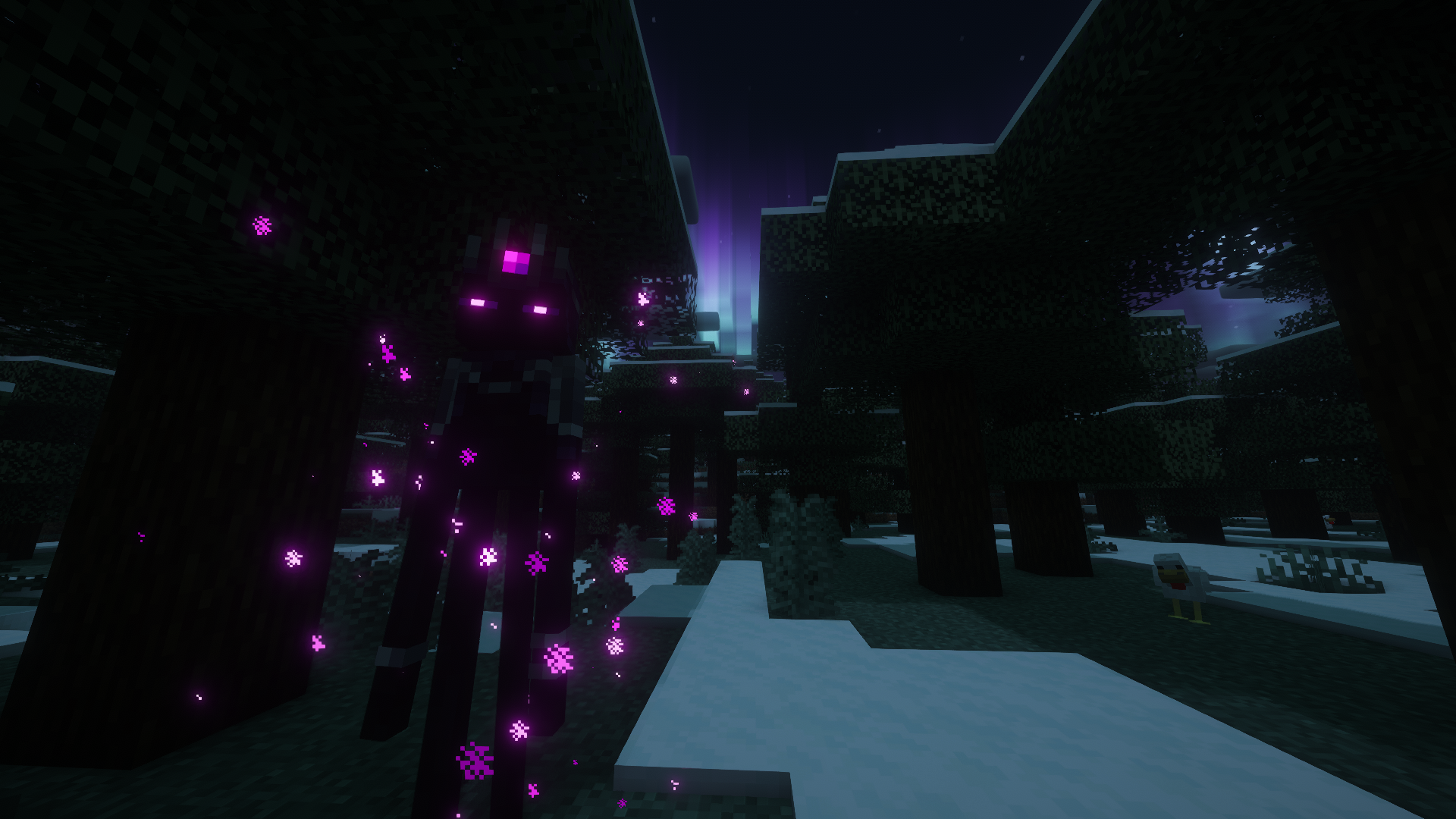
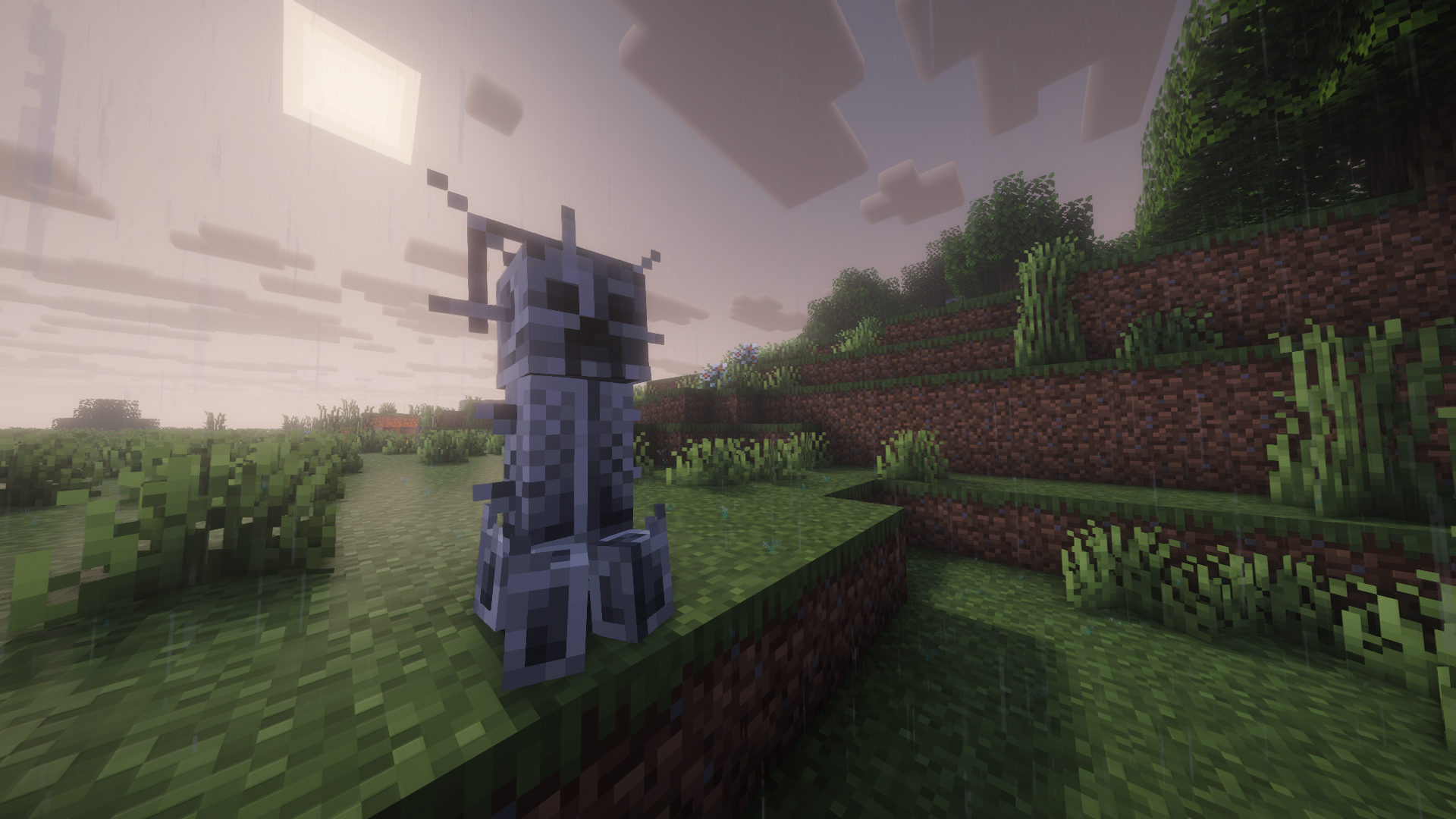
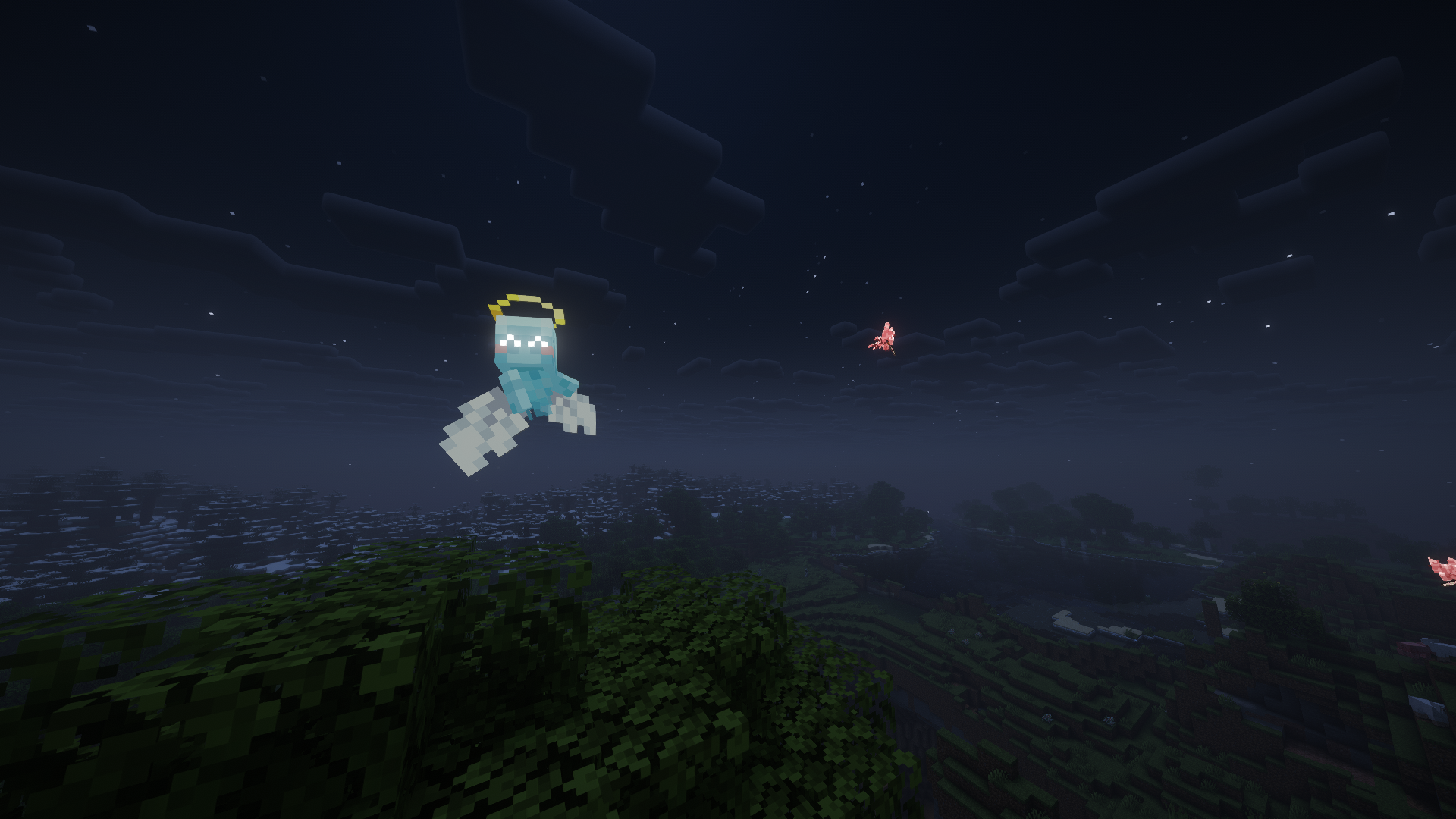
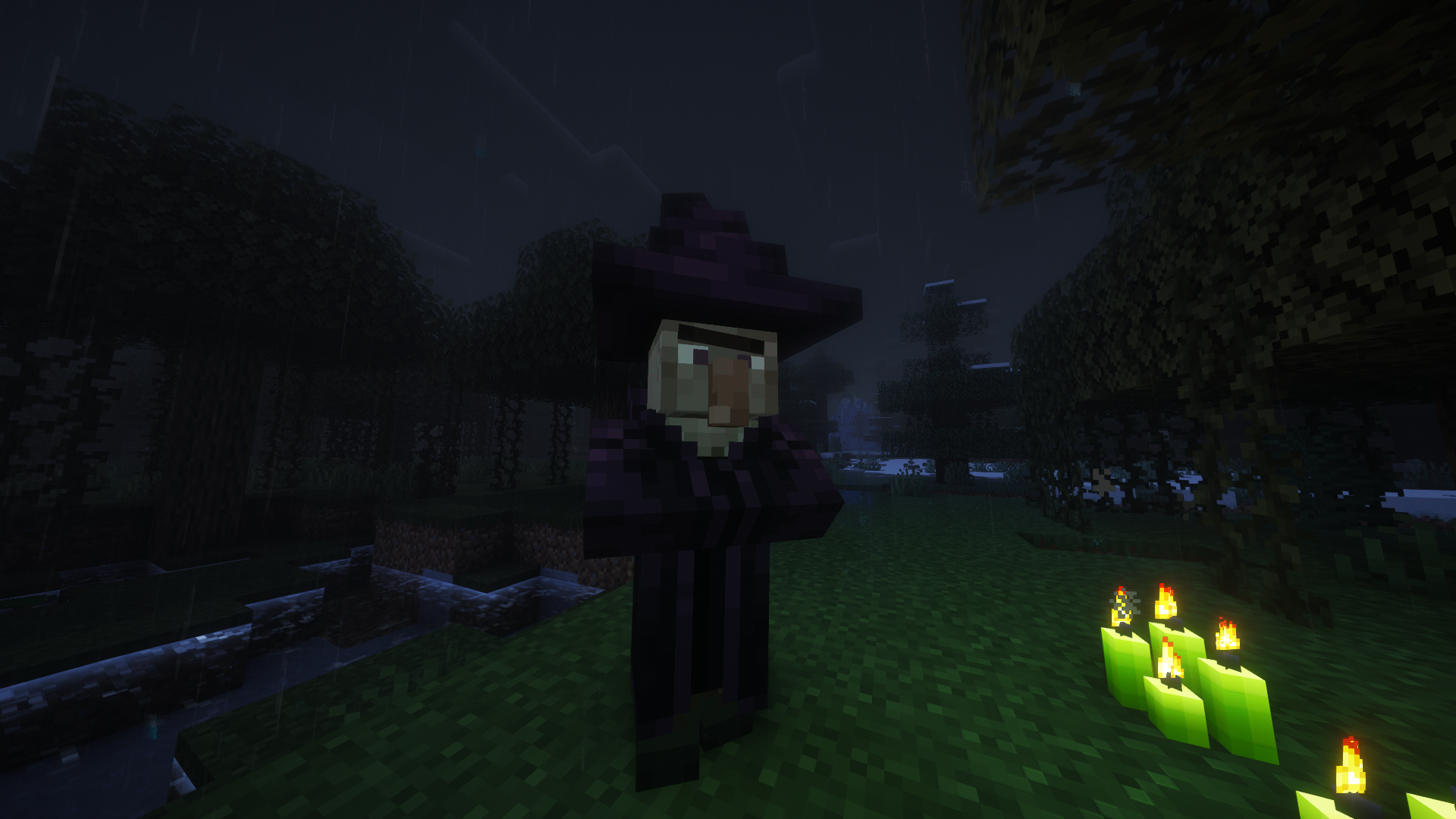
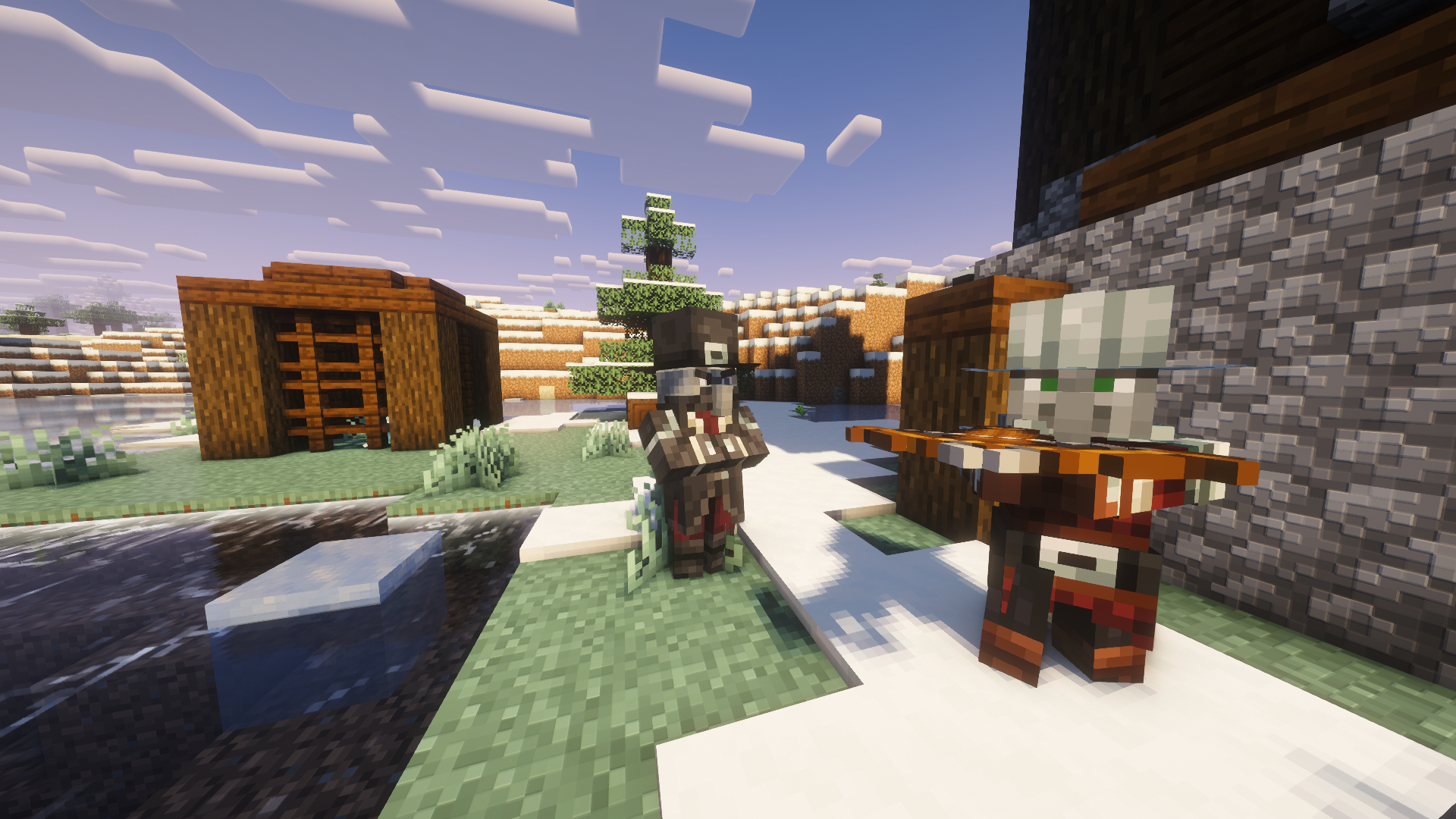
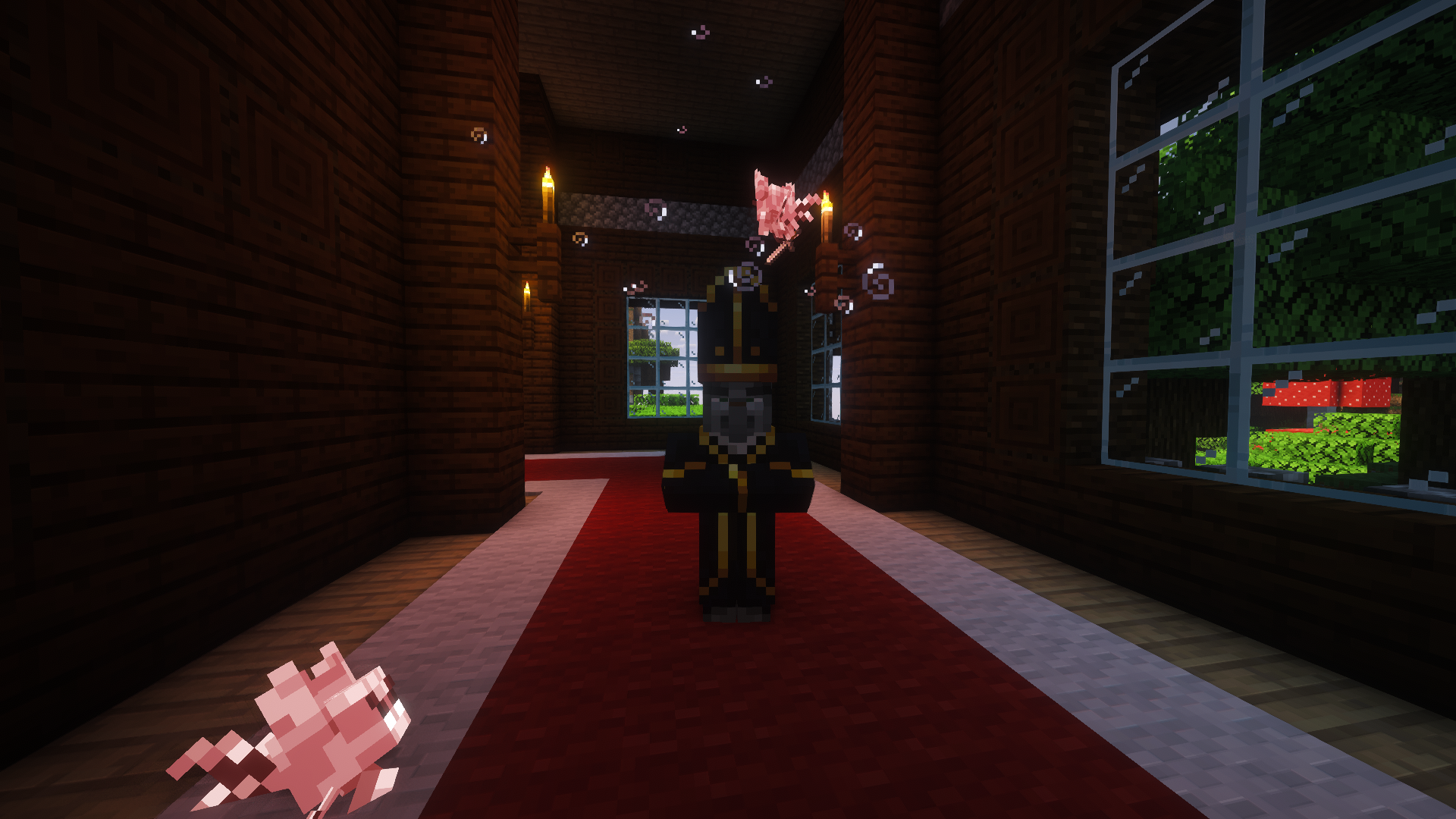
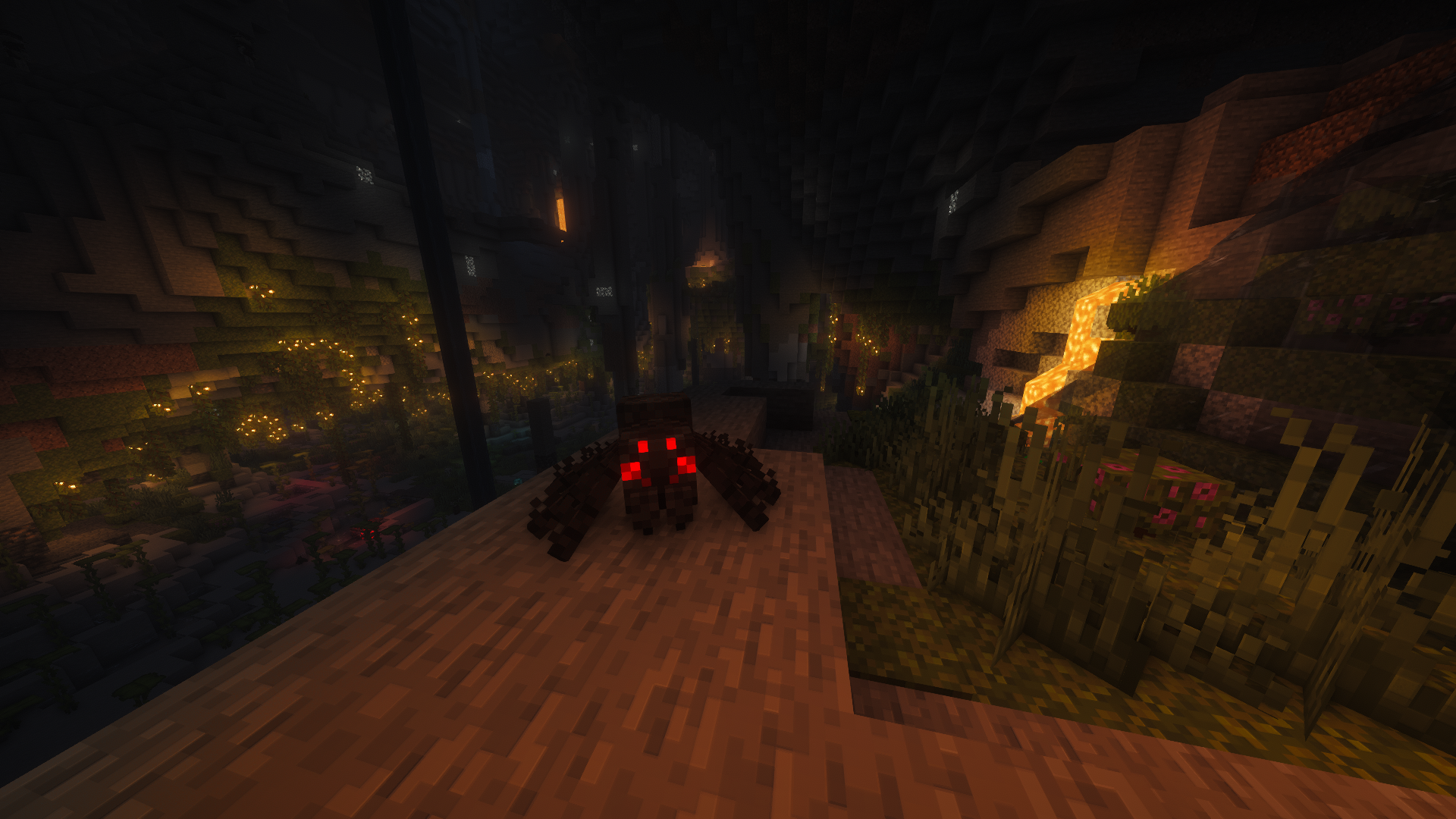
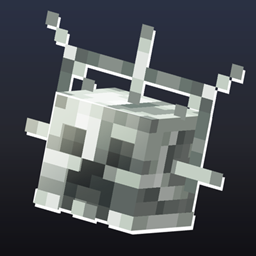
Darkest Ages Mobs + Fresh Animations This resource pack adds compatibility between two other resource packs, namely Darkest Ages Mobs and Fresh Animations by FreshLX. This adds animation compatibility for all mobs in the resource pack. If you play without Fresh Animations, then just use the original version of the Darkest Ages Mobs resource pack without animations.
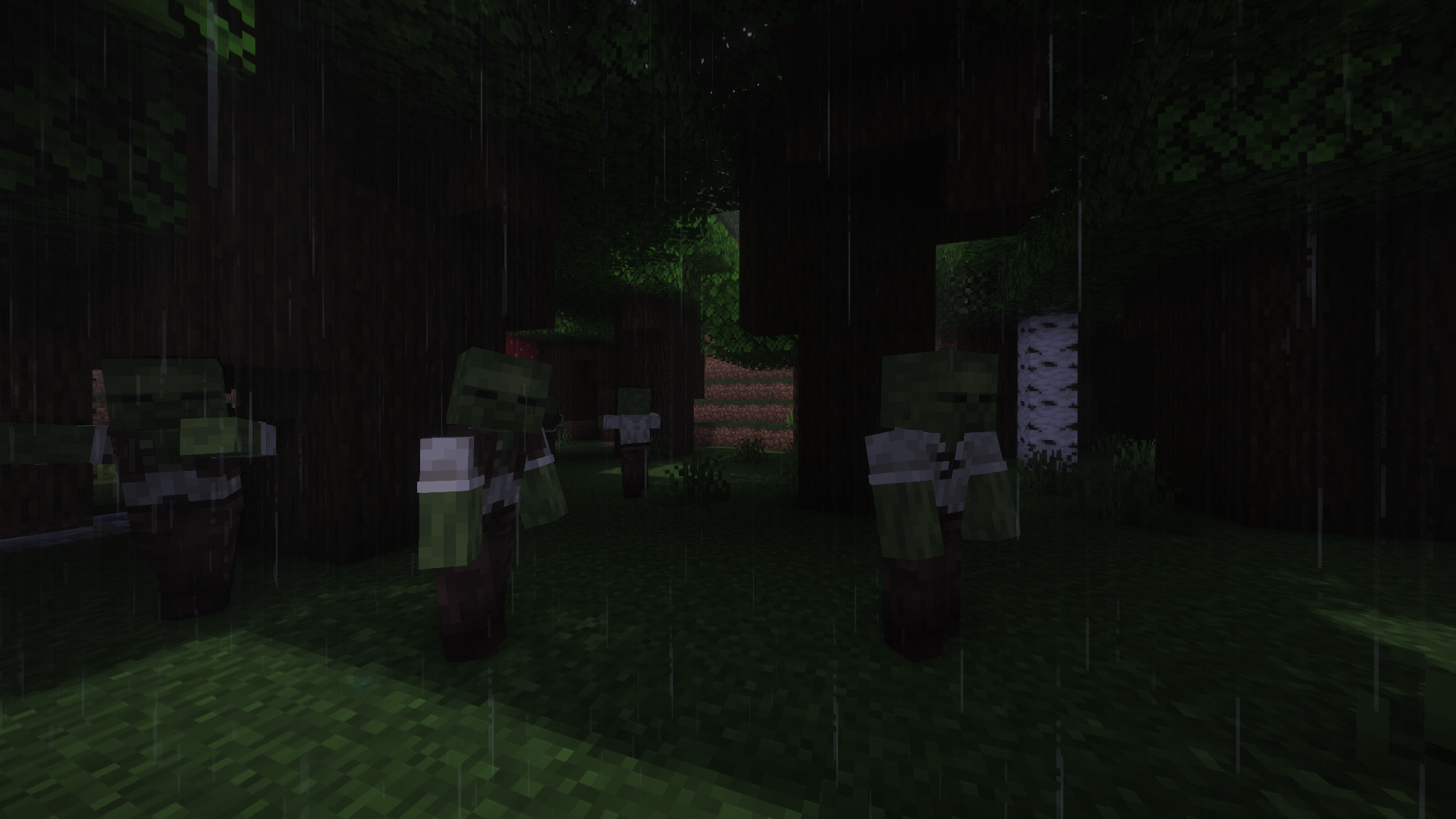
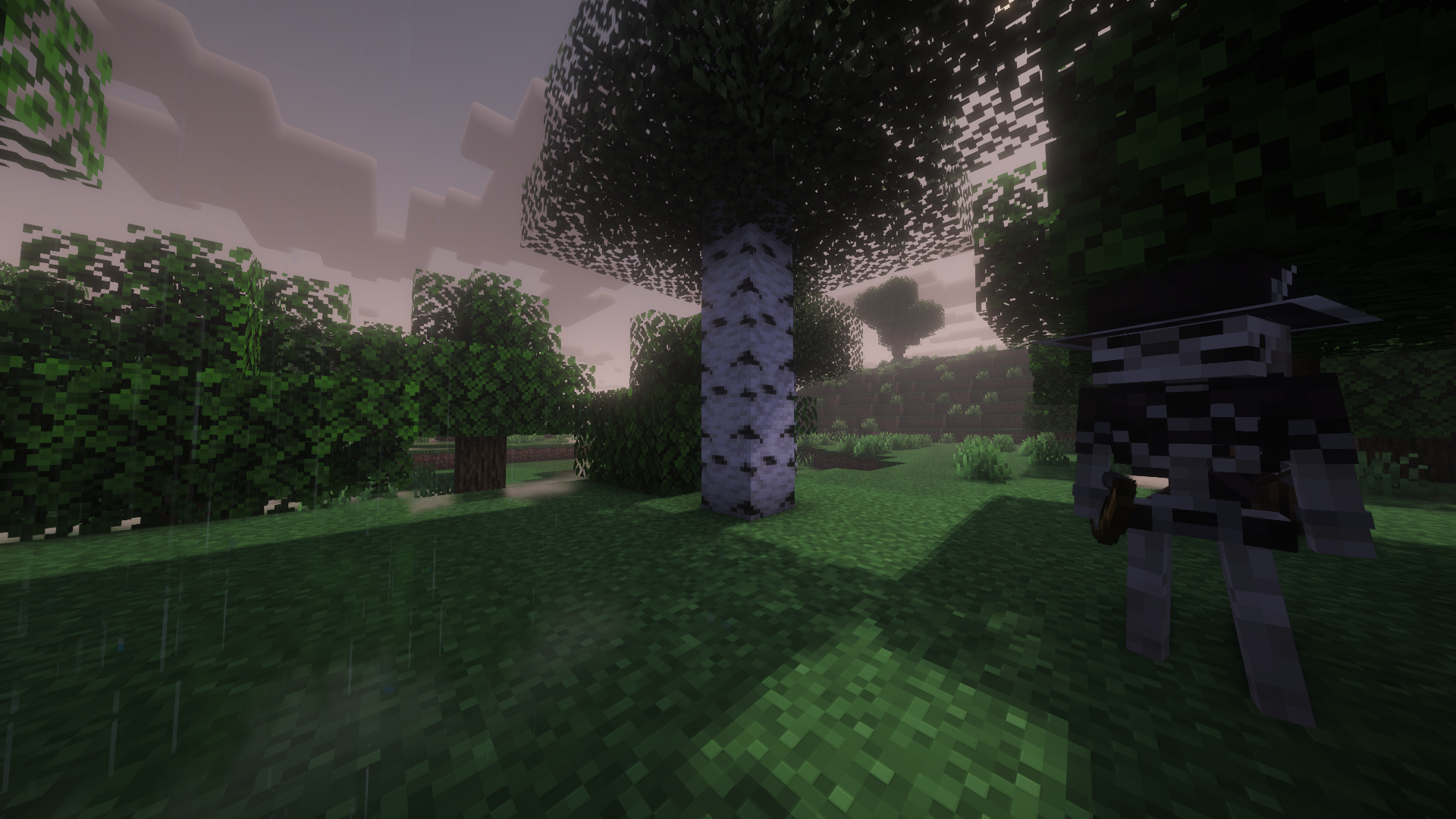
Darkest Ages Mobs - is a resource pack that transforms vanilla Minecraft mobs, giving them a more medieval and dark look. Each mob has been given its own unique identity based on images from past eras. It's perfect for anyone who wants to style vanilla mobs to fit a specific theme. If you find changing the image of a mob inappropriate, but you like other mobs, you can simply delete the textures and model file from the resource pack files, then this mob will return to its vanilla state or be covered by another resource pack.
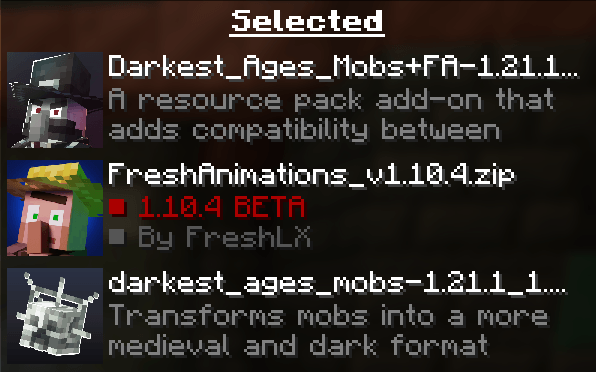
For this resource pack to work correctly, you first need to install ETF and EMF, or Optifine. Next, you will definitely need to install Fresh Animations, as well as the original resource pack Darkest Ages Mobs. Next, you just need to arrange the resource packs in the correct order in your resource pack settings, as shown below: -First up from the bottom is the original resource pack Darkest Ages Mobs -Above it are Fresh Animations -And at the very top above these two resource packs is this resource pack Darkest Ages Mobs + FA
Darkest_Ages_Mobs+FA-1.20.1_1.2.1.zip
MC 1.20.2, 1.20.5, 1.20.1, 1.20, 1.20.6, 1.20.4, 1.20.3