Mineuniverse
Resource Packs
Dark Mode Containers v1

Dark Mode Containers v1

RESOURCE PACK
Use our Resource Pack ,Too transform your dull and old containers to a cleaner and minimalist GUI
by CM14b
Download Claim this project
129 downloads
0 likes
Updated Oct 14, 2026
0 hypes
64x Mod Support Modern Traditional
Advertisement Remove ads with Premium →


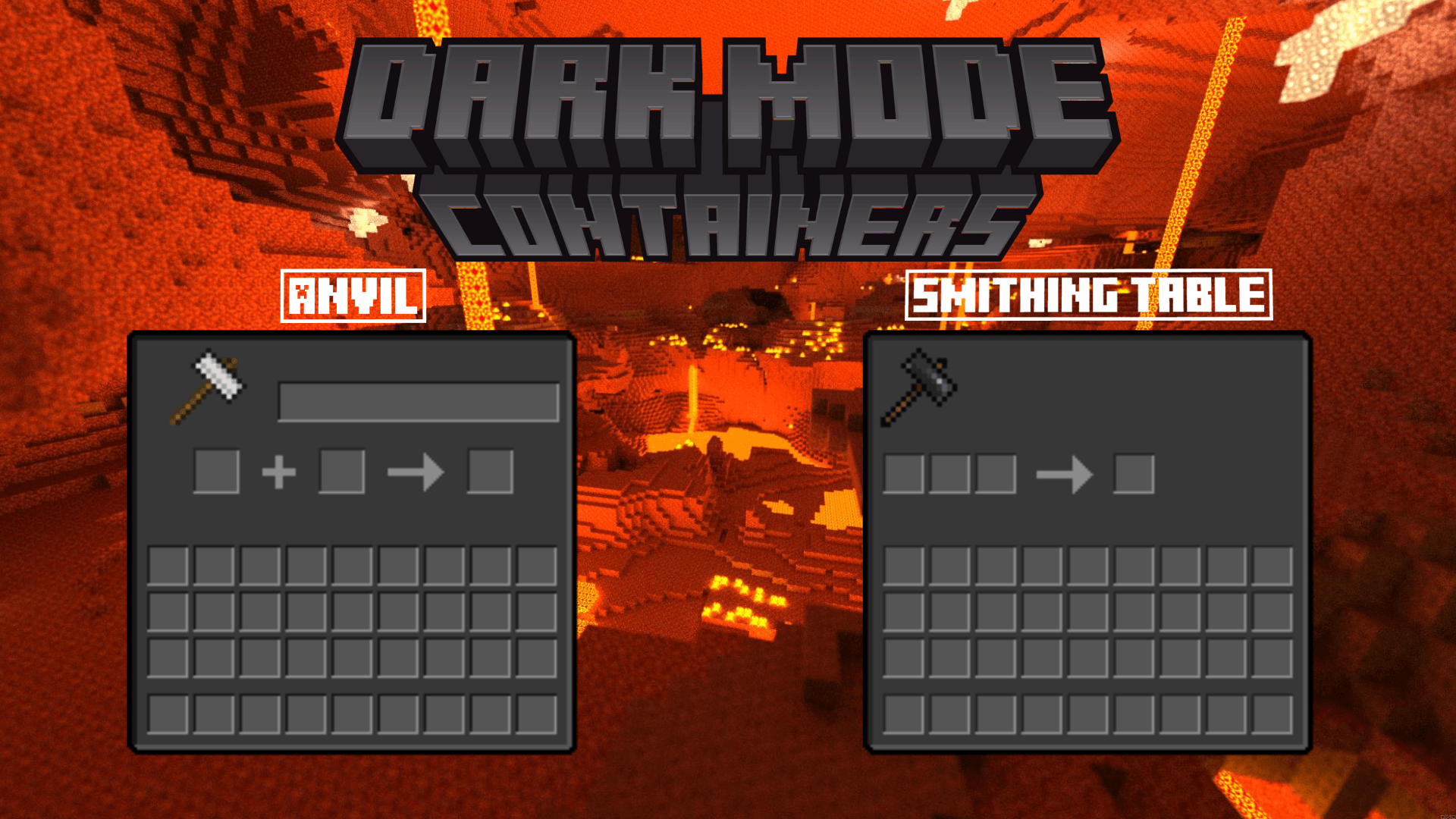
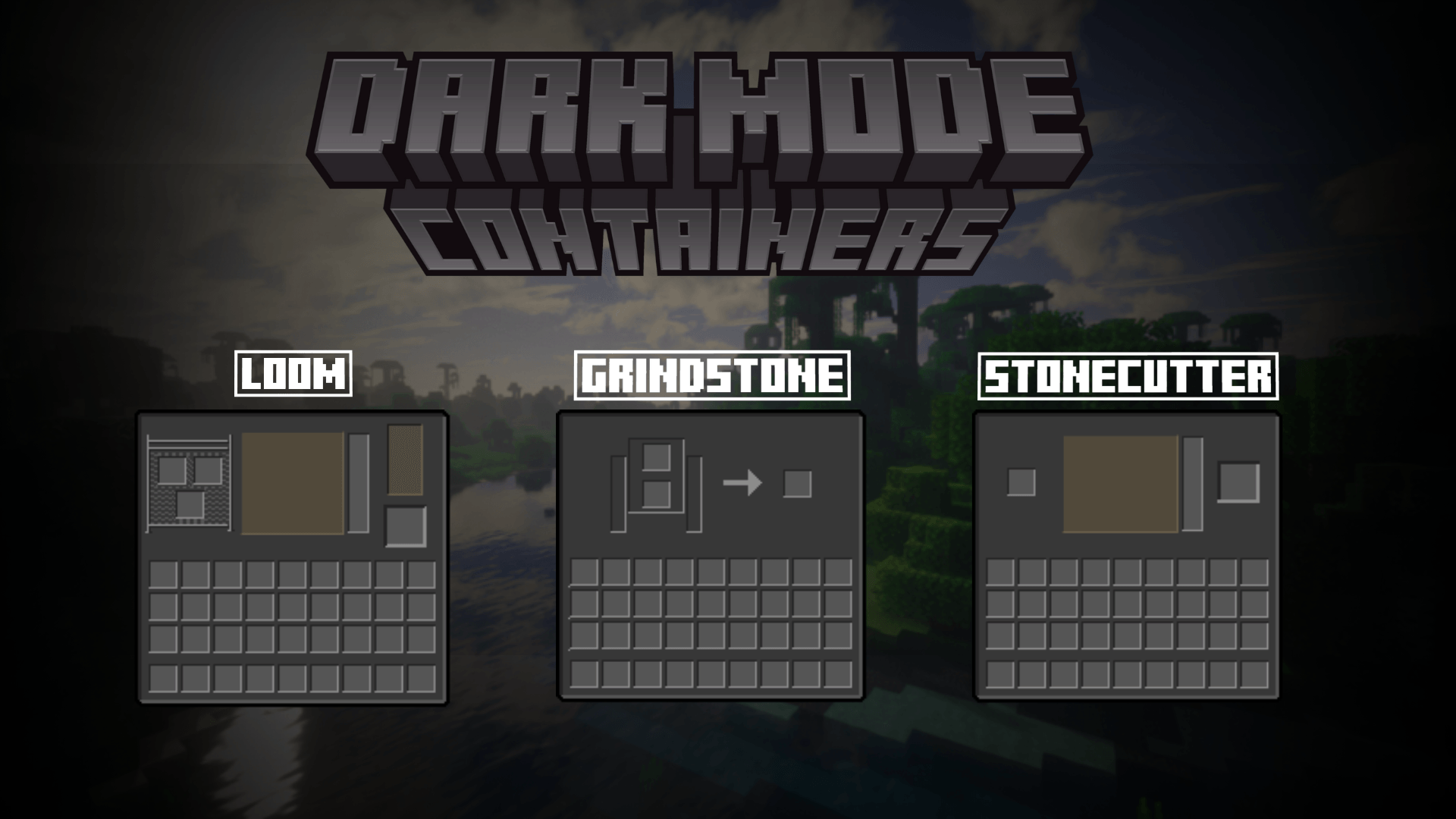
If you don't like default Minecraft user interfaces, this resource pack is made for you!

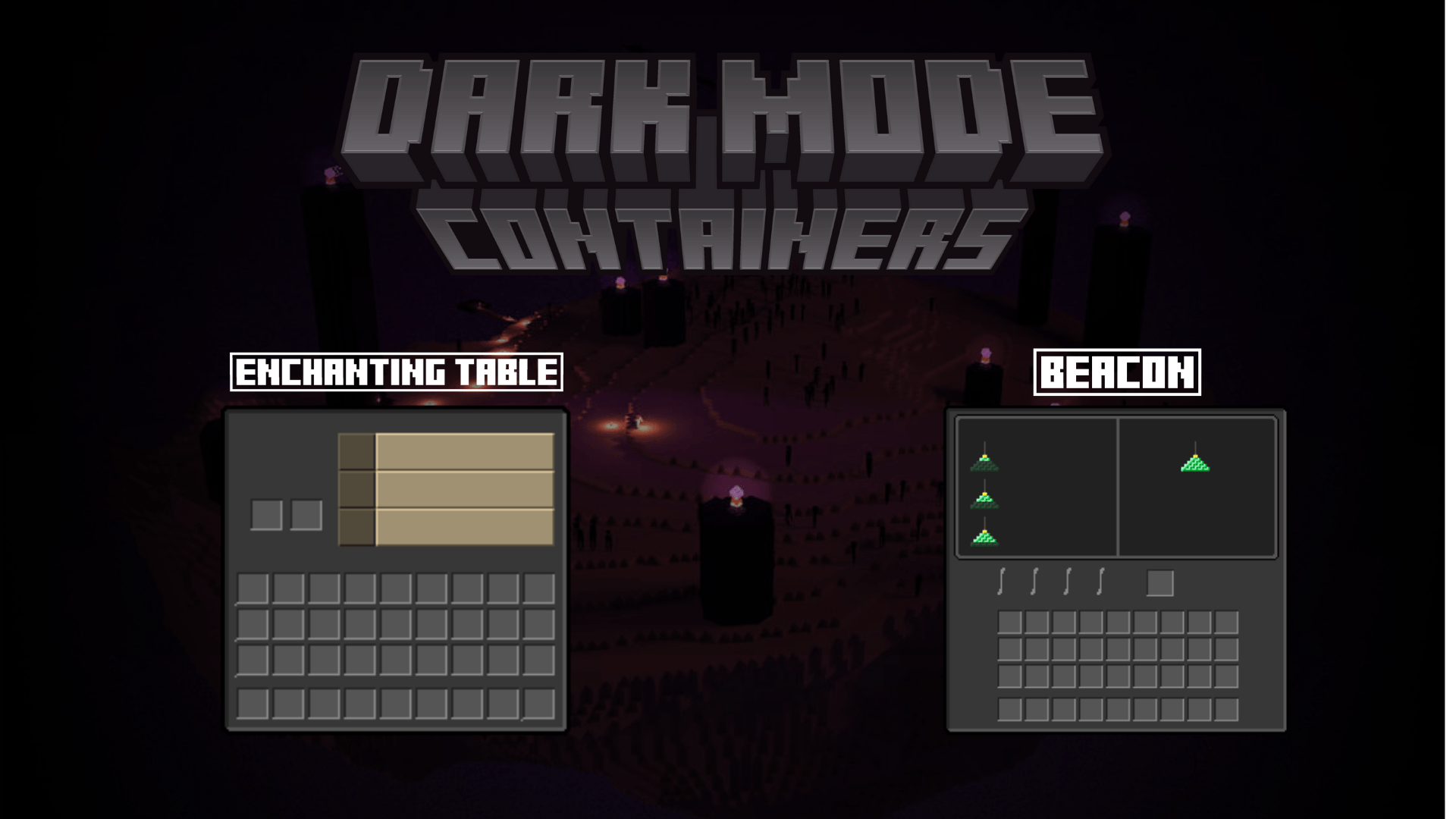
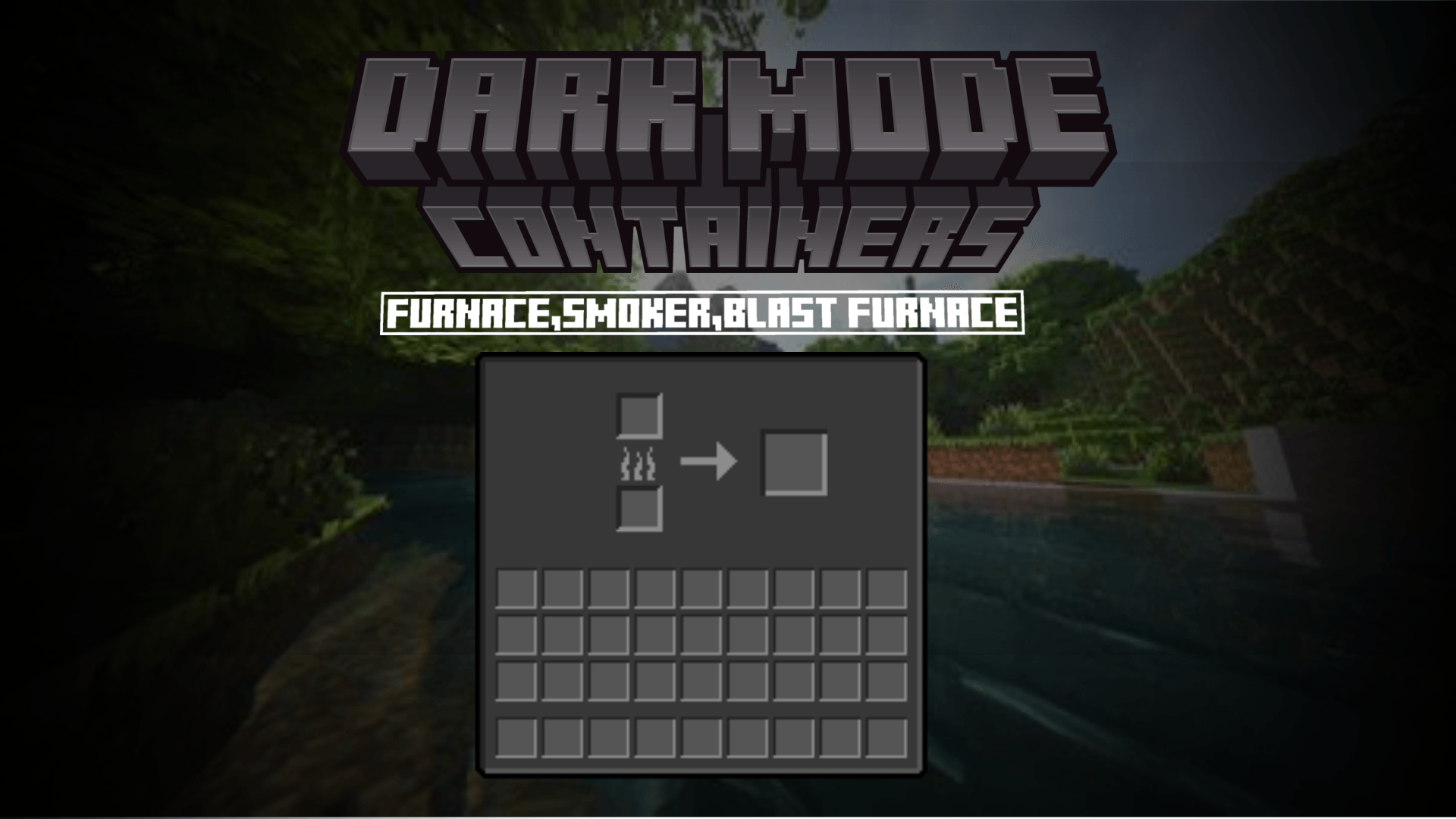
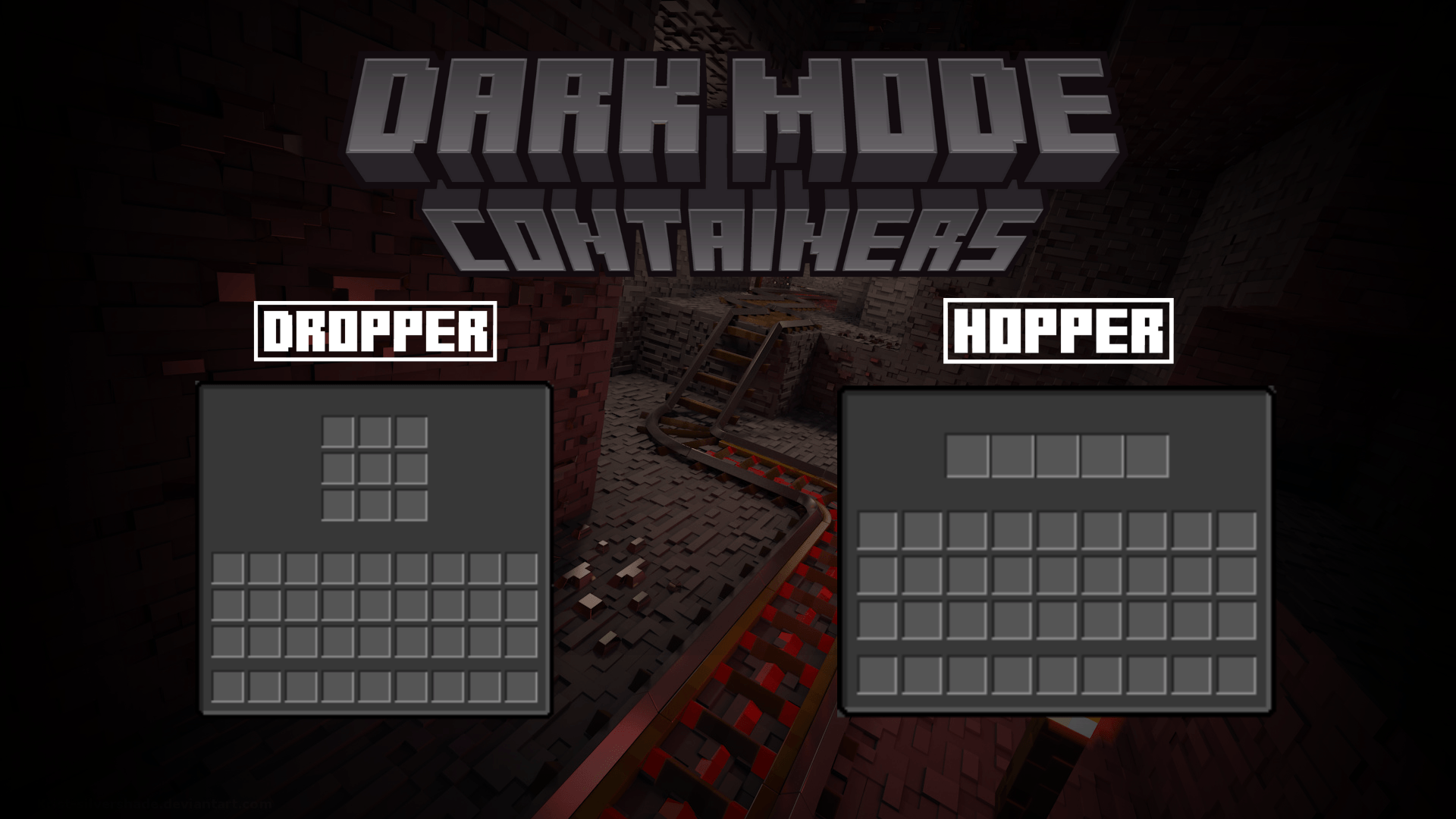
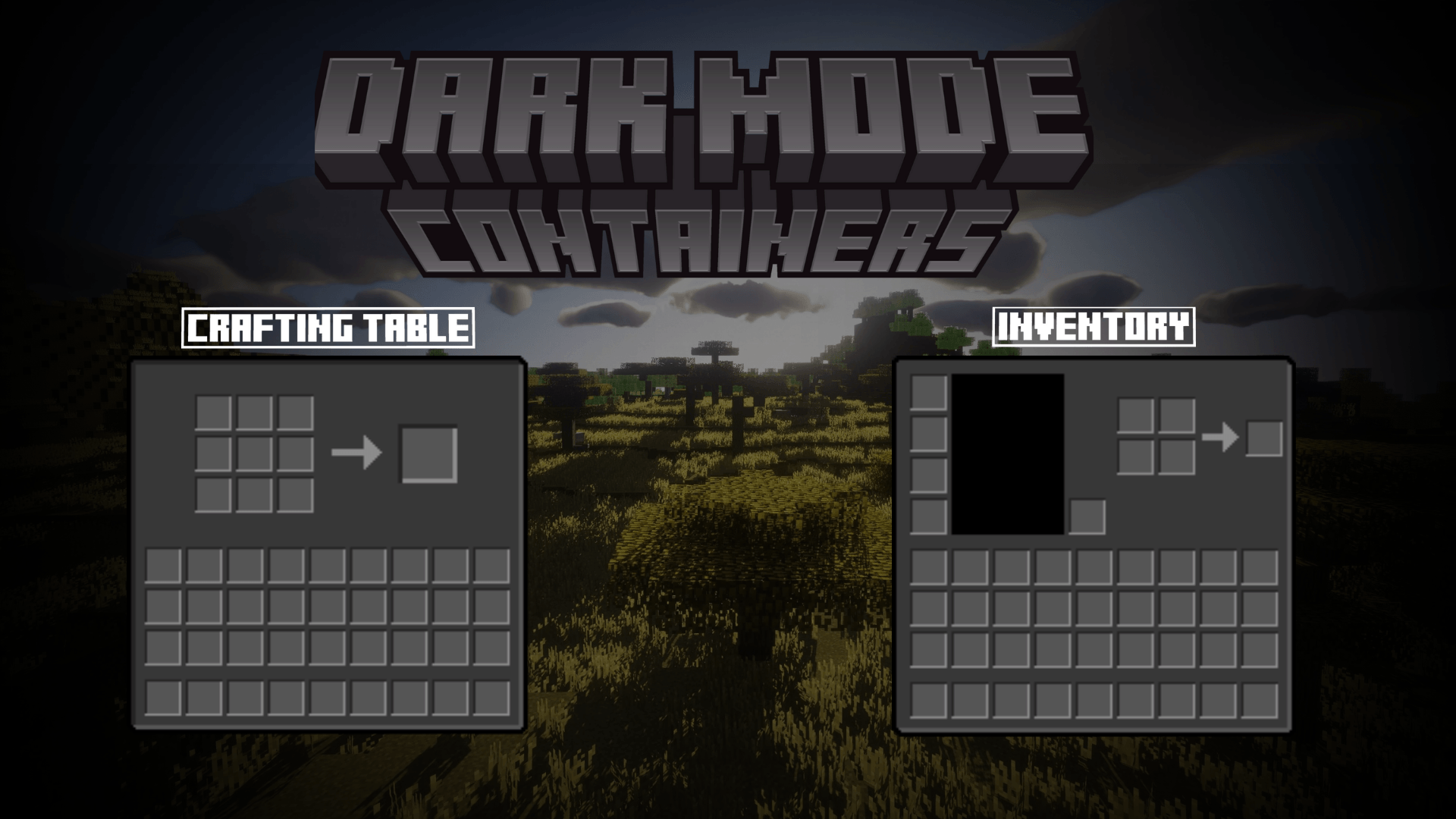
This pack includes textures darker than vanilla ones and gives a clean look,changes their color palette. It is optimized for accessibility

______________________________________________________________________________________________________________________
How to Install it |

After downloading it, launch Minecraft Java Edition. Navigate to the resource packs menu and click on "Open resource pack folder". When it's done you can copy the zip file into it. Search for it in the resource pack list and click on the arrow. Now that it is in the right side list, let it on the top of all other resource packs.

_____________________________________________________________________________________________________________________
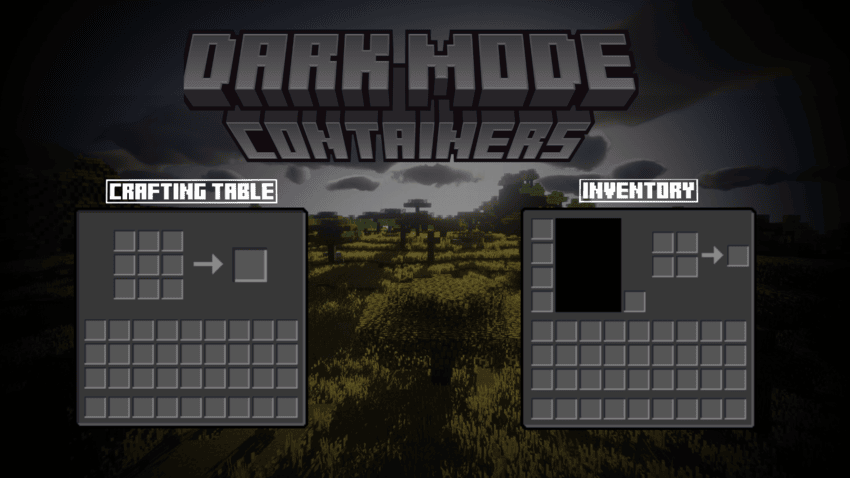
What GUI it changes |

  1. Anvil

  2. Beacon

  3. Blast Furnace

  4. Brewing Stand

  5. Cartography Table

  6. Crafter

  7. Crafting Table

  8. Chest

  9. Dispenser

  10. Dropper

  11. Enchanting Table

  12. Furnace

  13. Grindstone

  14. Hopper

  15. Loom

  16. Shulker Box

  17. Smithing Table

  18. Smoker

  19. Stonecutter

________________________________________________________________________________________________________________________
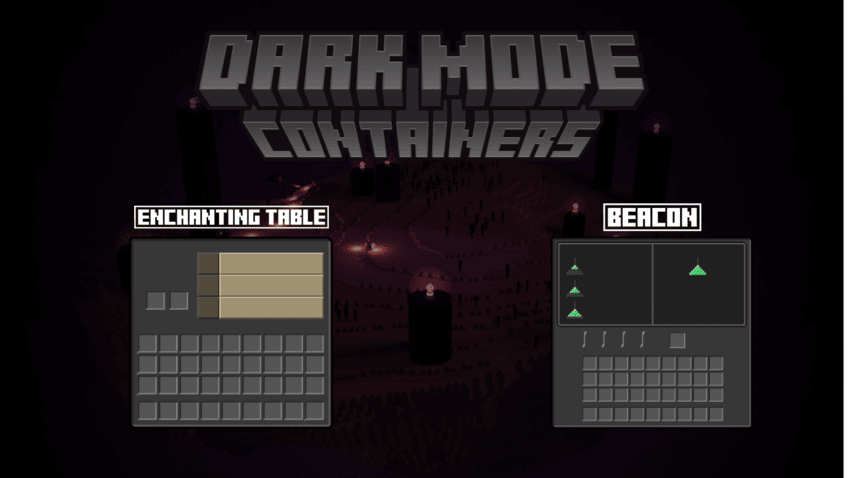
Demo Images |

________________________________________________________________________________________________________________________
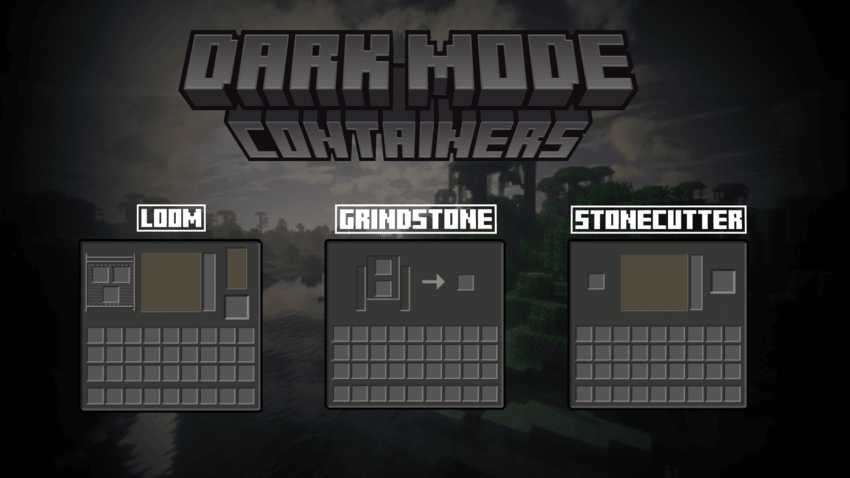
________________________________________________________________________________________________________________________
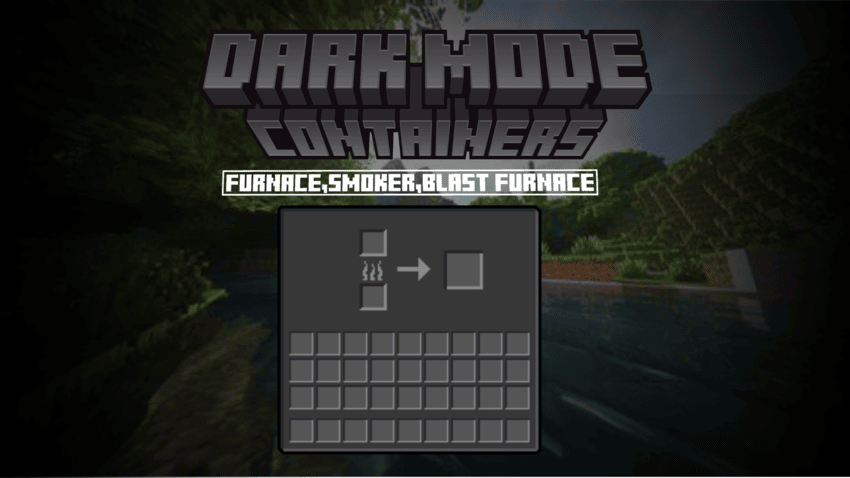
________________________________________________________________________________________________________________________
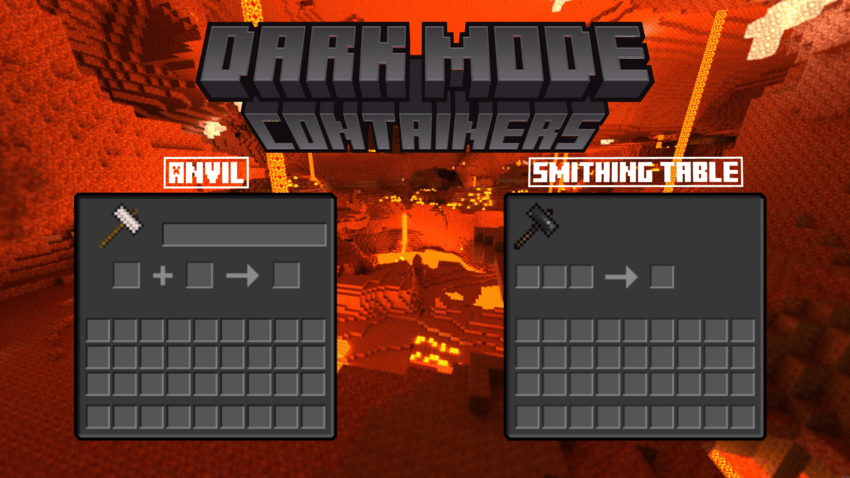
________________________________________________________________________________________________________________________

________________________________________________________________________________________________________________________
________________________________________________________________________________________________________________________
Dark Mode Gui.zip
MC 1.21
Release 2024-11-03 Get

Requirements & install

How to use this resource pack in Minecraft
Resolution
64x
Minecraft
1.21
Install folder
.minecraft/resourcepacks

How to install resource packs

  1. Download the resource pack .zip file (do not extract it).
  2. In Minecraft open Options → Resource Packs → Open Pack Folder.
  3. Drop the .zip into the resourcepacks folder (.minecraft/resourcepacks).
  4. Move the pack to the Selected column and click Done.
Browse more: 16x resource packs 32x resource packs 64x resource packs 128x resource packs 256x resource packs 512x+ resource packs Resource Packs for 1.21 All resource packs
Advertisement Remove ads with Premium →

You Might Also Like