Mineuniverse
Resource Packs
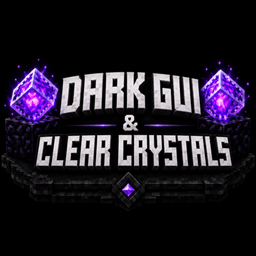
Dark Gui & Clear Crystals!

Dark Gui & Clear Crystals!

RESOURCE PACK
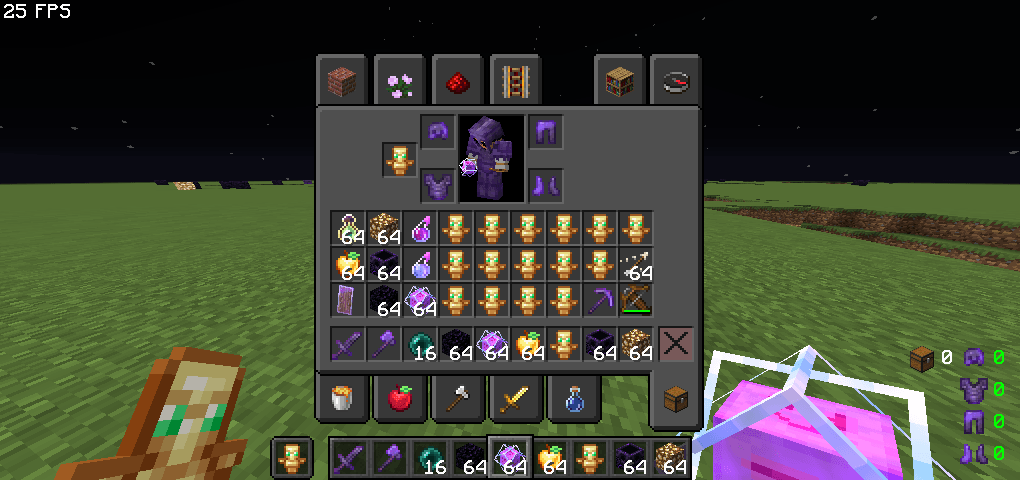
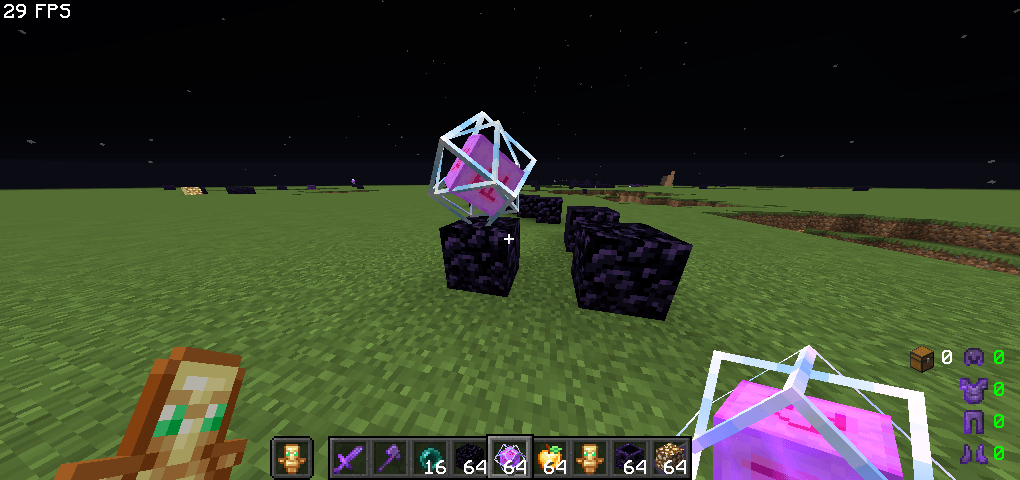
This Resource pack Remove the Boring White Gui And Fps Dropper End Crystal And Add Dark Gui And Clear Fps Boost End Crystals
by SakshamBhaii
Download Claim this project
419 downloads
0 likes
Updated Oct 14, 2026
0 hypes
16x Miscellaneous Mod Support
Advertisement Remove ads with Premium →

🌑 DarkGui & Clear Crystals 🌑

Upgrade your Minecraft experience with DarkGui & Clear Crystals! This resource pack features a sleek dark-themed GUI combined with cleaner, more visible End Crystals for a stylish and modern look.

✨ Features:

  • Dark-themed GUI design
  • Cleaner and easier-to-see End Crystals
  • Smooth and visually appealing interface
  • Perfect for both PvP and survival gameplay
  • Lightweight and performance-friendly

Whether you're fighting in crystal PvP or just want a cleaner UI, this pack delivers a fresh and polished Minecraft experience.

Dark Gui & Clear Crystals! 1.12.2.zip
MC 1.12.2
Release 2026-06-16 Get
Dark Gui & Clear Crystals! 1.16.5.zip
MC 1.16.5
Release 2026-06-16 Get
Dark Gui & Clear Crystals! 1.20+.zip
MC 1.21, 1.20
Release 2026-06-16 Get
Dark Gui & Clear Crystals!1.21+.zip
MC 1.21, 26.1
Release 2026-06-16 Get
Dark Gui & Clear Crystals! 26+.zip
MC 26.1, 26.1.1, 26.1.2
Release 2026-06-16 Get

Requirements & install

How to use this resource pack in Minecraft
Resolution
16x
Minecraft
1.12.2 – 26.1.2
Install folder
.minecraft/resourcepacks

How to install resource packs

  1. Download the resource pack .zip file (do not extract it).
  2. In Minecraft open Options → Resource Packs → Open Pack Folder.
  3. Drop the .zip into the resourcepacks folder (.minecraft/resourcepacks).
  4. Move the pack to the Selected column and click Done.
Browse more: 16x resource packs 32x resource packs 64x resource packs 128x resource packs 256x resource packs 512x+ resource packs Resource Packs for 26.1.2 All resource packs

More from SakshamBhaii

Advertisement Remove ads with Premium →

You Might Also Like