Mineuniverse
Resource Packs
Dan's Better Crosshair

Dan's Better Crosshair

RESOURCE PACK
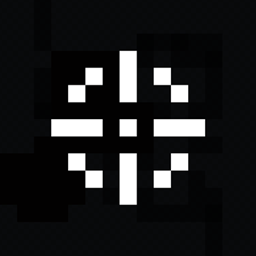
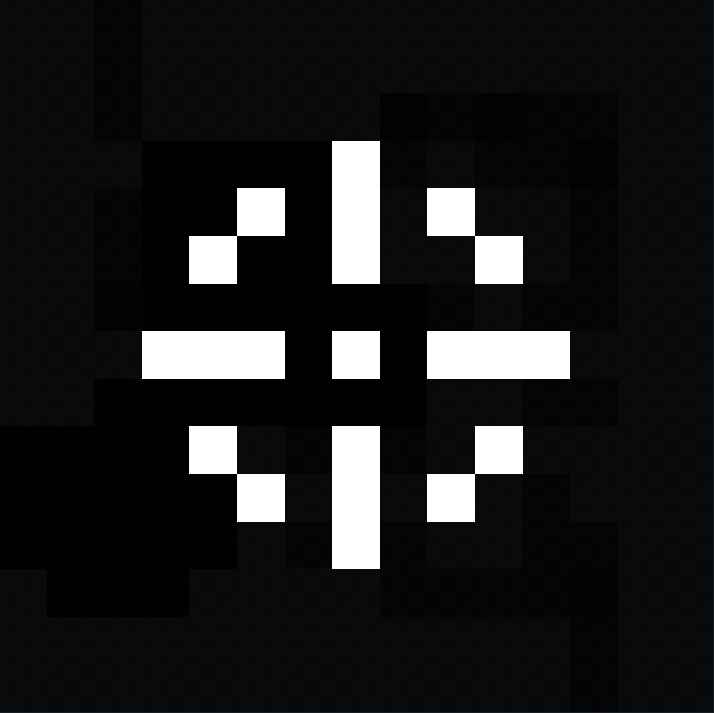
A clean black-and-white pixel crosshair designed to stay visible in any environment. Simple, centered, and distraction-free, making it a solid choice for PvP, survival, or casual gameplay.
by Danny_Shorties
Download Claim this project
Add a badge to your pageLink to Dan's Better Crosshair from a README, website or forum post.
Preview: Badge

Badges update automatically and link to the resource pack page on MineUniverse.
1,134 downloads
0 likes
0 followers
Updated Oct 14, 2026
0 hypes
Follow0
16x Miscellaneous Modern
Advertisement Remove ads with Premium →

Dan's Better Crosshair

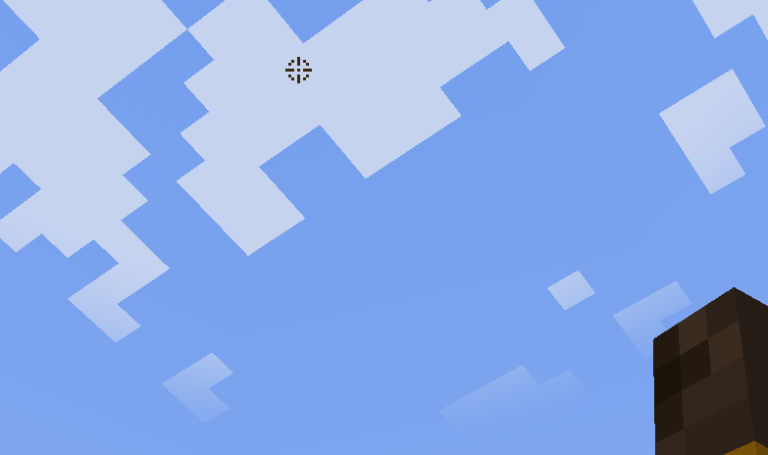
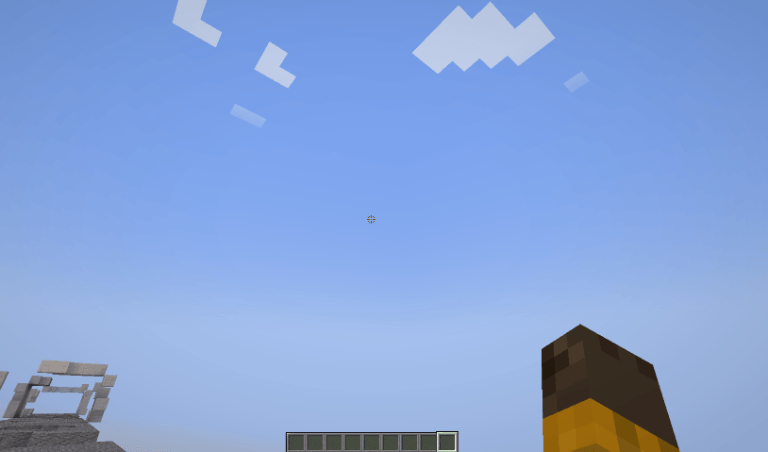
It replaces the default Minecraft crosshair with a clean black and white design that's easy to see against almost any block or biome. No unnecessary effects, no over the top styling, just a crisp crosshair that feels good to play with.

Features:

  • Clean black & white pixel design
  • High visibility on both light and dark backgrounds
  • Fits the vanilla Minecraft style
  • Works great for PvP, survival, and building
  • Lightweight resource pack

If you like minimal UI packs that don't get in the way, this one's for you.

Looking for custom Minecraft-style assets or stylized low-poly models? I specialize in creating high-quality, optimized 3D models, items, weapons, and characters using Blockbench. Check it out:

https://www.fiverr.com/s/5rWozN3


https://www.fiverr.com/s/XLGADl5

Dan's Better Crosshair
MC 1.17.1, 1.18.1, 1.16.5, 1.19.3, 1.19.4, 1.17, 1.18, 1.20.1, 1.20, 1.19.1, 1.18.2, 1.19.2, 1.19
Release 2026-07-14 Get
Dan's Better Crosshair
MC 1.17.1, 1.18.1, 1.16.5, 1.19.3, 1.19.4, 1.17, 1.18, 1.20.1, 1.20, 1.15.2, 1.19.1, 1.18.2, 1.19.2, 1.16.2, 1.12.2, 1.19
Release 2026-07-14 Get
Dan's Better Crosshair
MC 1.21, 1.20.2, 1.20.5, 1.21.5, 1.21.4, 1.20.6, 1.21.1, 1.21.3, 1.20.4, 1.20.3, 1.21.2
Release 2026-07-14 Get
Dan's Better Crosshair
MC 1.21.8, 1.21.6, 1.21.7, 1.21.9, 1.21.10, 1.21.11, 26.1, 26.1.1, 26.1.2, 26.2
Release 2026-07-14 Get

Requirements & install

How to use this resource pack in Minecraft
Resolution
16x
Minecraft
1.21.8 – 26.2
Install folder
.minecraft/resourcepacks

How to install resource packs

  1. Download the resource pack .zip file (do not extract it).
  2. In Minecraft open Options → Resource Packs → Open Pack Folder.
  3. Drop the .zip into the resourcepacks folder (.minecraft/resourcepacks).
  4. Move the pack to the Selected column and click Done.
Browse more: 16x resource packs 32x resource packs 64x resource packs 128x resource packs 256x resource packs 512x+ resource packs Resource Packs for 26.2 All resource packs

More from Danny_Shorties

Advertisement Remove ads with Premium →

You Might Also Like