Mineuniverse
Resource Packs
[DAI] MineTrigger (Resource)

[DAI] MineTrigger (Resource)

RESOURCE PACK
The official MineTrigger companion resource pack, providing Trigger item presentation, branding, and automatic DAI 1.9.5 resource-pack integration.
by J12H36H
Download Claim this project
Add a badge to your pageLink to [DAI] MineTrigger (Resource) from a README, website or forum post.
Preview: Badge

Badges update automatically and link to the resource pack page on MineUniverse.

52 downloads
0 likes
0 followers
Updated Oct 14, 2026
0 hypes
Follow0
Animated Data Packs Miscellaneous Mod Support Modern
Advertisement Remove ads with Premium →

MineTrigger Resource Pack

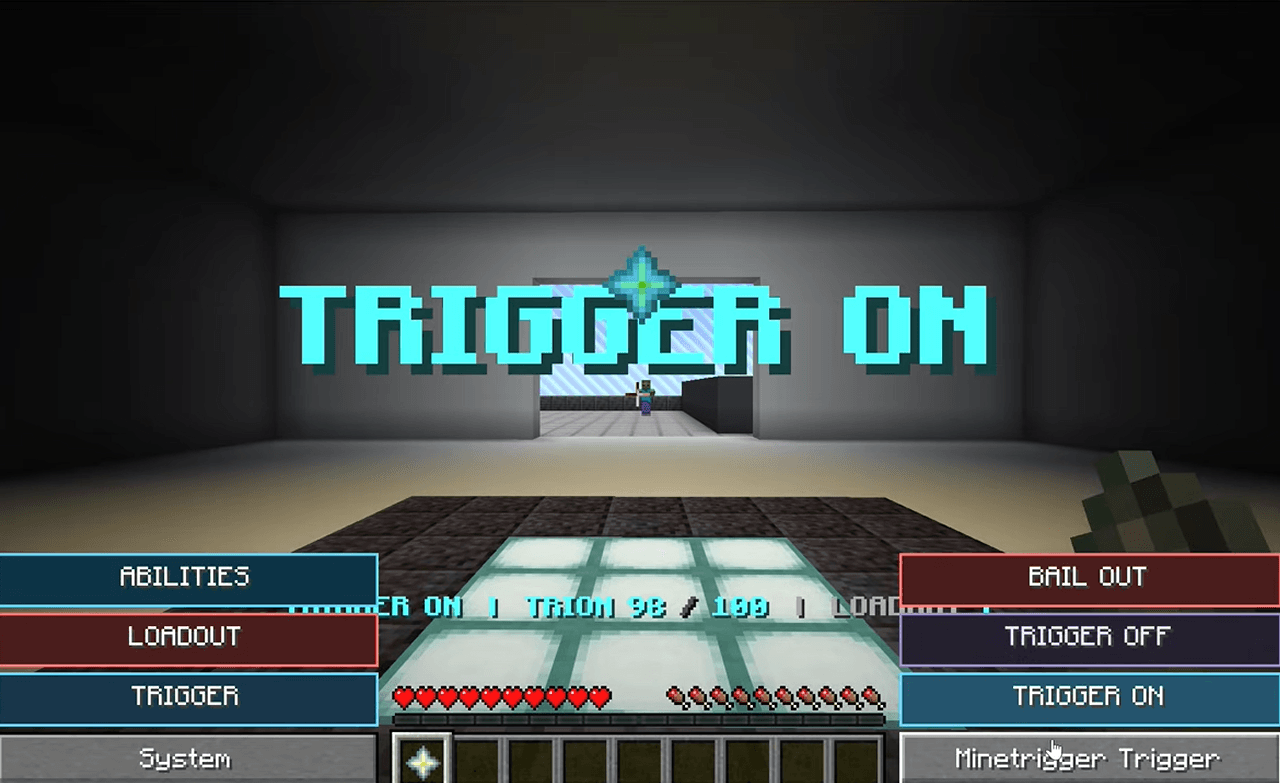
MineTrigger Resource Pack is the official presentation companion for MineTrigger: Border Training.

It contains the MineTrigger branding and custom item-model infrastructure used by its registry-backed Trigger equipment.

Current supported presentation assets include:

  • Kogetsu
  • Scorpion
  • Raygust
  • Asteroid
  • Hound
  • Egret
  • Grasshopper
  • Bagworm
  • Chameleon
  • Shield
  • Trigger Holder
  • Official MineTrigger logo and pack icon

The pack is designed around DAI 1.9.5's companion-resource-pack system.

Simply place it in Minecraft's normal /resourcepacks folder alongside the MineTrigger datapack in DAI's datapack library. DAI can automatically recognize and enable the correct MineTrigger companion without requiring players to manually manage versioned resource-pack filenames.

DAI Integration

  • Automatic companion enablement
  • Stable minetrigger companion identity
  • Compatible with native registry-backed minetrigger:* items
  • Automatic stale-version replacement support
  • Does not modify unrelated user-selected resource packs

Designed for Minecraft 26.2 / DAI 1.9.5+.

MineTrigger_Resource_v0.9.5.zip
MC 26.2
Release 2026-09-01 Get
MineTrigger_Resource_v0.6.0.zip
MC 26.2
Release 2026-08-27 Get
MineTrigger_Resource_v0.4.3.zip
MC 26.2
Release 2026-08-19 Get
MineTrigger_Resource_v0.3.0.zip
MC 26.2
Release 2026-08-18 Get
HollowSpiral_Resource_v0.1.4.zip
MC 26.2
Release 2026-08-18 Get

Requirements & install

How to use this resource pack in Minecraft
Resolution
Not specified
Minecraft
26.2
Install folder
.minecraft/resourcepacks

How to install resource packs

  1. Download the resource pack .zip file (do not extract it).
  2. In Minecraft open Options → Resource Packs → Open Pack Folder.
  3. Drop the .zip into the resourcepacks folder (.minecraft/resourcepacks).
  4. Move the pack to the Selected column and click Done.
Browse more: 16x resource packs 32x resource packs 64x resource packs 128x resource packs 256x resource packs 512x+ resource packs Resource Packs for 26.2 All resource packs

More from J12H36H

Advertisement Remove ads with Premium →

You Might Also Like